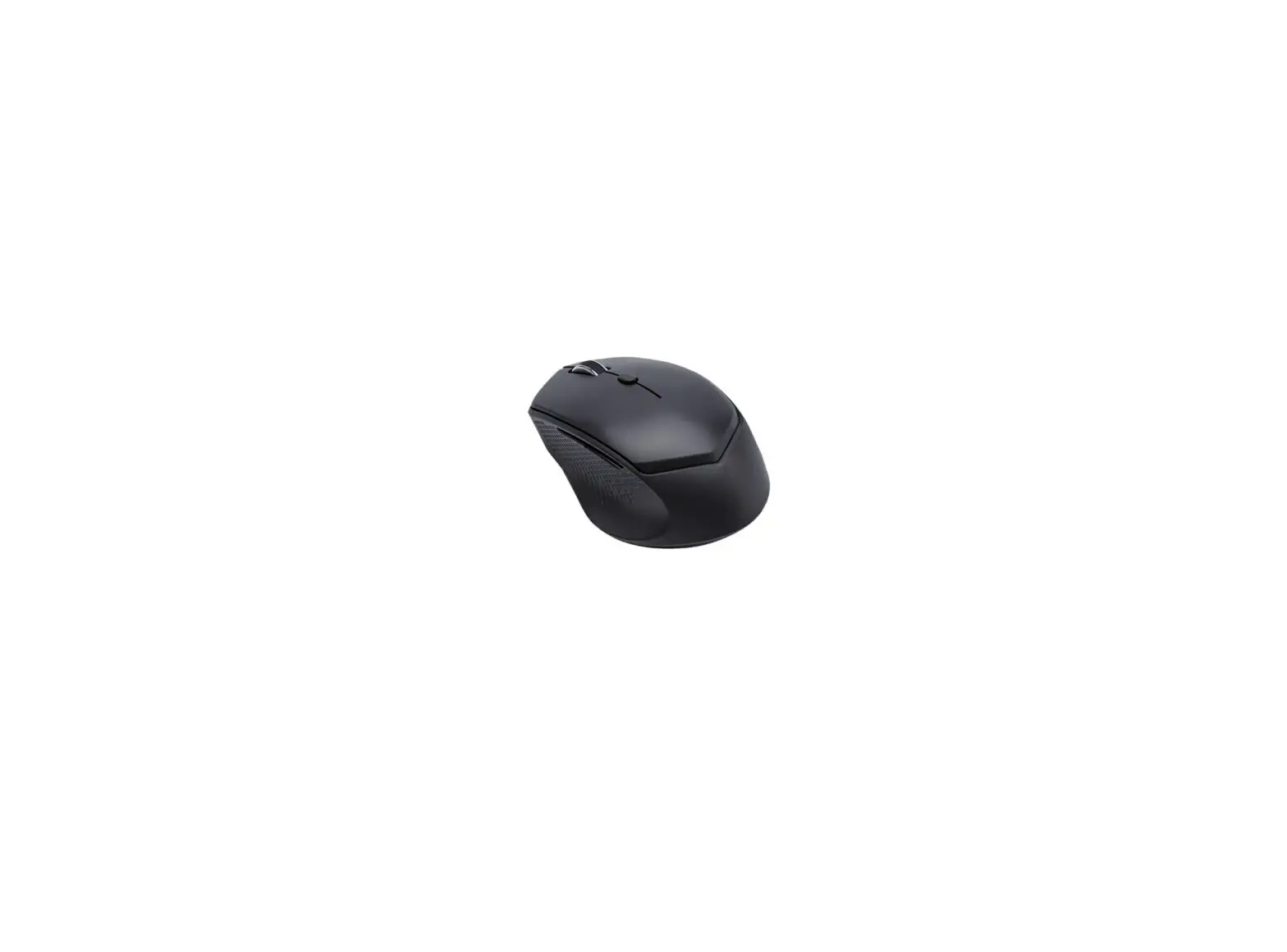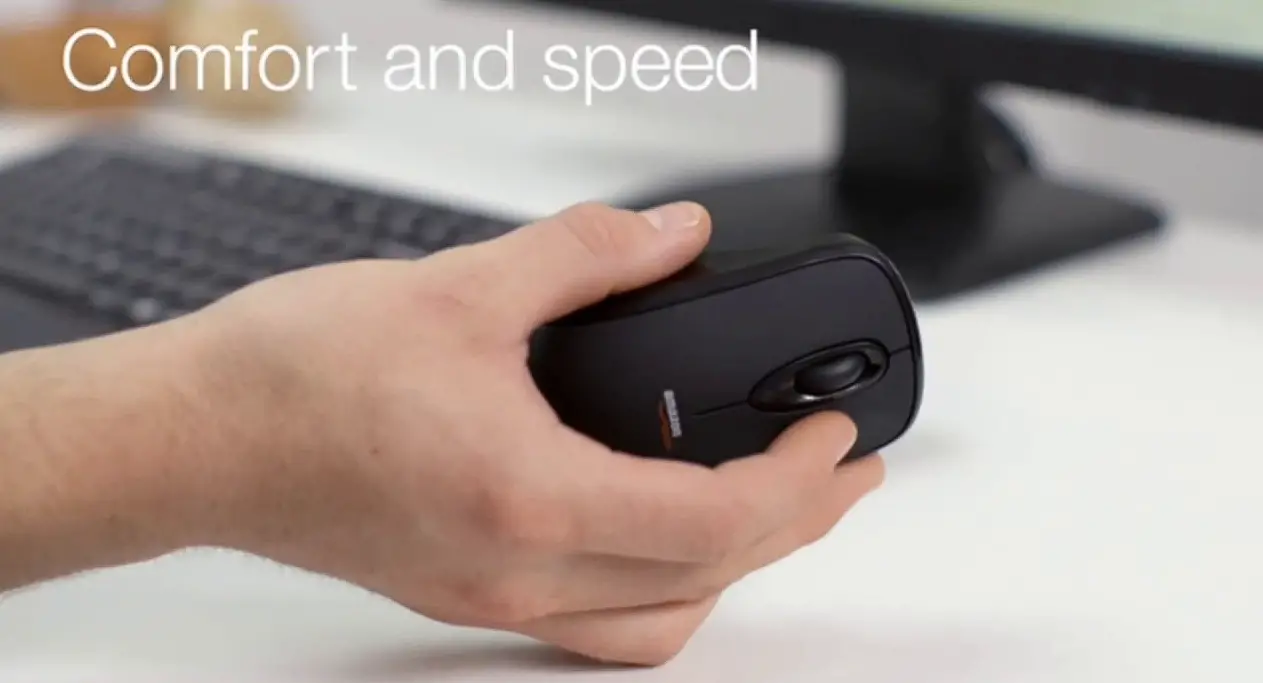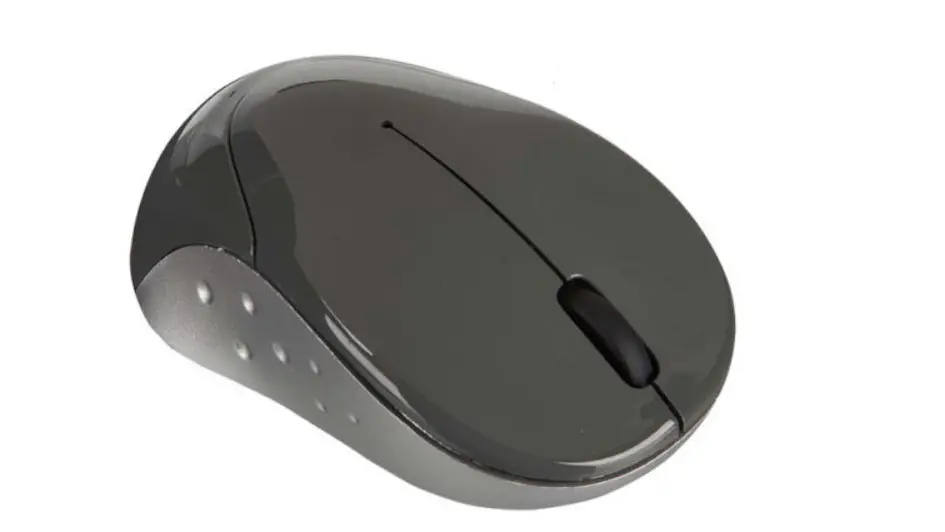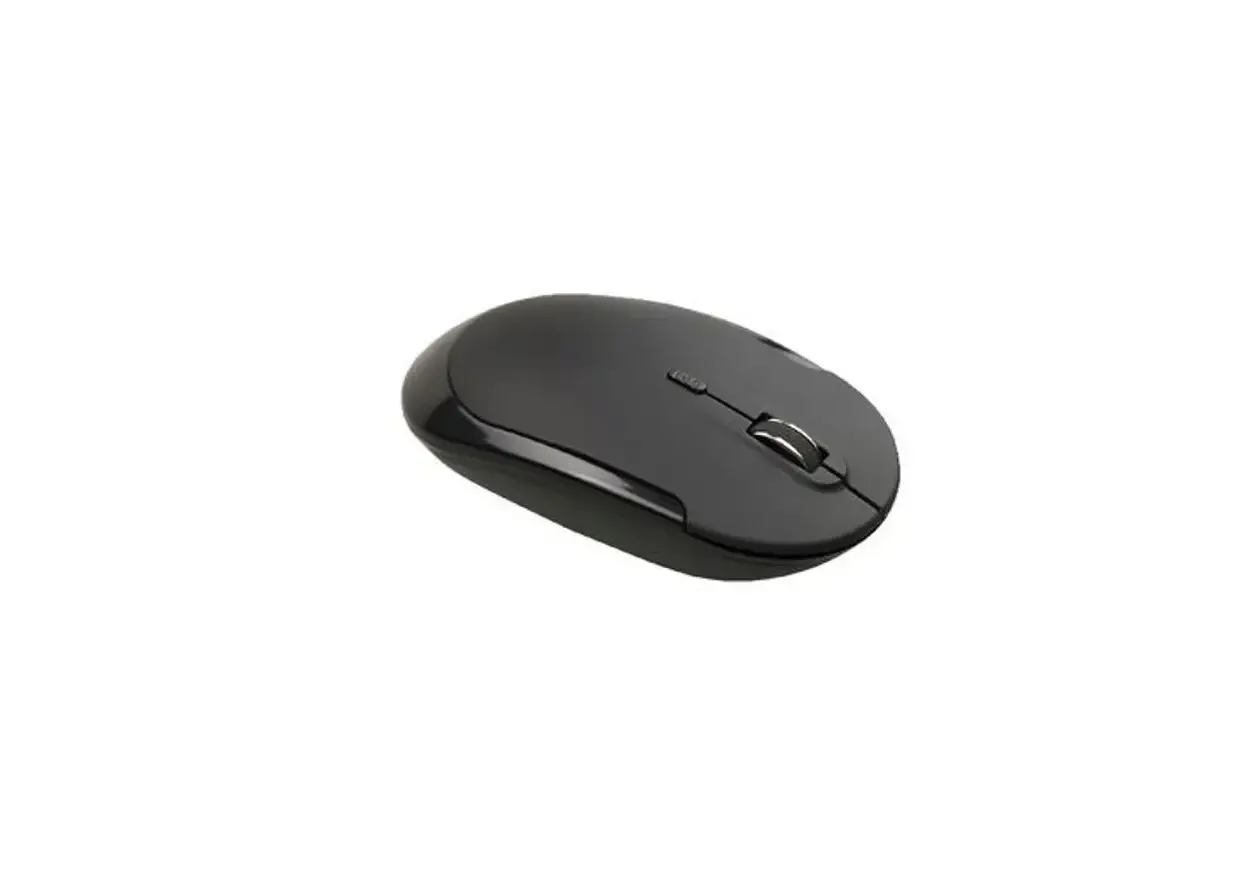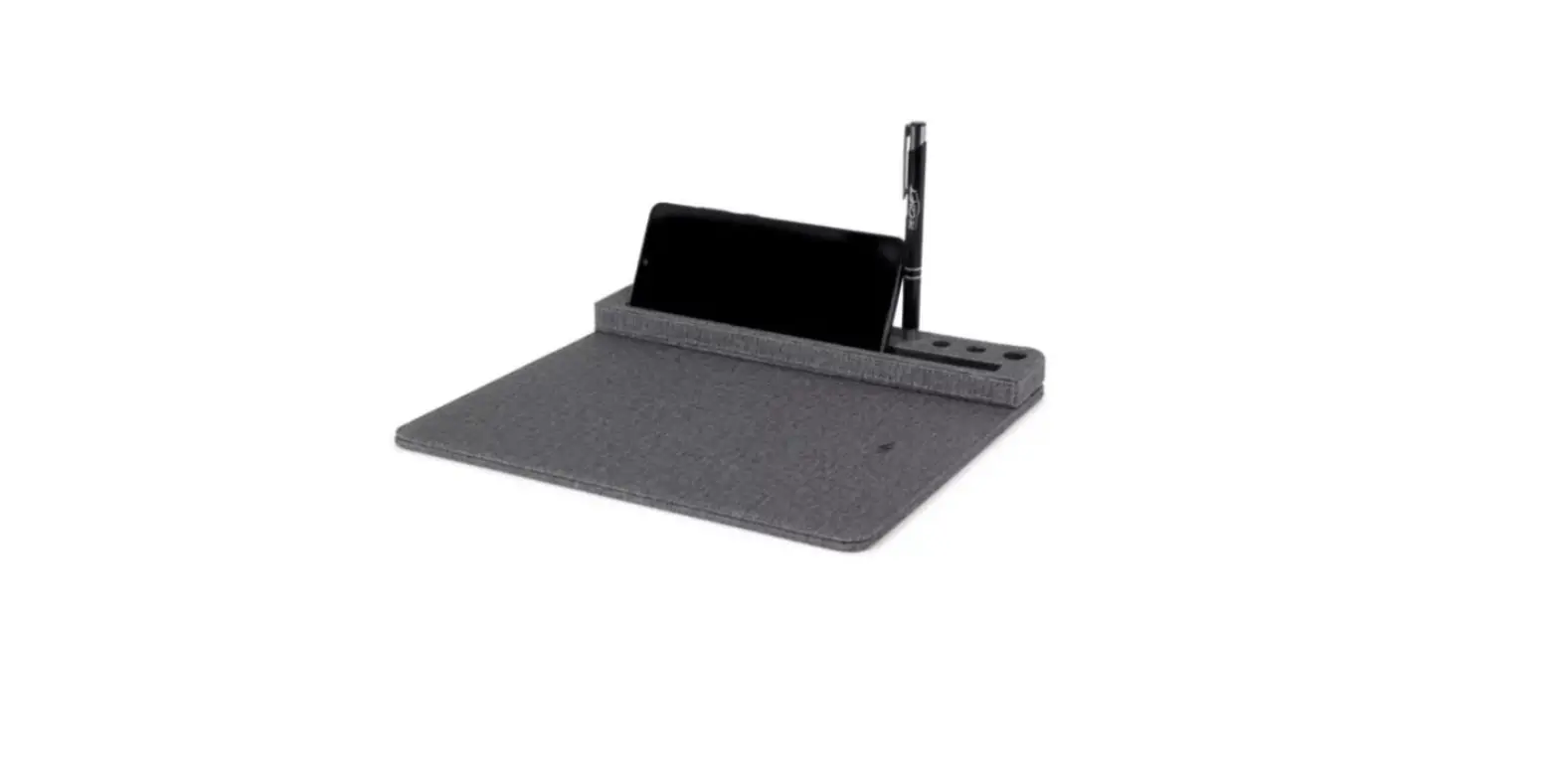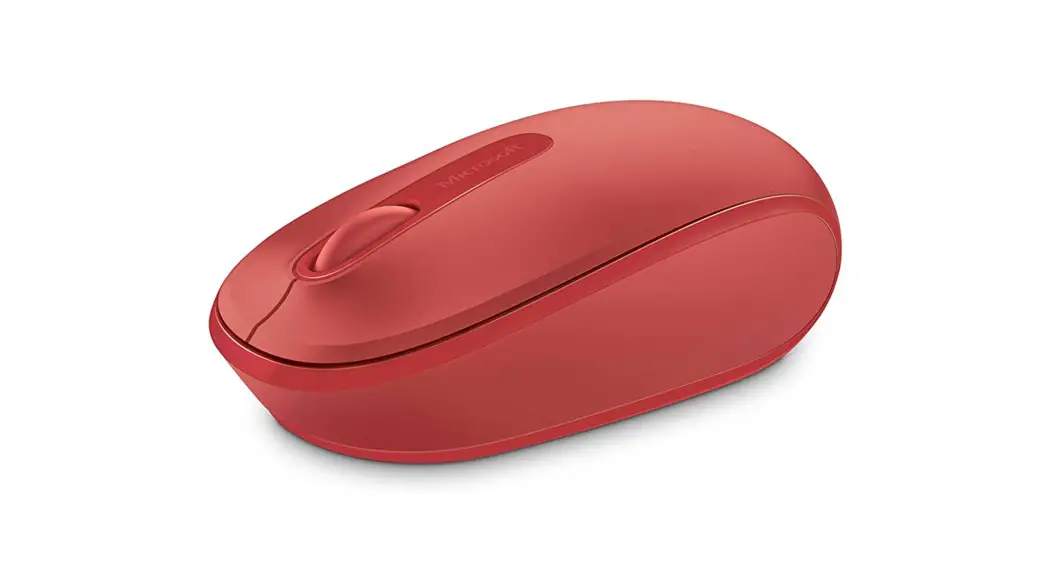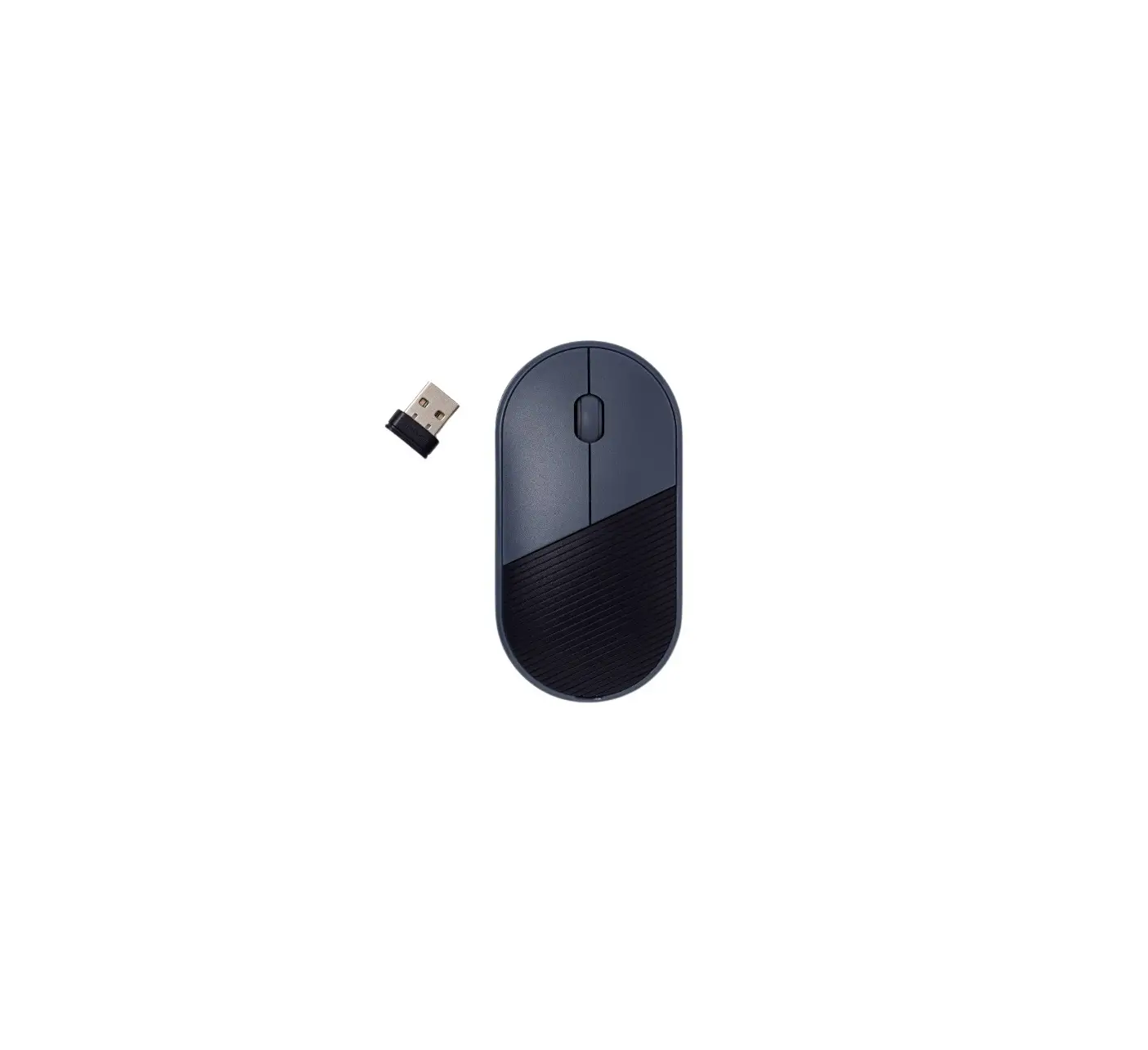
 BRAINZ HOME OFFICE WIRELESS MOUSE
INSTRUCTION MANUAL  PLEASE READ ALL INSTRUCTIONS CAREFULLY AND
RETAIN FOR FUTURE USE
Home Office Wireless Mouse
What you need
– USB cable (included)
– USB plug (included)
– PC/ MAC or laptop (not included)
How to charge it
Plug the supplied cable into the top of the mouse and connect the USB side to a power source. Once you have done this, a red light at the bottom of the mouse will start to light up. The mouse is fully charged when the red light goes out.
How to set it up
Insert the USB plug on the back of the mouse into your desired device. Next, switch on the mouse by moving the on/off slider to the left (on) on the bottom of the mouse. The mouse will automatically connect to the USB plug and is immediately ready for use.
Charging
To charge the wireless mouse, plug the supplied cable into the mouse and into a power source.
USB plug on the bottom of the mouse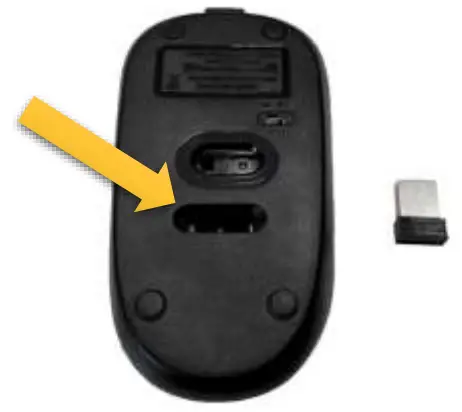
This manual applies to article number 38555.
For more information about this product, please visit www.brainz-electronics.nl