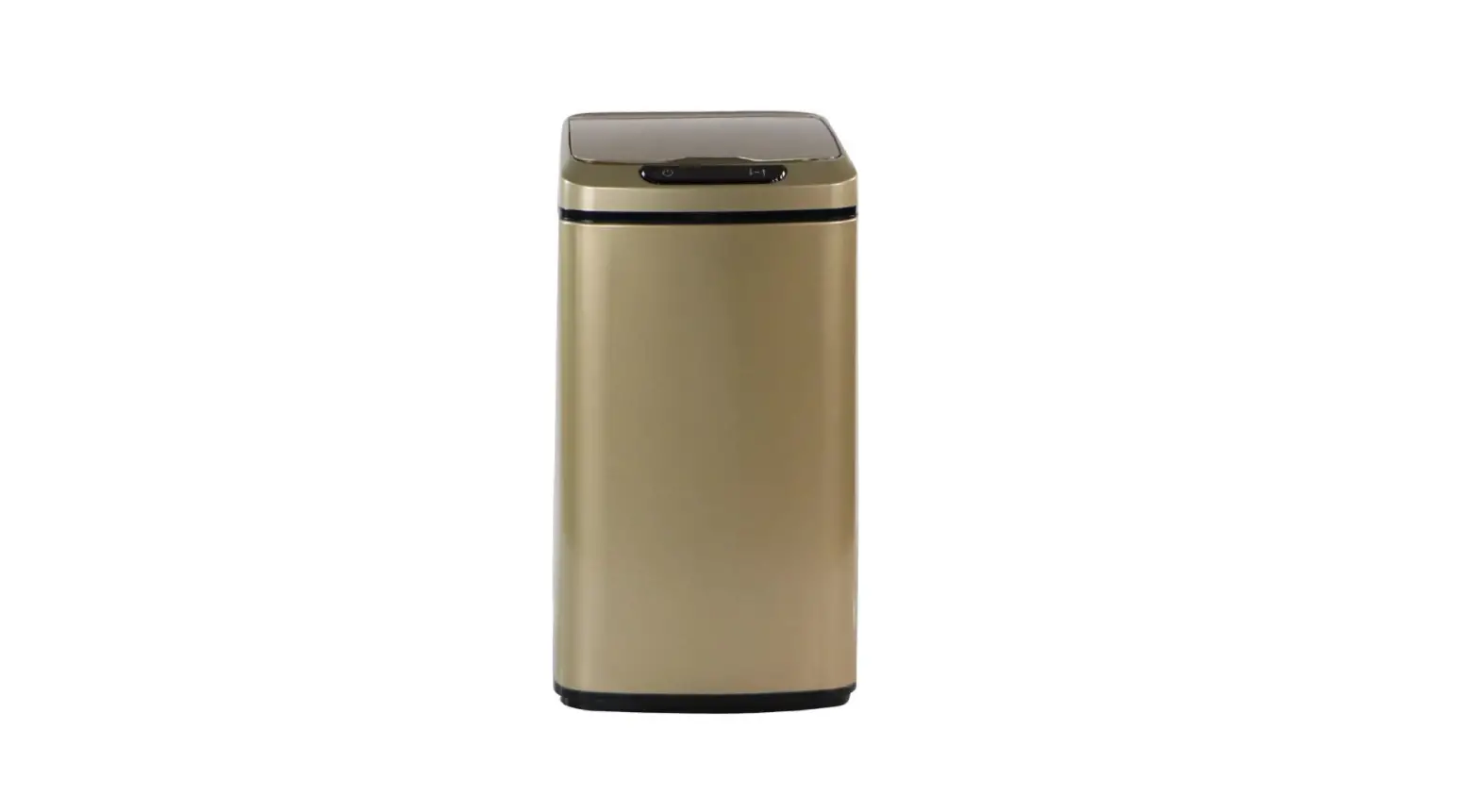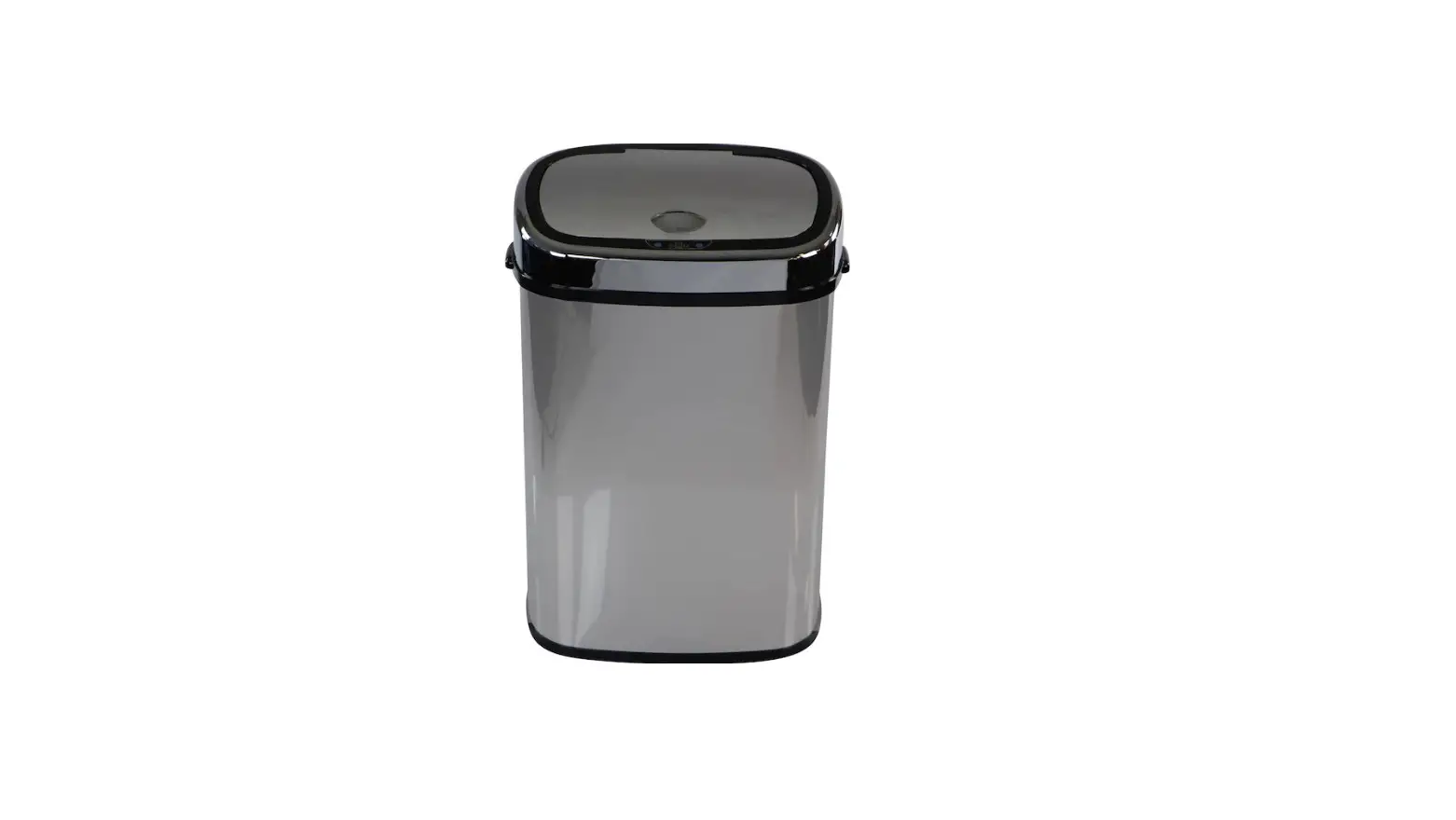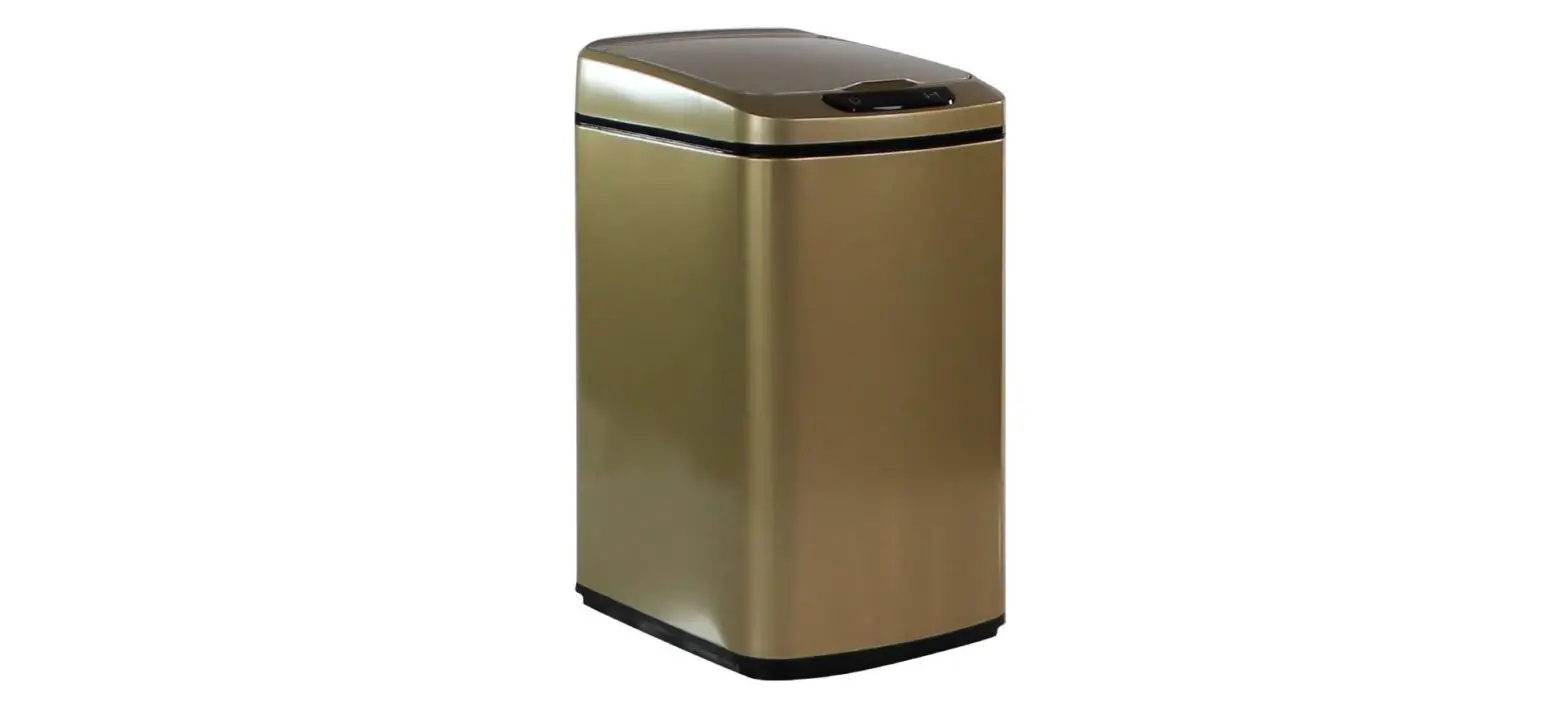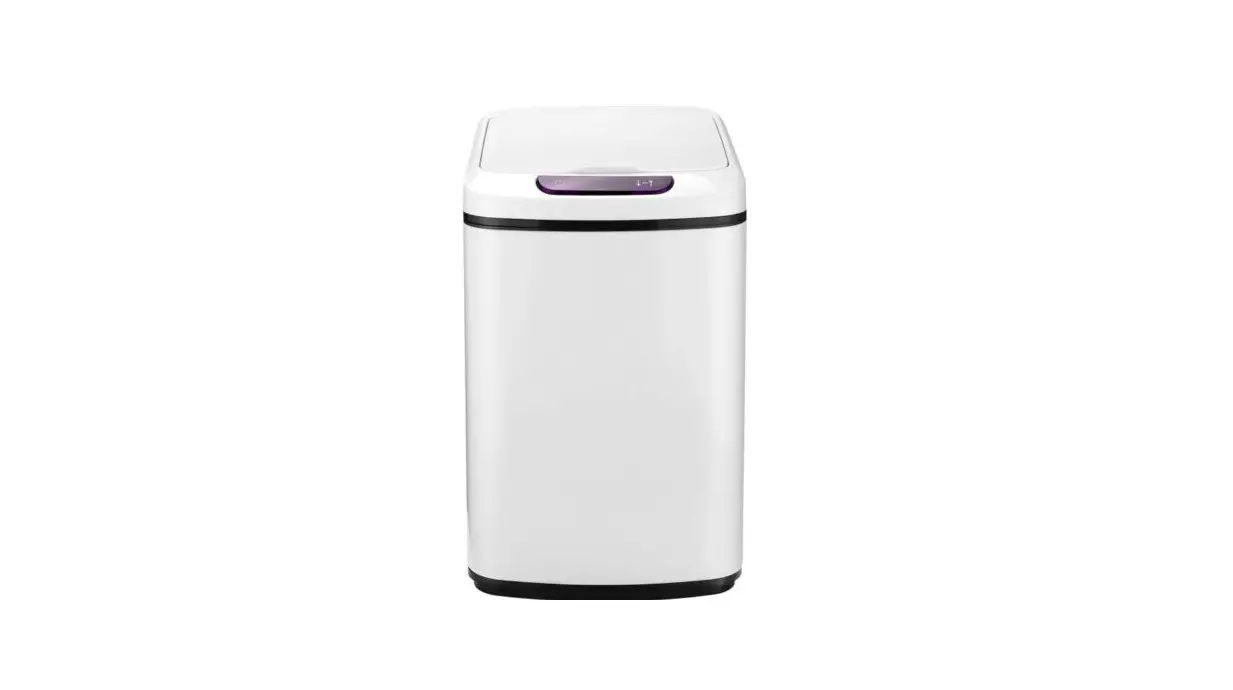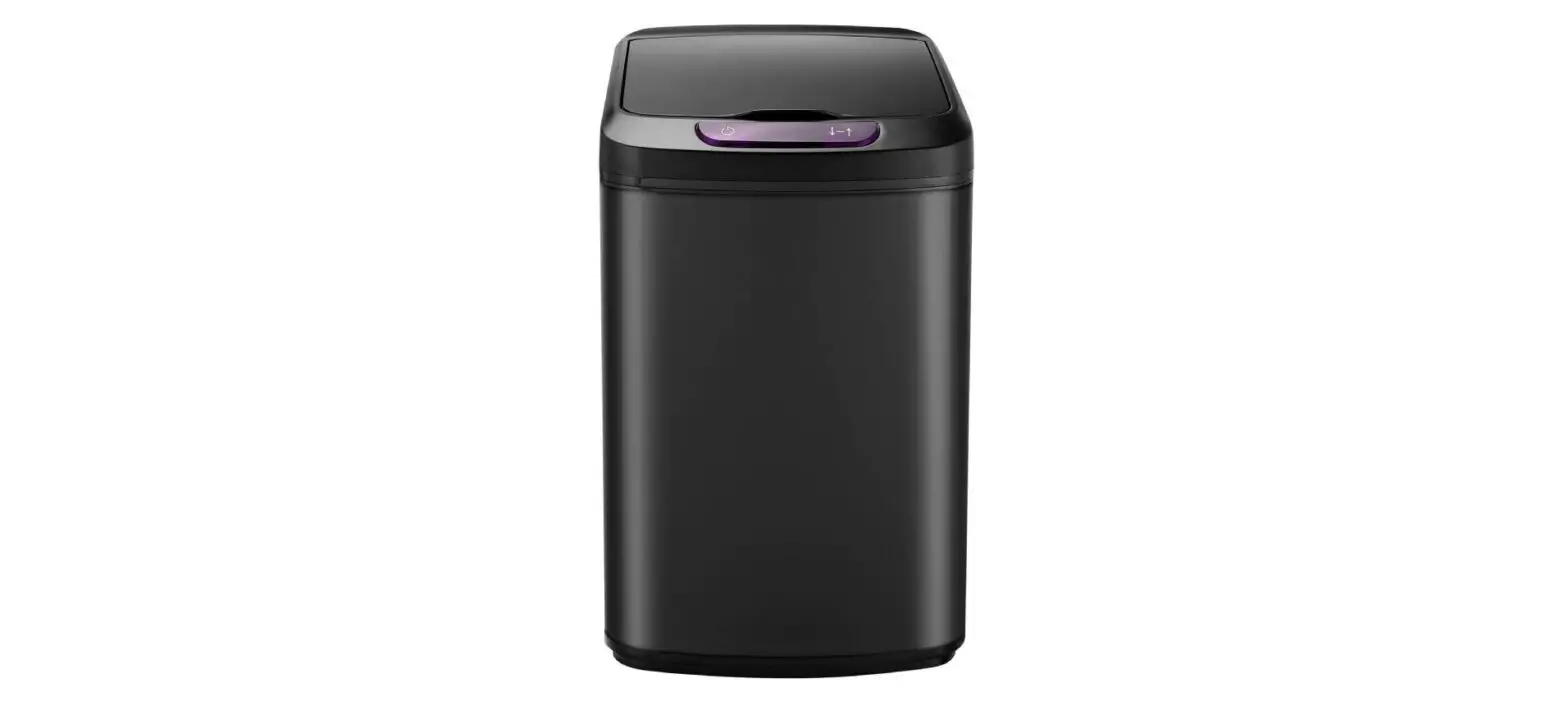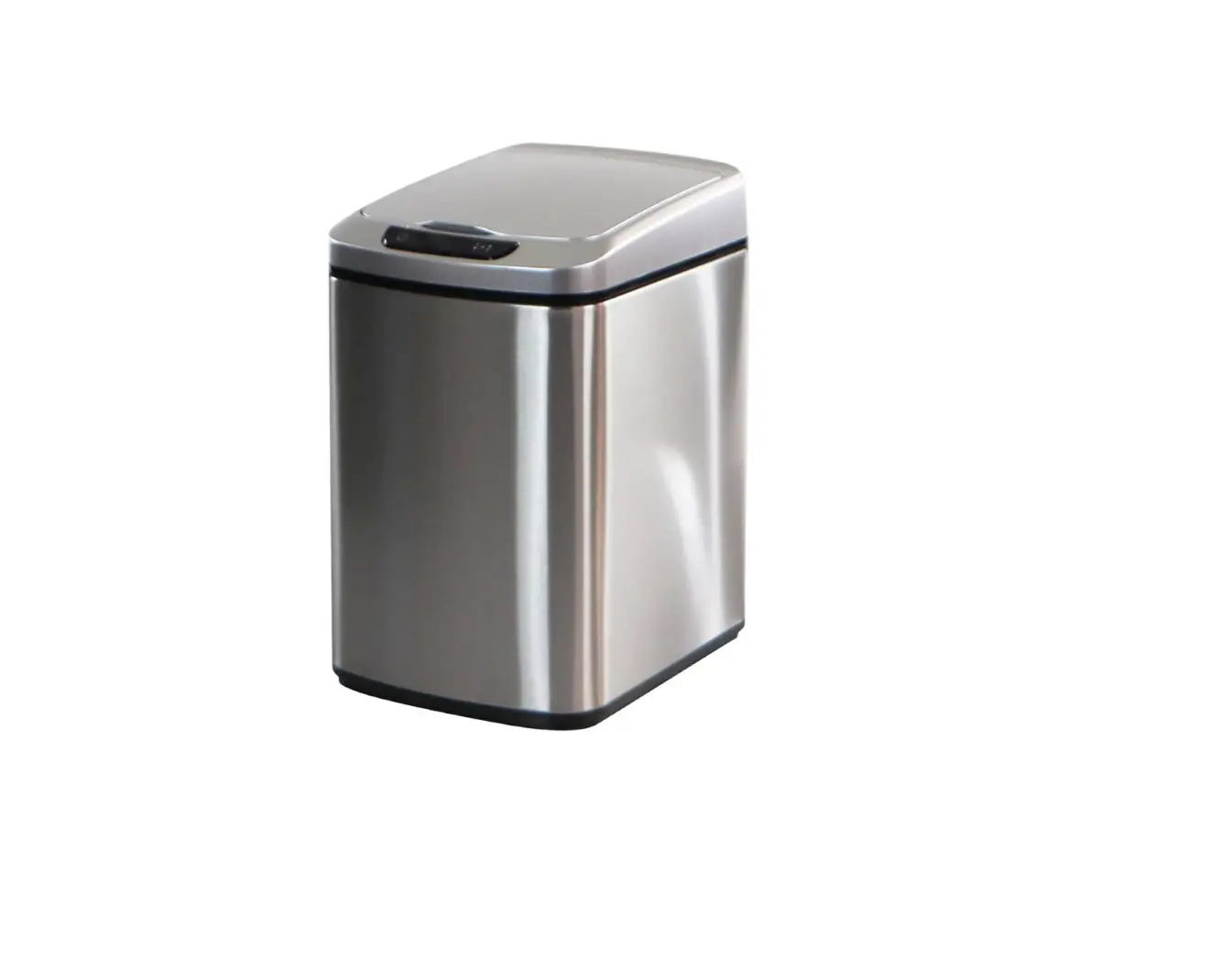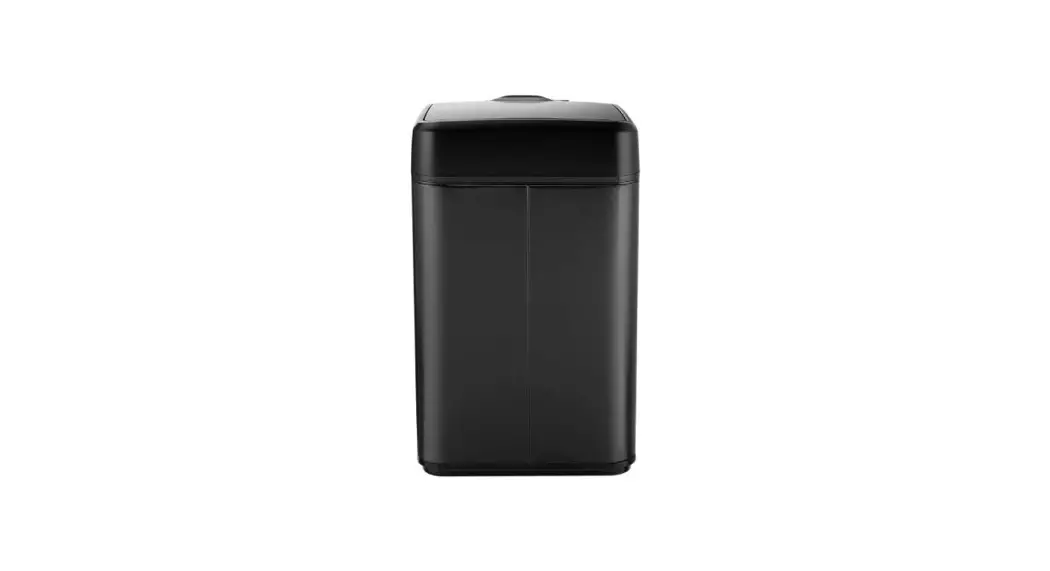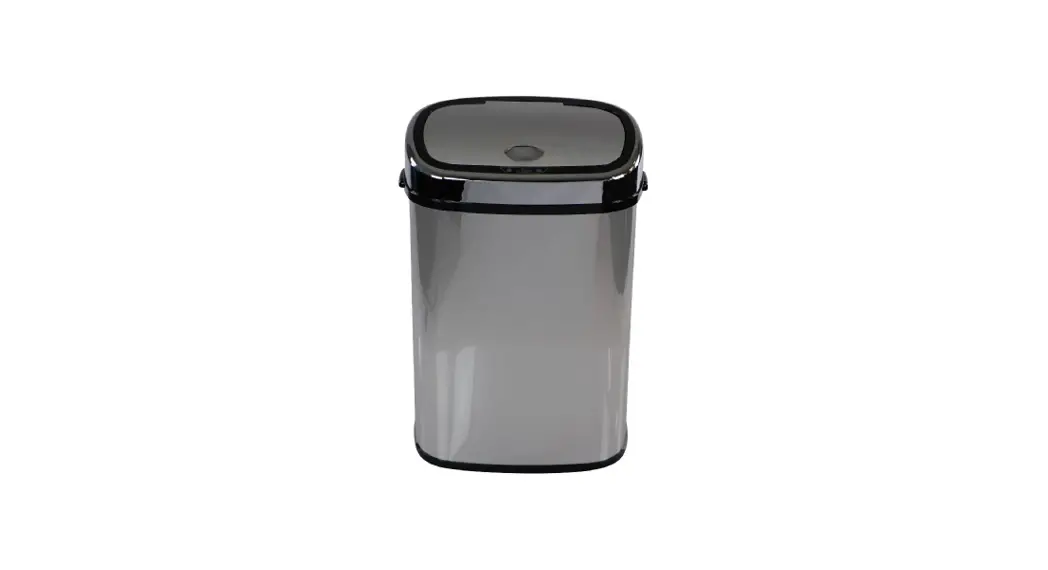
 Sensor Lid Trash Can – Use & Care
Instructions 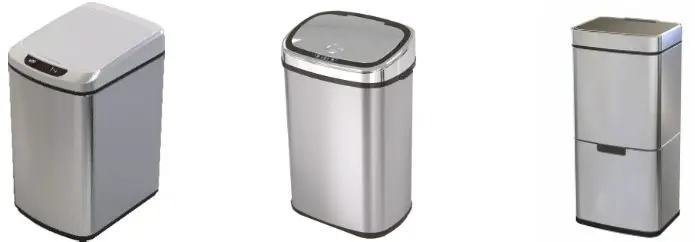
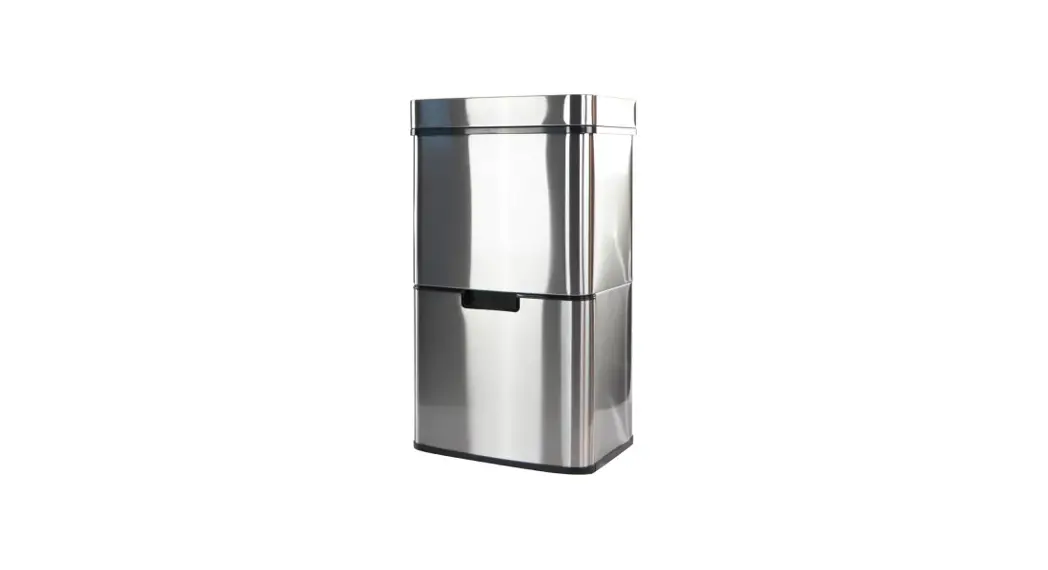
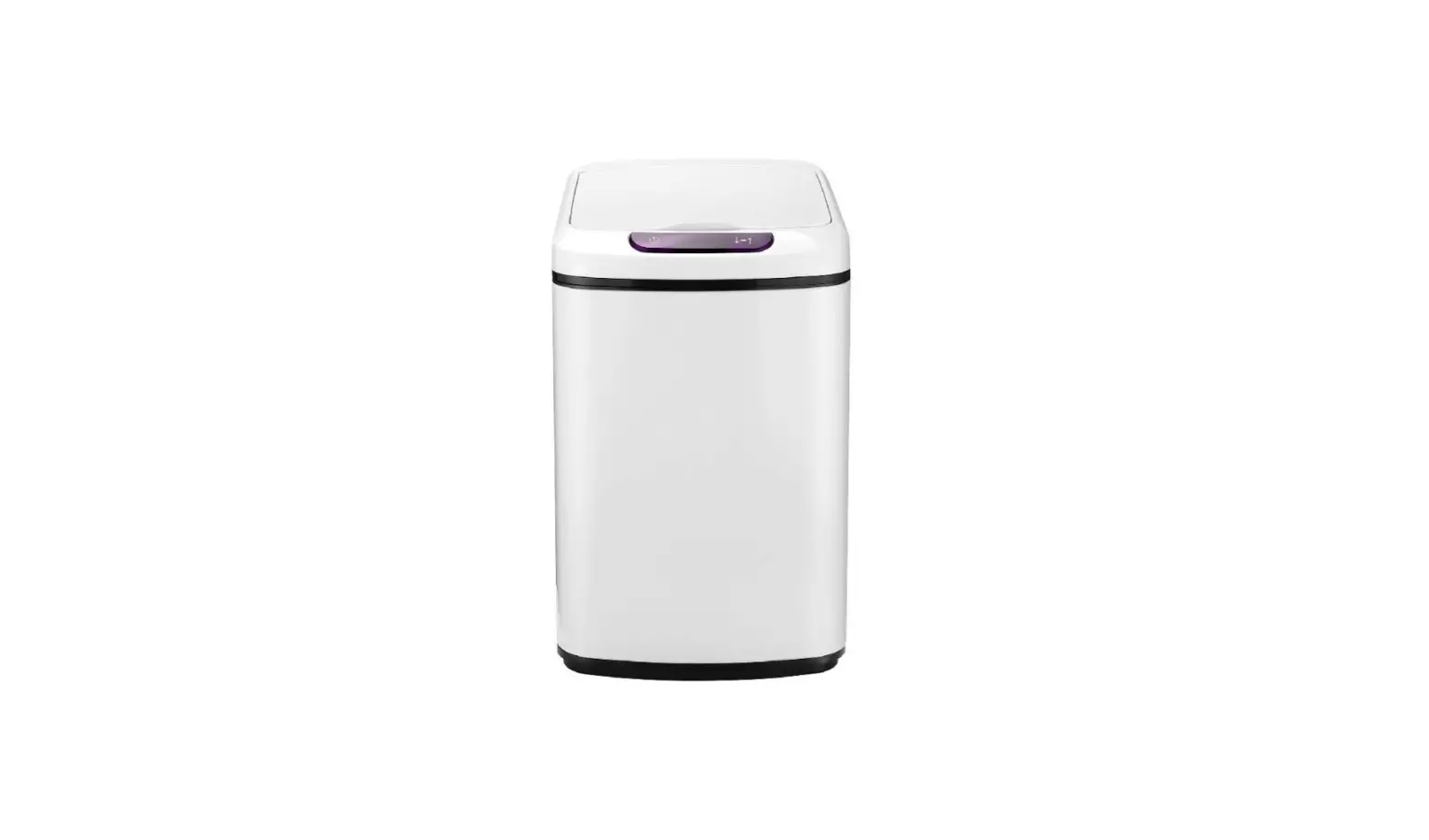
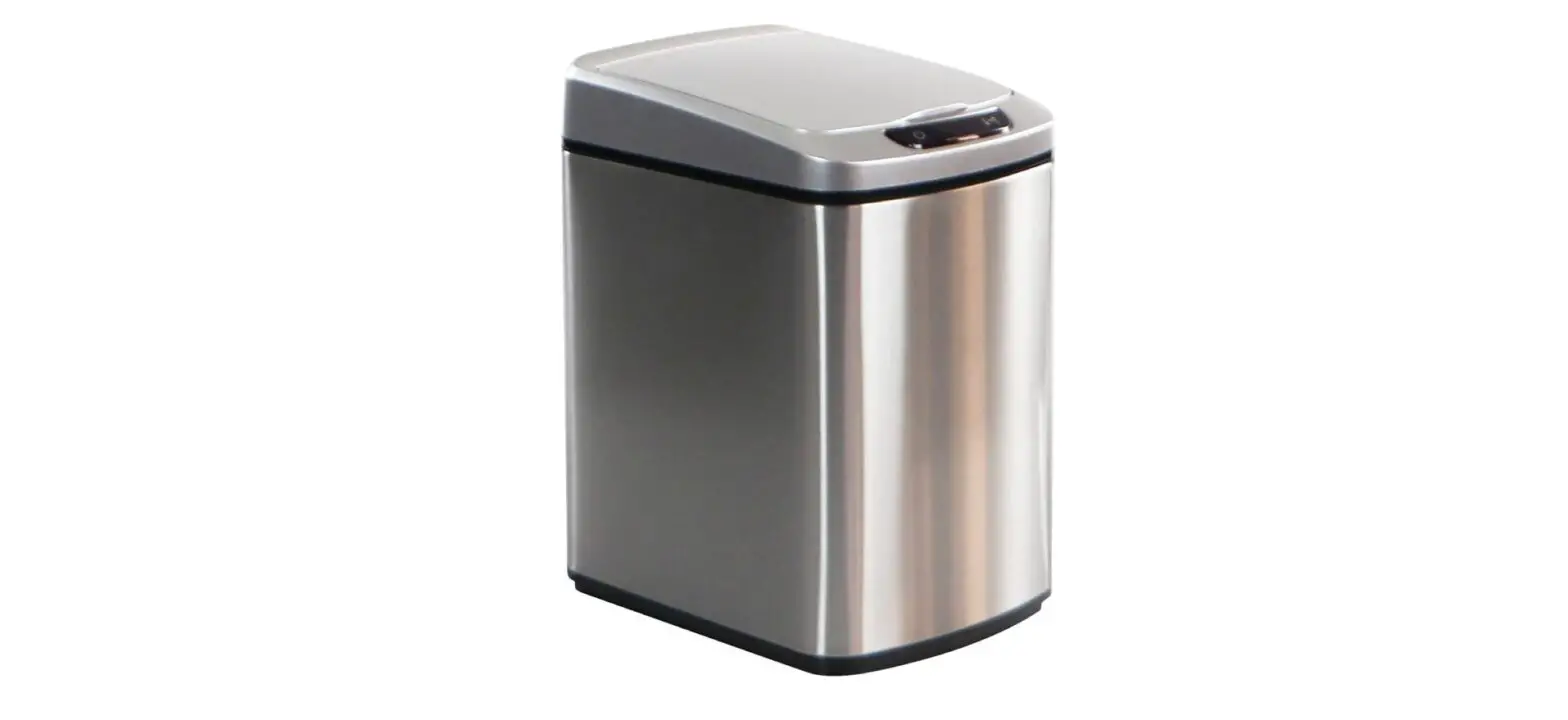
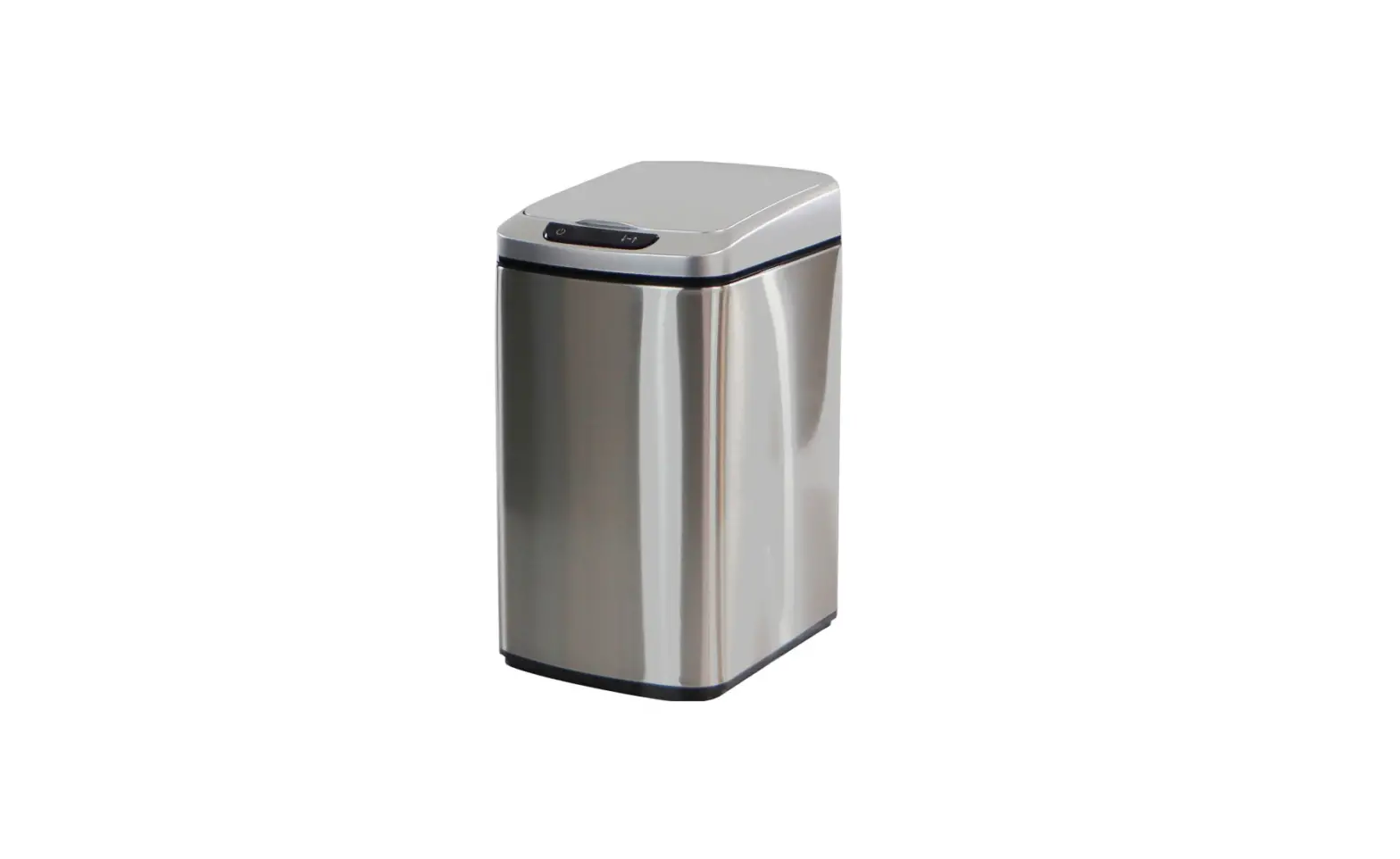
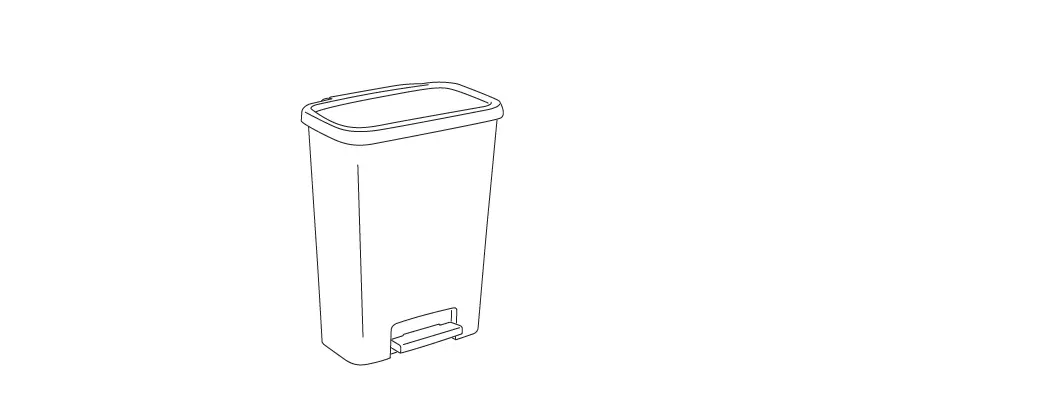
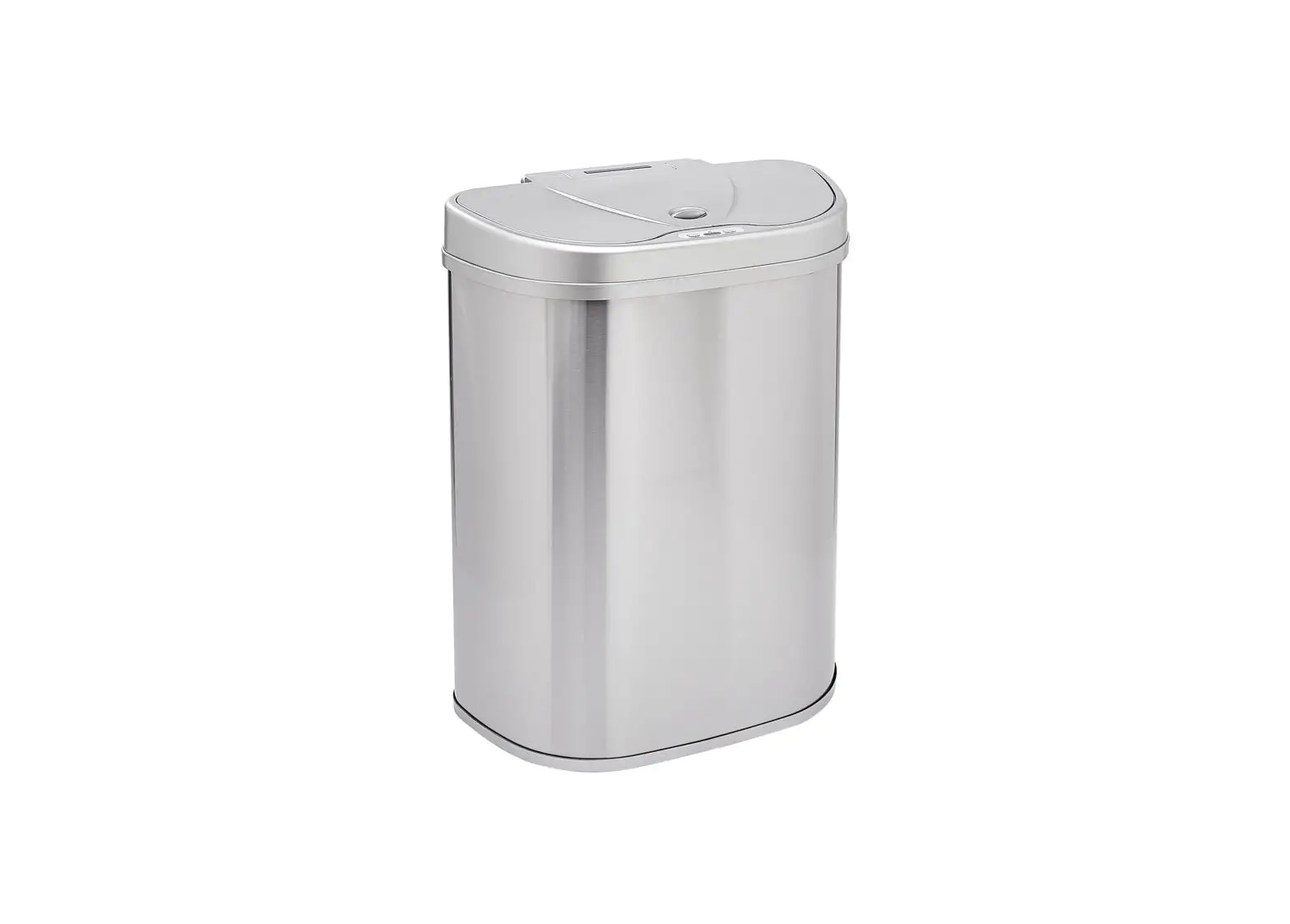
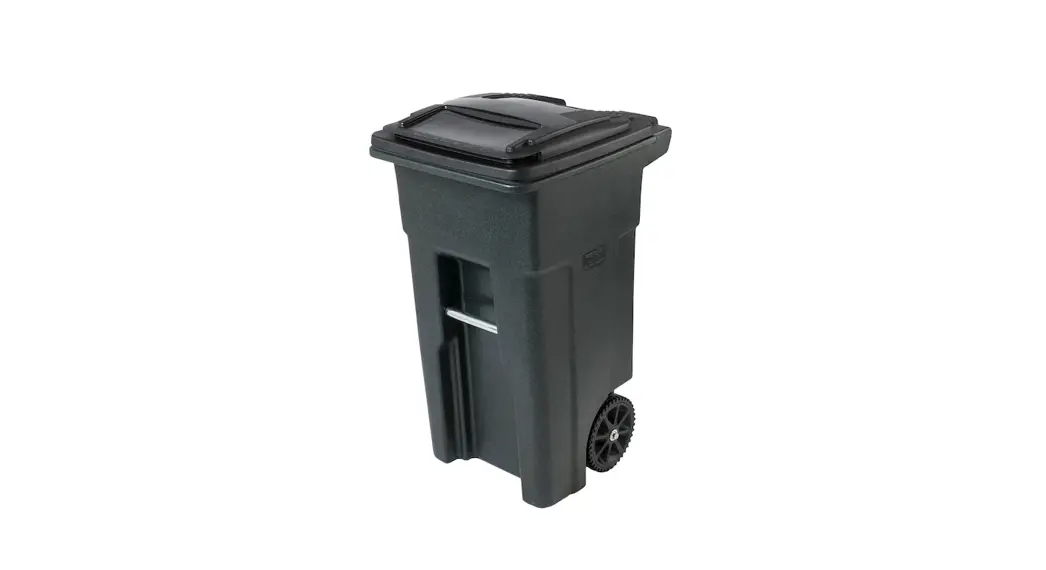
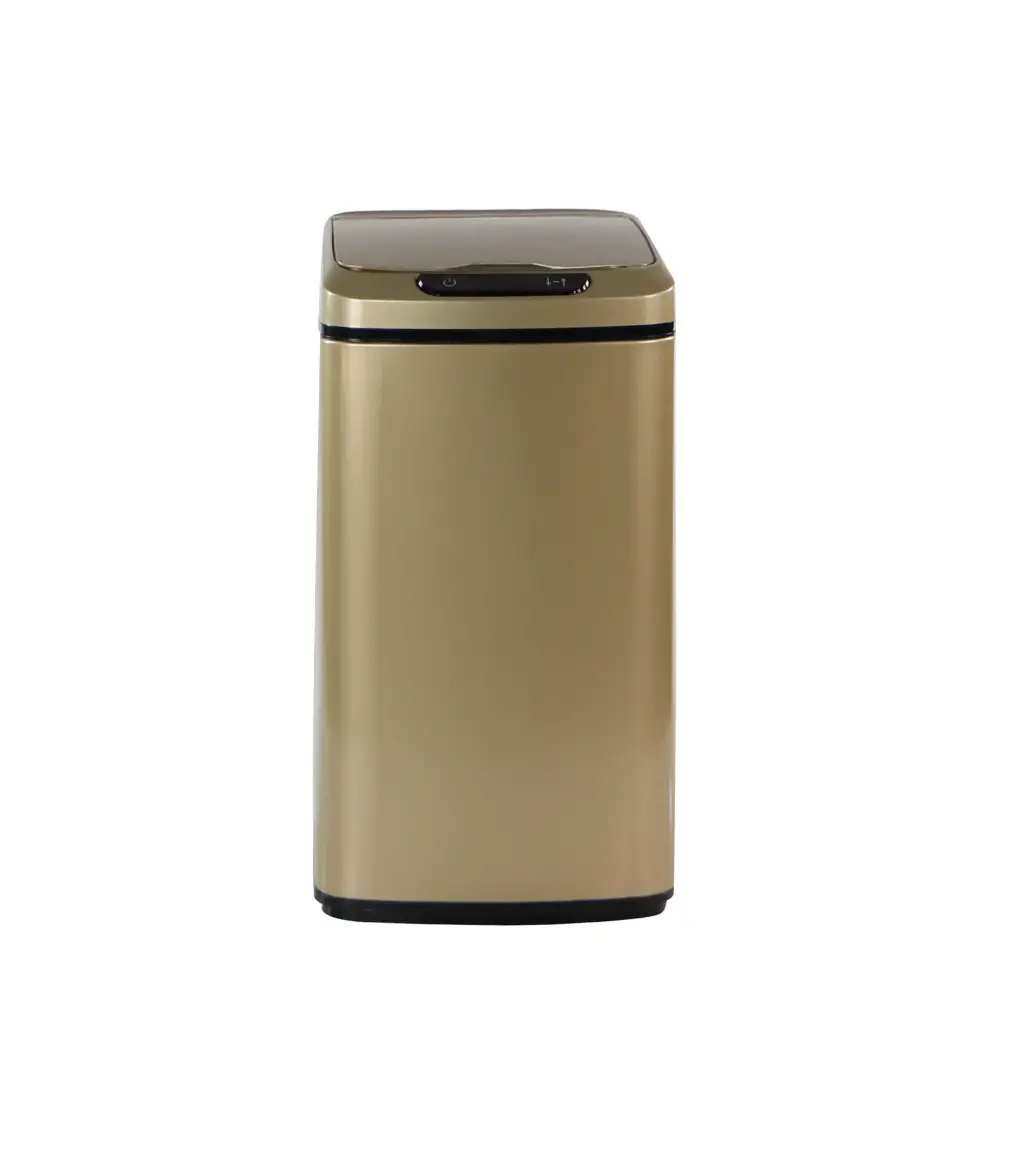
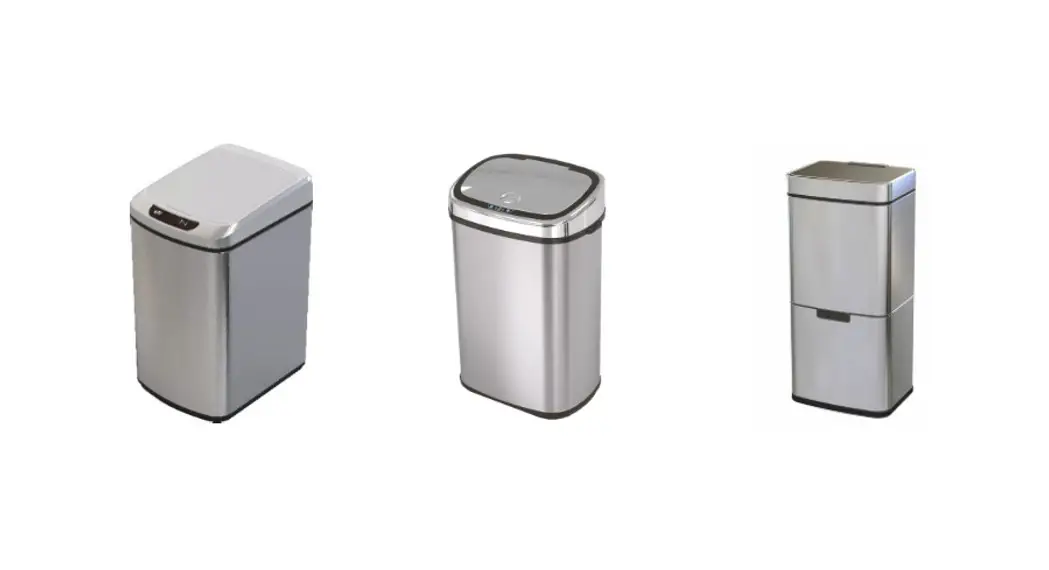
9 L: 11 x 8.7 x 14.6 in/12 L: 11 x 8.7 x 16.5 in/50L: 15.9 x 11.6 x 22.4 in/62L: 16.5 x 12.4 x 29.3 in
*Models and colors may vary
Product Introduction
Your new infrared sensor trash can does not require any touch to open. With a wave, the cover will automatically open and close; so it is a sanitary solution for use in hospitals, offices and homes. Simply wave your hand to activate the automatic lid. The lid will automatically close after five seconds of inactivity. The product uses photoelectric technology for consistency, long life and low power consumption.
Safety Precautions
Before using, please read these safety instructions carefully. Caution
 | Do not soak with water due to the electronic components in the product. Wipe surfaces clean with a clean damp cloth and mild cleaner. | | Avoid direct sunlight on the infrared sensor window. |
| Do not press on the cover with force when it is opening. | | Do not dismantle, repair alter the product in any way. |
 | Replace the batteries as soon as indicated. | | Do not place anything on the lid. |
Operating Instructions
- Open the battery cover at the bottom of the lid and insert the required number of “AA” or “D” batteries according to the correct polarity. Then close the battery cover.
- Turn on the power switch on the rear cover. The indicator will turn red for approximately 3 seconds. When the indicator blinks every 3 seconds, the unit is in a normal status.
- Simply hover your hand above the lid within 3” to 6” to activate the automatic lid. The lid will then close after five seconds of inactivity. The cover will stay open if your hand or another object stays in the sensor area.
- To keep the lid open or to empty your trash can, simply press the “open” button at the sensor window to keep the lid open. When complete, press the “close” button to close the lid. The unit will then resume its automatic sensor function.
- When the automatic lid is operating, the indicator blinks red every 3 seconds. When the cover is open, the indicator is green. When the cover is closing, the indicator is red. When you manually open the cover, the indicator blinks in green every 3 seconds.
- Please change the batteries when the indicator light blinks yellow every 3 seconds.
- To clean the control center, use a soft cloth to wipe down the surface.
Warranty
- Limited 1-year warranty from the date of purchase. Toll Free – 877-397-5144 or email us at – [email protected]
 Products.com