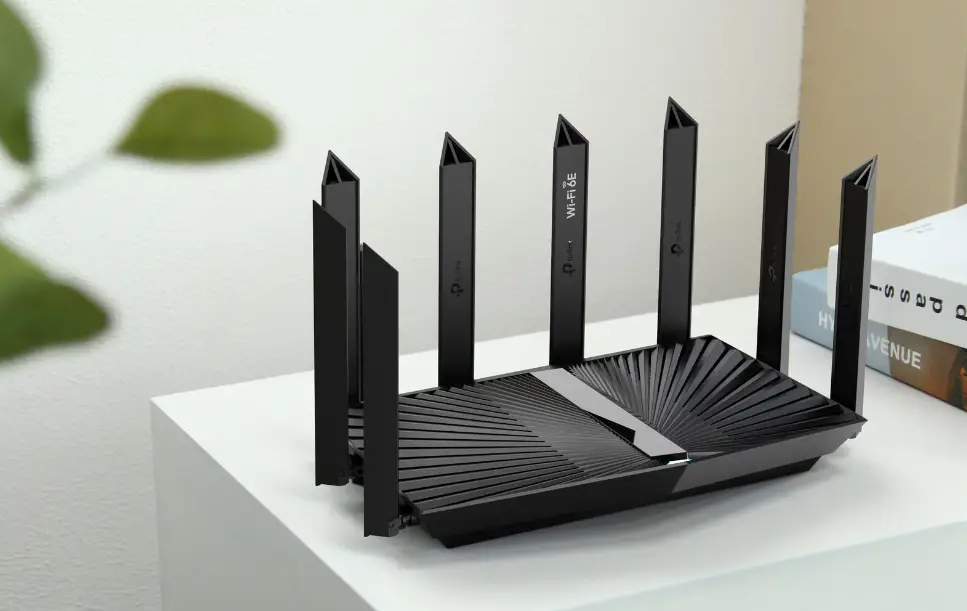
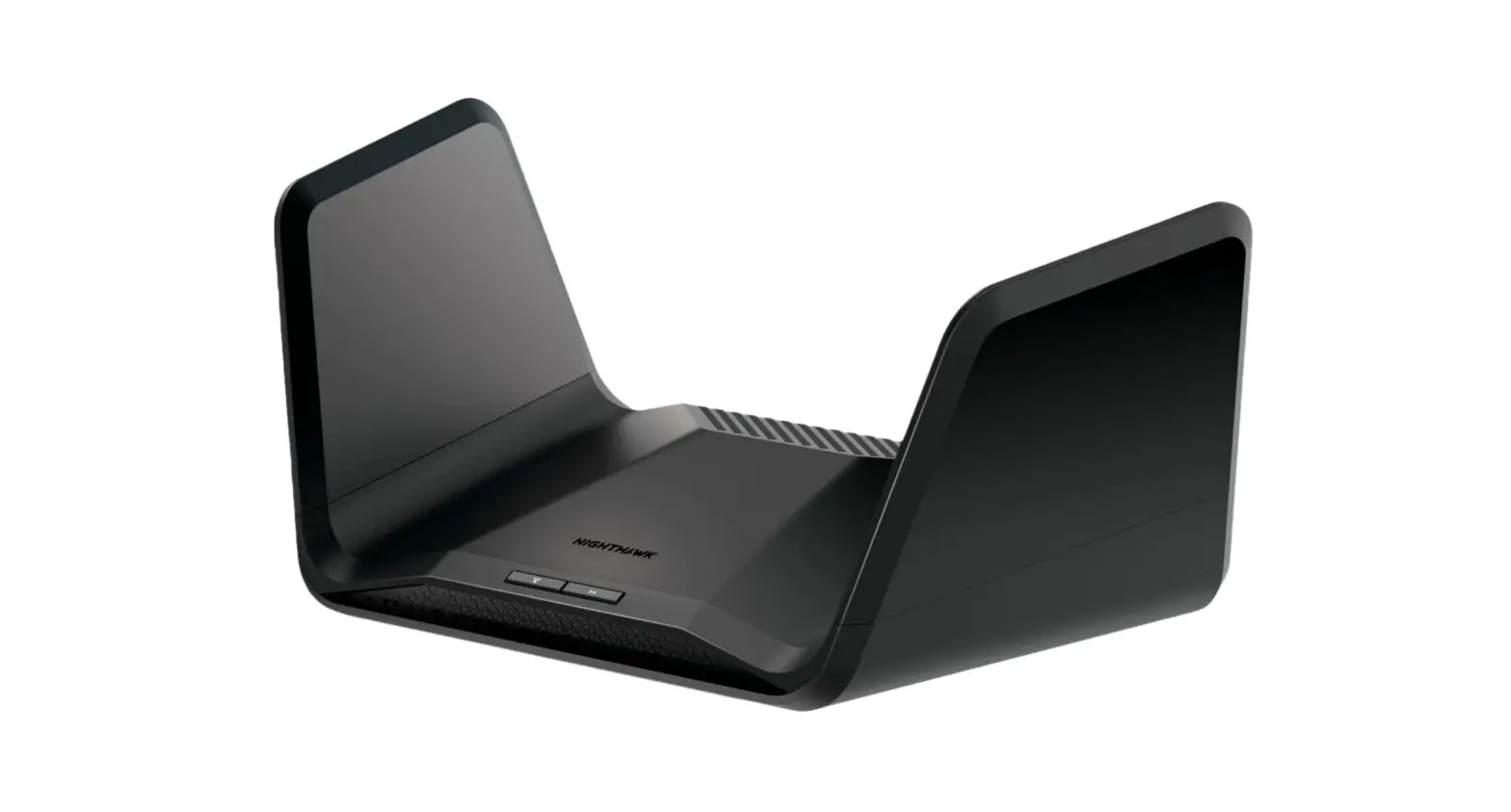
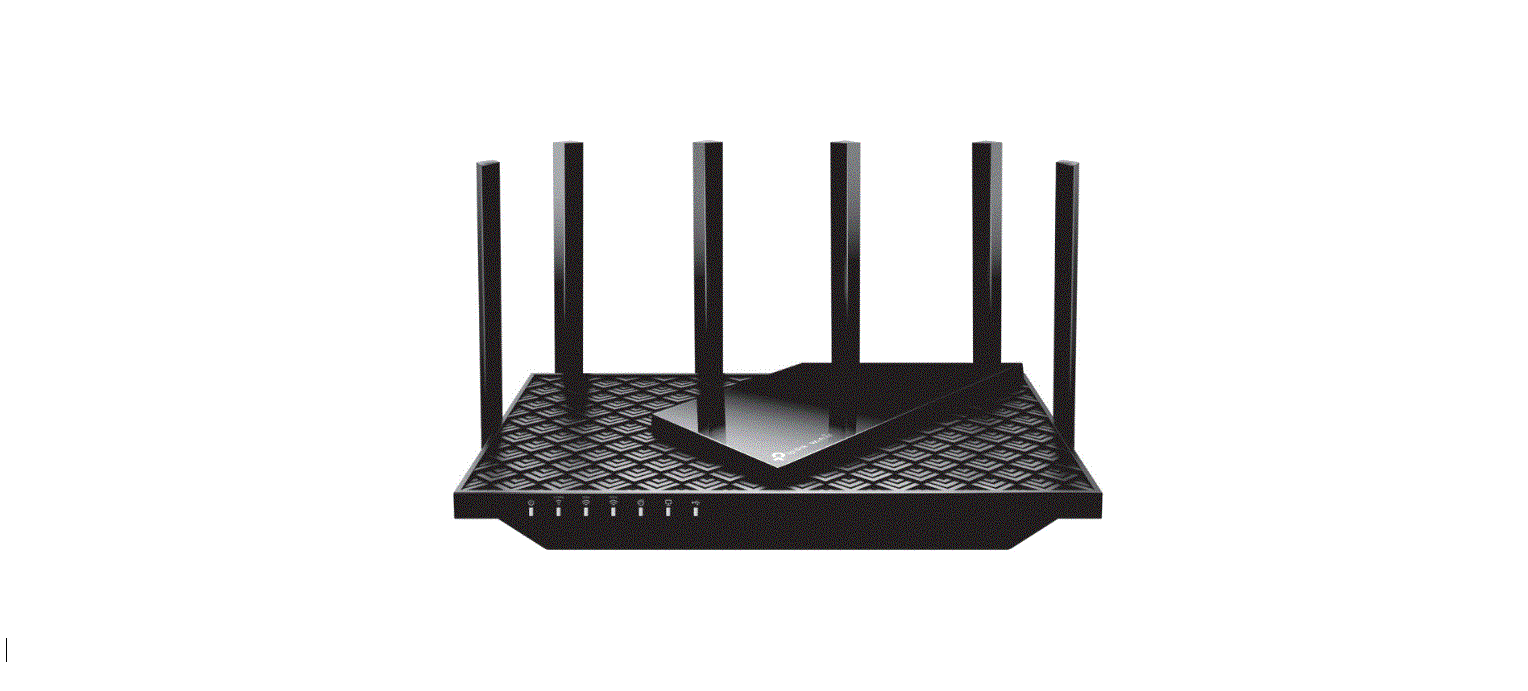
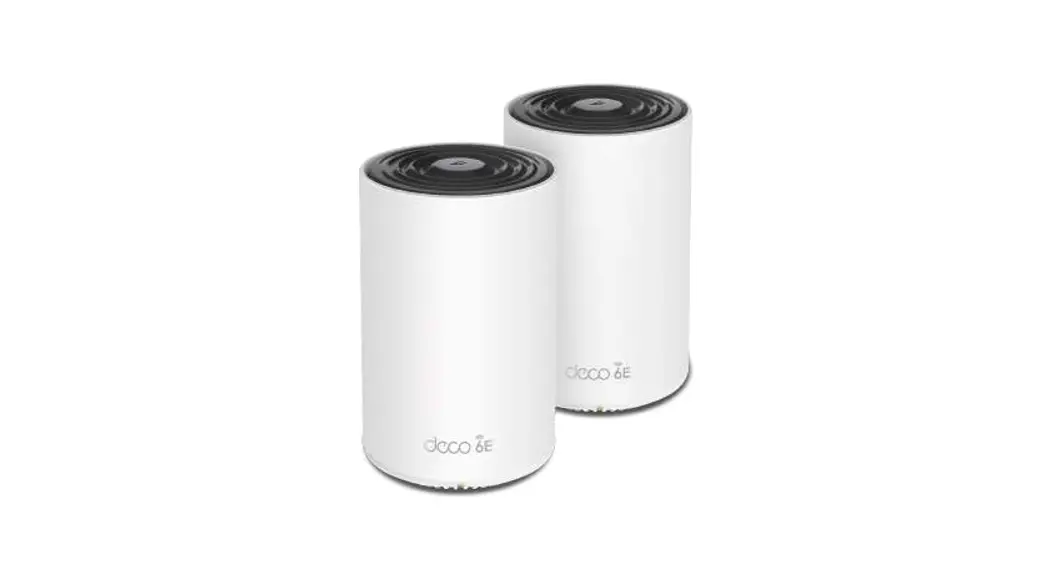
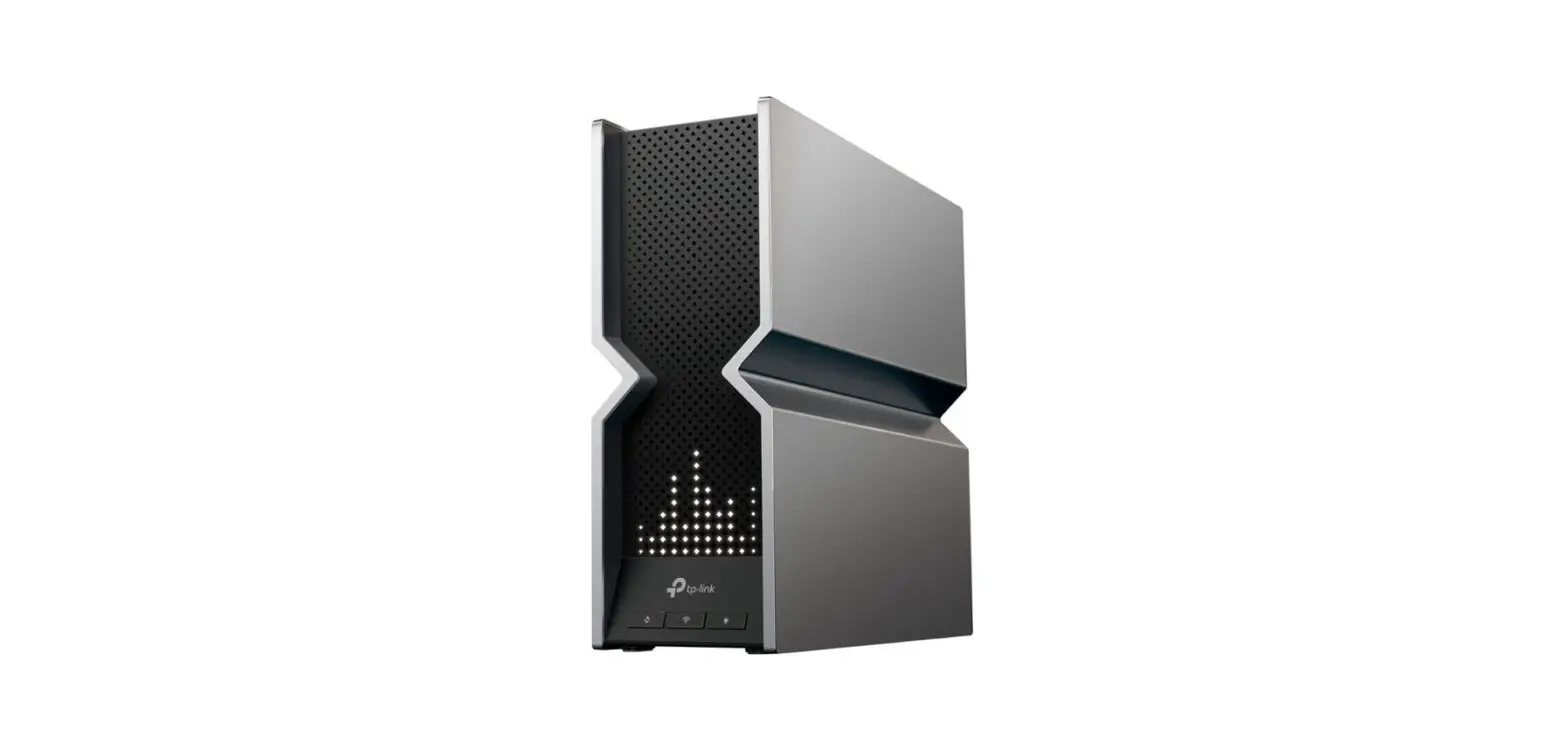
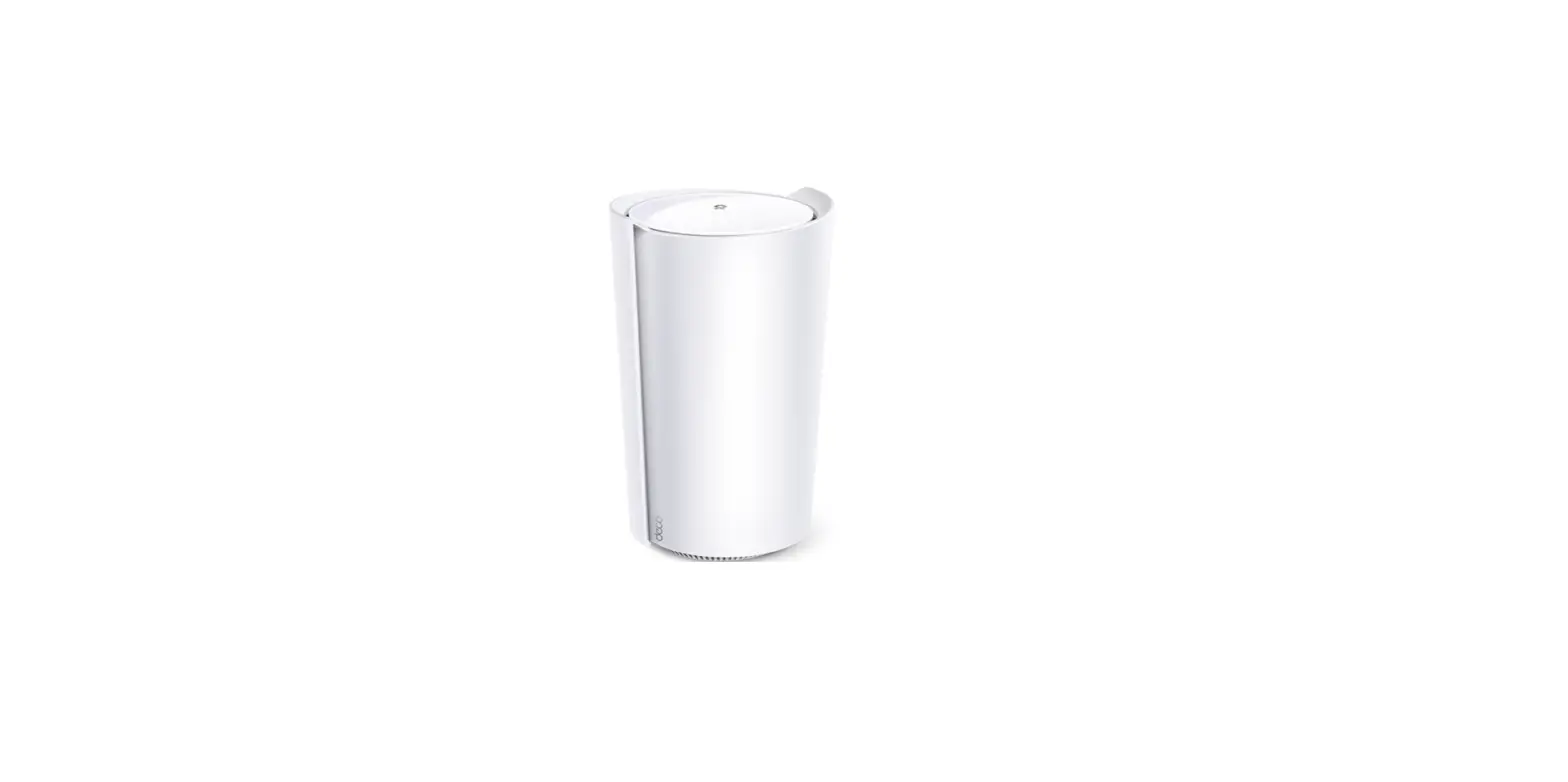
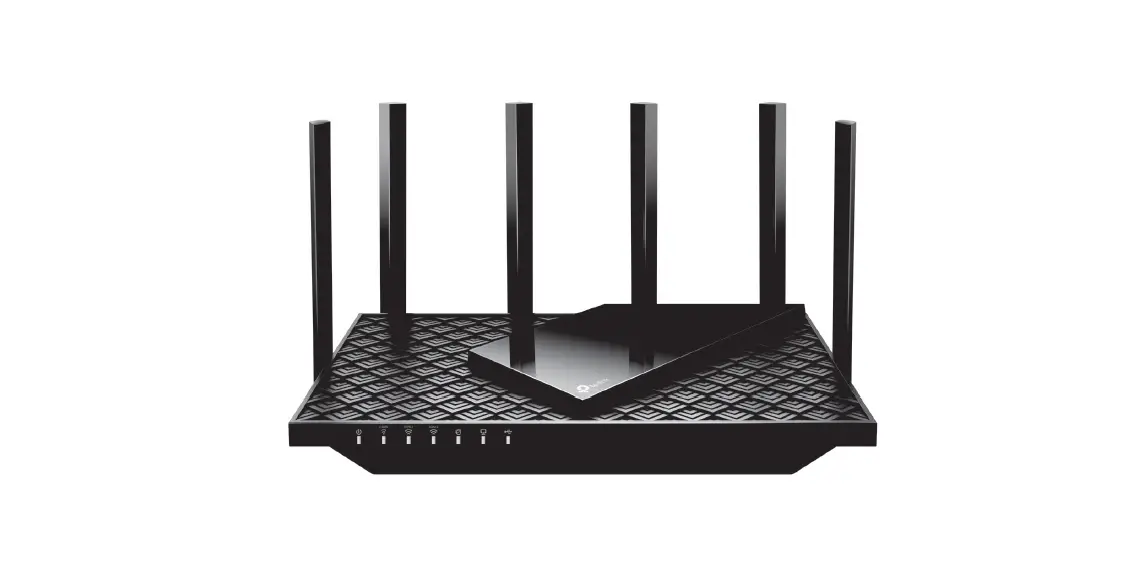
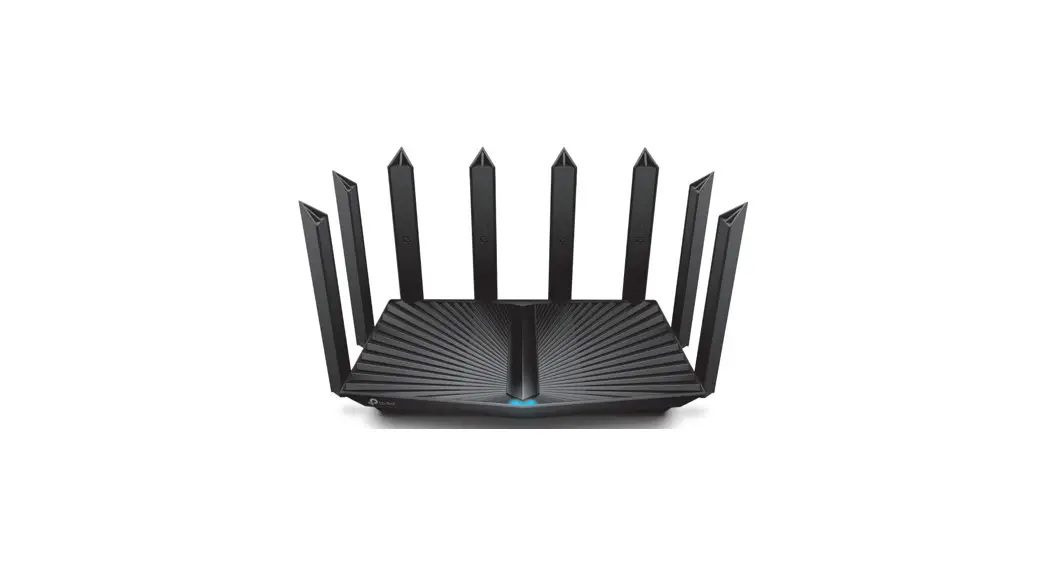
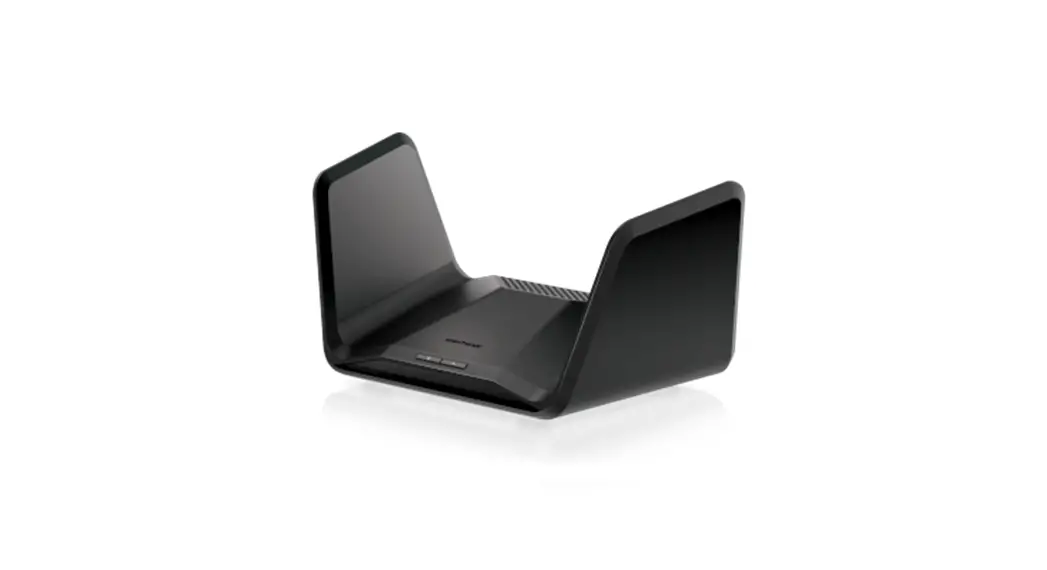
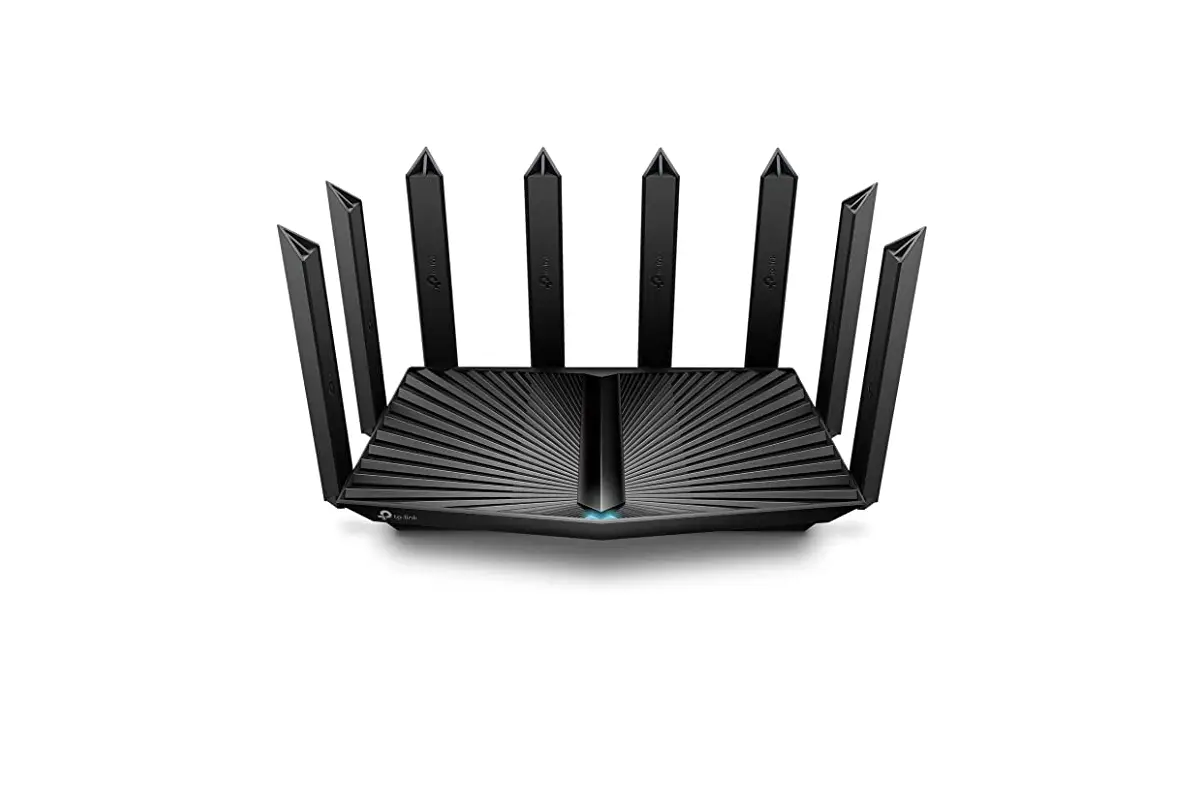
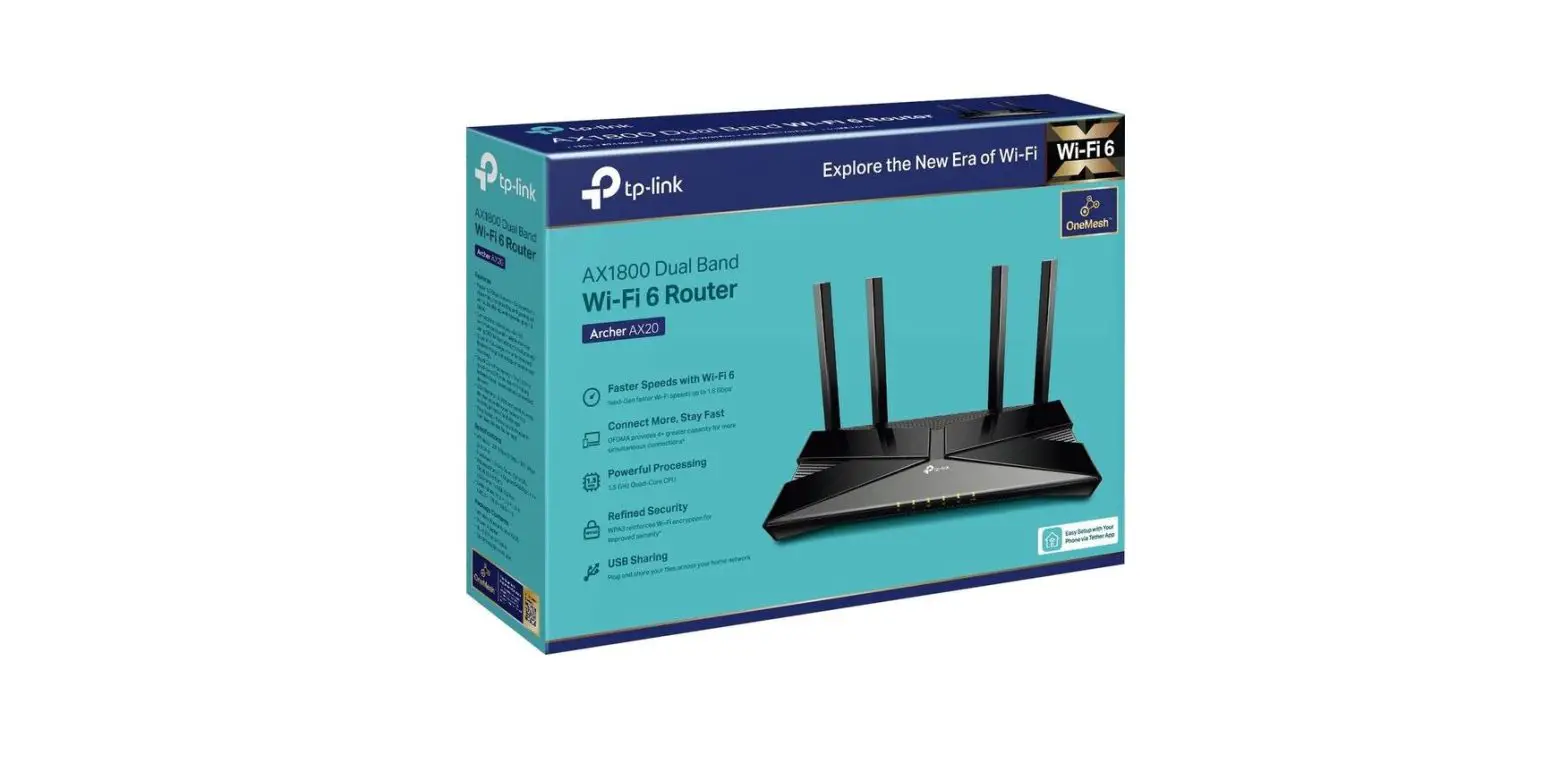
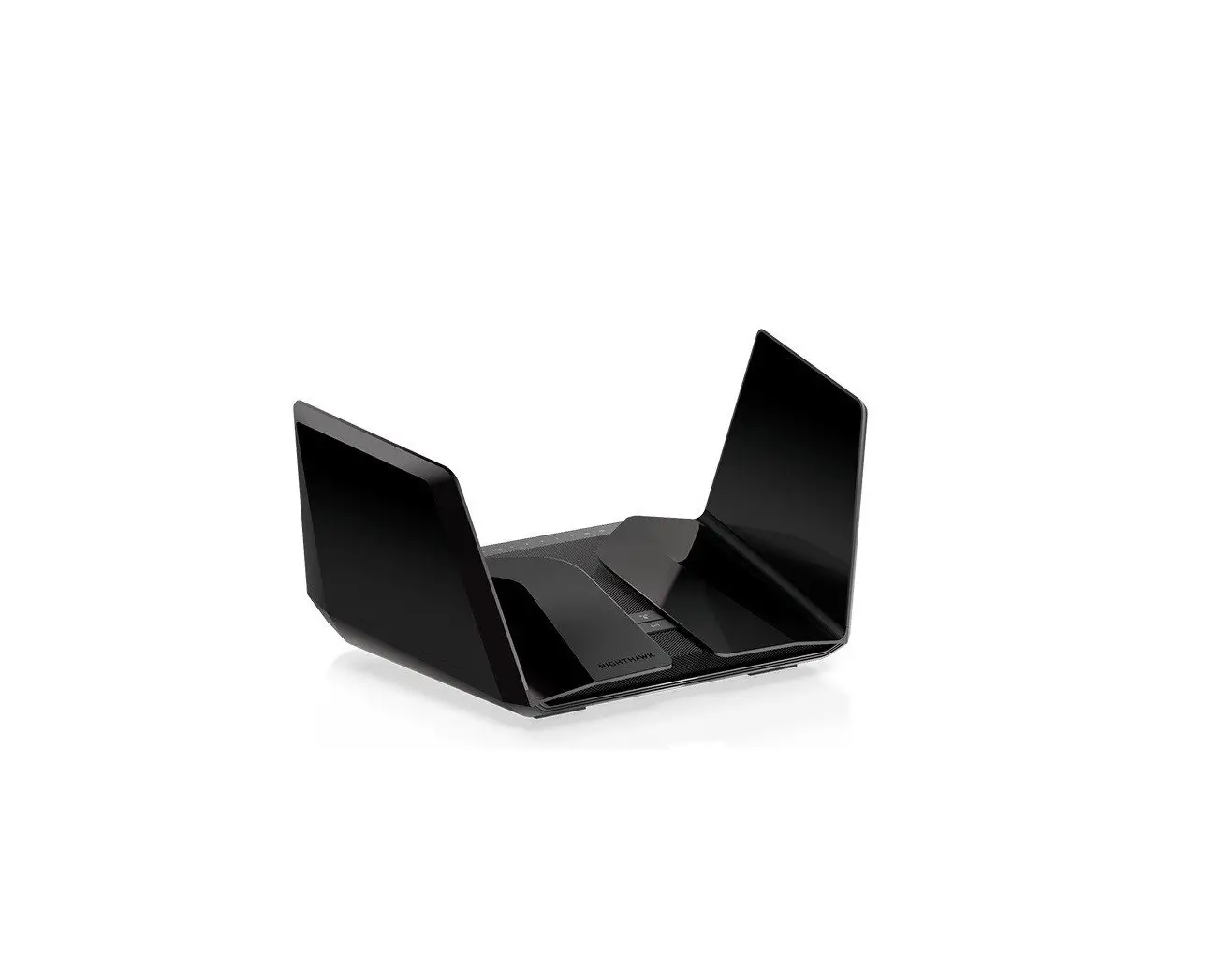
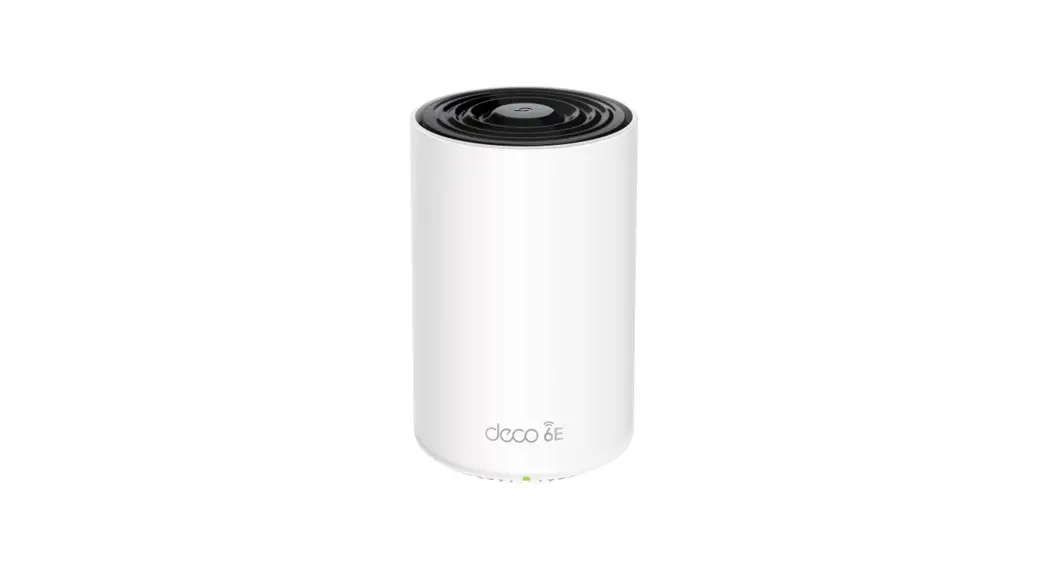
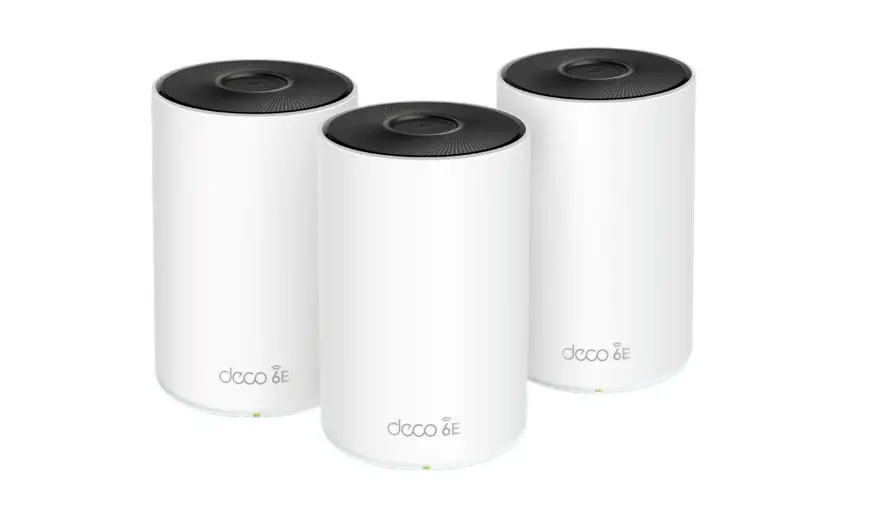
EX920 AXE7800 Tri Band Wi-Fi 6E Router
Product Information
The AXE7800 Tri-Band Wi-Fi 6E Router, model EX920, is a
high-performance mesh wireless router designed for delivering fast
and reliable Wi-Fi connectivity. It features three bands – 6 GHz, 5
GHz, and 2.4 GHz – providing total Wi-Fi speeds of up to 7.8 Gbps.
This router is backward compatible with 802.11a/b/g/n/ac Wi-Fi
devices, ensuring compatibility with a wide range of devices. It
comes with two 2.5Gbps Ethernet ports and one USB 3.0 port for
wired connections and external storage.
With the AXE7800 Tri-Band Wi-Fi router, users can experience
faster speeds, lower latency, and an improved online experience.
The 6 GHz band minimizes congestion by utilizing greenfield
spectrum, enabling high-bandwidth applications that require faster
data throughput. This makes it perfect for FTTH deployment and
creating a fully connected home.
The router supports easy remote management through TR-069 and
TR-369 protocols, Aginet app, and TAUC (TP-Link Aginet Unified
Cloud). Service providers can manage multiple devices remotely,
making it convenient for network administrators.
Specifications
Hardware
- CPU: 2 GHz ARM Quad-Core CPU
Wireless
- Wireless Standards: IEEE 802.11ax 6GHz, IEEE 802.11a/n/ac/ax
5GHz, IEEE 802.11b/g/n/ax 2.4GHz - Mesh Protocol: 802.11k/v/r
- Frequency: 2.4GHz, 5GHz, and 6GHz
- Signal Rate: 574 Mbps on 2.4GHz, 4804 Mbps on 5GHz, 2402 Mbps
on 6GHz - Transmit Power: CE (Compliance with European standards)
Product Usage Instructions
- Connect the AXE7800 Tri-Band Wi-Fi 6E Router to your modem
using the provided Ethernet cable. Plug one end of the cable into
the WAN port of the router and the other end into the Ethernet port
of your modem. - Connect your computer or device to the router’s Wi-Fi network.
Locate the network name (SSID) and password on the router’s label
or in the user manual. - Once connected, open a web browser and enter the default IP
address of the router (usually 192.168.0.1 or 192.168.1.1) into the
address bar. Press Enter. - You will be prompted to log in to the router’s administration
interface. Enter the default username and password (usually
admin/admin) or the credentials provided in the user manual. - Follow the on-screen instructions to set up your internet
connection. You may need to enter your ISP’s username and password
if required. - Once the internet connection is established, you can customize
the Wi-Fi settings, including network name, password, and security
options. - For advanced configuration and remote management, download and
install the Aginet app on your smartphone or tablet. Follow the
app’s instructions to connect and manage your router remotely.
Note: For detailed configuration options and advanced settings,
refer to the user manual provided with the AXE7800 Tri-Band Wi-Fi
6E Router.
AXE7800 Tri-Band Wi-Fi 6E Router
MODEL: EX920
Overview
EX920 is a high-performance Wi-Fi 6E Tri-band mesh wireless router with two 2.5Gbps Ethernet ports and one USB 3.0 port. Deliver even more faster Wi-Fi speeds with less interference and congestion while being backwards compatible with 802.11a/b/g/n/ac Wi-Fi devices. Perfect for FTTH deployment and a fully connected home.
AXE7800 Tri-Band Wi-Fi
Deliver total Wi-Fi speeds up to 7.8 Gbps across 6 GHz, 5 GHz, and 2.4 GHz bands for even faster speeds, lower latency, and better online experience.
Works on 6 GHz Band
Minimize congestion with greenfield spectrum to enable high-bandwidth applications that require faster data throughput .
2.5G
2.5G Wired Connection
Take full use of the bandwidth speeds to 2.5 Gbps throgh a 2.5 GE WAN port and a 2.5 GE LAN port for even faster internet access and wired connection.
Easy Remote Management
TR-069 and TR-369 protocols, Aginet app, and TAUC (TP-Link Aginet Unified Cloud) are supported, service providers can manage multiple devices remotely.
Specifications
Hardware
Interface 1× 10/100/1000/2500 Mbps RJ45 WAN Port, 1× 10/100/1000/2500 Mbps RJ45 LAN Port, 2× 10/100/1000 Mbps RJ45 LAN Ports, 1× USB 3.0 Port Antenna Internal Wi-Fi antennas External Power Supply 12VDC/3.3A Dimensions (W * D * H) 4.5 × 4.5 × 9.1 in (115 × 115 × 232 mm) Button Power On/Off Button, Reset Button, Wi-Fi On/Off Button, WPS Button
CPU 2 GHz ARM Quad-Core CPU
Wireless
Wireless Standards IEEE 802.11ax 6GHz, IEEE 802.11a/n/ac/ax 5GHz, IEEE 802.11b/g/n/ax 2.4GHz Mesh Protocol 802.11k/v/r Frequency 2.4GHz, 5GHz, and 6GHz Signal Rate 574 Mbps on 2.4GHz, 4804 Mbps on 5GHz, 2402 Mbps on 6GHz Transmit Power CE: <20dBm (2.4GHz); <23dBm (5GHz); <23dBm (6GHz) FCC: <30dBm (2.4GHz); <30dBm (5GHz); <30dBm (6GHz) Wireless Security WPA/WPA2/WPA3 Personal Wireless Function Enable/Disable Wireless Radio, WMM, Wireless Statistics, Multi-SSID, Guest Network, TX Beamforming
Wireless Schedule Supports 2.4 GHz, 5 GHz, and 6 GHz Wireless Schedule EasyMesh Support Seamless Roaming, Self-healing, 80211k/v/r Support
Software
Working Mode Router Mode, Access Point Mode WAN Type Dynamic IP/Static IP/PPPoE/PPTP/L2TP/Bridge Protocols Supports IPv4 and IPv6 Multi SSID Up to 3 SSIDs for each band (including main SSID) Features Parental Control, QoS (Quality of Service), Address Reservation, Port Forwarding, Cloud Firmware Upgrade, Firewall, Network Diagnostic, CWMP, Traffic Statistic, 1024-QAM, MU-MIMO, OFDMA Management Local management: WebGUI management, Aginet app management Remote management: TR-069, TR-181, TR-369, TR-111,TR-143 Cloud management: TAUC DHCP Server, DHCP Client List, Address Reservation Port Forwarding Virtual Server, Port Triggering, UPnP, DMZ Dynamic DNS NO-IP, DynDNS VPN Server PPTP, OpenVPN, IPSec VPN Pass-through IPSec, PPTP, L2TP Access Control Parental Control, Local Management, Host List, White/Black List Firewall Security DoS, SPI Firewall, IP and MAC Address Binding
Others
System Requirements Microsoft Windows 98SE, NT, 2000, XP, VistaTM or Windows 7, 8, 8.1,10, MAC OS, NetWare, UNIX or Linux Internet Explorer 11, Firefox 12.0, Chrome 20.0, Safari 4.0 browers or higher. Certifications FCC Environment Operating Temperature: 0°C~40°C (32°F ~104°F) Storage Temperature: -40°C~60°C (-40°F ~140°F) Operating Humidity: 10%~90% non-condensing Storage Humidity: 5%~90% non-condensing Package Contents AXE7800 Tri-Band Wi-Fi 6E Router EX920 1× RJ45 Ethernet Cable 1× Power Adapter 1× Quick Installation Guide