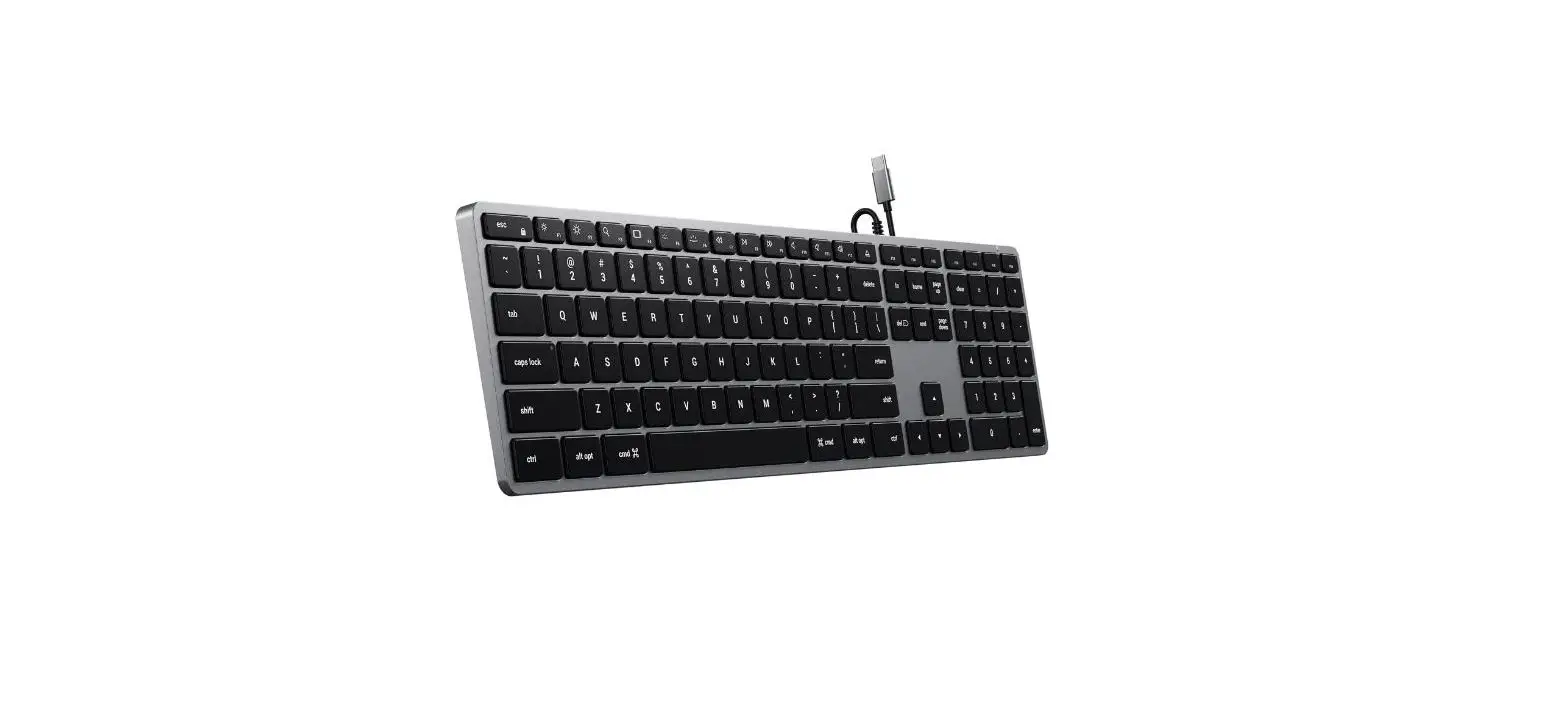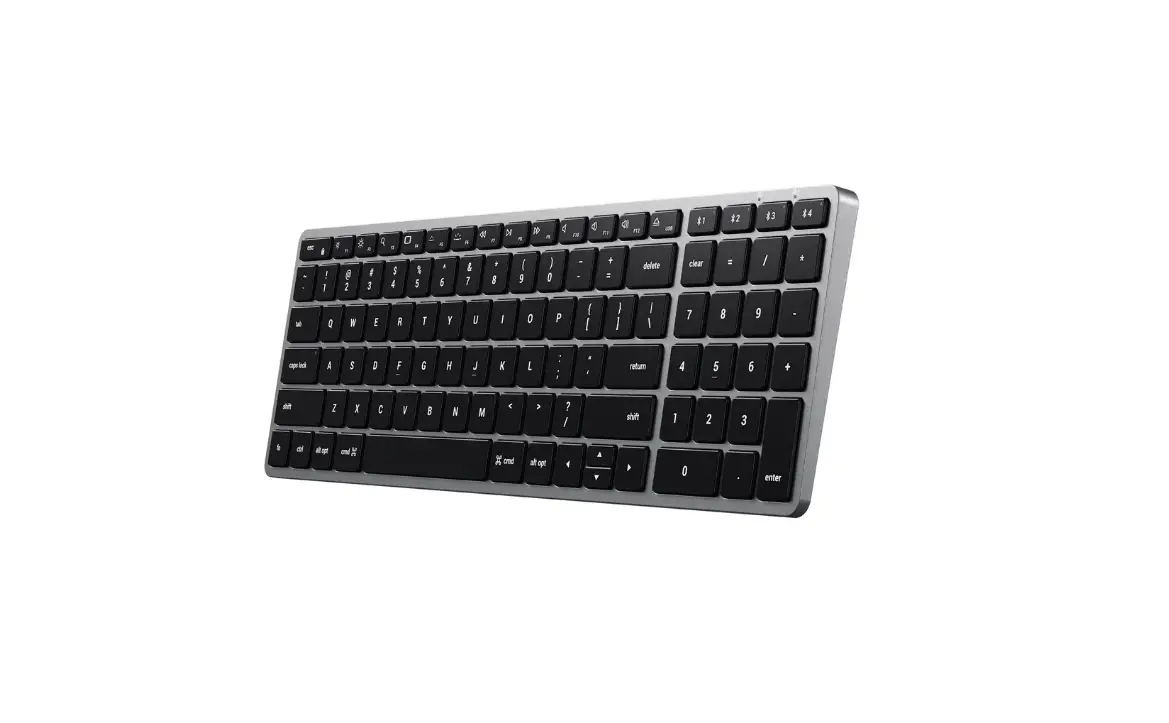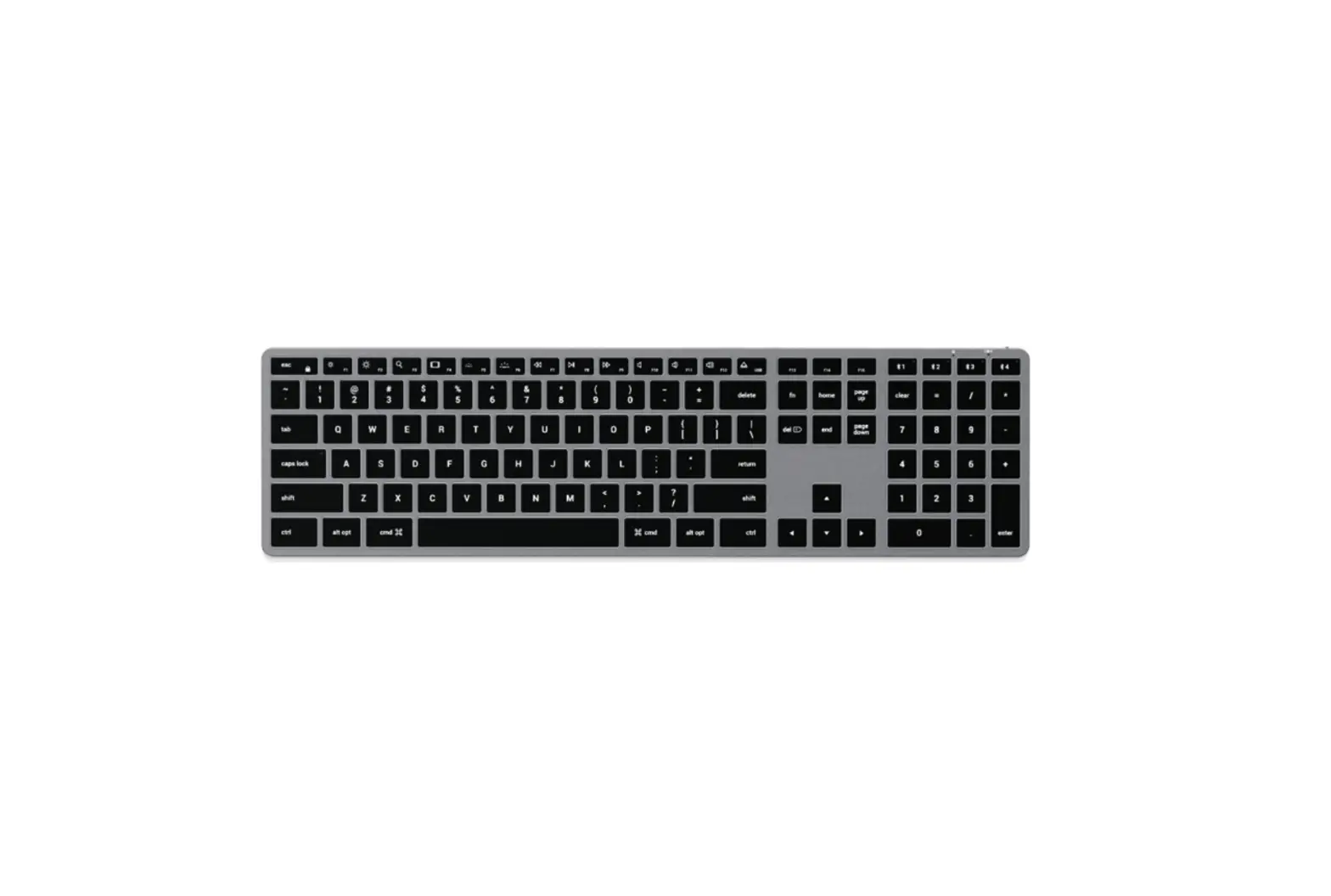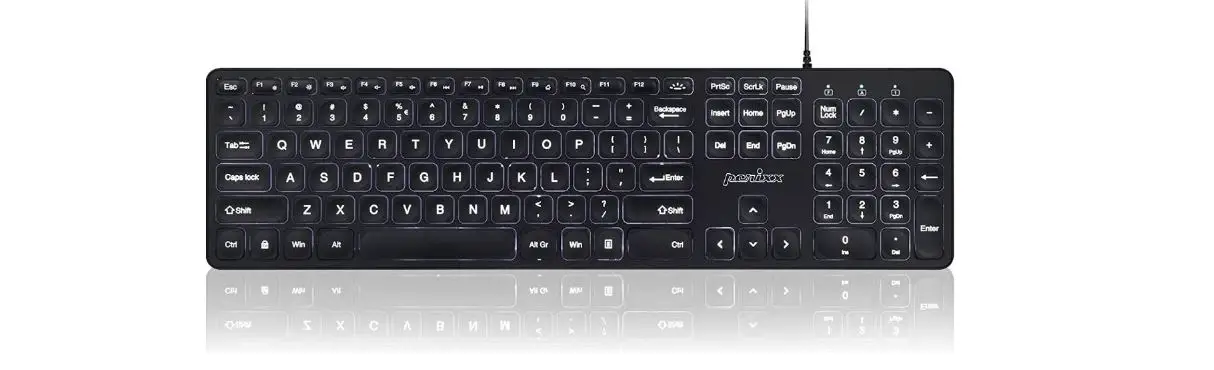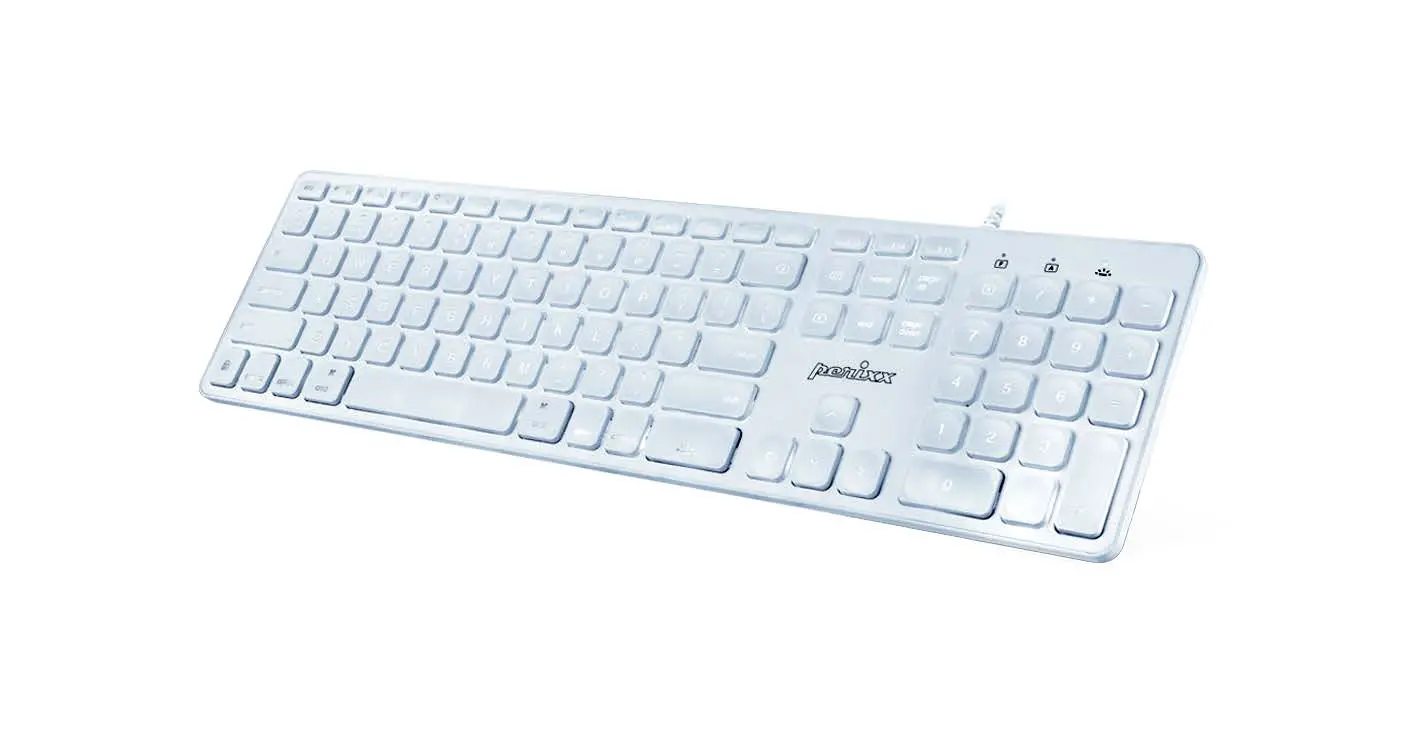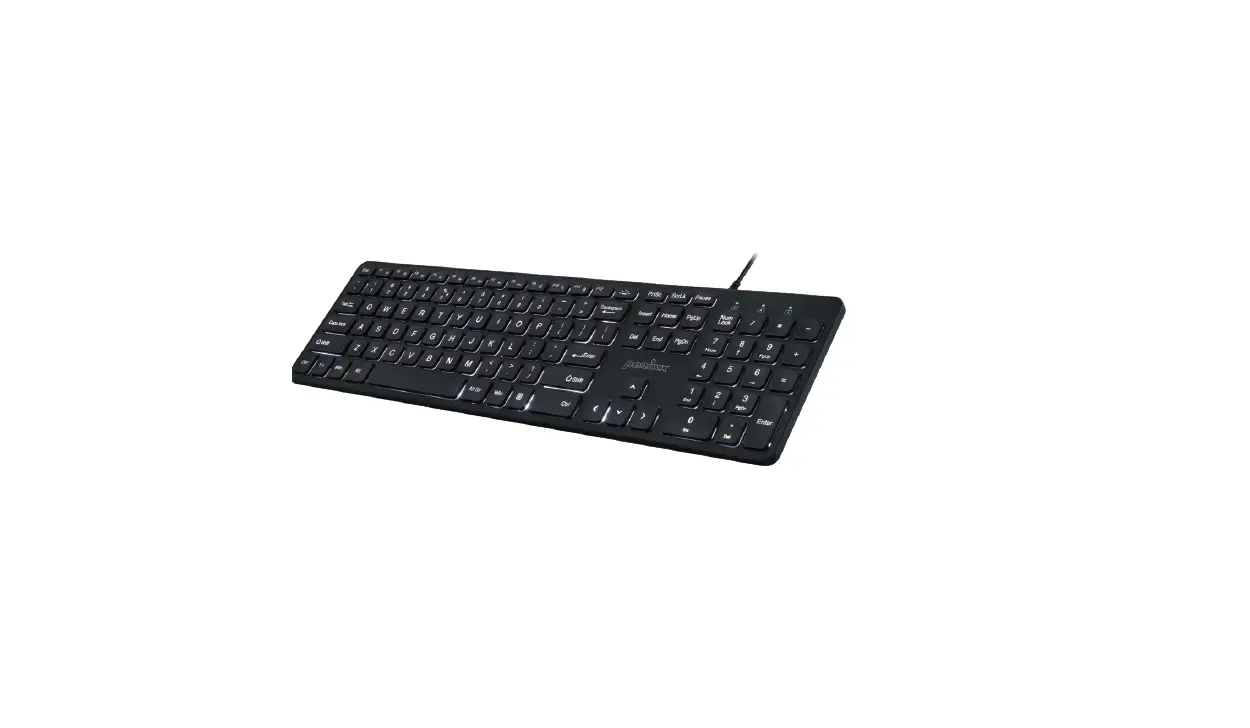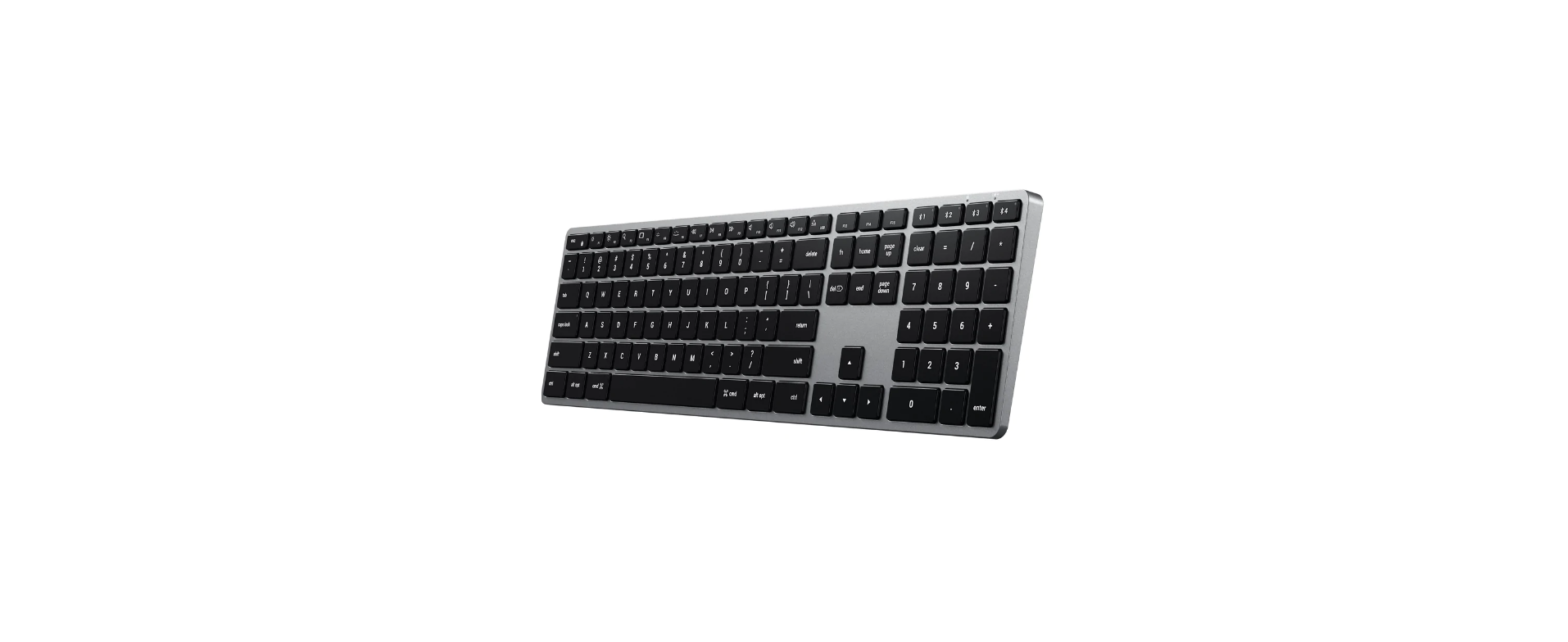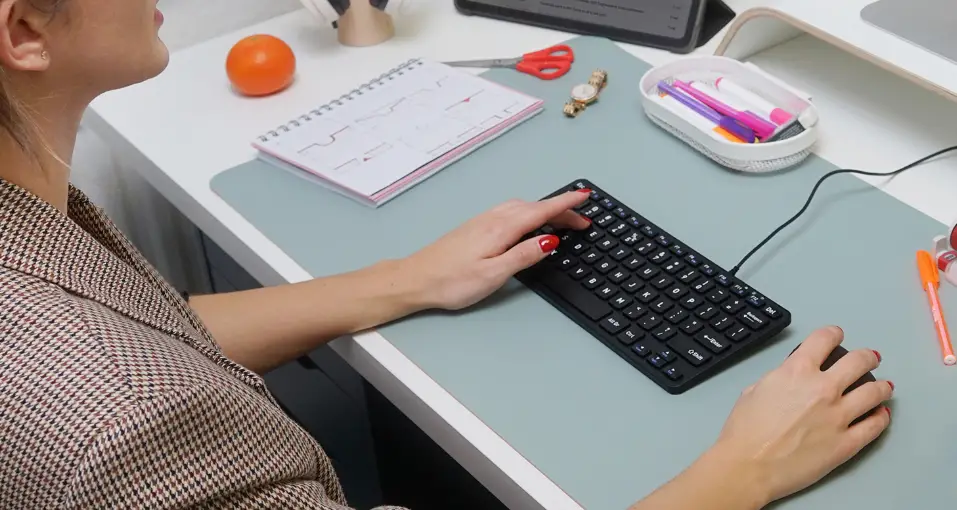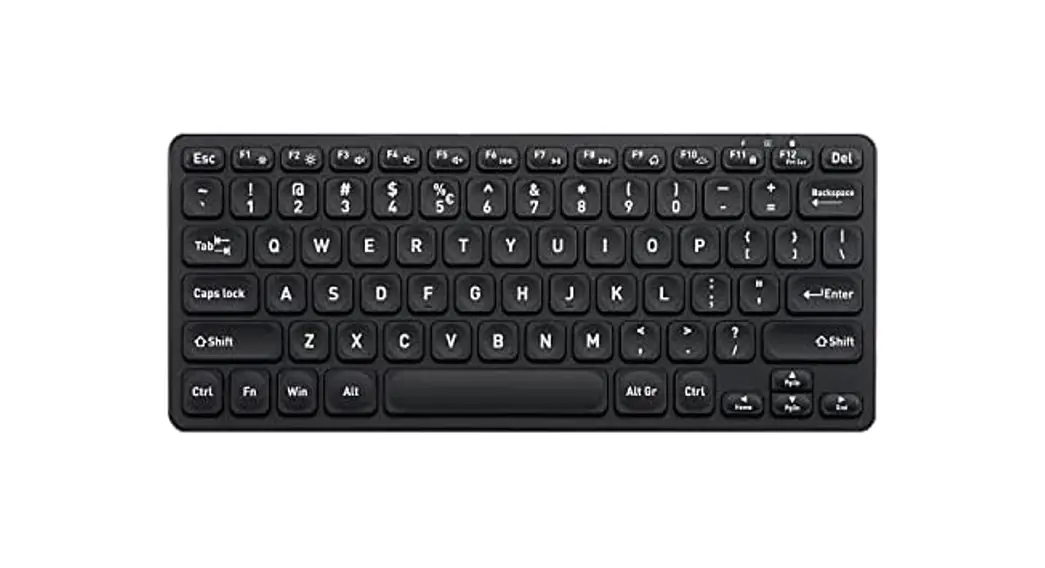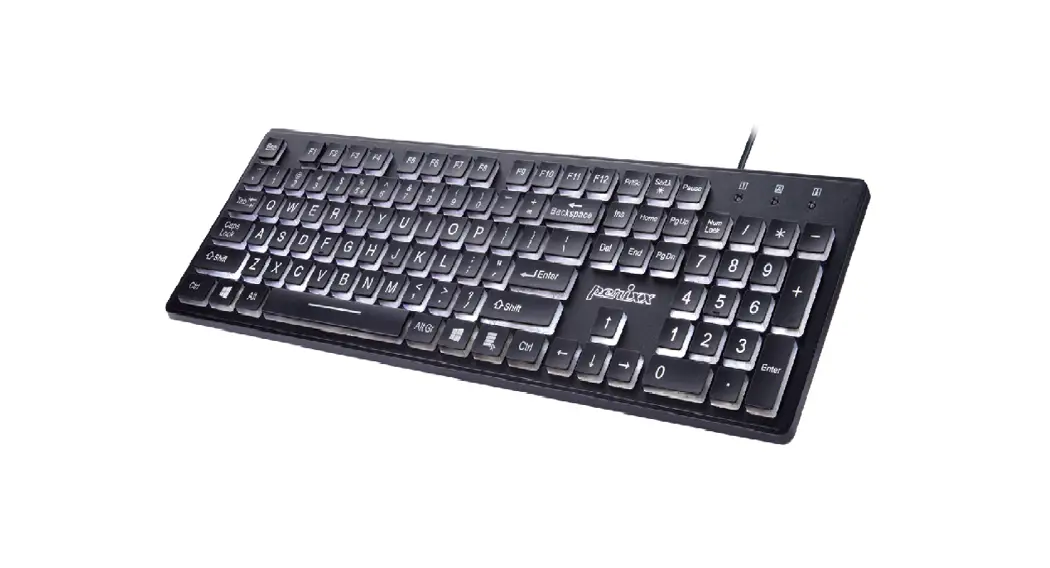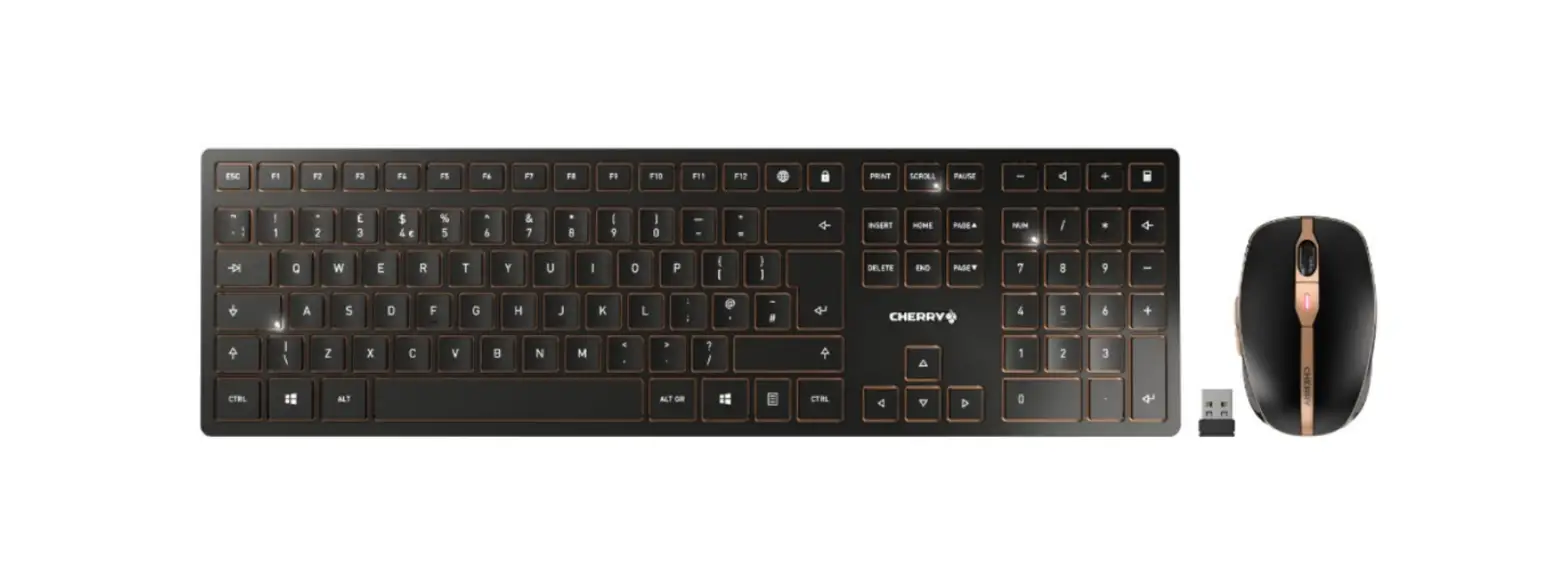
 ST-UCSW3M Slim W3 Wired Backlit Keyboard
Instruction Manual
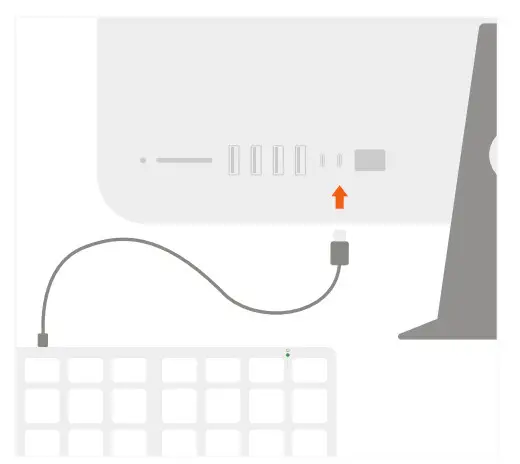
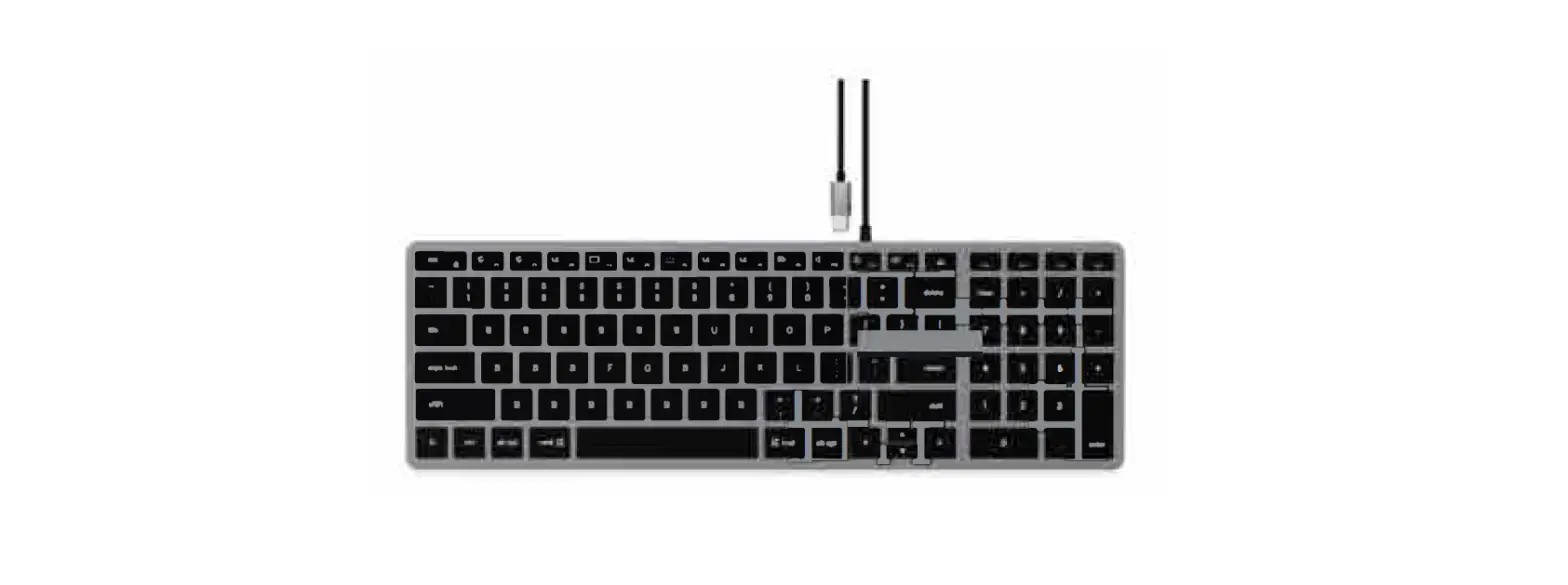
- Plugin Slim W3 Wired Backlit Keyboard into a USB-C or Thunderbolt 3 port.

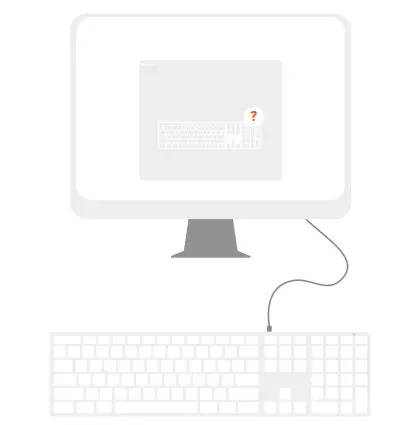
- On macOS, “Keyboard Setup Assistant” may appear when first connecting the keyboard.
Follow on-screen instructions to identify the keyboard before first use.
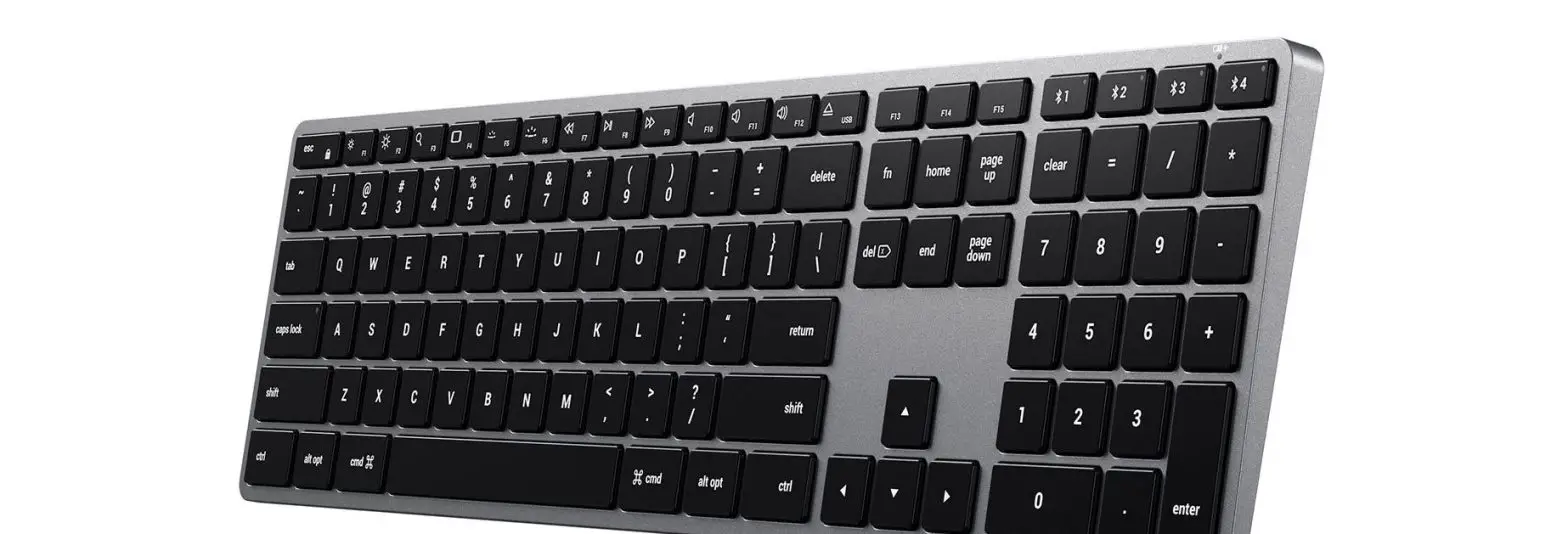
- Use macOS shortcut keys for convenient media control. All shortcut keys may not be supported on Windows OS.
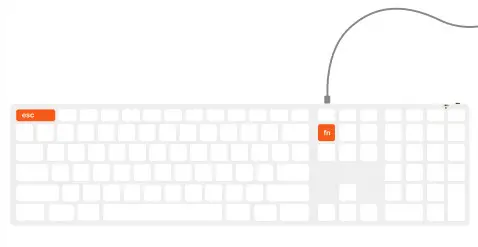
Use the combination “Fn + Esc” to enable the Fn Lock
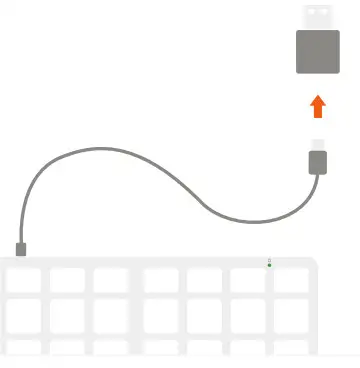
- Compatible with Mac & iPad devices with USB-C ports. To enable support with USB-A devices, please use our Type-A to Type-C Adapter (sold separately).