
046677578329 Lightstrip for PC

Product Information
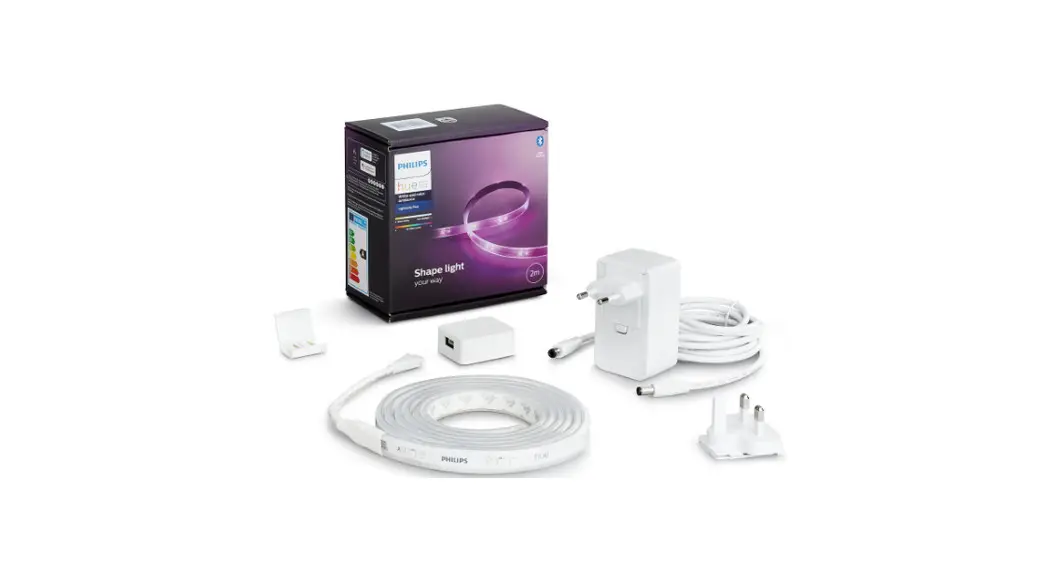
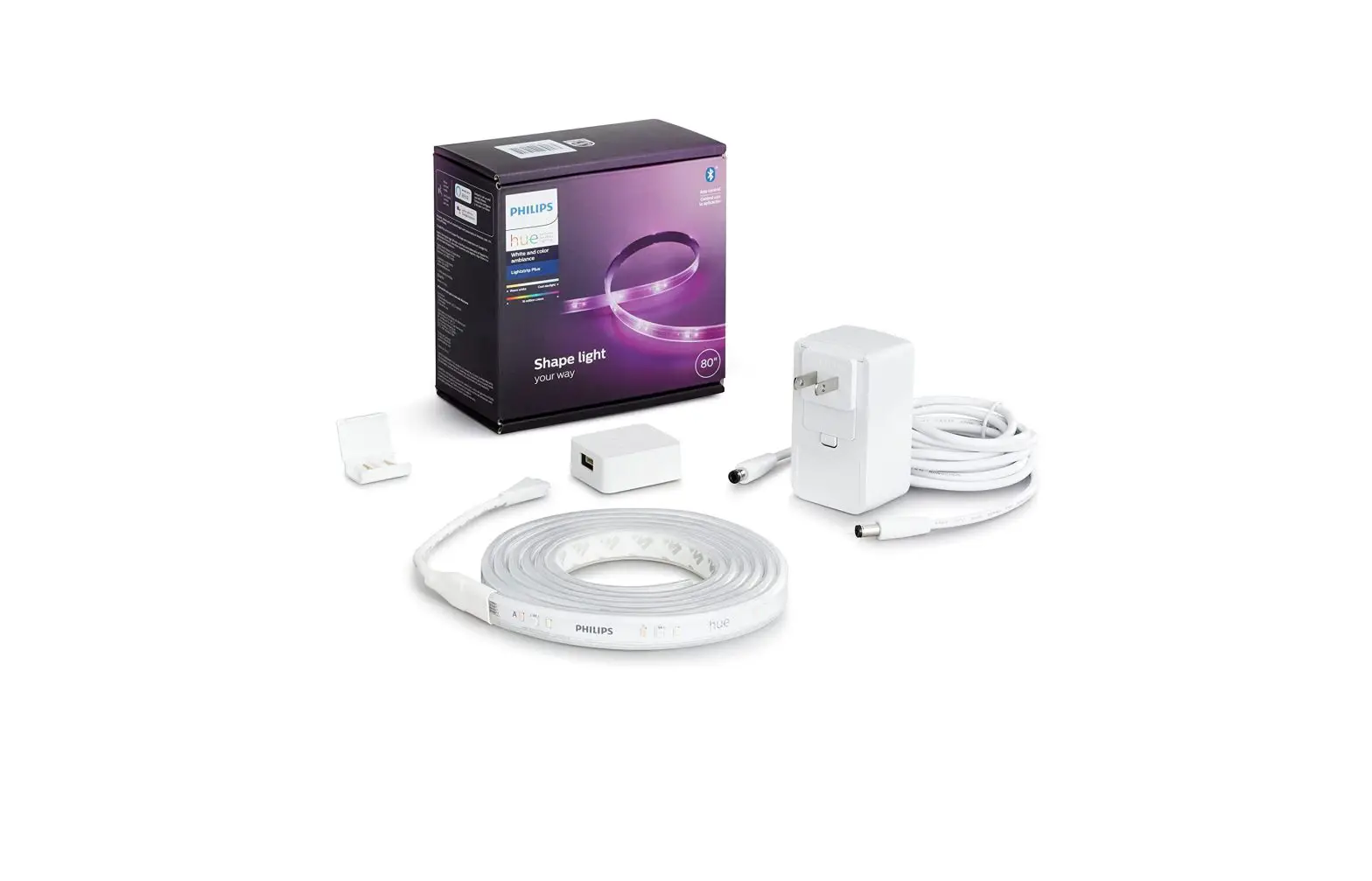
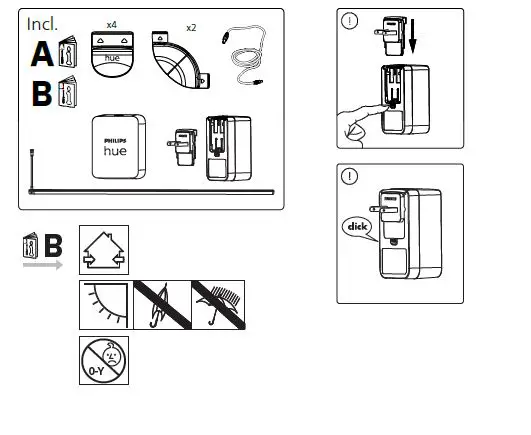
The product is a Philips Hue lighting system that comes with four (4) light bulbs, two (2) Hue Bridge serial numbers (AA and BB), and a user manual. The Hue system allows users to control their lighting through an app on their smartphone or tablet.
Product Usage
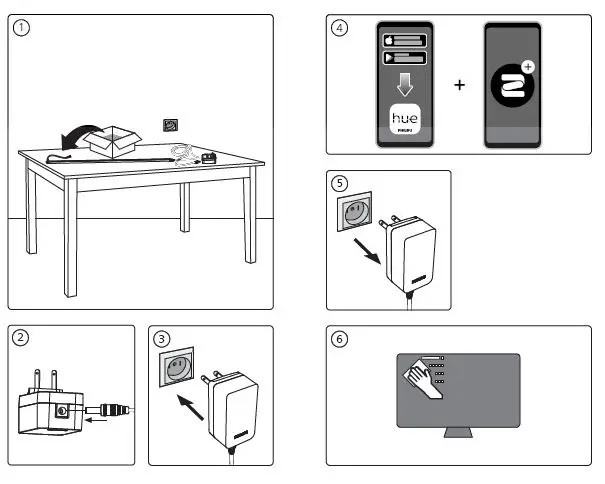
- Connect each light bulb to a lamp or light fixture and turn on the power.
- Download the Philips Hue app on your smartphone or tablet.
- Connect the Hue Bridge to your home Wi-Fi network using the app.
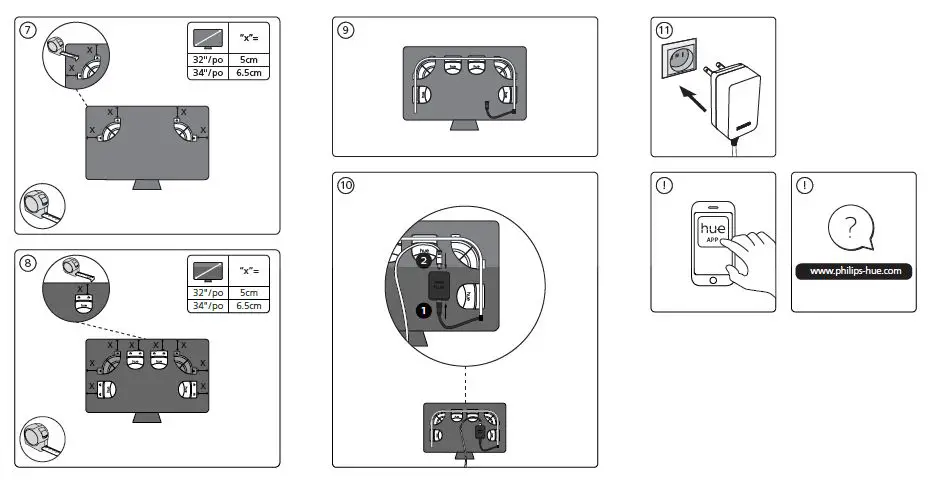
- Follow the on-screen instructions to set up your Hue system.
- Use the app to turn the lights on/off, adjust brightness, and choose from a variety of colors and scenes.
- The Hue system can also be controlled using voice commands with Amazon Alexa or Google Assistant.
If you have any questions or comments about the product, please contact Philips Hue customer support at 1-800-555-0050 (USA) or 01-800-508-9000 (Mexico).
INSTALLATION INSTRUCTION
Signify North America Corporation
400 Crossing Blvd,
Suite 600 Bridgewater, NJ 08807, USA
Signify Canada Ltd./Signify Canada Ltée.
281 Hillmount Road,
Markham, ON, Canada L6C 2S3
Questions or Comments: 1-800-555-0050
contact:
01-800-508-9000
www.philips-hue.com
© 2022 Signify Holding All rights reserved
3222 639 10232
Last update: 05/2022
 Smart lighting | Philips Hue US