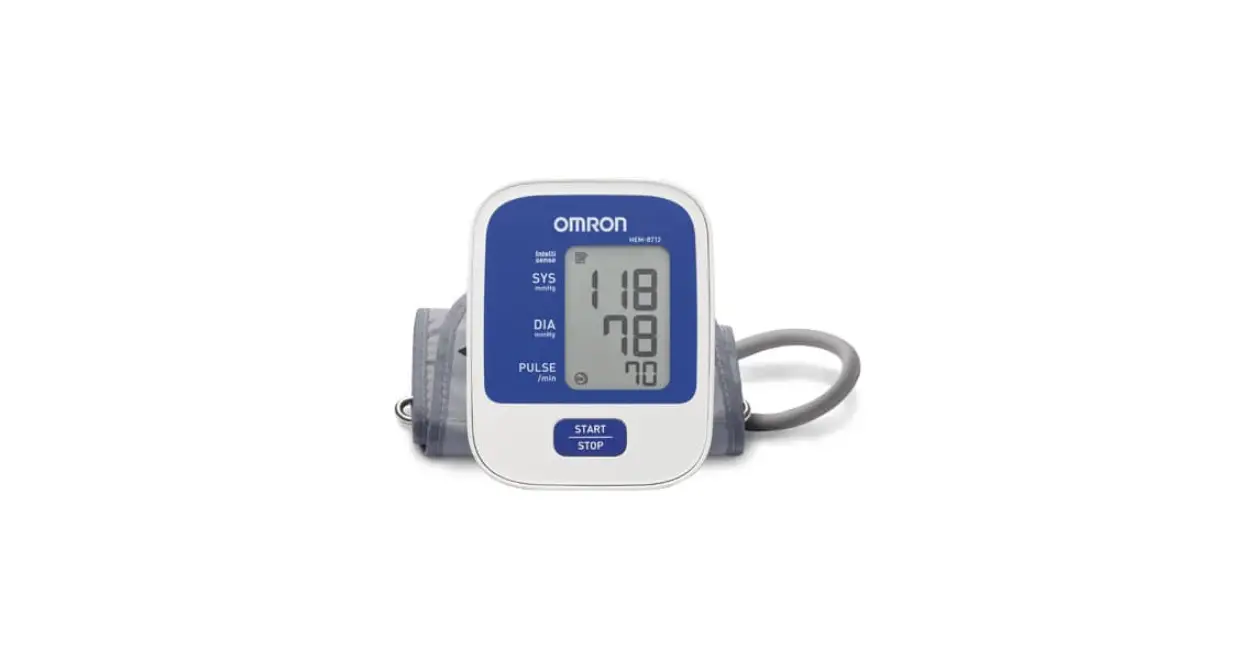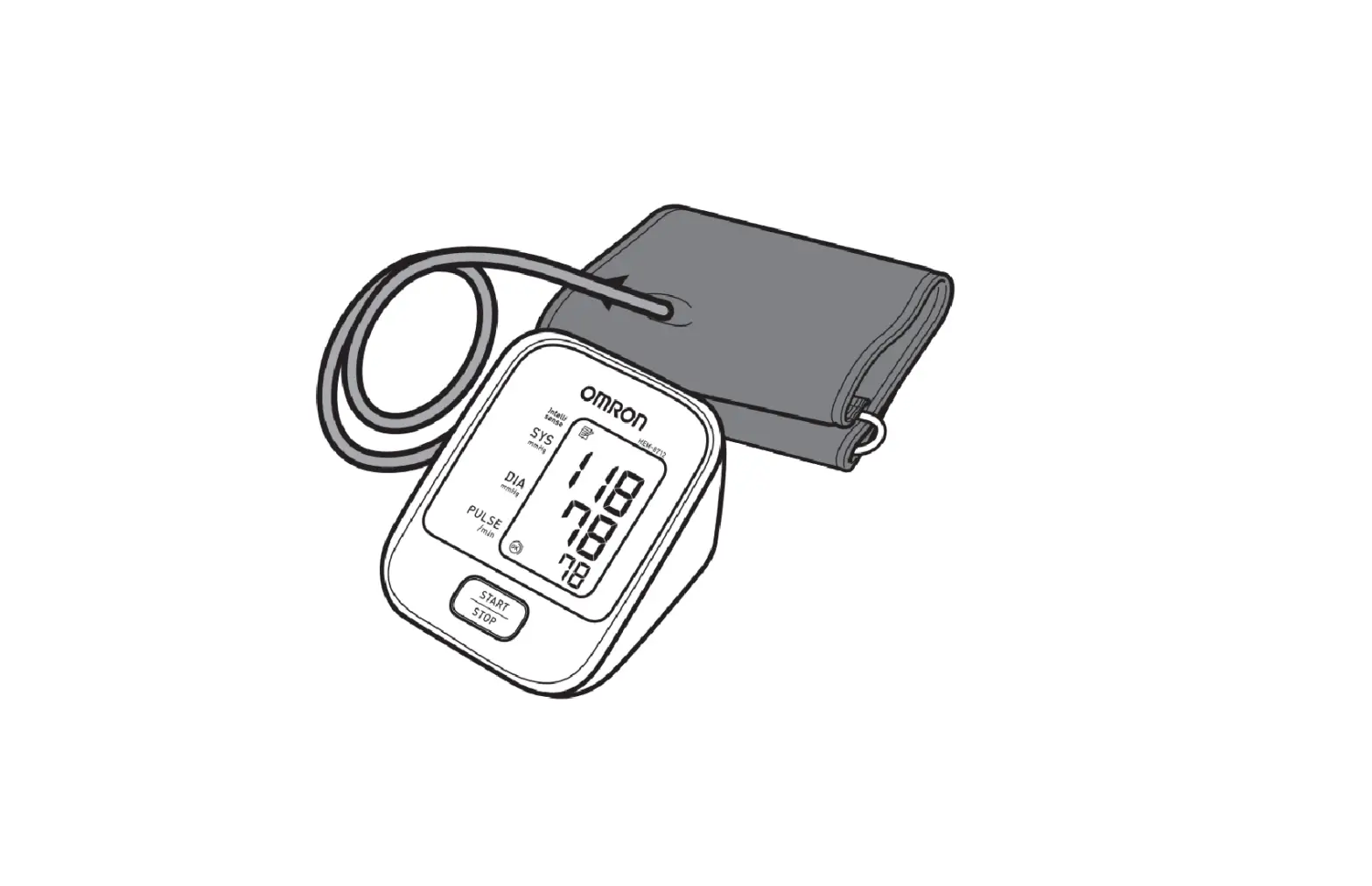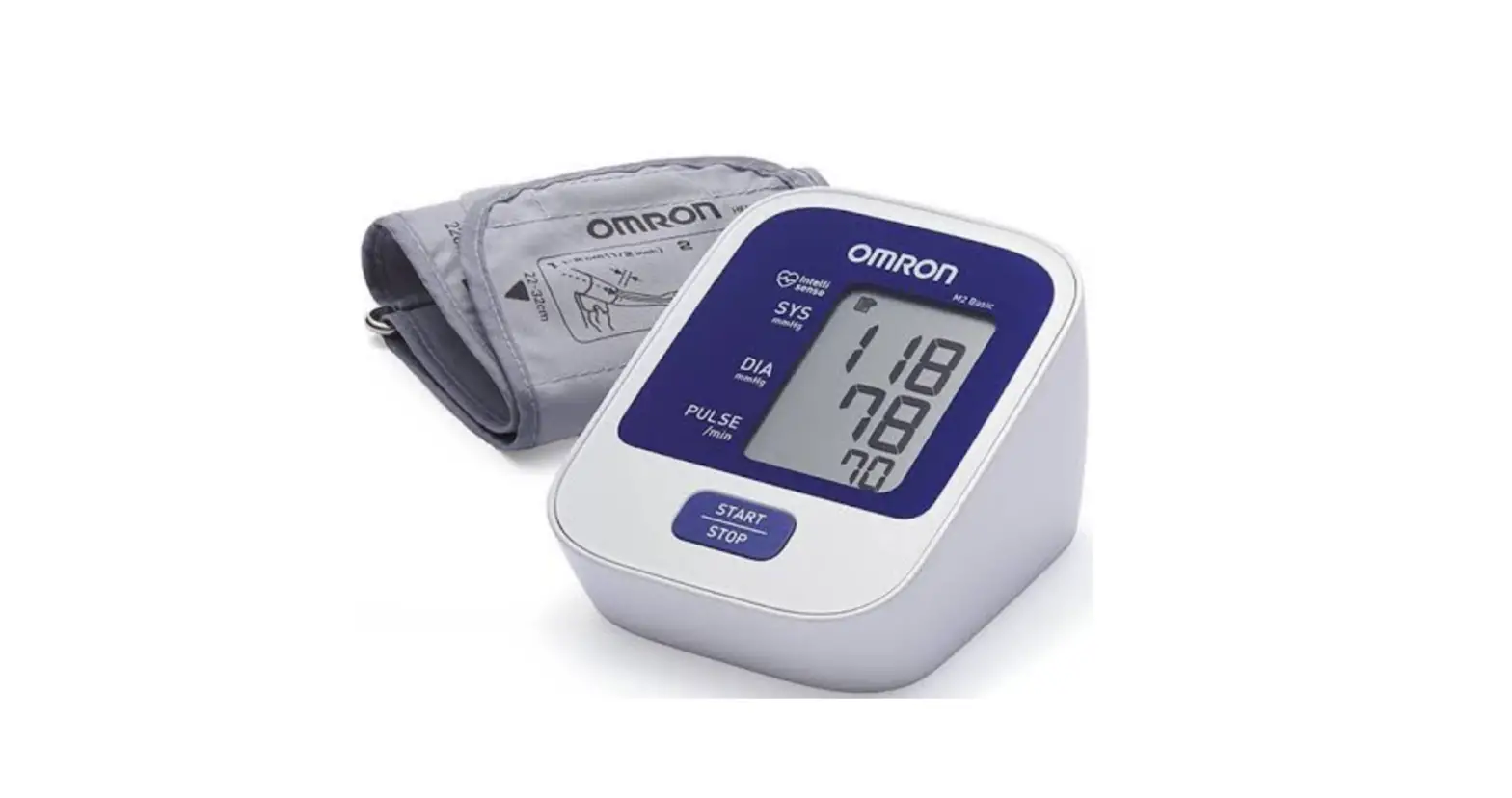
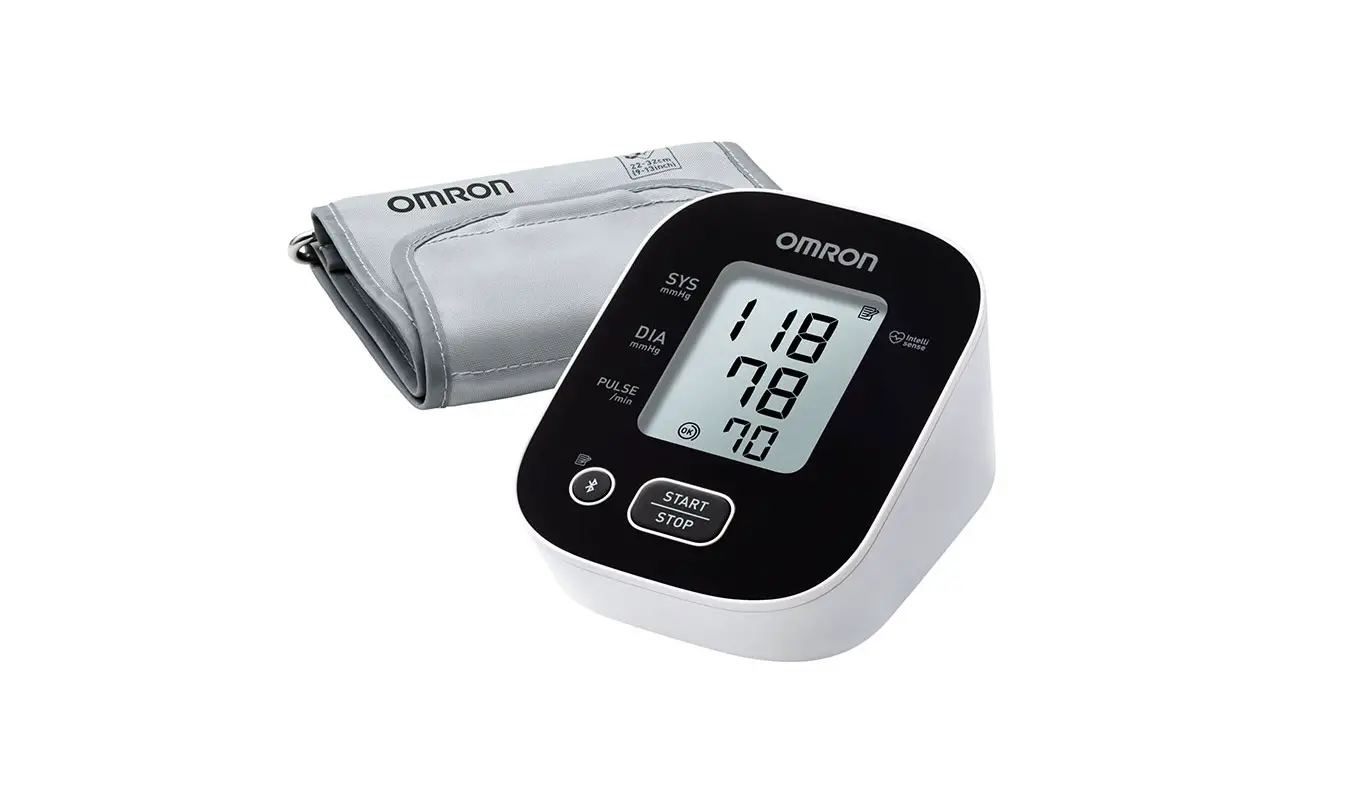
OMRON M2 Basic Automatic Upper Arm Blood Pressure Monitor Instruction Manual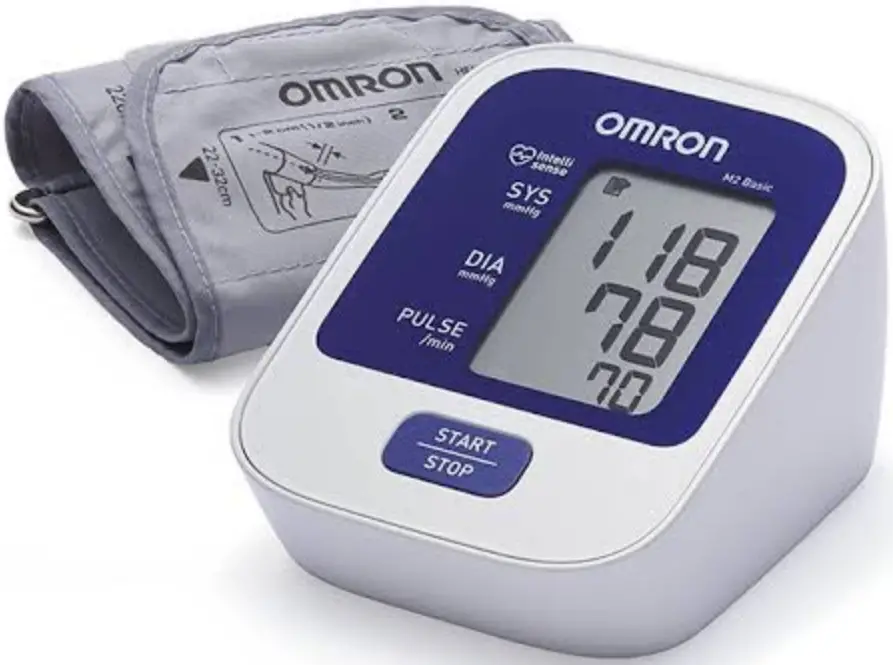
Overview
A: Display
B: [START/STOP] button
C: Battery compartment
D: AC adapter jack
E: Air jack
F: Arm cuff
G: Air plug
H: Air tube
I: Marker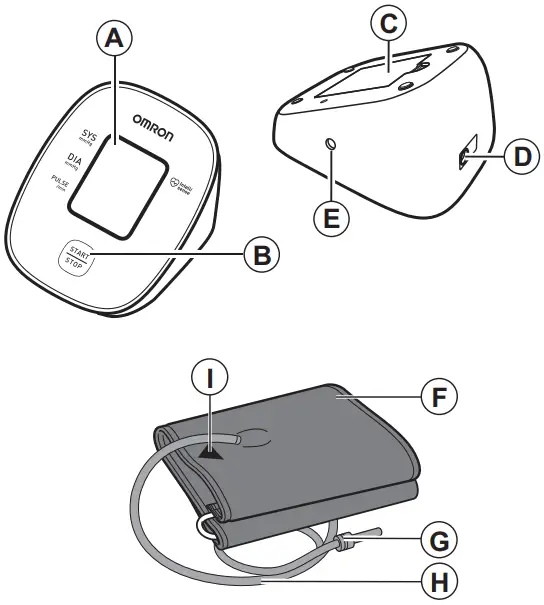
Symbols Description
 Applied part – Type BF Degree of protection against electric shock (leakage current)
 Class II equipment.
 Ingress protection degree provided by IEC 60529
 CE Marking
 Serial number
 LOT number
 Medical device
 Temperature limitation
 Humidity limitation
 Atmospheric pressure limitation
 Indication of connector polarity
 For indoor use only
 OMRON’s trademarked technology for blood pressure measurement
 Identifier of cuffs compatible for the device
 Cuff positioning indicator for the left arm
 Marker on the cuff to be positioned above the artery
 Range pointer and brachial artery alignment position
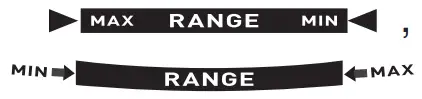 Range indicator of arm circumferences to help selection of the correct cuff size
 Manufacturer’s quality control mark
 Not made with natural rubber latex
 Arm circumference
 Necessity for the user to consult this instruction manual
 Need for the user to follow this instruction manual thoroughly for your safety.
 Direct current
 Alternating current
 Date of manufacture
 Prohibited action
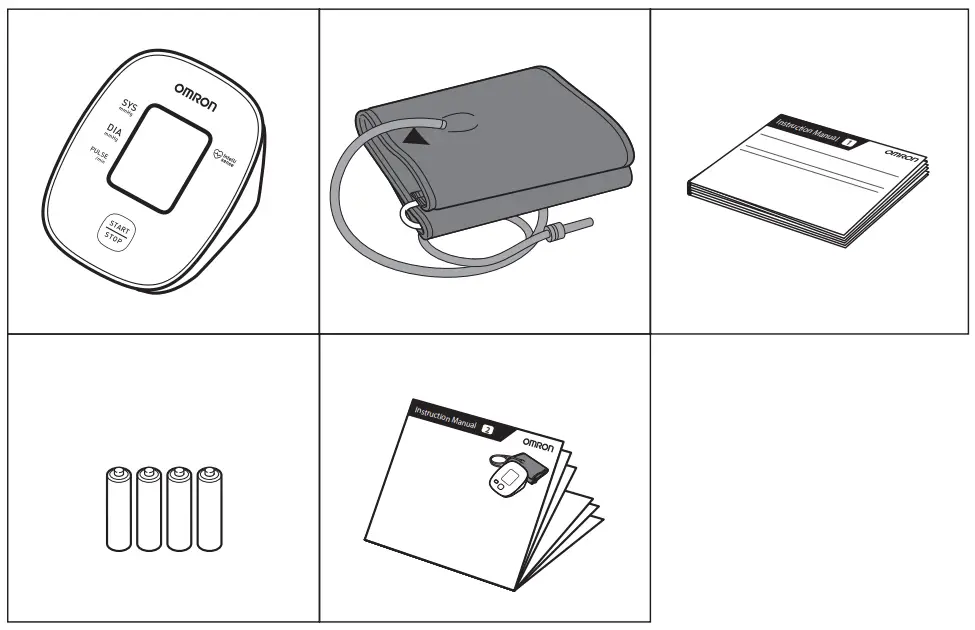
Package Contents
Preparing for a Measurement
30 minutes before
5 minutes before: Relax and rest.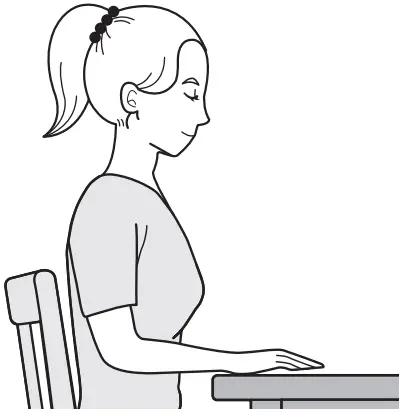
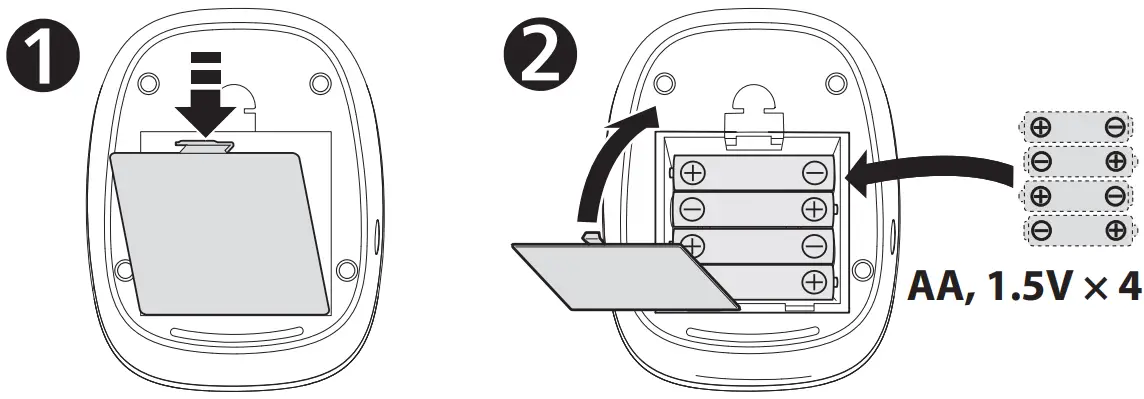
Installing Batteries
Applying the Cuff on the Left Arm
A:Tube side of the cuff should be 1 – 2 cm above the inside elbow.
B: Make sure that air tube is on the inside of your arm and wrap the cuff securely so it can no longer slip round.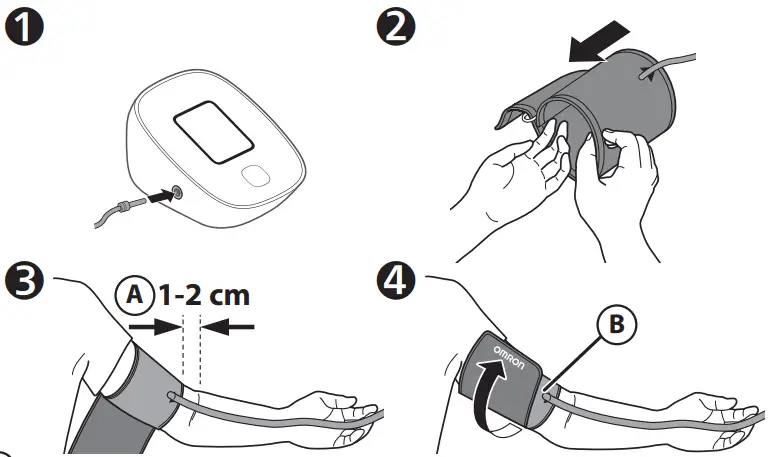
If taking measurements on the right arm, refer to:
Instruction Manual 2.3
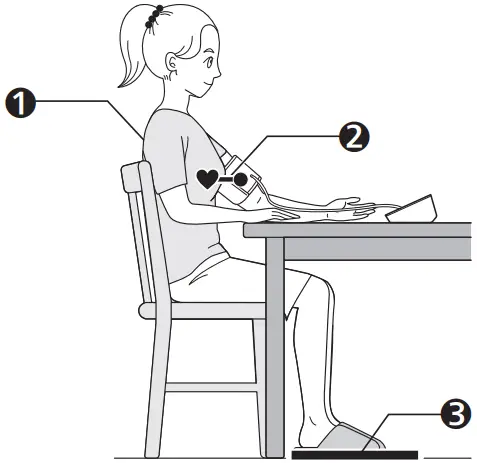
Sitting Correctly
- Sit comfortably with your back and arm supported
- Place the arm cuff at the same level as your heart.
- Keep feet flat, legs uncrossed, remain still and do not talk.

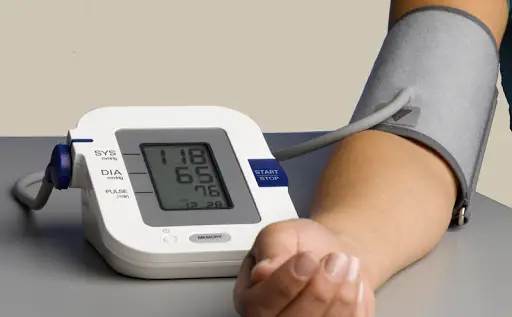
Taking a Measurement
When the [START/STOP] button is pressed, the measurement is taken and saved automatically.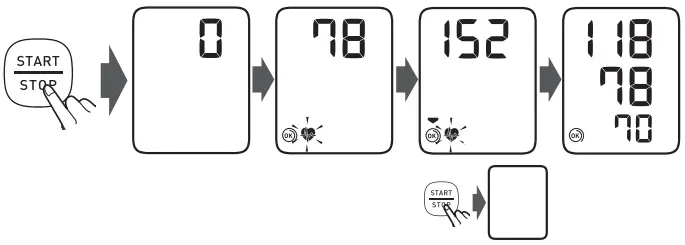
If your systolic pressure is more than 210 mm Hg:
Checking Readings
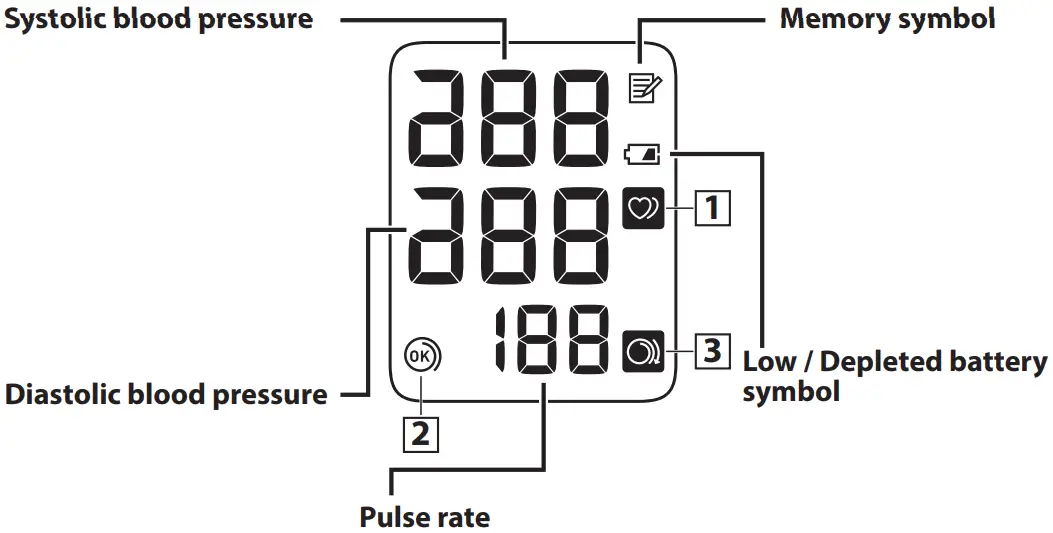
- Appears when an irregular rhythm* is detected during a measurement.

If it appears repeatedly, OM RON recommends to consult your physician. - Cuff is tight enough.

- Apply cuff again MORE TIGHTLY




An irregular heartbeat rhythm is defined as a rhythm that is 25% less or 25% more than the average rhythm detected during a measurement.
 Error messages or other problems? Refer to:
Instruction Manual 3.
Using Memory Functions
Reading Stored in Memory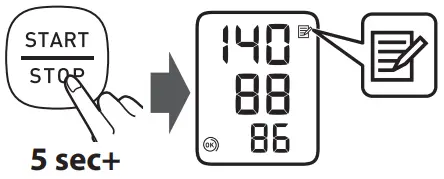
Your last reading is stored.
Deleting All Readings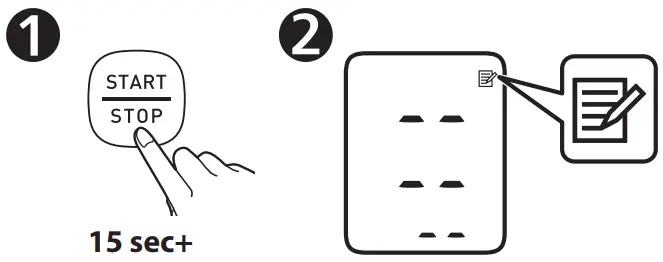
Optional Medical Accessories
Arm Cuff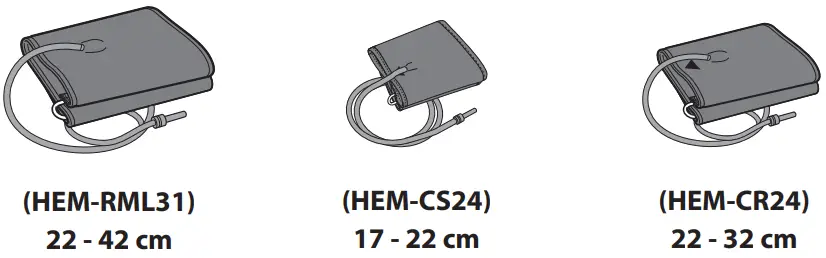
AC Adapter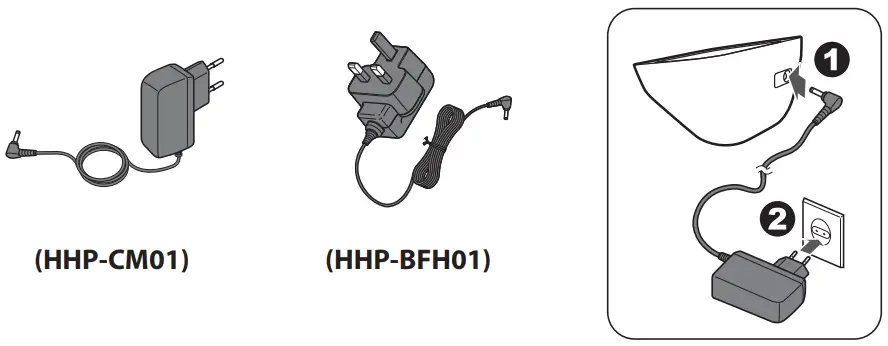
Support
 Manufacturer
 EU-representative
OMRON HEALTHCARE Co., Ltd.
53, Kunotsubo, Terado-cho, Muko, KYOTO, 617-0002 JAPAN
OMRON HEALTHCARE MANUFACTURING VIETNAM CO., LTD.
No.28 VSIP II, Street 2, Vietnam-Singapore Industrial Park II,
Binh Duong Industry-Services-Urban Complex, Hoa Phu Ward,
Thu Dau Mot City, Binh Duong Province, Vietnam
OMRON HEALTHCARE UK LTD.
Opal Drive, Fox Milne, Milton Keynes, MK15 0DG, UK
www.omron-healthcare.com
 Mediq Danmark A/S e-handel
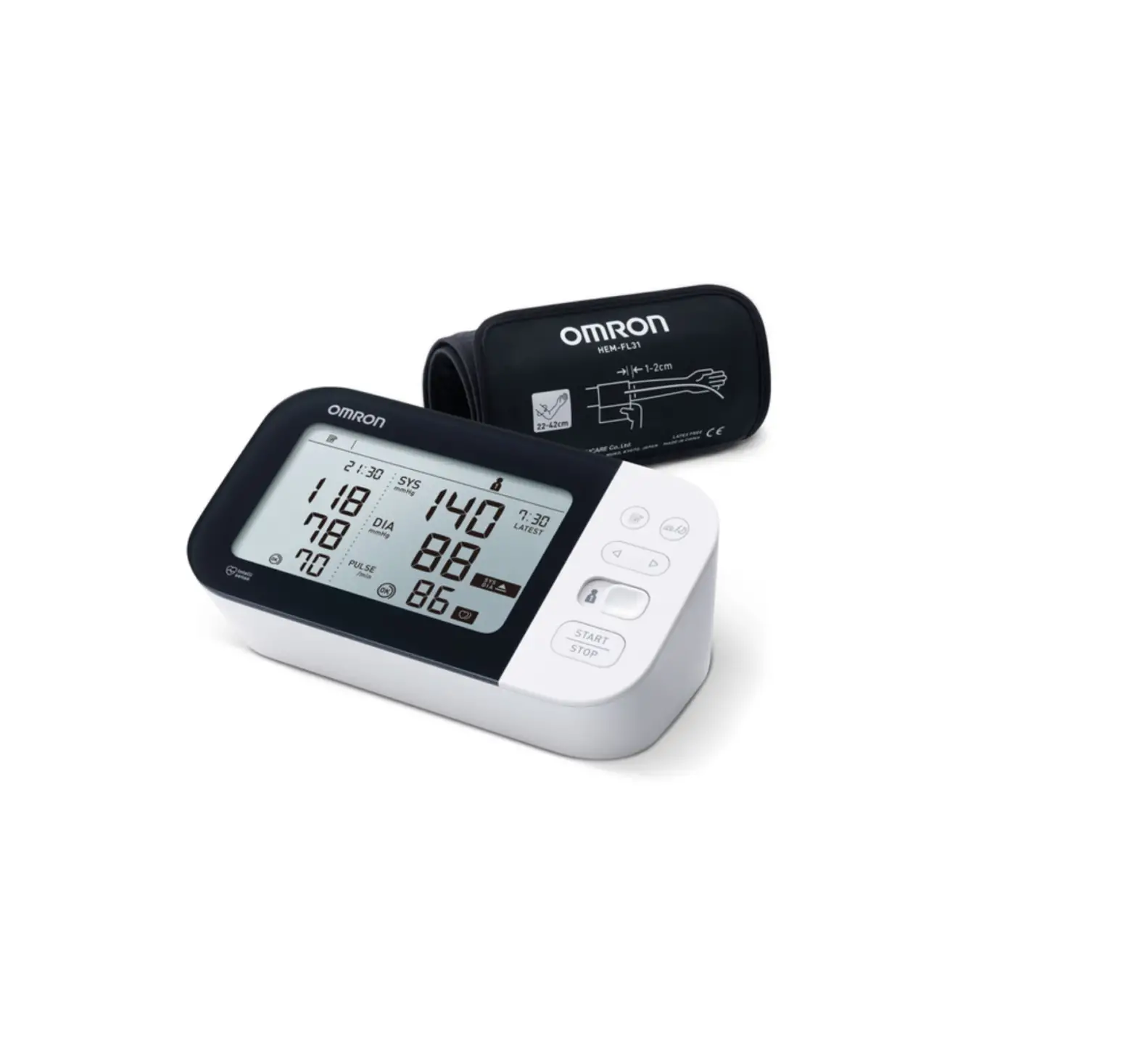
 OMRON Healthcare Europe | Medical Devices and Healthcare Solutions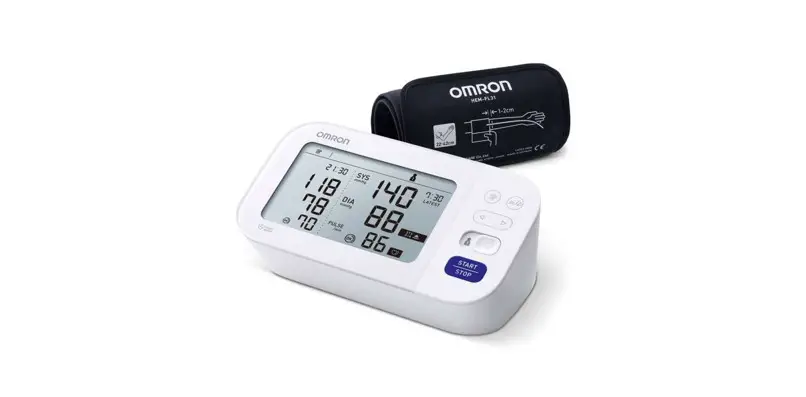


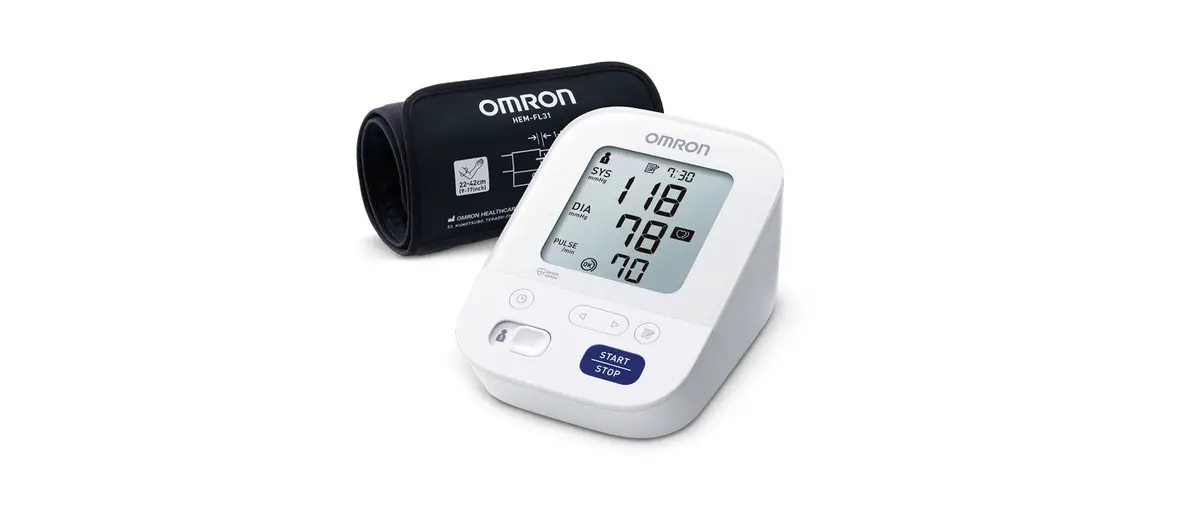

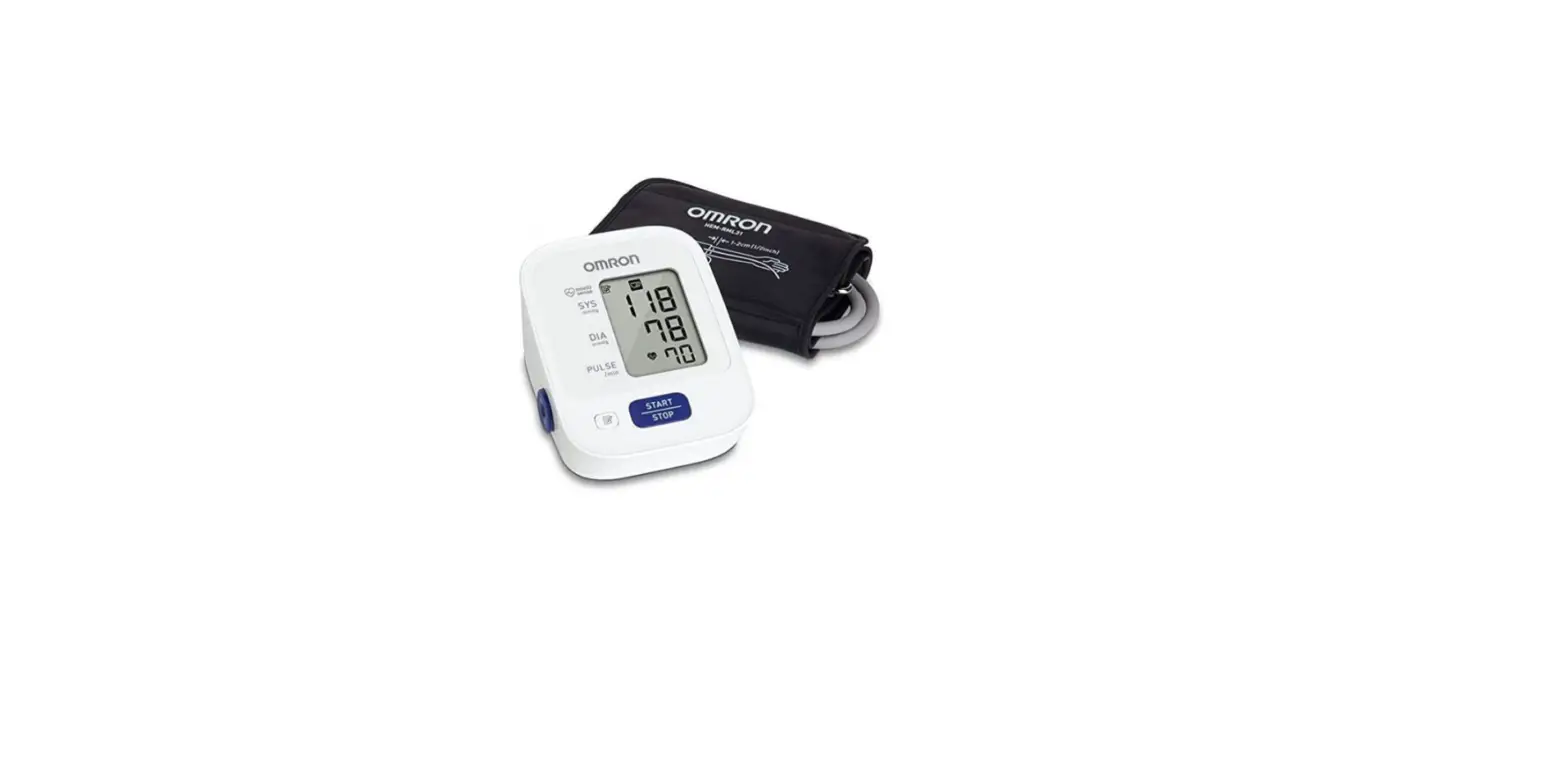

![Omron Automatic Upper Arm Blood Pressure Monitor Instruction Manual [m3 Comfort (hem-7155-e), X3 Comfort (hem-7155-eo)]](https://static-data1.manualsee.com/1/img/384/52739/2021/01/Omron-Automatic-Upper-Arm-Blood-Pressure-Monitor-Instruction-Manual-M3-Comfort-HEM-7155-E-X3-Comfort-HEM-7155-EO.jpg "Omron Automatic Upper Arm Blood Pressure Monitor Instruction Manual [m3 Comfort (hem-7155-e), X3 Comfort (hem-7155-eo)]")