LoRaWAN Gas Alarm
Product Information:
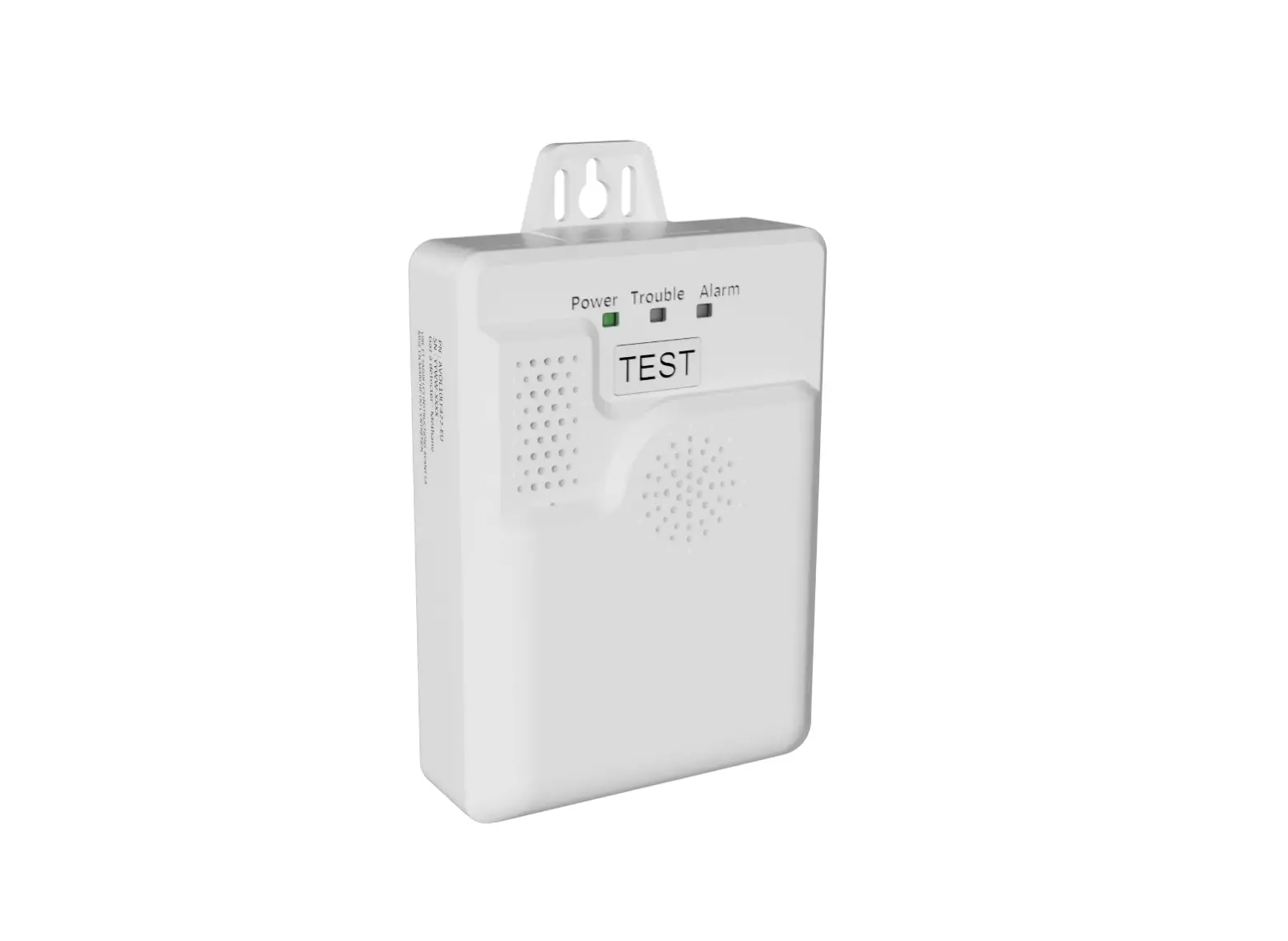
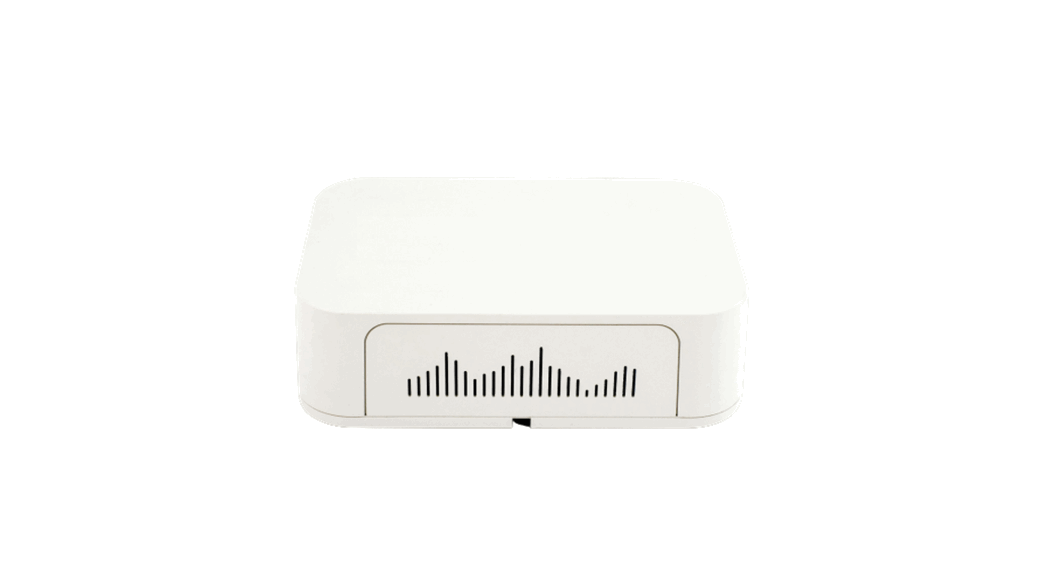
The product is called Avolta and it is a gas alarm device. It is
designed to detect gas concentration and provide audio and visual
alerts when the concentration exceeds a certain threshold. The
device uses LoRaWAN technology for network connectivity and is
powered by a battery.
Product Usage Instructions:
- Before each installation, reconnect the battery.
- Press the TEST button for 10 seconds.
- Battery test: The device will perform a battery test for 1
second. - If the battery is OK, 3 LEDs will blink one by one and there
will be a beep sound. - Alarm test: The device will perform an alarm test for 3
seconds. There will be a beep sound, a pre-recorded message will be
played, and the red LED will blink. - LoRaWAN join request: The device will send a network join
request for 10 seconds. At 3 seconds, there will be a beep sound,
and at 10 seconds, there will be 2 beeps indicating a network join
request (even if already joined). - Power LED indications:
- Green LED: Indicates battery and network status.
- Blinks every minute when the battery is low.
- Blinks during LoRaWAN connection.
- Blinks 3 times if the connection is successful.
- Trouble LED indications:
- Yellow LED: Indicates product or network error.
- Blinks every minute when a sensor fault is detected.
- Blinks 3 times if LoRaWAN connection fails.
- Alarm LED indications:
- Red LED: Indicates gas alarm.
- Blinks every minute when gas concentration is above the
threshold.
- During installation:
- Unscrew the device.
- Plug-in the device.
- Close and tighten the device.
- The LED blinks during the connection process.
- If the connection fails, the LED blinks 3 times.
- Keep Avolta in a methane-free environment during the 6-minute
warm-up period. - To access more information:
- Scan the provided QR code to access the User Manual or
Datasheet. - Alternatively, visit elichens.com/avolta-start.
- Contact us at [email protected] for further assistance or
inquiries.
- Scan the provided QR code to access the User Manual or
Before each installation please reconnect the battery then press TEST button for 10 sec.
Battery test 1 sec
3 LEDs blinking (one by one) + Beep if battery is OK
Alarm test 3 sec Beep + Pre-recorded message + red LED blinking
LoRaWAN join request 10 sec Beep at 3s + 2 Beeps at 10s + Network join request
(even if already joined)
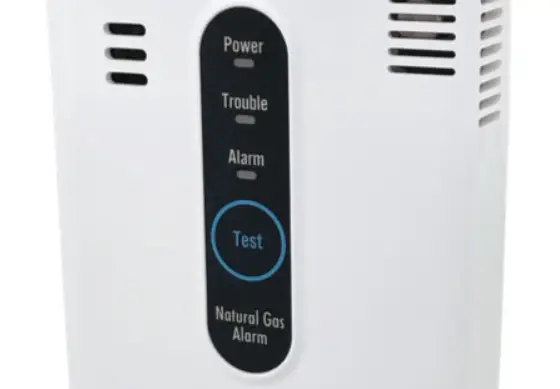
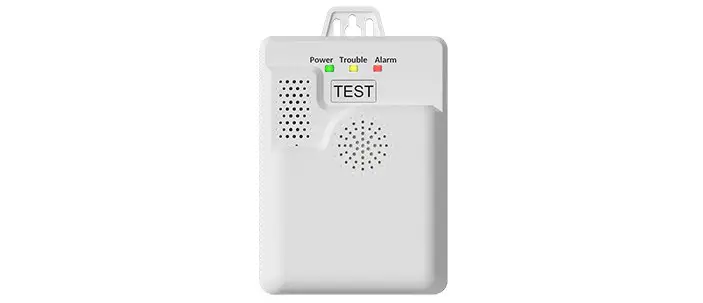
Power
Green: Battery and network status
Blinks every minute when battery is low Blinks during LoRaWAN connection + 3 times if connection is successful
Trouble Yellow: Product or network error
Blinks every minute when a sensor fault is detected Blinks 3 times if LoRaWAN connection fails
Alarm Red: Gas alarm
Blinks every minute when gas concentration is above threshold
Unscrew
Plug-in
Close & tighten
blinks during
connection
FAILED x3
x3 CONNECTED
wait Keep Avolta in a methane-free environment during the 6 min warm-up.
Get access to :
SCAN THIS
User Manual
QR CODE
Datasheet
or enter this link
elichens.com/avolta-start
Visit elichens.com for more information or contact us at [email protected]
 eLichens - Air Quality Solutions - smart gas sensors and stations