 Activate Audio Solutions
User Guide
GETTING STARTED WITH ACTIVATE
Get the Activate App
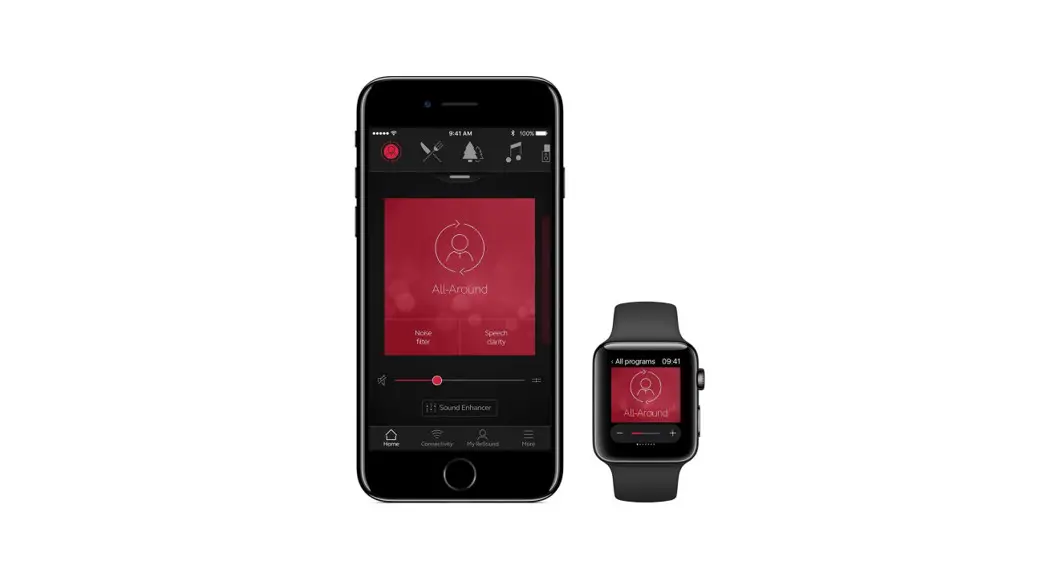
Activate Pods can be controlled by the teacher microphone or the Lightspeed Activate App which can be downloaded from the iOS App Store or Google Play Store: https://apps.apple.com/us/app/lightspeed-activate/id1217892850
https://play.google.com/store/apps/details?id=com.lightspeed_tek.activate&hl=en_US&gl=US
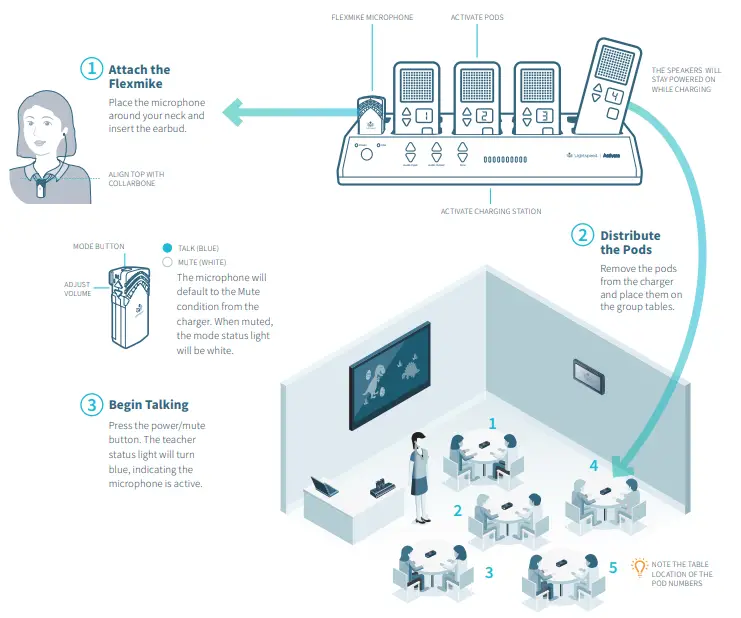
When using the app, refer to the app tutorial. When using the microphone, see the reverse side.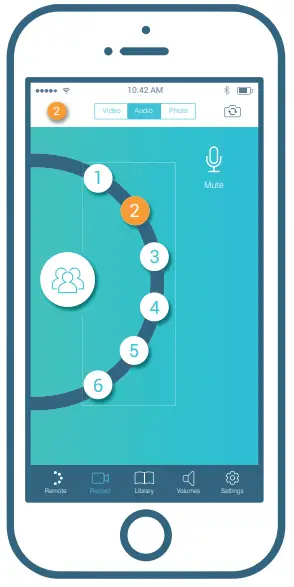
USING YOUR MICROPHONE TO CONTROL ACTIVATE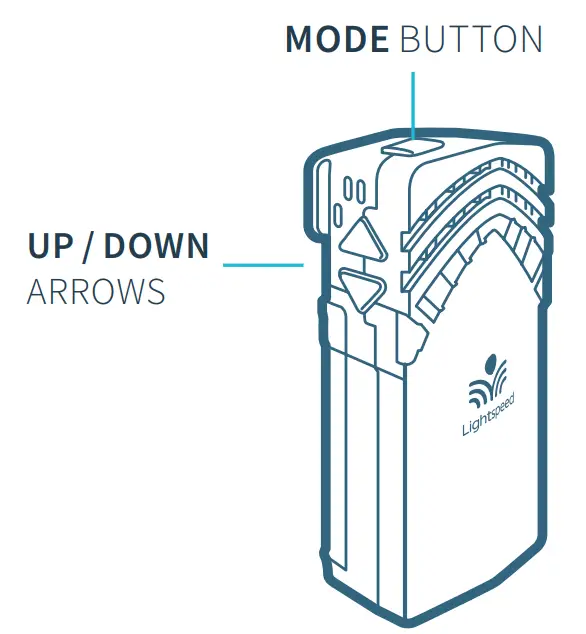
| Action | Response | Description | |
| CLASS MODE | |||
| Whole class instruction | Tap the mode button | Button lights blue | Teacher can address the entire classroom through the classroom speaker |
| Adjust microphone volume | Up/down arrows | Volume changes in class speaker | Turn the microphone volume up or down |
| POD MODE | |||
| Listen to small groups | Tap the mode button | Button lights white | Teacher can toggle through pods to listen to small groups |
| Select pods | Up/down arrows | Selected pod number sounds in earbud | Jump from pod to pod listening to different groups |
| Talk to pods / listen to pods | Double Tap mode button (toggle between listen/talk) | Voice response in earbud | Talk to individual groups Double tap again to just listen |
| Pod to class (student sharing) | Press and hold up arrow | Voice response in earbud | Individual pods broadcast through the class speaker for student sharing |
| Student sharing pod selection | Up/down arrows | Voice response in earbud | Use the up/down arrows to allow other groups to share out |
- Each pod has a call button for students when they need assistance.
- When the button is pressed, the teacher will hear a tone in their earbud describing which pod is calling.
- If the pod is not selected, the message will call one more time.

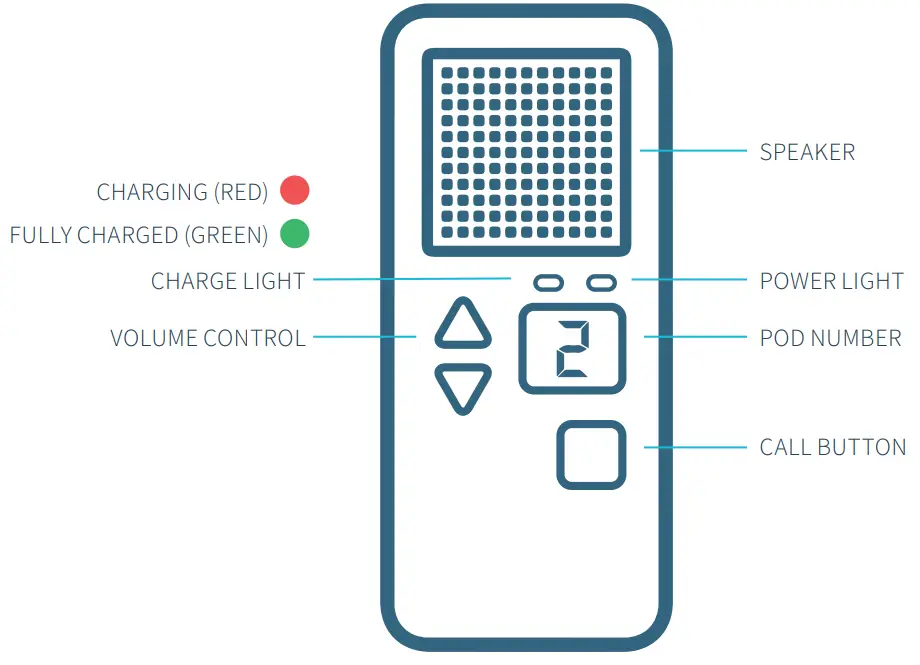
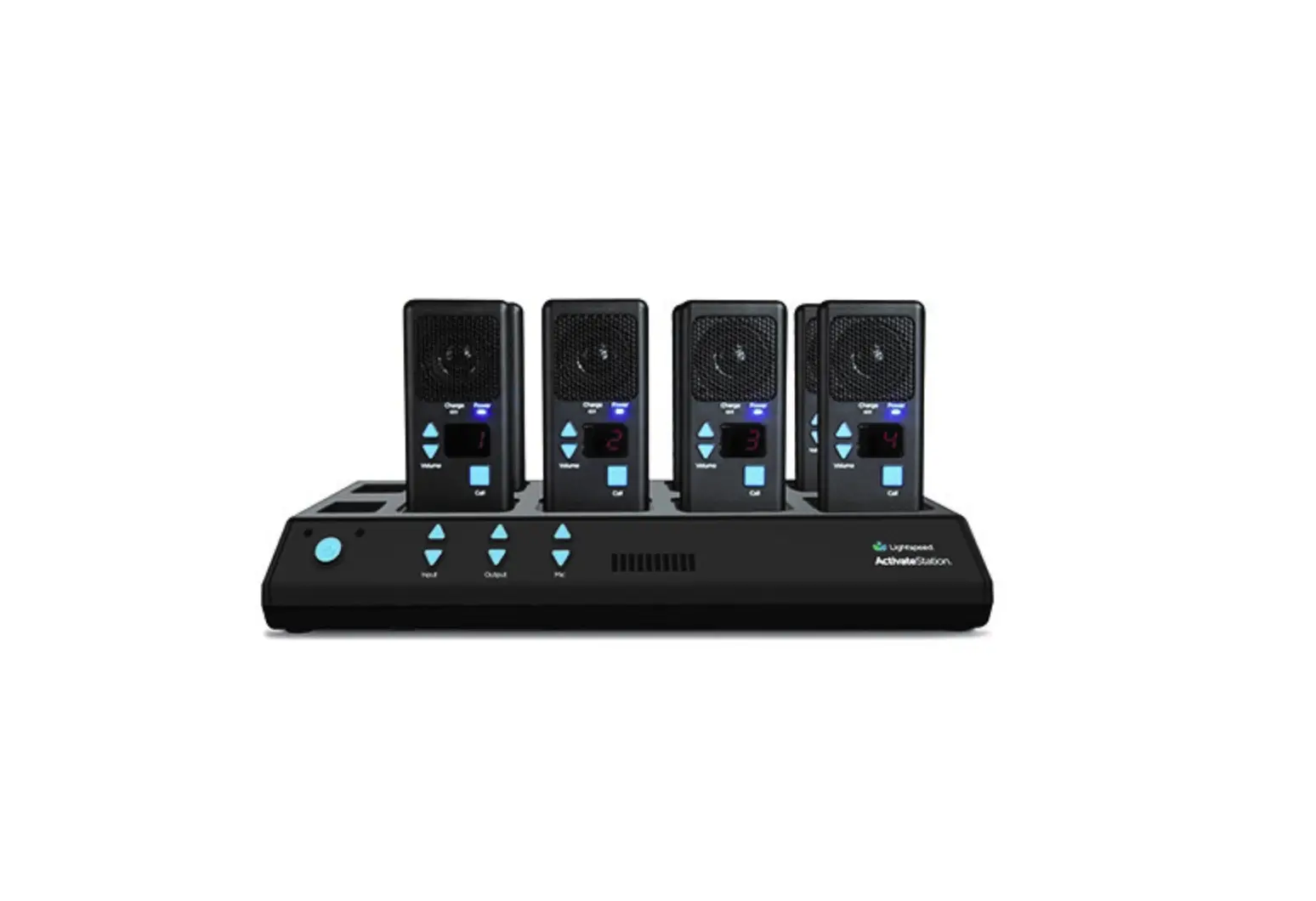
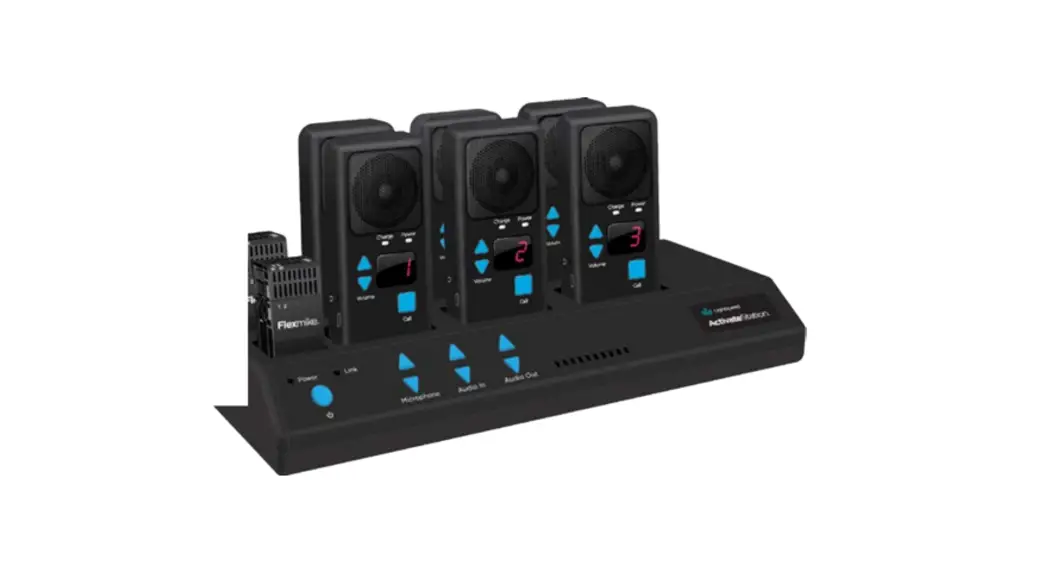
RETURN THE COMPONENTS TO THE ACTIVATE STATION FOR NIGHTLY RECHARGING
- Place all components in their respective charging slots
- Charging lights will light: red = charging; green = fully charged.
- The units will fully charge overnight.
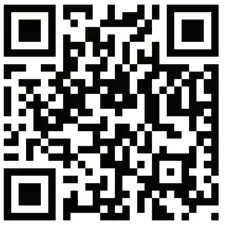 For complete operating instructions, go to www.lightspeed-tek.com/ACN-usermanual (or scan the barcode).