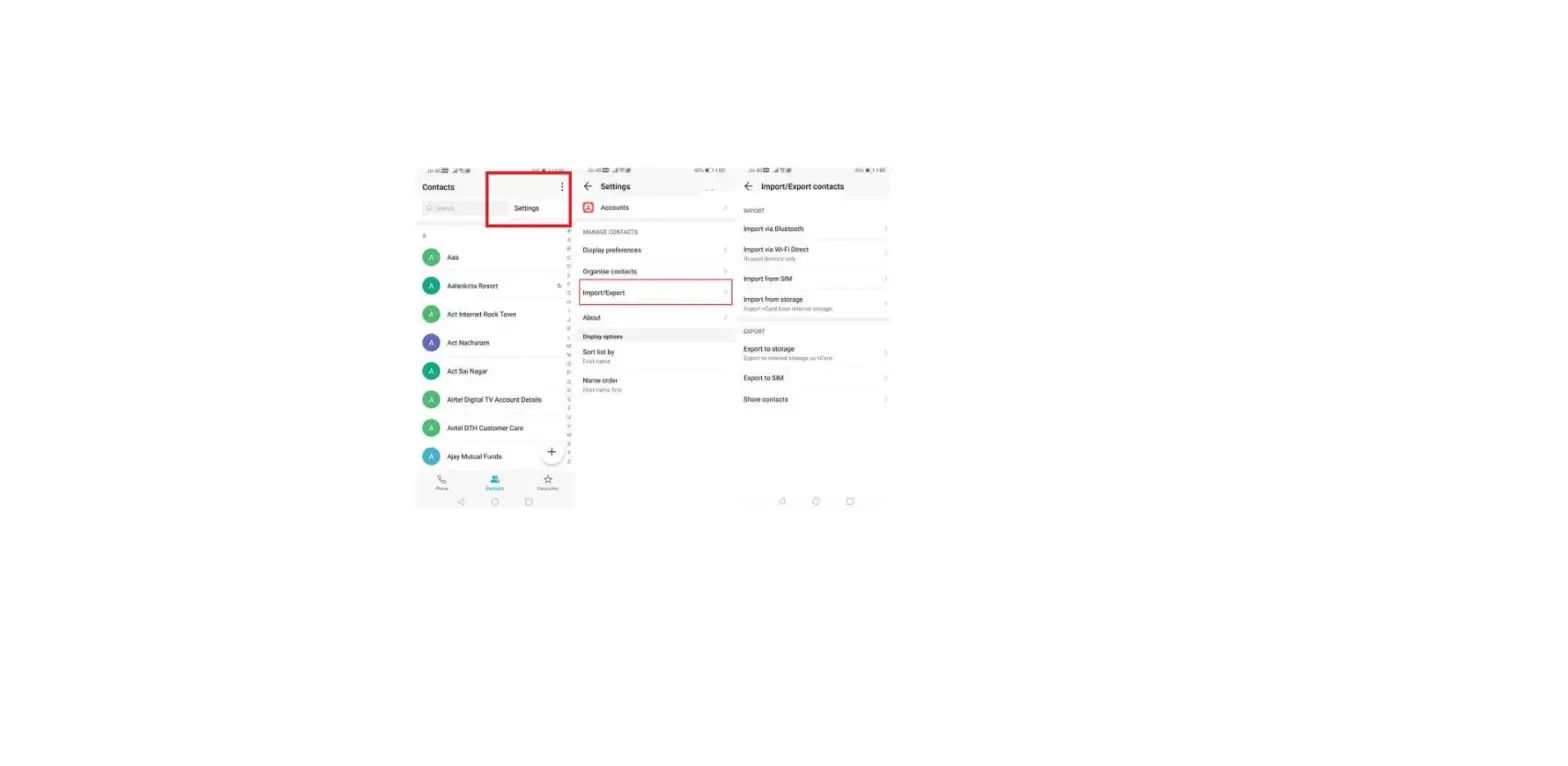
Viewing call records for individual contacts
1. Open  Contacts.
2. Select the desired contact and touch Call log.
3. Swipe up on the list to view all entries. You can:
– Touch an entry to call the contact.
– Touch  > Delete to delete all entries.
– Touch and hold an entry to delete it or edit it before calling.
Questions about your Huawei Mate 10? Post in the comments!
Huawei Mate 10 Manual [PDF]