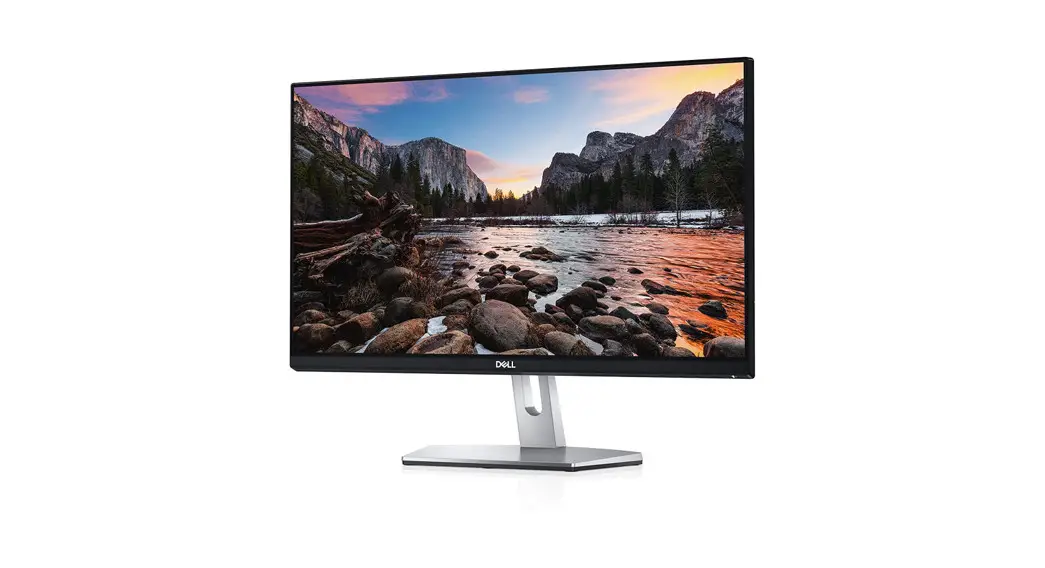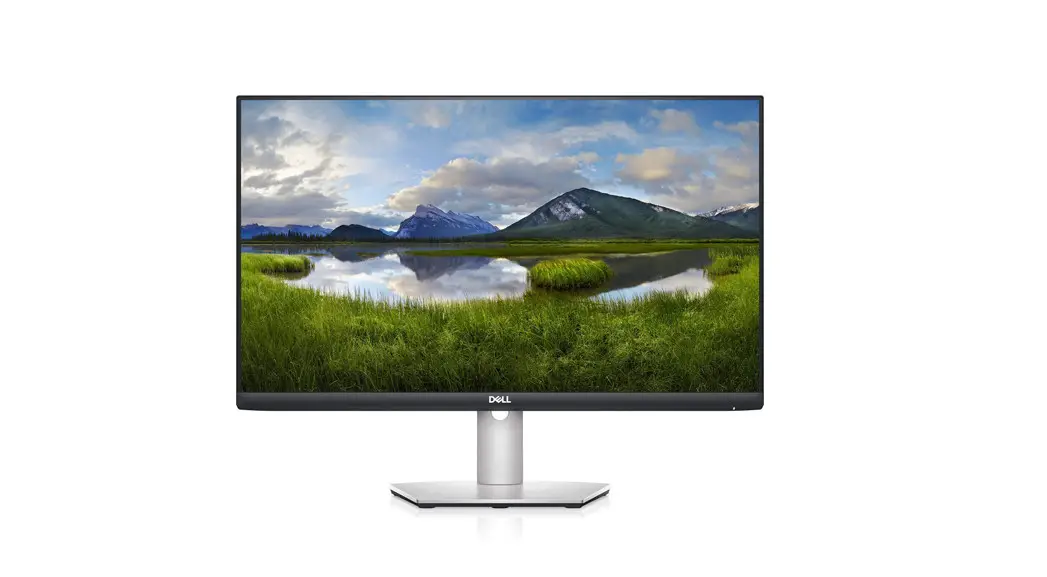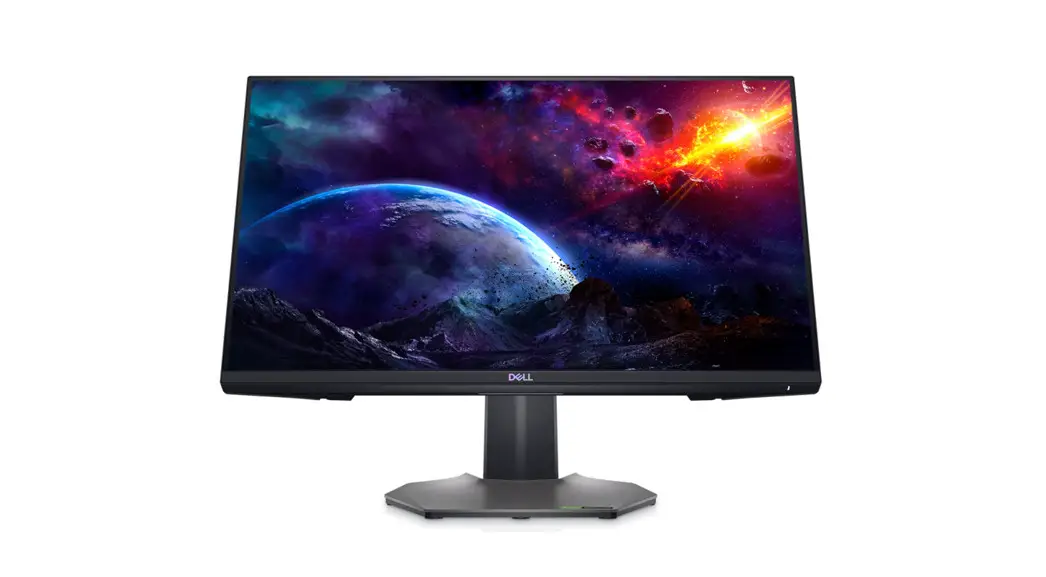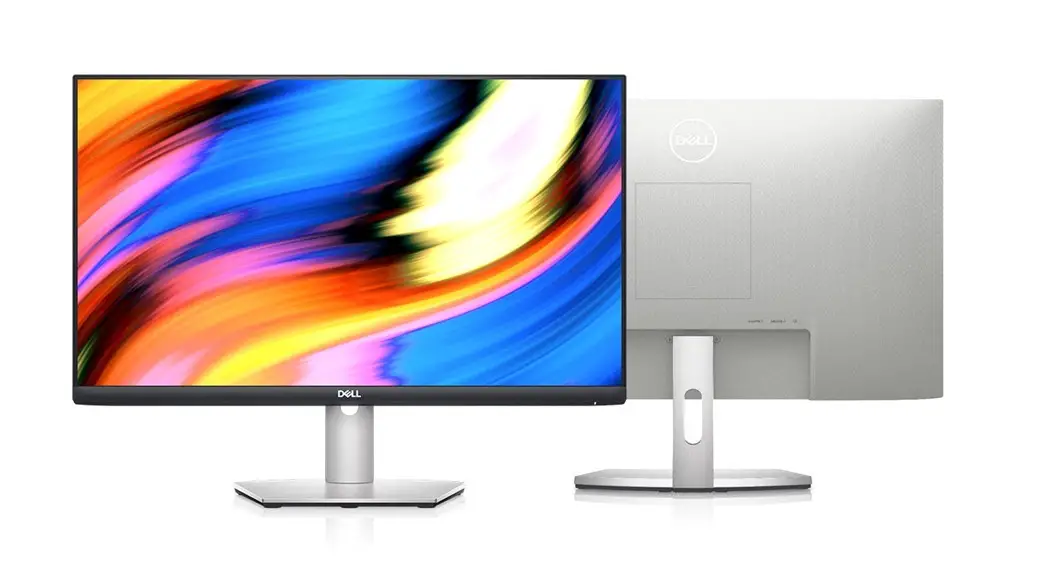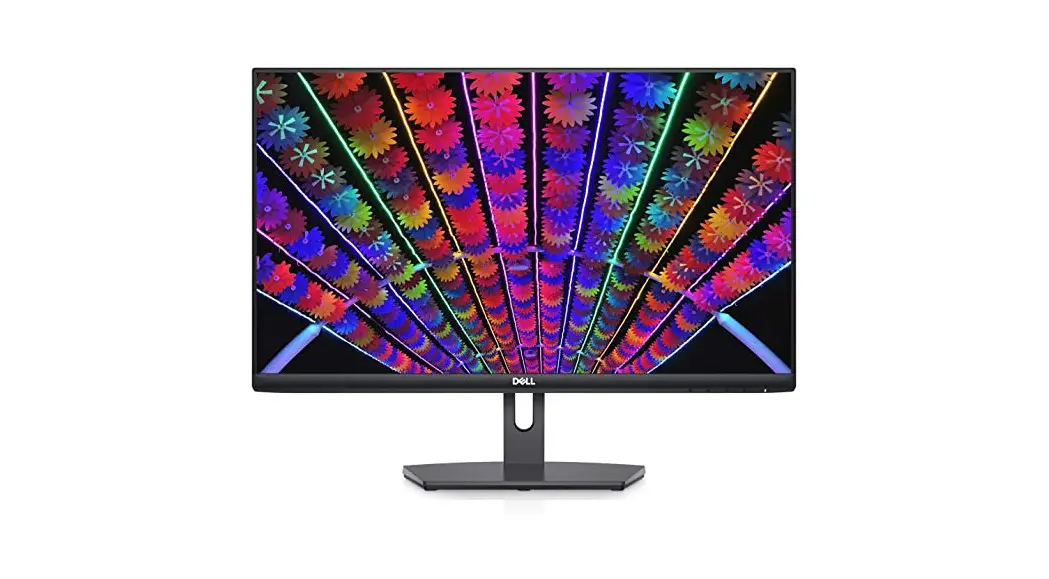
S2421HN/NX
Disassembly Procedures:
S1 Open the Pizza carton with a proper tool.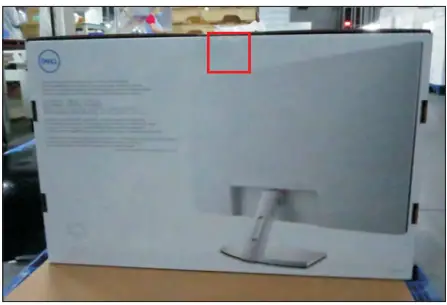
S2
Take out all of the accessories including QSG, HDMI cable, power cable, CD&user’s manual, stand base, stand riser, and EEI label from the carton. (Note: It depends on whether users returning the accessories)
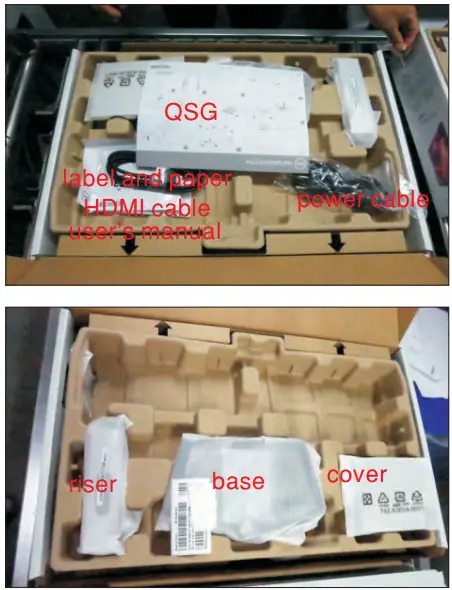
S3
Take out of from the carton, then take out the monitor from the EPE bag and put it on a protective cushion. molded pulp with base, riser, and cover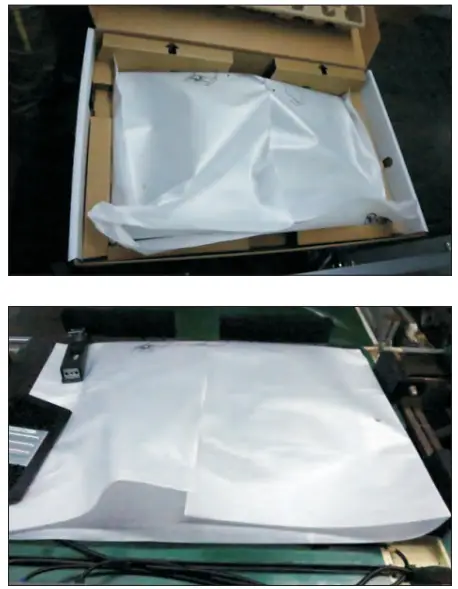 S4
S4
Use a Philips-head screwdriver to remove 6pcs screws for unlocking mechanisms.
(No.1~4 screw size=M4x11; Torque=7 8kgfxcm;
No.5~6 screw size=M4x8; Torque=7 8kgfxcm)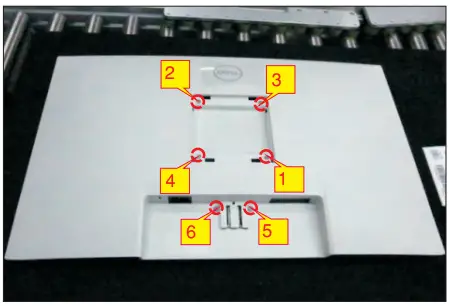 S5
S5
Wedge your fingers between the rear cover and the middle bezel on the corners of the top side of the monitor to release the rear cover, then use one hand to press the middle bezel, the other hand to pull up carefully the rear cover in order of arrow preference for unlocking mechanisms of rear cover.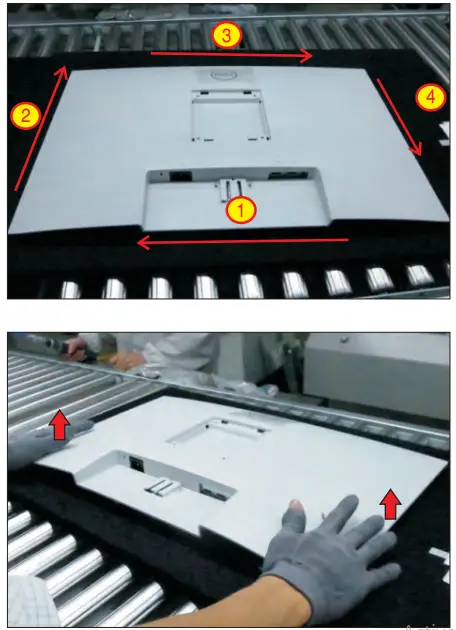 S6
S6
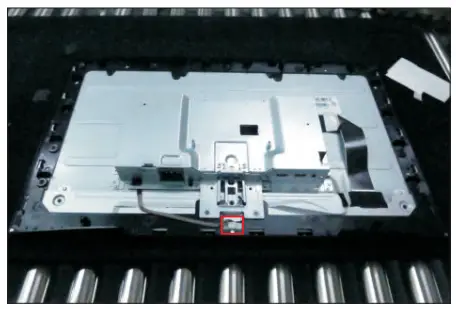
Tear off 2pcs aluminum foils, and then disconnect the function key cable away from the connector of the board. Disconnect the panel lamp cable away from the connector of the panel.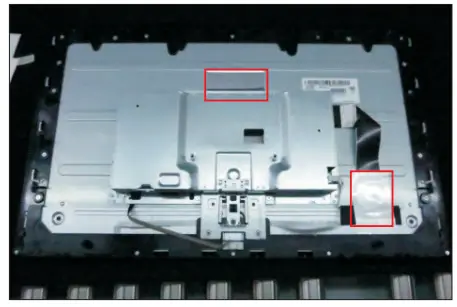
 S7
S7
Use a Philips-head screwdriver to remove 16pcs screws for unlocking the middle bezel.
(No.1~11 screw size=M3x4, Torque=3~4kgfxcm;
No.12~16 screw size=M2x3.3, Torque=1±0.2kgfxcm)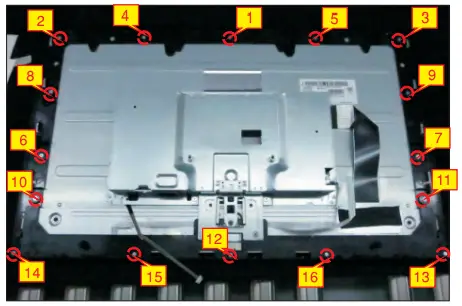 S8
S8
Use a Philips-head screwdriver to remove 2pcs screws for unlocking the bracket with middle bezel, to remove 2pcs screws for unlocking the bracket with panel module.
(No.1~2 screw size=M3x4, Torque=3~4kgfxcm;
No.3~4 screw size=M3x3.5, Torque=2~3kgfxcm )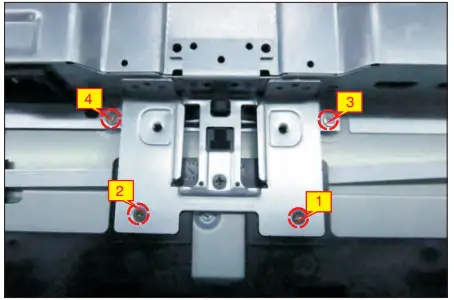 S9
S9
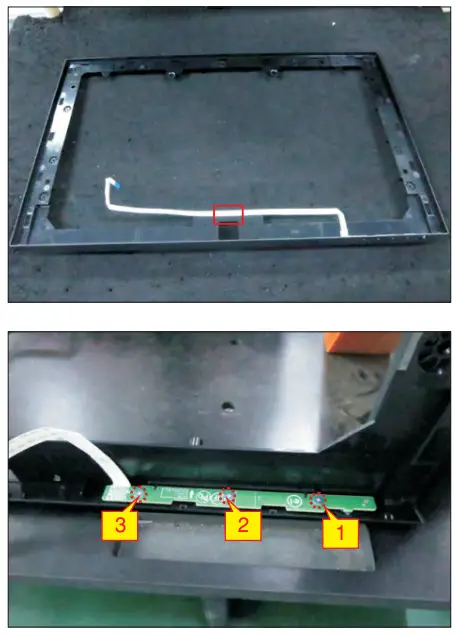
Take away the middle bezel, and put it on a fixture.
Use a Philips-head screwdriver to remove 3pcs tear off the tapes for screws for unlocking the function key board with the middle bezel, and then releasing the key cables.
(No.1~3 screw size=M2x2.4, Torque=0.8±0.2kgfxcm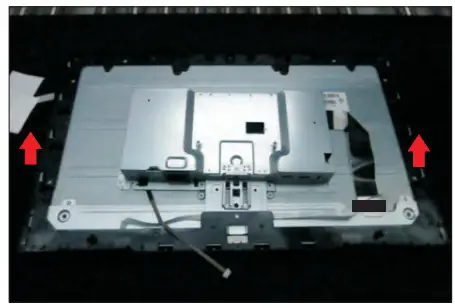
 S10
S10
Lift up the panel module with the bracket chassis for releasing the front bezel away from the panel module, and then tear off the tape.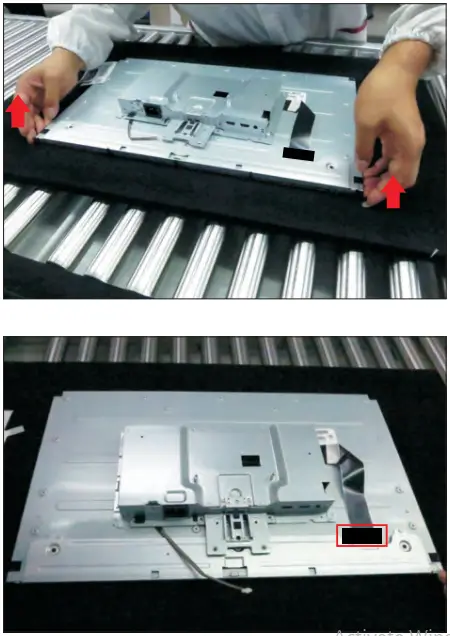 S11
S11
Unplug the LVDS cable from the connector of the panel module by pushing the earing locks.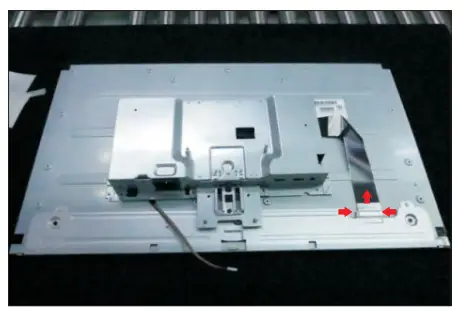 S12
S12
Take away the bracket chassis module and then put the bracket chassis module on a protective cushion.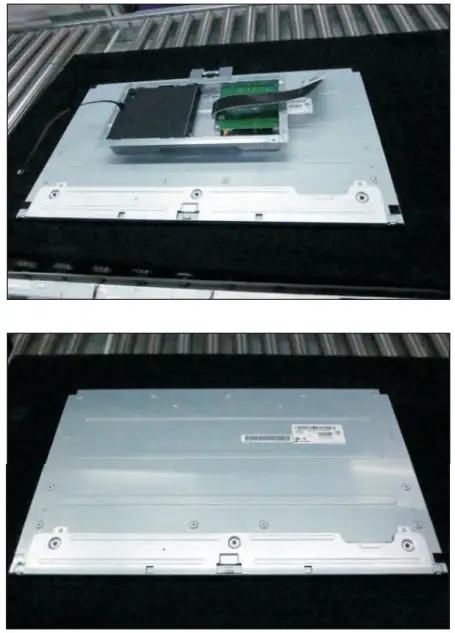 S13
S13
Remove the Mylar from the hooks of the bracket chassis module.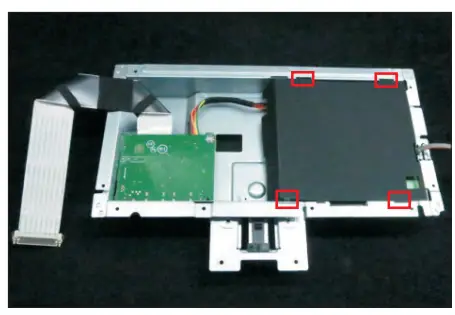 S14
S14
Use a Philips-head screwdriver to remove 5pcs screws for unlocking the circuit board, release all the cables from the hooks.
(No.1 screw size=M4x8, Torque=6±0.5kgfxcm;
No. 2~5 screw size=M3x7.5, Torque=6±0.5kgfxcm)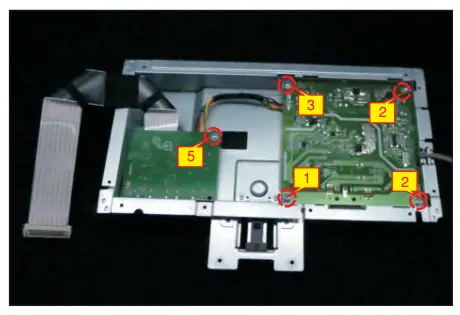
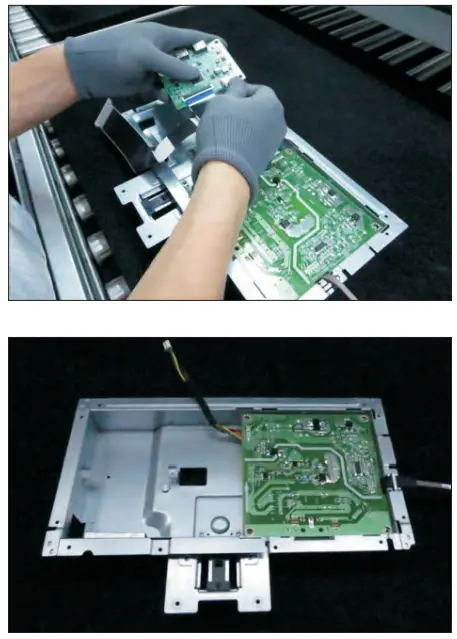 S15
S15
Remove the interface board and power board from the bracket chassis module carefully, and disconnect all the cables.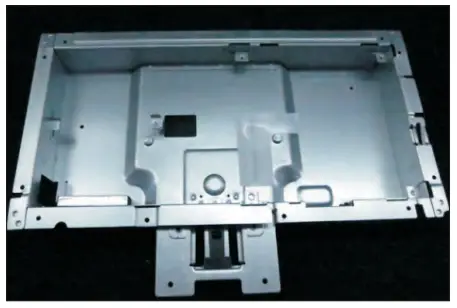 S16
S16
Remove electrolyte capacitors (red mark) from printed circuit boards.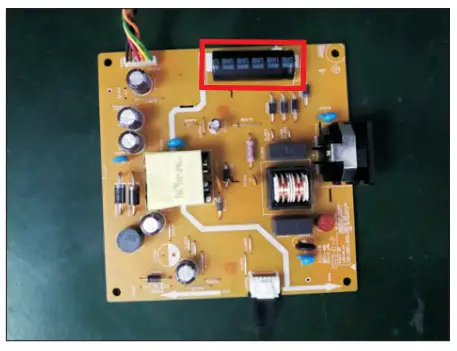 S16-1 Cut the glue between bulk caps. and PCB with a knife.
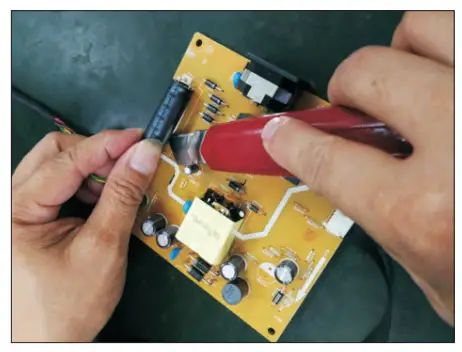 S16-2 Ensure cutting path within the glue, don’t touch bulk cap. or PCB.
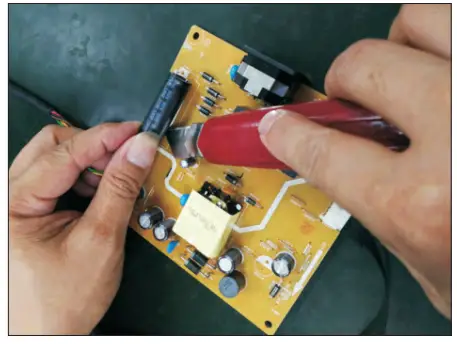 S16-3 Cut into the bottom of the bulk cap. and pull it up carefully.
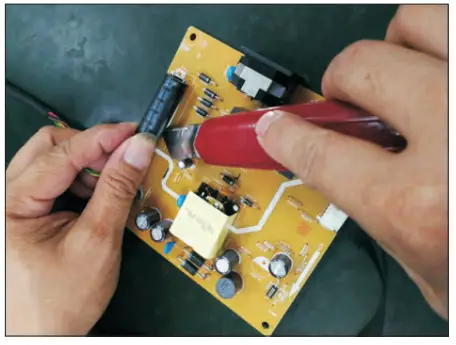 S16-4 Take out the bulk cap. pin solder with soldering iron and absorber.
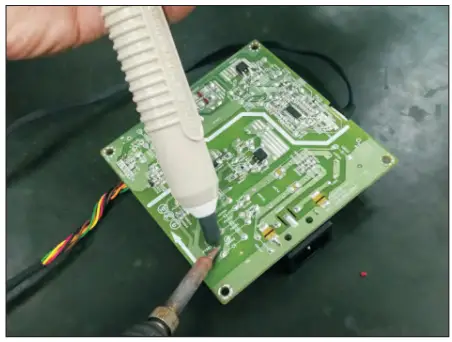 S16-5 Lift the bulk cap. up and away from the PCB.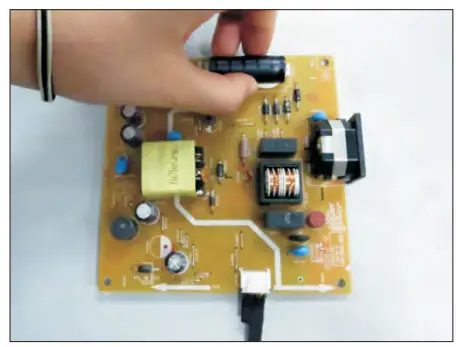
Product material information
The following substances, preparations, or components should be disposed of or recovered separately from other WEEE in compliance with Article 4 of EU Council Directive 75/442/EEC.
| Capacitors / condensers (containing PCB/PCT) | No used |
| Mercury-containing components | No used |
| Batteries | No used |
| Printed circuit boards (with a surface greater than 10 square cm) | The product has printed circuit boards (with a surface greater than 10 square cm) |
| The component contains toner, ink, and liquids | No used |
| Plastic containing BFR | No used |
| Component and waste contain asbestos | No used |
| CRT | No used |
| Component contain CFC, HCFC, HFC and HC | No used |
| Gas discharge lamps | No used |
| LCD display > 100 cm2 | The product has an LCD greater than 100 cm2 |
| External electric cable | The product has external cables |
| The component contains refractory ceramic fibers | No used |
| The component contains radioactive substances | No used |
| Electrolyte capacitors (height > 25mm, diameter > 25mm) | Product has electrolyte capacitors (height > 25mm, diameter > 25mm) |
Tools Required
List the type and size of the tools that would typically be used to disassemble the product to a point where components and materials requiring selective treatment can be removed.
Tool Description:
– Screwdriver (Phillip’s head) #1
– Screwdriver (Phillip’s head) #2
– Penknife
– Soldering iron and absorber