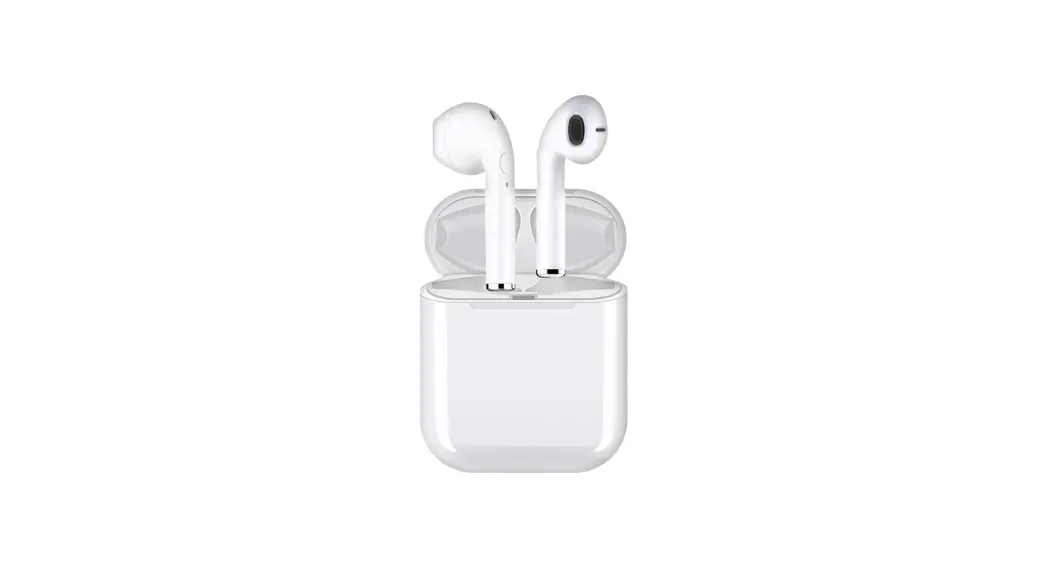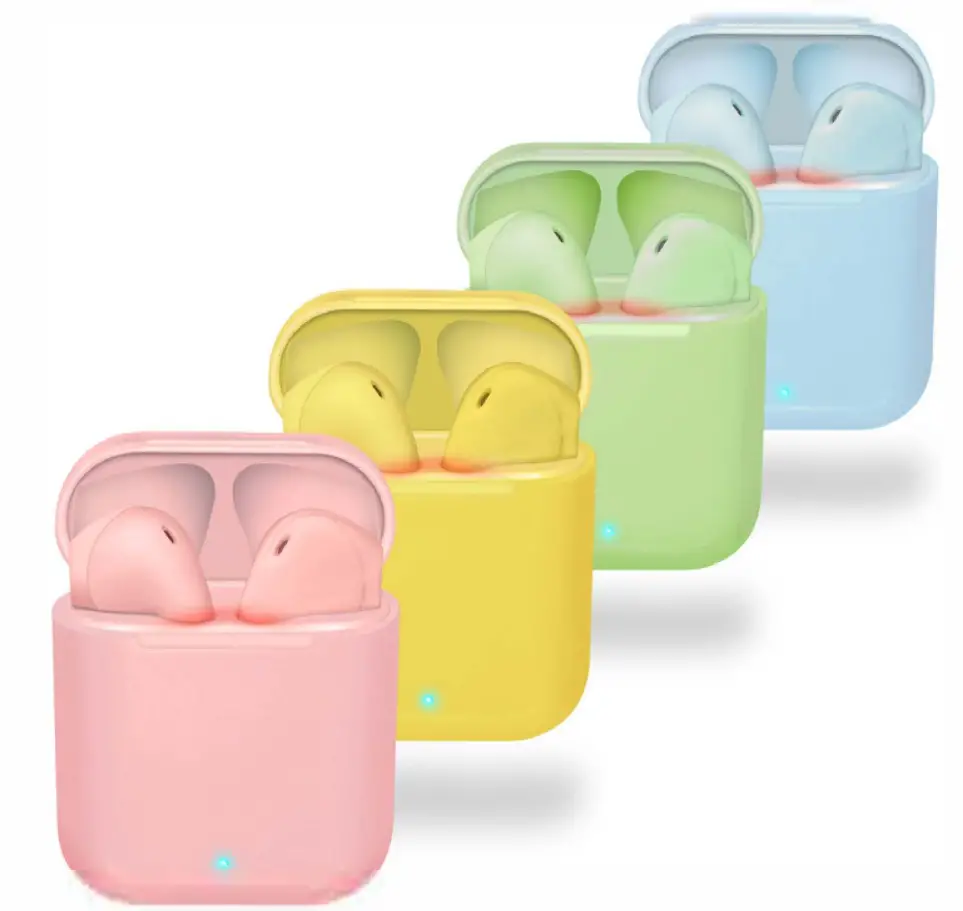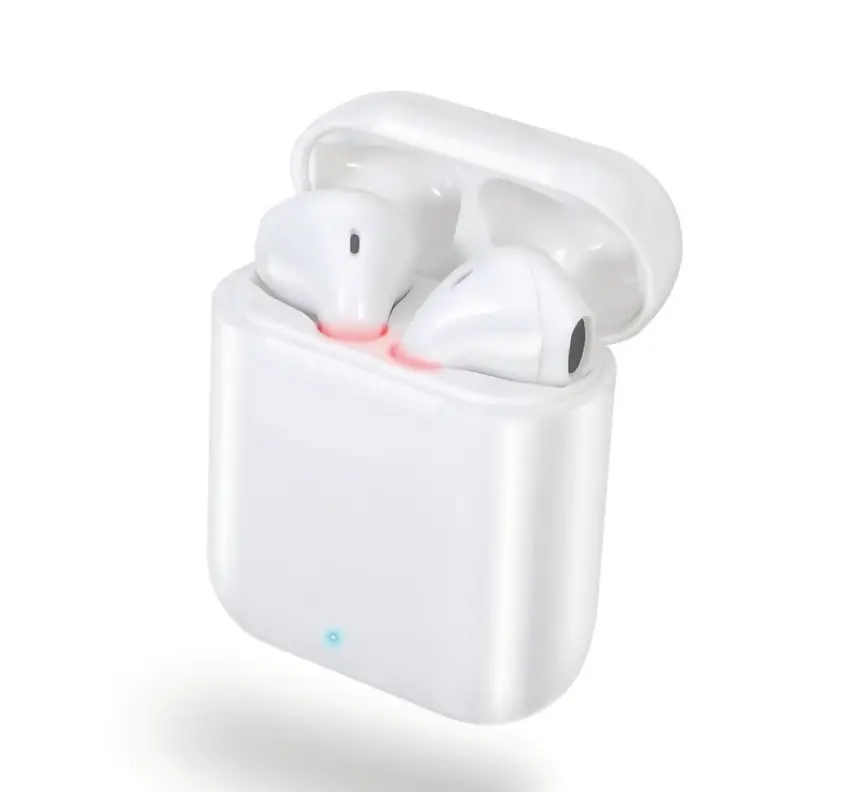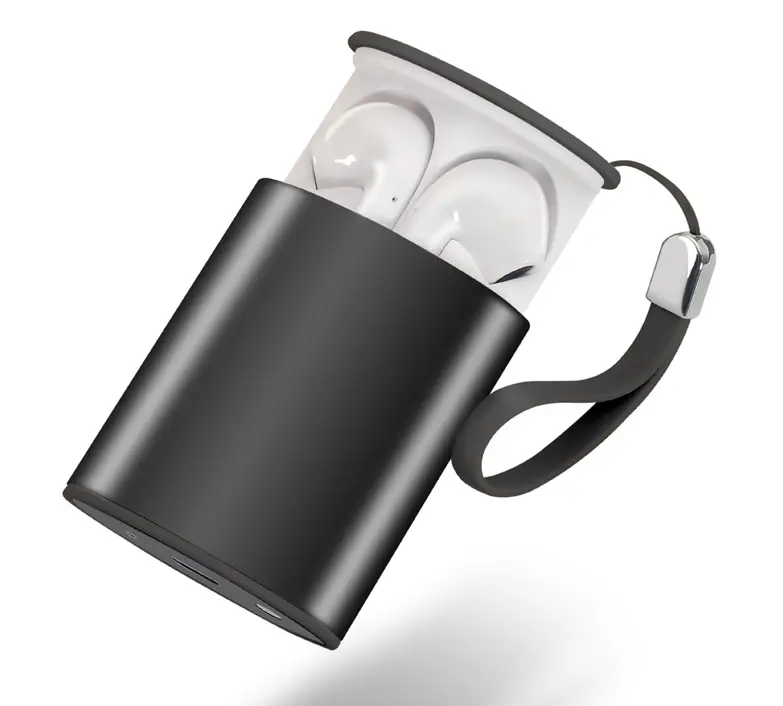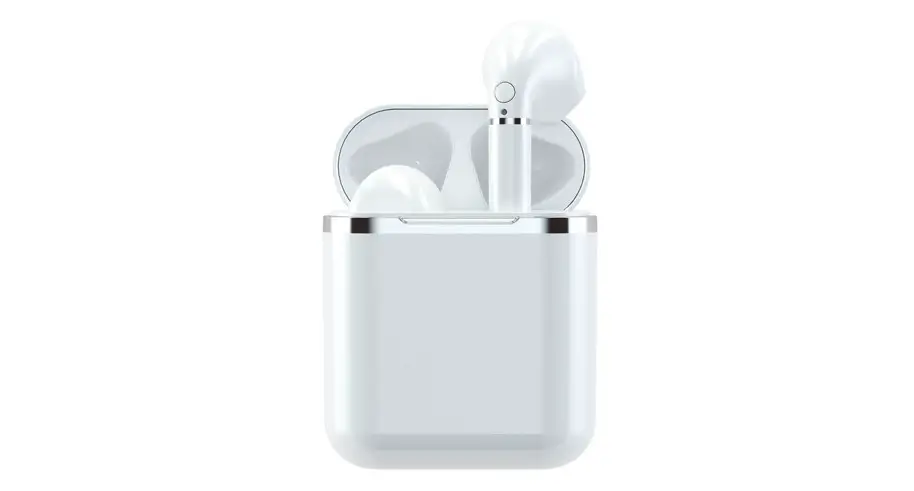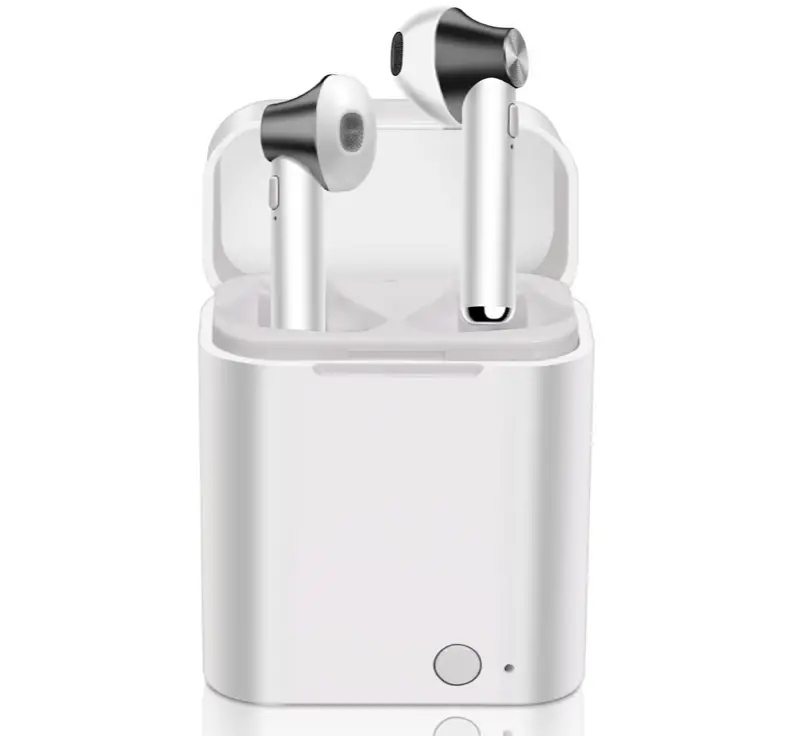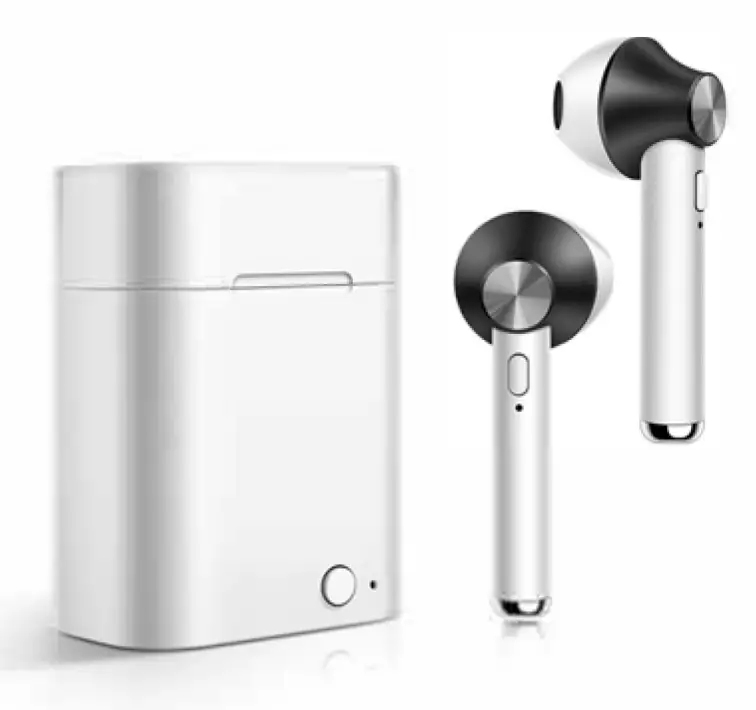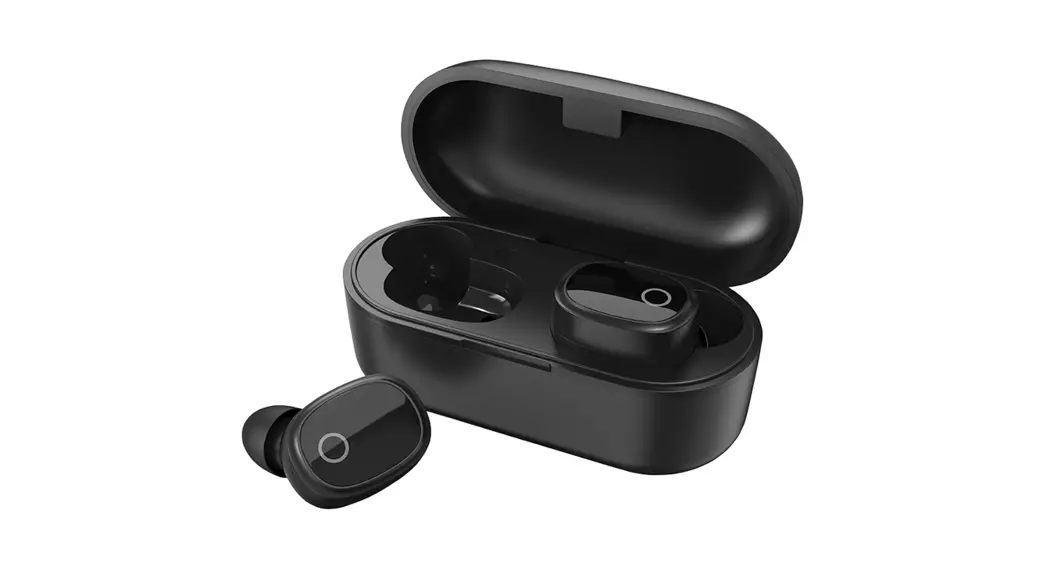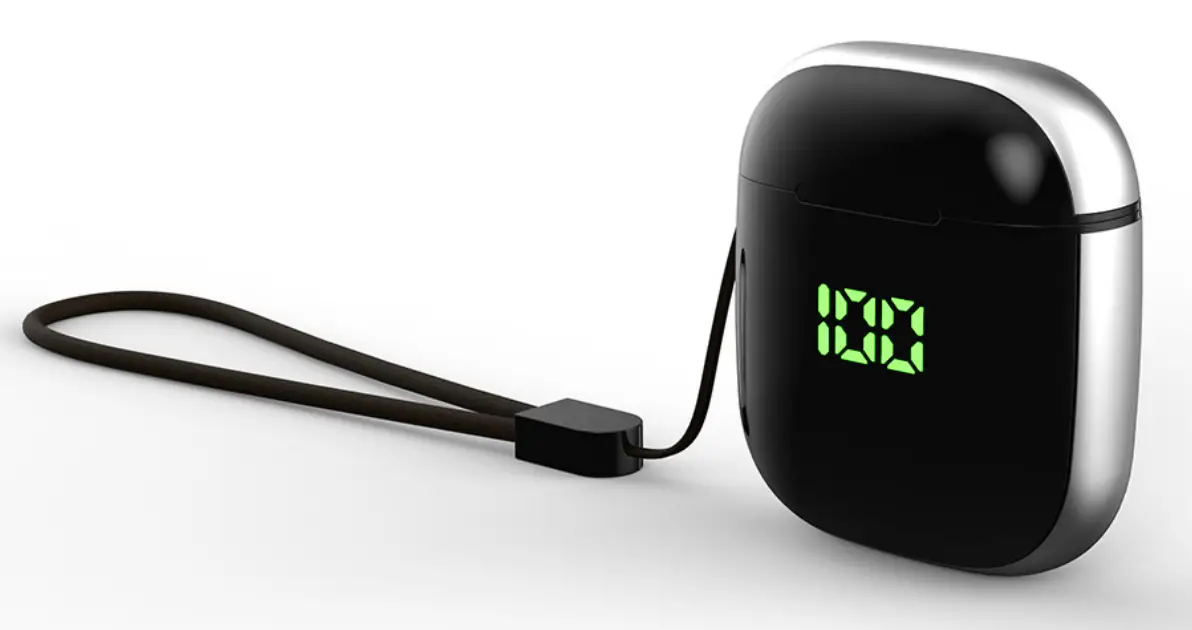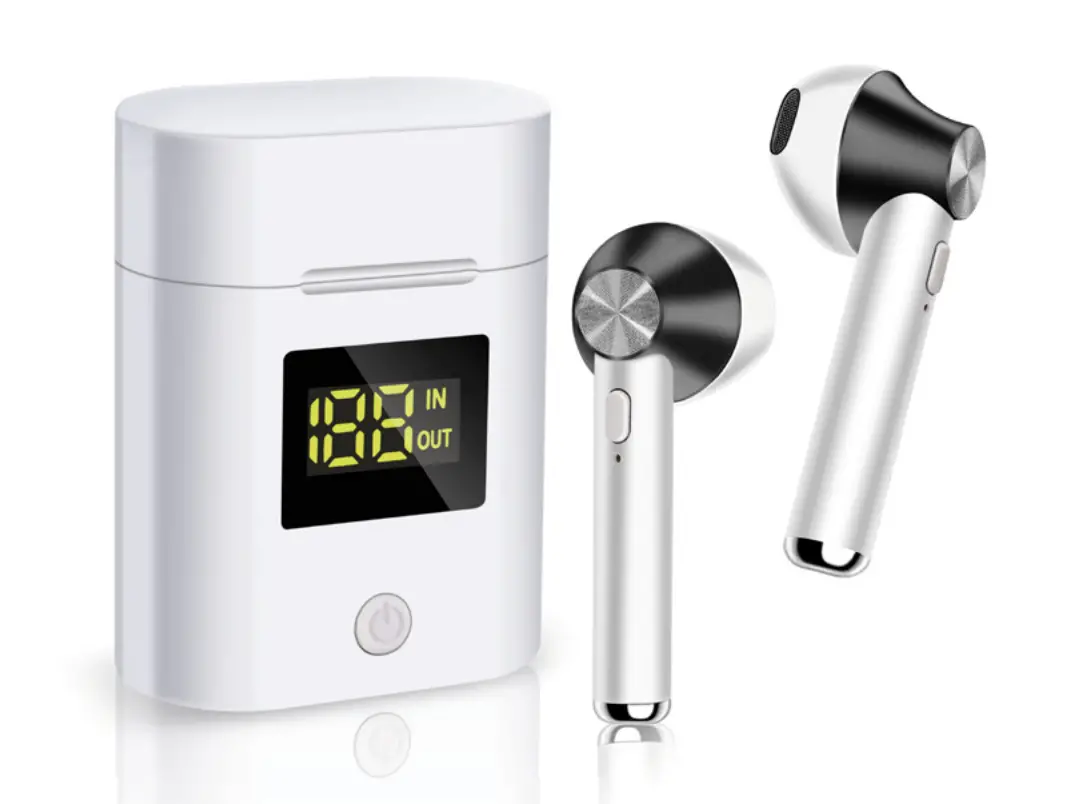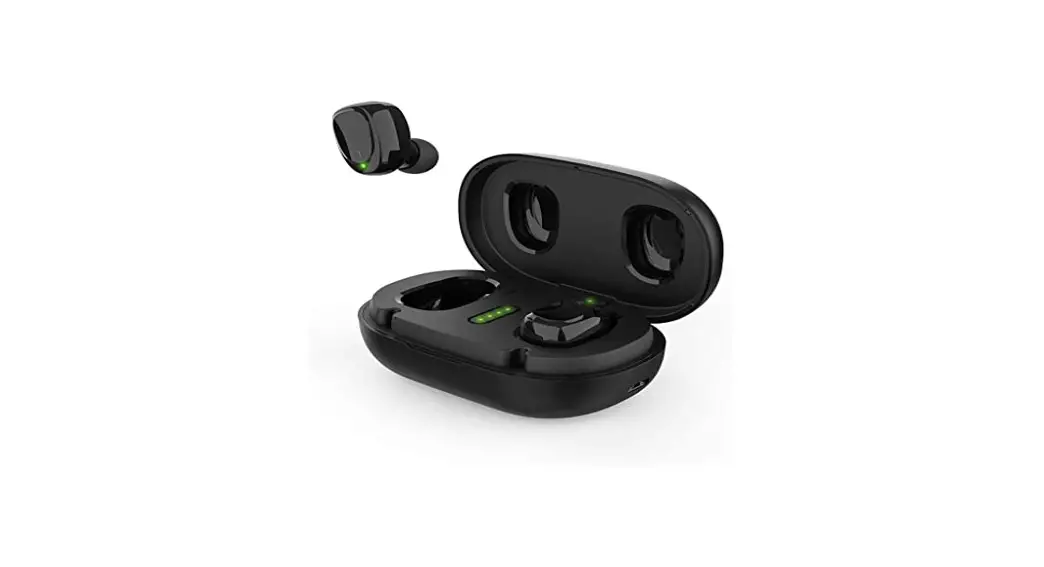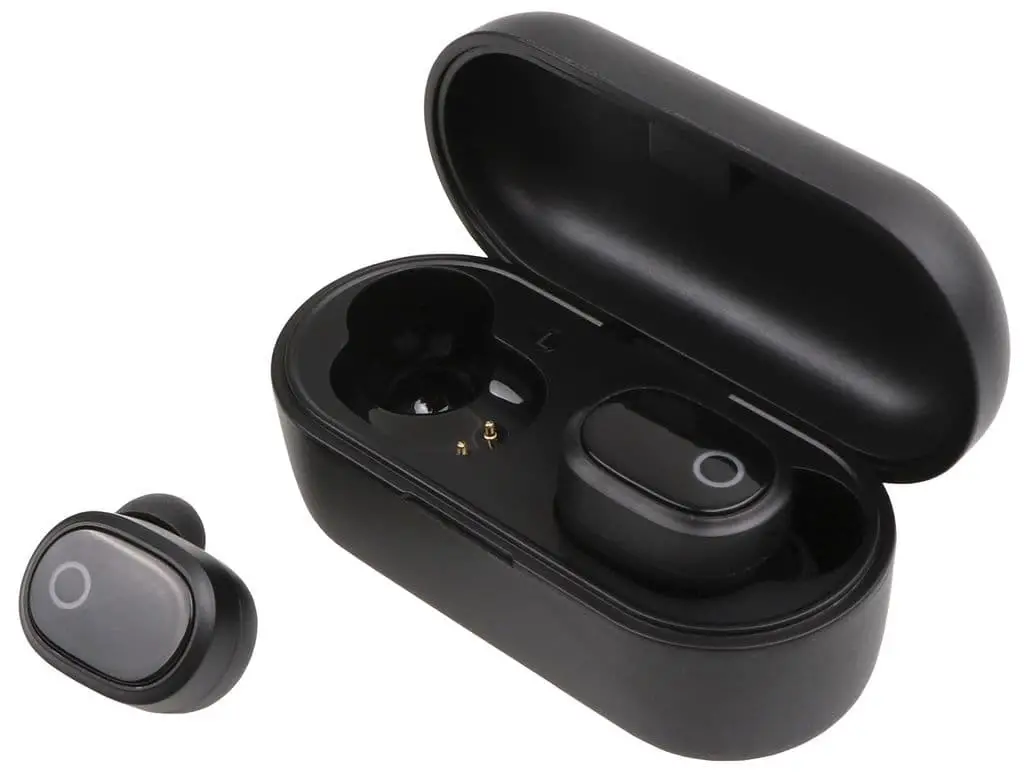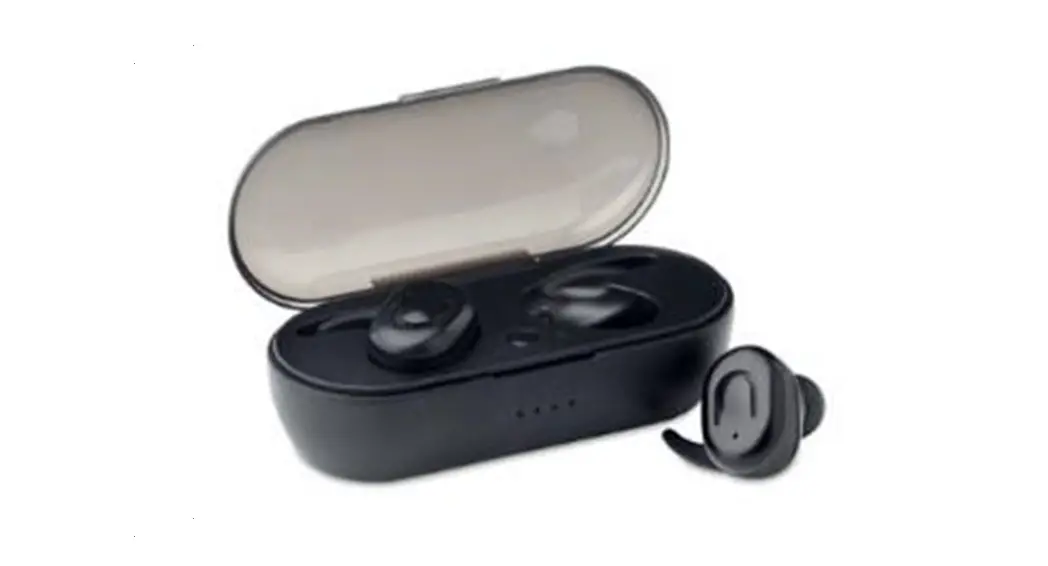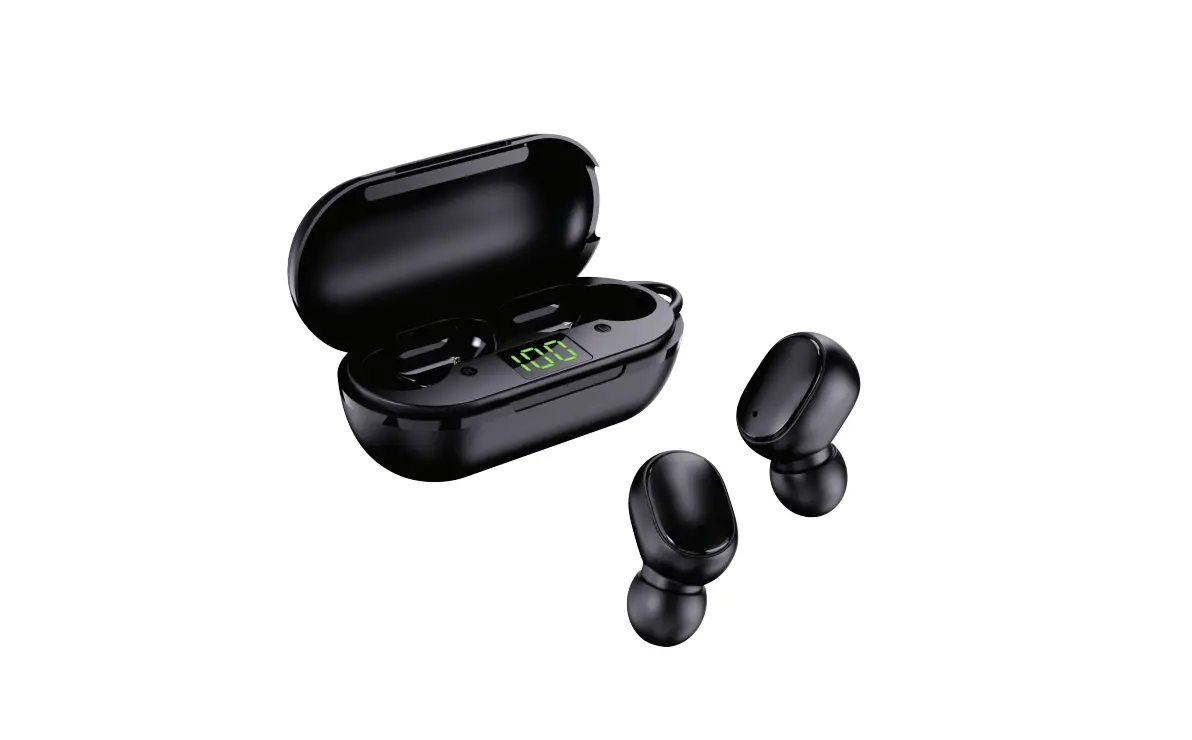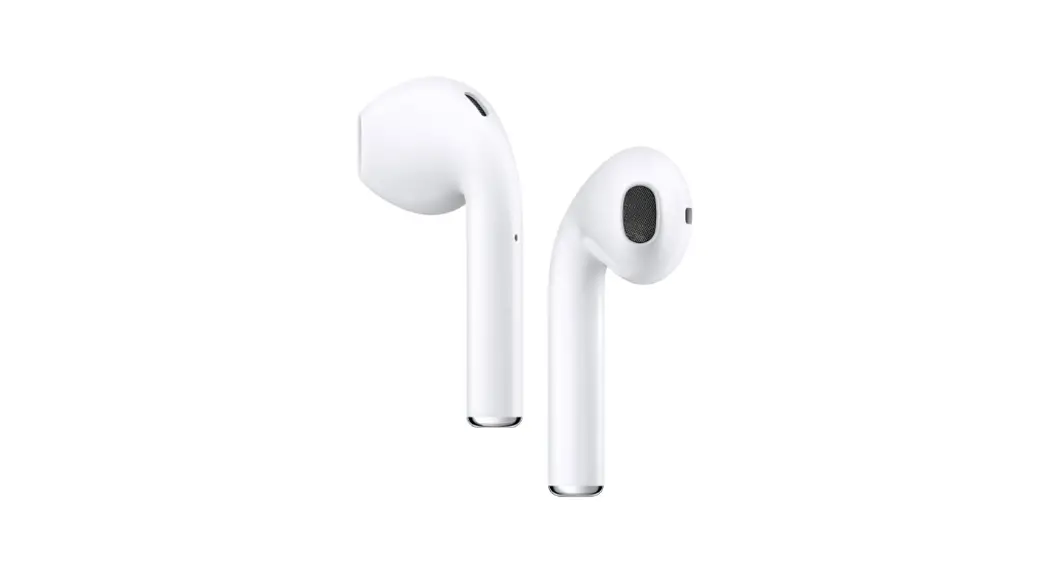
 EB-503BT True Wireless Earphones and Charging
User Guide QUICK START GUIDE
EB-503BT True Wireless Earphones and Charging
- Charge earphones while in charging case.
- Once charged, remove earpiece from case and pair with your phone.
Note: Earphone will automatically power on when removed from charging case POWER ON
Touch & Hold for 3 seconds POWER OFF
Touch & Hold for 5 seconds ANSWER CALL/HANG UP
Quick touch REFUSE CALL
Touch & Hold for 2 seconds PLAY/PAUSE
Quick touch PREVIOUS/NEXT
Touch & Hold for 2 seconds
simple one touch control-
Managing Phone calls
 ANSWER CALL: Quick touch on either earbud
 END CALL: Quick touch on either earbud
 REFUSE A CALL: Touch & hold either earbud for 2 seconds
 VOLUME UP: Quick Double touch on right earbud
 VOLUME DOWN: Quick Double touch on left earbud
Managing Music
PLAY/PAUSE: Quick touch on either earbud PREVIOUS SONG: Touch & hold Left earbud for 2 seconds
 NEXT SONG: Touch & hold Right earbud for 2 seconds VOLUME UP: Quick double touch on right earbud VOLUME DOWN: Quick double touch on left earbud
May take some time and practice to get used to the controls