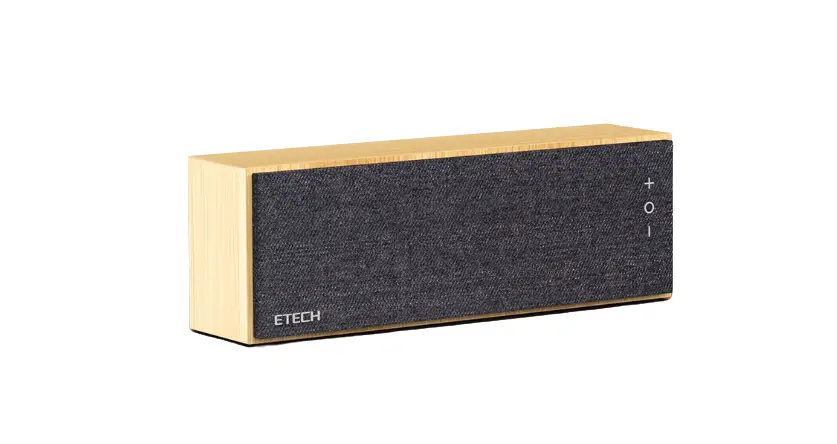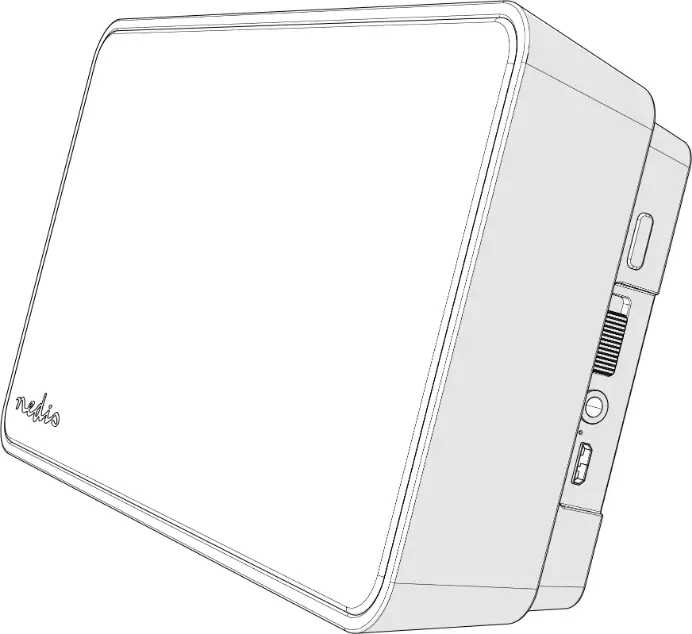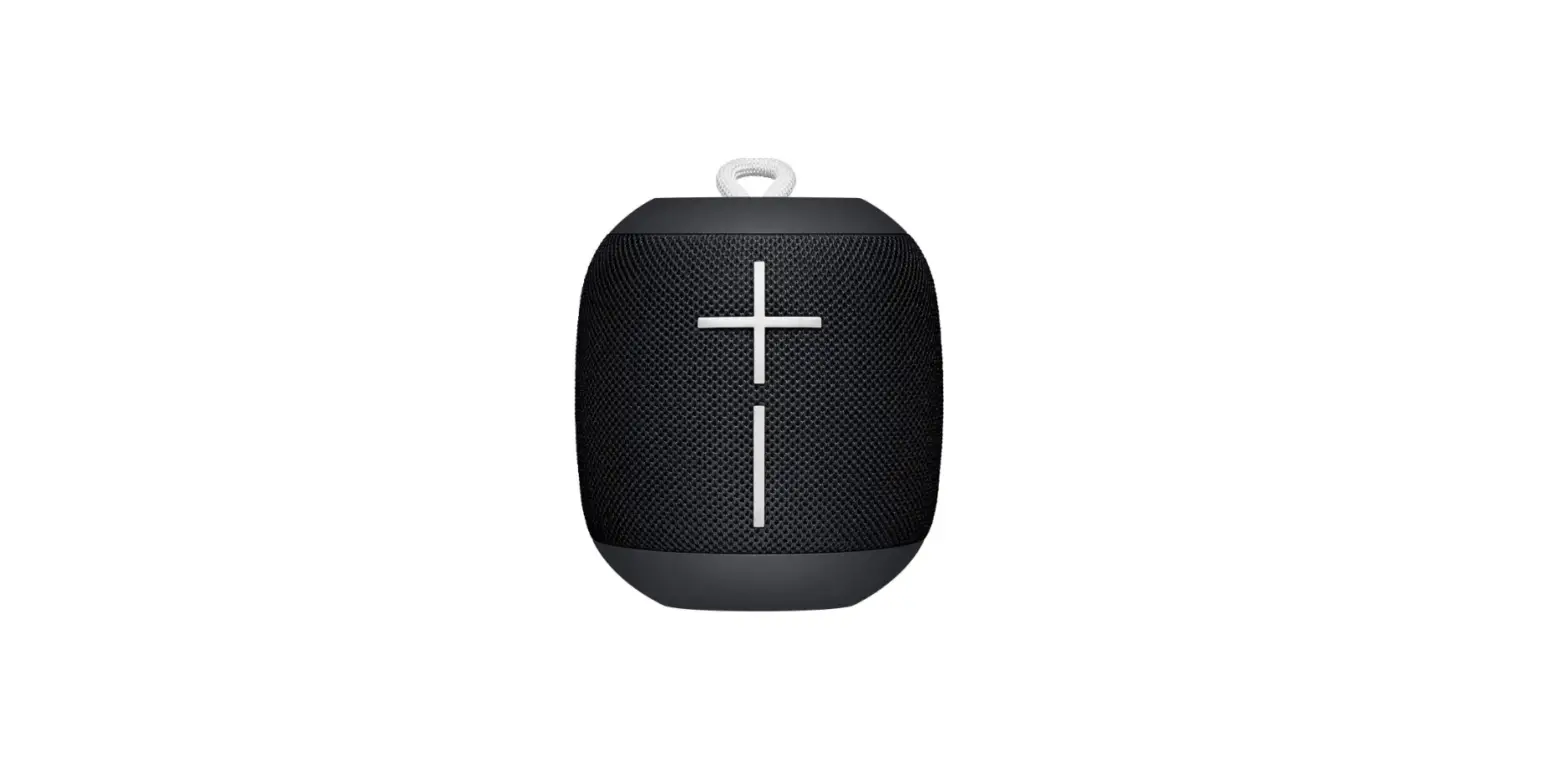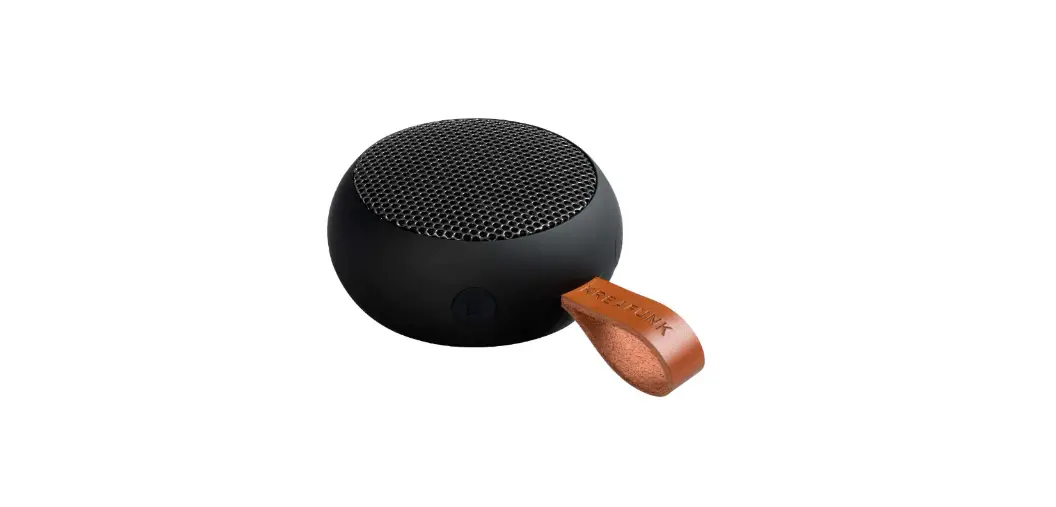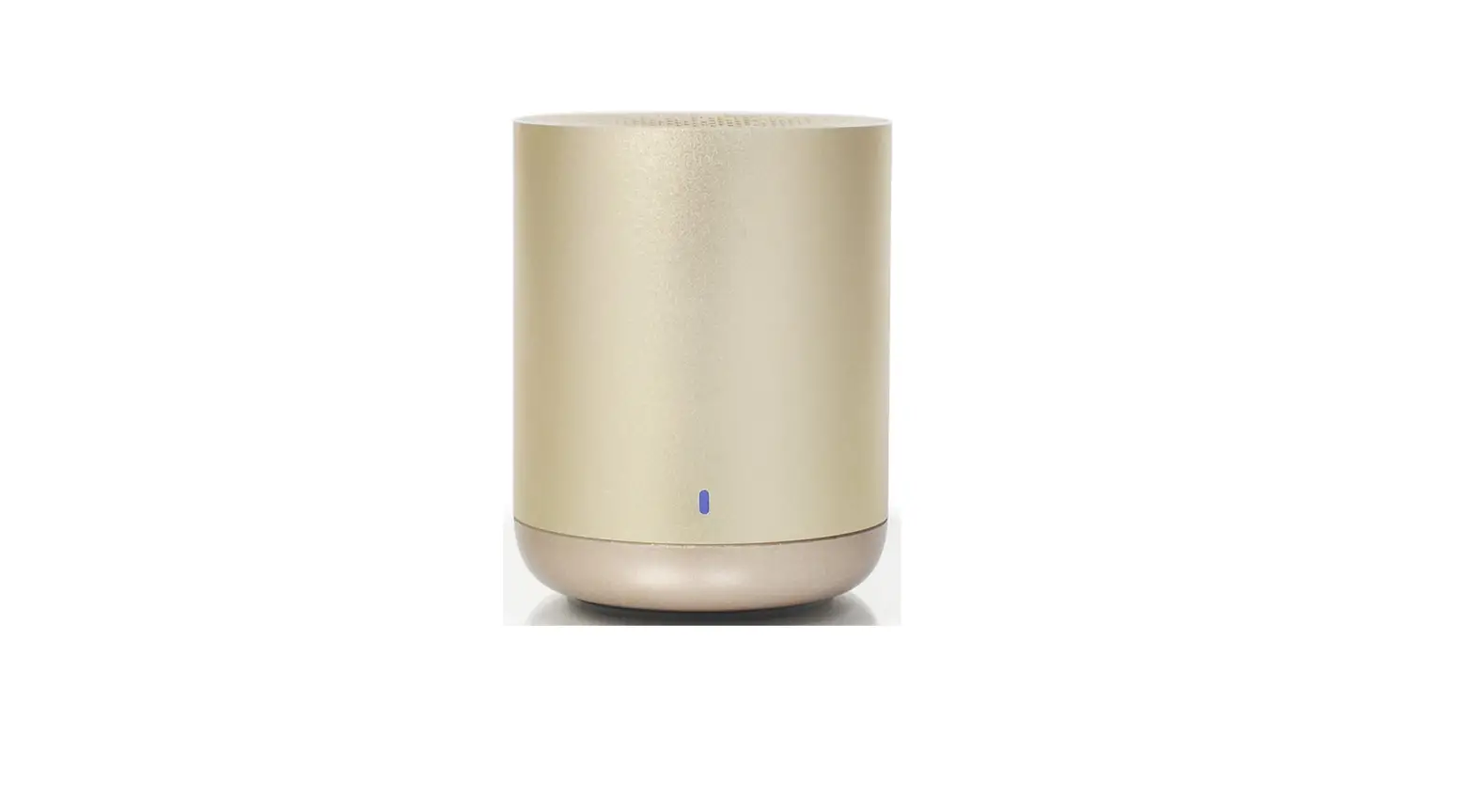

LEICKE EP18101 Sharon Smart Bluetooth Speaker
Specifications
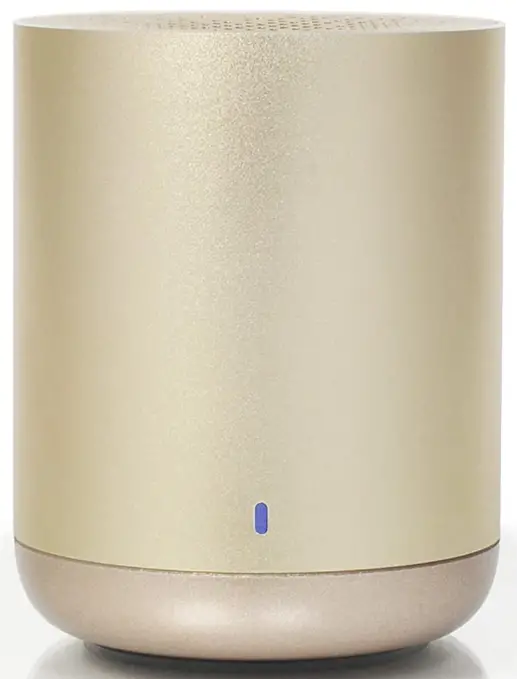
- DIMENSIONS: 10 x 9 x 8.8 cm
- WEIGHT: 260 grams
- BLUETOOTH-VERSION:0, up to 8m range
- CAPACITY OF INTEGRATED BATTERY: 1200 mAh
- POWER SUPPLY: 5V / 1A
- MAXIMUM OUTPUT: 5 Watt
- MAXIMUM PLAY TIME: 6-8h, depending on volume and genre
- SUPPORTED AUDIO FORMATS: MP3
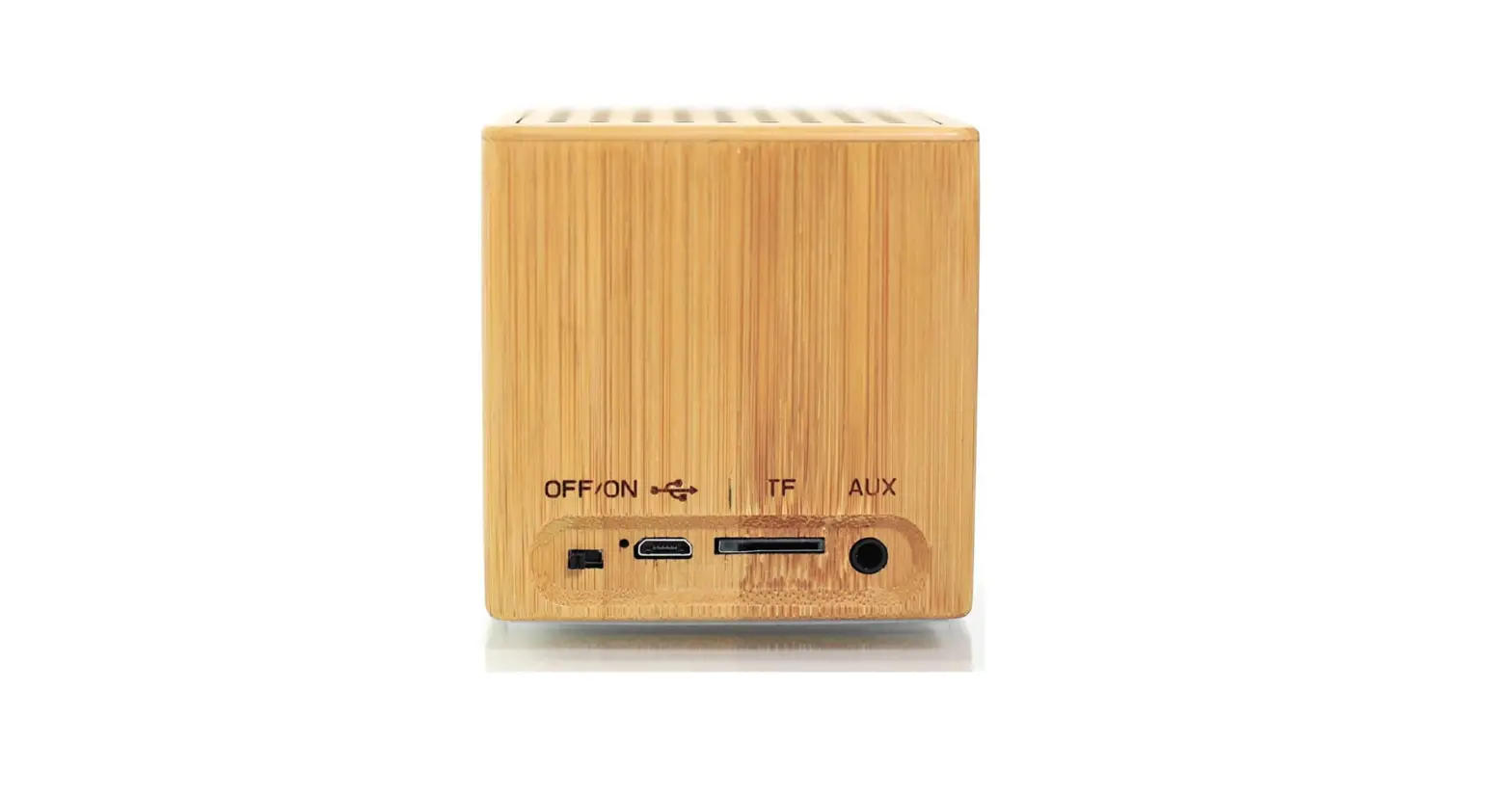
- SUPPORTED MEMORY CARDS: TF / Micro SD up to 32Gbyte
- POWER SUPPLY: USB 5V / 1A
Product Description
We hold several brands to produce and distribute our products: LEICKE (power adapters, batteries), KanaaN (adapters/converters, charging cables etc.), Sharon (iPad cases with keyboard, fans etc.), Hebron (protective cases, docking stations, screen protectors etc.), Manna (cases for tablets and smartphones).
We continuously work on the development of our products, our customer support and innovations. Our products have a long service life, are eco-friendly and high performing. Furthermore, every day we do our very best to satisfy you as our customer. That is why you, no matter if private or business customer, are in the focus of our company‘s efforts. We take your reviews and proposals seriously and evaluate them continuously. That way, we get to know you and your demands on our products and services better and thus allow for positive enhancements.
To discover more about LEICKE products or if you have any questions about this product, visit our website www.leicke.com.
Dear customer,
Thank you for buying a LEICKE product! This speaker not only plays music from your smartphone or tablet or MP3 from a micro SD card, but you can also use the radio function. Being switched to Bluetooth mode the speaker and its integrated microphone can be used for hands-free calls. The integrated battery allows a playtime of up to 8 hours. To get to know your device better, please read the following instructions carefully before using it the first time.
PACKAGE CONTENTS
Before attempting to use this device, please check the packaging and make sure the following items are contained in the package: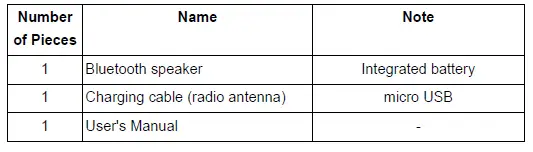
GETTING STARTED
Step 1: To switch the device on press the multi-functional button (MFB) for about 2 seconds until die control LED flashes and an acoustic signal can be heard.
Step 2: After switching on the device will be in Bluetooth mode. Now pair it with your smartphone or tablet. If a memory card is inserted, the speaker automatically switches to MP3 player mode. Pressing the MFB two times will switch the device to radio mode.
Step 3: Volume is controlled by long pressing the forward (up) or backward (down) button for more than 2 seconds.
Step 4: Short press the forward and backward button to switch songs or radio channels depending on the mode the device is in.
Step 5: Incoming phone calls can be taken by short pressing the MFB. The calls can also be ended by pressing the MFB. The integrated microphone enables the speaker for hands-free calls.
Step 6: Switch the device off by long pressing the MFB button.
Note: Before attempting to use the device for the first time, please charge the battery for at least two hours. Like this the maximum life span will be ensured.
ESTABLISHING THE BLUETOOTH CONNECTION
Step 1: Switch the music box on. To use the Bluetooth function, NO memory card must be used.
Step 2: Open the settings menu of your device and look for the Bluetooth option. This must be activated. In the list of the found devices you will now find “LEICKE EP18101” or “LEICKE EP18102”. Connect. If a code is to be entered, please enter “0000”.
Step 3: Now the speaker is ready for use. Pairing will be saved and available when switching on the device the next time.
MP3 player
The MP3 function is activated by inserting a memory card. To switch between songs short press the forward or backward buttons. Adjust volume by long pressing the forward and backward buttons. Please keep in mind, that Bluetooth is not available while a memory card is inserted.
Radio
Before using the radio function, connect the charging cable to the speaker. The speaker must be switched off and the other end of the cable must not be connected to anything! It will work as antenna. Switch on the speaker and activate radio function by double pressing the MFB. Station scanning will be activated by pressing the forward and backward button simultaneously. The scan is finished when the channels stop changing automatically. To change the channel short press forward or backward. Adjust volume by long pressing the forward and backward buttons. To switch back to Bluetooth mode double press the MFB.
Hands-free function
Receive and finish incoming calls by short pressing the MFB. The integrated microphone will be activated automatically.
Charging the integrated battery
When the battery is low (about 10 minutes run time left) the speaker alerts acoustically. In this case charge the speaker as soon as possible. Use a 5 V 1 A USB power supply to charge. Higher voltage may damage speaker and power supply. The red indicator light will stay on when the speaker is charging. Once it has finished charging the indicator light will go out.
CONTROL ELEMENTS
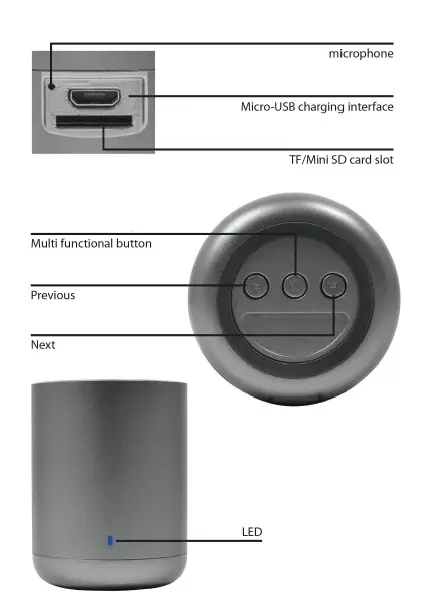
TROUBLESHOOTING
First check if the speaker is charged and switched on. Our customer’s support will be glad to help you under [email protected].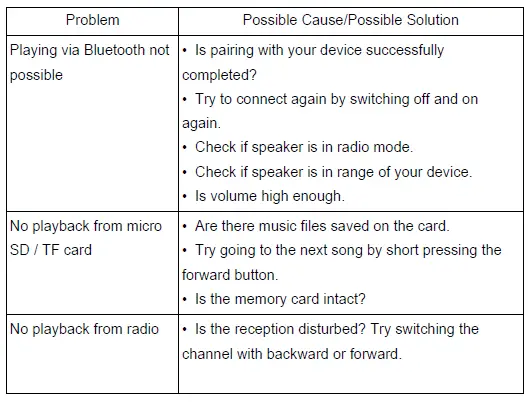
SAFETY NOTES
For your own safety and for long enjoyment of our product, please follow the following safety instructions:
- Please use device as described in the manual.
- To protect your hearing and widen the life span of the speaker maximum volume should not be adjusted over a longer period of time.
- Use 5V /1 A power supplies only. The connection of power supplies with higher voltage leads to irreparable damage.
- Please keep power adapter and speaker dry and use in dry environment only. Do not touch with wet hands.
- Keep away from damp, high temperature, dusty, erosive and oxidative environment.
- Keep safe from being hit or falling down.
- Turn off power when device is not in use for a longer time.
- Do not open cover and do not touch inner parts.
FCC Interference Statement
This equipment has been tested and found to comply with the limits for a Class B digital device, pursuant to Part 15 of the FCC Rules.
These limits are designed to provide reasonable protection against harmful interference in a residential installation. This equipment generates, uses and can radiate radio frequency energy and, if not installed and used in accordance with the instructions, may cause harmful interference to radio communications. However, there is no guarantee that interference will not occur in a particular installation. If this equipment does cause harmful interference to radio or television reception, which can be determined by turning the equipment off and on, the user is encouraged to try to correct the interference by one of the following measures: – Reorient or relocate the receiving antenna. – Increase the separation between the equipment and receiver. – Connect the equipment into an outlet on a circuit different from that to which the receiver is connected. – Consult the dealer or an experienced radio/TV technician for help.
This device complies with Part 15 of the FCC Rules. Operation is subject to the following conditions:
- This device may not cause harmful interference, and
- This device must accept any interference received, including interference that may cause undesired operation.
FCC-Caution: Any changes or modifications not expressly approved by the party responsible for compliance could void the user’s authority to operate this equipment. IMPORTANT NOTE:
Radiation Exposure Statement:
- This equipment complies with FCC radiation exposure limits set forth for an uncontrolled environment. End users should follow the specific instructions in the user’s manual to comply with the FCC rules.
- This transmitter must not be co-located or operating in conjunction with any other antenna or transmitter.
DISPOSAL
This device contains materials that must not be disposed of as household waste. Please check local laws concerning the applicable disposal regulations. Protect the environment by participating in recycling programs.
Declaration of Conformity
LEICKE GmbH herewith declares that the device complies with the RED 2014/53/EU und ROHS 2011/65/EG regulations. The declaration of conformity can be found at www.leicke.com. Go to the product you bought and look at downloads.
FAQs
What power does this speaker have?
The speaker has a 5W output capacity. This is loud enough to be heard clearly.
Is voice activation available on the Sharon smart Bluetooth speaker?
No, voice activation isn’t available.
How do I reset my Bluetooth speaker to factory settings?
You should only need to do this briefly with most Bluetooth speakers. The power and Bluetooth buttons must be pressed and held simultaneously in order for almost every Bluetooth speaker to be reset.
What is the M button on my speaker?
To go from headphone to AUX mode, press and hold the M button. You can link your speaker to outside media players here. This connector is intended for charging purposes; it cannot be used to connect external devices. To switch between Bluetooth and AUX modes, press this button.
How do I know when my Bluetooth speaker is fully charged?
When your battery is low (for instance, two out of four lights), medium (three out of four lights), or full, the battery status indicator on top of your product will let you know (all 4 lights). By depressing the volume control knob close to the top of the speaker, you may also verify this while the recording is being played back.
Why won’t my Bluetooth go into pairing mode?
The devices own Bluetooth is typically either off or not in pairing mode when this happens. To find out how to activate pairing mode and make it discoverable, consult the user handbook. While some devices have a specific Bluetooth button, some headphones require you to keep the power button down longer.
Why is my Bluetooth not pairing?
Go to Settings > System > Advanced> Reset Options > Reset Wi-Fi, mobile, & Bluetooth on Android devices. For iOS and iPadOS devices, you’ll need to unpair every device first, then restart your phone or tablet by going to Settings > Bluetooth, selecting the info icon, and then selecting Forget This Device for each device.
What is the difference between a Bluetooth speaker and a wireless speaker?
Bluetooth and WiFi are the two available wireless technologies. Your home network is connected through WiFi speakers. They often need an outlet because the majority runs on AC power. Bluetooth speakers connect directly to a computer, phone, or other device.
Do wireless speakers work without WiFi?
Wi-Fi vs. Bluetooth: Bluetooth does function without Wi-Fi. In fact, Bluetooth and Wi-Fi perform comparable tasks since they both wirelessly link nearby devices.
How do wireless speakers get power?
Yes, the majority of wireless speakers plug into standard power outlets or power strips using AC adaptors. To become “truly wireless,” some systems employ rechargeable batteries, although this feature necessitates repositioning and charging as routine tasks in order to use this type of surround sound system.
Do wireless speakers need amplifier?
Your wireless receiver doesn’t need an amplifier if you have an active speaker. Simple RCA connections from the receiving device to the speaker will enable wireless operation of your speakers. Additionally, you still need to connect the receiving unit’s power adapter. There isn’t really a method to avoid that.
Do wireless speakers require batteries?
Batteries are necessary for some wireless speakers. Others require plugging into an outlet but deliver the audio stream wirelessly. While they’re fantastic, be aware of their restrictions before purchasing. The majority of speakers will need to be either plugged in, recharged, or in some cases, have their batteries changed.
Is wireless audio as good as wired?
No, unless wireless technology finds a means to send entirely lossless audio for higher-resolution music in the foreseeable future, which is improbable. Wireless audio will never match the fidelity of wired audio.