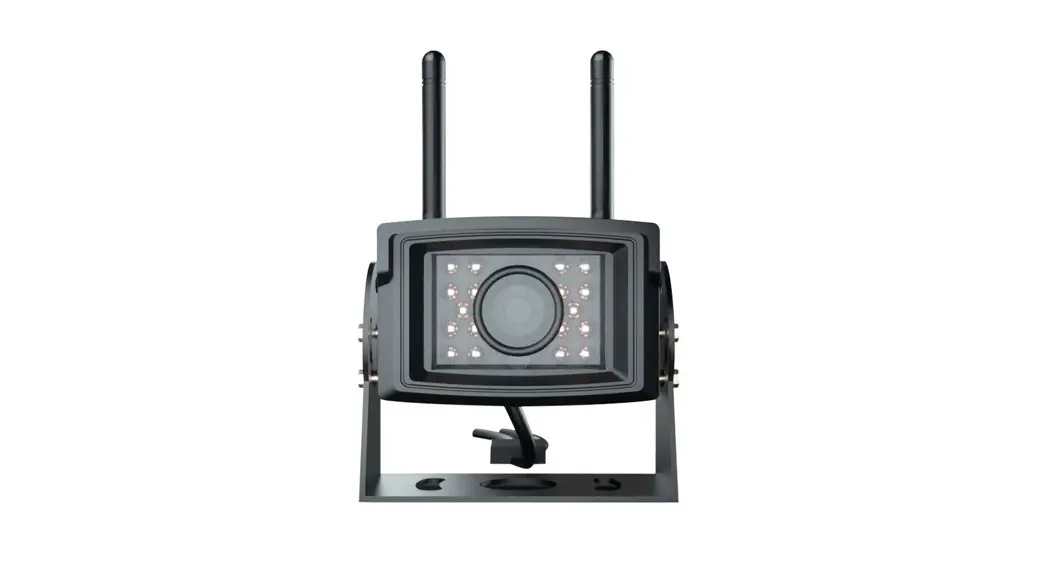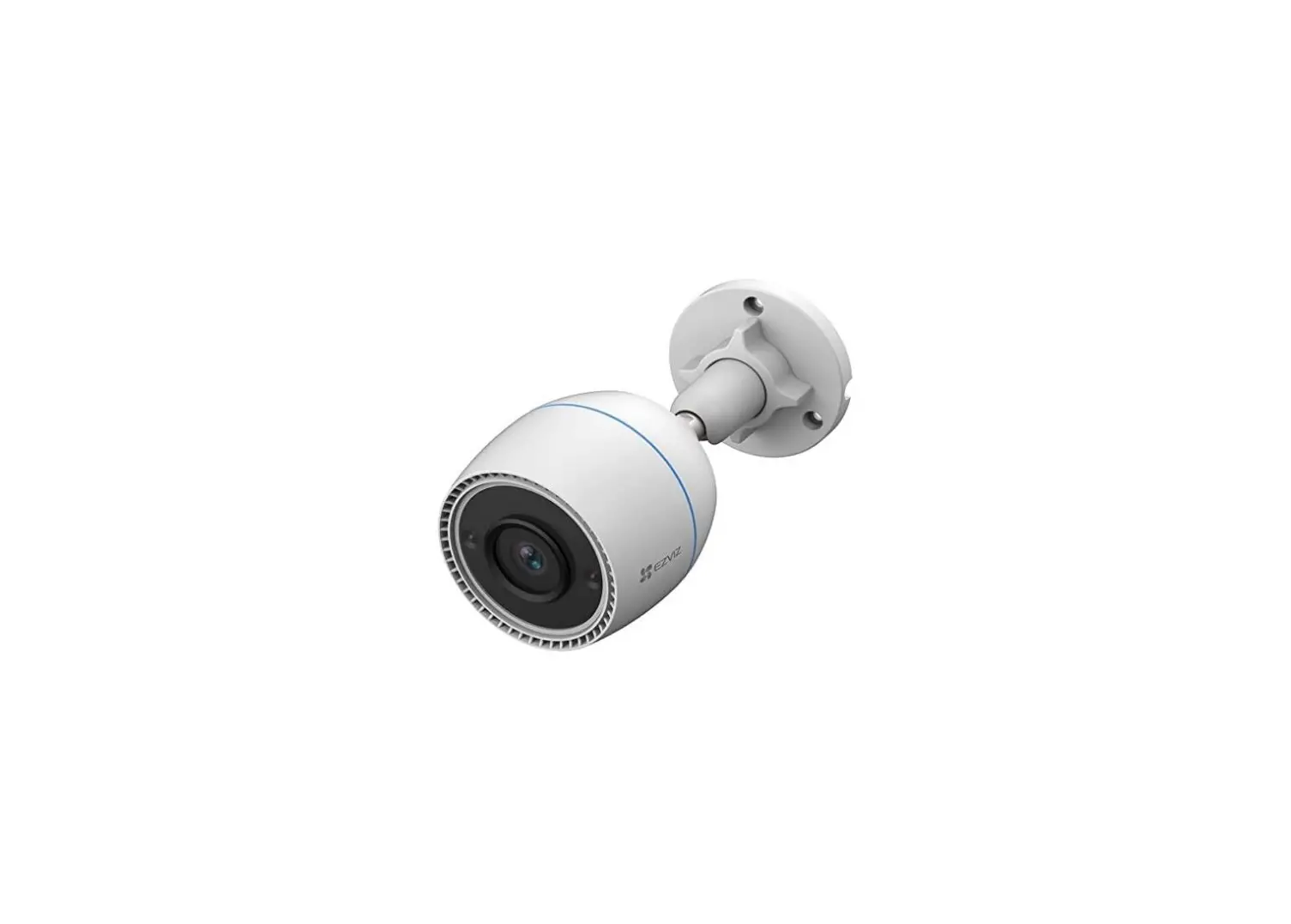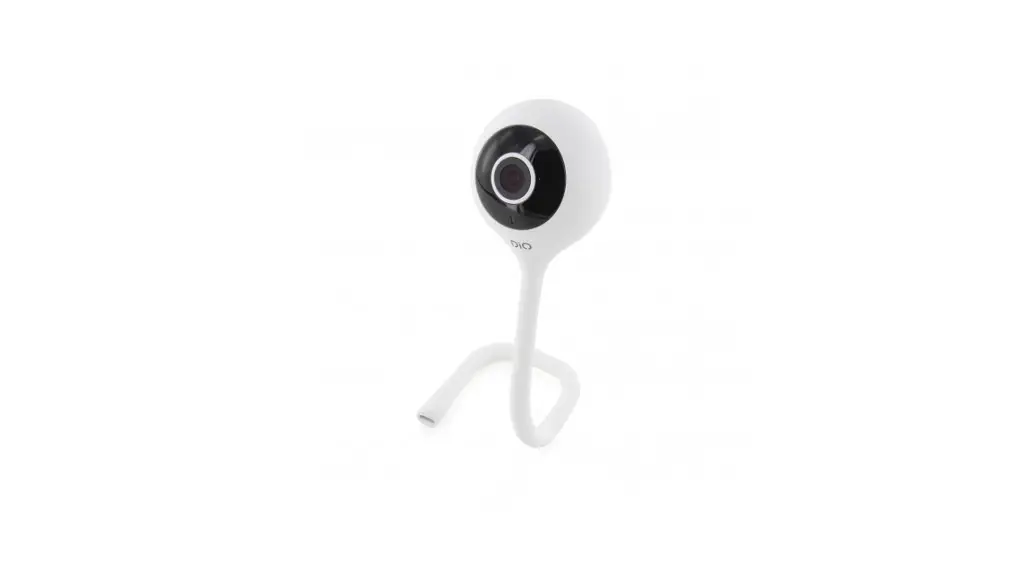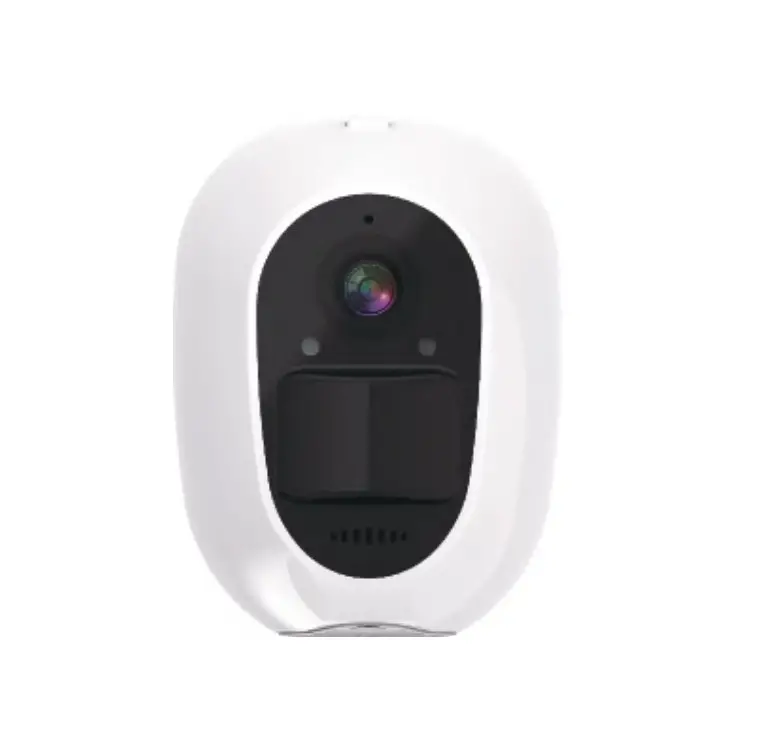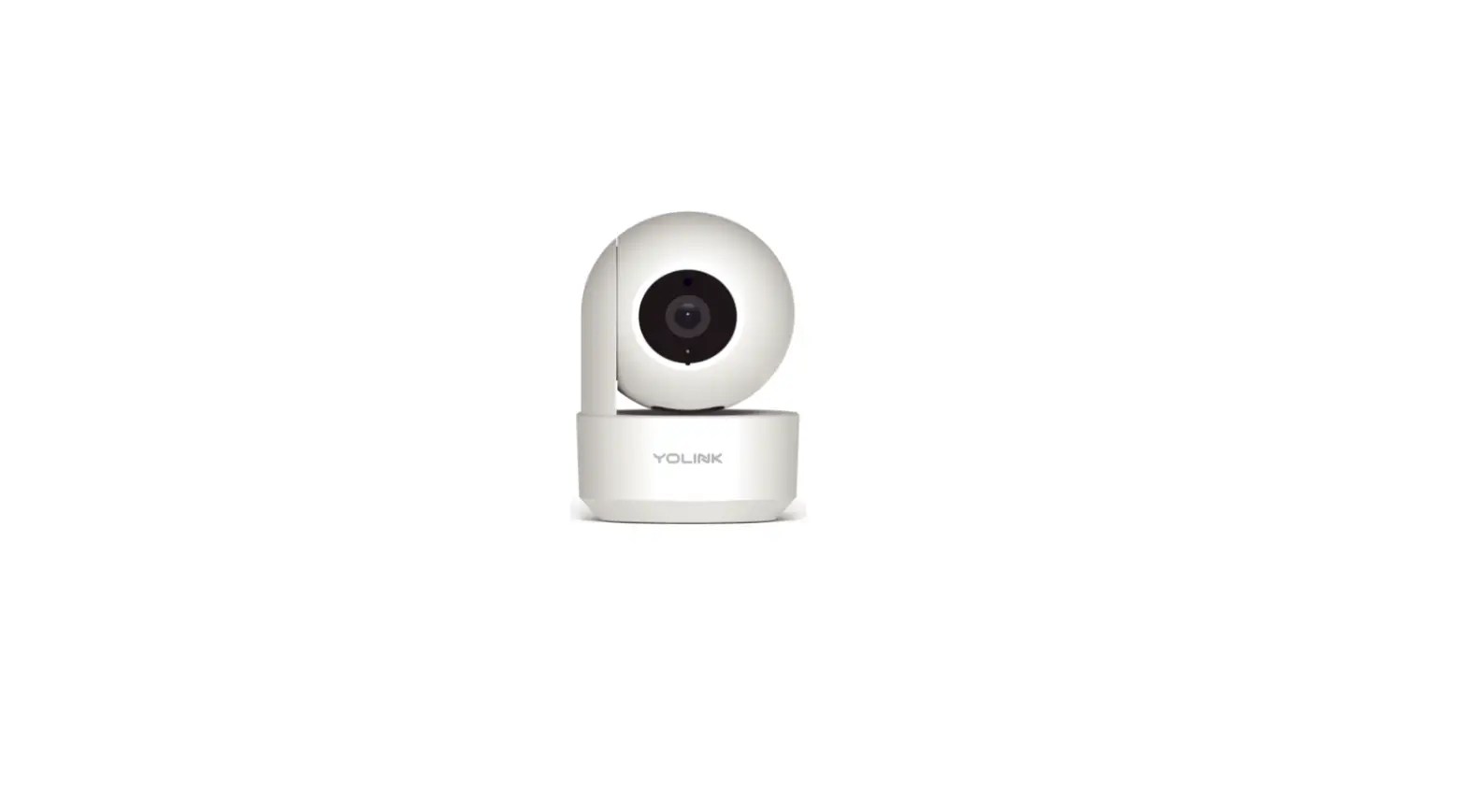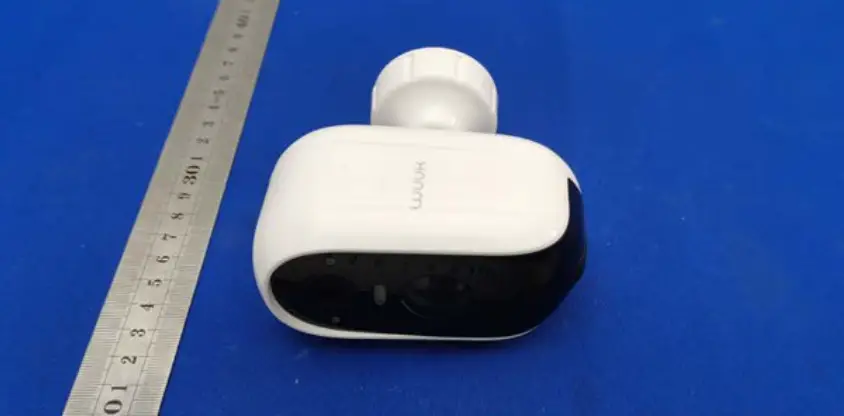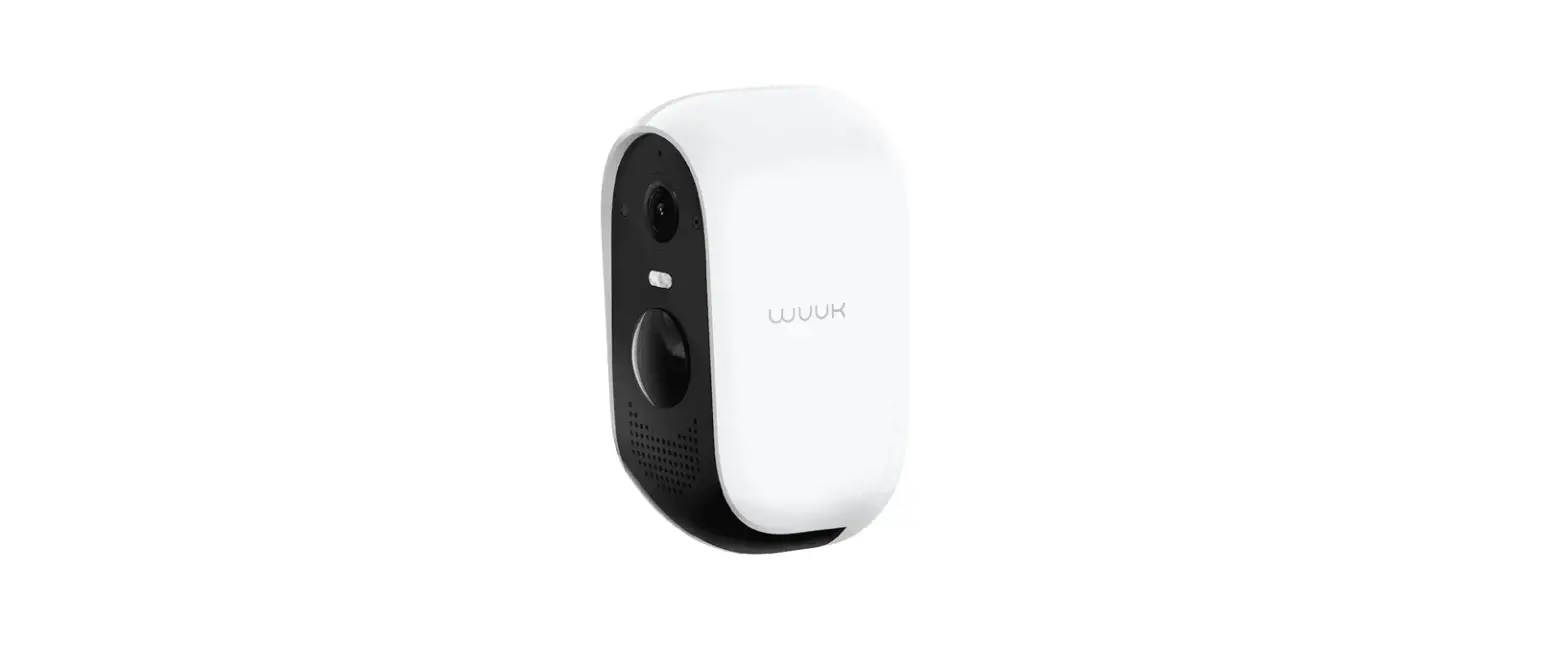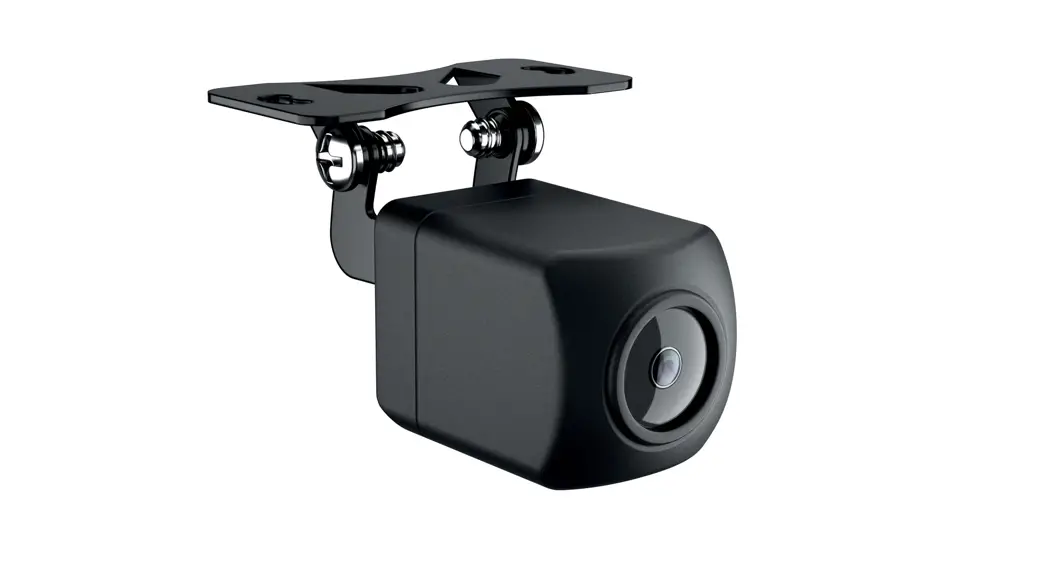


HM CAM W01
Wi-Fi camera
QUICK START GUIDE
hertzaudiovideo.com
PACKAGING CONTENTS
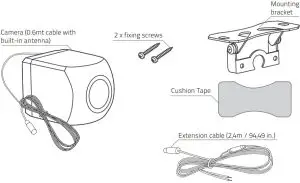
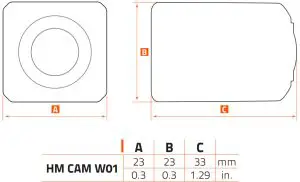
DIMENSIONS
INSTALLATION
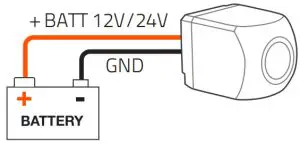
WARNING: If you do not have a breaker in the power circuit, it is recommended to mount an in-line 0,5 A quick blow fuse on the red “+BATT 12V/24V” cable.
MOUNTING
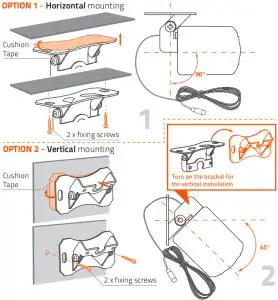
APP INSTALLATION

OPTION 1
Search for HertzCam in Play Store, then select “Install”.
OPTION 2
Scan the Play Store QR code from the android device to access the Play Store and select “Install”.
 |  |
| https://play.google.com/store/apps/details?id=com.ihunuo.hmsp.hertz | https://hertzaudiovideo.com/downloads/HertzCam |
OPTION 3
Scan the Website QR code from your android device. Download the application. Once the download is complete, select “Install”.

OPTION 1
Search for HertzCam in the Apple App Store, then select “Get” and “Install”.
OPTION 2
Scan the iOS QR code from the Apple device to access the Apple App Store, then select “Get” and “Install”.
https://apps.apple.com/cn/app/id1550696222
HOW TO USE THE HertzCam APP ON MOBILE DEVICES
• Open the HertzCam APP  and does not automatically show the “HM_CAM_W01_xxxxxx” network to connect to, select the Wi-Fi connection icon
. (Geolocation permissions are required. You will be requested to enable this function before going ahead)
• Turn on Wi-Fi and scan for available Wi-Fi networks.
• Select the Wi-Fi network named “HM_CAM_W01_xxxxxx” (note: xxxxx is the camera identification number)
IMPORTANT: on Android devices with OS up to and including version 10, when the pop-up shown below appears, select “Cancel”.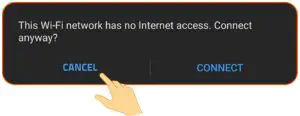
• Return to the HertzCam APP to use the Wi-Fi camera (when the Wi-Fi connection with the camera is active the icon  is white).
APP FUNCTIONS
 Record
Select to start or stop a recording from the camera. Photo
Photo
Select to take a photo from the camera. Media Library
Select to view or manage videos and photos. Wifi connection
Touch to select the HM CAM W01 WI-Fi network to connect to. Image mirroring
Select to switch from direct to mirror view and vice versa. Setting
Select to enable or disable the parking lines.
Remark: touch the screen to enable/disable the functions bar. The functions bar is automatically hidden after 10 sec. of inactivity.
MAINTENANCE
Routine maintenance should be carried out on a regular basis for correct operation: Spray the camera and lens with fresh water and wipe with a soft cloth to remove debris or dirt deposits.
TROUBLESHOOTING
| PROBLEM | CAUSE | REMEDY |
| Wi-Fi hotspot generated by the camera not found | The camera is not turned on. | Power cable connection not properly connected Make sure that the power cable connections are tight and free from oxidation. |
| Fuse is blown (if used) Replace with a new fuse. | ||
| No video. | The phone is not connected with the hotspot generated by the camera (the Wi-Fi icon is RED). | Find the wifi hotspot generated by the camera and connect (es.: “HM_CAM_W01_mocx”). |
| Blurred video. | The lens is dirty. | Clean the lens with fresh water and a soft cloth. |
| The video is not smooth. | The Wi-Fi signal is poor. | Check if the antenna is shielded by metal. |
| Shaking video. | The camera is not correctly fixed. | Check to ensure the camera is mounted and secured tightly. |
TECHNICAL SPECIFICATIONS
| Power supply | DC 12V ~ 24V |
| Max power consumption | 2 W |
| Camera sensor type | CMOS |
| The angle of view (Deg.) | 90° Vertical, 120º Horizontal |
| Night sight distance | 4 m ~ 10 m |
| Minimum illumination | 0.1 Lux |
| Transmission method | Wireless 2.4Ghz 56Mbps (802.11g) |
| Transmission distance | 30 m |
| IP rating | IP67 |
| Operating temp. | -10ºC ~ +75ºC ( 14ºF ~ +167ºF) |
| System requirement | iOS 11+, Android 9+ |
| Video compression | H.264 |
| Resolution | 720p (1280x720pixel) |
| Frame rate | 30 fps |
| Effective pixels | 0,92 megapixel |
| Size (mm/in.) | 23 x 23 x 33 / 0.03 x 0.03 x 1.29 |
| Weight (Kg/Lbs) | 0,086 / 0.189 (including the cable) |
PART OF ELETTROMEDIA Strada Regina Km 3,500 – Marignano
62018 Potenza Picena (MC) Italy, T +39 0733 870 870 – F +39 0733 870 880
www.elettromedia.it