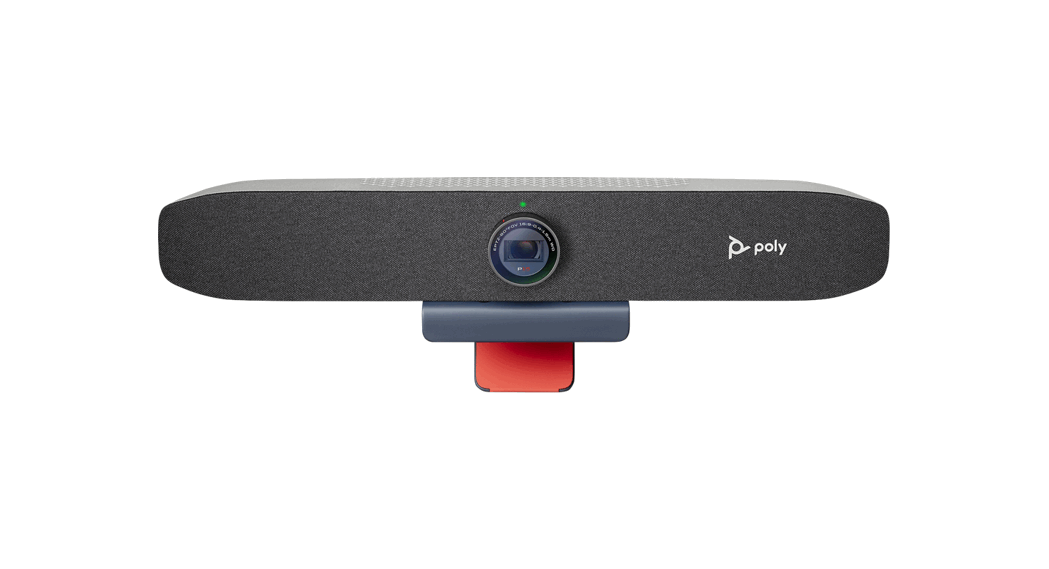
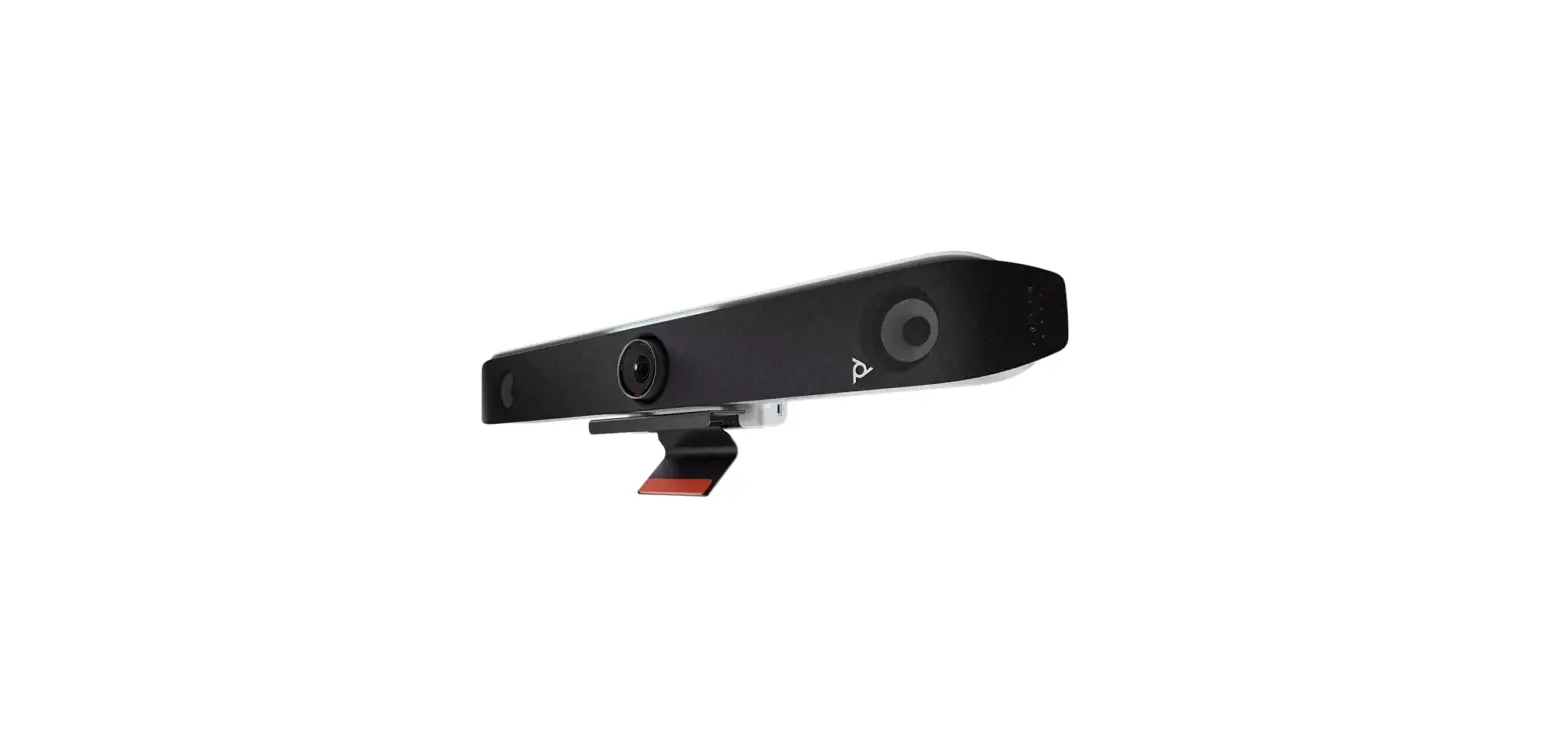
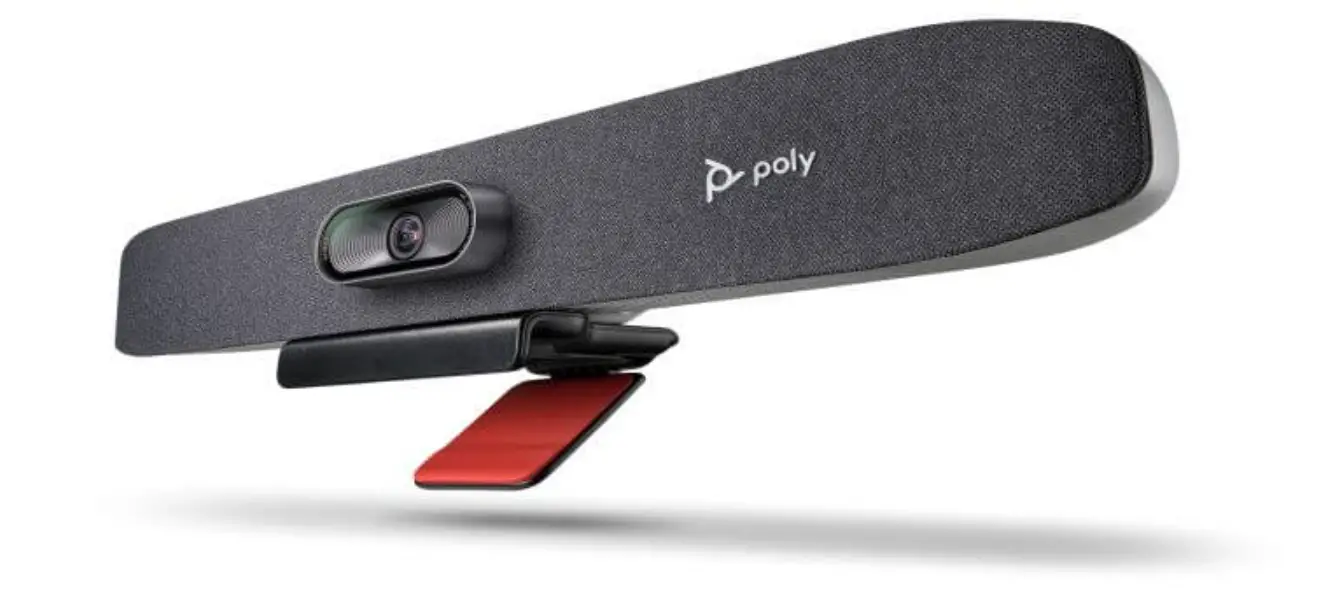
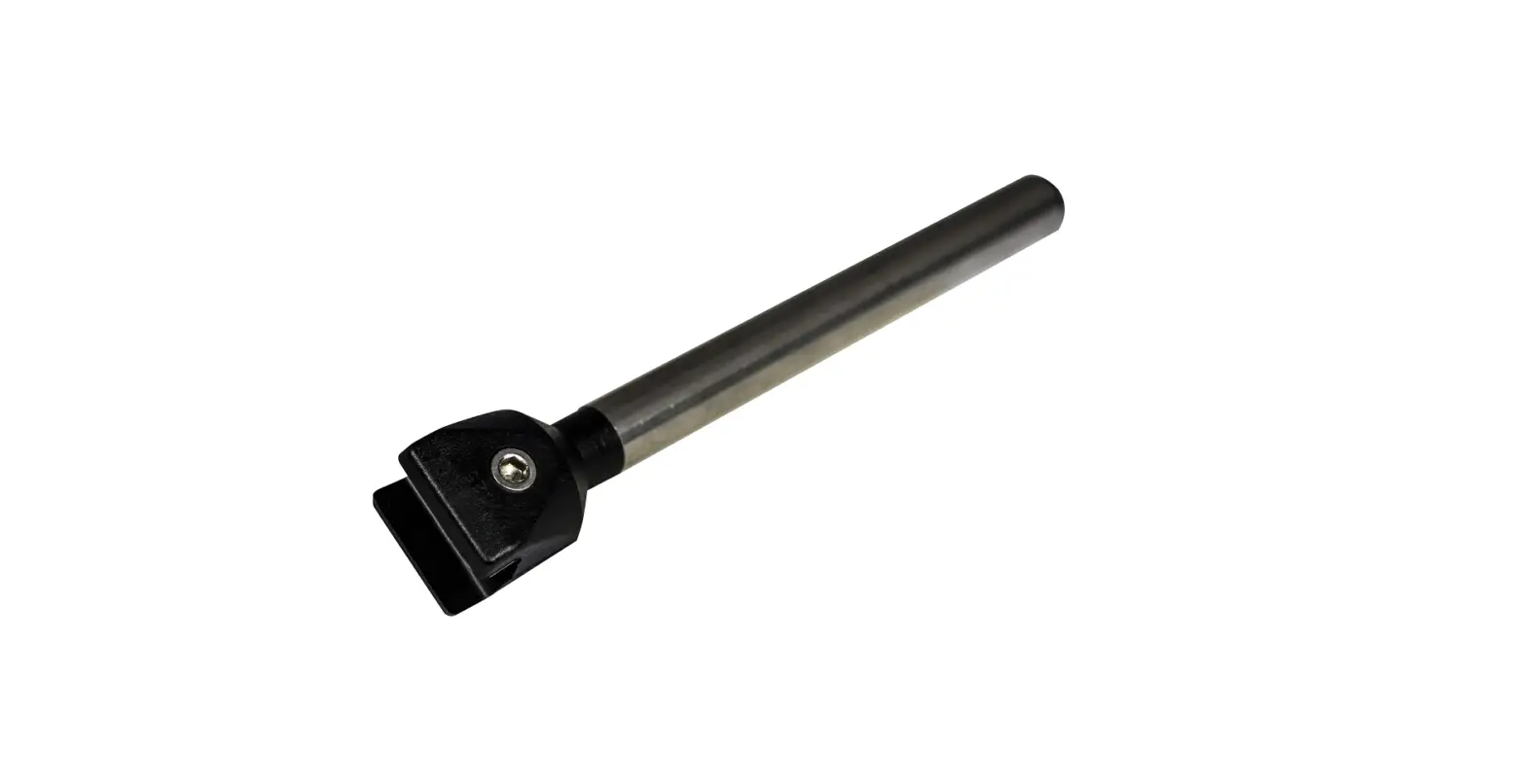
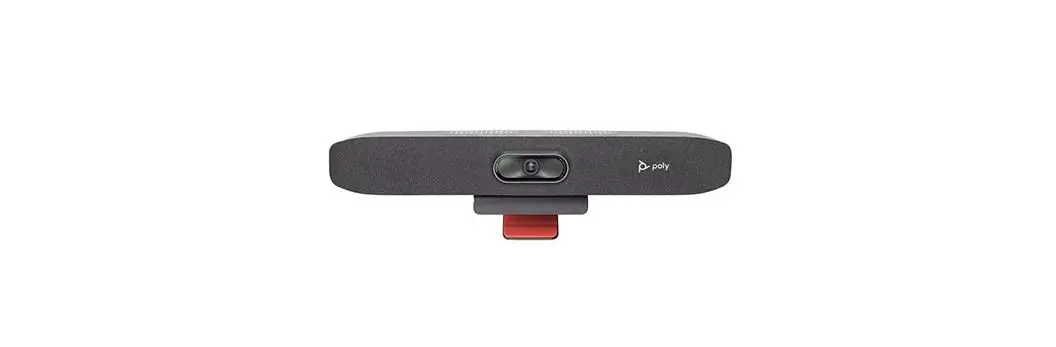
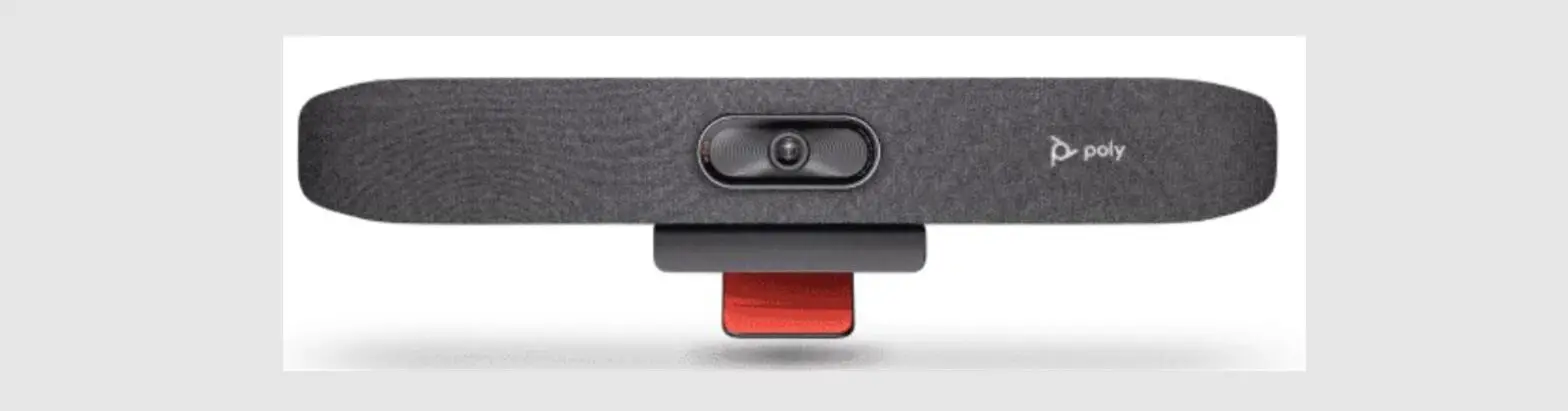
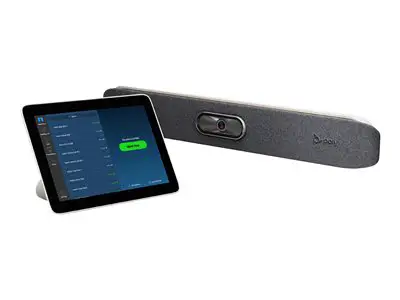
R30 Studio with Display Clamp
Product Information: POLY STUDIO R30 (NO RADIO) WITH DISPLAY
CLAMP
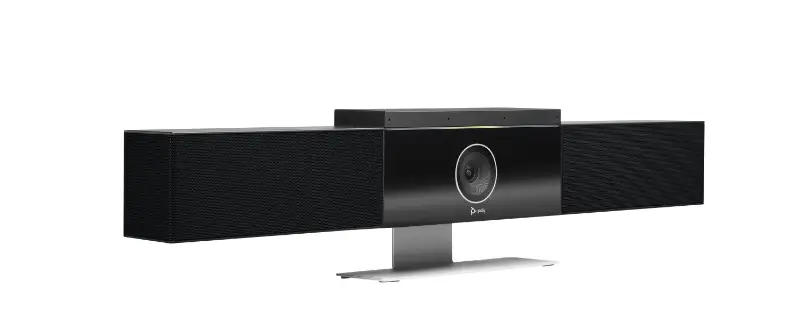
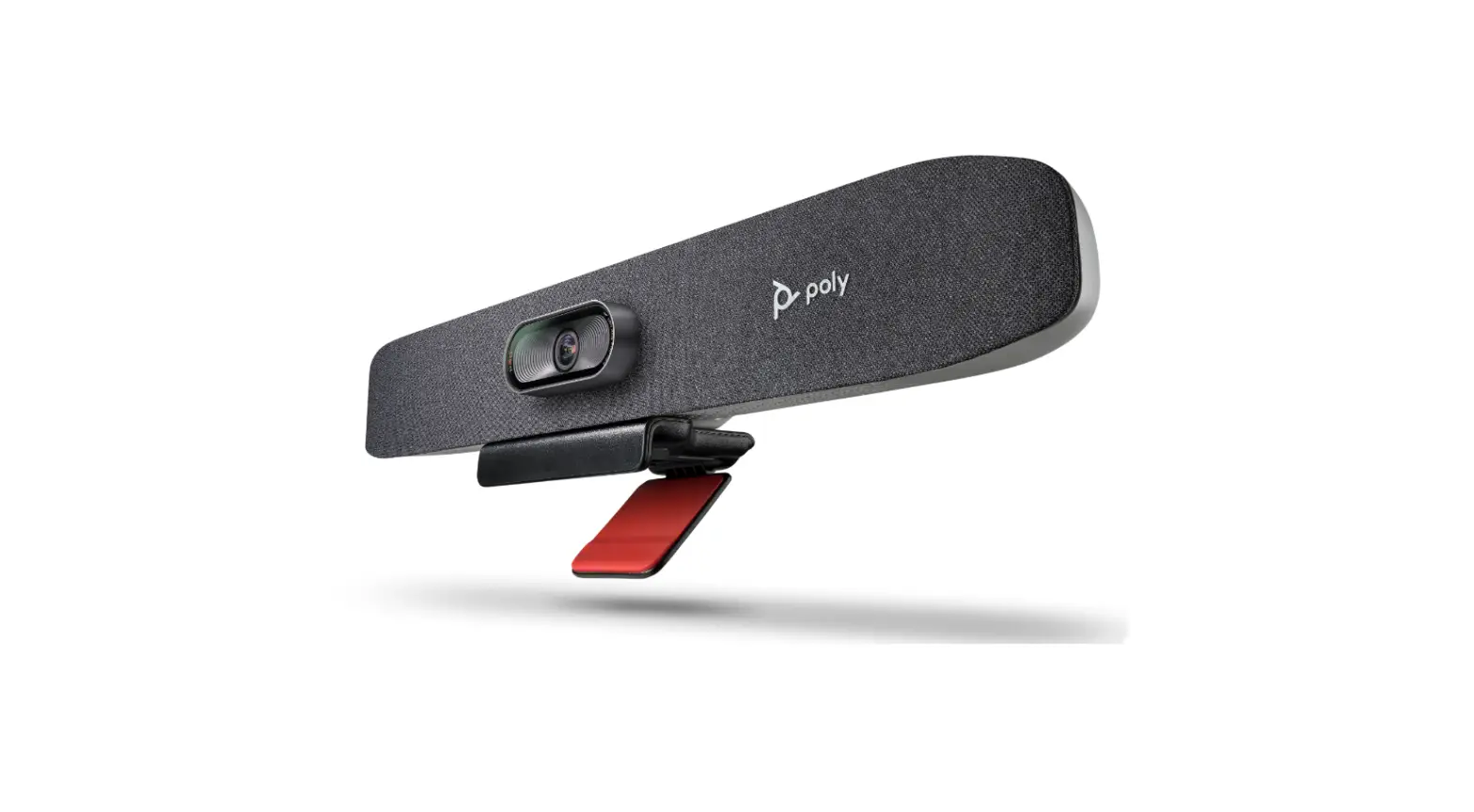
The POLY STUDIO R30 (NO RADIO) WITH DISPLAY CLAMP is a
high-quality audio and video conferencing device designed to
enhance your communication experience. It is manufactured by Poly,
a leading provider of communication solutions.
Key Features:
- Easy setup and installation
- Crystal-clear audio and video quality
- Integrated camera with pan, tilt, and zoom functionality
- Advanced noise-canceling technology
- Compatible with various conferencing platforms
To learn more about the product or access support, please visit
the official Poly website at poly.com/support/studio-r30.
If you have any regulatory inquiries in the UK, you can contact
HP Inc UK Ltd at the following address:
HP Inc UK Ltd, Regulatory Enquiries
Earley West, 300 Thames Valley Park Drive
Reading, RG6 1 PT
United Kingdom
Product Code: 1725-69352-001A
Version: 04.23
Product Usage Instructions
1. Unboxing and Setup:
- Remove the POLY STUDIO R30 from its packaging.
- Connect the device to a power source using the provided power
adapter. - Connect the POLY STUDIO R30 to your display using the display
clamp. - Ensure that all cables are securely connected.
2. Connecting to Conferencing Platforms:
- Connect the POLY STUDIO R30 to your computer or conferencing
system using the provided USB cable. - Install any necessary drivers or software that may be prompted
on your device. - Launch your preferred conferencing platform (e.g., Zoom,
Microsoft Teams). - Select the POLY STUDIO R30 as the audio and video input/output
device within the conferencing platform settings.
3. Adjusting Audio and Video Settings:
- To adjust audio settings, use the controls on your conferencing
platform or adjust the volume directly on the POLY STUDIO R30. - To adjust video settings, use the pan, tilt, and zoom controls
on the POLY STUDIO R30 or within your conferencing platform if
available.
Please refer to the user manual for detailed instructions on
advanced features and troubleshooting.
QUICK START
POLY STUDIO R30 (NO RADIO) WITH DISPLAY CLAMP
poly.com/support/studio-r30
poly.com/support/studio-r30
UKCA UK: HP Inc UK Ltd, Regulatory Enquiries, Earley West, 300 Thames Valley Park Drive, Reading, RG6 1 PT
© 2023 Poly. All trademarks are the property of their respective owners.
1725-69352-001A 04.23