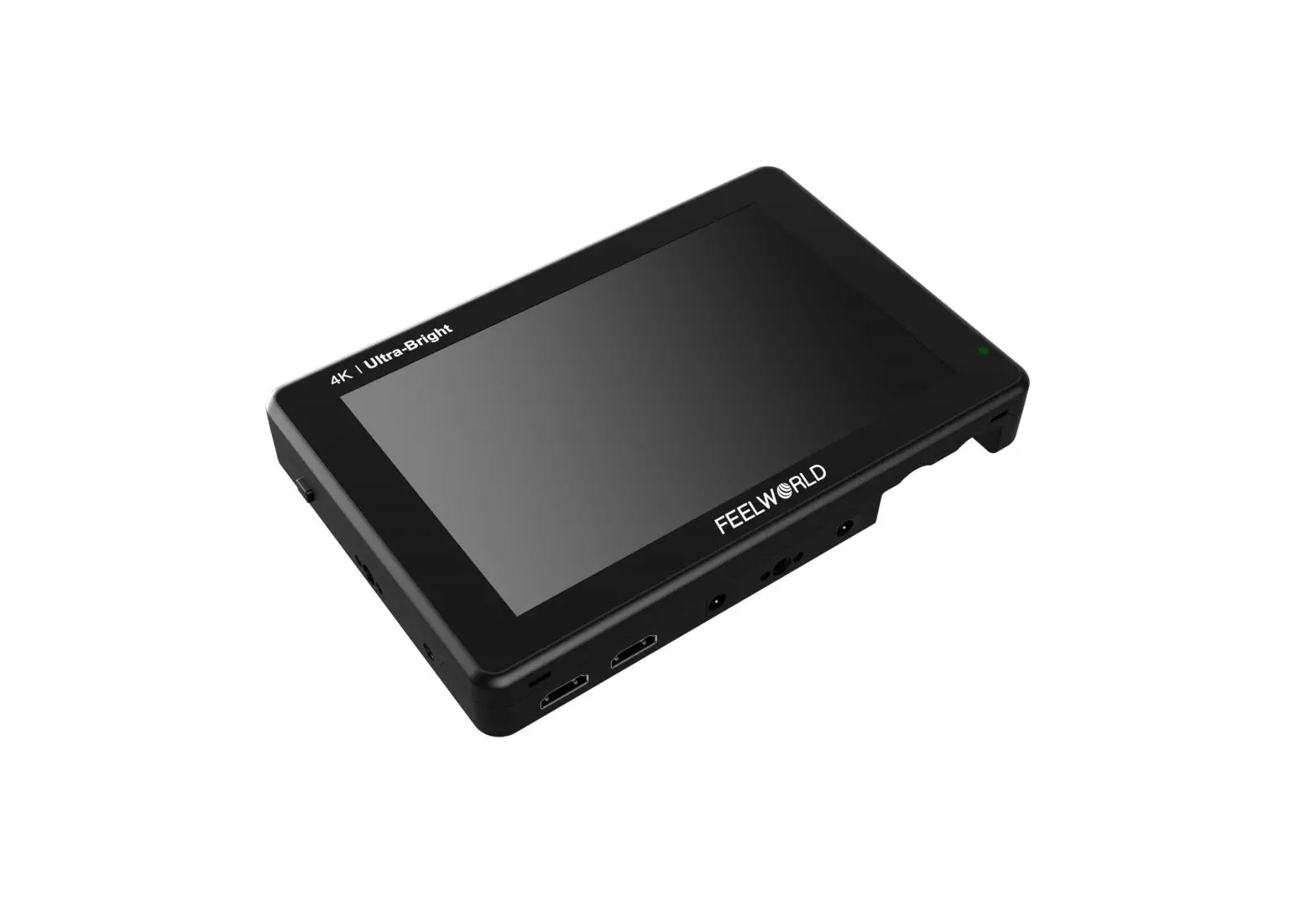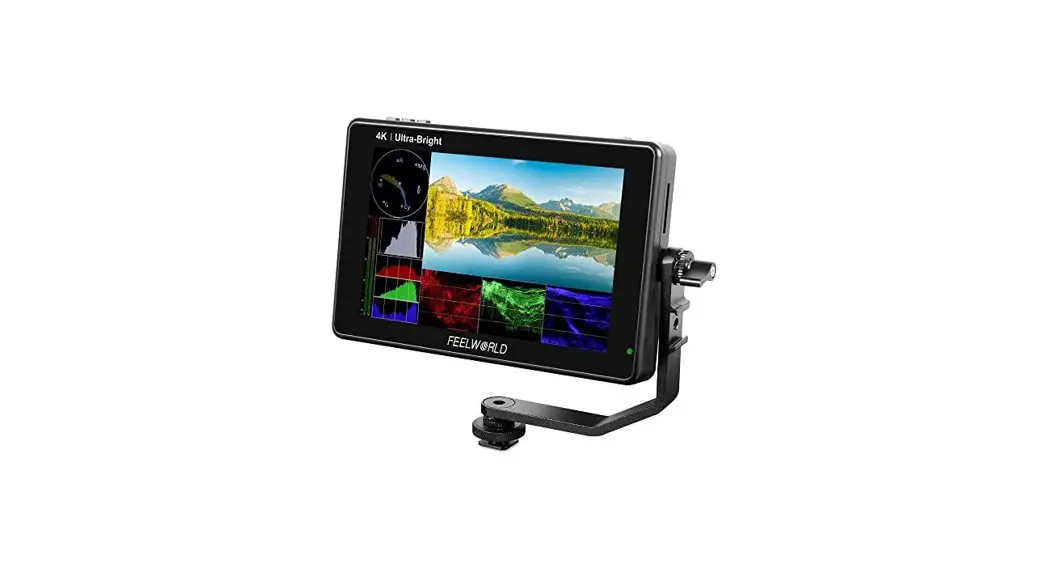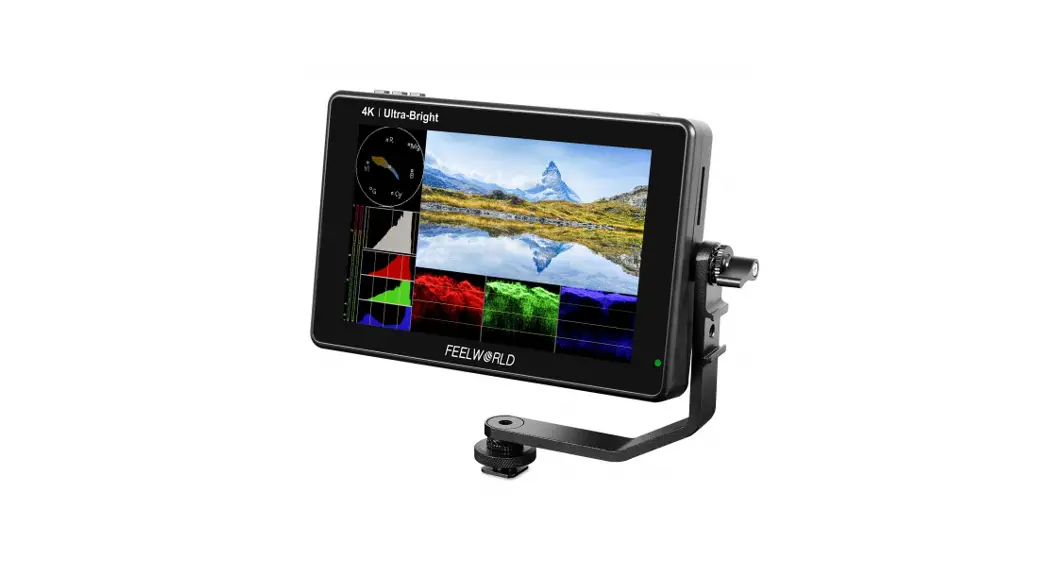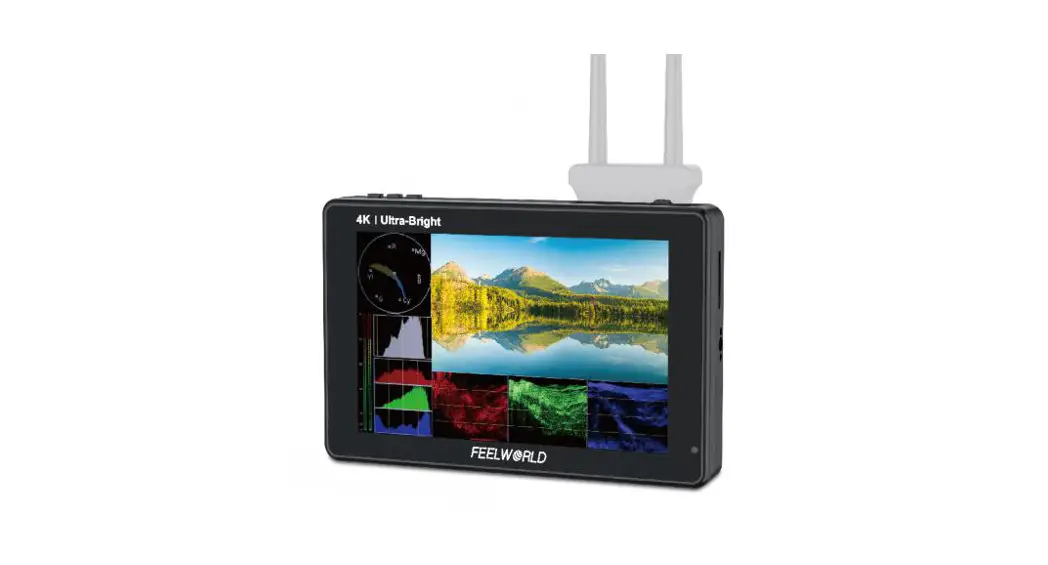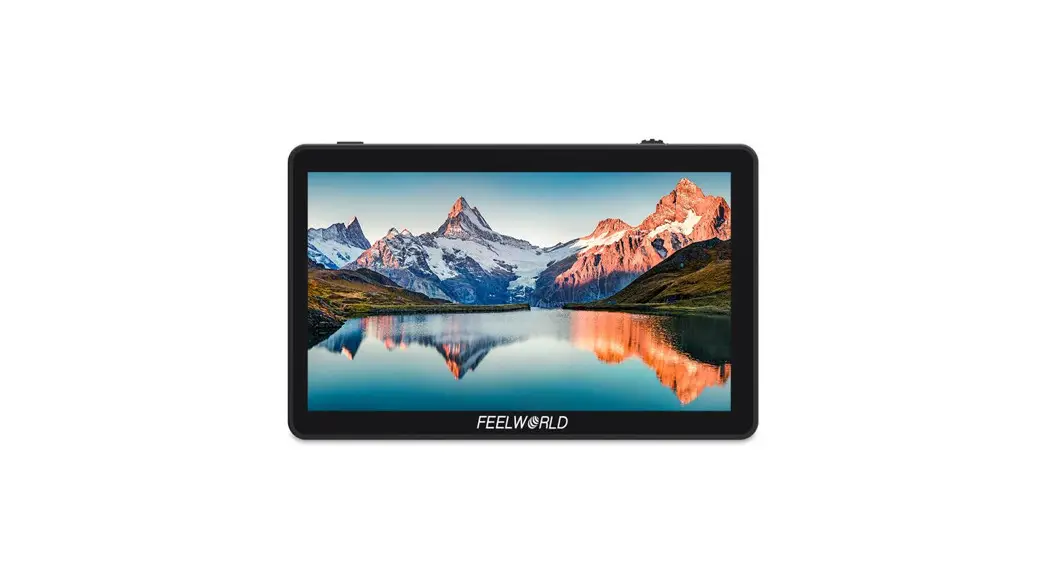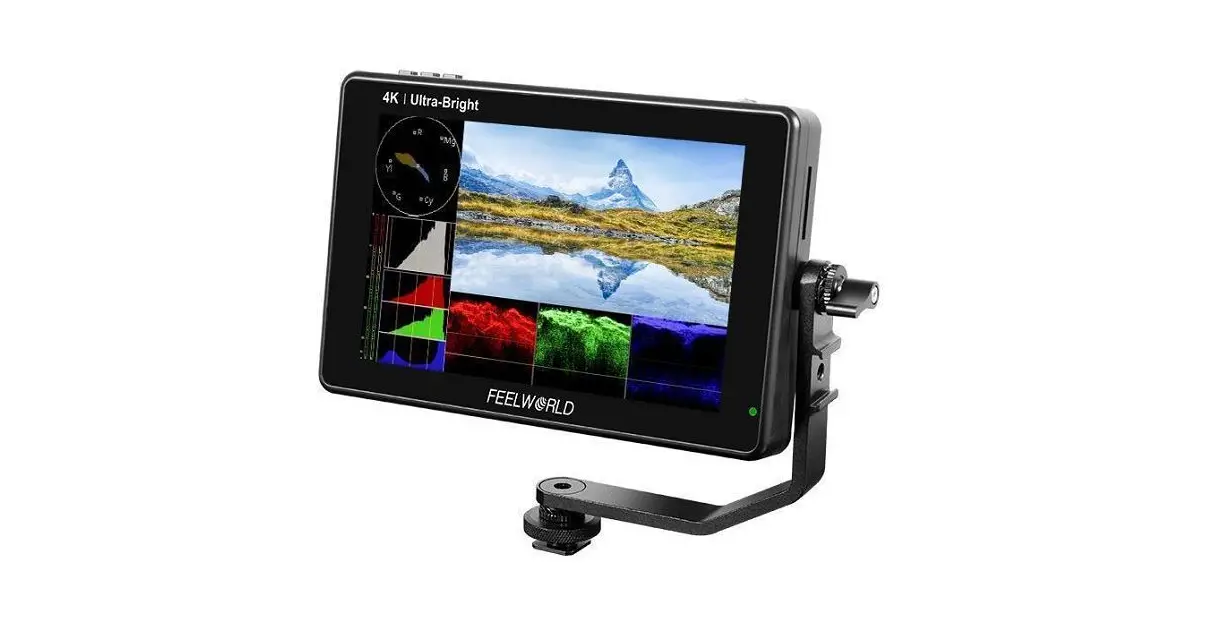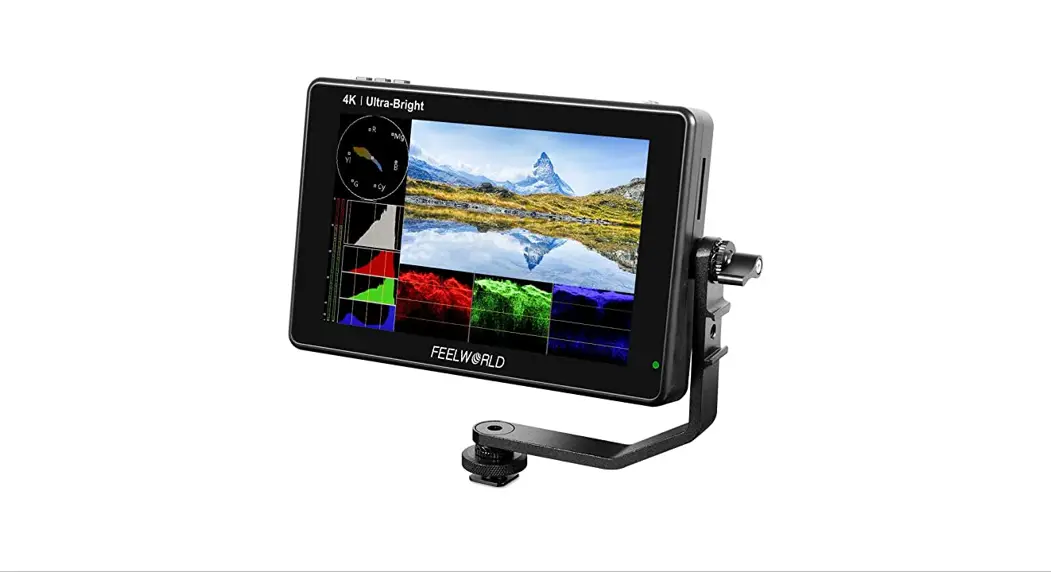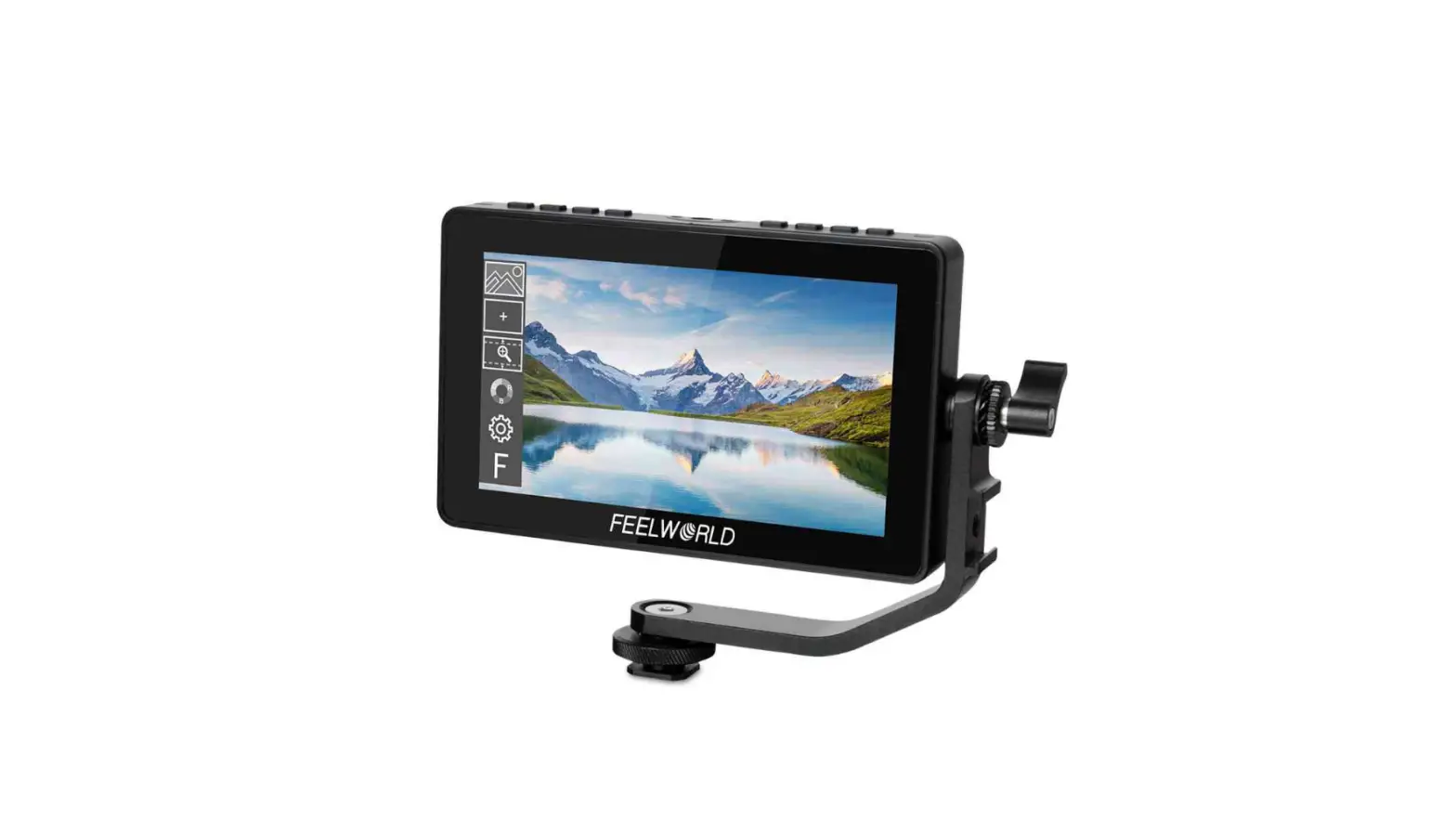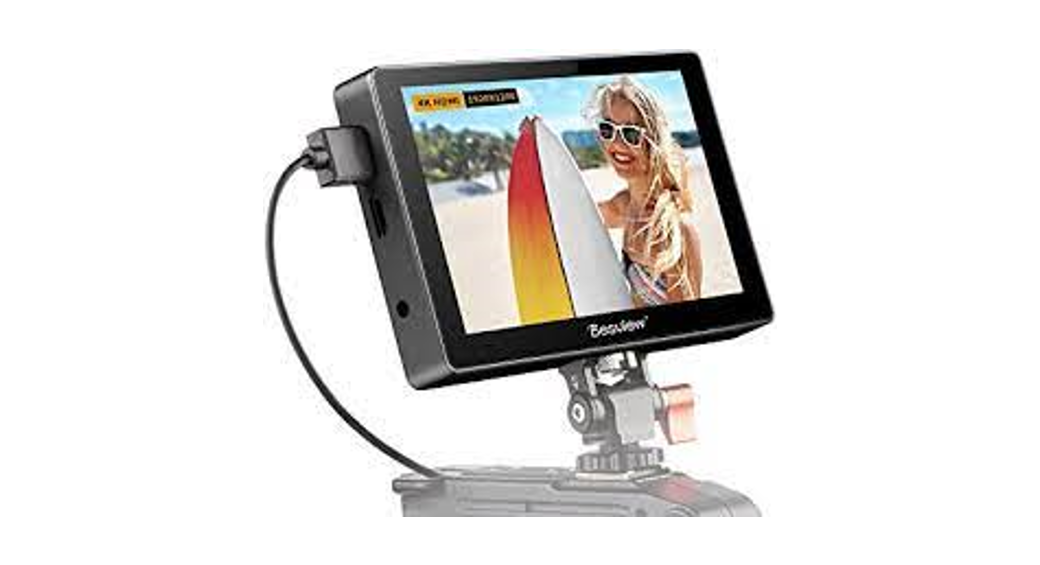

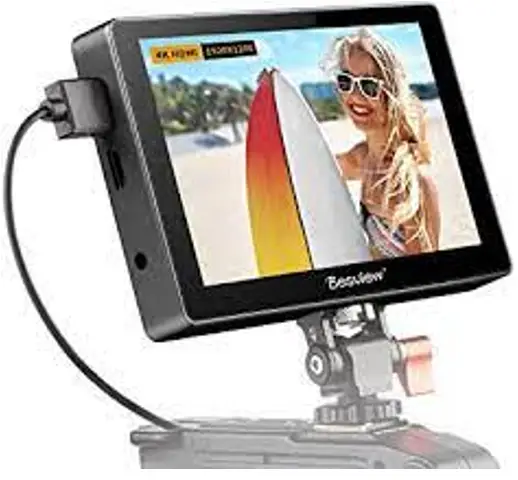
 7-inch 3D-LUT Monitor
Usage Guide
WHAT’S IN THE BOX
Before using this product, please check carefully whether everything is in the package. If there is anything missing, please contact us.
| 1x Field Monitor | 1x Standard HDMI Cable | 1x D-Tap Cable |
| 1x Storage Bag | 1x Mini HDMI Cable | 1x instruction Manual |
| 1x Cold Shoe | 1x USB Stick | 1x Microfiber Cloth |
NOTICE
Thank you for buying this monitor. The content mentioned in this instruction manual concerns your safety and legitimate rights and responsibilities. Please read this instruction manual carefully before using this product to ensure that the product has been properly set up. Failure to follow the instructions and warnings in this instruction manual may cause harm to you and the people around you, and damage the monitor or other surrounding items. The final interpretation rights of this document and all relevant documents of the monitor belong to Shenzhen Bestview Electronics Co., Ltd. as it may be updated without notice. Please visit the official website www.desview.com to get the latest product information.
By using this product, you are deemed to have read the disclaimer and warning carefully, understand and accept all the terms and contents of this statement, and take full responsibility for using this product and possible consequences. You undertake to use this product only for legitimate purposes and agree to this clause and any relevant regulations, policies, and guidelines established by Desview.
Desview is not responsible for any loss of injury or any liability arising from direct or indirect use of the product. Follow all security guidelines, including but not limited to this user manual.
QUICK START
Dimensions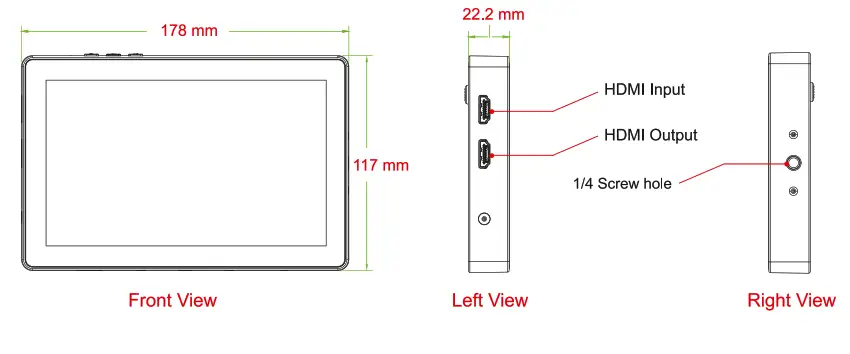
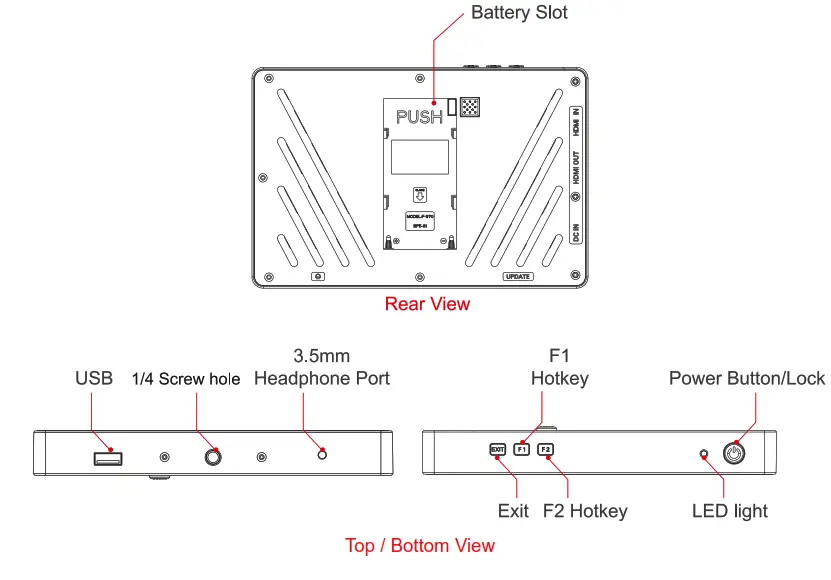
Attention:
This is a capacitive touchscreen monitor, all options and content in the menu can be operated by the touchscreen or the buttons.
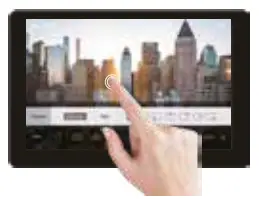 | 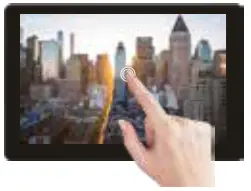 | 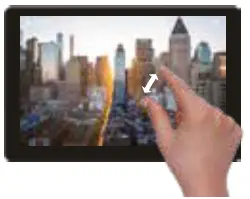 |
| Double-tap the screen to open the menu. | Touch the screen beside the menu to exit the menu interface. | Pinch to zoom. |
LUT IMPORT
- Copy the Log file into the USB stick.
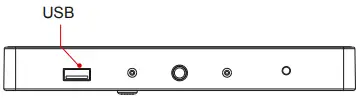
- insert the USB stick into the monitor’s USB interface.

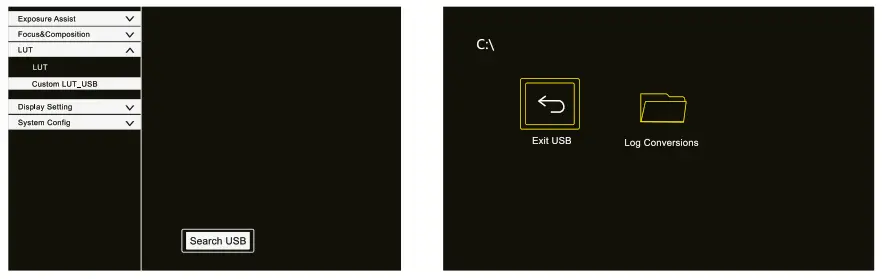
- Find the ”Custom Lut_usb” in the LUT config menu, then touch “Search USB”.
- Open the LUT file you find.

- Choose the LUT file you need to use, when the icon shows
 , it indicates that the LUT file has been imported successfully.
- After importing the LUT file, touch “Exit USB”, then pull out the USB stick.
 , it indicates that the LUT file has been imported successfully.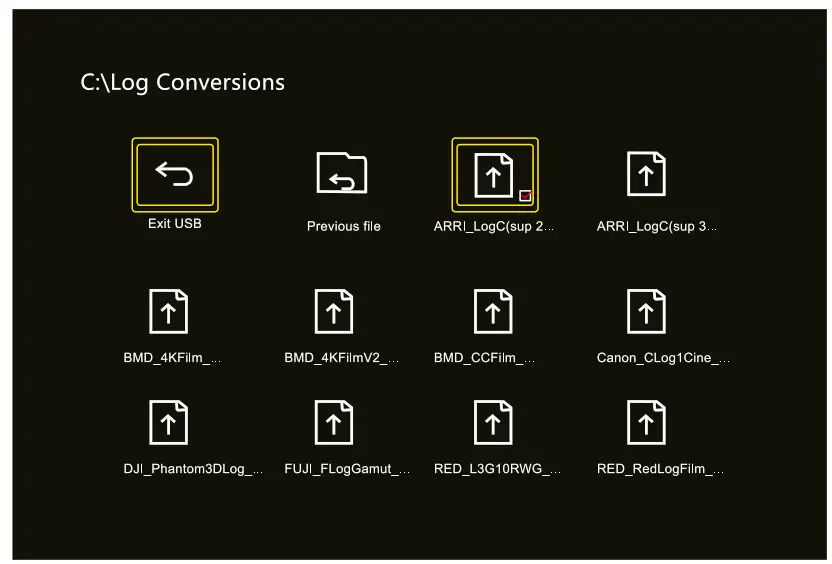
UPGRADE INSTRUCTION
- Copy the downloaded upgrade program into the USB stick.
- insert the USB stick into the monitor’s USB interface.
- Find the “Update” in the “System Config”menu, then touch “OK”.\

The LED light near the power button will start flashing with red and green colors. 
- The monitor will turn on automatically when the update is finished.
Attention: Don’t turn off the power or take out the USB stick during the period of the upgrade.
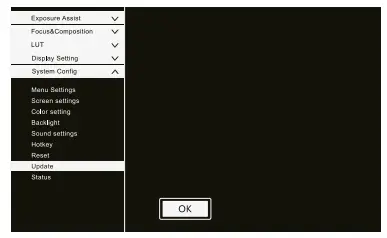
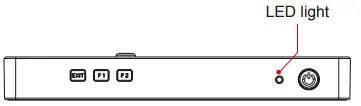
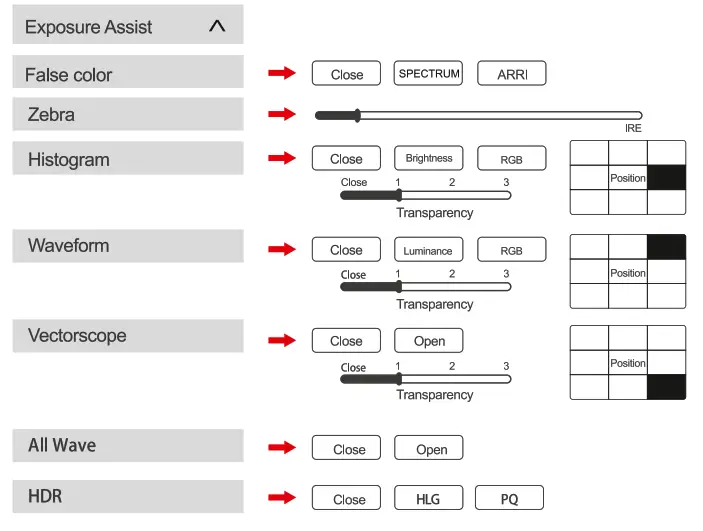
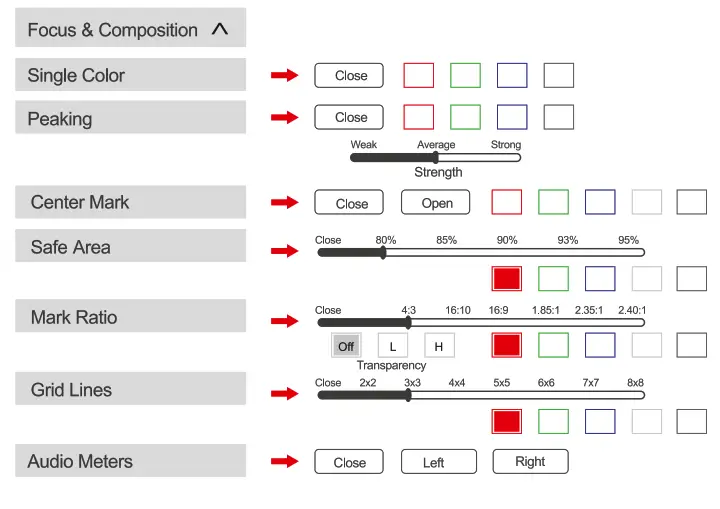
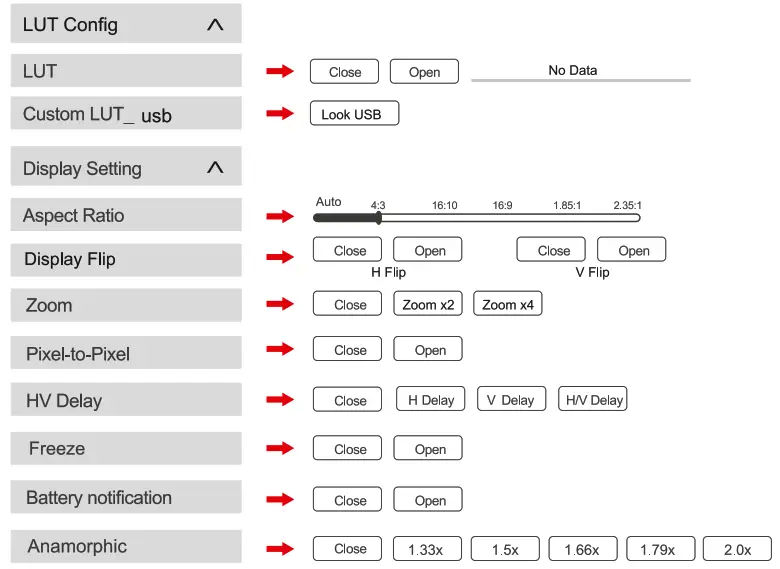
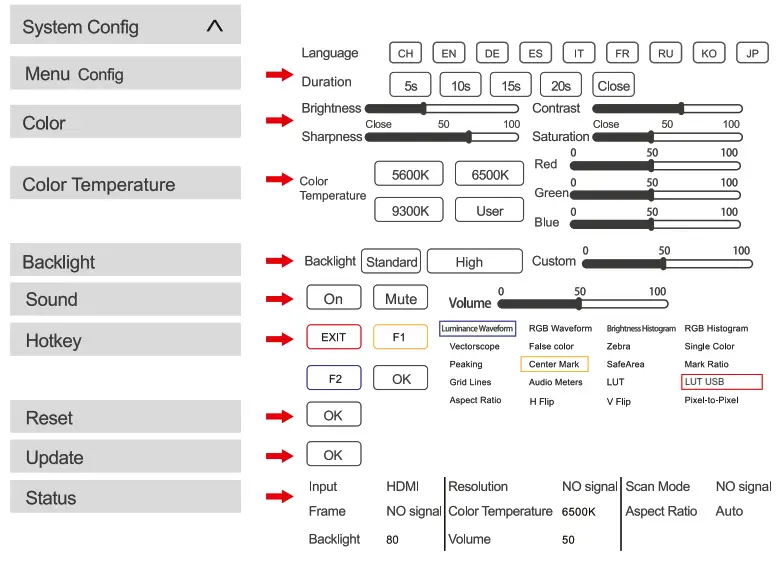
TECHNICAL DATA
| Screen Size | 7 inch |
| Machine Size | 17.8 x 11.7 x 2.22 cm |
| Weight | 380 g |
| Resolution | 1920 x 1200 |
| Contrast | 1100:1 |
| Brightness | 2600 Nits |
| Viewing Angle | 178°(HN) |
| Backlight | LED |
| Material | ABS engineering plastic |
| Voltage | DC 7 — 24 V |
| Power | s 18 W |
| Signal Input | HDMI 1.4 |
| Signal Output | HDMI 1.4 |
| Audio Output | 3.5 mm stereo headphone jack |
| HDMI inpul signal formal | HDMI oulpul signal formal |
| 720x480i & 720x480p @ 59.94, 60 Hz | 720x480i & 720x480p @ 59.94, 60 Hz |
| 720x576i & 720x576p @ 50 Hz | 720x576i & 720x576p @ 50 Hz |
| 1280x720p @ 50, 59.94, 60 Hz | 1280x720p @ 50, 59.94, 60 Hz |
| 1920x1080i @ 50, 59.94, 60 Hz | 1920x1080i @ 50, 59.94, 60 Hz |
| 1920x1080psf @ 24, 25, 29.97, 30 Hz | 1920x1080psf @ 24, 25, 29.97, 30 Hz |
| 1920x1080p @ 23.93, 24, 25, 29.97, | 1920x1080p @ 23.93, 24, 25, 29.97, 30, 50, |
| 30, 50, 59.94, 60 Hz | 59.94, 60 Hz |
| 3840x2160p @ 24, 25, 30 Hz | 3840x2160p @ 24, 25, 30 Hz |
| 4096x2160p @ 24 Hz | 4096x2160p @ 24 Hz |
DISPOSAL AND CONFORMITY
 Dispose of packaging: For disposal, separate packaging into different types. Cardboard and board must be disposed of as paper and foil must be recycled.
 Disposal of old devices:
Applicable in the European Union and other European countries with systems for the separate collection of reusable materials. Do not dispose of old devices into household waste! If the Desview R7Plus is no longer used, every consumer is legally obligated to dispose of them separately from the household waste, for example, at a collection site of his community/city district. This ensures that devices are properly recycled and negative effects on the environment are avoided. Therefore electrical and electronic equipment needs to be marked with the shown symbol.
Conformity
The Rollei GmbH & Co. KG herewith declare, that this device ”Desview R72” complies with the following guidelines: 2011/65/EC RoHS Directive
2014/30/EU EMC Directive
The complete text of the EU Declaration of Conformity can be downloaded at the following
Internet address: ww.rollei.com/EGK/DesviewR72
Rollei GmbH & Co. KG, In de Tarpen 42, 22848 Norderstedt, Germany
WARRANTY
Warranty
The statutory liability for defects exists.
The statutory warranty applies to the purchased product, except for consumables and wearing parts, which may also be worn out during the warranty period through proper use. The warranty period is two years from the delivery of the goods.
You are obliged to examine the goods immediately and with due care for deviations in quality and quantity and to notify us of obvious defects within 7 days of receipt of the goods in text form (e.g. e-mail), timely dispatch is sufficient to meet the deadline. This shall also apply to hidden defects discovered at a later date. The assertion of warranty claims is excluded in the event of a violation of the obligation to examine and give notice of defects.
If an error occurs and this is reported to us before the warranty expires, Rollei GmbH & Co. KG will, at its own discretion,
- repair the fault free of charge using new or repaired spare parts;
- replace the product with a product of at least equal performance, either new or made from new or refurbished parts;
- refund the purchase price of the product.
Warranty Card
| USER INFORMATION | |||
| Name: | Phone: | ||
| Add: | |||
| SALES INFORMATION: | |||
| Sale Date: | |||
| Distributor Name: | |||
| Distributor Tel: | |||
| REPAIR LOG: | |||
| Repair Date: | Repair name: | ||
| Issue: | |||
| Result: | • repaired | • not repaired | • return |
 7inch 3D-LUT Monitor
DESVIEW
FIELD MONITOR Production: 2022/03
Qualified
Imported by:
Rollei GmbH & Co. KG
In de Tarpon 42
D-22848 Norderstedt
Service Hotline
+49 40 270750277
 Desview - On Camera Monitor | Broadcast Monitor | Teleprompter