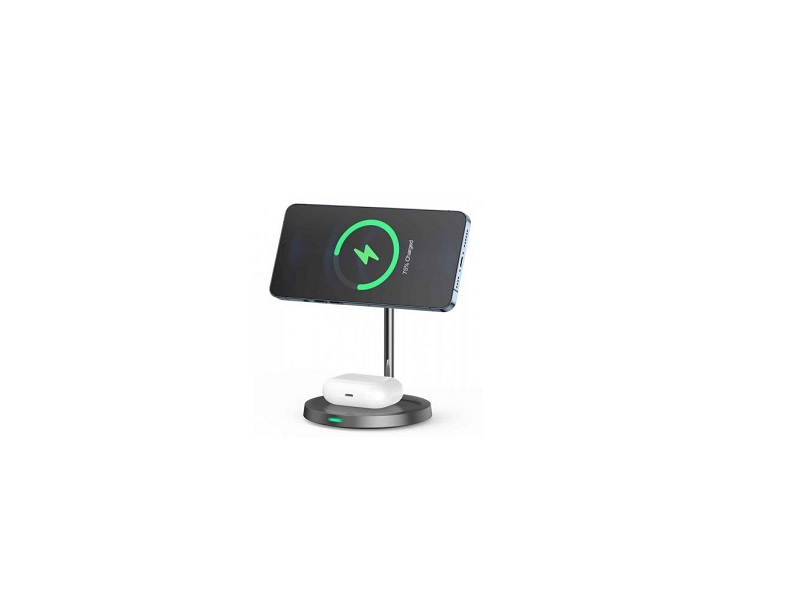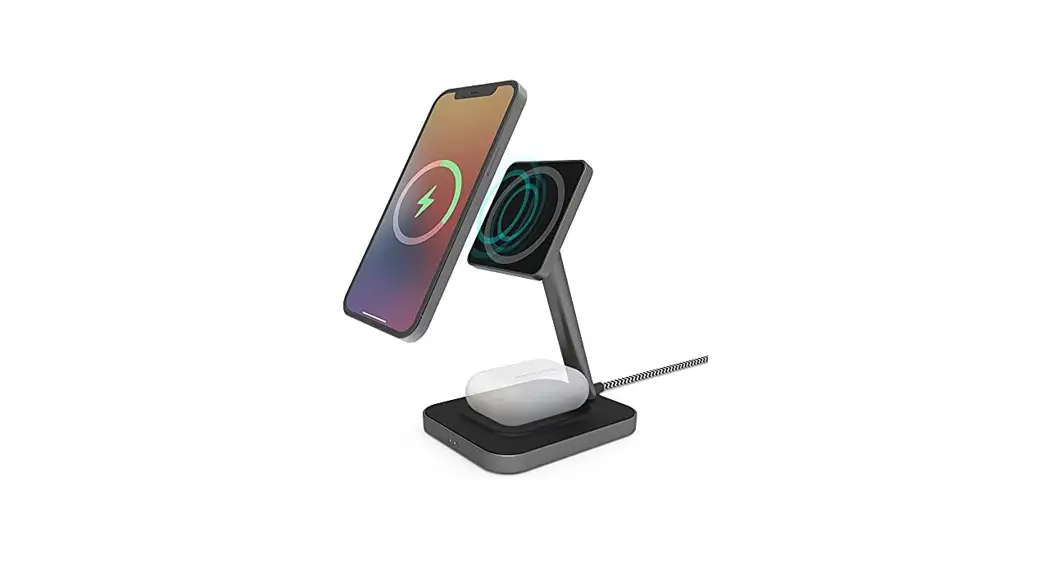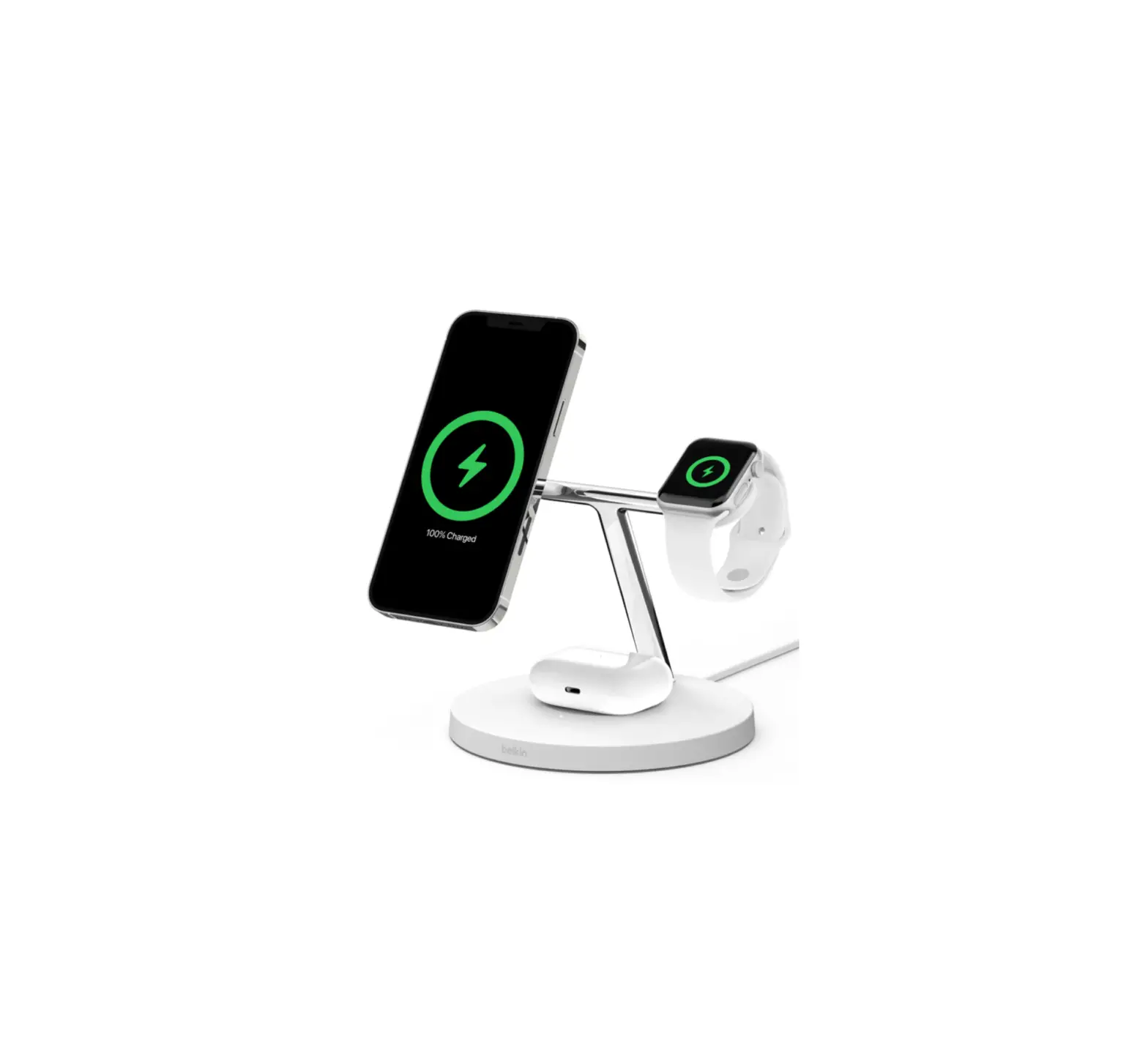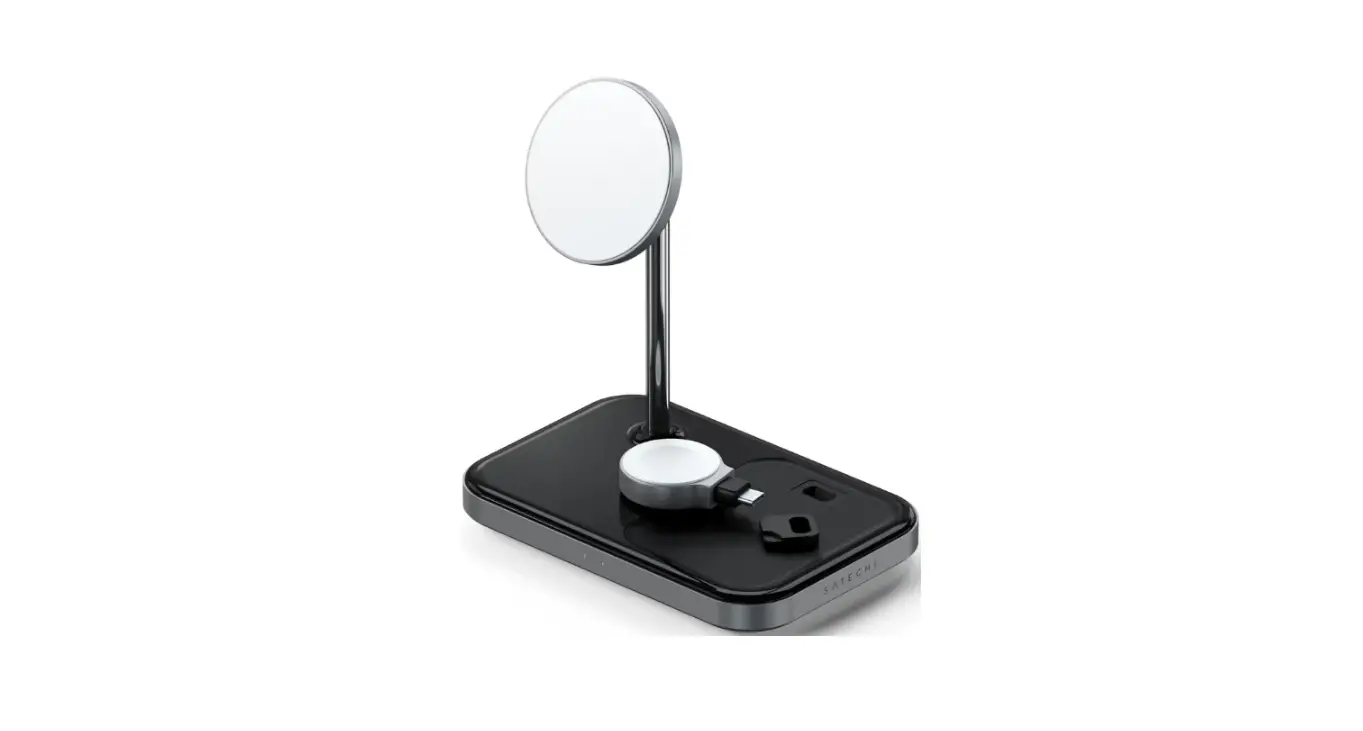

Jolameceni B094pt5rzy 3 In 1 Magnetic Wireless Charging Stand User Guide

Jolameceni B094pt5rzy 3 In 1 Magnetic Wireless Charging Stand User Guide

Jolameceni-LOGO

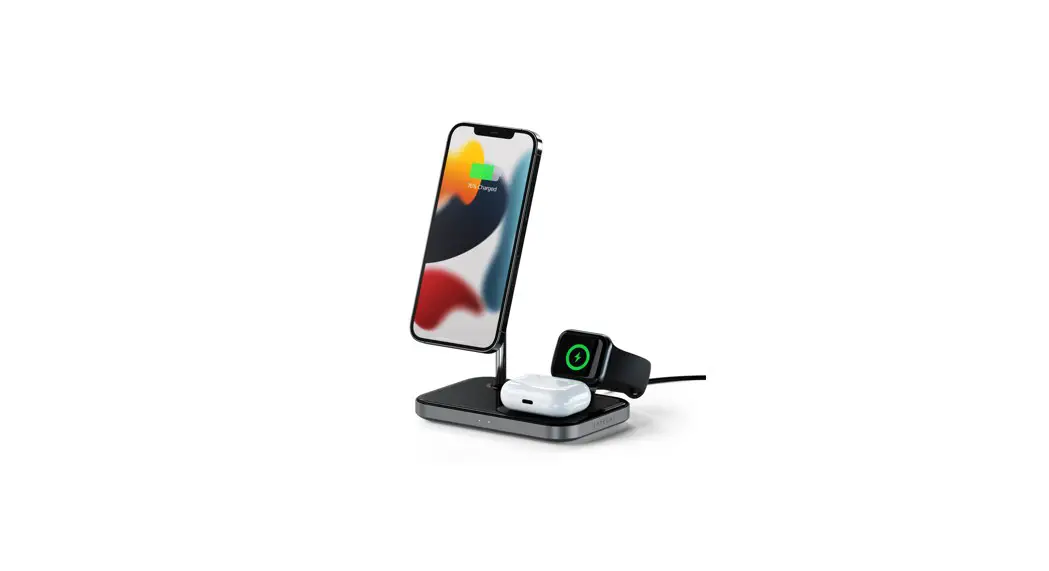
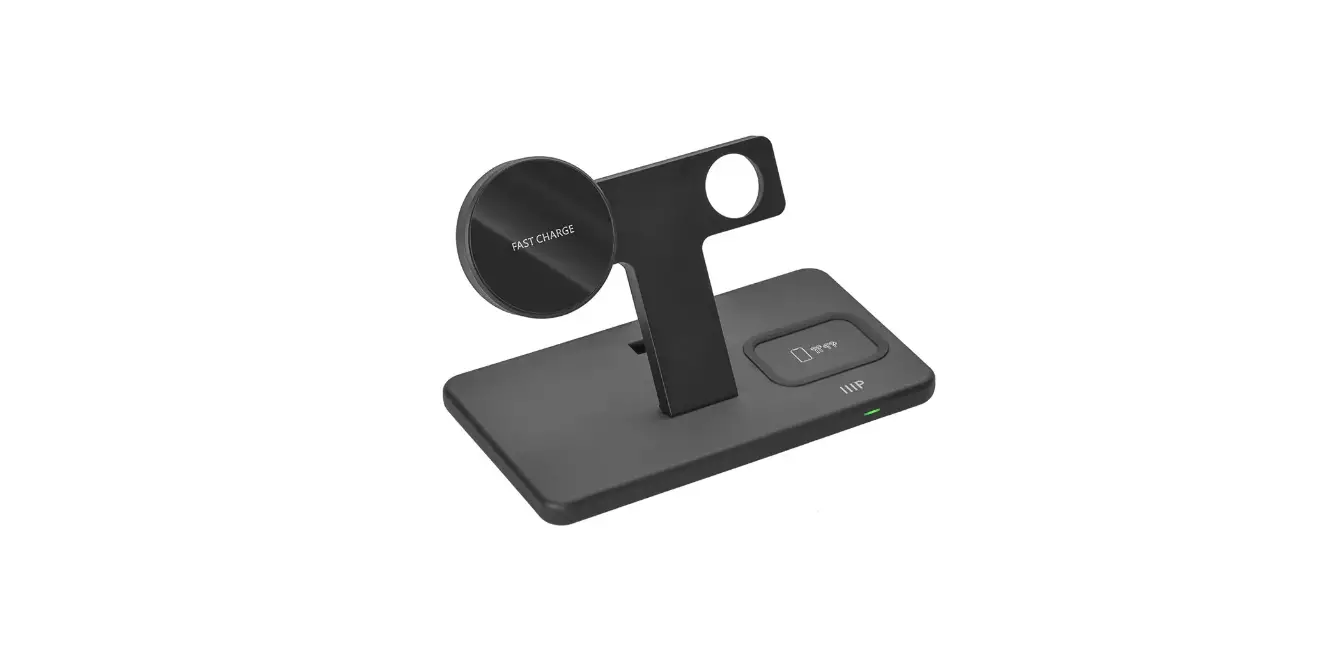
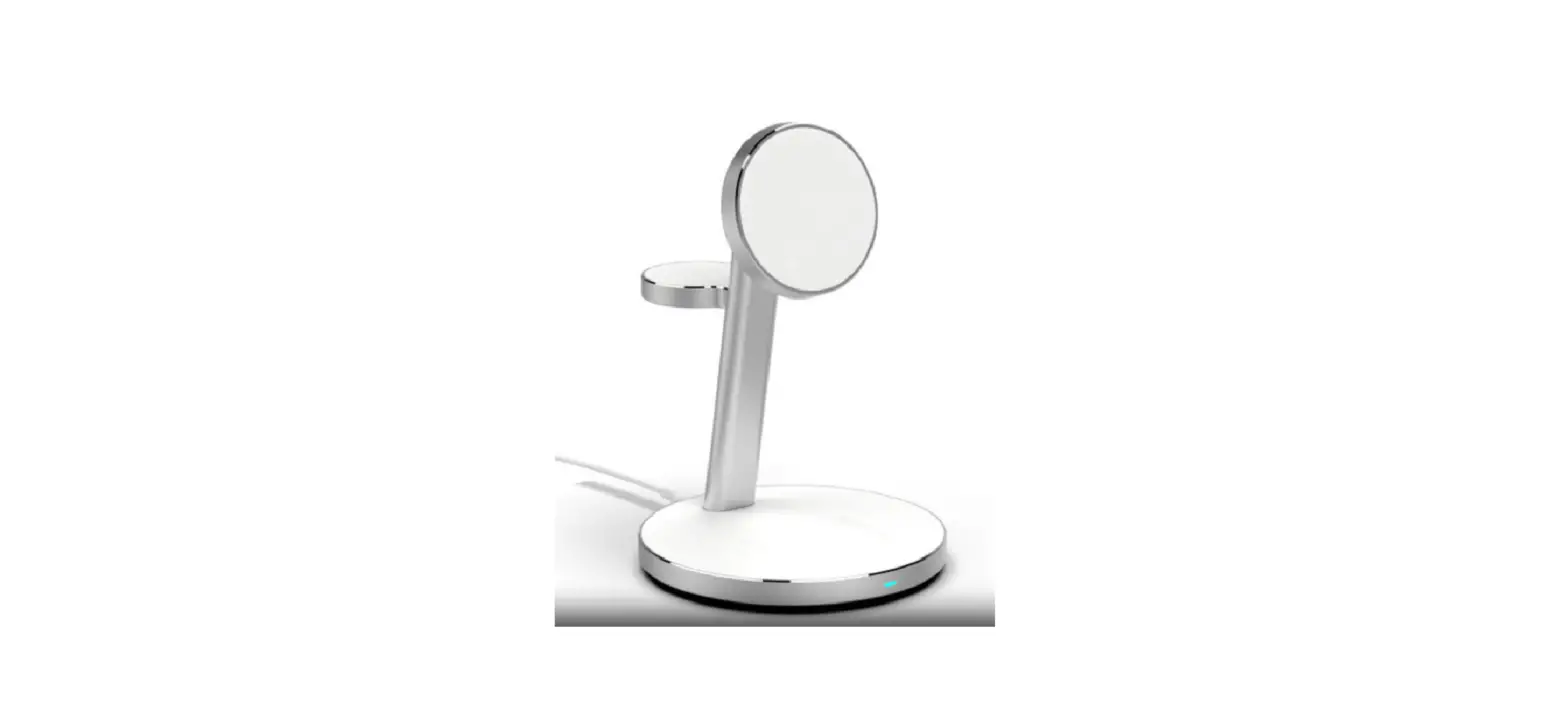
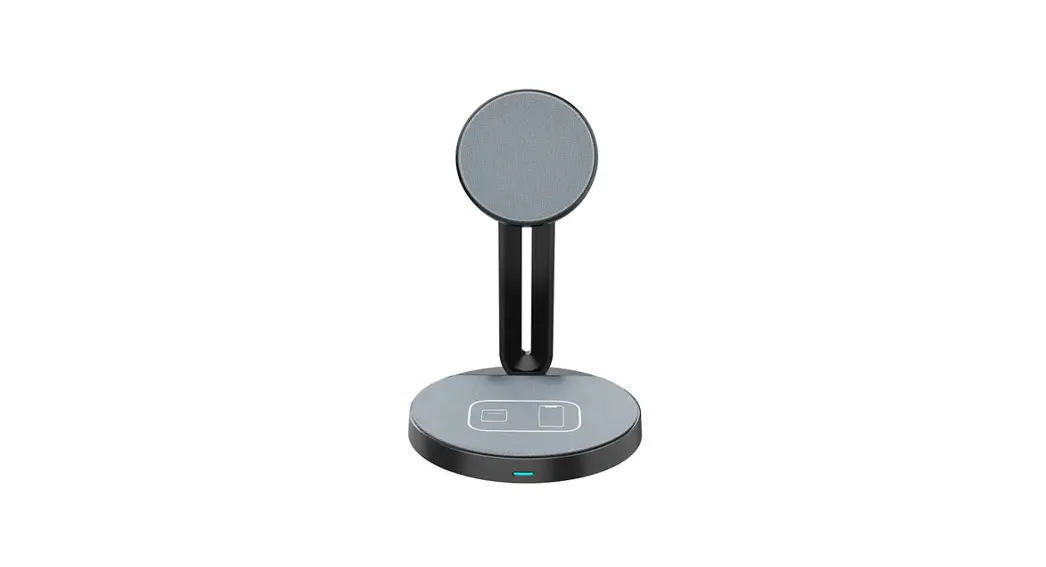
Jolameceni B094PT5RZY 3 In 1 Magnetic Wireless Charging Stand
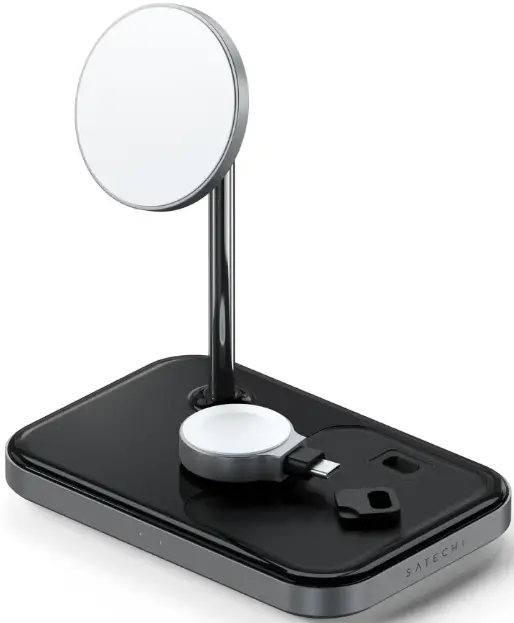
Jolameceni-B094PT5RZY-3-In-1-Magnetic-Wireless-Charging-Stand-PRODUCT

INSTRUCTIONAL GUIDE

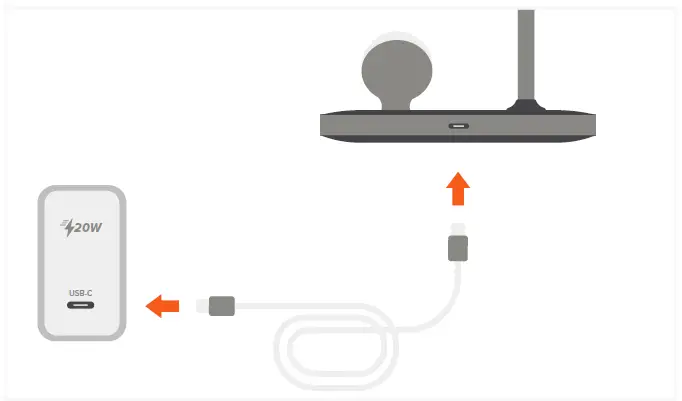
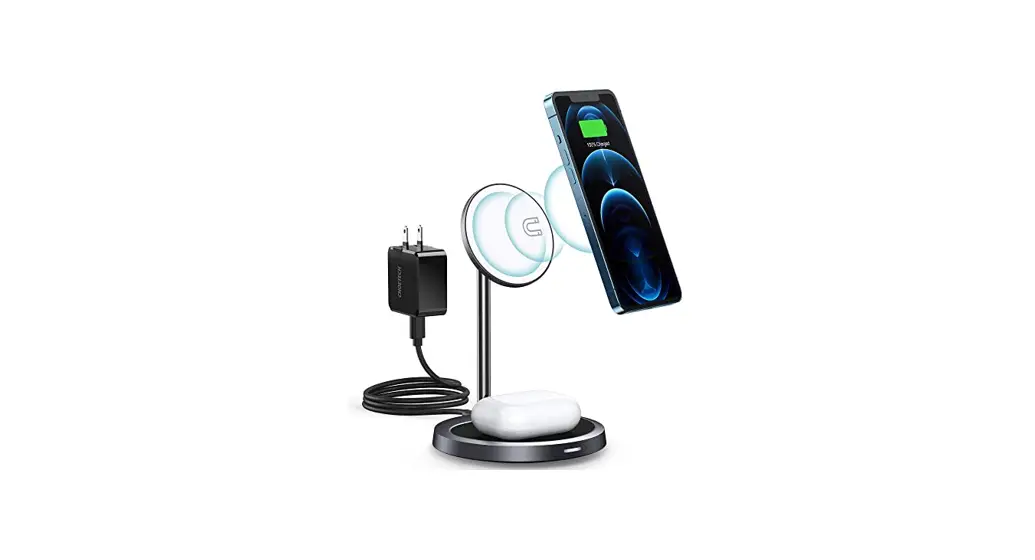
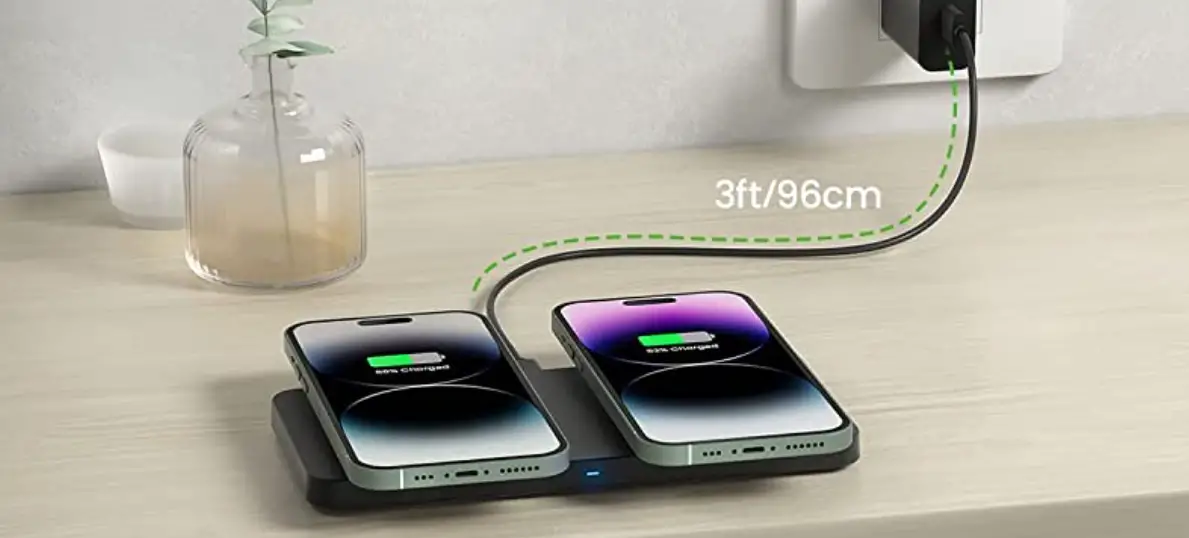
  1. Use the included cable to connect the stand to a 20W power adapter (sold separately).Jolameceni-B094PT5RZY-3-In-1-Magnetic-Wireless-Charging-Stand-FIG-1
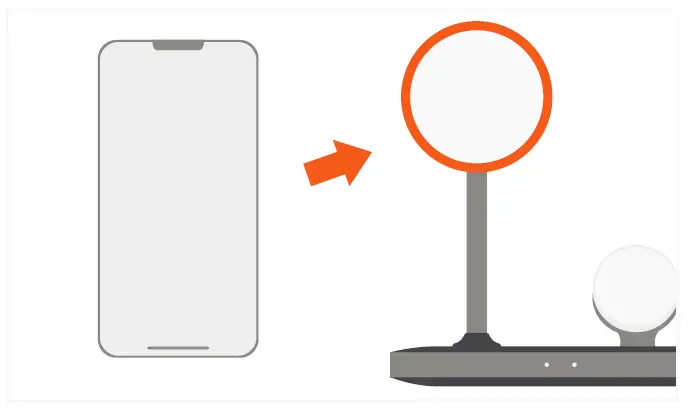
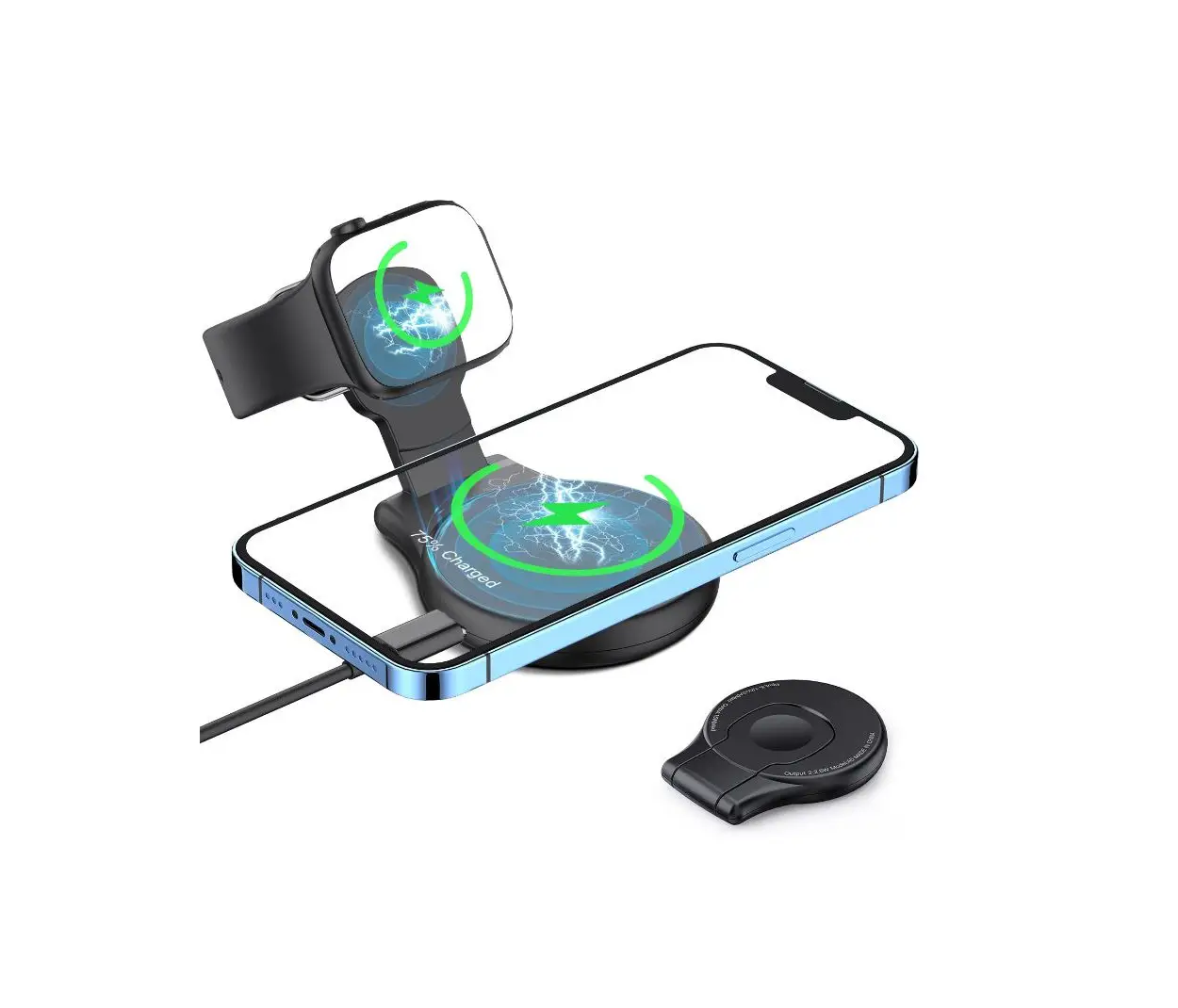
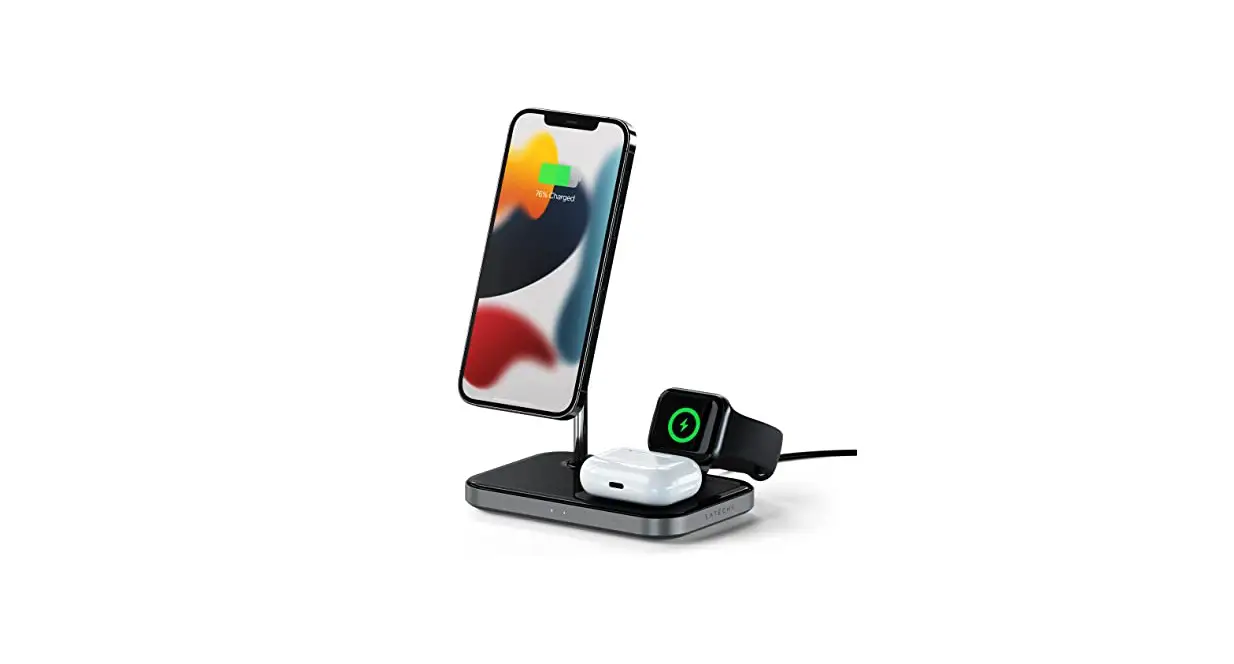
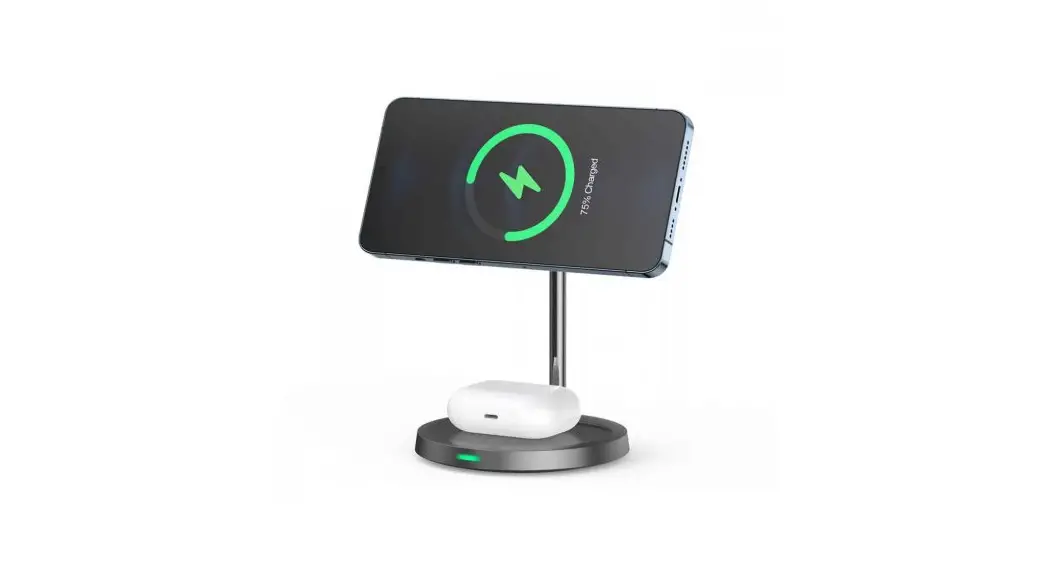
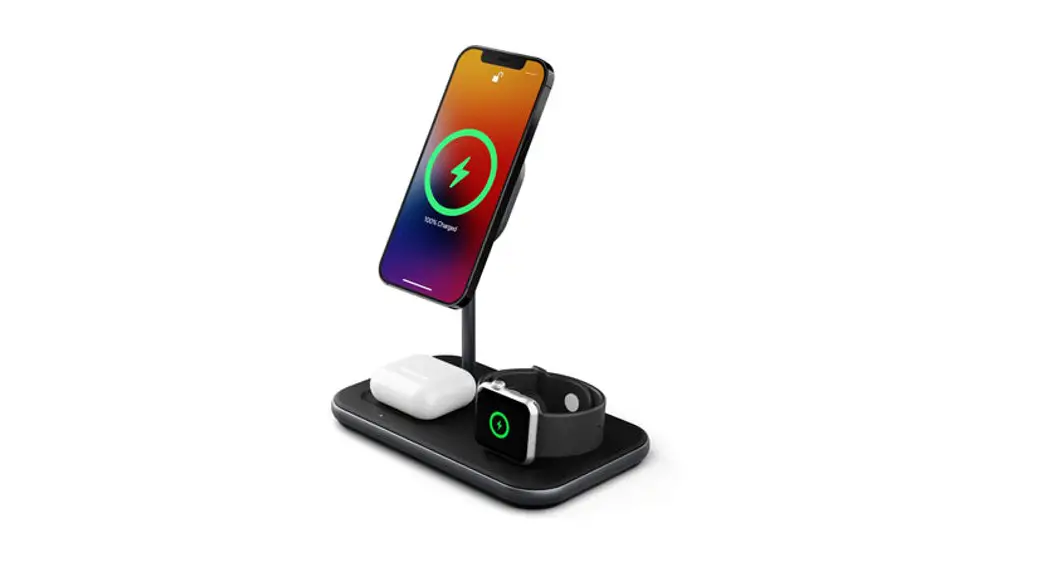
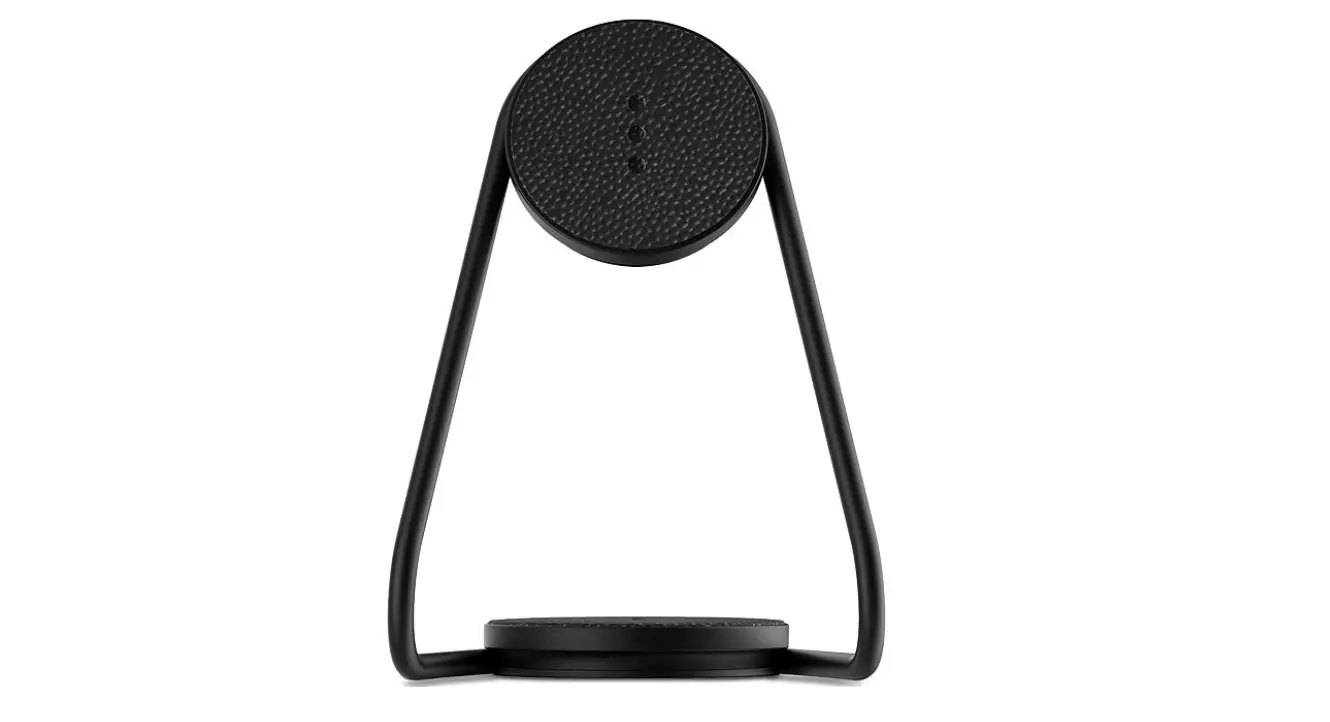
  2. Place your iPhone 12/13 onto the stand’s magnetic module to begin charging. Up to 7.5 Jolameceni-B094PT5RZY-3-In-1-Magnetic-Wireless-Charging-Stand-FIG-2
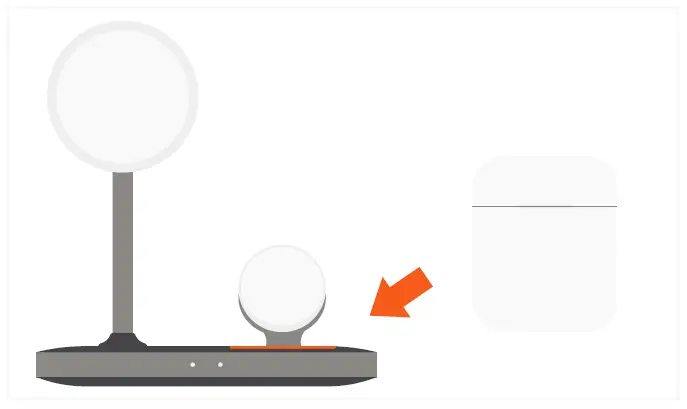
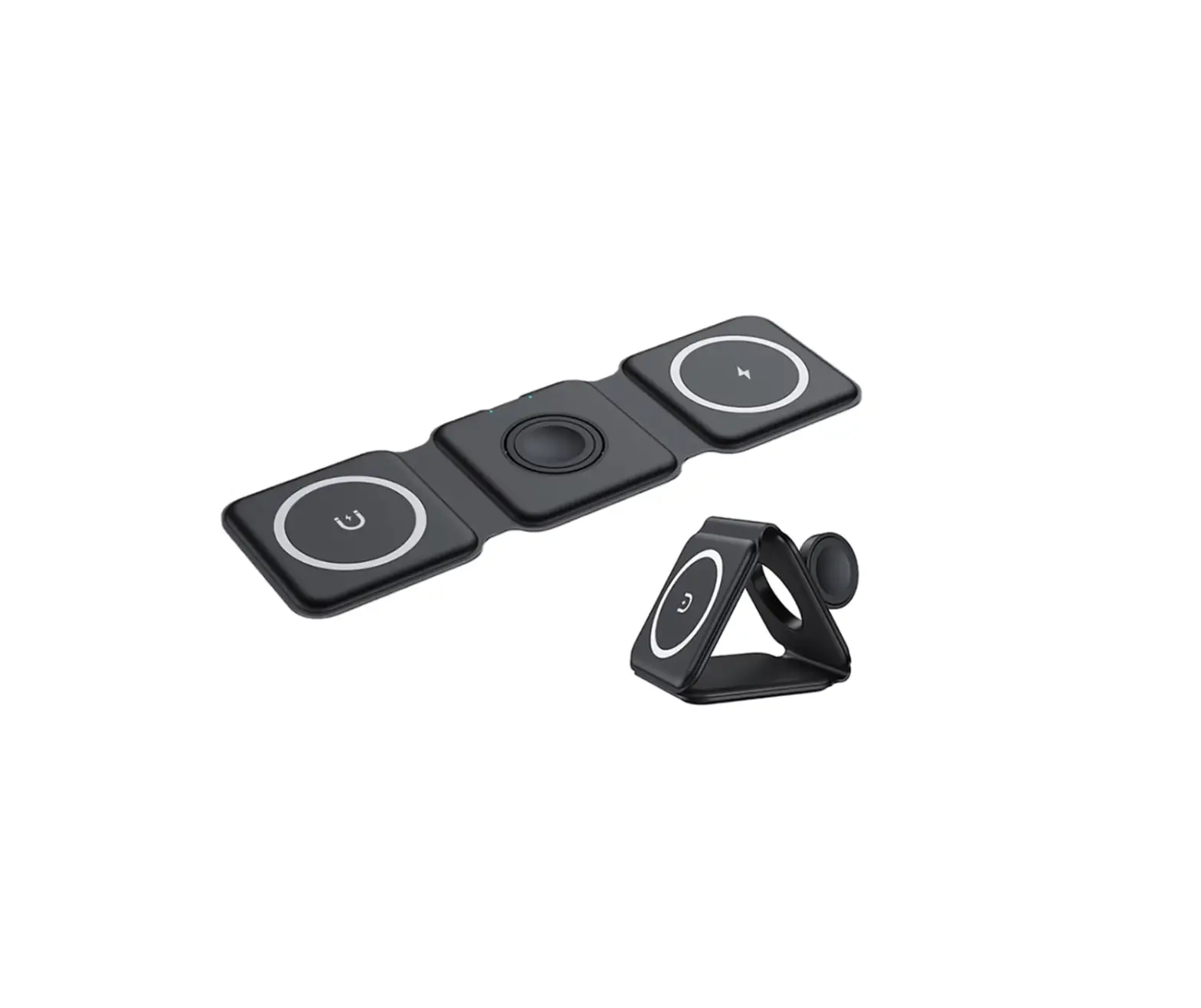
  3. Place your AirPods Pro onto the wireless charging pad. 5W chargingJolameceni-B094PT5RZY-3-In-1-Magnetic-Wireless-Charging-Stand-FIG-3
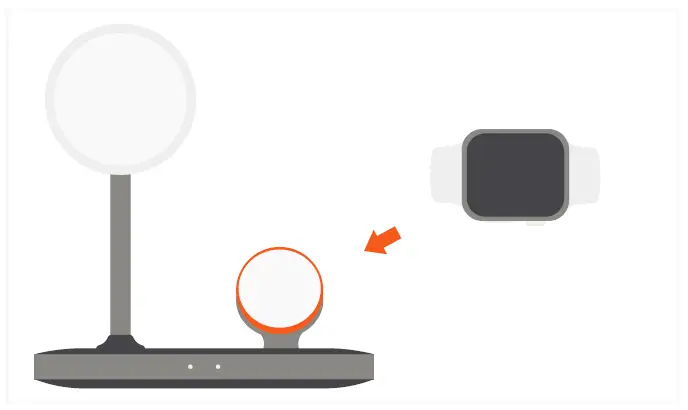
  4. Place your Apple Watch onto the charging module. 2.5W chargingJolameceni-B094PT5RZY-3-In-1-Magnetic-Wireless-Charging-Stand-FIG-4
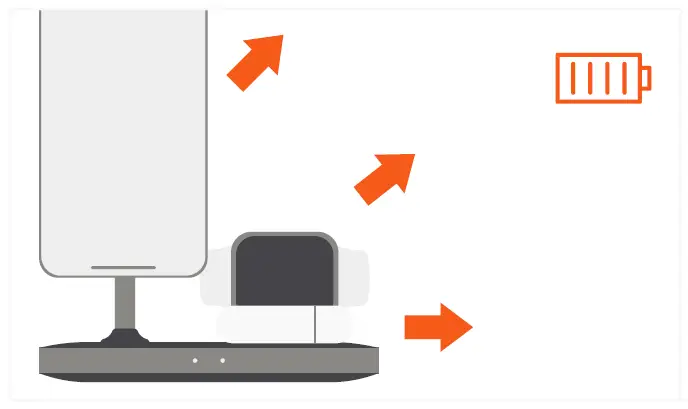
  5. Remove devices when fully charged.Jolameceni-B094PT5RZY-3-In-1-Magnetic-Wireless-Charging-Stand-FIG-5

Note: iPhone 12 & 13 cases require MagSafe support or our Magnetic Sticker (sold separately) to support the stand’s magnetic connection.
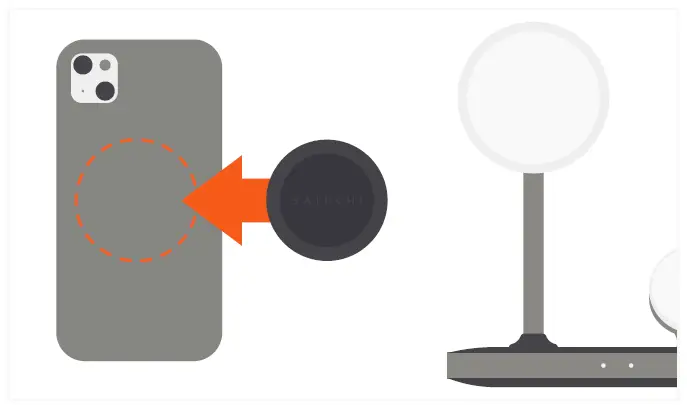
Jolameceni-B094PT5RZY-3-In-1-Magnetic-Wireless-Charging-Stand-FIG-6

Documents / Resouces

Download manual
Here you can download full pdf version of manual, it may contain additional safety instructions, warranty information, FCC rules, etc.


Related Manuals