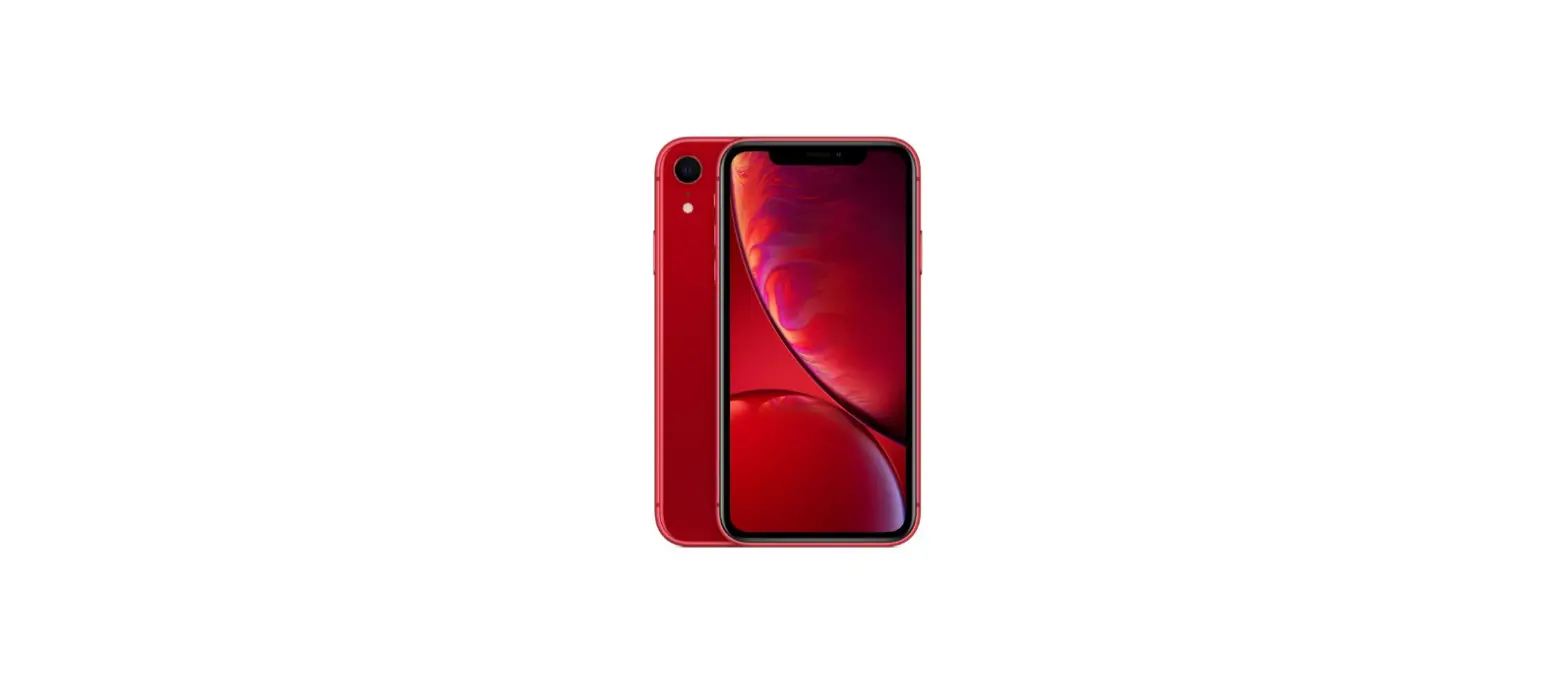
 Apple iPhone XR Manual: Switch between 3G/4G/5G
 Apple iPhone XR Manual: Switch between 3G/4G/5G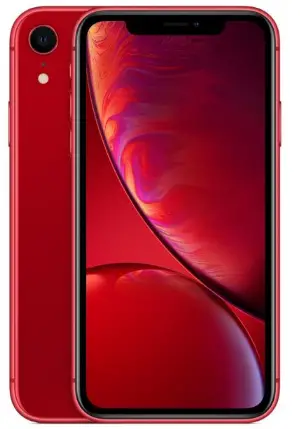
- Before you start
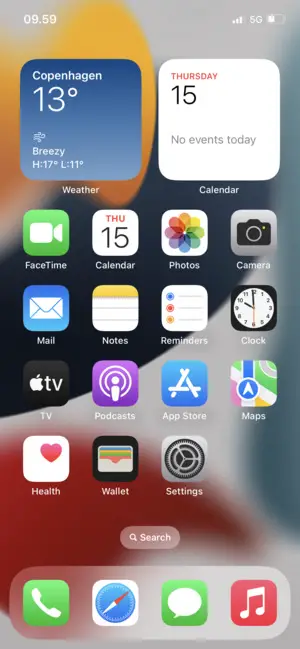
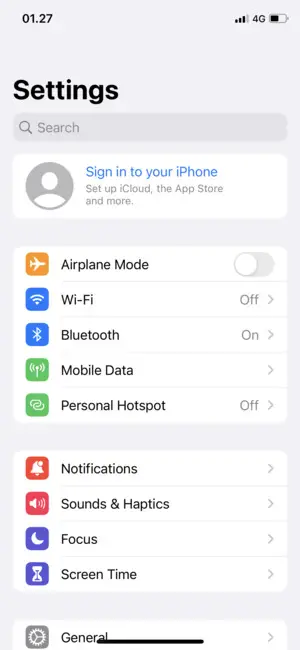
This guide will show you how to switch between 3G, 4G, and 5G if you experience problems in the network. - Select Settings

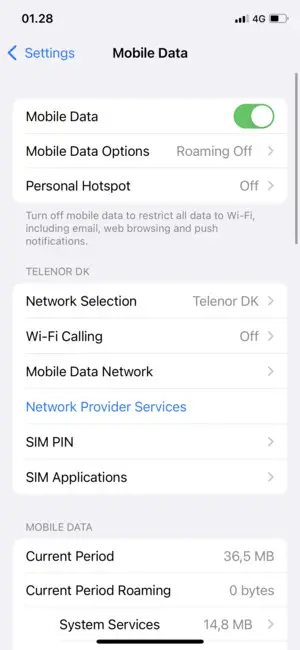
- Select Mobile Data

- Select Mobile Data Options
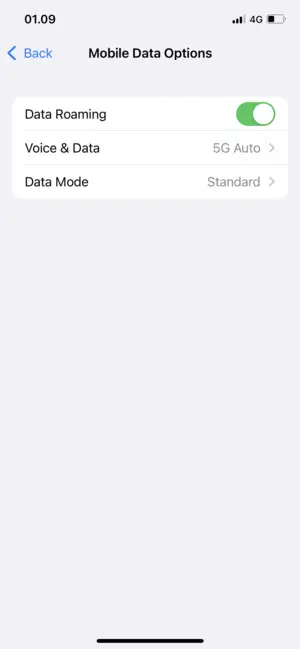
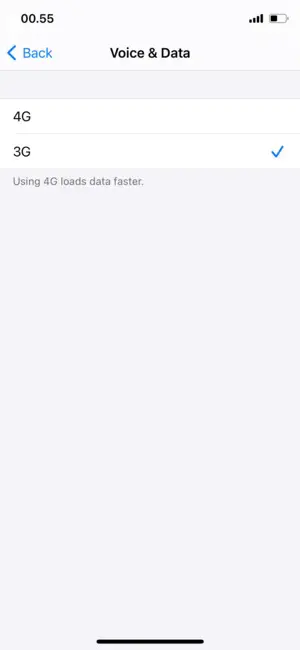
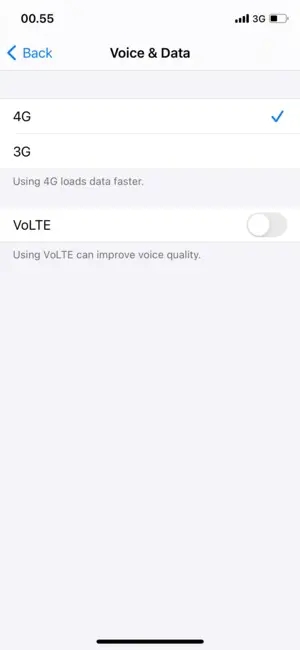
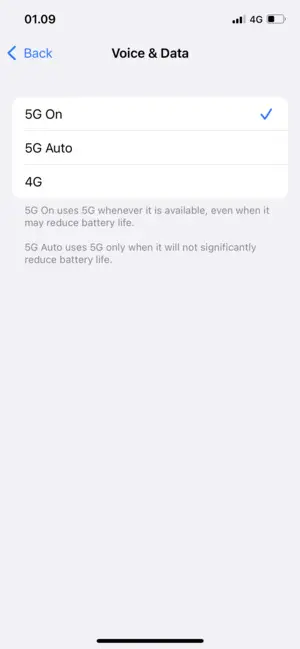
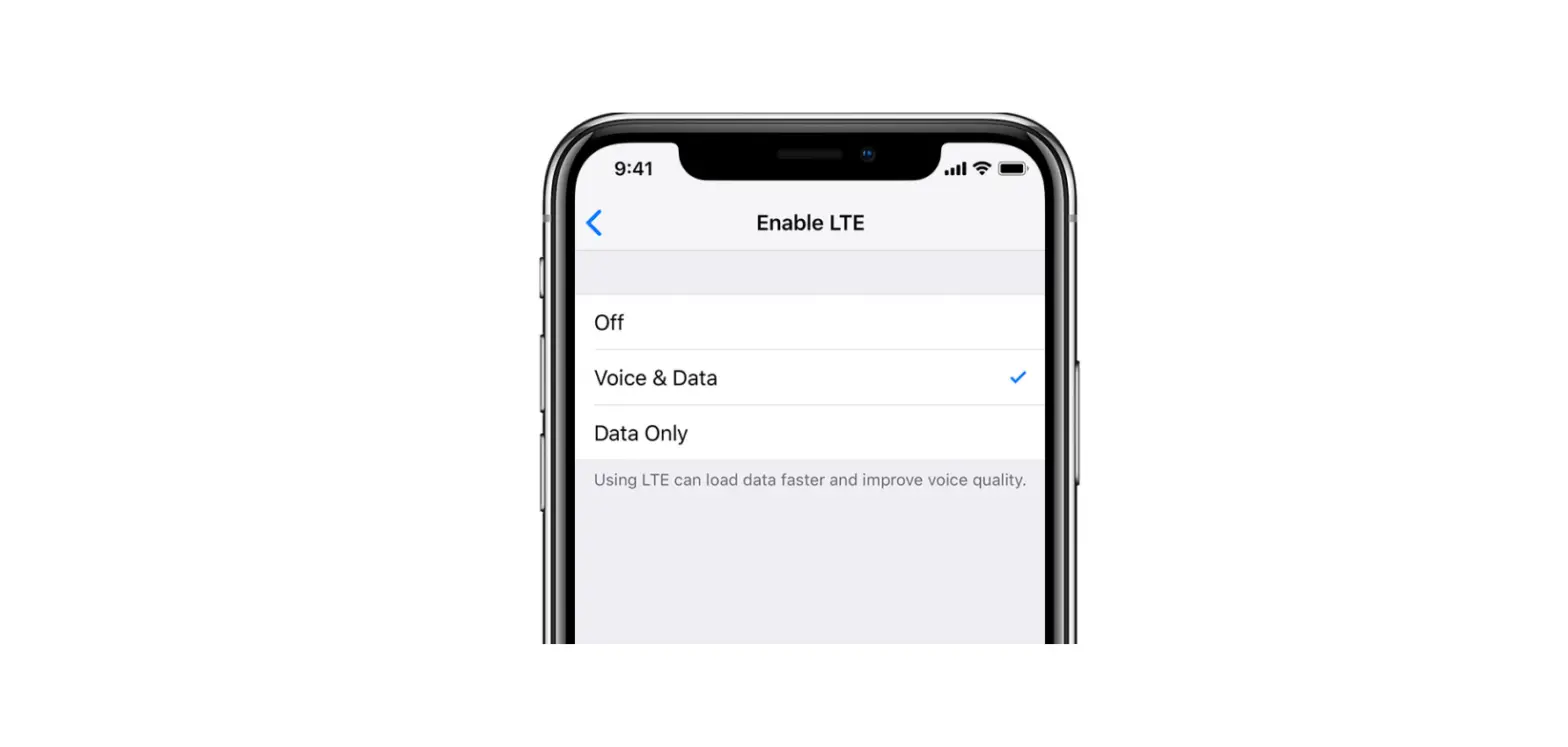
- Select Voice & Data
- To enable 3G, select 3G
- To enable 4G, select 4G
- To enable 5G, select 5G On or 5G Auto