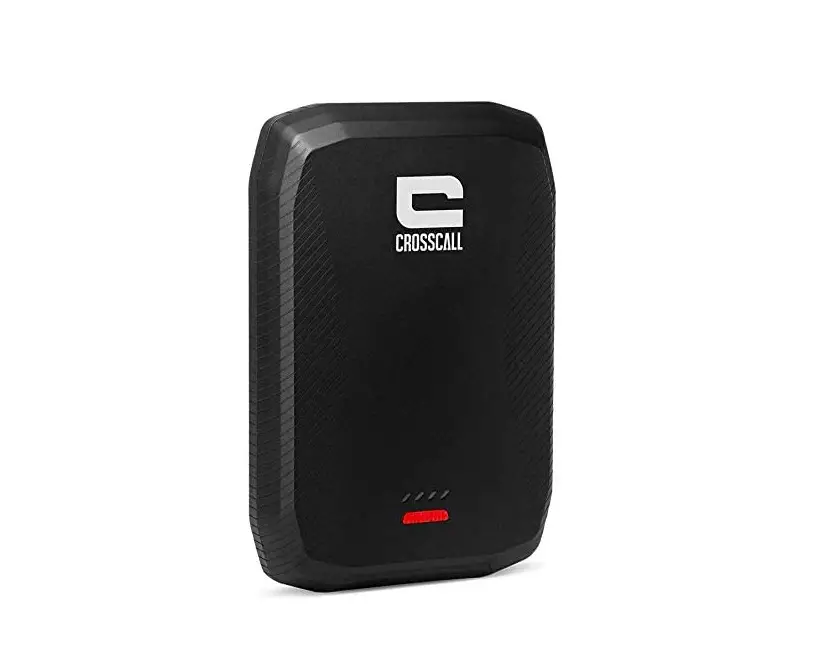
CROSSCALL X-Power External Battery Powerbank 5000 mAh User Manual
Thank you for your trust and for purchasing this accessory from the X-LINK™* range.
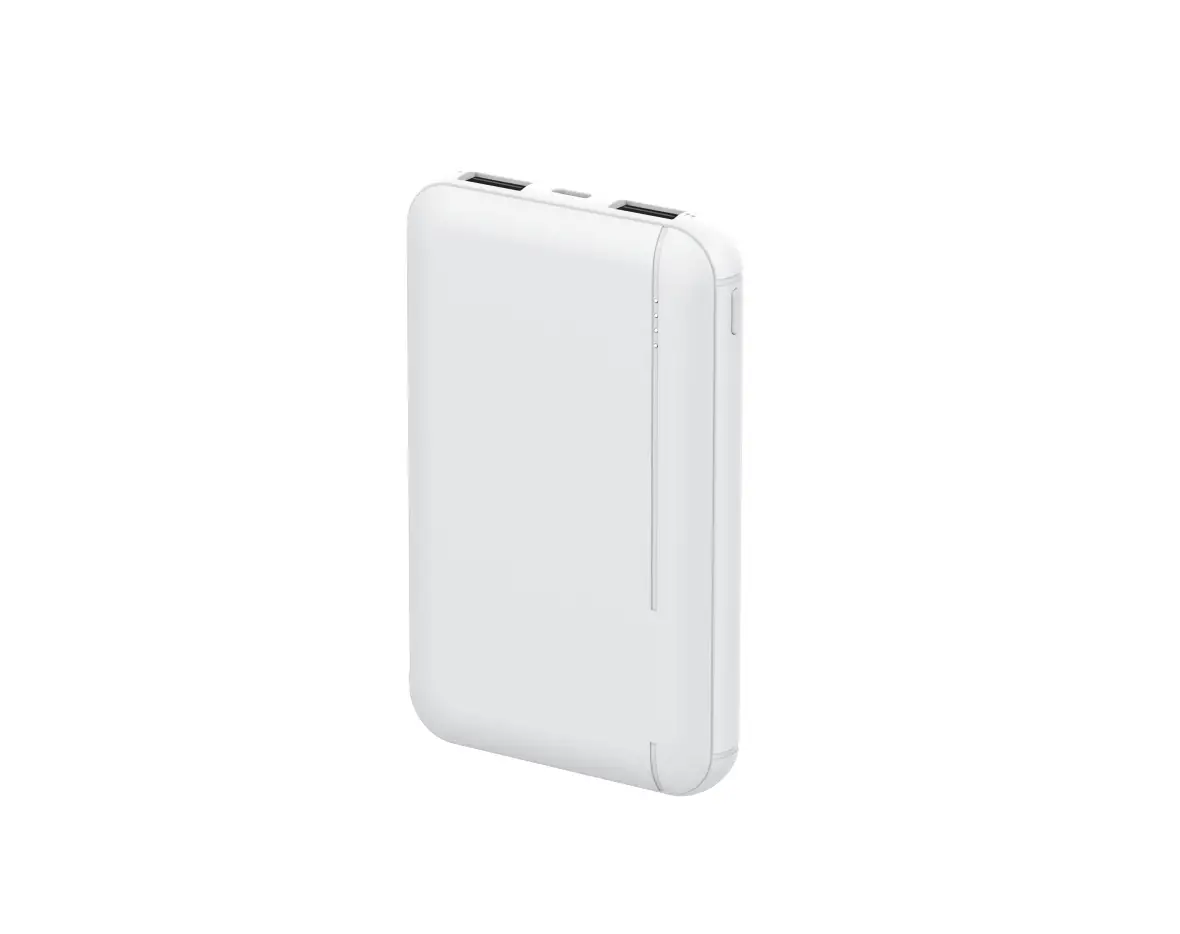
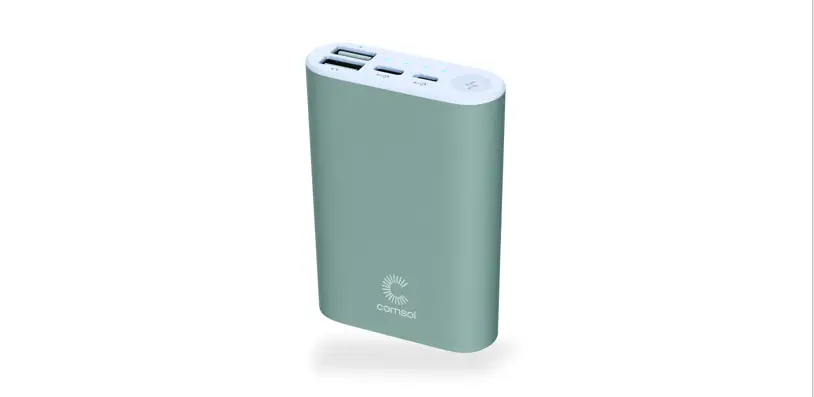
Product Overview
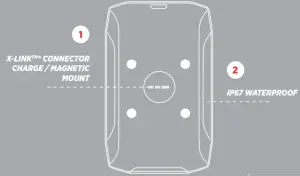
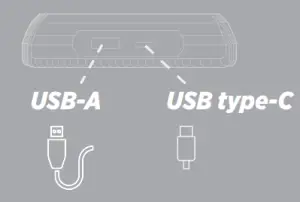
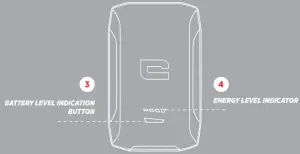
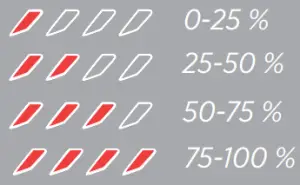
| Input voltage – output voltage | 5V/2,1 A |
| Type of battery | Li-Ion 3,7V |
| Charge time | 3h 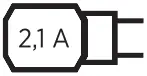 |
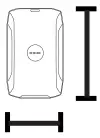 | 108x70x20 mm |
 | 170 gr |
CHARGING THE X-POWER WITH THE USB-C CABLE:
- Insert the USB-C cable and the appropriate charger.
- During charging, the LED(s) indicate the level of charge reached, and the blinking LED indicates the current level.
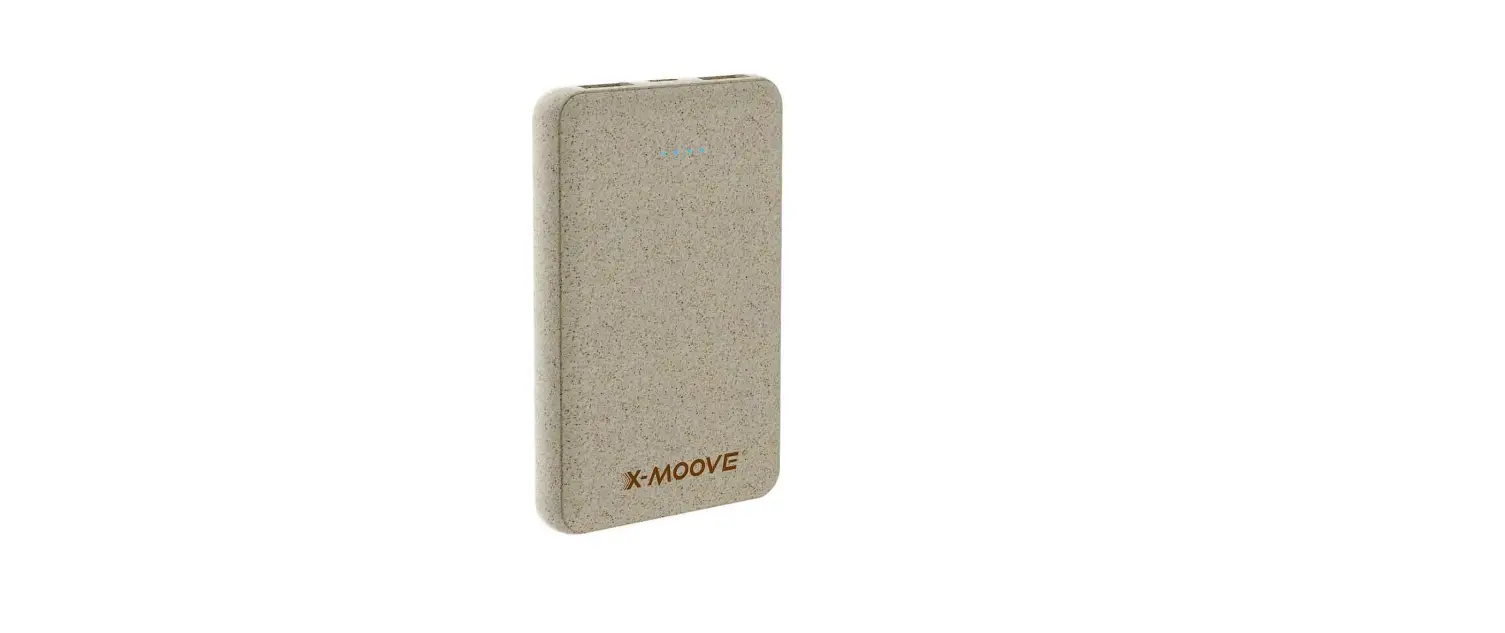
- When the X-POWER is charged, all four LEDs remain on.
 The X-POWER allows a maximum charging current of 5V/2.1A Charge the battery fully every 3 months if not used for a long time
 CHARGING WITH THE X-LINKTM* MAGNETIC CONNECTOR
- Position the 2 X-LINKTM* connectors face-to-face (smartphone and X-POWER)
- Your mobile automatically magnetises and the charging process starts
The X-LINK™* function can only be used with Cross call products equipped with this charging system.
If your X-POWER is charging, and it is charging a device via X-LINK™*, then you are recharging both products at the same time.
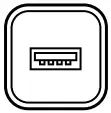 CHARGING WITH THE USB CONNECTOR
- Connect your cable to the X-POWER’s USB-A port and the device to be charged
- Charging starts.
PRECAUTIONS FOR USE
WATERPROOFING
Always make sure you properly close the waterproof caps.
Do not attempt to charge your smartphone or accessories underwater (neither with X-LINKTM*, nor via the connectors).
In the event of accidental immersion of your X-POWER, even if it is guaranteed waterproof within the limits of product standards, residual moisture may remain behind the connectors. Shake your product to drain the water, and then dry the connectors with a soft, dry cloth before using it again.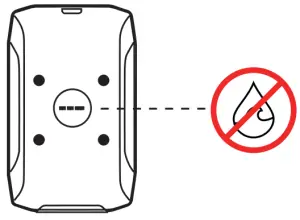
If one of the devices has been exposed to liquids other than water (salt water, chlorinated water, oils, hydrocarbons, mud, etc.) be sure to rinse the connectors thoroughly with clean water before drying them.
SAFETY AND USE OF THE BATTERY
- Use with the correct charger
- Do not connect to the USB-A and USB-C ports at the same time.
- Do not throw into fire
- Do not incinerate
- Do not short-circuit
- Do not expose to temperatures above 60ºC / 140°F or direct sunlight
- Recycle according to the standards in force
WARNING:
- Small parts may cause choking.
Avoid extreme temperatures. Do not keep your device in extremely hot or cold places. - Do not attempt to disassemble or modify this product or any of its components.
- Avoid impacts or damage to your Charger.
- Avoid using the connector to perform several actions and ensure that the terminals of the battery do not touch any conductive elements, such as metal or liquid.
- Stop using your device if any of its parts are cracked, broken, or if it overheats.
- Do not let your children or pets chew or lick the device.
- Do not press your device against your eyes, ears or any other part of your body, and do not put it in your mouth.
- Do not use your device outside during a thunderstorm.
- Do not place the unit near water or a source of moisture, such as a bathtub, sink, kitchen sink, pool, damp basement or other damp locations. In general, do not use in case of inclement weather and thunderstorms.
- Before cleaning your device, unplug it from the power supply. Clean the device with a soft, dry cloth. Do not use harsh cleaning agents or solvents such as petrol or alcohol: risk of damage
- This device is not intended for use by persons (including children) with reduced physical, sensory or mental capacities, or persons without experience or knowledge, unless they are supervised by a person responsible for their safety or have received prior instructions concerning the use of the device. Children should be supervised to ensure that they do not play with the device.
ENVIRONMENTAL PROTECTION
 This symbol affixed on the product indicates that it is a device whose treatment as waste is subject to regulations on electrical and electronic equipment waste (WEEE).
Please observe the local regulations on the charger’s package concerning the battery and the disposal of used chargers, by depositing them in the selective collection points so that they can be properly recycled. Do not dispose of chargers or used batteries in ordinary rubbish bins. Please dispose of used lithium batteries that you do not want to keep in a designated place for this purpose. Do not dispose of them with household waste.