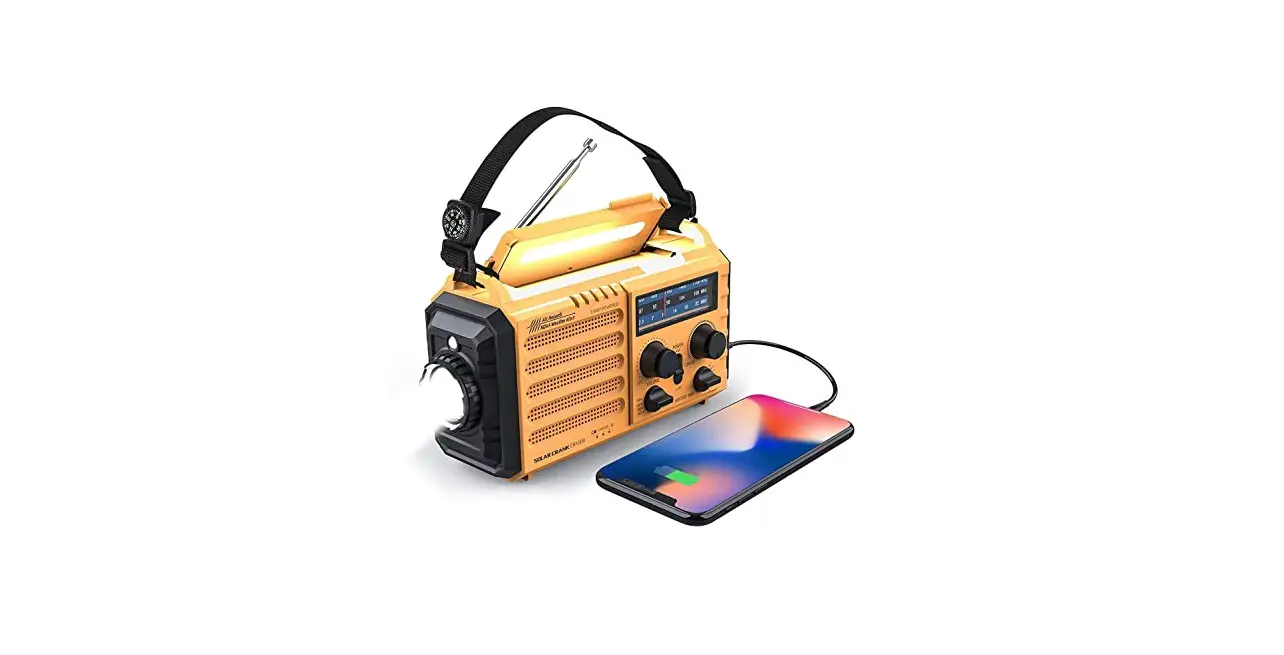
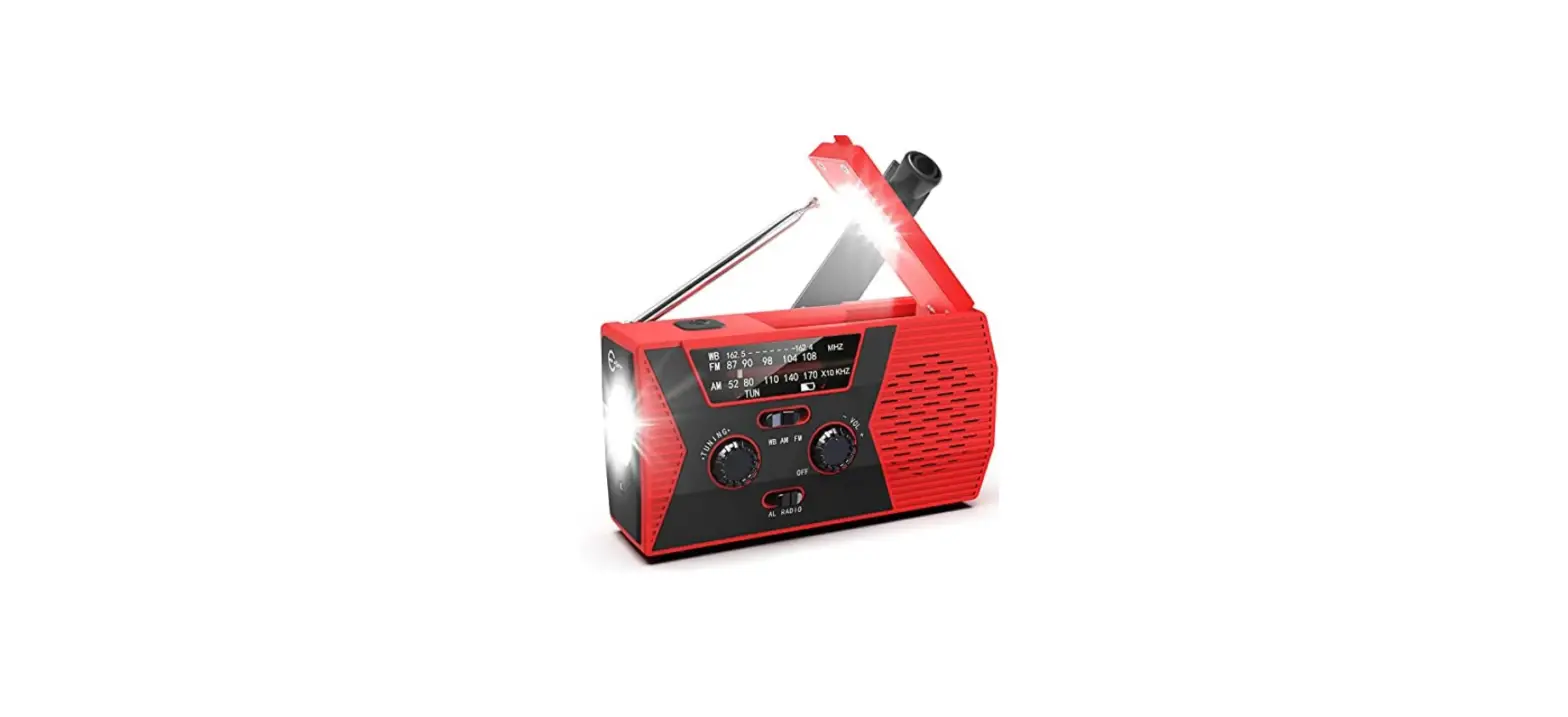
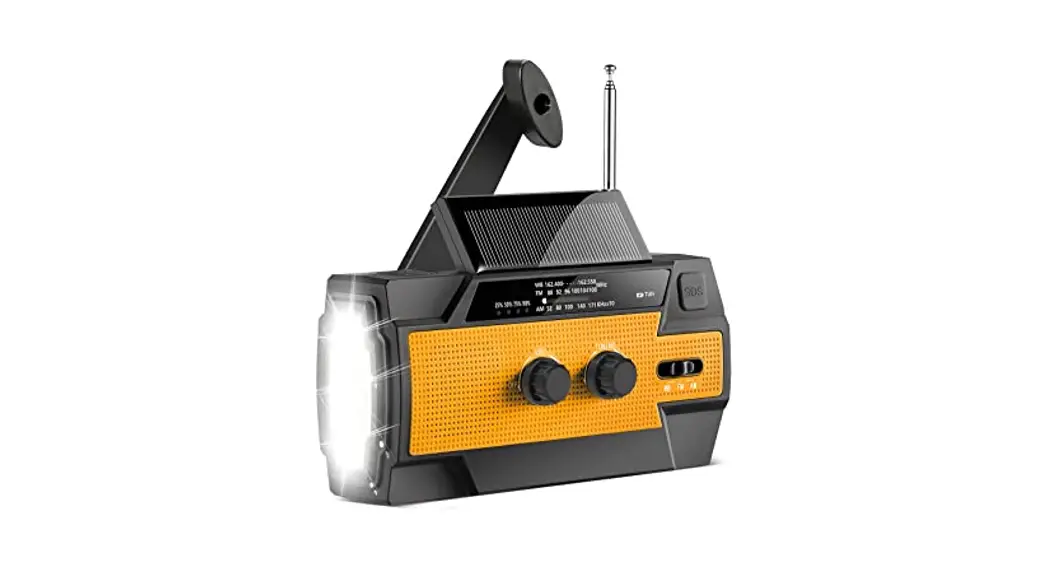
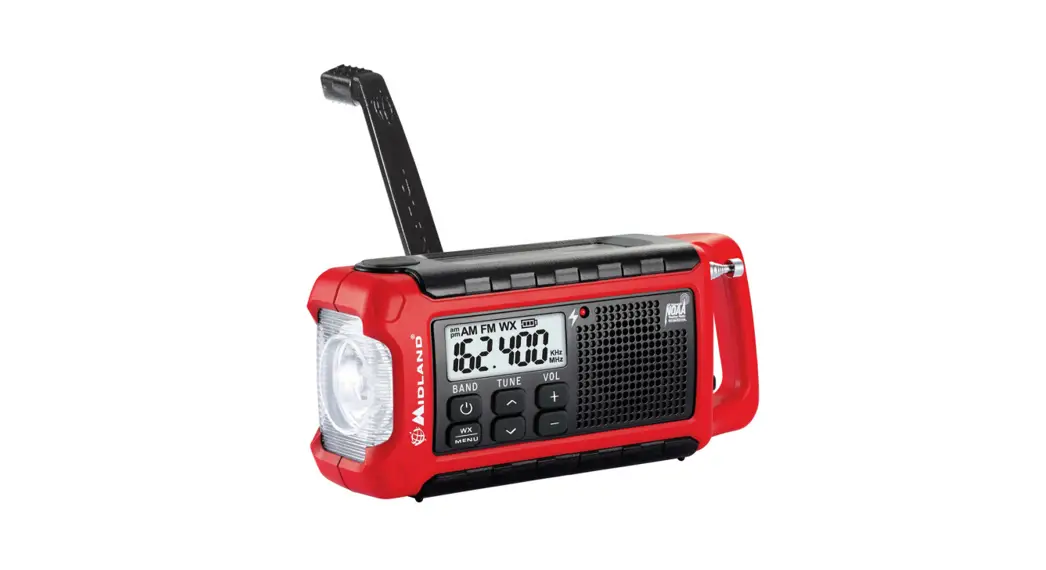
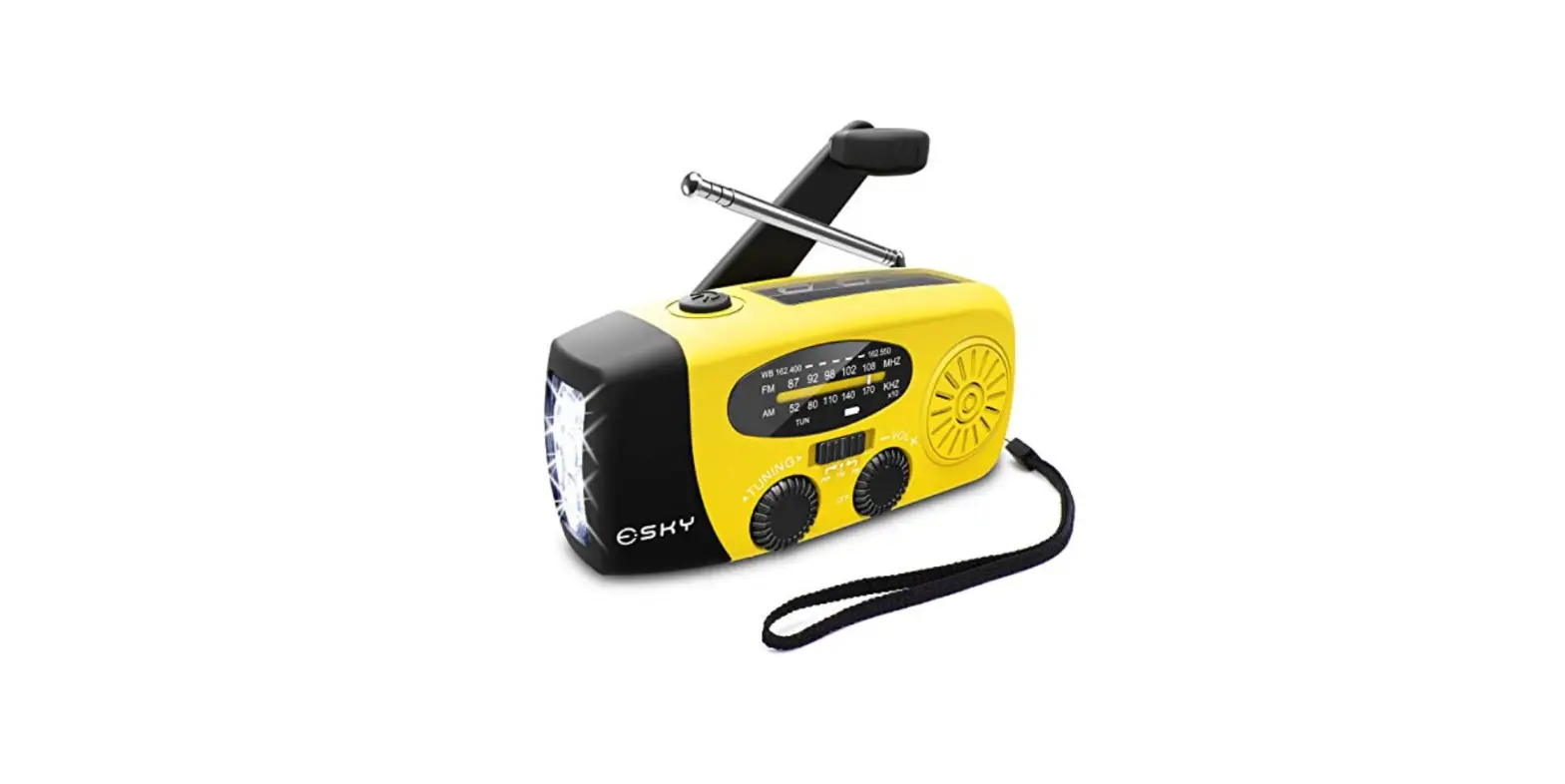
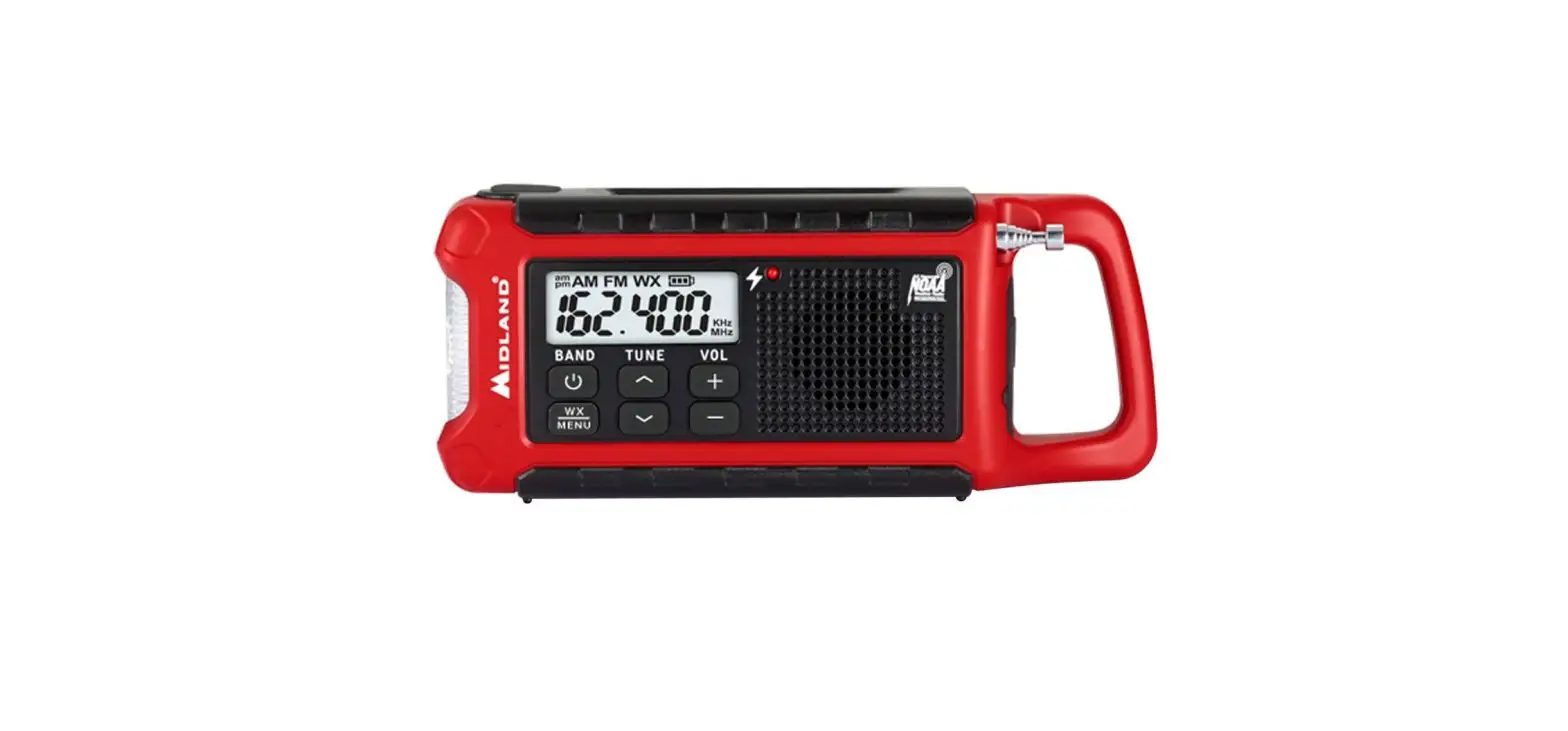
WB-2WB Dynamo Hand Crank Radio with Reading Lamp
Product Information
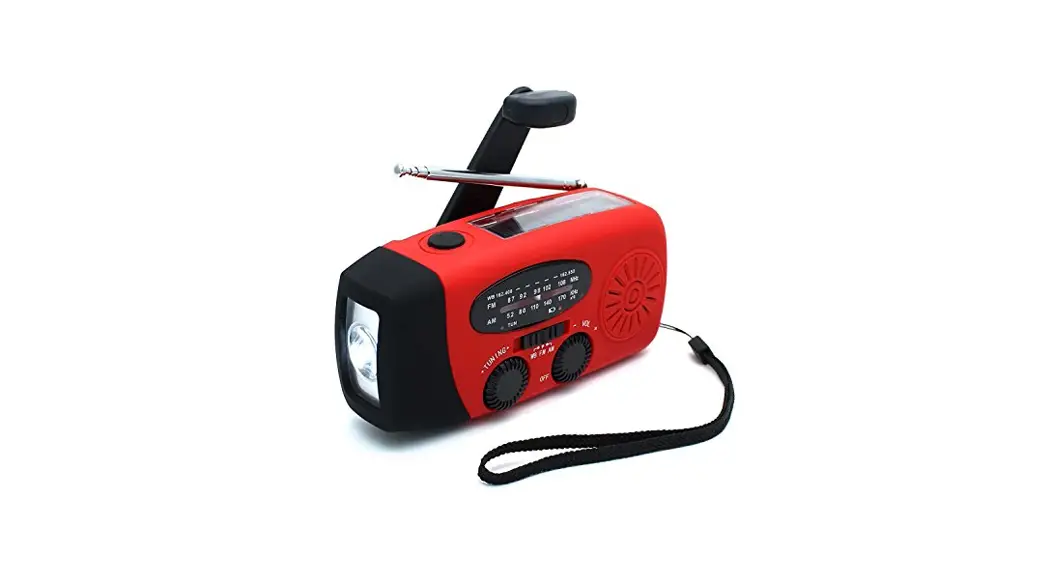
- LED Reading Lamp
- Antenna
- Flashlight ON/OFF
- Flashlight SOS LAMP
- DC IN 5 V
- TF CARD
- USB OUT 5V
- Earphone Jack
- Solar Panel
- Charging Indicator
- Tuning Indicator
- Tuning VOL+/LIGHT ON/OFF/SOS
- USB/TF CARD/BT Prev /Next/Play/Pause
- OFF/FM/AM/WB/BT Output Power Indicator Speaker
- Hand Crank
SPECIFICATION:
- Product Charge RMS AM FM AM/FM/WB Dynamo Hand Crank Radio With
Alert/ SOS/ Torch/ Reading lamp/ Phone Charger/ Solar Panel With
charge and discharge protection lack - 5Wx1 520 – 1710KHz
- 87 – 108MHz
- WB:162.400MHz/162.425NHz/162.450MHz/1
62.475MHz/162.500Mhz/162.525Mhz/16 2.550MHz - USB/TF: USB/TF Card MP3 Paly, BLUETOOTH Paly
- 4 Ways to Charge Flashlight: LED Solar Panel/ Hand Crank/
Built-in lithium battery. Flashlight range 300M - LED reading lamp 300LM
- Phone jack Battery Input: 3.5mm Phone jack 3.7V 4000Ma DC 5V
2.0A - Output: DC 5V 2.0A
- Unit Size: 16.0*6.6*8.2cm
- Unit Weight: 400g
Product Usage Instructions
To use the product, follow the instructions below:
Charging the device:
- Charge using the DC IN 5 V input with a compatible
charger. - Charge using the solar panel by placing it under direct
sunlight. - Charge using the hand crank by rotating it clockwise for
several minutes.
Using the radio:
- Turn on the radio with the ON/OFF button.
- Select the desired frequency band (AM/FM/WB) with the
OFF/FM/AM/WB/BT button. - Tune to a specific frequency using the Tuning VOL+/LIGHT
ON/OFF/SOS button and observe the tuning indicator.
Using the flashlight:
- Turn on the flashlight with the Flashlight ON/OFF button.
- Activate the SOS LAMP function with the Flashlight SOS LAMP
button. - Adjust the flashlight range using the Tuning VOL+/LIGHT
ON/OFF/SOS button.
Using the LED reading lamp:
- Turn on the LED reading lamp with the LED Reading Lamp
button. - Adjust the brightness of the lamp using the Tuning VOL+/LIGHT
ON/OFF/SOS button.
Using the USB/TF card/BT player:
- Connect a USB/TF card or activate Bluetooth mode using the
USB/TF CARD/BT Prev /Next/Play/Pause button. - Control playback using the USB/TF CARD/BT Prev /Next/Play/Pause
button.
Using the phone charger:
- Connect a phone to the device using the Phone jack.
- The device can charge a phone with DC 5V 2.0A output.
LED Reading Lamp Antenna Flashlight ON/OFF
Flashlight SOS LAMP
DC IN 5 V TF CARD USB OUT 5V Earphone Jack
Solar Panel
Charging Indicator Tuning Indicator Tuning VOL+/LIGHT ON/OFF/SOS USB/TF CARD/BT Prev /Next/Play/Pause OFF/FM/AM/WB/BT
Output Power Indicator Speaker
Hand Crank
SPECIFICATION
Product
Charge RMS AM FM
AM/FM/WB Dynamo Hand Crank Radio With Alert/ SOS/ Torch/ Reading lamp/ Phone Charger/ Solar Panel With charge and discharge protection lack
5Wx1 520 – 1710KHz
87 – 108MHz
WB
162.400MHz/162.425NHz/162.450MHz/1
62.475MHz/162.500Mhz/162.525Mhz/16
2.550MHz
USB/TF
USB/TF Card MP3 Paly
BLUETOOTH Paly
4 Ways to Charge Flashlight
LED
Solar Panel/ Hand Crank/ Built-in lithium battery. Flashlight range 300M
LED reading lamp 300LM
Phone jack Battery Input
3.5mm Phone jack 3.7V 4000Ma DC 5V 2.0A
Output
DC 5V 2.0A
Unit Size
16.0*6.6*8.2cm
Unit Weight 400g
This device complies with part 15 of the FCC Rules. Operation is subject to the following two conditions: (1) this device may not cause harmful interference, and (2) this device must accept any interference received, including interference that may cause undesired operation. Any changes or modifications not expressly approved by the party responsible for compliance could void the user’s authority to operate the equipment. NOTE: This equipment has been tested and found to comply with the limits for a Class B digital device, pursuant to Part 15 of the FCC Rules. These limits are designed to provide reasonable protection against harmful interference in a residential installation. This equipment generates, uses and can radiate radio frequency energy and, if not installed and used in accordance with the instructions, may cause harmful interference to radio communications. However, there is no guarantee that interference will not occur in a particular installation. If this equipment does cause harmful interference to radio or television reception, which can be determined by turning the equipment off and on, the user is encouraged to try to correct the interference by one or more of the following measures: — Reorient or relocate the receiving antenna. — Increase the separation between the equipment and receiver. — Connect the equipment into an outlet on a circuit different
from that to which the receiver is connected. — Consult the dealer or an experienced radio/TV technician
for help. The device has been evaluated to meet general RF exposure requirement. The device can be u sed in portable exposure condition without restriction