
VIAS SR202 Remote Keyfob
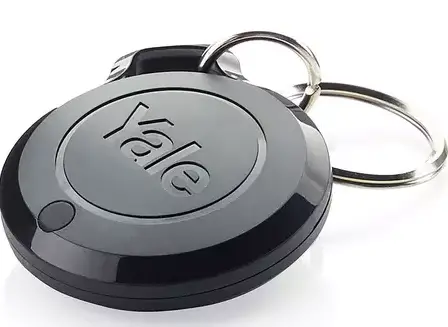
General Introduction
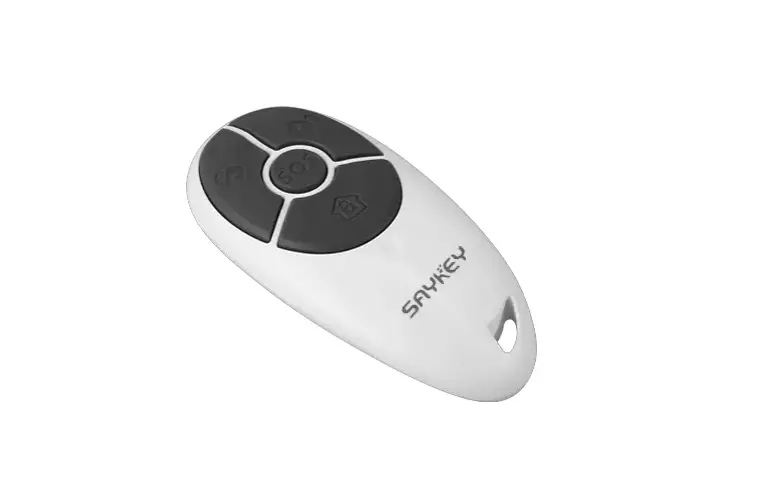
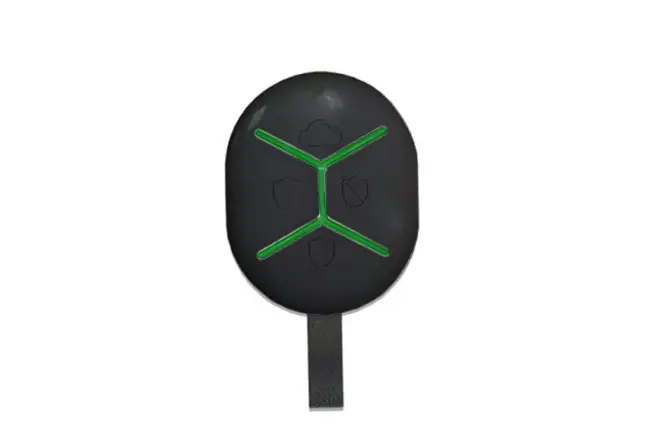
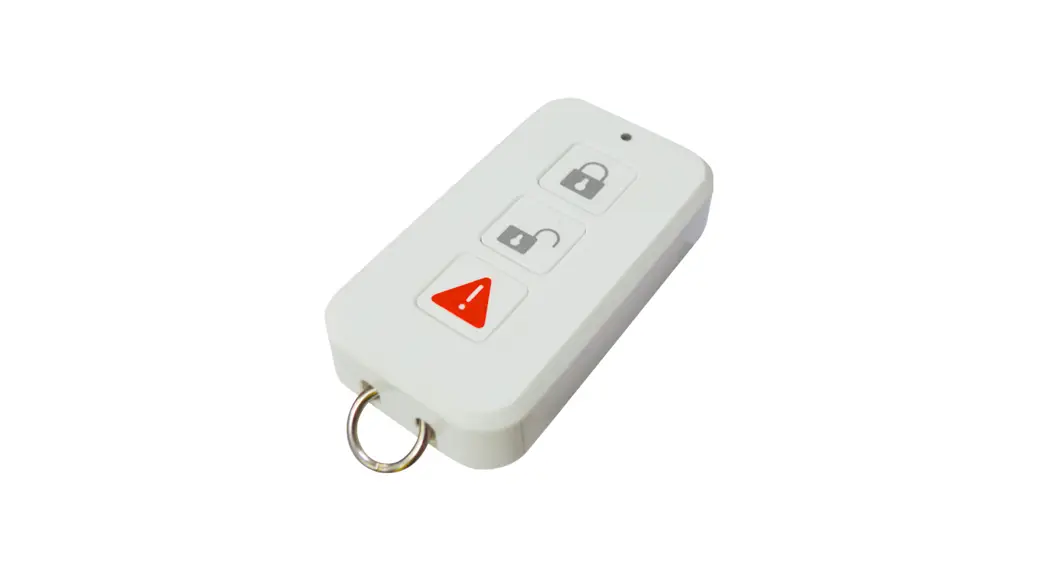
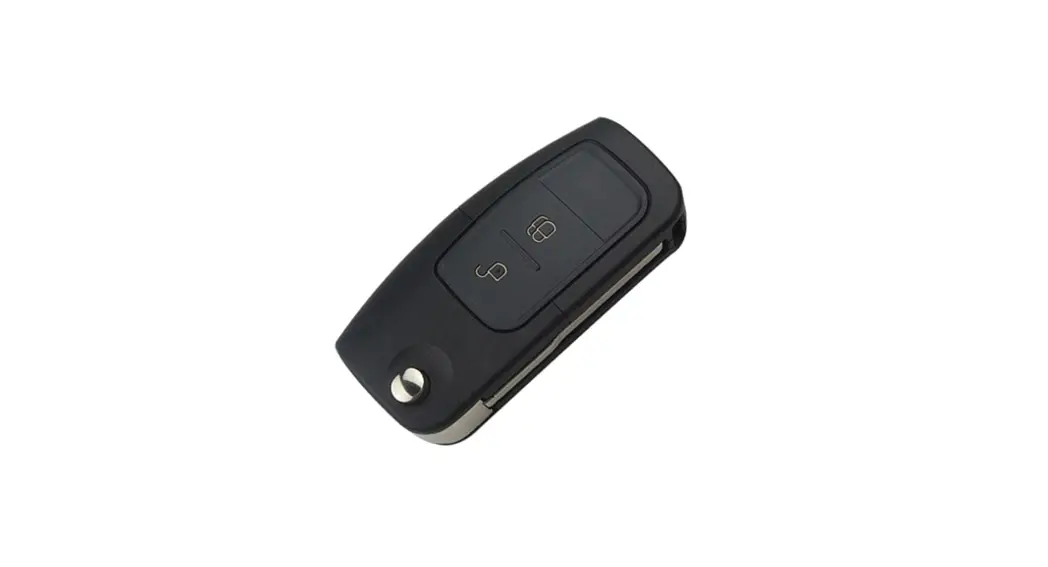
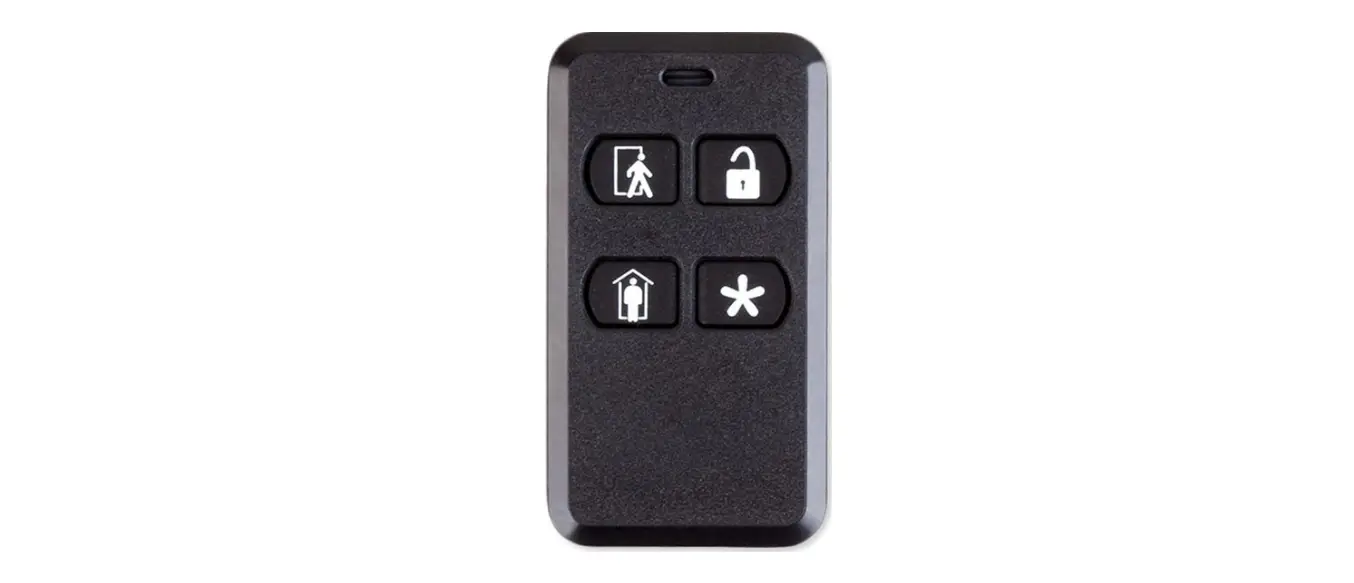
The SR202 Keyfob is a portable remote control used to set the alarm controller into Arm, Partial Arm and Disarm modes. The Keyfob also incorporates a Panic function that will immediately initiate an emergency panic condition at any time.
Note: The actual operation for each button depends on the settings on the controller.
Product Overview
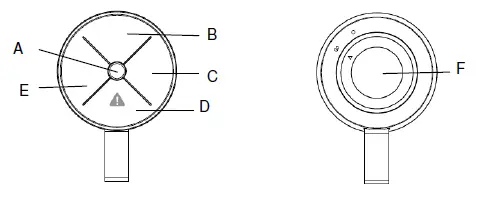
| A | LED indicator | B, | C, D, E Buttons | F Battery cover |
| C | Learning button | D | Panic button |
Operation
- Scenes button: Each button, when pressed once, will activate a scene operation defined by the Controller. Refer to the Controller’s user manual for assigning scenes for each button.
- LED indication: Green, blink once : Command sent to Controller;
- Green, blink once : Received and acknowledged by
- Controller; Red, blink once : No reply from Controller
- Panic: The bottom button (D) has an additional Panic function. Long press this button for 2 secs will send a Panic command to the controller, indicated by the flashing green and red of the LED.
Maintenance
Low Battery: When the battery becomes low, the LED will flash red twice whenever a button is pressed. Replace the battery when possible.
Troubleshooting
Note: The actual operation for each button depends on the settings on the controller.
The troubleshooting table lists some possible causes and solutions.
| Symptom | Cause of Failure | Recommendation |
|---|---|---|
| LED cannot be displayed | 1. Run out of battery power. 2. Check if reverse battery polarity. | 1. Replace a new battery. 2. Refit the battery with correct polarity. |
| LED turns red after pressing the button | Keyfob is out of range of the Controller. | 1. Move closer to the Controller. 2. Hold the keyfob higher and press again. |
| LED blinks green slowly for 30secs after power on. | Keyfob has not bind with Controller. | Remove the battery and perform pairing to Controller. |
Pairing to Controller
- Set the Controller into Pairing mode.
- Insert one CR2032 coin cell battery into the Keyfob.
- Log into the VIAS account from the APP, and enter the gateway to system main control page.
- Select Menu List>System Setup>ADD DEVICE>choose Installation on Remote.
- Please follow and complete the instruction on the APP to binding with central gateway.
- Press and hold the right button (C) for over 3 seconds until the LED blinks rapidly in green, then release.
- Within 5 secs, the LED will stop blinking, indicating the pairing procedure has completed.
LED Table
| Function | LED color |
|---|---|
| Command sent | Green, blink once |
| Received by Controller | Green, blink once |
| No reply from Controller | Red, blink once |
| Panic | Red and green, blinking |
| Low battery | Red, flash twice |
| Pairing in process | Green, flashing every second for 30 secs |
| Pairing successful | LED stops flashing |
| Pairing Fail | Green, flash 3 times. |
Reset to Factory Settings
- Press and hold the right button (C) for over 3 seconds until the LED blinks green rapidly, then release.
- Within 30 secs, press and hold the right button again for more than 6 seconds until the LED turns off, then release.
- The LED will start blinking slowly once every 2 secs. This implies the device is reset back to factory mode.
Note: After power on, the Keyfob will automatically enter “Auto-pairing” mode to pair with a gateway. This process lasts for 30 seconds, indicated by the LED blinking every second.
General Introduction
The SR202 Keyfob is a portable remote control used to set the alarm controller into Arm, Partial Arm and Disarm modes. The Keyfob also incorporates a Panic function that will immediately initiate an emergency panic condition at any time.
Note: The actual operation for each buttons depends on the settings on the controller.
Product Overview
Note: The actual operation for each button depends on the settings on the controller.
Pairing to Controller
- Set the Controller into Pairing mode.
- Insert one CR2032 coin cell battery into the Keyfob.
- Log into the VIAS account from the APP, and enter the gateway to system main control page.
- Select Menu List>System Setup>ADD DEVICE>choose “Installation” on Remote.
- Please follow and complete the instruction on the APP to binding with central gateway.
- Press and hold the right button (C) for over 3 seconds until the LED blinks rapidly in green, then release.
- Within 5 secs, the LED will stop blinking, indicating the pairing procedure has completed.
Specifications
Specifications are subject to change without notice.
| Operating temperature range | -20°C to 50°C |
| Operating humidity | 95% RH Max |
| Battery type | CR2032 3V*1 |
| RF Frequency | 868MHz/922MHz |
| RF transmission range | Outdoor >300m (Open space) |
WARNING:
Do not dispose of electrical appliances as unsorted municipal waste, use separate collection facilities. Contact your local government for information regarding the collection systems available. If electrical appliances are disposed of in landfills or dumps, hazardous substances can leak into the groundwater and get into the food chain, damaging your health and well-being. When replacing old appliances with new ones, the retailer is legally obligated to take back your old appliance for disposal free of charge.
CAUTION:
RISK OF EXPLOSION IF BATTERY IS REPLACED BY AN INCORRECT TYPE. DISPOSE OF USED BATTERIES ACCORDING TO THE INSTRUCTIONS
www.everspring.com
50 Sect. 1 Zhonghua Rd Tucheng
New Taipei City 236 Taiwan.
 Everspring – 云辰電子