 Boneshaker Distortion Guitar Effects Pedal
Owner’s Manual
Boneshaker Distortion Guitar Effects Pedal
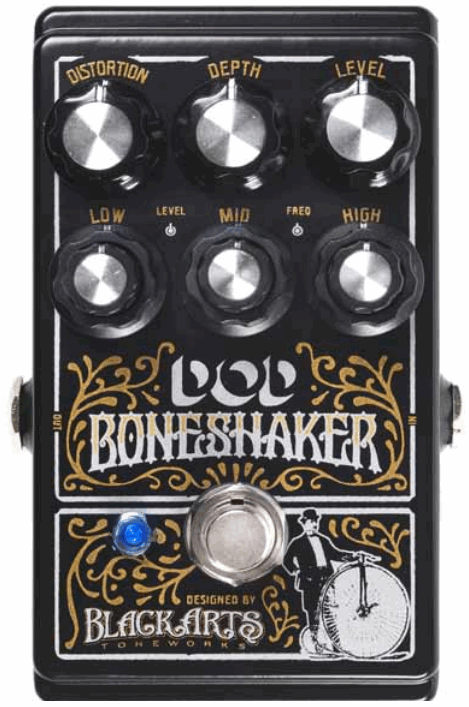
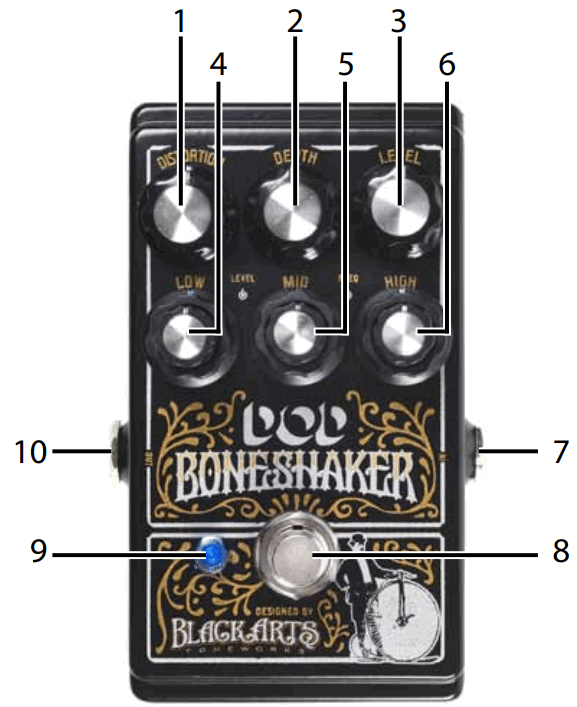
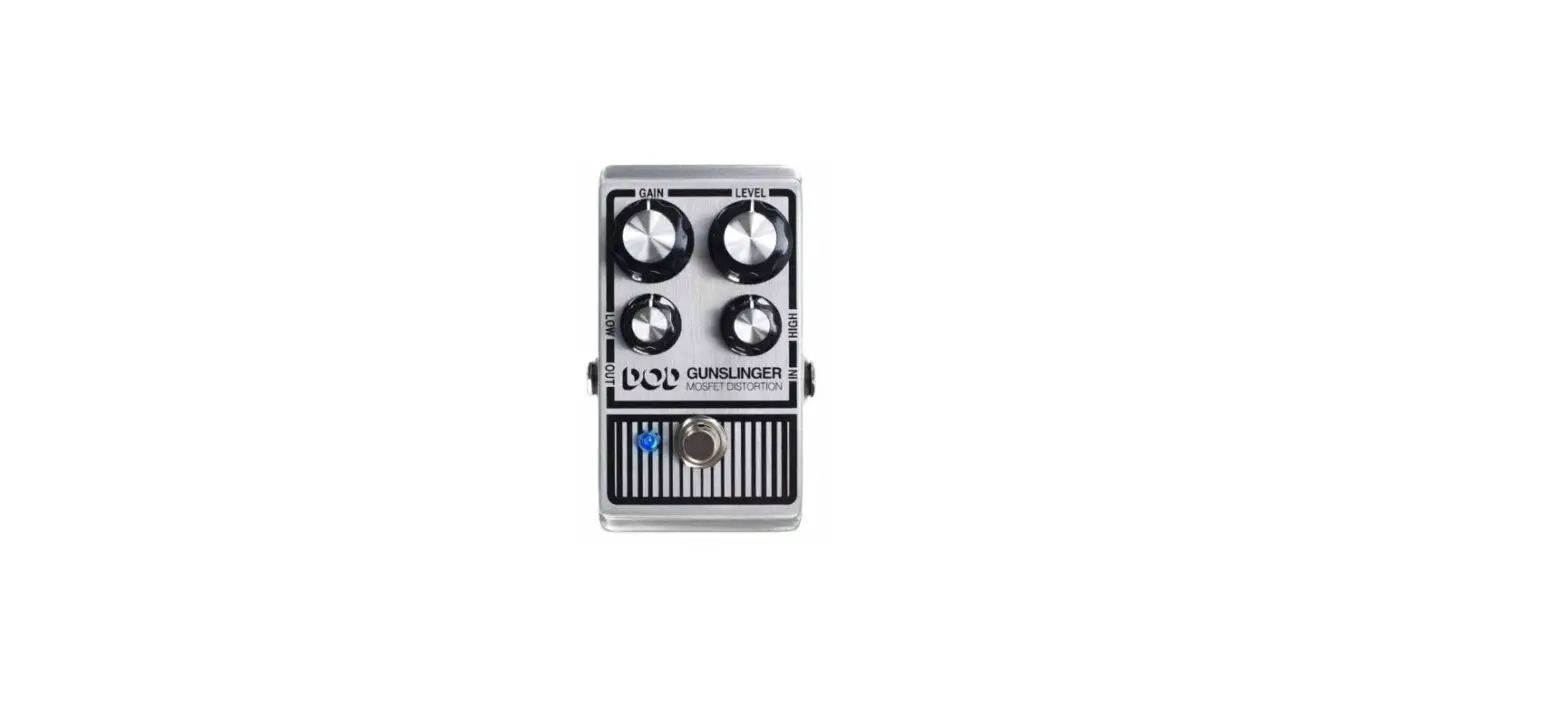
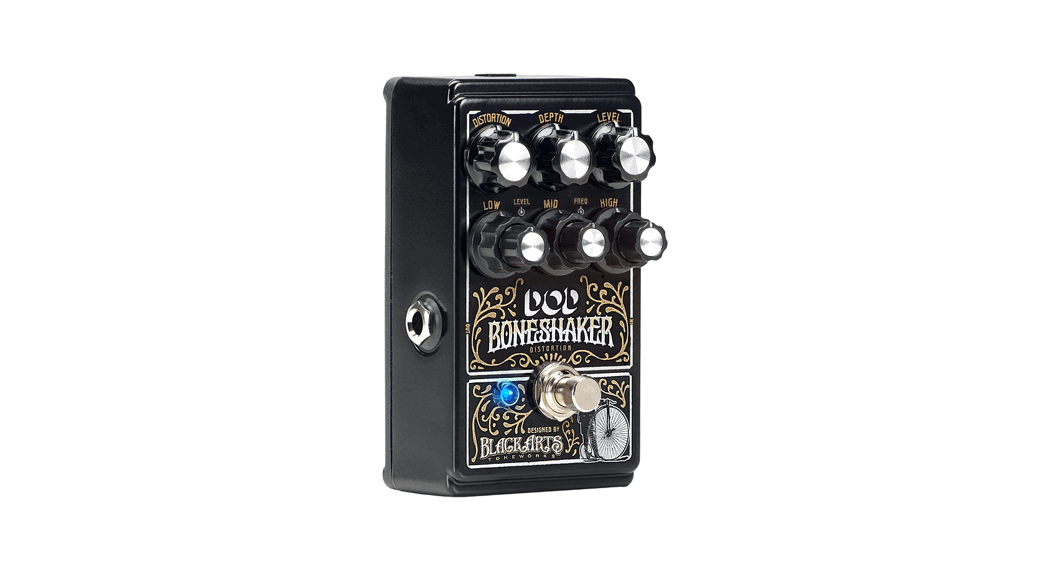
- DISTORTION – adjusts the amount of distortion gain.
- DEPTH – adjusts the low frequency ‘growl’ of extended range instruments.
- LEVEL – adjusts the overall output level of the distortion effect.
- LOW – adjusts the low EQ frequency and its level.
- MID – adjusts the mid EQ frequency and its level.
- HIGH – adjusts the high EQ frequency and its level.
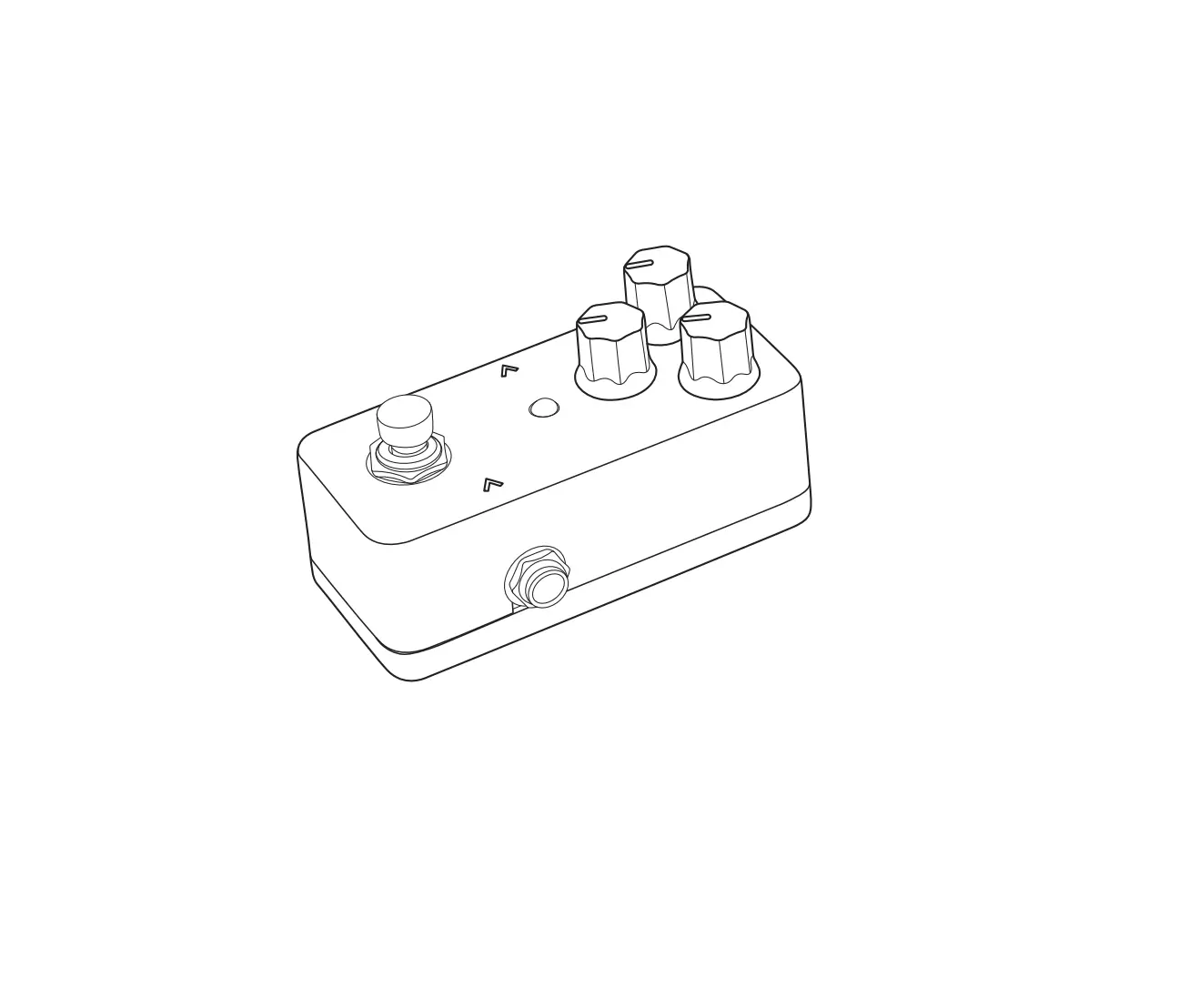
- INPUT – connect your instrument here.
- FOOTSWITCH – turns the effect on and off.
- LED – turns on when the effect is enabled.
- OUTPUT – connect to the next pedal’s input or to the input of your amplifier.
USING BONESHAKER:
Most guitarists/bassists will favor placing the Boneshaker at the beginning of their chain of effects, so start with that placement.
A typical effects signal chain will consist of Distortion effects first then Modulation effects (Chorus, Flanger, Phaser, Tremolo, etc…) next and then finally Time based effects (Delay and Reverb).
Placing the Boneshaker toward the front of your chain or effects will preserve vibe no matter the pedal combination that follows.
You may wish to experiment with the effect placement since Boneshaker also stacks well with other distortions and fuzz!
SPECIFICATIONS:
| Input | 1/4” TS Unbalanced – 470 kΩ |
| Output | 1/4” TS Unbalanced – 100 Ω |
| Current Draw | 20 mA |
| Bypass | True Bypass |
| Power | 9VDC alkaline battery (not included) PS200R power adapter (optional) |
| Warranty | 1 Year |
 DOD
DOD
59 Hwagok-ro 61gil
Gangseo-gu, Seoul 07590
Republic of Korea
[email protected]