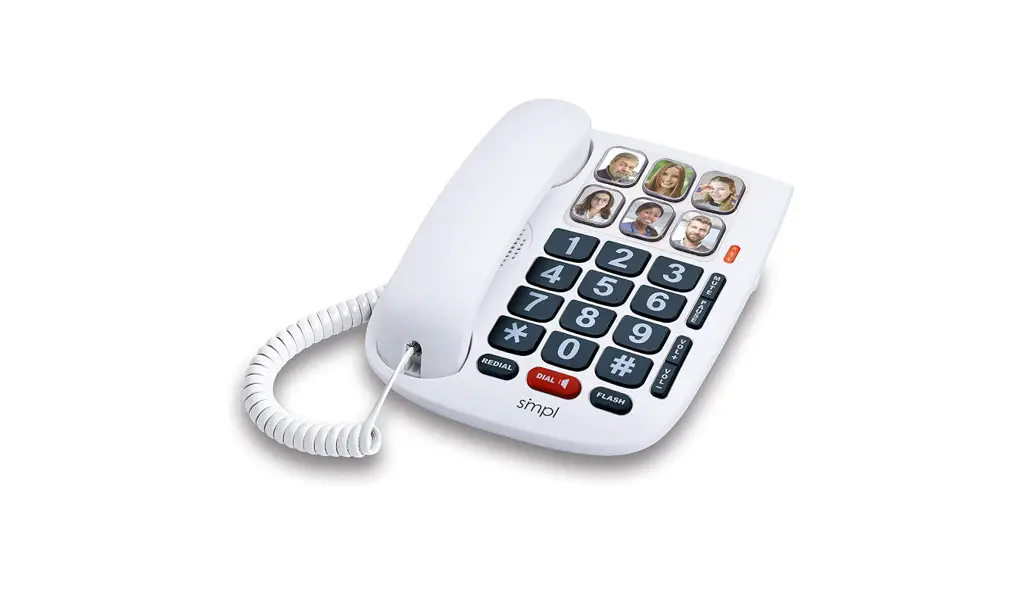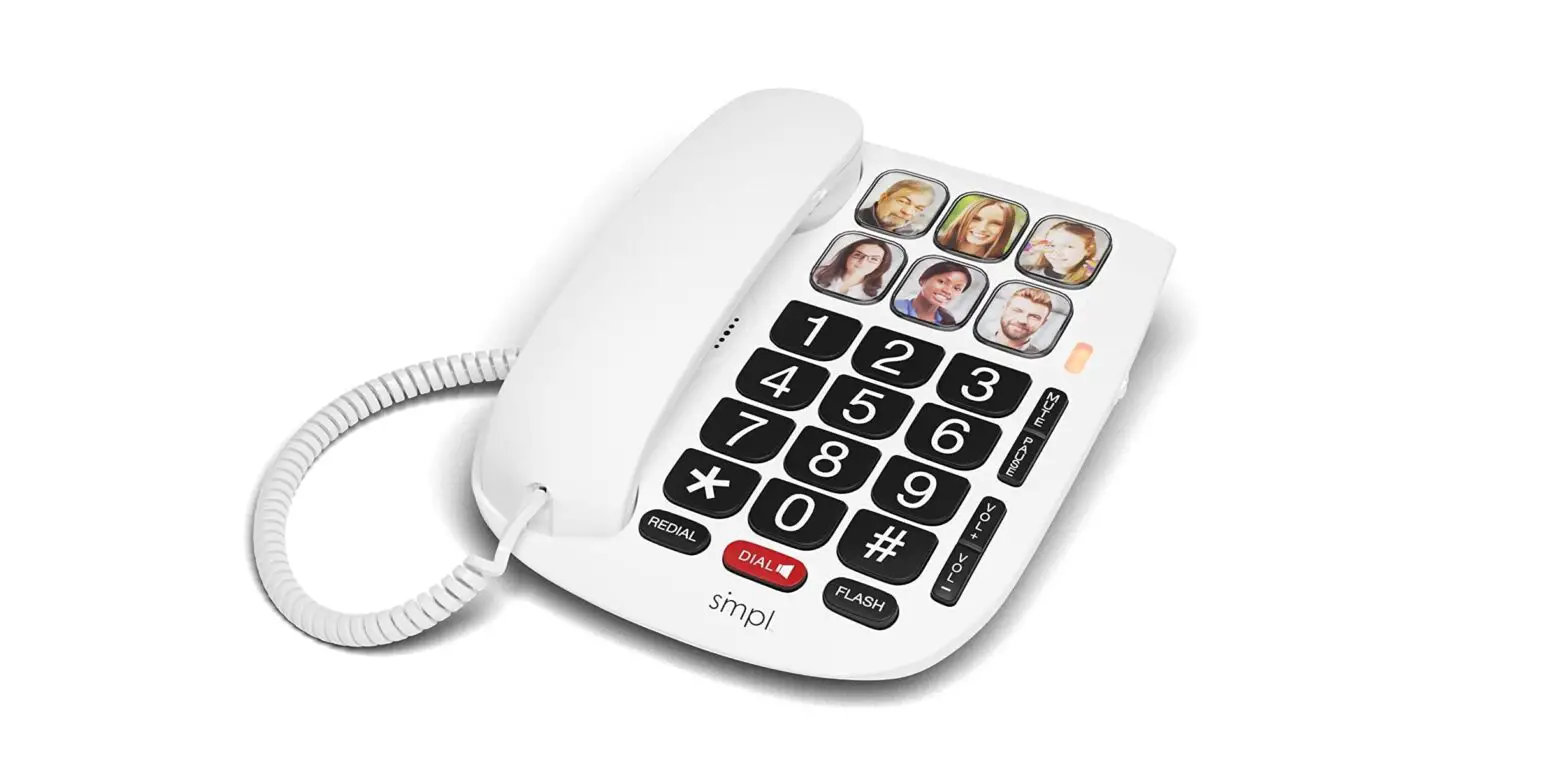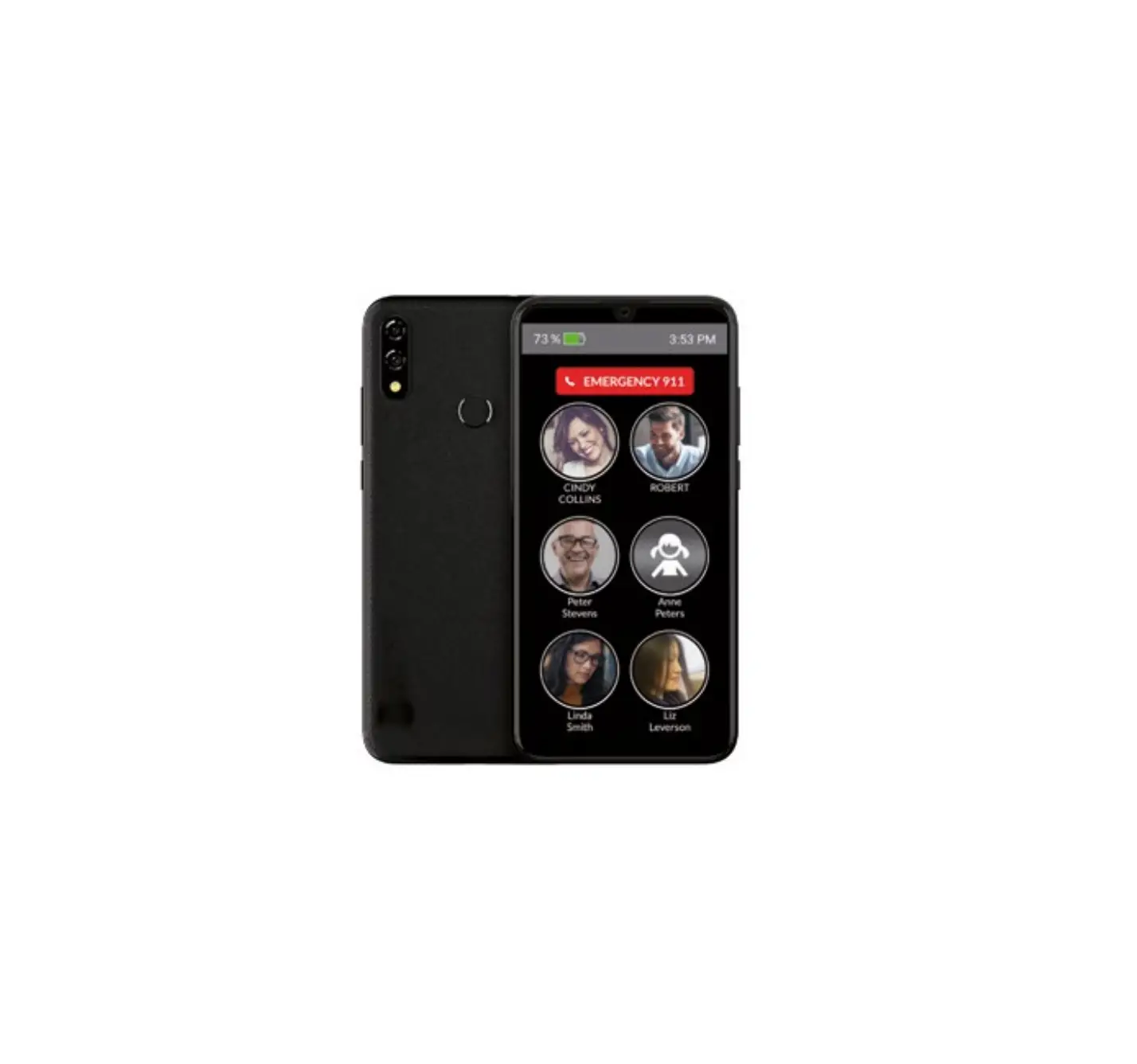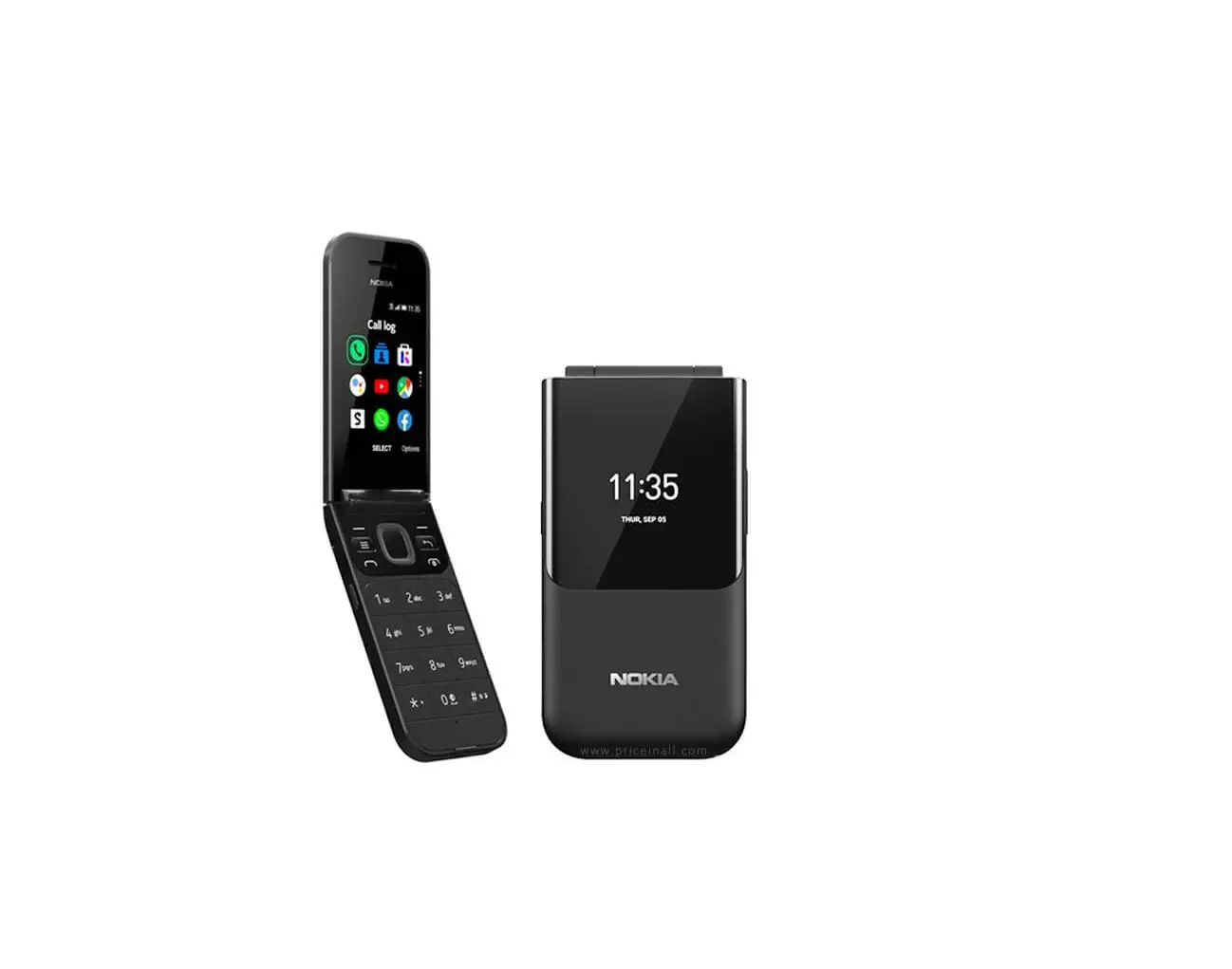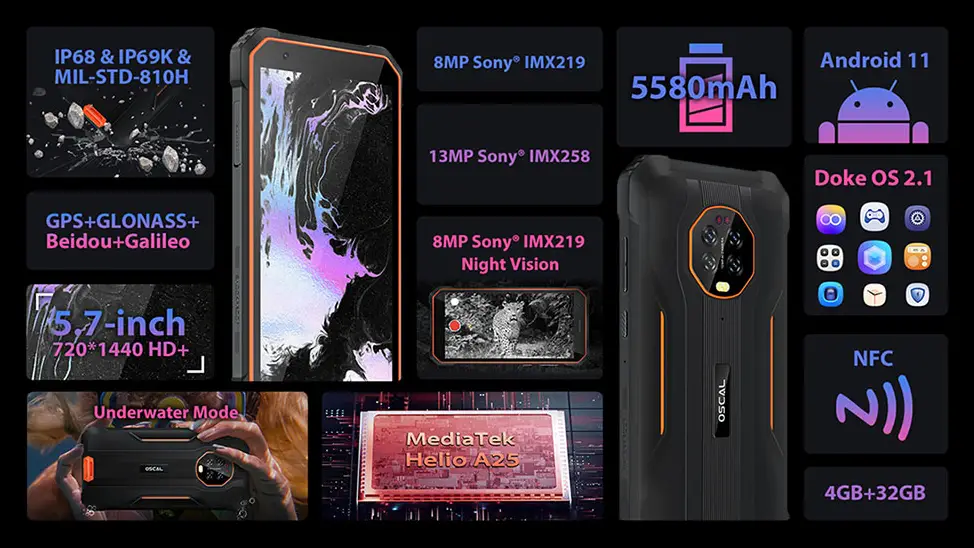

smpl 0028 Photo Memory Phone
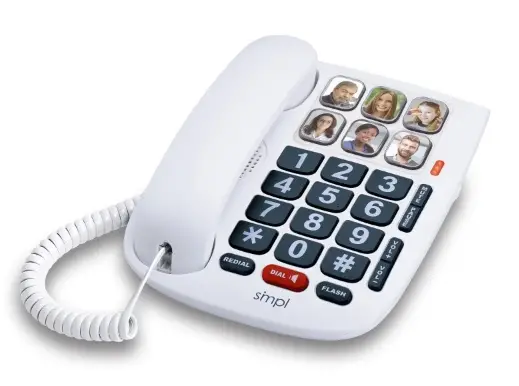
STEP 1
Pick up the handset
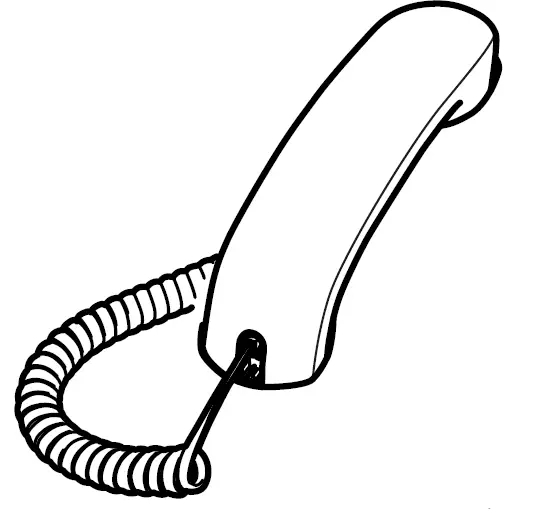
STEP 2
Press & hold the selected photo button for about 3 seconds until you hear a ‘beep’, then release the button
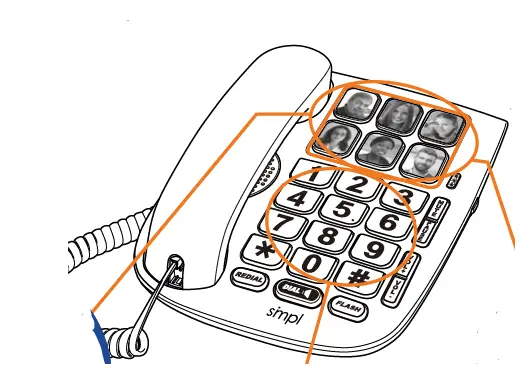
STEP 3
Enter the number using the keypad as you would normally dial. Ignore any sounds you may hear from the handset during programming.
STEP 4
- Press & release the same photo key again.
- Do not long-pressor wait for a beepthis time.
STEP 5
- Hang up the receiver.
- The number is saved.
- Stored numbers will be retained when phone is unplugged.
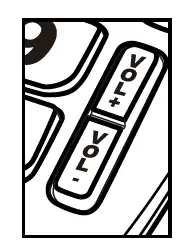
NOTE: Handset volume controls are temporary – press to increase or decrease the volume during a call.