 USER MANUAL
TRICOLOR735
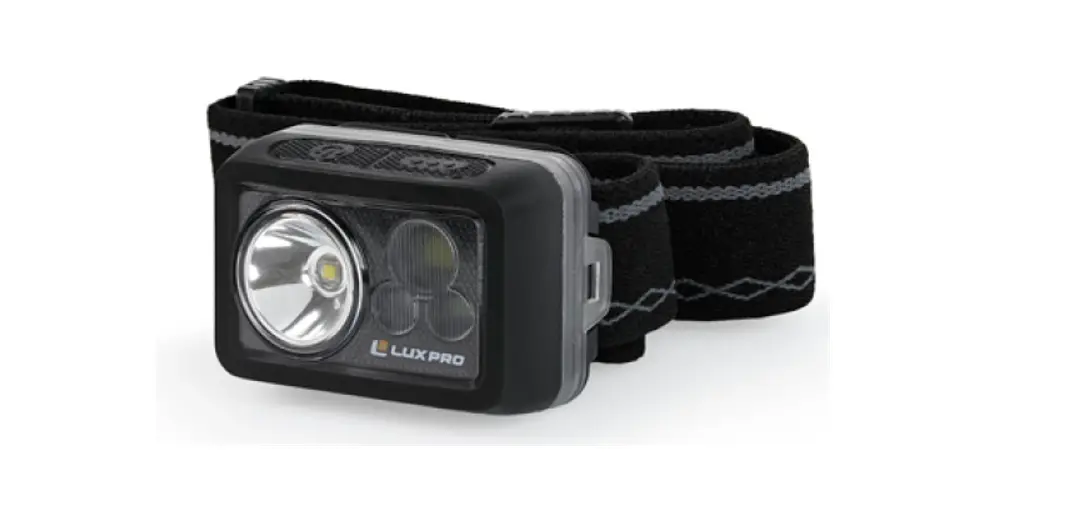
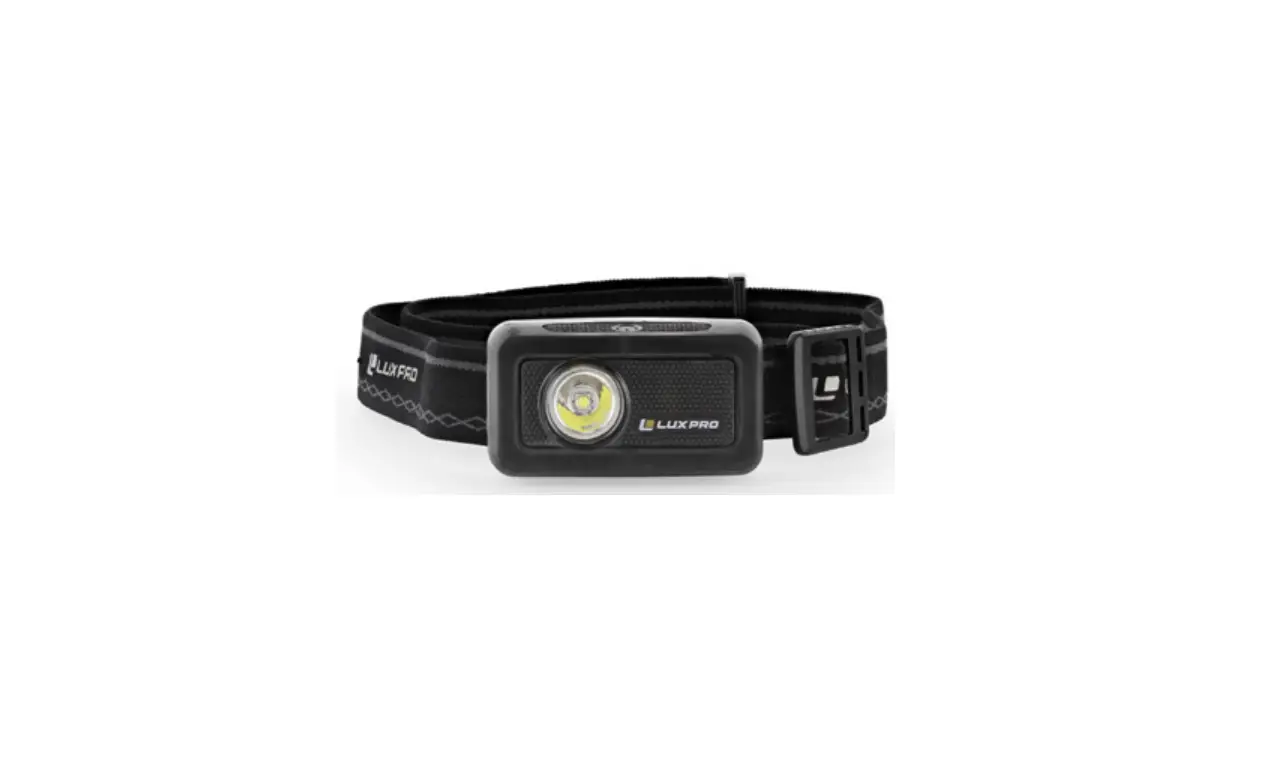
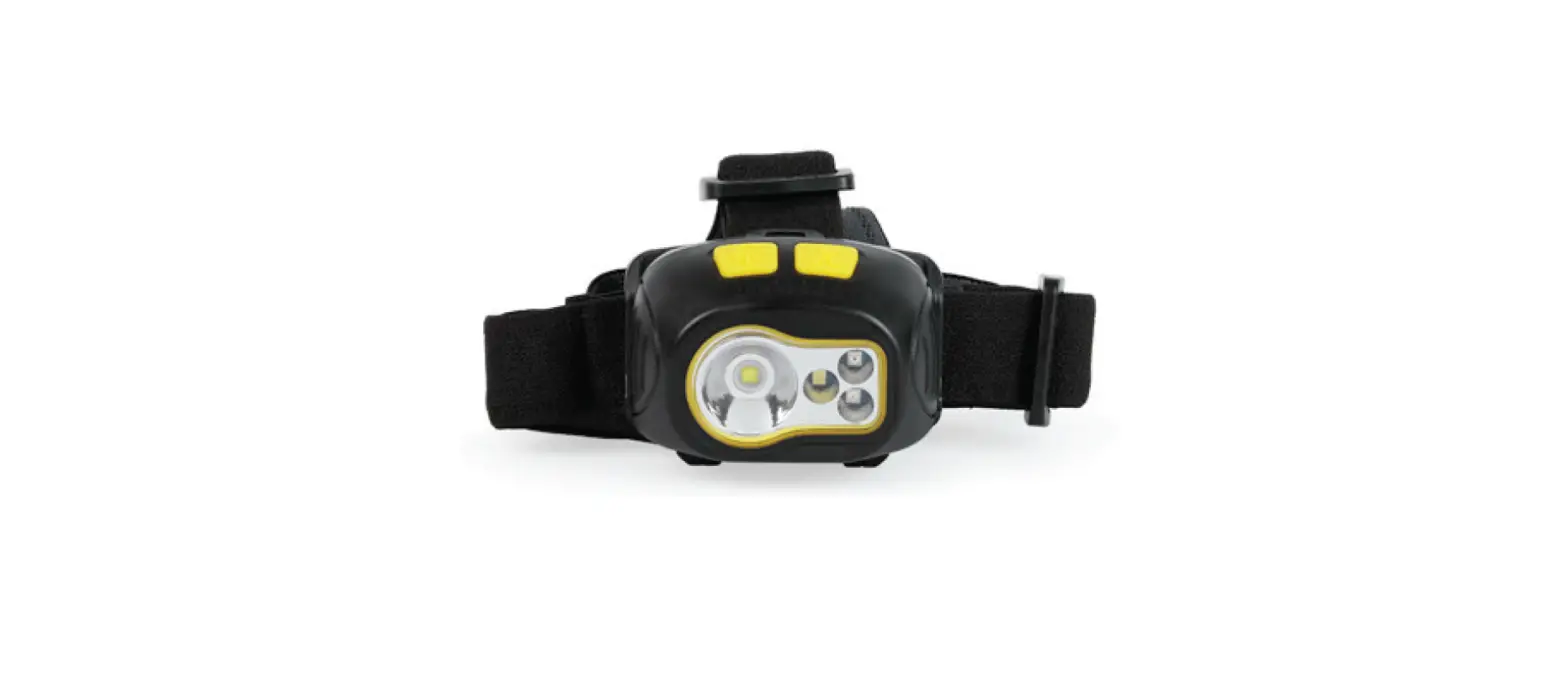
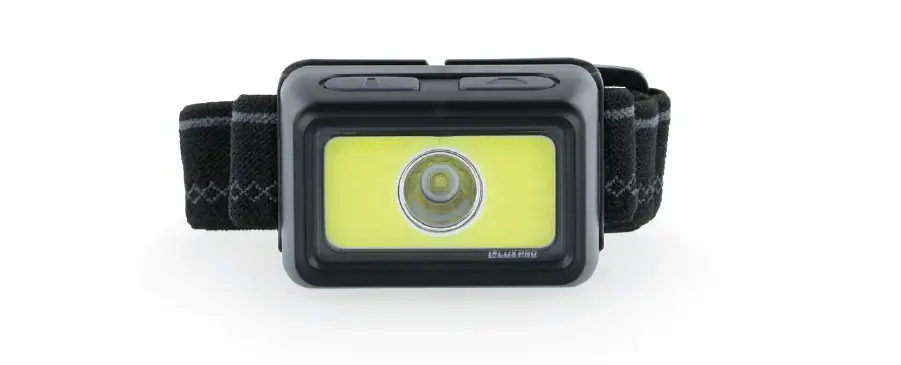
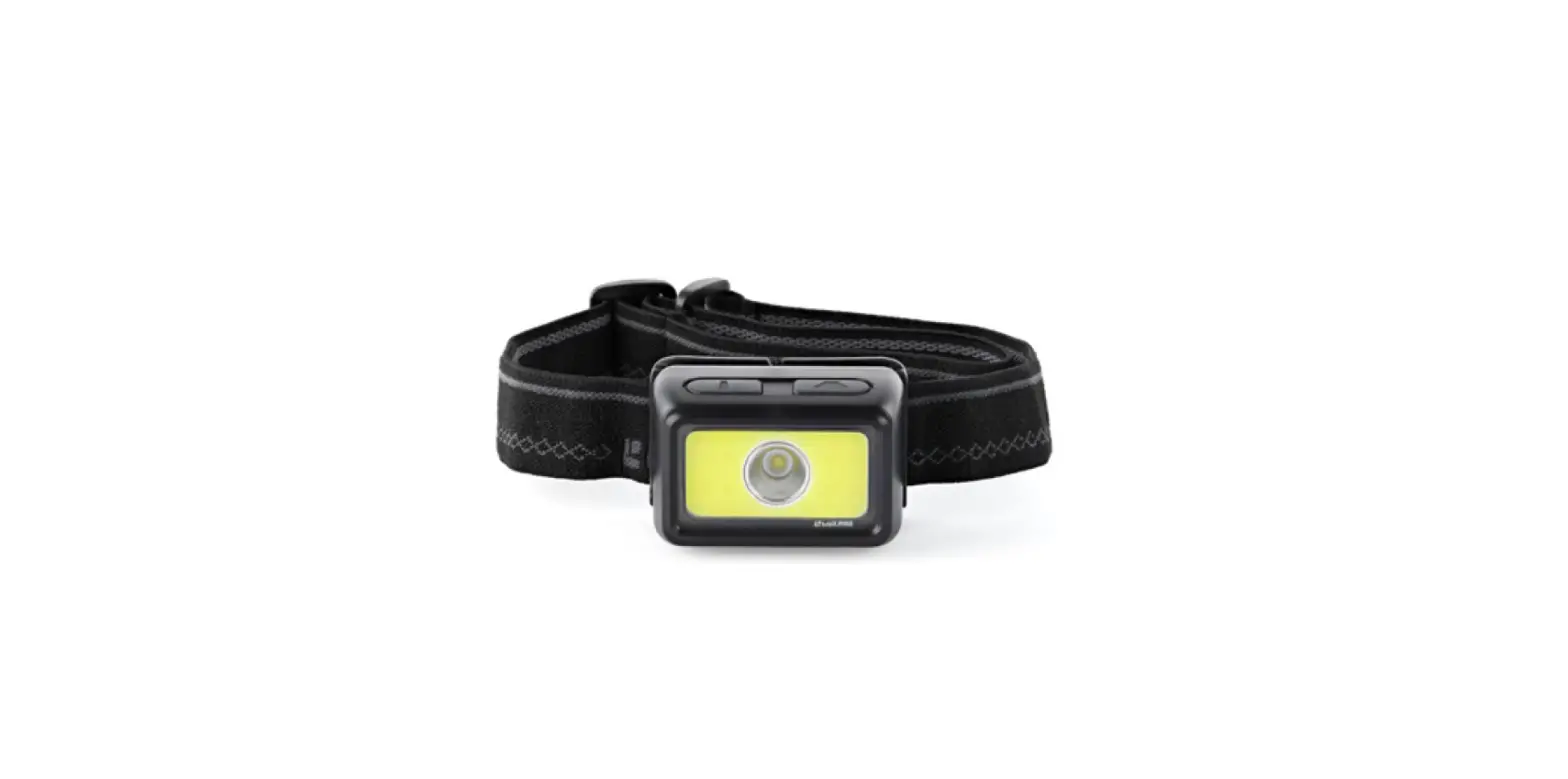
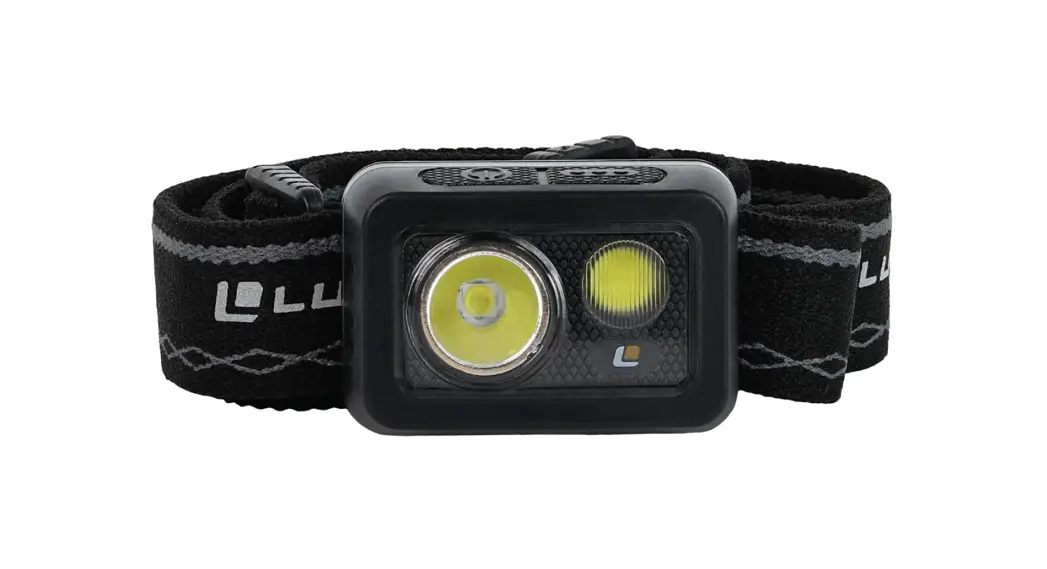
Waterproof LED Headlamp

Features
Durable ABS and rubberized compact design LPE optics
Dual button intuitive mode selection Non-slip adjustable headband IPX7 waterproof rating Batteries included (3 AAA)
Product Warranty
The LP735 has a Limited 1-Year Warranty Against Manufacturer’s Defects from time of purchase.
For warranty claims please contact us by calling 801-553-8886 or sending an email to [email protected]
ANSI/PLATO FL1 STANDARD
| ANSI/PLATO FL1 STANDARD | |||
| MODES |  LUMENS |  RUN TIME |  BEAM DISTANCE |
| High+ | 355 lm | 2h 30m | 199m |
| High | 300 lm | 6h 30m | 101m |
| Medium | 165 lm | 15h 30m | 74m |
| White Flood | 22 lm | 18h | 13m |
Operation Instructions
On/Off: Press and release the button on the right side of the headlamp to turn it on and off.
High+ Mode: From any mode, press and hold the button on the left side of the headlamp for 3 seconds to turn on High+ Mode. 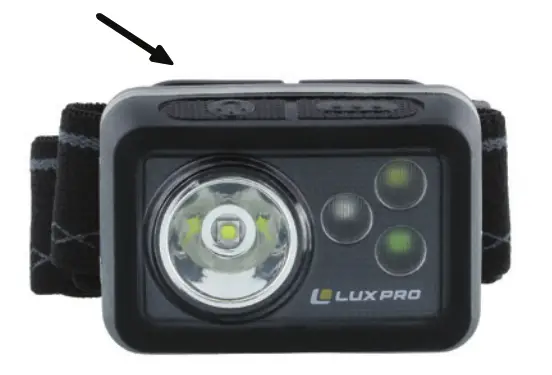
Cycle Modes: Press and release the button on the left side of the headlamp repeatedly to cycle through modes (High+/High/Medium/White/Green). Pushing the left
button after the headlamp has been turned off will recall the last mode used.
Strobe Mode: From any mode, press and hold the left button for 3 seconds to switch to Strobe Mode.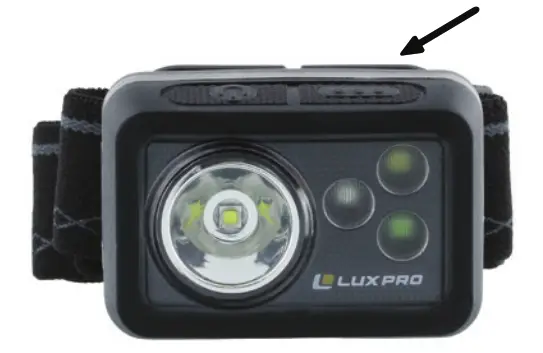
Battery Replacement
The LP735 uses 3 AAA batteries.
To replace the batteries, first locate the two plastic tabs on the sides of the headlamp. Gently push tabs outward using both thumbs to separate the battery cover from the main headlamp housing. Remove the old batteries and insert new batteries according to the (+/-) symbols in the battery tubes. For best results, we recommend using brand new alkaline batteries that are the same voltage and brand. 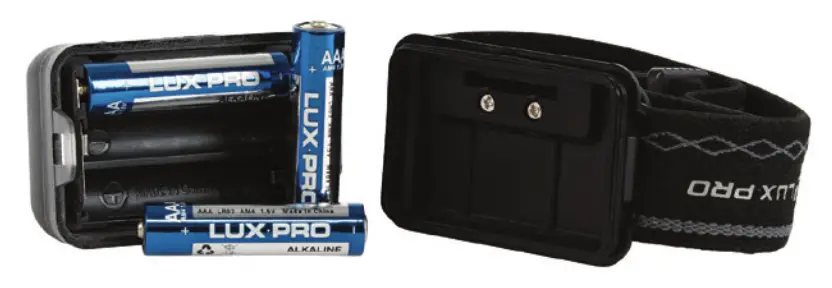
To re-attach the battery cover, line the plastic tabs on the main housing up to the battery cover taking note to match them in the proper orientation (the LUX PRO logo on the battery cover should line up with the On/Off button on the main housing). Gently press the two sides together until they click into place. Check that the battery cover is secured by gently tugging on the headlamp straps while holding the main housing firm. When the light is turned on/off, the blue battery indicator lights
on the side of the headlamp will light up to indicate the battery percentage.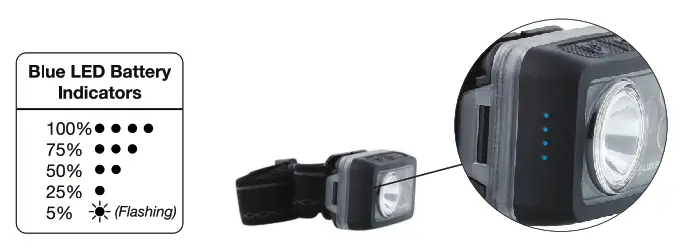
If you know it will be a while between uses, we suggest removing the batteries from the headlamp and storing it in a dry, protected place.
luxpro.com
14725 S Porter Rockwell Blvd Ste C
Bluffdale, UT 84065
866.553.8886