RFA CargoBay
RFA CARGOBAY Manual 2023
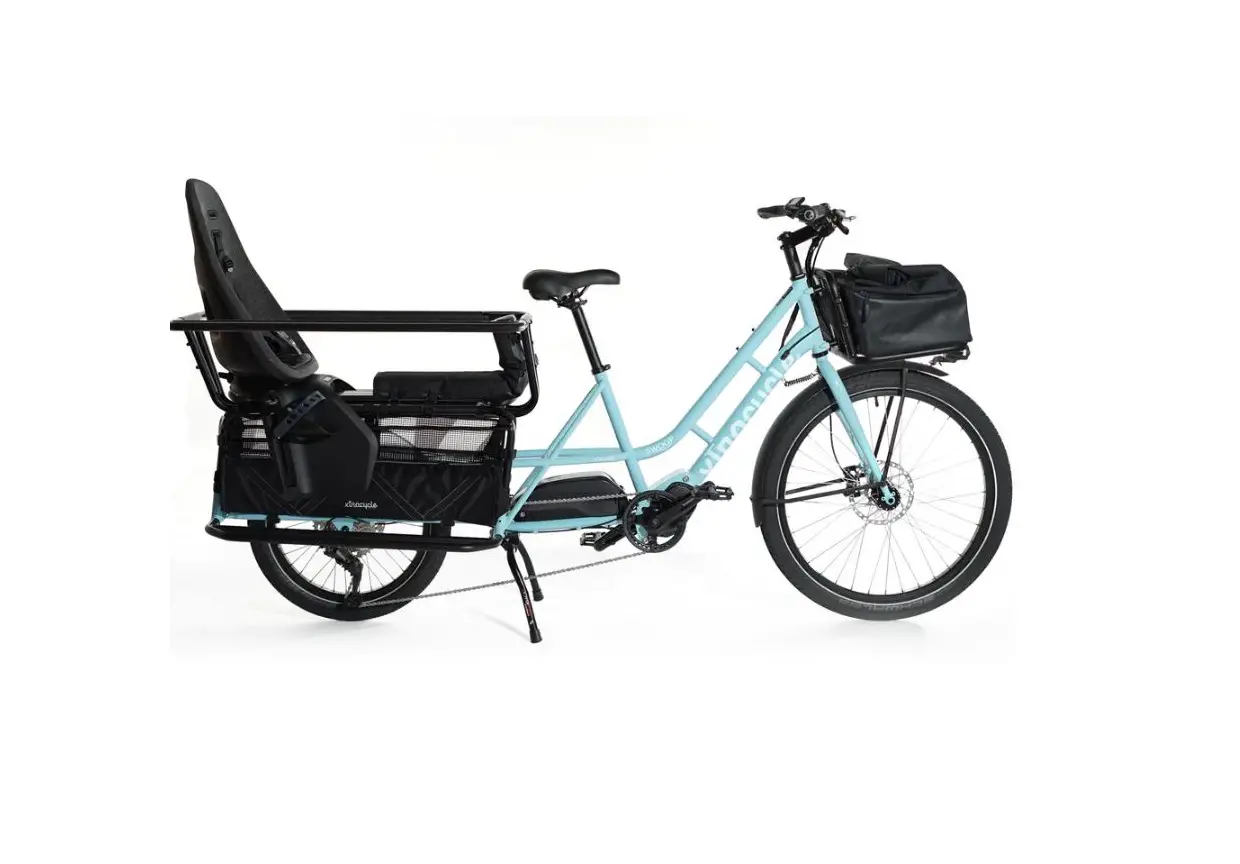
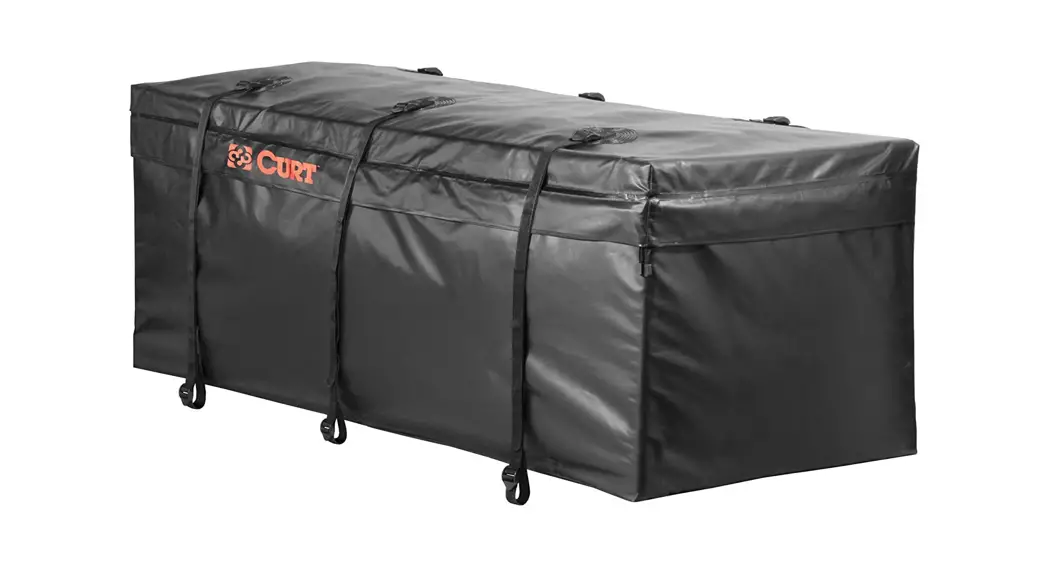
The RFA CARGOBAY is a versatile cargo storage accessory designed
for use with the RFA bike. It provides ample space for carrying
various items during your rides. Please note that the RFA CARGOBAY
can only be installed on the RFA bike in UTILITY MODE and will not
fit on an RFA in Sport mode.
Installation Instructions:
Centering the RFA CargoBay:
Place the RFA CargoBay on the Utility Rack and ensure it is
centered properly.Wrap the three upper hook & loop straps around the upper
Utility Rack frame.Securing the RFA CargoBay:
The outside straps should be folded back on themselves to create
a secure attachment.Loop the center strap back around the upper Utility Rack frame
as usual.Clip the two upper corner buckles around the back of the upper
Utility Rack frame.Pull both straps until they are snug.
Attaching to the Bike Frame:
Wrap the forward hook and loop strap around the lower bike
frame.Wrap the rear hook and loop strap around the lower rack
frame.Pull both straps until they are snug.
Your RFA CargoBay is now securely attached and ready to use.
Ensure that it is properly fastened before loading any items onto
it.
RFA CARGOBAY Manual 2023
01 installing RFA CARGOBAY on the RFA in UTILITY MODE
Please note:
The RFA CargoBay will not fit on an RFA in Sport mode.
01 A
Center the RFA CargoBay on the Utiliy Rack. Wrap the three upper hook & loop straps around the upper UtilityRack frame.
01 B
The outside straps simply fold back on themselves and will create a secure attachment. Lopp the center strap back around the upper UtilityRack frame as typical.
01 C
Clip the two upper corner buckles around the back of the upper UtilityRack frame. Pull both straps until snug.
01 D
Wrap the forward hook and loop strap to the lower bike frame. Wrap the rear hook and loop strap to the lower rack frame. Pull both straps until snug.
Your RFA CargoBay is now securely attached and ready to use.
2