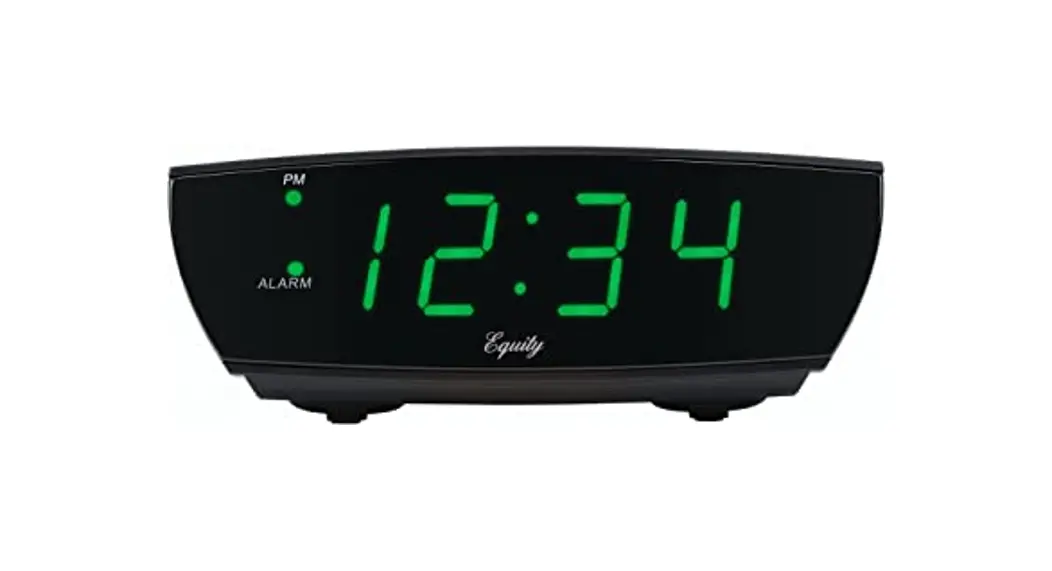
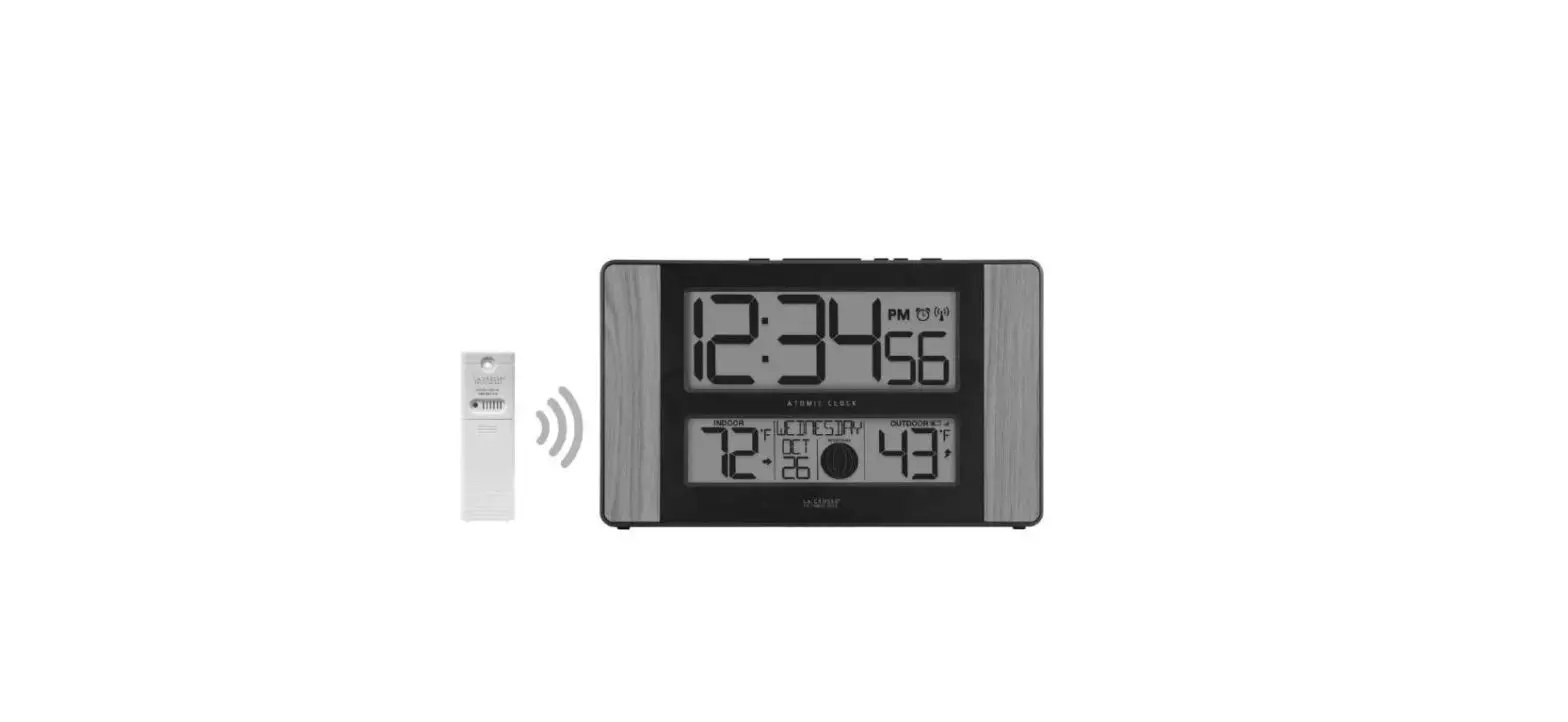
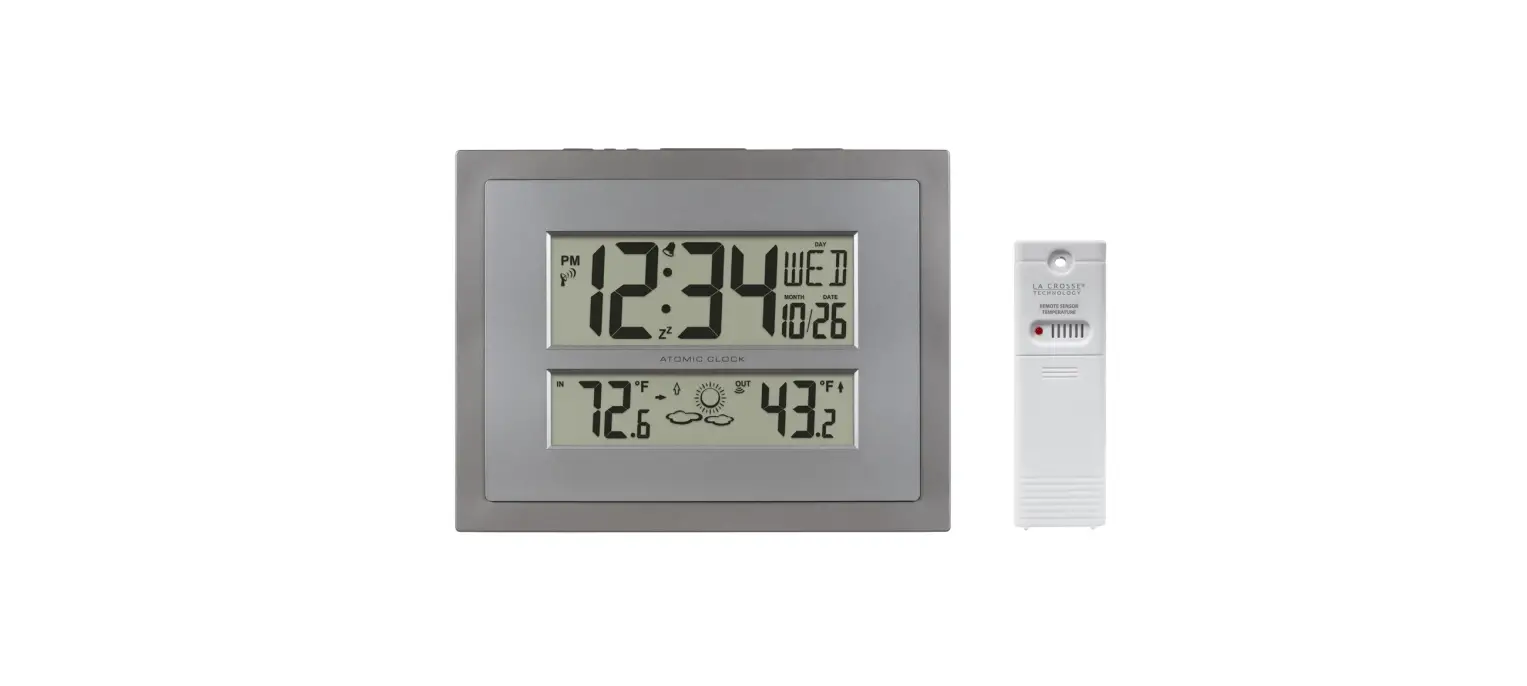
617-249v2 1.8 Inch LED Atomic Clock
Product Information
The LED Atomic Clock with Dual Alarms and USB Charging is a
versatile clock that provides accurate timekeeping and convenient
features. It includes a stand for easy placement and a 5.0 volt
power cord for powering the clock. The clock also comes with a
CR2032 lithium battery for backup power.
Model: 617-249v2 DC:121422
For more information, FAQs, and support, visit the Support Tab
at bit.ly/617-249
Specifications:
- Power Requirements: AC6 HX075-0501200-AU-001 5 volt
adapter - Battery Life: Over 12 months
- USB output: 1A maximum current
- Alarm duration: 2 minutes
- Snooze duration: 5-60 minutes programmable
- Dimensions: 6.74 L x 1.52 W x 3.43 H (17.12cm L x 3.86cm W x
8.71cm H)
Product Usage Instructions
- Power Up:
- Insert the provided stand into the bottom of the clock.
- Insert the 5.0 volt power cord into an outlet and then into
your clock. - Remove the insulation tab from the CR2032 battery.
- Settings:
- Press and release the SET button to enter the Settings
Menu. - Press and release the + or – buttons to adjust the values. Hold
to adjust quickly. - Press and release the SET button to confirm and move to the
next item.
- Press and release the SET button to enter the Settings
- WWVB Atomic Time Signal:
When powered on, the clock will immediately search for the WWVB
Atomic Time Signal for 7 minutes. The clock will automatically
search for the WWVB signal every night at 1:00 am, 2:00 am, and
3:00 am. If there is still no WWVB reception, the clock will search
for the WWVB time signal again at 4:00 am and 5:00 am
alternatively.To ensure the best WWVB Atomic Time Signal Reception, keep your
clock three feet away from electrical outlets and other electronics
to avoid interference. - Alarm 1 & 2:
Note: The Blue LED Light next to A1 or A2 indicates that the
alarm is active.Snooze: When the alarm is sounding, press the snooze button once
to silence the alarm. It will come on again after the snooze
duration selected.Tip: If your second alarm activates while the first alarm is
sounding or in snooze mode, the second alarm overrides the first
alarm, and the first alarm is reset to come on the next day. - Adjustable Backlight:
Use the HI/LO/OFF buttons to adjust the brightness of your
clock’s backlight. - USB Charging Port:
Note: The USB charging port is for power output only and does
not provide power to the alarm clock. - Care + Maintenance:
WARNING: This product may use a Button Cell Battery. If
swallowed, it could cause severe injury or death. Seek medical
attention immediately.WARNING – KEEP BATTERIES OUT OF REACH OF CHILDREN: Swallowing
may lead to serious injury in as little as 2 hours or death.
If you require additional support, get in touch with our
friendly customer support team based out of La Crosse, WI:
- Phone: 1-608-782-1610
- Online: bit.ly/contact_techsupport
Our knowledgeable customer support team is available
Monday-Friday, 8am-6pm CST.
1.8″ LED Atomic Clock
with Dual Alarms and USB Charging
POWER UP
1. Insert the provided stand into bottom of clock. 2. Insert the 5.0 volt power cord into an outlet, then into your
clock. Remove the insulation tab from the CR2032 battery.
Model: 617-249v2 DC:121422
FIND FAQS, AND MORE UNDER THE SUPPORT TAB HERE: bit.ly/617-249
5.0 V adapter (included)
1 X CR2032 LITHIUM BATTERY (INCLUDED)
SETTINGS
1. Press then release the SET button to enter the Settings Menu. 2. Press and release the + or – buttons to adjust the values.
Hold to adjust quickly. 3. Press and release the SET button to confirm and move to the next
item.
Settings Menu Order: · Time Zone · DST ON/OFF · Hour · Minutes
· Snooze Duration
04 Pacific Standard Time 03 Mountain Standard Time 02 Central Standard Time 01 Eastern Standard Time
Page | 2
WWVB ATOMIC TIME SIGNAL
IMPORTANT: When powered on, the clock will immediately search for the WWVB Atomic Time SIgnal for 7 minutes.
· Hold the ATOMIC button for 3 seconds to stop or start the search. · During the atomic time search the buttons will not function. · Backlight will dim. · USB charge port will not work.
Signal Search Indicator: · Receiving strong WWVB signal: LED flashing · Successful Reception: LED solid · Failed Reception: LED disappears
The clock will automatically search for the WWVB signal every night at 1:00 am, 2:00 am and 3:00 am. If there is still no WWVB reception, the clock will search WWVB time signal again at 4:00 am and 5:00 am alternatively.
For best WWVB Atomic Time Signal Reception: Please keep your clock three feet away from electrical outlets and other electronics, to avoid interference.
ALARM 1 & 2
In one setting for Alarm 1 & 2 you are able to:: · Set Alarm Time · Activate/Deactivate Alarm · Select Volume (HI/LO)
Note: The Blue LED Light next to the A1 or A2 indicates alarm is active.
Page | 3
Set Alarm 1 & 2: 1. Press then release the ALM 1 · 2 button to enter the Alarm Settings. 2. Press and release the + or – buttons to adjust the values. Hold to
adjust quickly. 3. Press and release the ALM 1 · 2 button to confirm and move to the
next item.
Alarm Settings Order: · Alarm 1 Hour · Alarm 1 Minutes · Alarm 1 OFF/ON · Alarm 1 HI/LO (volume) · Alarm 2 Hour · Alarm 2 Minutes · Alarm 2 OFF/ON · Alarm 2 HI/LO (volume)
Stop Alarm for 1 Day: When alarm sounds. press the ALM 1 · 2 button once to stop the alarm and reset to come on in 24 hours.
Snooze:
When alarm is sounding, press
once, the alarm will be silenced
and come on again after the snooze duration selected.
Tip: if your second alarm activates while the first alarm is sounding or it is in the snooze mode, the second alarm overrides the first alarm (the first alarm is reset to come on the next day).
Page | 4
ADJUSTABLE BACKLIGHT HI-LO-OFF
· Press
to adjust the brightness (HI/ LO/OFF) of your clock.
· This can only be done when the unit is not sounding or searching for the atomic time signal.
USB CHARGING PORT
Note: This is a power-output charging port. It does not provide power to the alarm clock.
· Connect your external device’s USB charging cable (not included) to the USB charging port.
· Charging times will vary. · USB Power Output: 1A maximum current.
· Charge 1A devices or devices that are self- regulating.
JOIN THE CONVERSATION
Ask questions, watch detailed setup videos, and provide feedback on our social media outlets!
WE’RE HERE TO HELP!
If you require additional support, get in touch with our friendly customer support team based out of La Crosse, WI. Phone: 1-608-782-1610 Online: bit.ly/contact_techsupport Our knowledgeable customer support team is available: Monday-Friday, 8am-6pm CST.
Note: USB charging will momentarily turn off when the clock searches for the WWVB Atomic Time Signal. Charging will resume after WWVB Atomic Time Reception is completed.
Page | 5
SPECIFICATIONS
Power Requirements: AC6 HX075-0501200-AU-001 5 volt adapter CR2032 battery (included)
Battery Life: Over 12 months
USB output: 1A maximum current.
Alarm duration: 2 minutes Snooze duration 5-60 minutes programmable.
Dimensions: 6.74″ L x 1.52″ W x 3.43″ H (17.12cm L x 3.86cm W x 8.71cm H) Page | 6
CARE + MAINTENANCE
WARNING: 1. This product may use a Button Cell Battery. 2. If swallowed, it could cause severe injury or death in just 2 hours. 3. Seek medical attention immediately.
AVERTISSEMENT: 1. Cet article contient une pile bouton. 2. De graves blessures ou la mort pourraient suivre dans les deux
heures Suivant l’ingestion. 3. Demander l’aide de professionnels de la santé sur le champ.
WARNING – KEEP BATTERIES OUT OF REACH OF CHILDREN 1. Swallowing may lead to serious injury in as little as 2 hours or
death, due to chemical burns and potential perforation of the oesophagus. 2. If you suspect your child has swallowed or inserted a button battery, immediately seek urgent medical assistance. 3. Examine devices and make sure the battery compartment is correctly secured, e.g. that the screw or other mechanical fastener is tightened. 4. Do not use if compartment is not secure. 5. Dispose of used button batteries immediately and safely. Flat batteries can still be dangerous. 6. Tell others about the risk associated with button batteries and how to keep their children safe.
WARNING: This product can expose you to chemicals including styrene, which is known to the State of California to cause cancer. For more information go to: www.P65Warnings.ca.gov
Page | 7
WARRANTY & FCC STATEMENT
WARRANTY INFO
La Crosse Technology, Ltd. provides a 1-year limited time warranty (from date of purchase) on this product relating to manufacturing defects in materials & workmanship. La Crosse Technology, Ltd., 2830 S. 26th St., La Crosse, WI 54601 For Full Warranty Details, Visit: www.lacrossetechnology.com/support
CARE + MAINTENANCE
· Do not mix old and new batteries. · Do not mix Alkaline, Lithium, standard, or rechargeable batteries. · Always purchase the correct size and grade of battery most suitable for intended use. · Clean the battery contacts and also those of the device prior to battery installation. · Ensure the batteries have with correct polarity (+ / -). · Remove batteries from equipment that will not to be used for an extended period. · Promptly remove expired batteries.
FCC STATEMENT
This equipment has been tested and found to comply with the limits for a Class B digital device, pursuant to part 15 of the FCC Rules. These limits are designed to provide reasonable protection against harmful interference in a residential installation. This equipment generates, uses and can radiate radio frequency energy and, if not installed and used in accordance with the instructions, may cause harmful interference to radio communications. However, there is no guarantee that interference will not occur in a particular installation. If this equipment does cause harmful interference to radio or television reception, which can be determined by turning the equipment off and on, the user is encouraged to try to correct the interference by one or more of the following measures: · Reorient or relocate the receiving antenna. · Increase the separation between the equipment and receiver. · Connect the equipment into an outlet on a circuit different from that to which the receiver is connected. · Consult the dealer or an experienced radio/TV technician for help.
This device complies with Part 15 of the FCC Rules. Operation is subject to the following two conditions: (1) This device may not cause harmful interference, and (2) This device must accept any interference received, including interference that may cause undesired
operation.
CAUTION! Any changes or modifications not expressly approved by the party responsible for compliance could void the user’s authority to operate the equipment.
All rights reserved. This manual may not be reproduced in any form, even in part, or duplicated or processed using electronic, mechanical or chemical process without the written permission of the publisher.
This booklet may contain errors or misprints. The information it contains is regularly checked and corrections are included in subsequent editions. We disclaim any responsibility for any technical error or printing error, or their consequences. All trademarks and patents are recognized.
Page | 8
 617-249 – La Crosse Technology
 P65Warnings.ca.gov