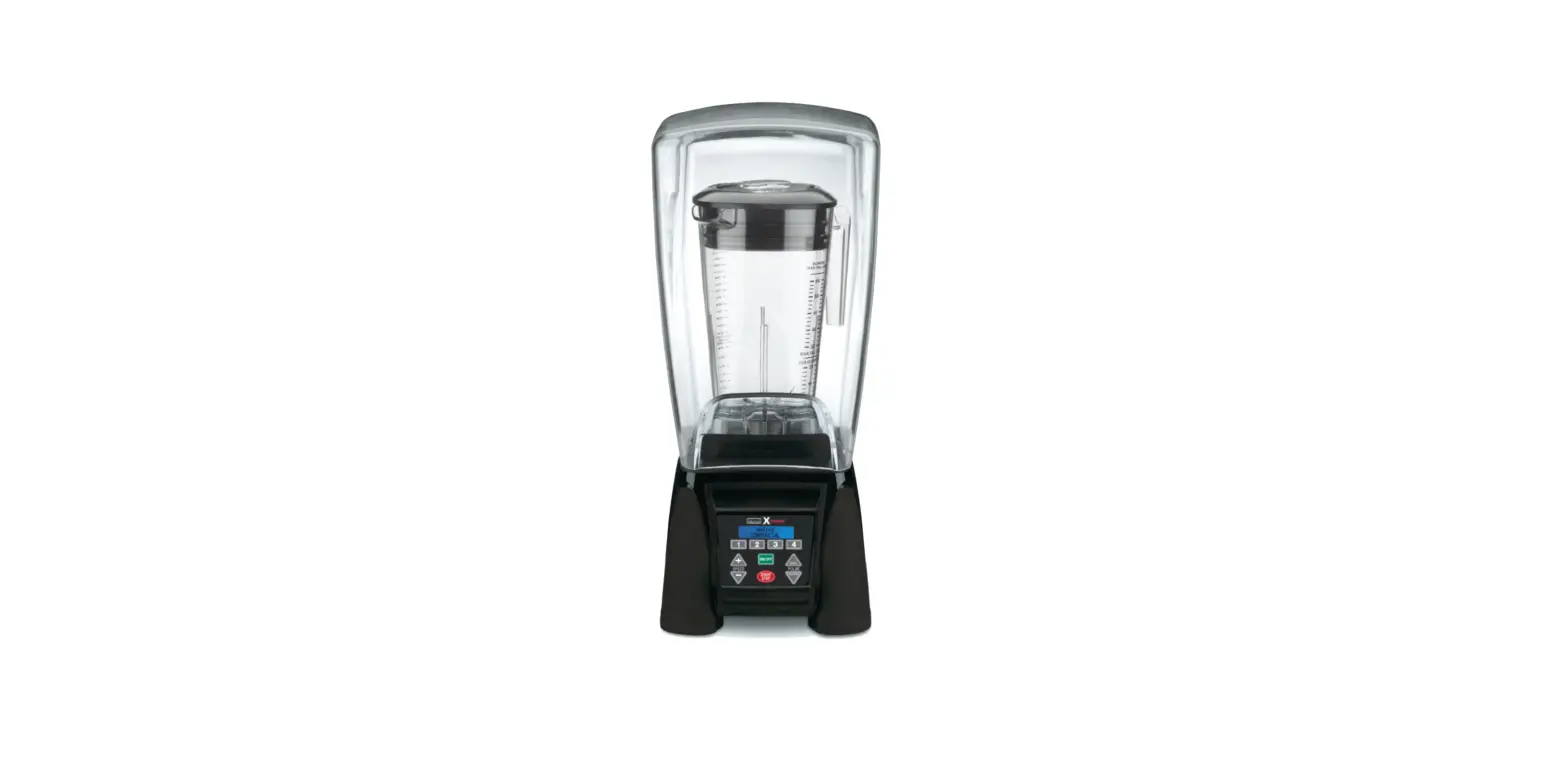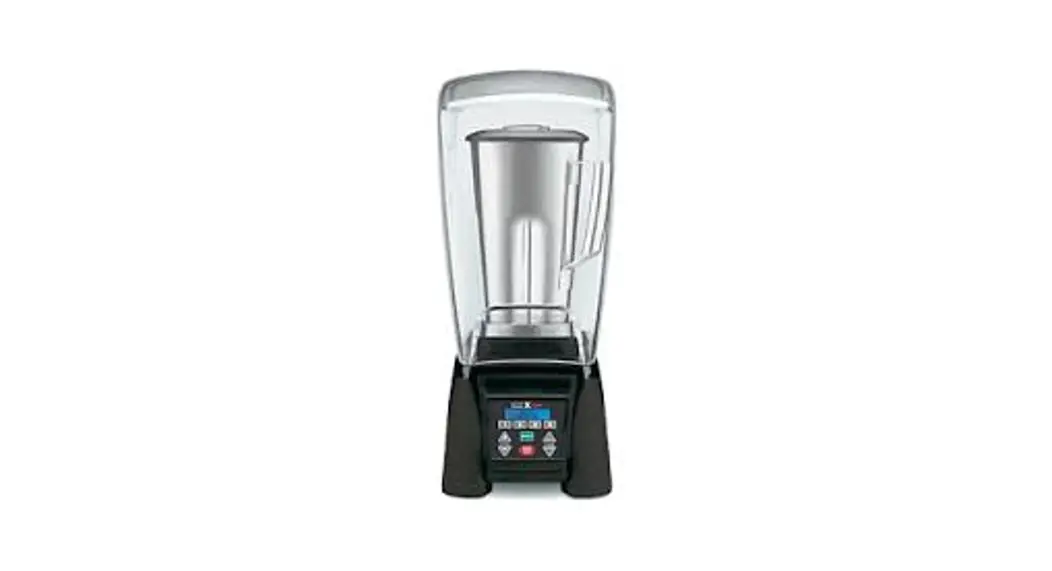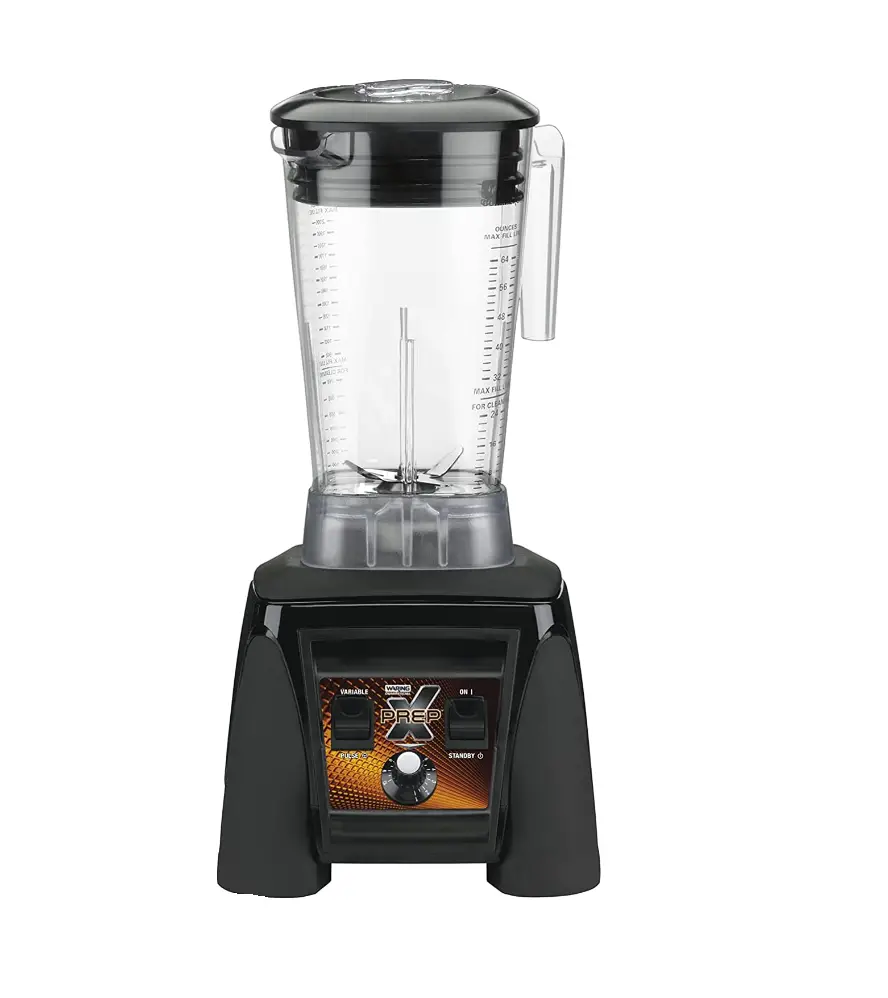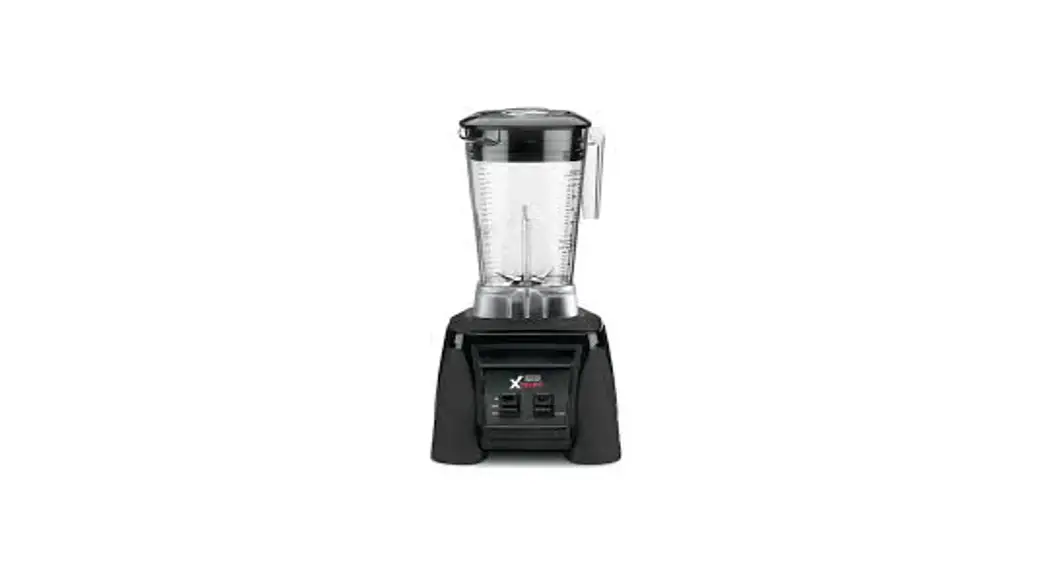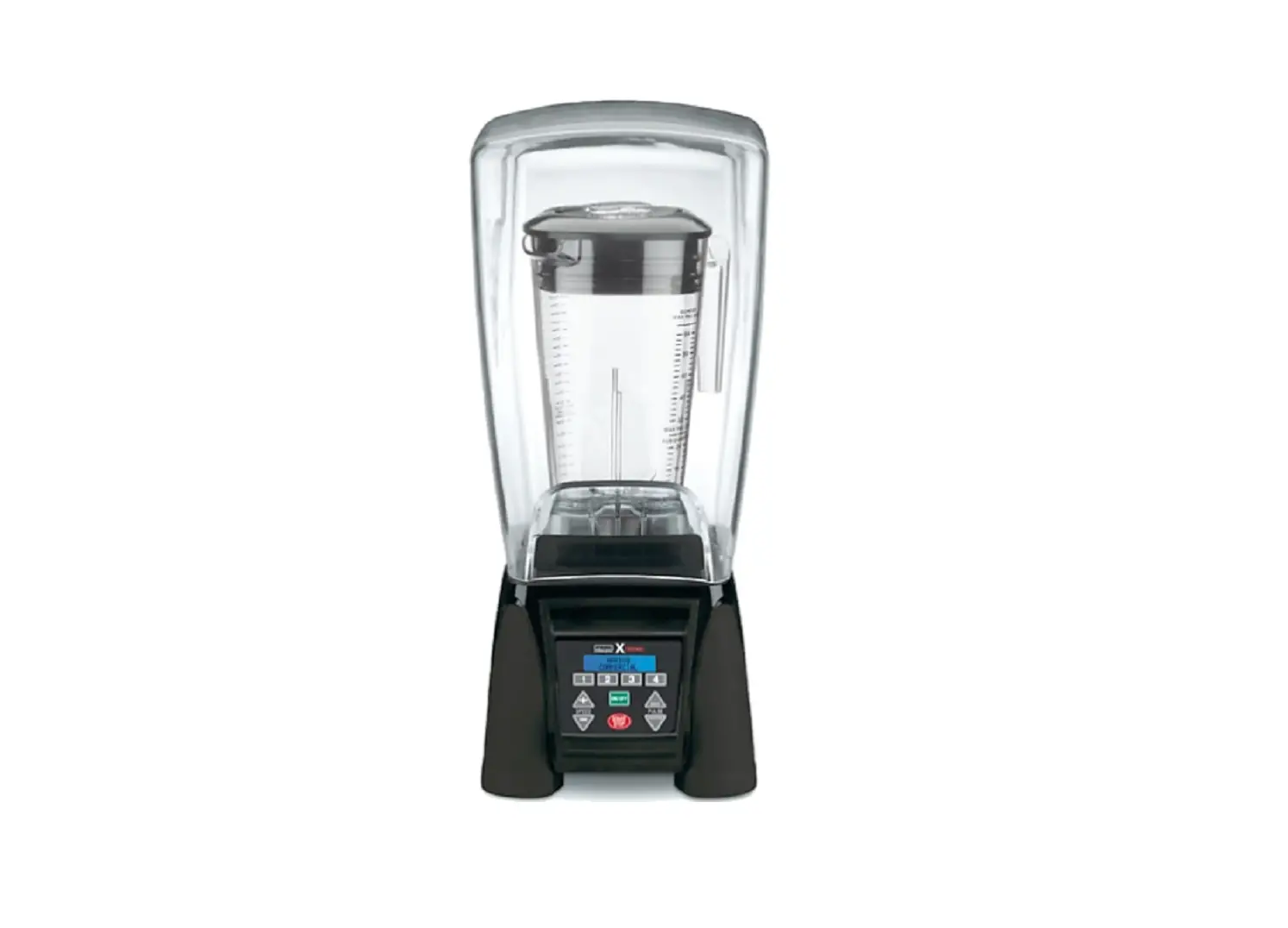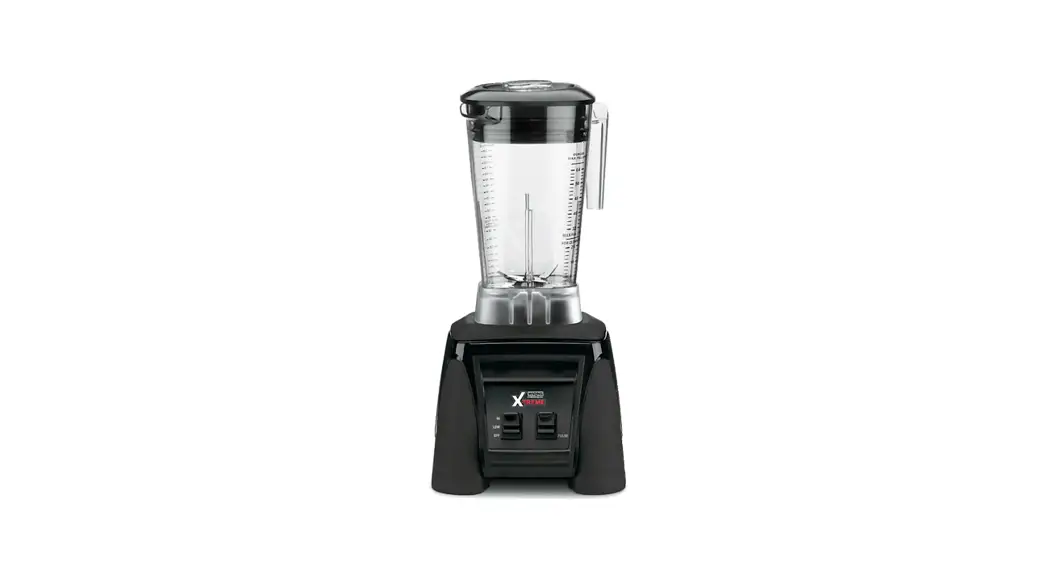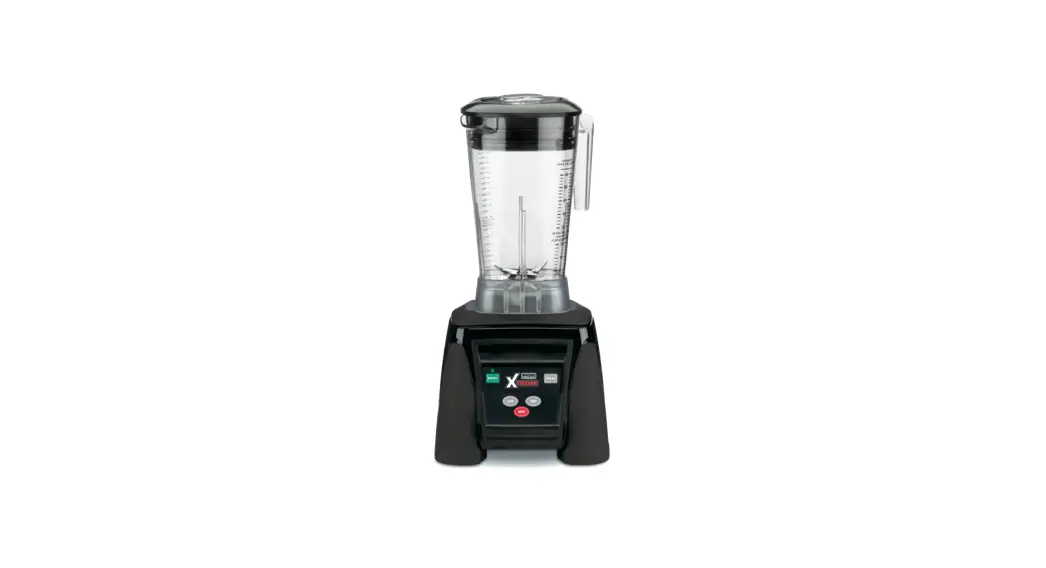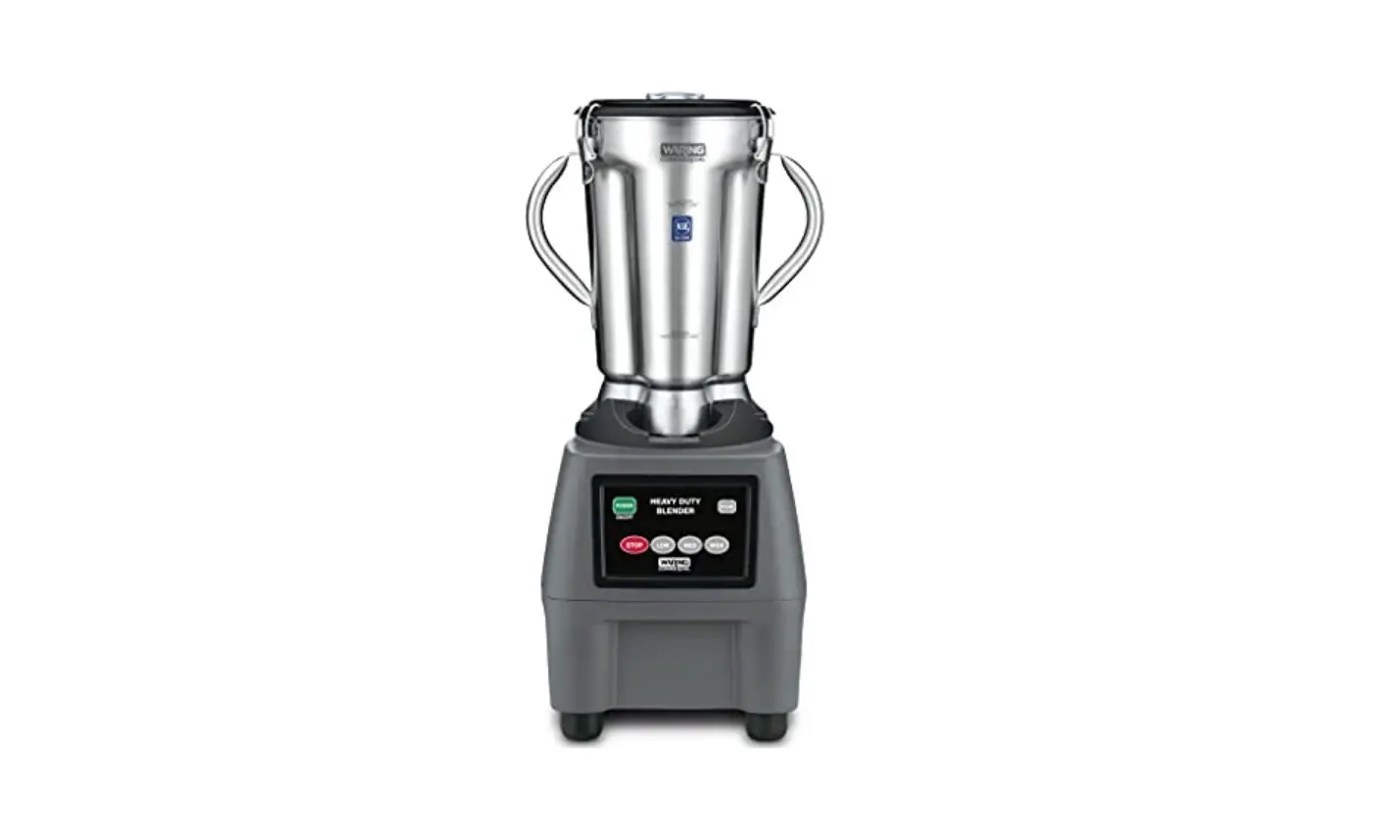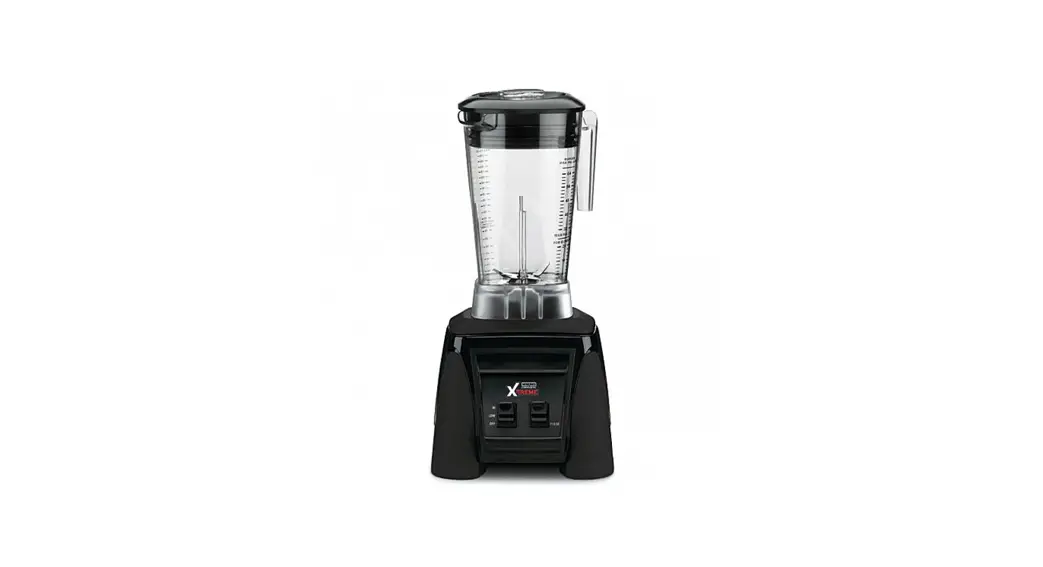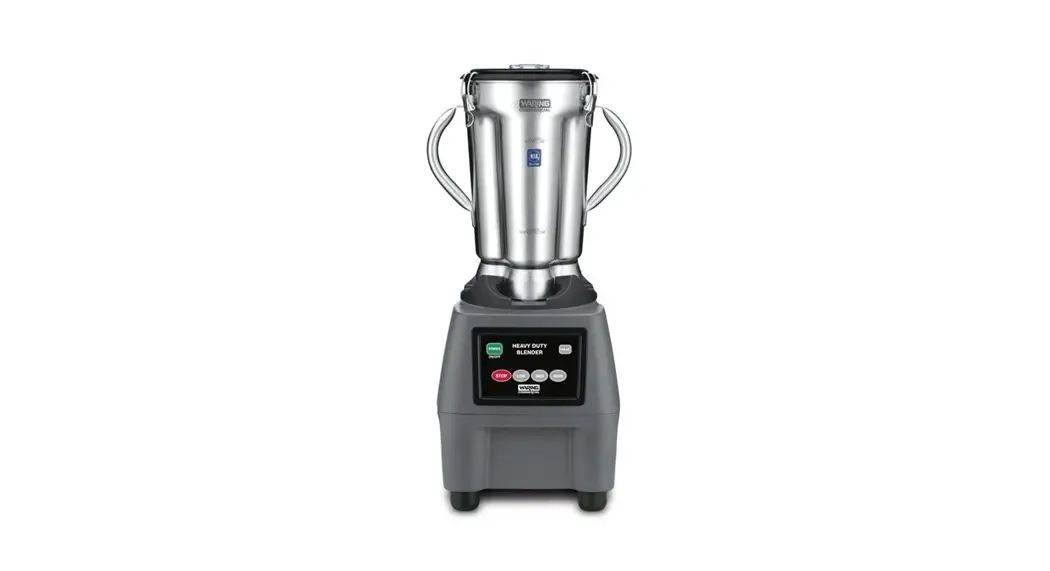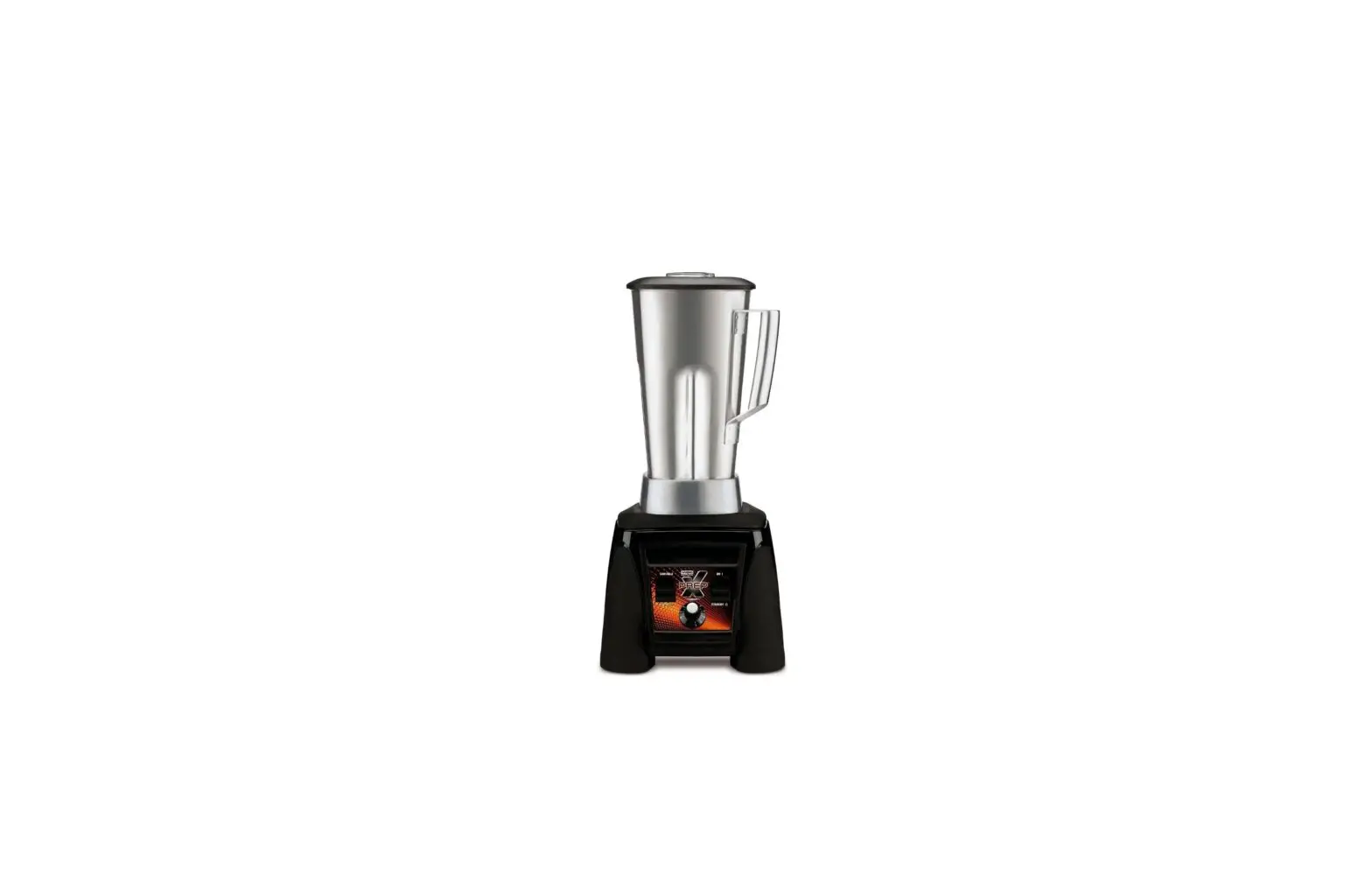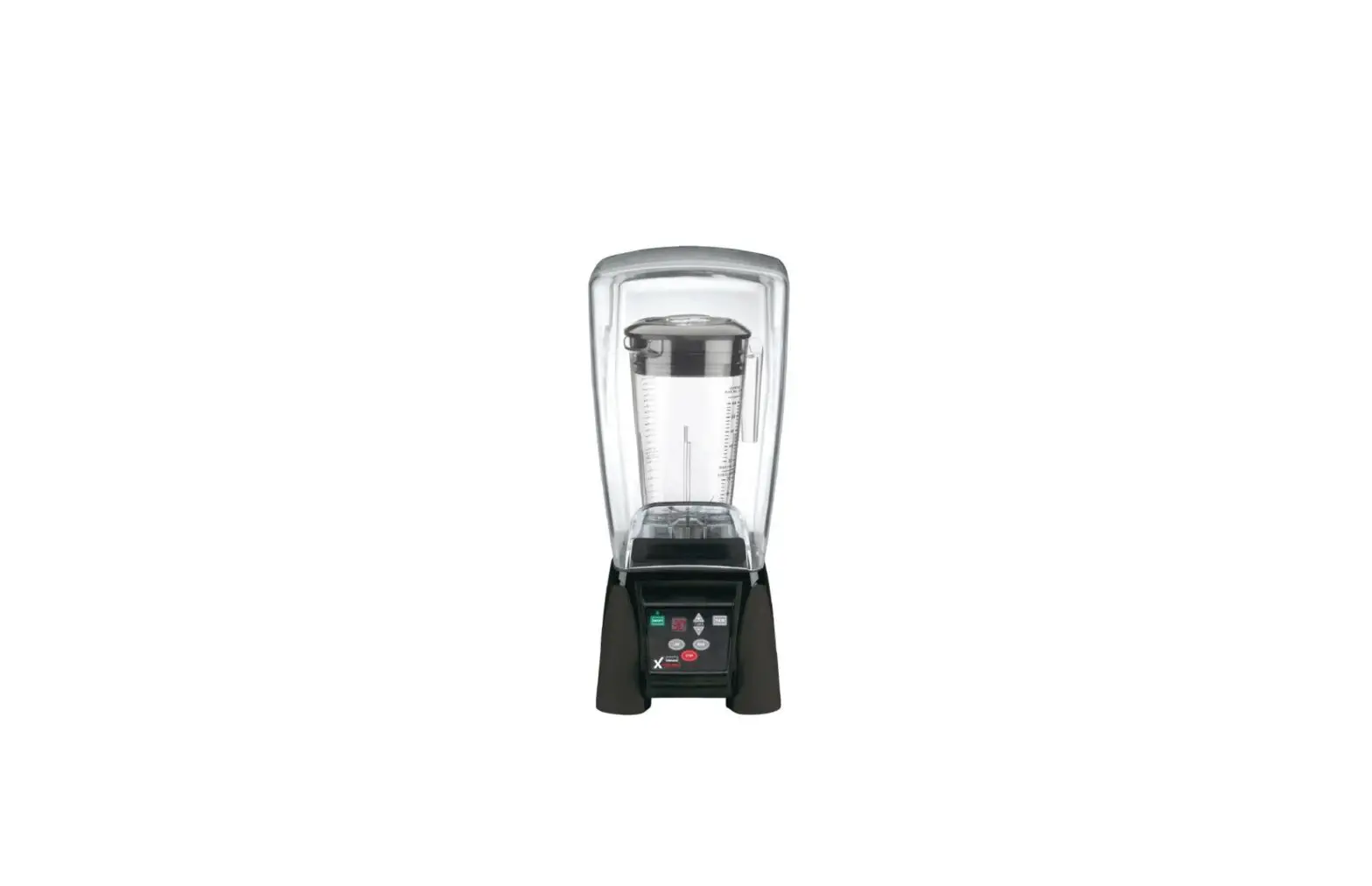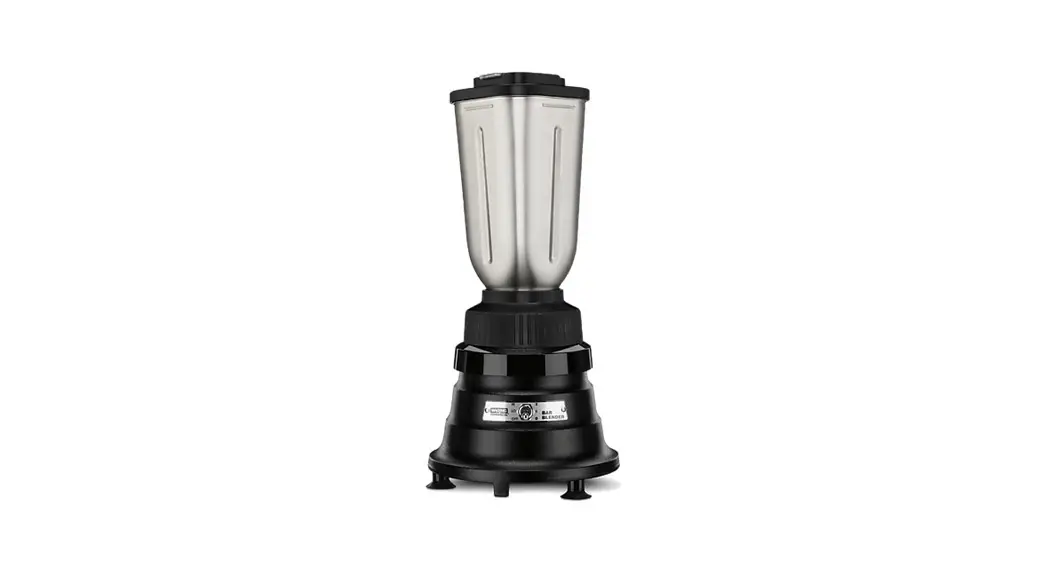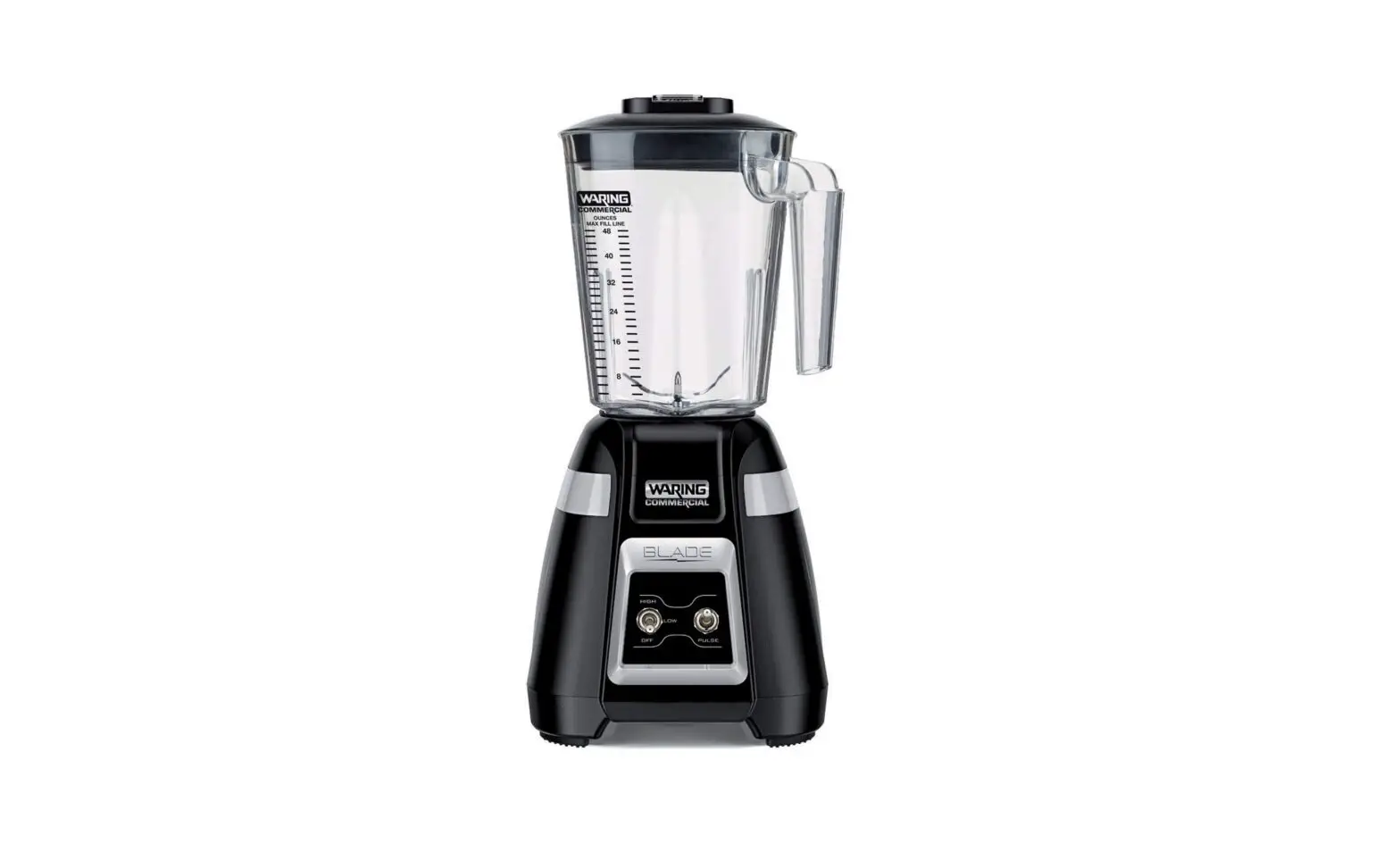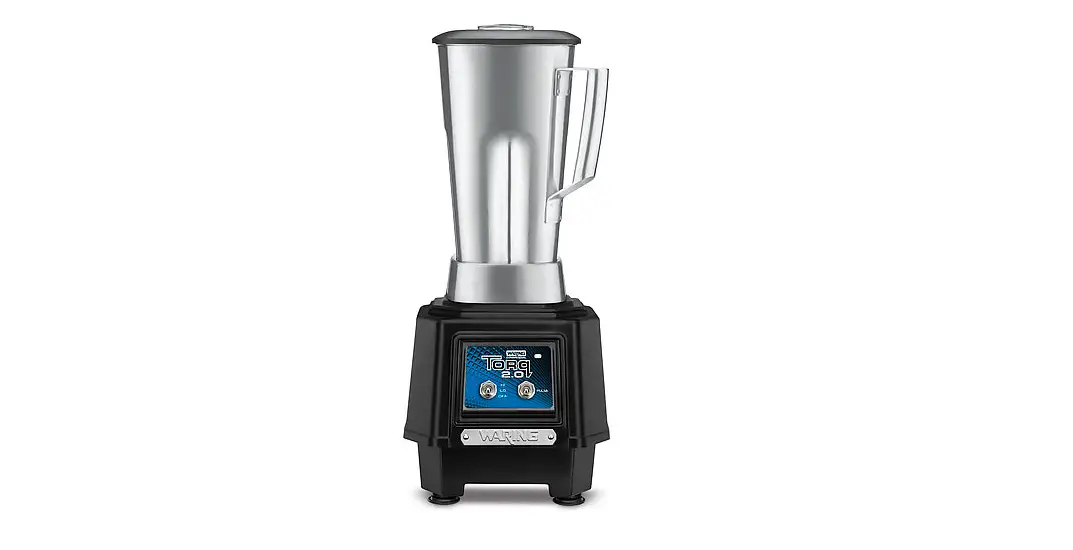
 Waring Commercial MX1050XTS 3.5 HP Blender
IMPORTANT SAFEGUARDS
When using electrical appliances, basic safety precautions should always be taken, including the following:
- READ ALL INSTRUCTIONS.
- Always unplug from the outlet when not in use, prior to handling, before putting on or taking off parts, and before cleaning.
- To protect against electrical hazards, do not immerse the blender base in water or other liquids.
- This appliance is not intended for use by persons (including children) with reduced physical, sensory or mental capabilities, or lack of experience and knowledge. Children should be supervised to ensure they do not play with the appliance.
- Avoid contact with moving parts.
- Do not operate any appliance with a damaged cord or plug or after the appliance malfunctions or is dropped or damaged in any manner. Return appliance to the nearest authorized service facility for examination, repair, or electrical or mechanical adjustment.
- The use of attachments, including canning jars, not recommended by the appliance manufacturer, may cause hazards.
- Do not use outdoors.
- Do not let the cord hang over the edge of the table or counter, or touch hot surfaces.
- Keep hands and utensils out of the container while blending to prevent the possibility of severe personal injury and/or damage to the blender. A rubber scraper may be used, but must be used only when the blender is not running.
- Blades are sharp. Handle carefully.
- Always operate the blender with the cover in place.
- When blending hot liquids, remove the centerpiece of the two-piece cover. See Hot Blending Instructions.
- The use of ear protection is recommended during extended operating periods.
- Before First Use: Clean blender and jar per cleaning and sanitizing instructions, pages 11–12.
- The appliance must be positioned so that the plug is accessible.
- DO NOT use carbonated liquids in the blender jar or any blending container. Using carbonated liquids in the blender jar or any blending container may result in injury.
- DO NOT blend oil or oil-based products such as peanut butter for longer than 5 minutes.
- Never remove the blender jar from the base unit until the blade and coupling have completely stopped.
SAVE THESE INSTRUCTIONS
MX MECHANICAL SWITCHES
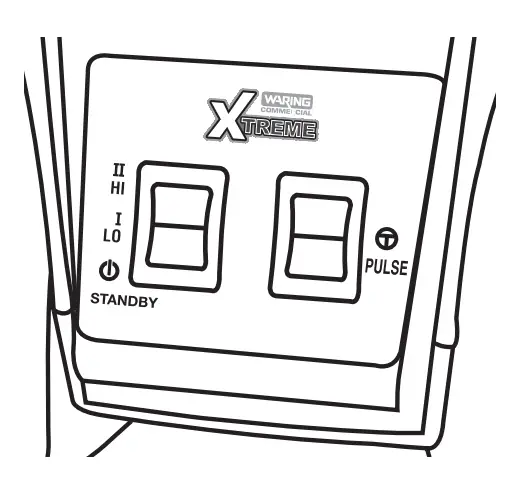
- Before starting, make sure that the blender is unplugged and the container is not positioned on the blender
- Put ingredients into a container and cover it. Do not fill the above MAX fill line.
- With the unit in the STANDBY position, place the container on the blender base. Be sure the container is fully seated and that the drive coupling is properly engaged. Plug blender cord into the outlet.
- This blender has 2-speed settings: HI and LO. Press the paddle switch to the desired position. To crush ice quickly, use the HI speed setting.
- When finished blending, set the paddle switch to the STANDBY position.
- This blender is equipped with a PULSE option. Hold paddle switch down to engage the PULSE function. Unit will run on HI speed until the paddle switch is released.
- Allow the motor to come to a complete stop before removing container from the blender base. Never place the container on the motor base or remove it from the motor base while motor is running.
- Always hold the container with one hand when starting and while blending. Never operate without jar lid.
- Wash and dry the container after each use. See Cleaning and Sanitizing Instructions.
MX ELECTRONIC TOUCHPAD SWITCHES WITHOUT SOUND ENCLOSURE
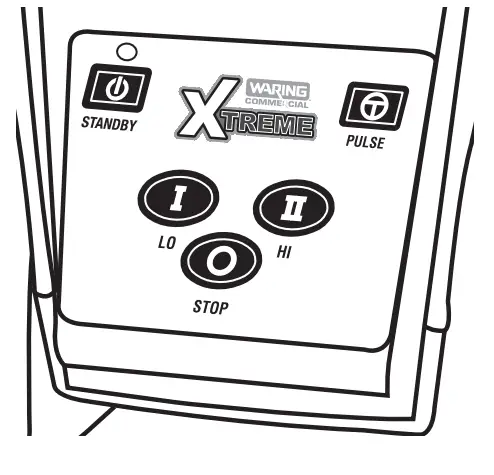
- Before starting, make sure that the blender is unplugged and the container is not positioned on the blender.
- Put ingredients into a container and cover it. Do not fill the above the MAX fill line.
- Place the container on the blender base. Be sure the container is fully seated and that drive coupling is properly engaged. Plug the blender cord into outlet.
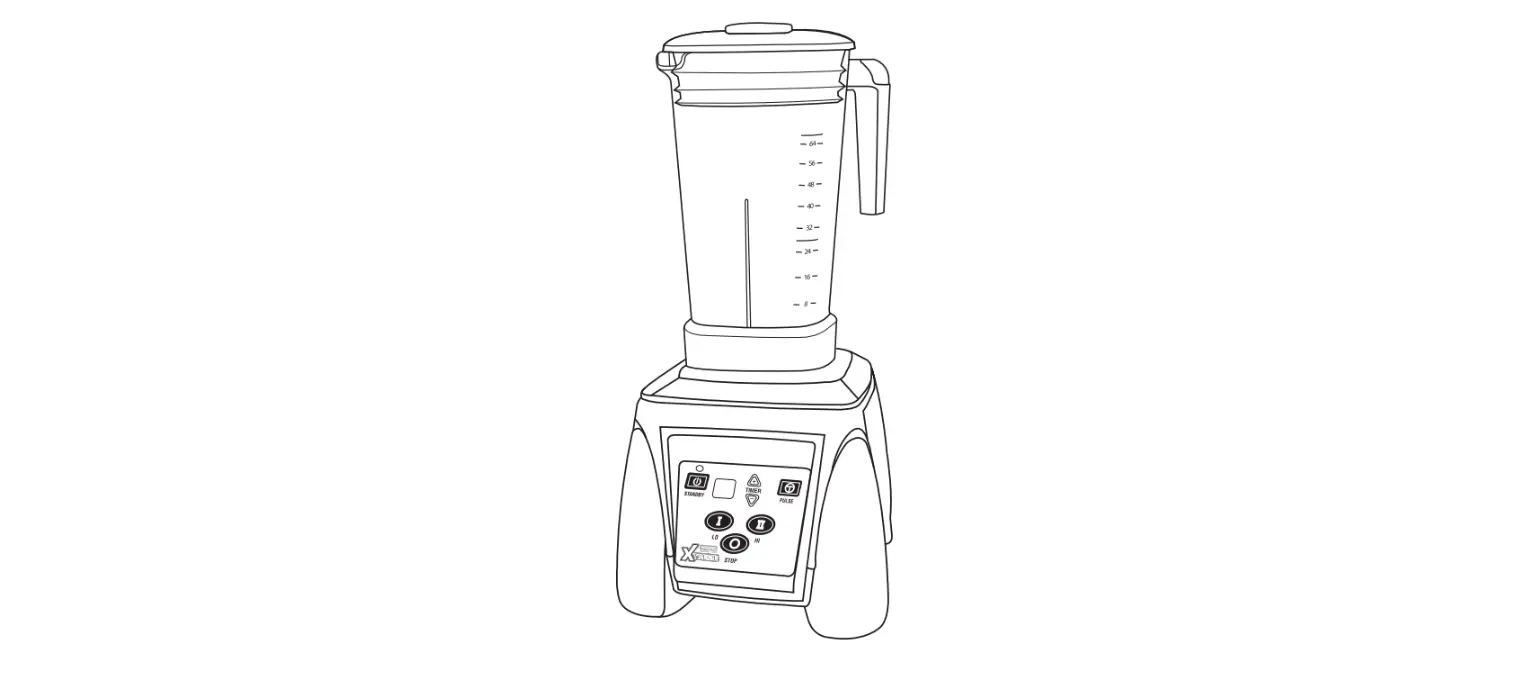
- This blender is equipped with an electronic membrane keypad. The keypad has a main power STANDBY
 button, plus HI, LO , STOP and PULSE buttons.
 - Press the STANDBY button to turn on the blender. Green LED will illuminate. For continuous operation, press either LO or HI button. When finished blending, press STOP. For momentary operation, press the PULSE button; motor will run on HI speed until the button is released.
NOTE: Your MX Electronic Blender uses a Slow Start™ feature. When pressing HI , the unit will start in the LO speed for 2 seconds and then switch to HI speed. This allows for a more even blending of ingredients in a container. - Allow the motor to come to a complete stop before removing the container from the blender base. Never place the container on the motor base or remove it from the motor base while the motor is running.
- Always hold the container with one hand when starting and while blending. Never operate without jar lid.
- Wash and dry the container after each use. See Cleaning and Sanitizing Instructions
- To turn unit off, press the STANDBYbutton. Green LED light will go off.
 button, plus HI, LO , STOP and PULSE buttons.
MX ELECTRONIC TOUCHPAD SWITCHES WITH TIMER
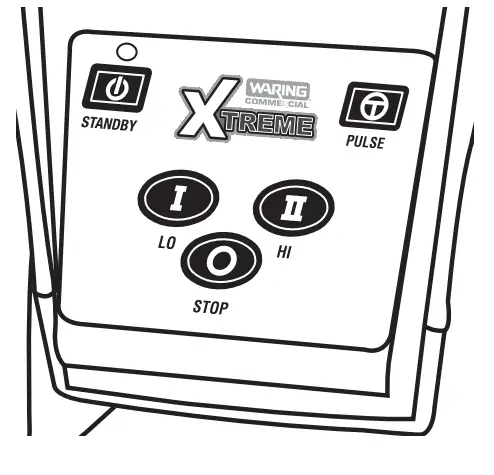
- Before starting, make sure that the blender is unplugged and the container is not positioned on the blender.
- Put ingredients into a container and cover it. Do not fill the above MAX fill line.
- Place container on the blender base. Be sure the container is fully seated and that the drive coupling is properly engaged. Plug blender cord into outlet.
- This blender is equipped with an electronic membrane keypad. The keypad has a main power STANDBY button, plus HI , LO , STOP and PULSE
 buttons and a 30-second countdown timer with up
 and down
 arrows to set time.
 - Press the STANDBY button to turn on the blender. Green LED will illuminate. The electronic timer will indicate 10 seconds (default). Press the up or down arrow to set the desired time. The electronic timer will indicate run time in 5-second intervals up to a maximum of 30 seconds. After the desired time is set, press HI or LO to start the blender. The timer will count down to 0 in 1-second intervals and the blender will shut off. Pressing the PULSE button, the STOP button or the STANDBY button will override the timer and the blender will stop regardless of time left on timer.
NOTE: If you want to increase or decrease time while the timer is counting down, pressthe up-down arrows. Time will increase or decrease in 5-second intervals. - If the blender is not used for 5 seconds, the timer function will turn off and return to manual mode. To reactivate the timer, press
 arrows. When using the electronic timer again, the initial time will be the last time set.
Note: If unit has been turned off or unplugged, the timer will default back to 10 seconds. - For continuous operation, press either LO or HI button. When finished blending, press STOP. For momentary operation, press the PULSE button. The motor will run on HI speed until the button is released.
NOTE: Your MX Electronic Blender uses a Slow Start™ feature. When pressing HI, the unit will start at the LO speed for 2 seconds and then switch to HI speed. This allows for a more even blending of ingredients in a container. - Allow the motor to come to a complete stop before removing the container from the blender base. Never place the container on the motor base or remove it from the motor base while motor is running.
- Wash and dry the container after each use. See Cleaning and Sanitizing Instructions.
- To turn the unit off, press the STANDBY button. The green LED light will go off.
 buttons and a 30-second countdown timer with up
 and down
 arrows to set time.
 arrows. When using the electronic timer again, the initial time will be the last time set.
MX VARIABLE SPEED OPERATION
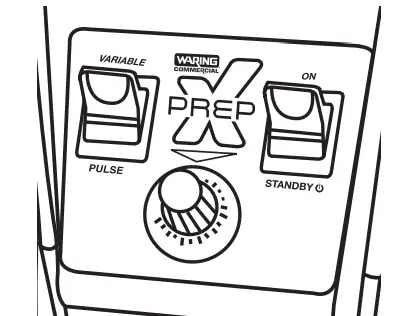
Warning – This is a Class A product. In a domestic environment, this product may cause radio interference, in which case the user may be required to take adequate measures.
- Before starting, make sure that the blender is unplugged and the container is not positioned on the blender.
- Put ingredients into a container and cover it. Do not fill the above MAX fill line.
- With the unit in the STANDBY position, place the container on the blender base. Be sure the container is fully seated and that the drive coupling is properly engaged. Plug the blender cord into the outlet.
- This blender has variable speed controls. Set blender to desired speed between 1 and 10.
- The left paddle switch defaults to the VARIABLE setting in order to use the speed adjustment option. Press the right paddle switch up to the ON position.
- When finished blending, set the paddle switch to the STANDBY position.
- This blender is equipped with a PULSE option. Holding the left paddle switch in the down position will activate the VARIABLE PULSE function (Pulse speed controlled by knob). If the ON/STANDBY switch is set to the ON position and the PULSE switch is activated, then PULSE will operate at a maximum speed of 30,000 RPM. Once the PULSE paddle switch is released, the speed will continue to run at variable speed setting.
- Allow the motor to come to a complete stop before removing the container from the blender base. Never place the container on the motor base or remove it from the motor base while motor is running.
- Always hold the container with one hand when starting and while blending. Never operate without jar lid.1
- Wash and dry the container after each use. See Cleaning and Sanitizing Instructions.
MX REPROGRAMMABLE CONTROL SETTINGS
- Before starting, make sure that the blender is unplugged and the container is not positioned on the blender.
- Put ingredients into a container and cover it. Do not fill above the MAX Fill line.
- Place container on the blender base. Be sure the container is fully seated and that the drive coupling is properly engaged. Plug blender cord into the outlet.
- The motor speed can be adjusted by pressing the or Speed buttons. Speed ranges from 5% to 100%.
- 100%20,000 RPM
- 50%10,000 RPM
- 5%1,000 RPM
The Speed Up button will increase the motor speed display in 1% increments and the Speed Down button will decrease the motor speed display in 1% increments. Holding down either button will quickly scroll through speeds.Using the Speed Up and Speed Dow buttons set desired motor speed. If no speed is selected, motor will default to 100%.
NOTE: The motor does not run at the newly set speed until the START/STOP button is pressed. If the START/STOP button is not pressed within 5 seconds, the new speed setting will be stored for the next use and the blender will return to STANDBY mode; the display will once again read “PRESS ANY BUTTON TO BLEND.”
- Press the START/STOP button to run the blender. Blender will run continuously at the set speed. The LCD will display the motor speed in percentage. Default speed (percentage) is at 100%. Motor speed can be changed while the blender is running by simply pressing Speed Up or Speed Down button.
- To stop continuous blending operation, press the START/STOP button or press any of the program buttons.
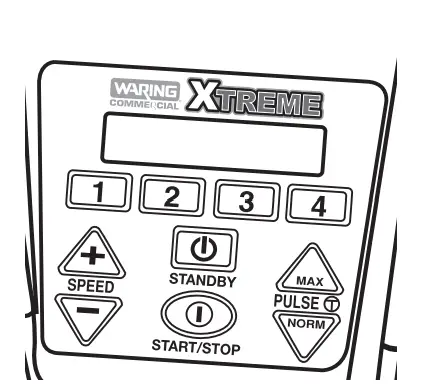
 button is pressed. If the START/STOP
 PULSE FEATURES
Your unit comes equipped with two PULSE options: Normal Pulse and Maximum Pulse.
Note: The Pulse buttons are momentary switches — once released, the unit will shut off.
- To use the Max Pulse option, press the button. This will run the motor at 150% speed. The LCD will read “MAX PULSE SPEED: 150%.”
- To use Normal Pulse option, press the button. This will run the motor at 100% speed. The LCD will read “NORM PULSE SPEED: 100%.”
- The blender allows you to set the pulse to your desired speed. While blending at Normal Pulse speed, the motor can be adjusted. To do this, hold the Normal Pulse button and press the Speed Up or Speed Down button to adjust the blending speed. The LCD will show the set speed and motor speed will change.
NOTE: The speed can be set from 5% to 100%. Once the Pulse button is released, the motor will shut off and the blender will return to STANDBY mode. The changed pulse speed will be stored in memory to replace the default speed off 100%.
REPROGRAMMABLE STATIONS
- There are 4 Program buttons for four reprogrammable beverage stations for easy operation and consistent results. The factory-set stations are programmed as listed below:
- Liquid drinks
- Frozen drinks
- Ice cream drinks
- Smoothies
- To run any of the above-preset programs, the blender must be in STANDBY mode.
- Press desired Program button to start the blender. The motor will run at the preset speed within the preset blending time. The LCD will show time remaining. Once the blender counts down to 0, the motor will stop running and the blender will return to STANDBY mode and prompt “PRESS ANY BUTTON TO BLEND,” to begin another function.
NOTE: To terminate a blending program, simply press START/STOP button or any of the Program buttons. After doing this, the blender will return to STANDBY mode and LCD will prompt “PRESS ANY BUTTON TO BLEND.”
REPROGRAMMING BEVERAGE STATIONS
Users can add 4 new programs to meet their needs. A program can consist of several sections, each with a different speed and running time.
For example, can be replaced with a new program that has 3 sections, as shown below:
- Section 1: speed = 75%; time = 30 seconds
- Section 2: speed = 100%; time = 20 seconds
- Section 3: speed = 50%; time = 20 seconds
The program has the following limitations:
- Speed: 5% to 100%
- Time: 5 to 90 seconds
- Total running time in a program cannot exceed 90 seconds, i.e., sum of the sections cannot be longer than 90 seconds.
NOTE: The button will act as the enter key to proceed to the next step during the reprogramming process.
- To enter new program, press both Speed Up and Speed Down buttons simultaneously while unit is in STANDBY mode. The blender will enter new programming mode and the LCD will prompt “ADD NEW PROGRAM.”
- Next, you will need to set values. Press the Program button you want to replace (e.g., 1–4). The LCD will prompt “USE UP/DOWN TO SET SPEED: 25%.”
NOTE: 25% is the default speed setting in the reprogramming mode. - Press Speed Up or Speed Down button to set the speed value. The increment is 1% (150 RPM). Press and hold the button to quickly scroll through speeds. The speed can be set between 5% and 100%.
- Once required speed is reached, press button or wait 5 seconds to confirm the setting. The LCD will now prompt “USE UP/DOWN TO SET TIME.” NOTE: Five seconds is the default time setting in the reprogramming mode.
- Use Speed Up or Speed Down button to set the time value (up to 90 seconds). Once 90 seconds are reached, pressing Speed Up will not increase the value and the LCD will prompt “MEMORY LIMIT” for 2 seconds.
- Press button or wait 5 seconds to confirm the setting. When the blending time is confirmed, the LCD will prompt SELECT ANOTHER SPEED. Repeat steps 3–5 if additional processing is needed.
NOTE: When pressing Speed Upor Speed Down buttons to set speed for the next section, the LCD will prompt “USE UP & DOWN TO SET SPEED: 25%.” - To save the new program settings, press both Speed Up and Speed Down buttons simultaneously. The LCD will prompt NEW PROGRAM (PROG #) SAVED for 5 seconds. The blender will return to STANDBY mode and the LCD will prompt “PRESS ANY BUTTON TO BLEND.
NOTE: If no button is pressed for 60 seconds when prompted to “ADD NEW PROGRAM,” the blender will exit NEW PROGRAM mode and will return to STANDBYmode. The new program will not be stored. - To run new programs, simply press the desired Program button and the blender will run the program set by the user. The LCD will display NEW PROGRAM # and will count down the set time.
RESTORING FACTORY-SET BEVERAGE STATIONS
- To restore factory-set default beverage stations, press both Speed Up and Speed Down buttons. LCD will prompt “ADD NEW PROGRAM.
- Press
 button. LCD will prompt “RESTORE DEFAULT PROGRAMS.”
 - Press the button to confirm and save. The LCD will display the logo for 3 seconds.
- The unit will return to STANDBY mode and the LCD will prompt “PRESS ANY BUTTON TO BLEND.
NOTE: The STOP key will abort this process at any point before restoring default programs is confirmed.
 button. LCD will prompt “RESTORE DEFAULT PROGRAMS.”
DRINK COUNTER
Your reprogrammable blenders are equipped with a drink counter to keep track of daily drink totals and total drink counts for your machine. To display the counts, hold the program buttons simultaneously for 3 seconds. Your display will read:
- DAILY COUNT XXXXTTL
- COUNT XXXXXDaily
Count will display the number of drinks mixed per day. Total Count is the accumulation of all drinks made since first use of the blender. The Daily Count can be reset by holding in Program buttons & simultaneously for 3 seconds, then pressing the ON/OFF button for 3 seconds. Daily Count will reset to zero and Total Count will remain unchanged.If Total Count needs to be reset, call your nearest Waring authorized service facility for information.
NOTE: Use of the PULSE features will not add to the daily or total drink counts.
RESETTING THERMAL PROTECTION
- The blender you have purchased is equipped with an Automatic Reset Switch to protect the motor from overheating.
- If your blender stops running under heavy use, turn the power switch to theSTANDBY or OFF position and unplug the power cord. Empty the blender container of all its contents and allow approximately 5 minutes for the motor to cool down.
- Plug the power cord back into the outlet and continue blending.
IMPORTANT — HOT BLENDING INSTRUCTIONS
To minimize the possibility of being scalded when blending hot materials, the following precautions and procedure must be observed.
- Hot materials are those that are 100°F (38°C) or hotter.
- Limit the amount of materials processed to 1 pint.
- Completely remove the center portion of the two-piece container lid before starting motor (this will allow venting of the rapidly heated and expanded air inside the container when blender is running).
- Always start blending on the lowest speed setting, and then progress to desired speed.
- Never stand directly over the blender when it is being started or while it is running.
INSTALLING THE SOUND ENCLOSURE
NOTE: If you are installing a sound enclosure as an optional accessory, remove the standard jar pad to access the screw holes on the upper housing. This jar pad will not fit properly with the sound enclosure. To remove it, peel it back, starting in the corner and working your way over the drive coupling until it is completely off the base unit, as seen in Figures 1, 2 and 3.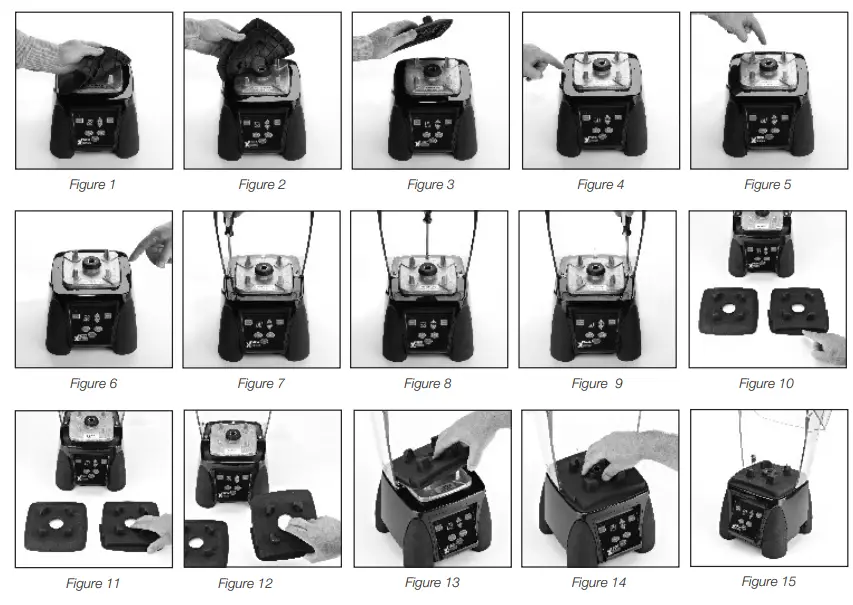
Once you have finished removing the standard jar pad OR if your blender came packed with a sound enclosure, follow these instructions:
- Step 1: Find the 3 screw holes located on the left, back and right sides of the upper housing as seen in Figures 4, 5 and 6.
- Step 2: Place the base of the sound enclosure on the motor housing so the screw holes on the enclosure line up with the screw holes on the base. Use a Phillips-head screwdriver and the 3 screws included with sound enclosure to secure the enclosure to the base unit in the 3 locations as seen in Figures 7, 8 and 9.
- Step 3: Once the sound enclosure is secured tightly, select the custom jar pad (included with the sound enclosure). Please note the standard jar pad will NOT fit properly with the sound enclosure. The correct custom jar pad has a recessed area around the outer edge. It also has a curved front with tabs on the sides, as seen in Figures 10, 11, and 12. This curved area should face the front of the blender.
- Step 4: Attach custom jar pad included with sound enclosure onto upper housing with the curve facing out, as seen in Figure 13. Press tightly around coupling to secure custom jar pad onto upper housing, as seen in Figures 14 and 15.
REMOVING THE SOUND ENCLOSURE
To remove the sound enclosure, unplug your blender and follow these steps:
- Open sound enclosure and remove blender container.
- Remove a front portion of the sound enclosure by disengaging both sides at the pivot point.
- Remove the rubber jar pad.
- Remove 3 screws from the blender base and remove the sound enclosure.
TURNING OFF YOUR BLENDER
Whether your blender is in STANDBY mode, NEW PROGRAM mode, or the motor is running, pressing the ON/OFF button will stop the unit from running and will turn the power off. The LCD display will turn off.
NOTE: All programs and current settings will be restored the next time you turn the unit on.
CLEANING AND SANITIZING INSTRUCTIONS
THE CONTAINER MUST BE CLEANED AND DRIED AFTER EACH USE OF THE BLENDER ACCORDING TO THE FOLLOWING INSTRUCTIONS. FAILURE TO DO SO MAY ALLOW RESIDUE OF PROCESSED MATERIAL TO COLLECT ON THE INTERNAL SEALS OF THE BLADE ASSEMBLY, RENDERING THEM INEFFECTIVE.
- Wash, rinse, sanitize and dry the container prior to initial use and whenever it will not be used again within a period of 1 hour.
- Wash and rinse the container after each use.
- Clean and sanitize the motor base prior to initial use and after each use.
- Washing solutions based on non-sudsing detergents and chlorine-based sanitizing solutions having a minimum chlorine concentration of 100 PPM are recommended.
The following washing, rinsing, and sanitizing solutions, or their equivalents, may be used.
| SOLUTION | PRODUCT | DILUTION IN WATER | TEMPERATURE |
| Washing | International Products Corporation LF2100 Liquid Low-Foam Cleaner | 1%–2%: 1¼ – 2¾ Ounce/Gallon (lower dilution of 1% for normal cleaning and up to 2% for more stubborn soils) | Room Temperature |
| Rinsing | Plain Water | Warm 95˚F (35˚C) | |
| Sanitizing | Clorox® Regular Bleach
(8.25% Hypochlorite Concentration) | 2 Teaspoons/Gallon (Alternately a bleach with 5.25% Hypochlorite Concentration can be used at dilution of 3 Teaspoons/ Gallon) |
- In repetitive batch-processing applications, frequent cleaning of the container will prolong the life of the blade assembly. In no case should actual running time between cleanings exceed ½ hour.
- Do not use container to store processed foods or beverages.
TO WASH AND RINSE CONTAINER:
- REMOVE CONTAINER FROM MOTOR BASE. Remove lid. Rinse container interior and lid under running water. Add washing solution to container. Scrub and flush out the container interior and lid to dislodge and remove as much food residue as possible. Empty container.
Wipe down exterior of the container with a soft cloth or sponge dampened with washing solution. Wash lid and lid insert in fresh washing solution. Fill container ¼ full with fresh washing solution, cover (with lid only), place on motor base and run on the highest speed for two (2) minutes. Empty container.
3. Repeat step (2) using clean rinse water in place of the washing solution.
IMPORTANT
NOTE: IN ORDER TO MINIMIZE THE POSSIBILITY OF SCALDING, THE TEMPERATURE OF WASHING SOLUTION AND RINSE WATER MUST NOT EXCEED 115°F (46°C), AND THE QUANTITY USED MUST NOT EXCEED ¼ CONTAINER FULL.
TO SANITIZE AND DRY THE CONTAINER:
- Wipe down the exterior of the container with a soft cloth or sponge dampened with sanitizing solution.
- Fill the container with sanitizing solution, cover, place on motor base, and run on high speed for two (2) minutes. Empty container. Dislodge any residual moisture from blade assembly by placing empty container on motor base and running on the highest speed for two (2) seconds.
- Sanitize lid and lid insert by immersing in sanitizing solution for two (2) minutes.
- Do not rinse the container, lid, or lid insert after sanitizing is completed. Allow parts to air-dry.
TO CLEAN AND SANITIZE MOTOR BASE:
- UNPLUG THE POWER CORD. Wipe down exterior surfaces of the motor base with soft cloths or sponges dampened with washing solution, rinse water, and sanitize solution. Prevent liquid from running into motor base by wringing all excess moisture from cloths or sponges before using them. DO NOT IMMERSE MOTOR BASE IN THE WASHING SOLUTION, RINSE WATER OR SANITIZE THE SOLUTION.
- Allow the motor base to air-dry before using.
Any other servicing should be performed by an authorized service representative.
MX BLENDER ACCESSORIES GUIDE

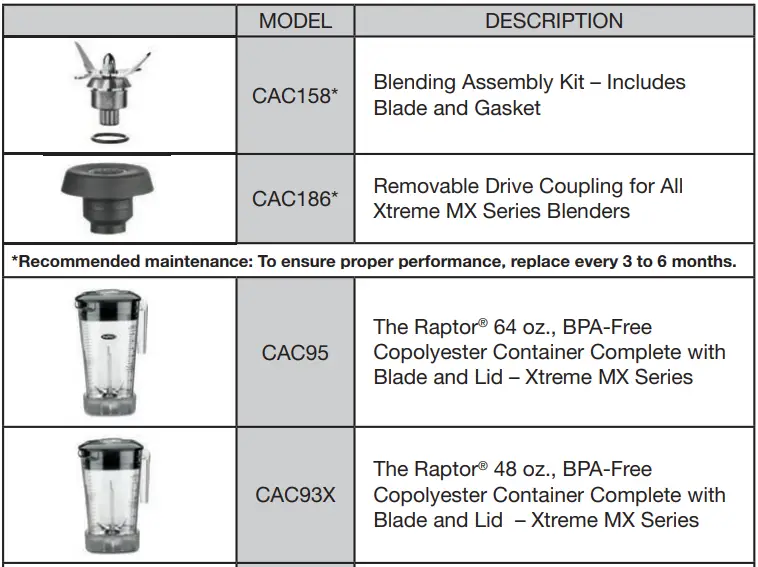
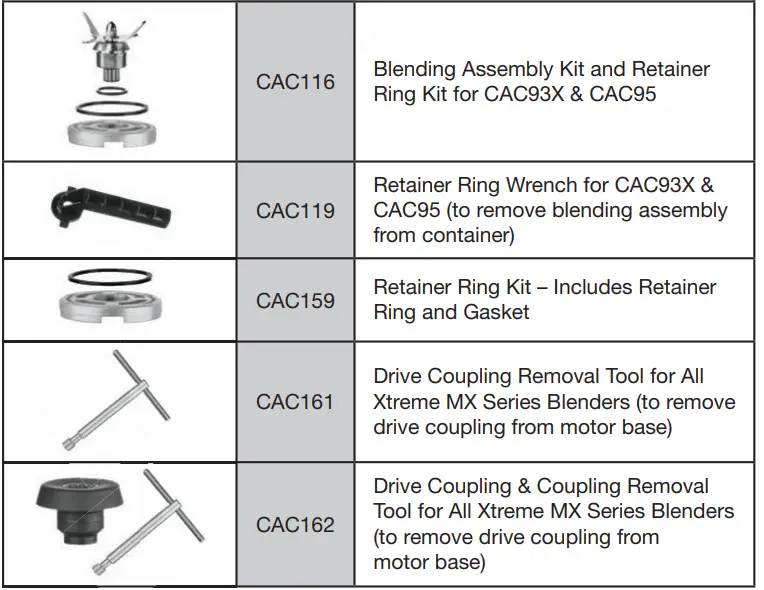
For a zip code search of authorized service centers near you, visit waringcommercialproducts.com/support.
Or write to:
Waring Factory Service Center314 Ella T. Grasso Ave. Torrington, CT 06790(800) 269-6640
Ship blenders for repair to the above address or to an Authorized Service Center. Do not ship to a Waring Sales Office.
NOTE: If your application involves the processing of biologically active material, we request that any items returned for service be sterilized before being shipped. Such items must be clearly identified as having been sterilized, both by a tag on the item itself and by a statement in the accompanying correspondence. Waring will not accept delivery of any return unless it is so identified.
Replacement parts for your out-of-warranty repairs are obtainable at the address below.
LIMITED THREE-YEAR MOTOR WARRANTY LIMITED TWO-YEAR WARRANTY
Waring warrants every new Waring® Commercial Blender to be free from defects in material and workmanship for a period of two years from the date of purchase when used with foodstuffs, nonabrasive liquids (other than detergents), and nonabrasive semi-liquids, providing it has not been subject to loads in excess of the indicated rating. In addition, the motor in this appliance has a full three-year warranty. Under this warranty, Waring, during the warranty period, will repair or replace any part which, upon our examination, is defective in materials or workmanship, provided the product is delivered prepaid to the Waring Service Center at 314 Ella T. Grasso Ave. Torrington, CT 06790, or any Factory Approved Service Center. This warranty does not: a) apply to any product which has become worn, defective, damaged, or broken due to misuse or due to repairs or servicing by other than the Waring Service Center or a Factory Approved Service Center, or due to abuse, misuse, overloading or tampering; or b) cover incidental or consequential damages of any kind. The two-year warranty is applicable only to appliances used in the United States or Canada; this supersedes all other express product warranty or warranty statements. For Waring products sold outside of the U.S. and Canada, the warranty is the responsibility of the local importer or distributor. This warranty may vary according to local regulations.
Warning: This warranty is void if the appliance is used on Direct Current (D.C.)
WARING COMMERCIAL314 Ella T. Grasso Ave.Torrington, CT 06790
FAQS
Is it made in the USA? Easy to clean?
Yes, they are made in the USA and are easy to clean!
Does anyone blend almonds for almond milk? or to make nut butter?
Yes! This is an amazing blender – better than VitaMix and BlendTec. Good videos to watch: https://www.youtube.com/watch?v=Wv_dcmny20Y https://www.youtube.com/watch?v=Bh6H4axK5sM
Does this blend kale and beets smoothly?
The container leaked on the replacement blender.
When I turn Vitamix on high speed suddenly, food will gush out of the container. How about Waring? is it safe to turn on high speed suddenly?
Provided you have a circuit that will accommodate the high amp Waring motor, food does not gush out of the container at high speed. However, my Waring blender has been used only twice, because my 15-amp house circuit is insufficient to properly power its high amp motor.
will this cut through bone?
The Waring MX1050XTS Hi-Power 64 Oz will cut through bone though it is not recommended.
Can this machine completely pulverize a whole avocado seed?
Yes, the Waring MX1050XTS Hi-Power 64 Oz Blender can be used to pulverize the pit of an avocado.
Are the blades/base of the container removable for cleaning?
Yes, the base of the Waring MX1050XTS Hi-Power 64 Oz Blender can be removed.
There is a tool by Waring called a spanning wrench (MFG #: CAC119).
It is used to disassemble the jar of the blender to remove the blade.
This is not recommended just to clean this product, only for maintenance.
If it helps i suggest blending hot soapy water after use or a pipe cleaner.
What is the dry/wet Blend capacity? It says 64 oz but what is the max capacity of loaded ingredients?
The max capacity depends on how long you blend it as the volume increases as you whip more air in the mix. I use mine primarily for smoothies and frozen drinks so I’ve not really measured the max capacity. If I put about 25 ounces of ingredients and blend for a bit, it can get up near the top. It is quite powerful.
Is good for making ice cream drinks for a restaurant?
I can’t see why not. Its a very loud machine though so you might need one of those sound dampers for it. First time I turned it on my mom and dog both jumped off the couch 🙂
You could use this blender voltage 220?
No, it’s 120v
is it NSF approved?
Yes. It is NSF, CUL & UL listed.
What is the guarantee on this product?
The Waring MX1050XTS series blender is an absolute powerhouse. In my estimation, the Waring line of blenders are the best and most efficient and reliable of all the brands out there. I own a MX1050XTS 3.5 hp blender since 2012 and I used it to blend barley to make drinks in commercial quantities for a small business. I once plugged it into 220 volts even though it is rated 110 volts. It ran for about 60 seconds and then shut down before I realized what I had done. But after it cooled down I plugged it into the 110 volts outlet and it continued to work as normal. The only problem I have with it now is that after 7 years the bearing for the blade assembly has worn out and the mug has started leaking. I will replace the entire mug
Can i get the smaller 48oz blender cup instead of 64oz?
The 64 oz is the one designed for the blender!!! I am a user so don’t take my word… you don’t need to fill it!!
In order to connect with the plug, we must cut the cable and reconnect it using black tape. Will the protection plan cover any potential troubles?
Instead of cutting the cord and reconnecting with electrical (black) tape, it would be best advised to replace the plug with a new plug and connect it to the piece of cord attached to the blender so as to eliminate the joint in the cord, or have a qualified electrician replaced the cord entirely. Any protection plan would be void if service of any kind is done by an uncertified technician.
Can this be used for small volumes of liquid (for instance, 16-20oz) since the carafe is so large?
Yes. At our coffee shop we typically make one smoothie or frappe, which is 16 oz. It takes 10 seconds to blend and it’s perfect. Hope this helps.
Does this work with a 220V -240V supply?
The connection is 110 only.
VIDEO