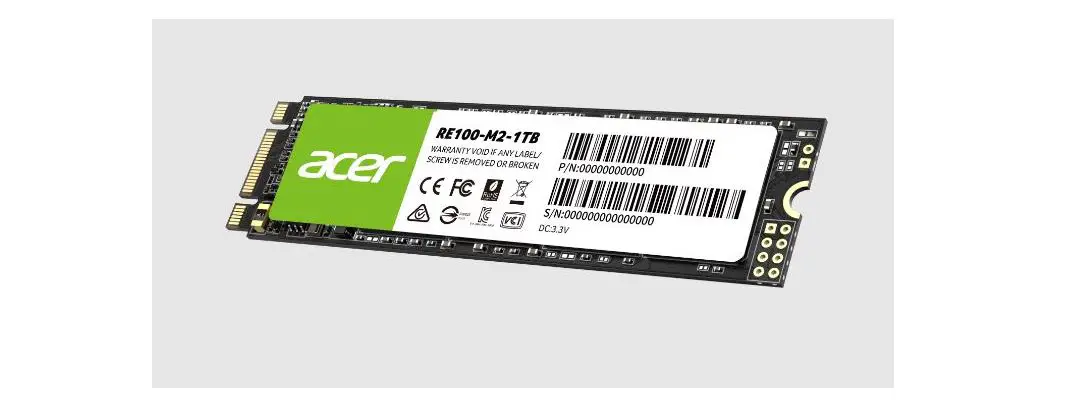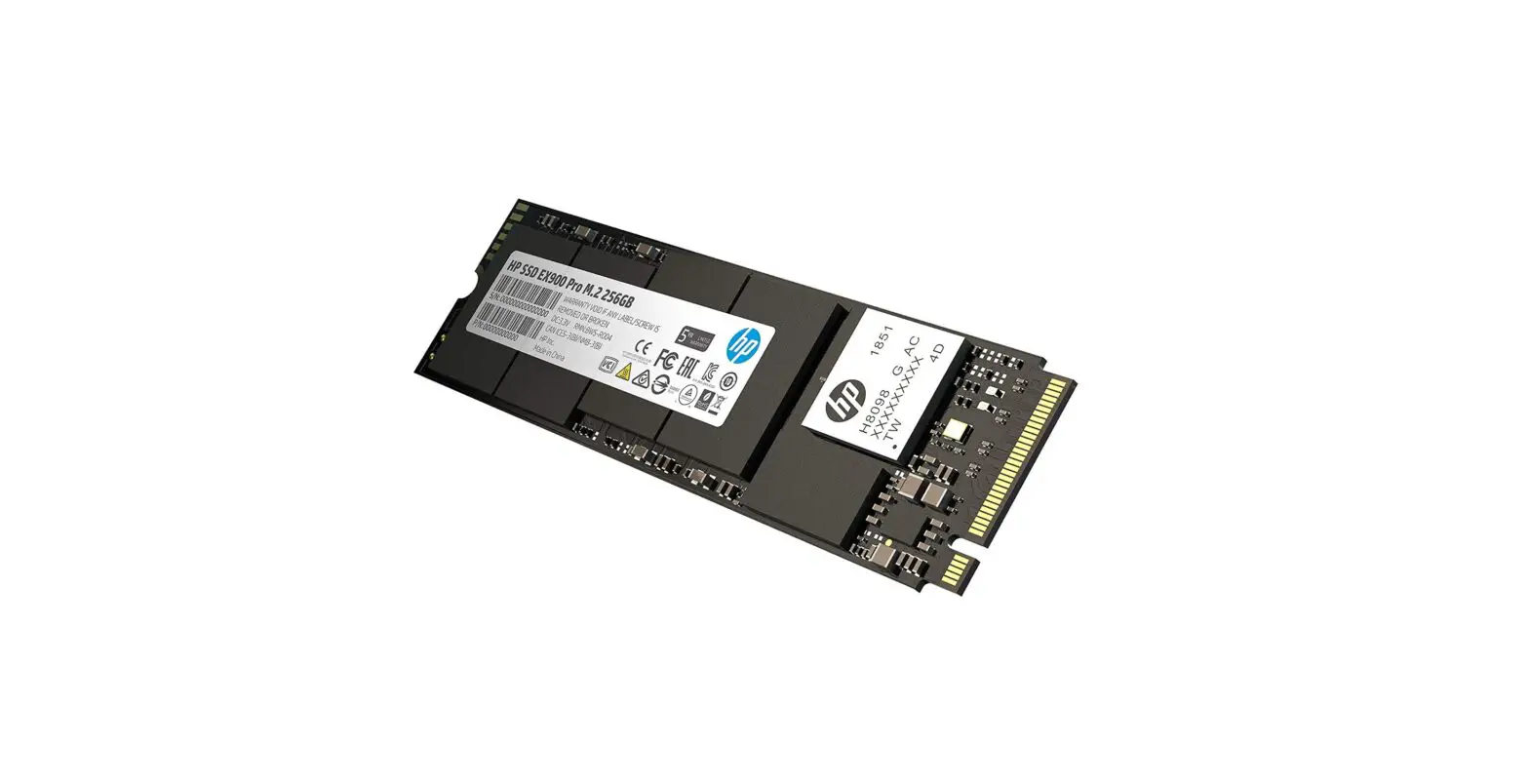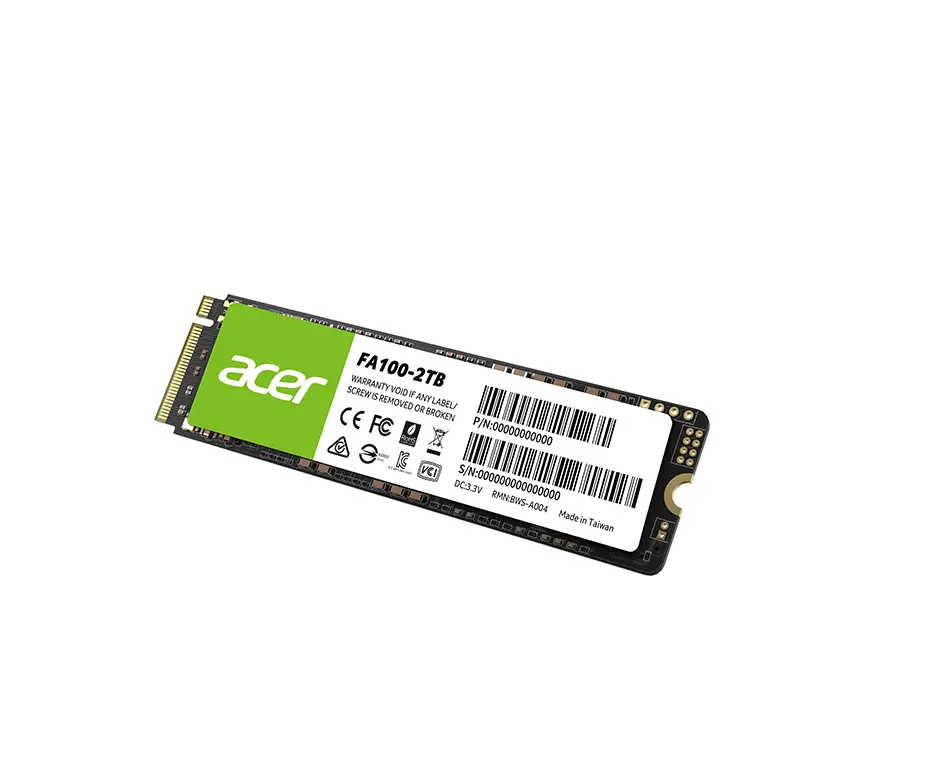
acer RE100 M.2 SATA SSD for Faster Reading and Writing
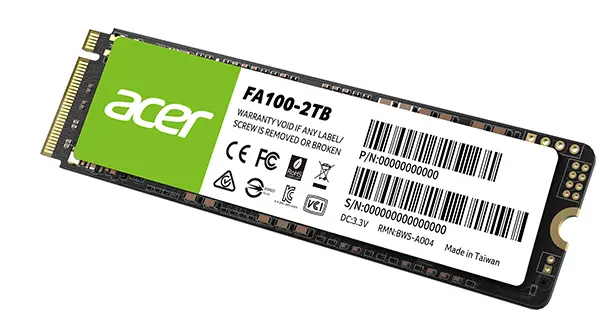
M.2 Solid State Drive Installation Instructions
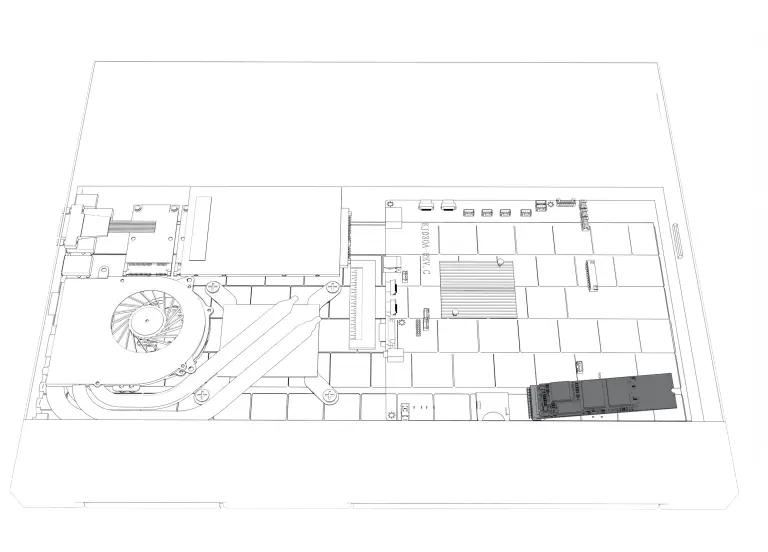
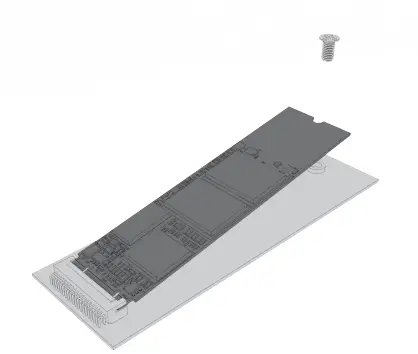
Refer to the User’s Manual of your system or device for the location to install your SSD.
Warranty Limitations
| Model | REI00 M.2 | |||
| Capacity* | 128GB | 256GB | 512GB | 1TB |
| Interface | SATAIII 6.0Gb/s | |||
| Max. Transfer Rate** | 405MB/s(read) 460MB/s(write) | 560MB/s(read) 517MB/s(write) | 560MB/s(read) 520MB/s(write) | 560MB/s(read) 520MB/s(write) |
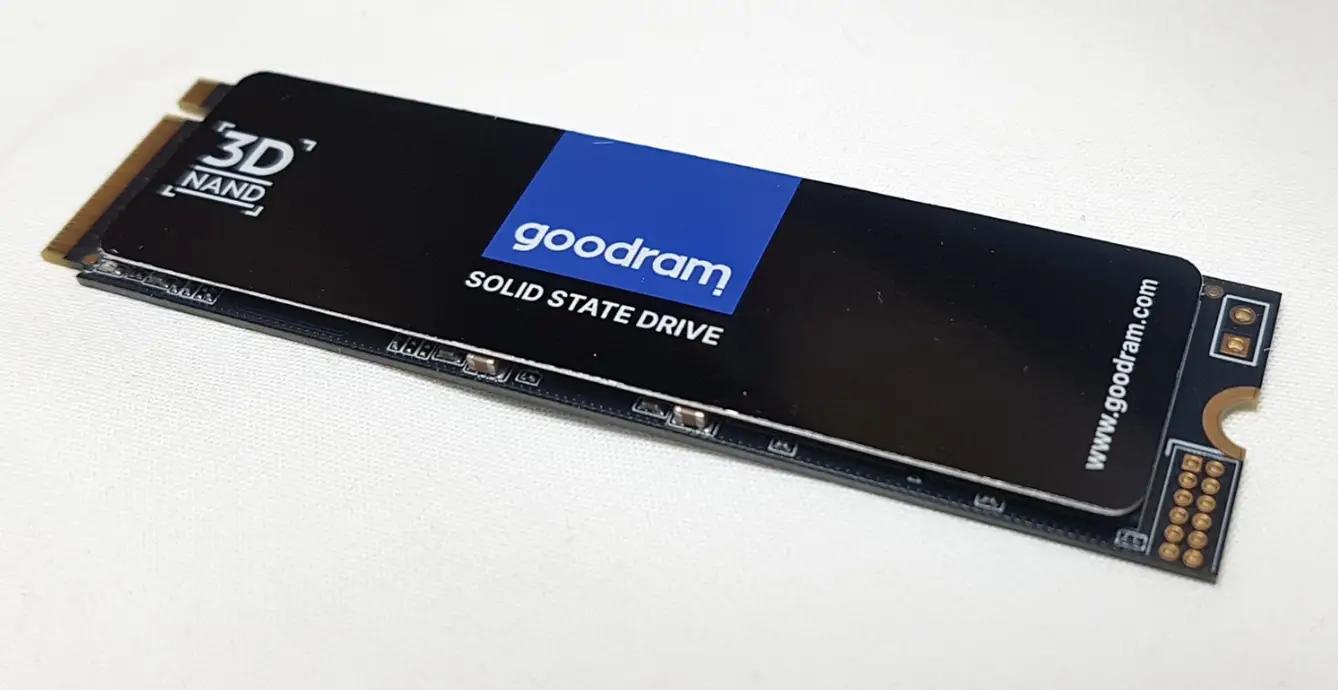
| Size | 80 x 22 x 2.2mm(L x W x H) | |||
| Weight | 6.4g+ 3g | |||
| System Requirements | Win dows® 7 / Windows® 8.l / Windows® 10 | |||
| Warranty Period | 5 Years or 80TBW | 5 Years or 160TBW | 5 Years or 320TBW | 5 Years or 650TBW |
- For Flash Media Devices, 1 megabyte~ 1 million bytes; 1 gigabyte~ 1 billion bytes. Actual usable capacity may vary. Some of the listed capacity is used for formatting and other functions, and thus is not available for data storage .
- The speed above comes from manufacturer approved laboratory. Results may vary due to different system or hardware
configuration.
Customer Support
For customer support information, please visit:
www.acerstorage.com/support
All Acer branded SSDs come with the FREE Acer Acron is True Image software for a simple and convenient cloning experience. Acron is True Image is an integrated software suite that ensures the security of all of the information on your PC.
To download Acron is cloning software for free, please go at:
www.acerstorage.com/support/acronis-download
* Internet connection required for software download
The Acer trademarks are licensed to BIWIN Semiconductor (HK) Co, Ltd.
by Acer Incorporated, a Taiwan R.O.C. company.