
QUICK START GUIDE

XBOX ONE 048-112

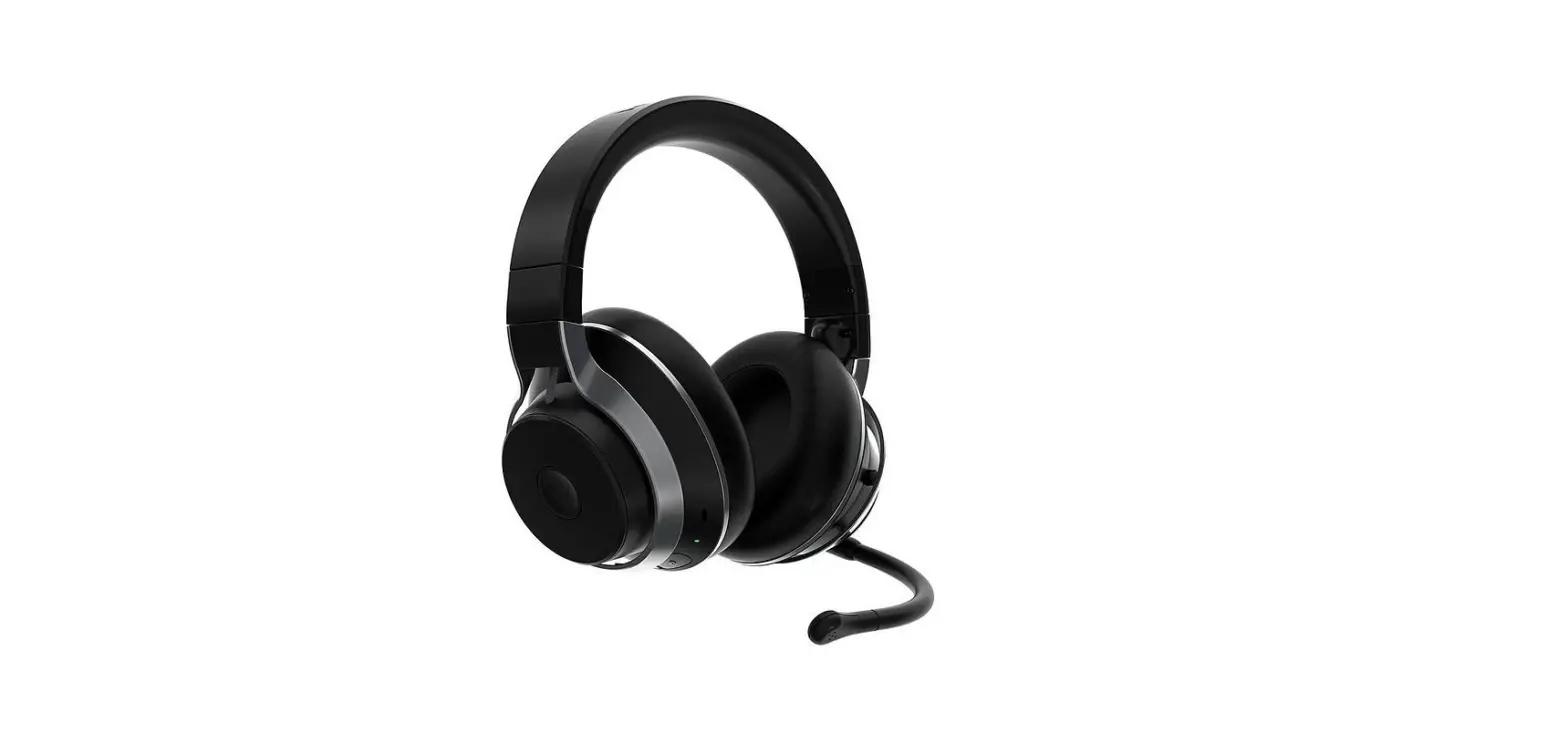
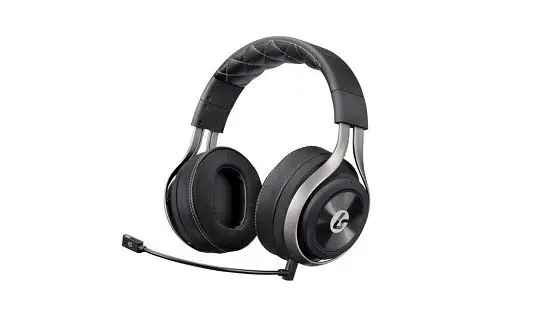
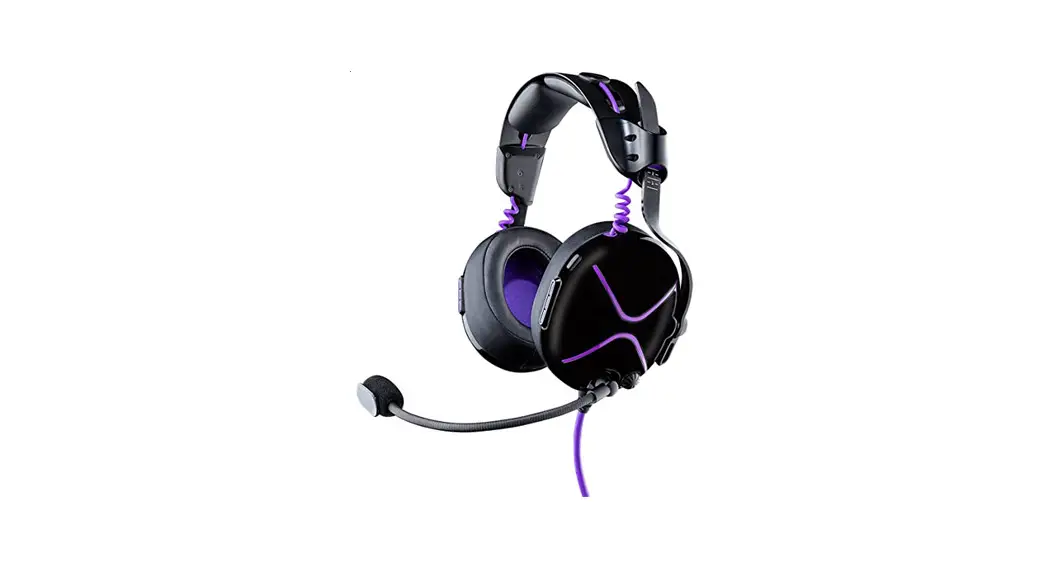
HEADSET | CASQUE
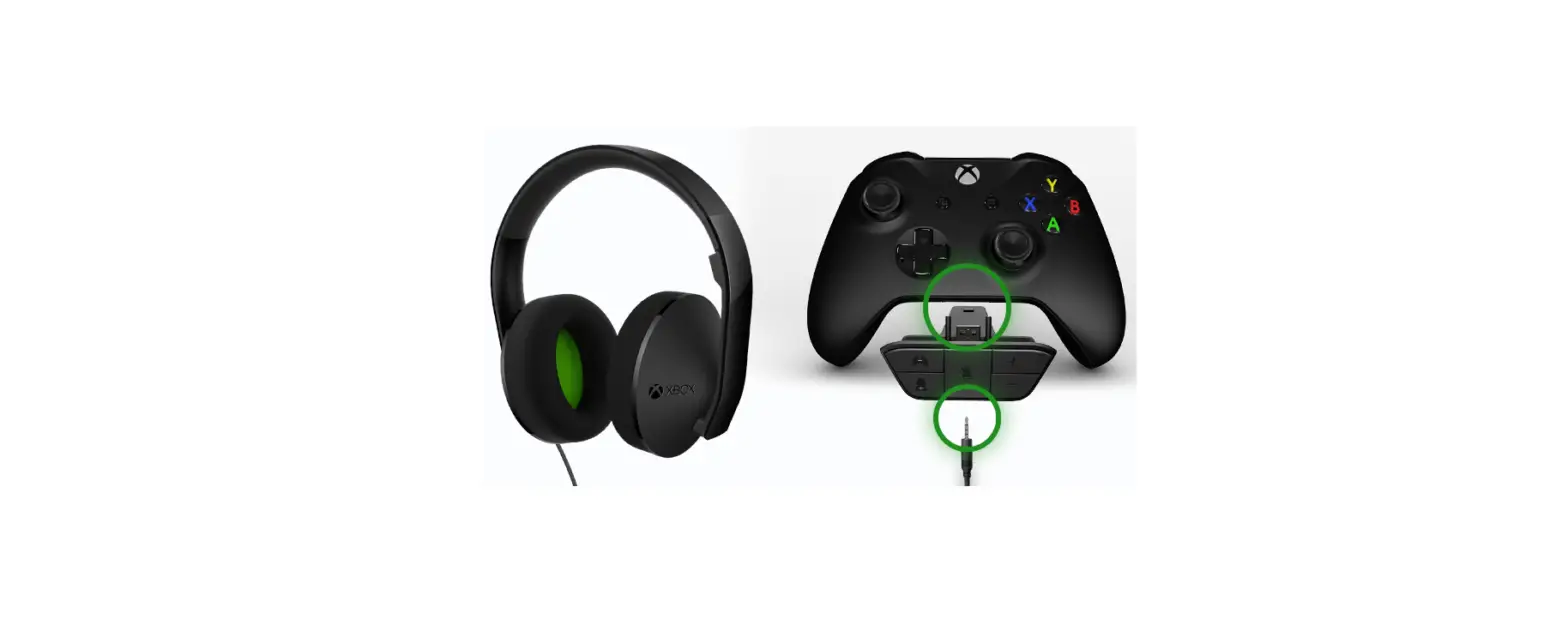
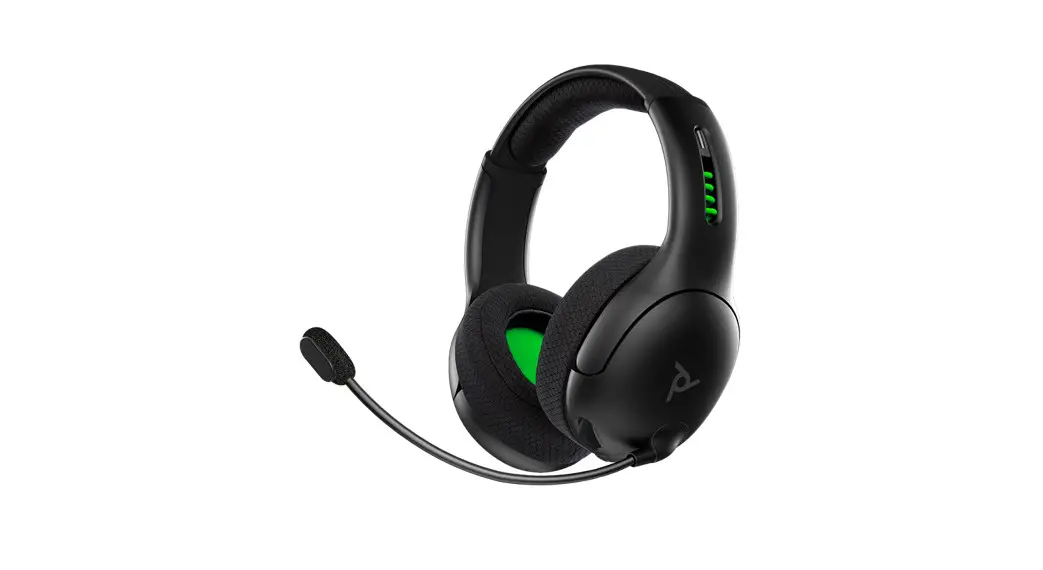
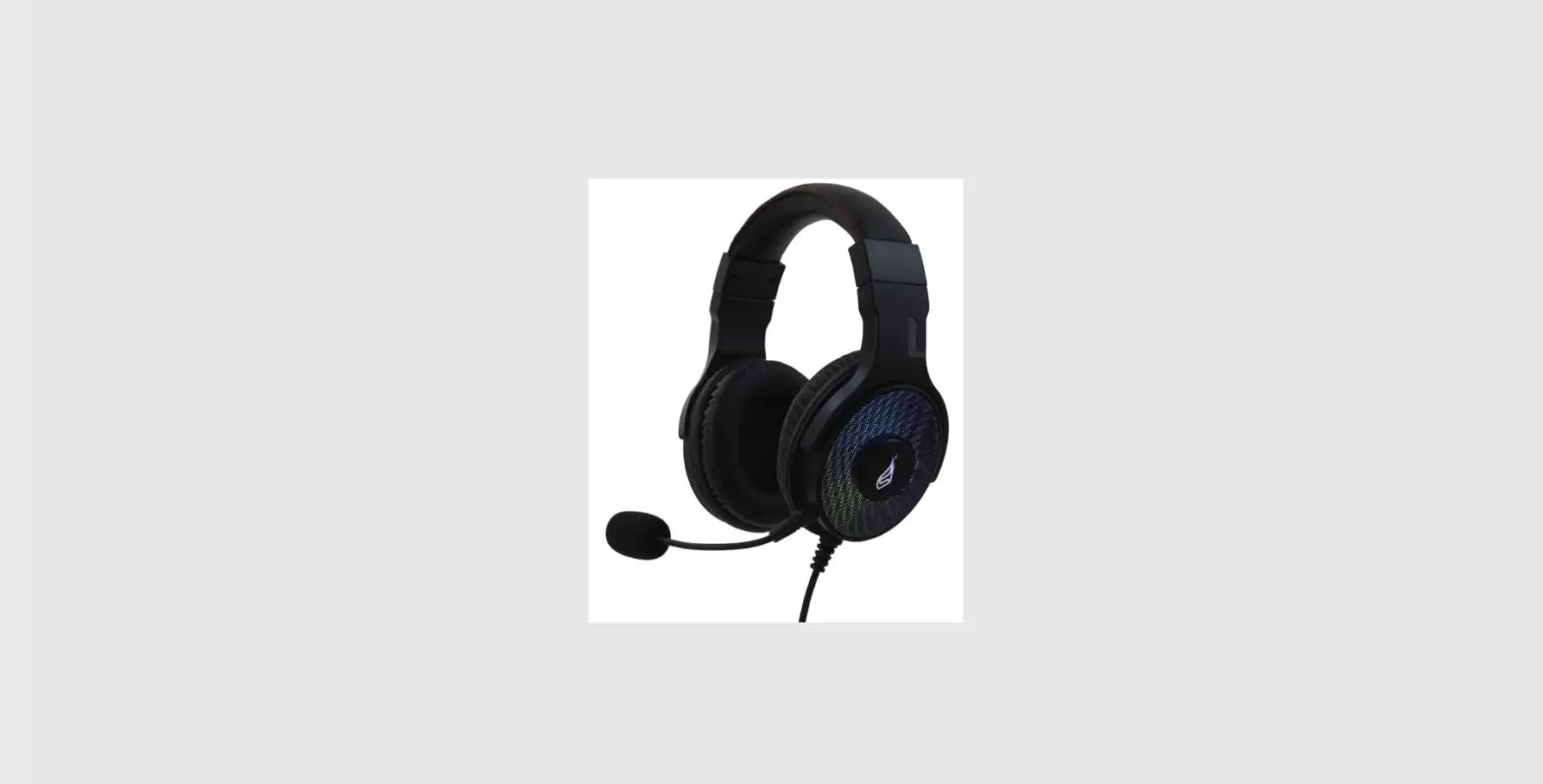
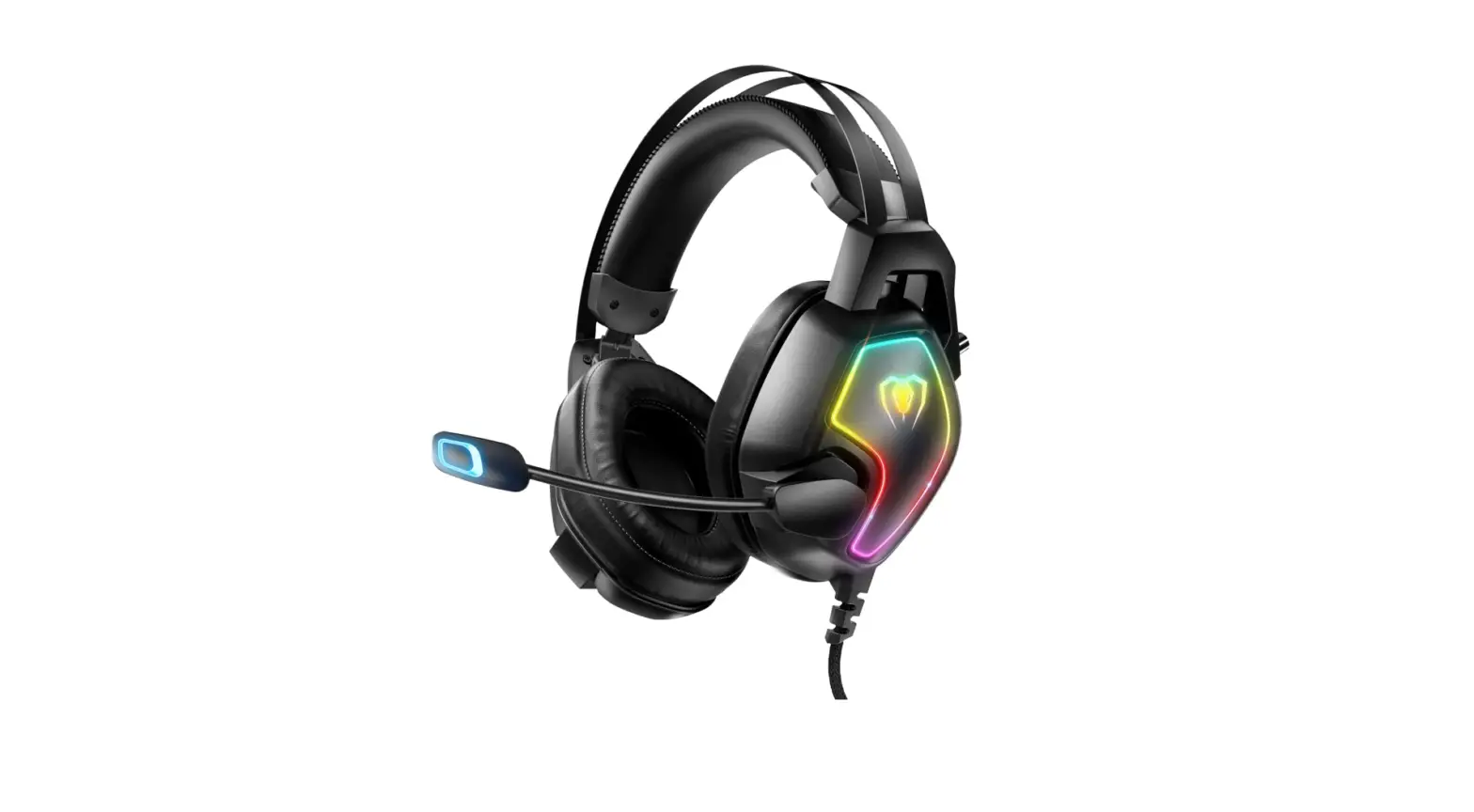
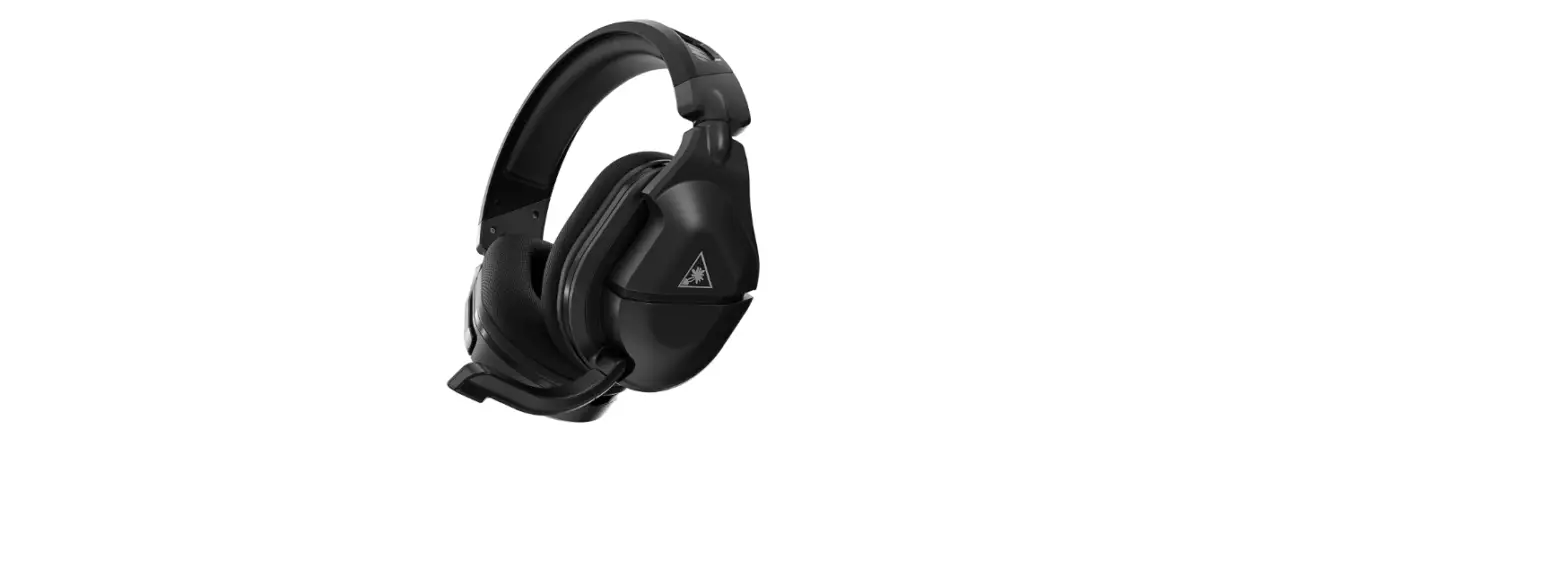
- Check the base of your Xbox One Controller first to make sure your controller has a 3.5mm port for audio. If it does not, you will need to purchase a separate headset adapter.
- Insert the headset’s 3.5mm audio plug into the Xbox One controller’s audio jack, located at the bottom of the controller.
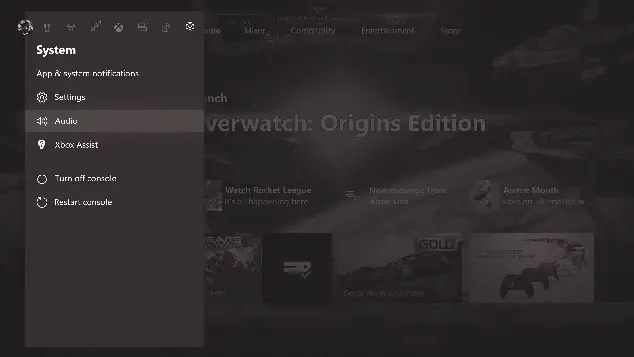
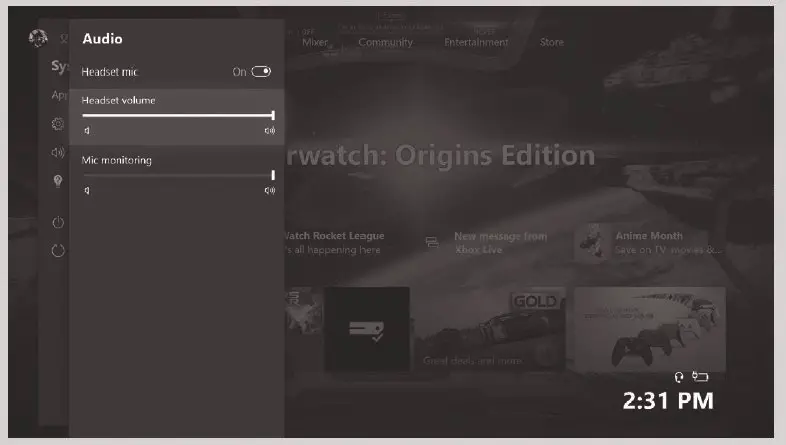
- Check your audio settings to ensure your headset is selected as the assigned audio device.
Press Nexus button on the Xbox One controller > Select “System” > Select Audio and adjust to your preference.
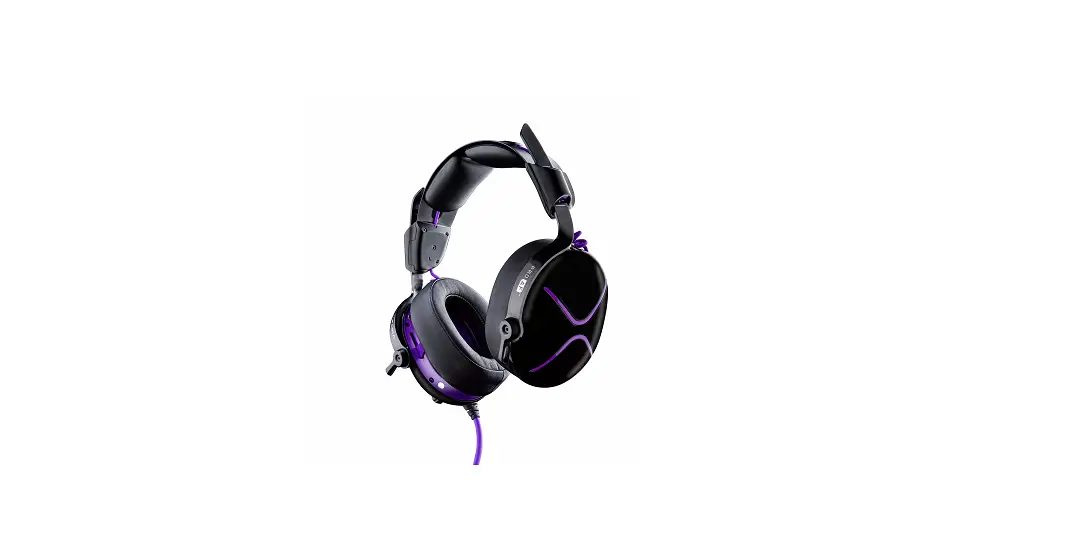
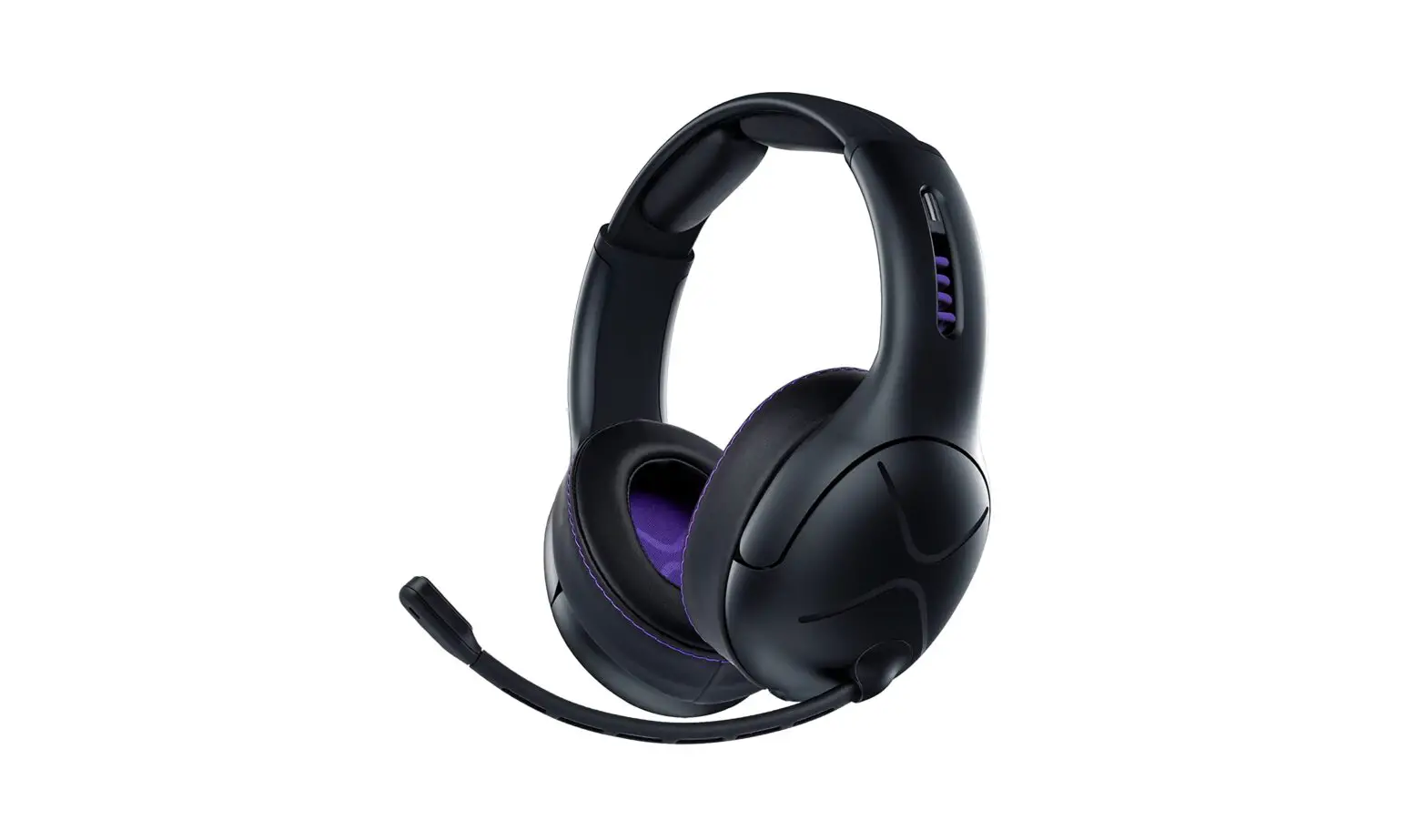
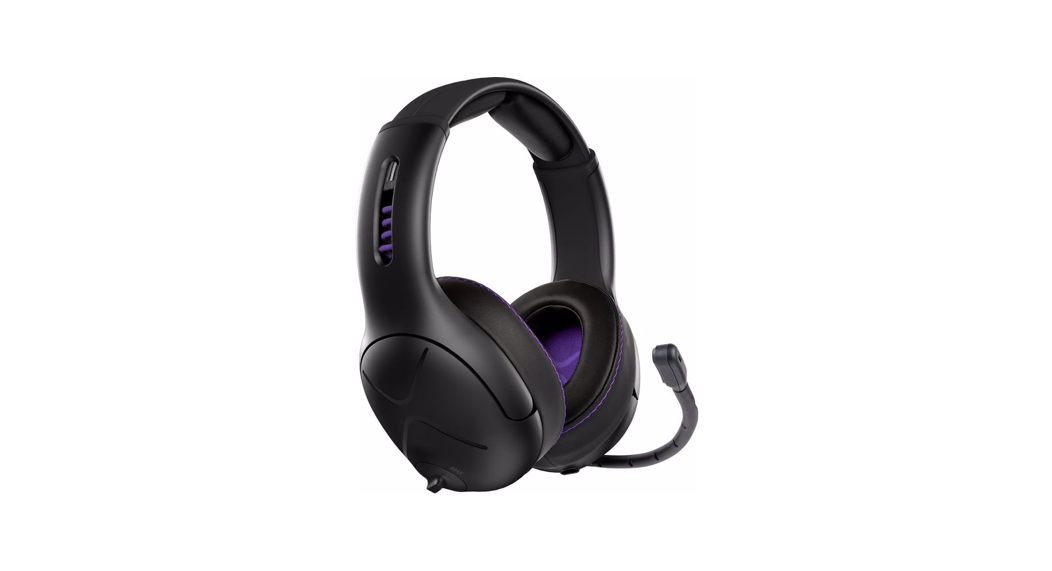
 | COOLING VENT Rotate the cooling lever 90º to open the 14mm vent to relieve heat and humidity. |
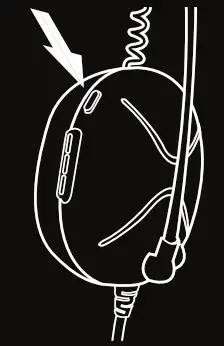 | MIC MUTE BUTTON Pressed down/flush for unmuted normal operation. Popped up showing red outline for muted operation. |
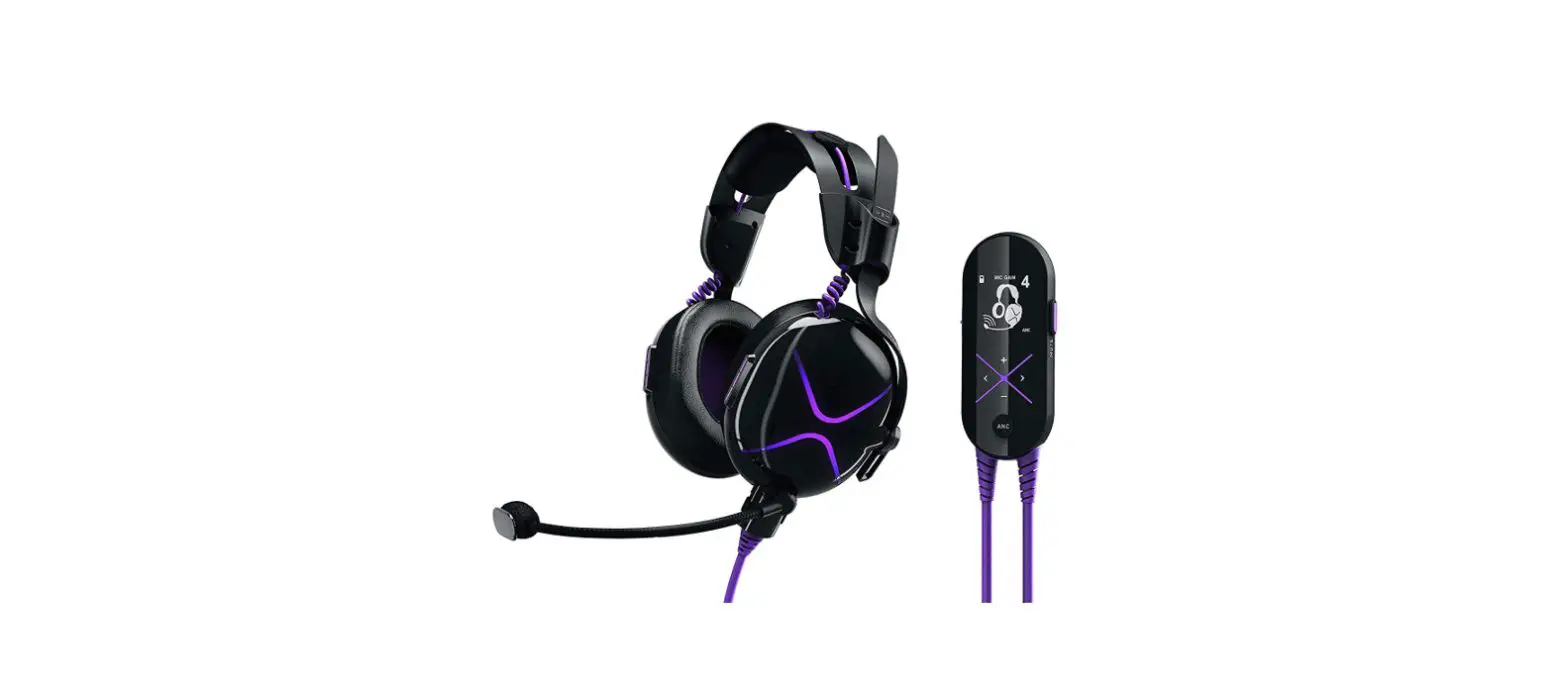
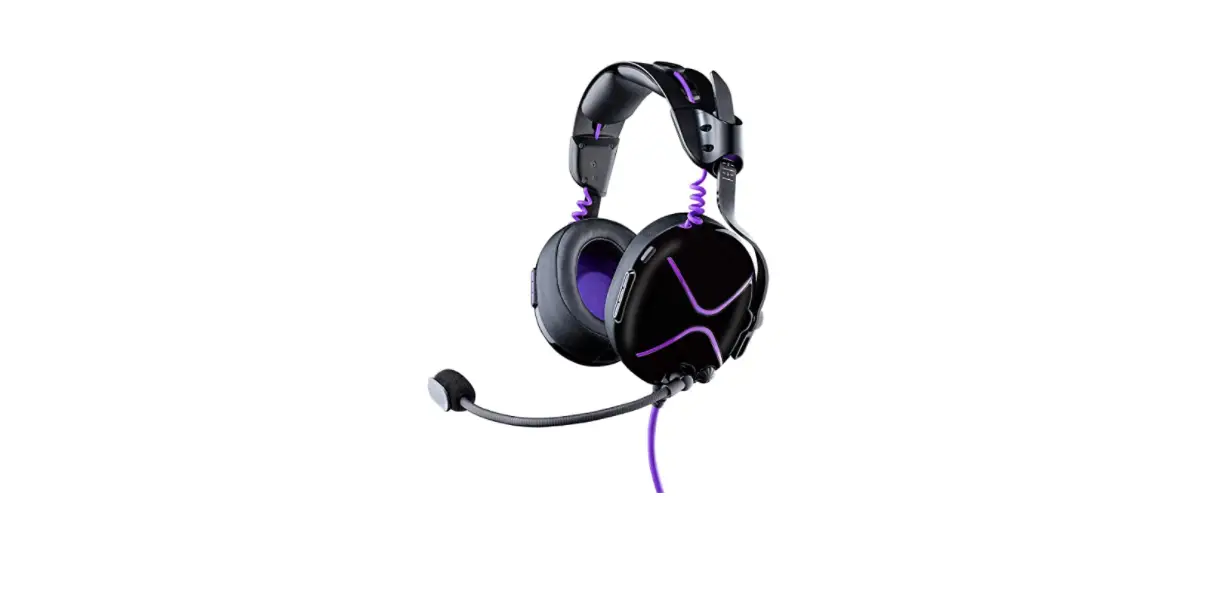
 | ADJUSTABLE & REMOVABLE MIC BOOM Rotate the boom mic and position a few centimeters away from your mouth. While not in use, the microphone can be pulled off and removed from the base of the headset. |
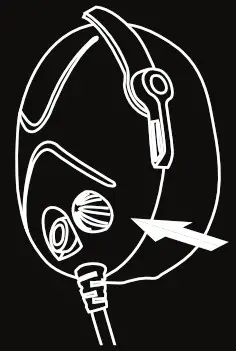 | VOLUME DIAL Turn volume dial on the left earcup to preferred audio level. |
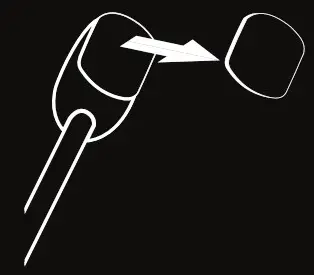 | MIC BADGE Use your fingernails to grip the top and bottom of the long sides of the mic badge and firmly pull away to remove the mic badge. |
 |  |
CONTENTS
- Pro AF™ Headset with Fixed 1.2m Cable
- Removable Boom Mic
- 1m Extension Cable
- PC Splitter Cable
- Microfiber Cleaning Cloth
- Mic Jack Cover
- Custom Mic Badge
LIMITED WARRANTY
Coverage and Term
- Victrix warrants that this product will be free from manufacturing defects for two years from the original date of purchase. Manufacturing defects are those defects in materials and/or workmanship, subject to final determination by Victrix’s customer service department. This warranty applies only to original purchasers with a valid proof of purchase from an authorized Victrix retailer that clearly shows the date of purchase.
Exclusive Remedy and Exclusions
- The exclusive remedy for valid claims will be the repair, replacement or refund of the product. This warranty does not cover defects caused by accidents, improper or abusive use of the product, unauthorized or improper modifications, repairs or handling.
How to Get Service
- Purchasers should contact the Victrix customer service department at (619) 339-1769 (US and Canada only) or by visiting VictrixPro.com/support-victrix. Inquiries are typically answered within twenty-four business hours.
Your Rights Under Applicable Law
- This warranty does not affect the legal rights of customers under applicable state, provincial or national laws governing the sale of consumer goods.
©2021 Victrix. Victrix, Pro AF, and its respective logos are trademarks and/or registered trademarks of Victrix. All rights reserved. Microsoft, Xbox, Xbox “Sphere” Design, Xbox Series X|S, Xbox One and Windows are trademarks of the Microsoft group of companies. All other trademarks are the property of their respective owners.
This device complies with Part 15 of the FCC Rules. Operation is subject to the following two conditions:
- this device may not cause harmful interference, and
- this device must accept any interference received, including interference that may cause undesired operation.
 www.VictrixPro.com
 @VictrixPro
| 4225 W Buckeye Rd #2, Phoenix, AZ 85009 Herikerbergweg 88, 1101 CM Amsterdam, Netherlands GPO Box 457 Brisbane, QLD 4001, Australia Tower 42, 25 Old Broad Street, London, EC2N 1HQ | Made in China. Designed in the USA by PDP. Fabriqué en Chine. Conçu aux États-Unis par PDP. US Patents/Brevets aux É.-U.: www.VictrixPro.com/patents  |