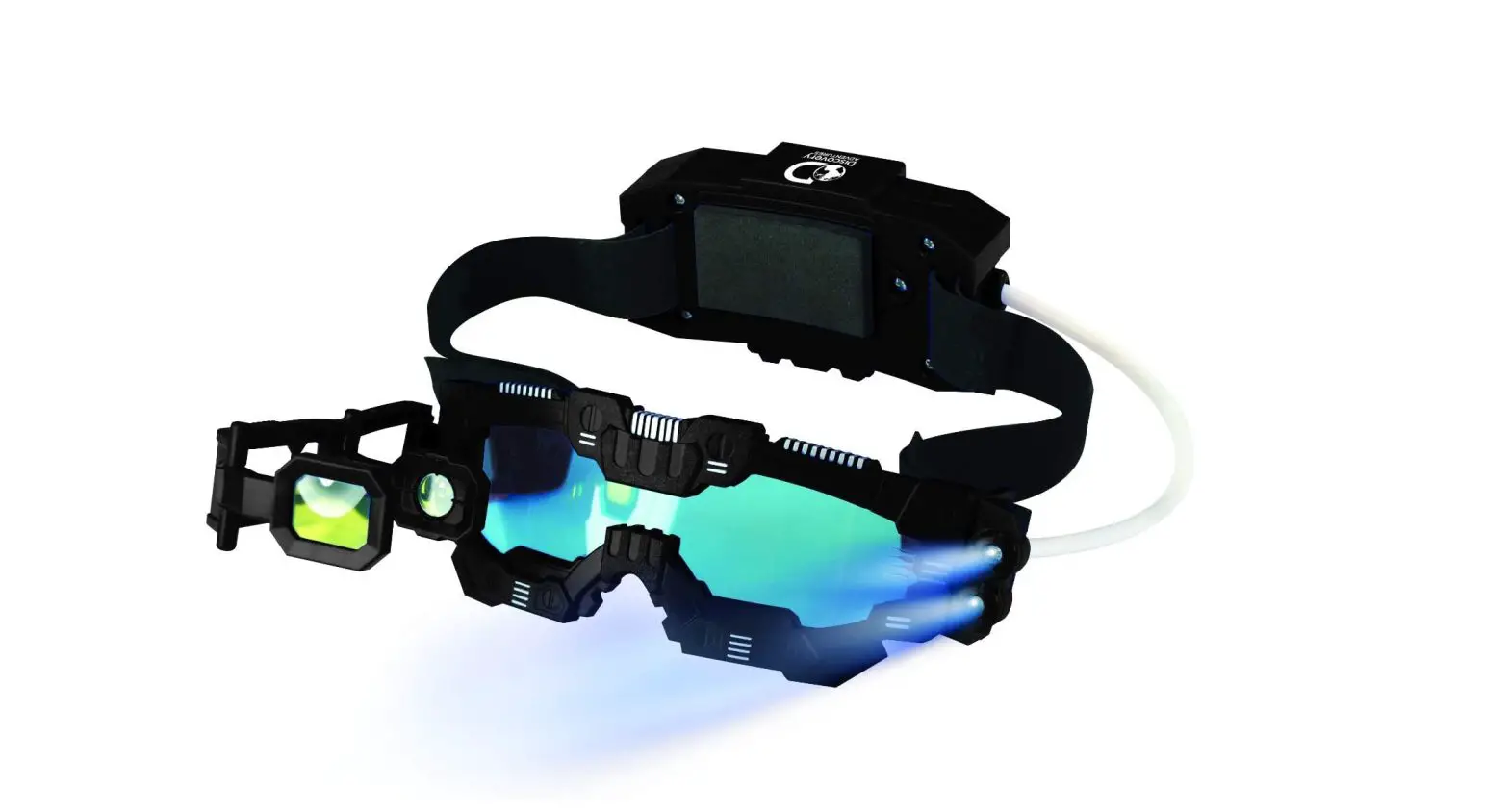

NIGHT MISSION
GOGGLES
INSTRUCTION MANUAL



MAKE YOUR
WORLD BIGGER

NIGHT MISSION
GOGGLES
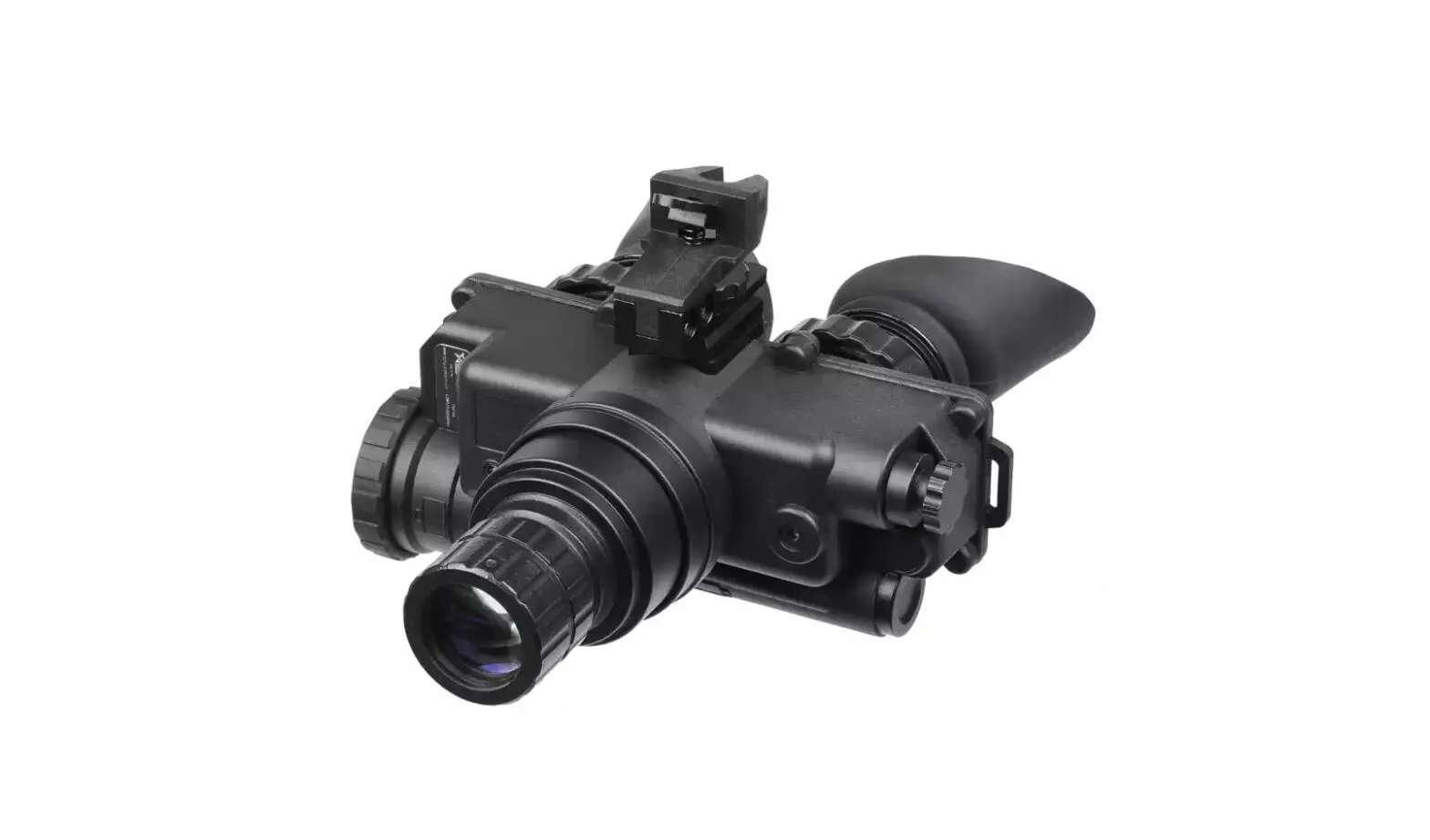
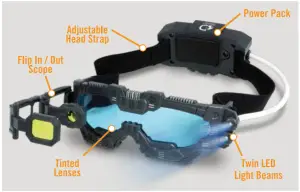
COMPONENTS
Get to know your Night Mission Goggles and all the functions it has to offer
HOW TO USE
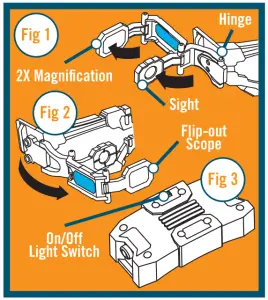
- Attach the flip-out magnifying scope to the goggles by inserting the hinge into place (Fig 1).
- Swing both the sighting lens and the 2X magnification lens forward (Fig 2).
- To turn on the twin LED spy lights, activate the on/off switch in the rear of the battery pack (Fig 3).
- Make sure the goggles sit securely on your head by adjusting the head strap to fit.
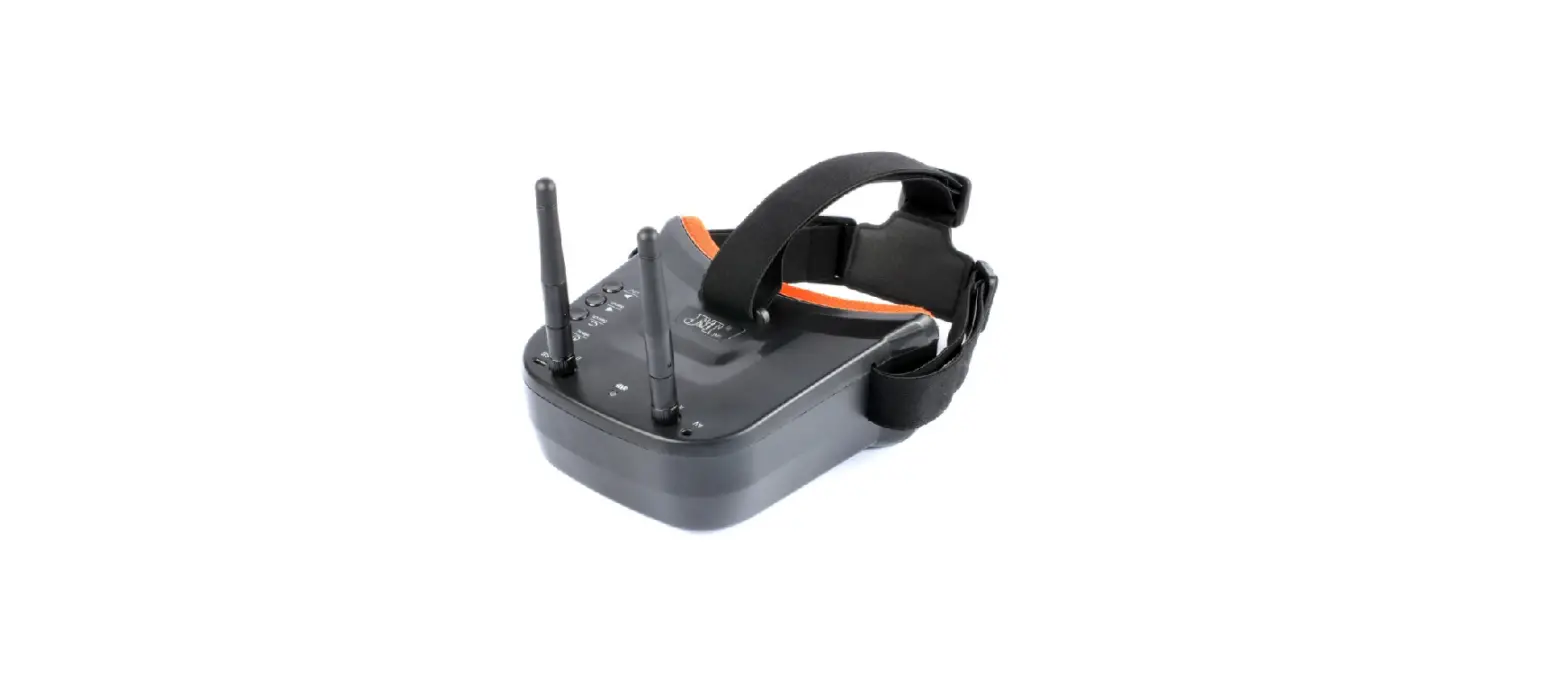
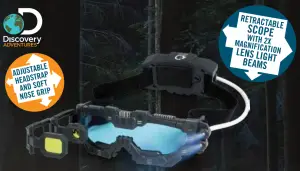
These hands-free goggles allow you to see in the dark! Use them inside and out on your secret spy missions. You can use the goggles with or without the retractable scope.
Please note: To conserve battery life, turn off the lights on your goggles when you are not using them.
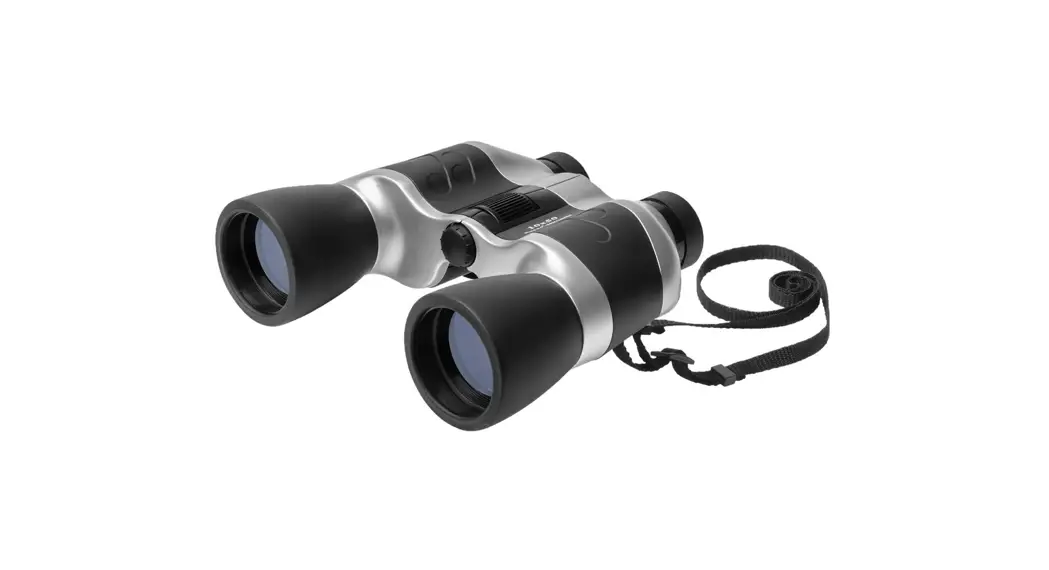
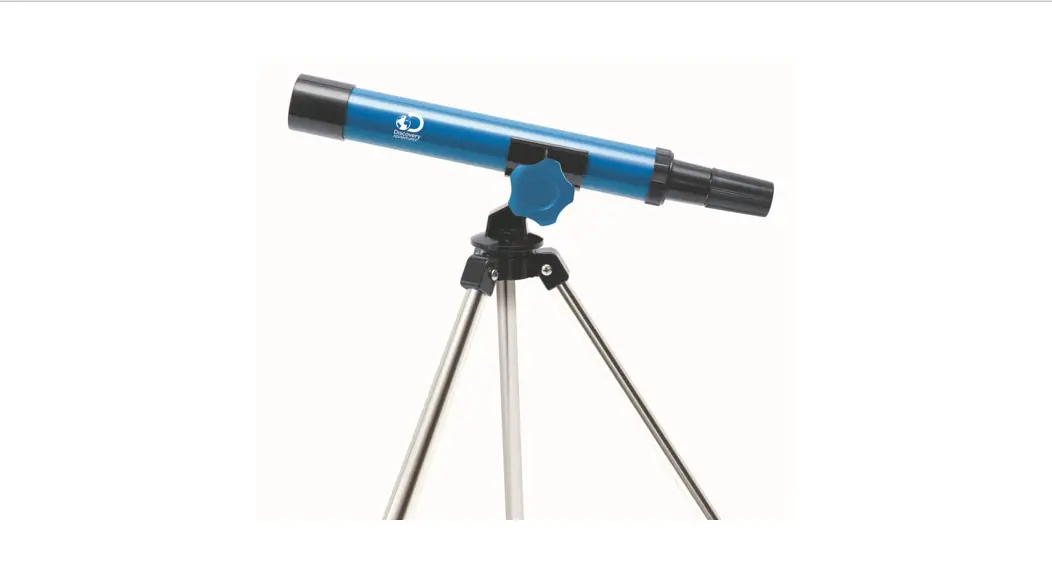
The magnifying scope works best in daylight conditions (like a simple magnifying glass or binoculars) when far-away things can be seen much clearer.
When you move from a brightly lit area to a darkened one, you should wait a few minutes for your eyes to grow accustomed to the dark.
REPLACING BATTERIES
Adults, please take note!
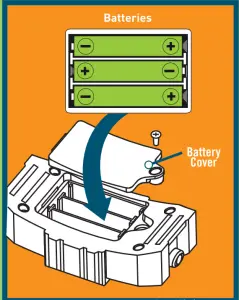
Uses 3 x AAA batteries (not included).
- Unscrew the battery cover with a small Phillips (cross head) screwdriver
- Open the compartment door
- Insert 3 x AAA batteries.
- Replace the cover, ensuring that it is securely tightened.
IMPORTANT INFORMATION
- Safe Battery Usage Only adults should replace the batteries.
- Non-rechargeable batteries are not to be recharged.
- Batteries are to be inserted with the correct polarity.
- Do not short-circuit the supply terminals.
- Remove exhausted batteries from the toy.
- When the toy is not in use, remove batteries to prevent possible leakage.
- Use only recommended or equivalent battery type.
- Do not dispose of batteries in fire: the batteries may explode or leak.
WARNING! This toy does not provide protection. The lenses do not protect against impacts or UV radiation. Do not look directly at the sun, as it may cause serious injury to your eyes.
WARNING! To be used under the direct supervision of an adult.
Requires 3 x AAA 1.5V batteries (not included).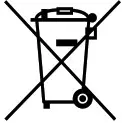 The purpose of the crossed-out wheelie bin symbol is to remind us that most electrical products and batteries contain trace elements that could be harmful to our environment and therefore our health. We must all be careful to dispose of them responsibly in a specifically designated way—either using a collection scheme or into the correctly labeled civic amenity (NOT into general waste) — this will help your local authority to arrange to recycle or dispose of them in the appropriate manner.
 Please retain the information on this manual for future reference.
Colour, designs, and decorations may vary from those shown in the photographs.
Printed in China.
Trends UK LW, Greatworth Hall, Banbury, OX17 2DH. UK Email: [email protected]
discoveryadventures.com

©2019 & TM Discovery Communications, LLC.
All rights reserved. Official Licensed Product.

Item no. DA01 Customer Services:
+44 (0)1702 208175