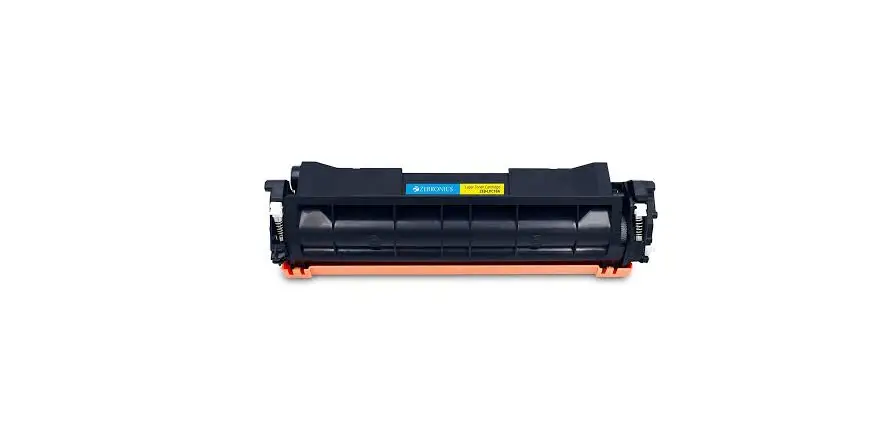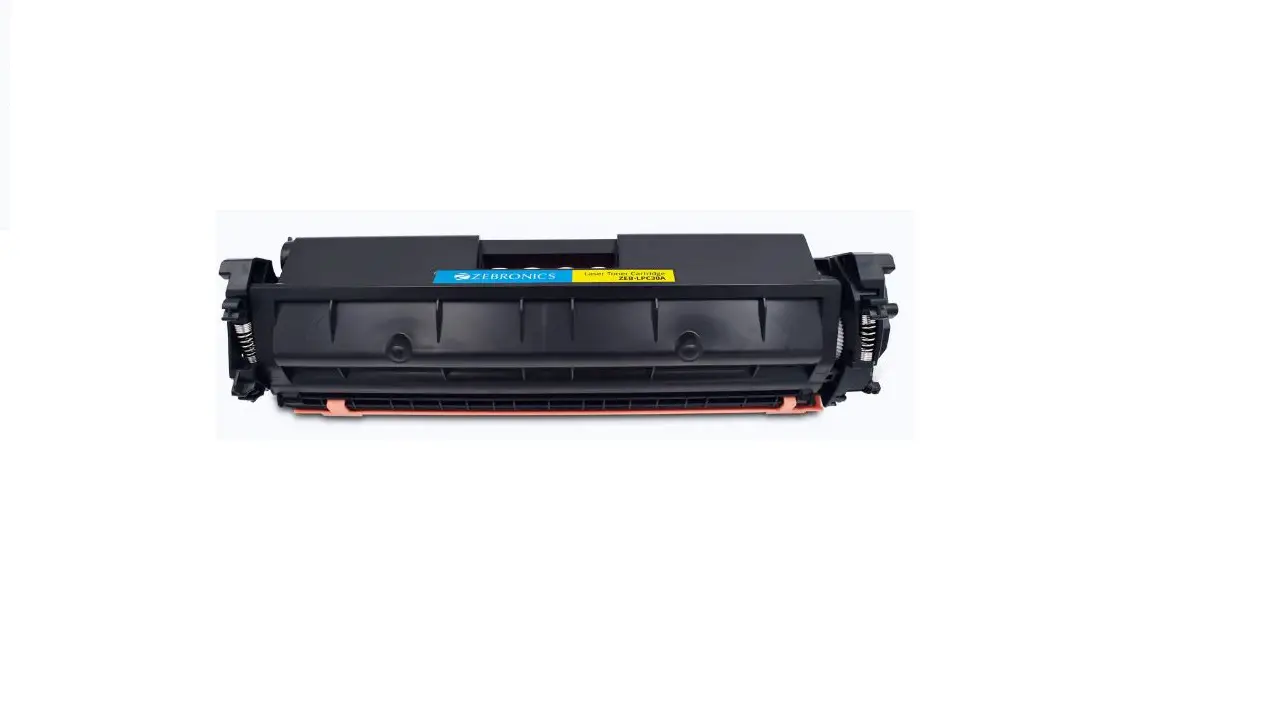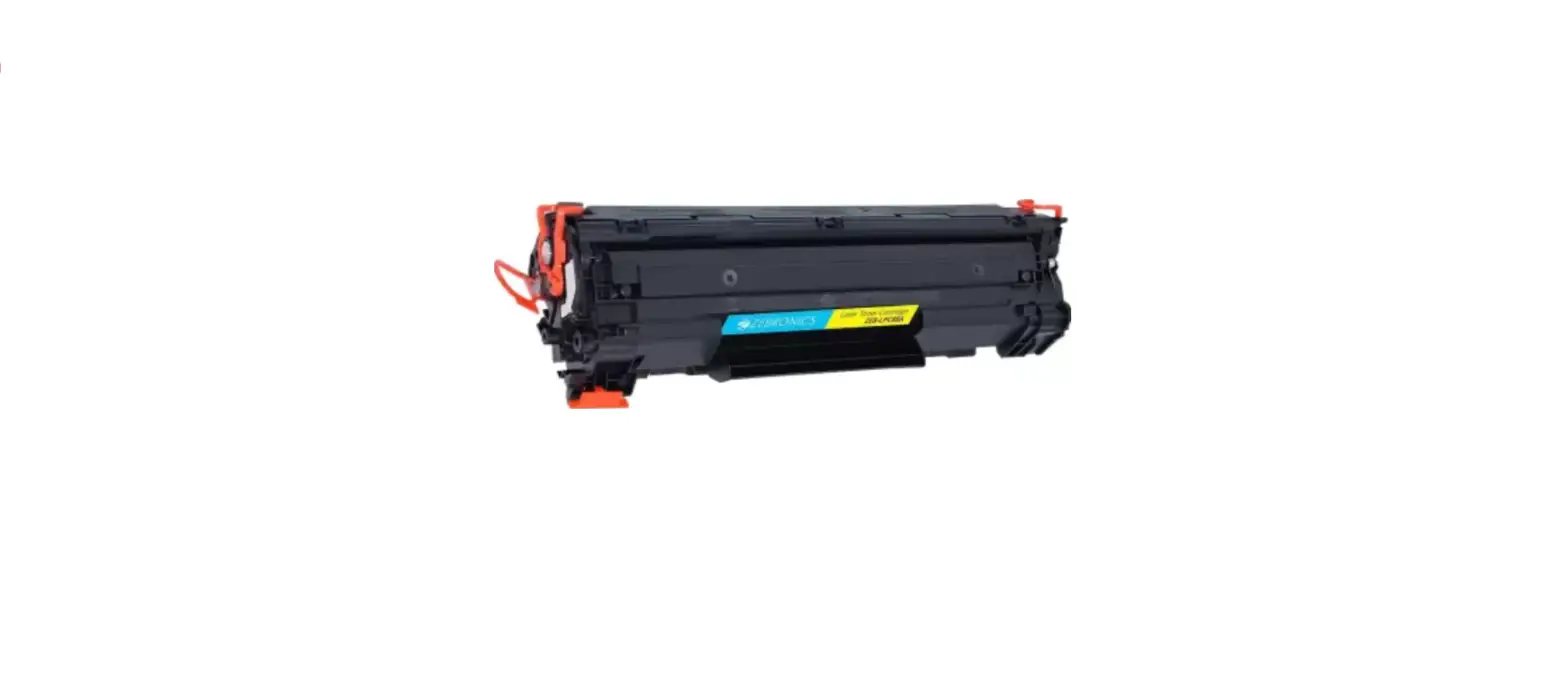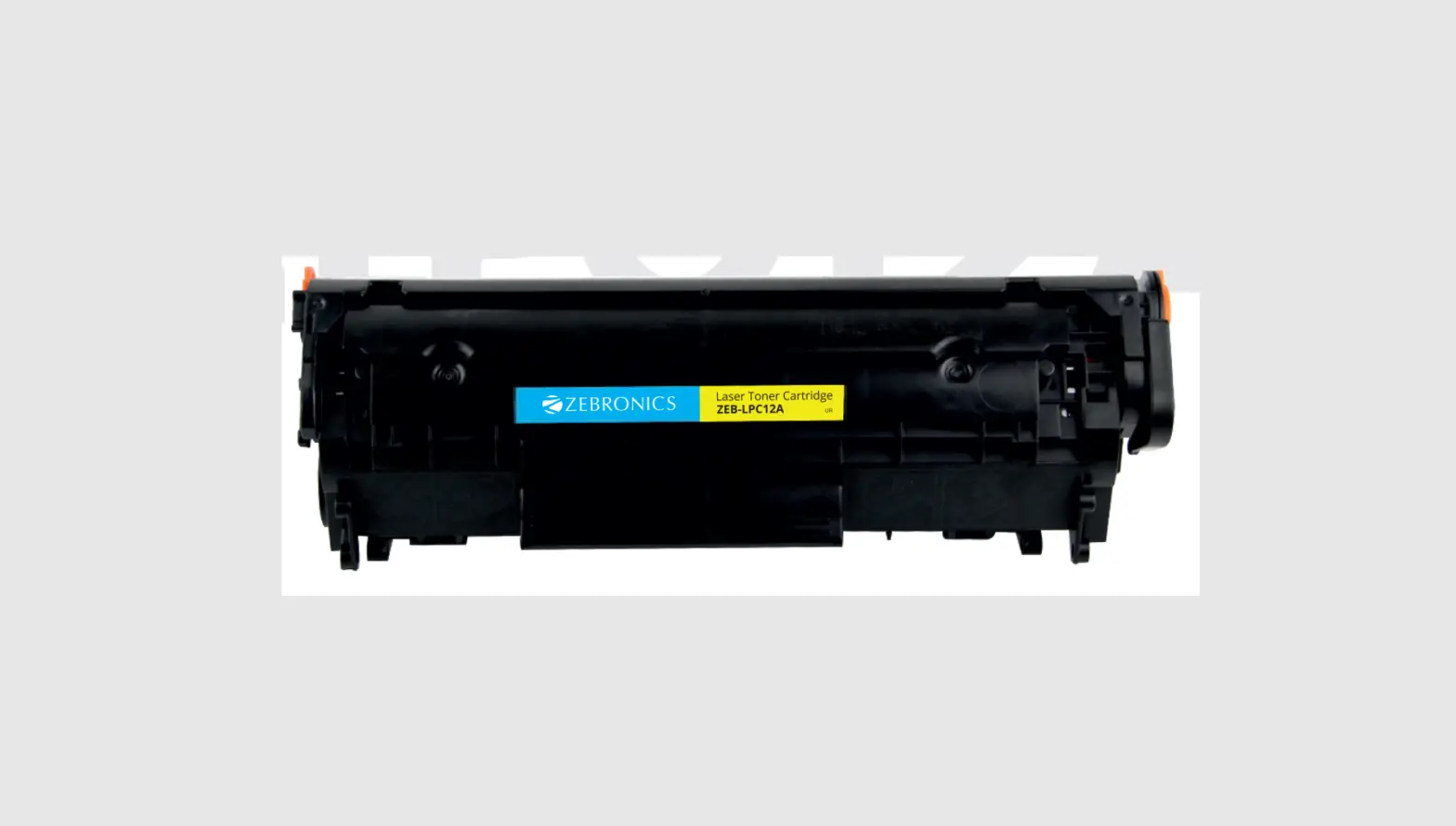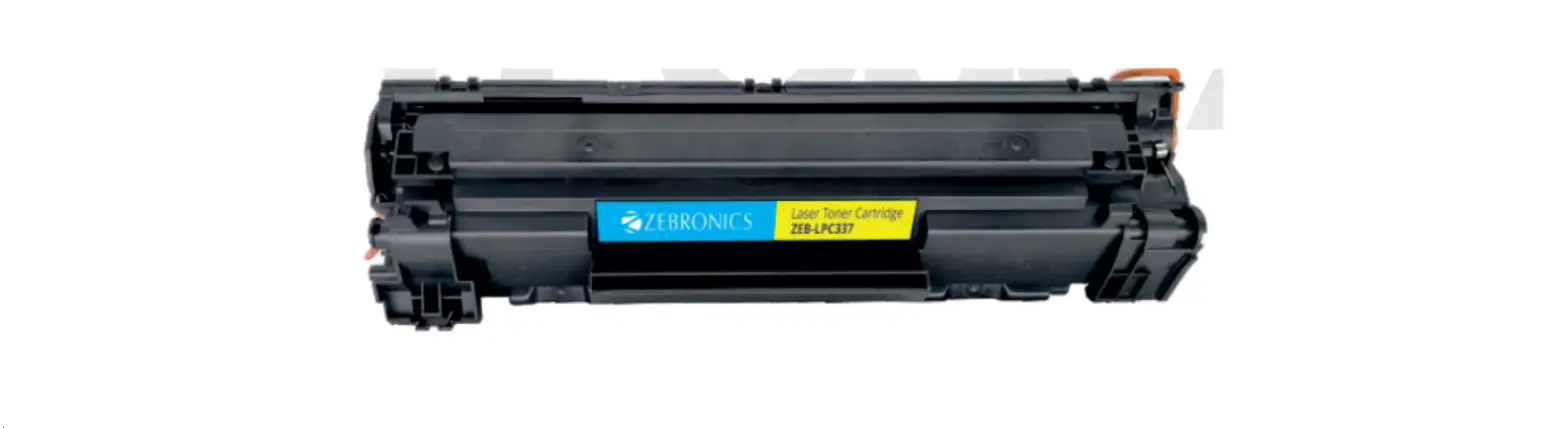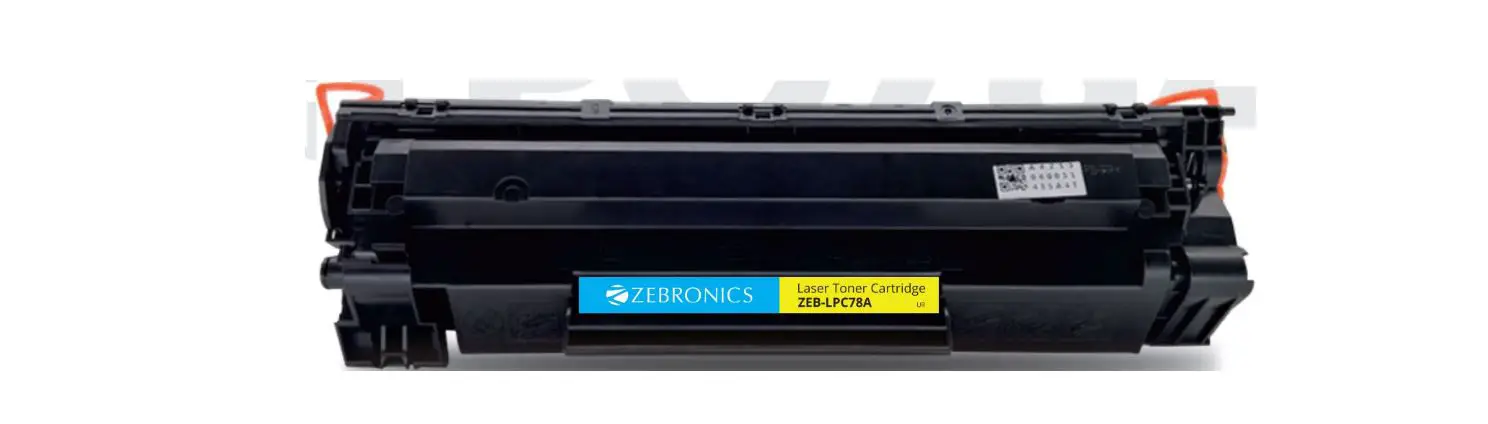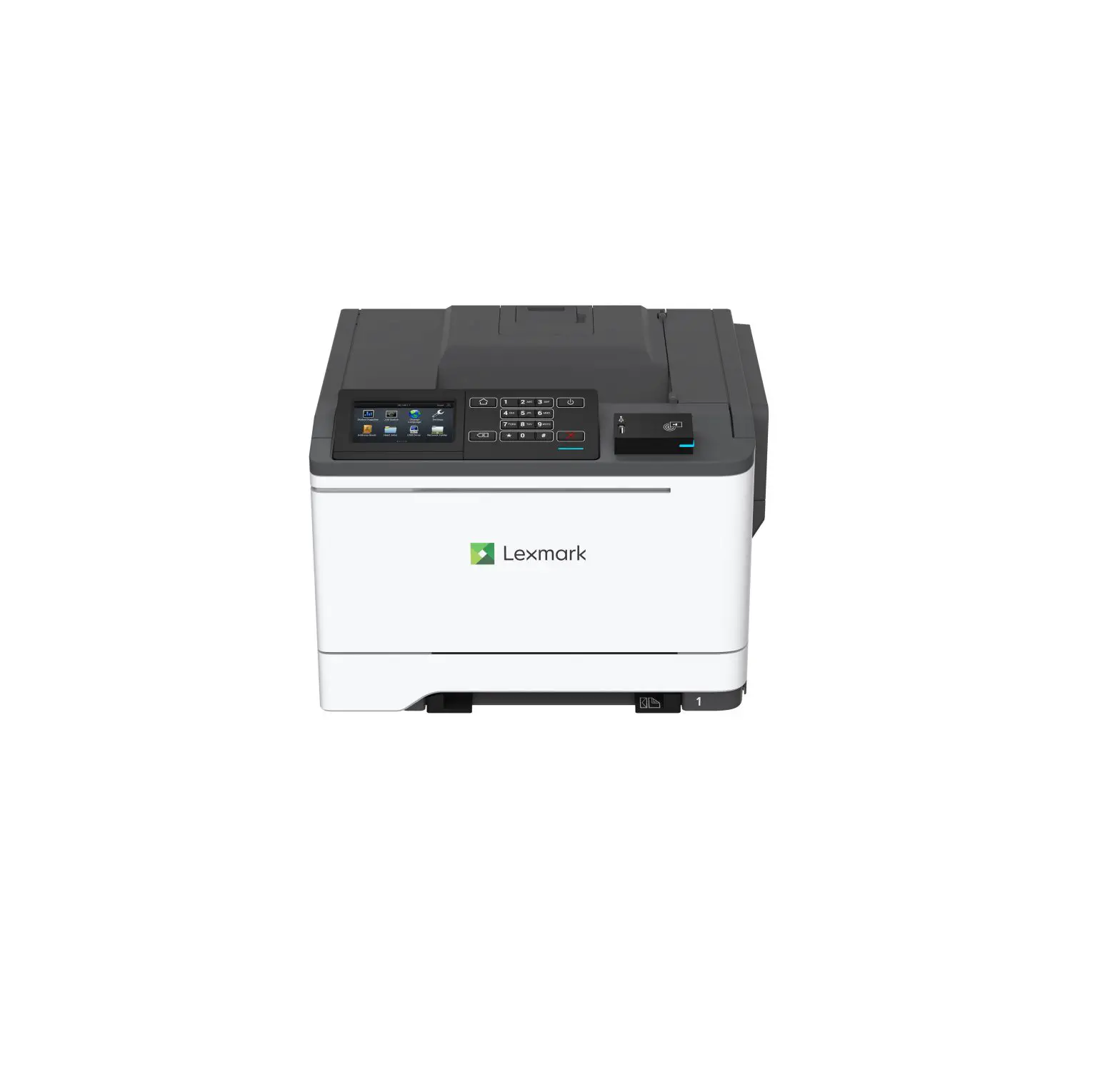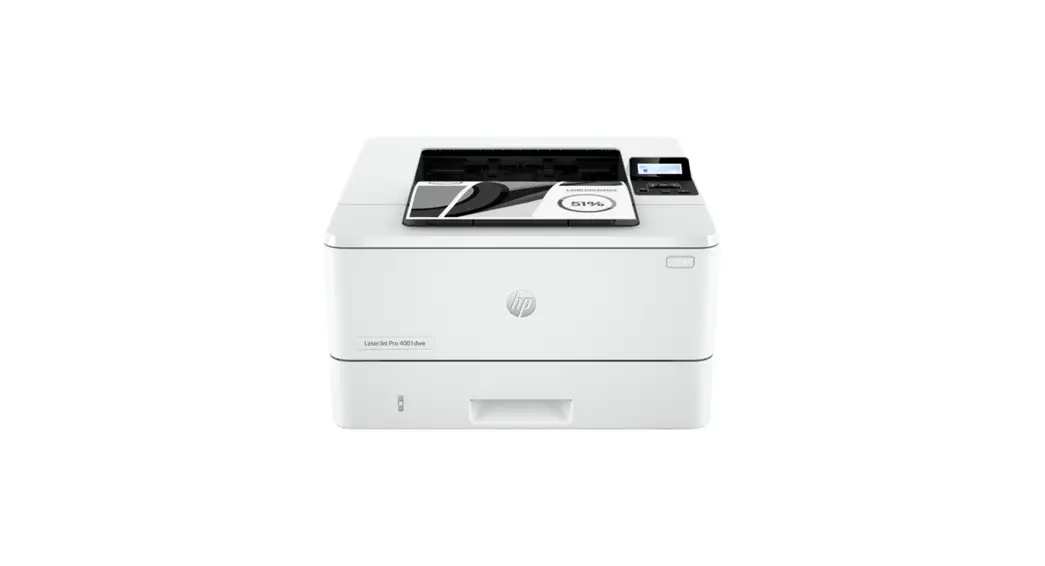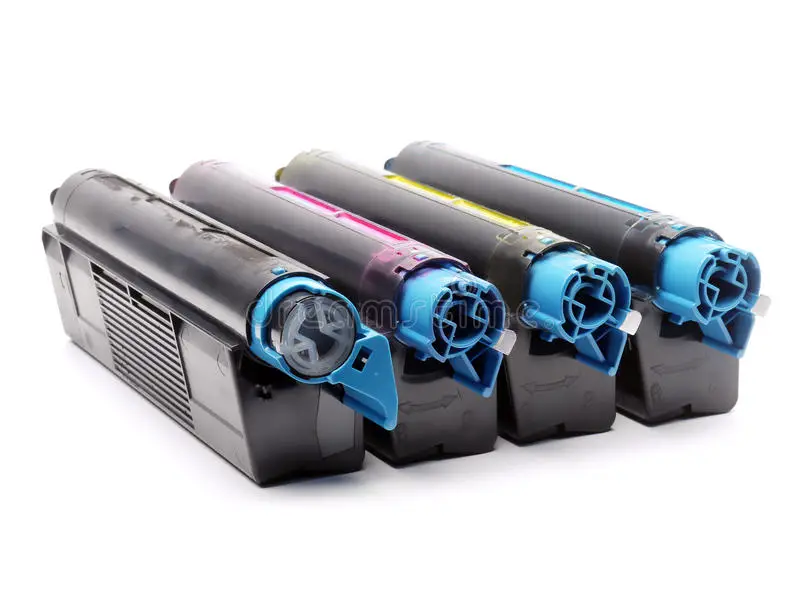
Printers Laser Toner Cartridge
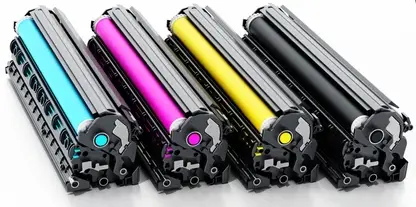
Laser Toner Cartridge Instruction
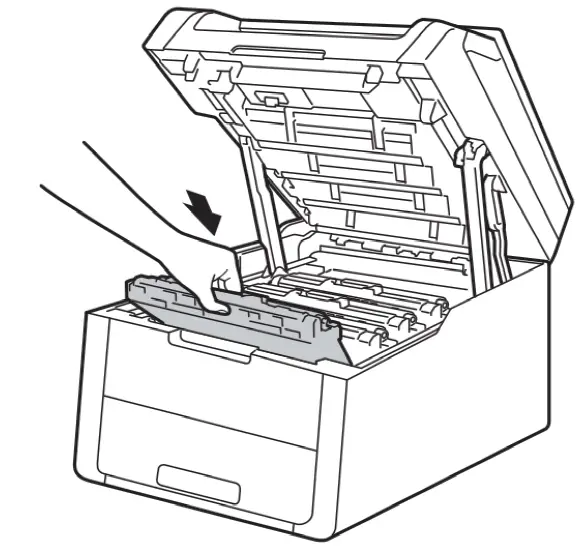
- Make sure the power is turn on. Then open the printer top cover.
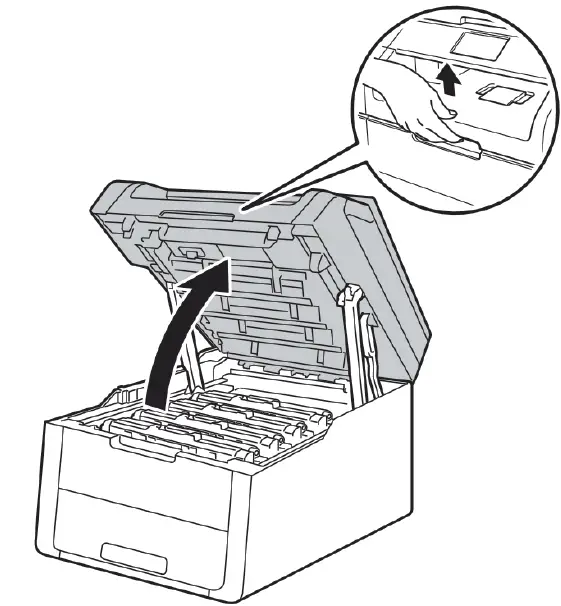
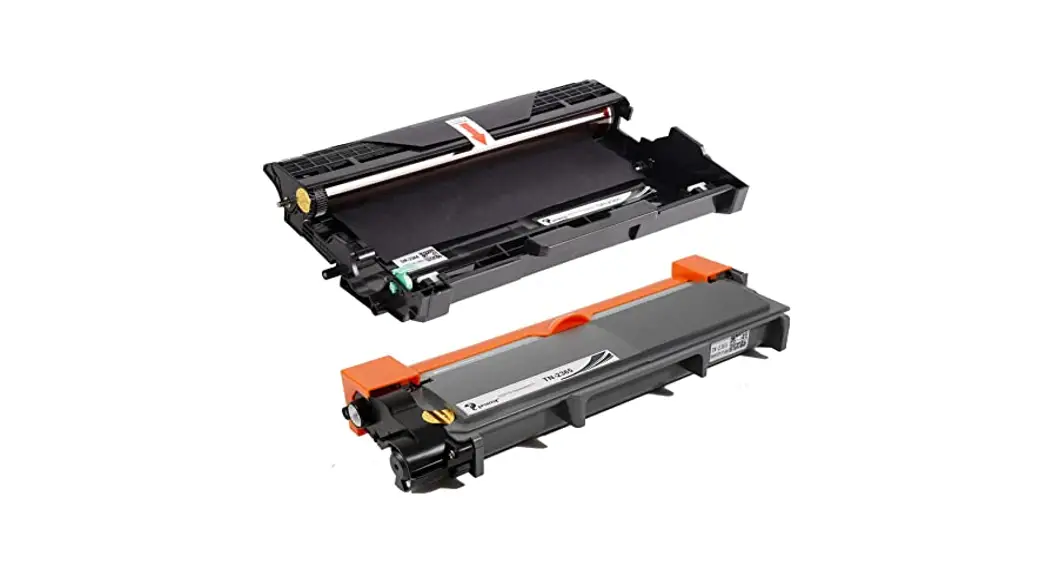
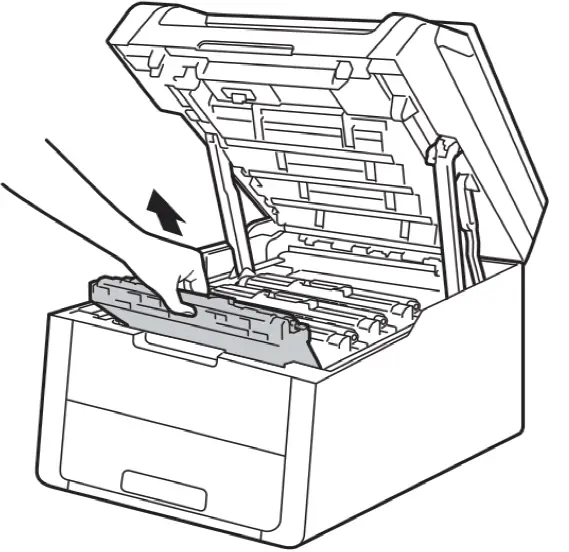
- Remove the toner cartridges and drum unit assembly for the color shown on the touchscreen.
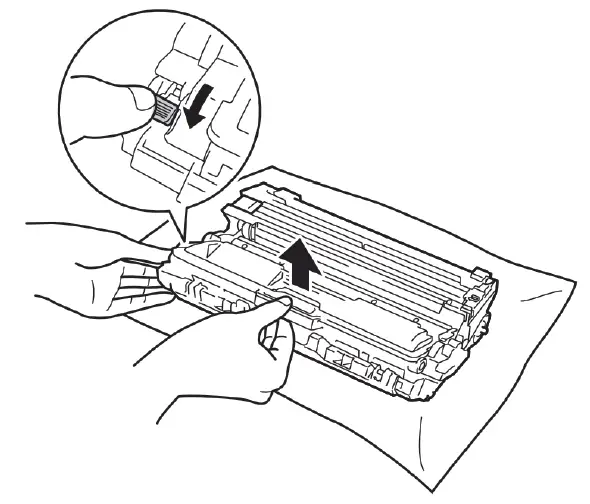
- Push down the green lock lever and take the toner cartridge out of the drum unit.
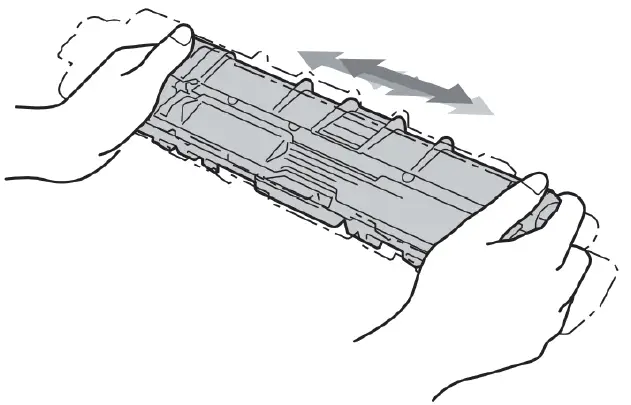
- Unpack the new toner cartridge. Gently shake it from side to side 6-8 times to distribute the toner evenly inside the cartridge.
- Pull off the protective cover.
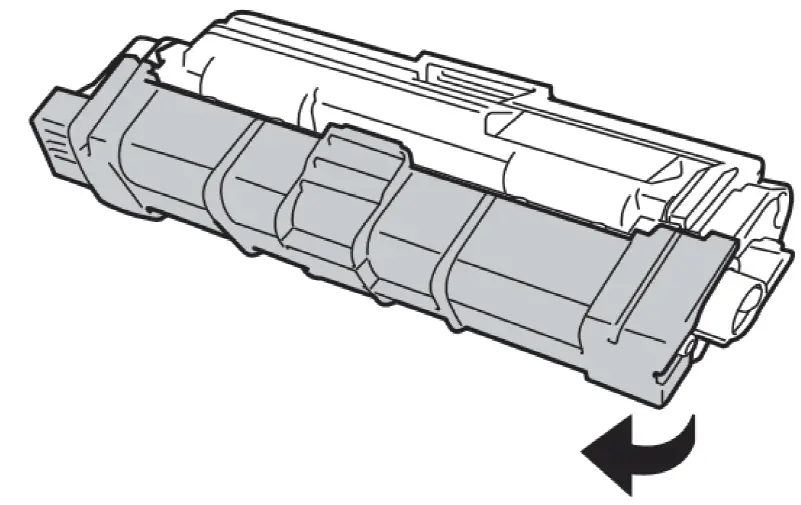
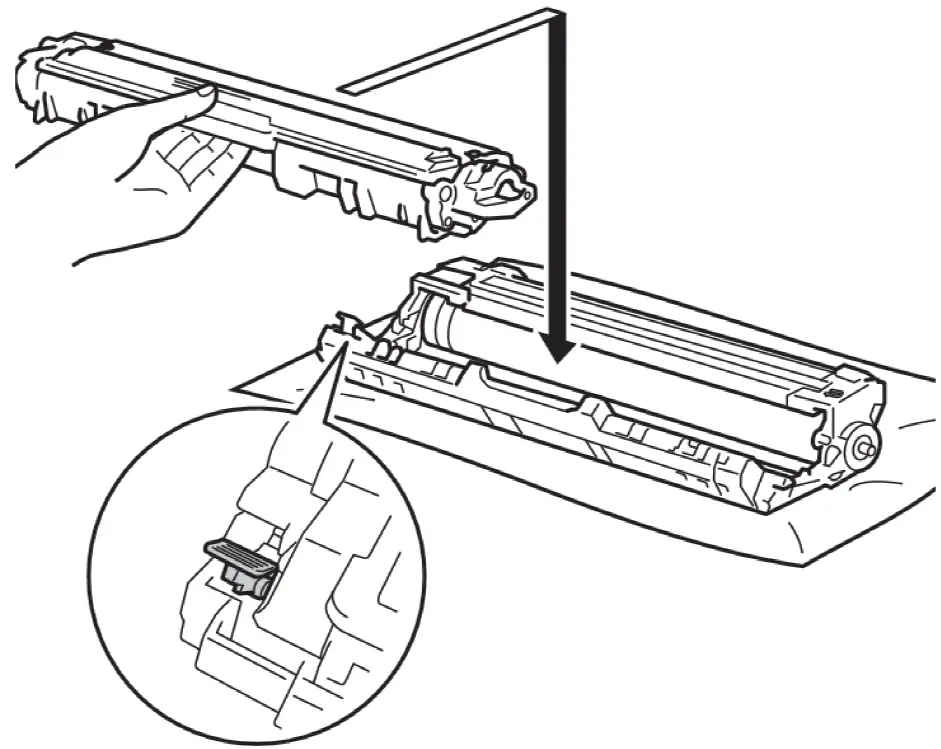
- Put the new toner cartridge firmly into the drum unit until you hear it lock into place.
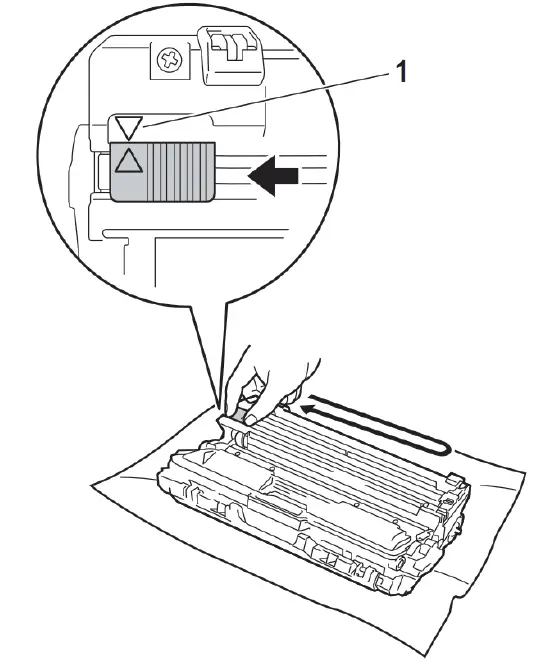
- Clean the corona wire inside the drum unit by gently sliding the green tab from left to right and right to left several times.
- Slide each toner cartridge and drum unit assembly into the machine. Make sure you match the toner cartridge color to the same color label on the machine.