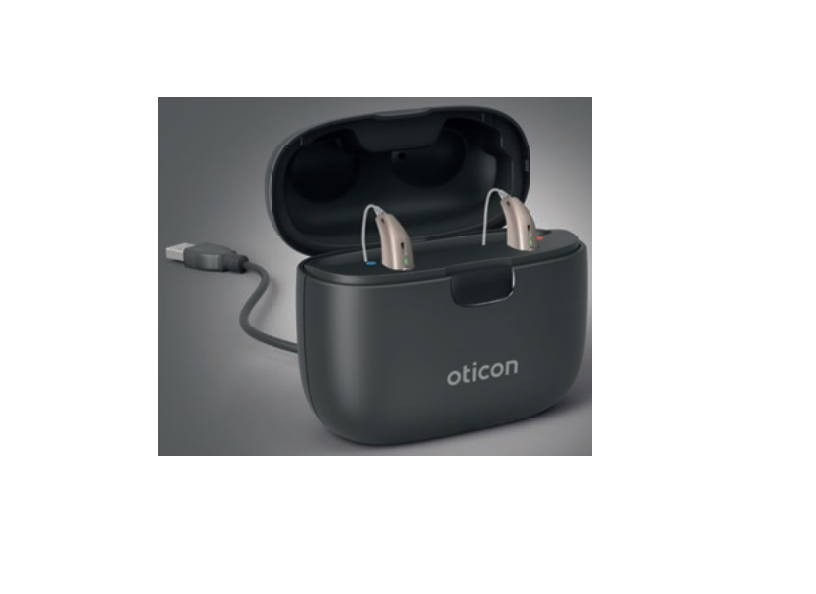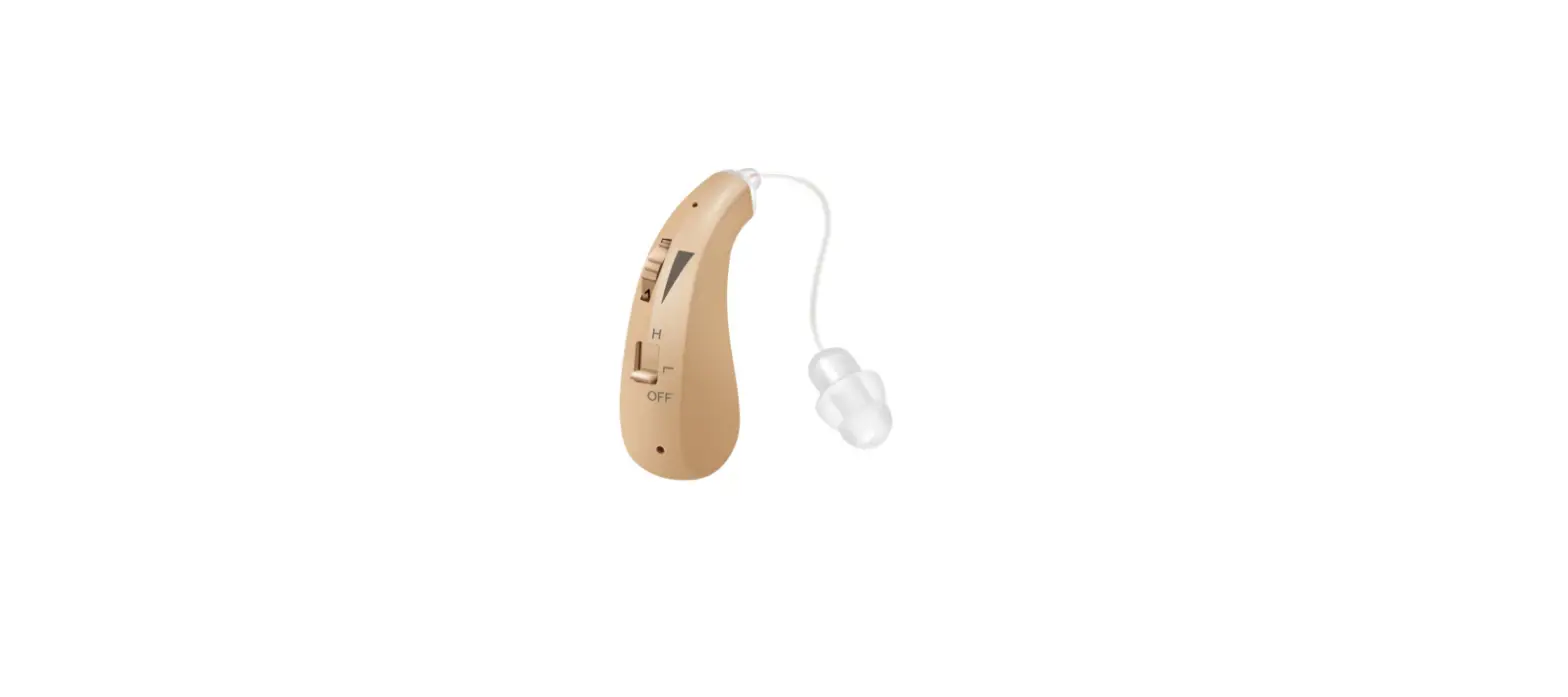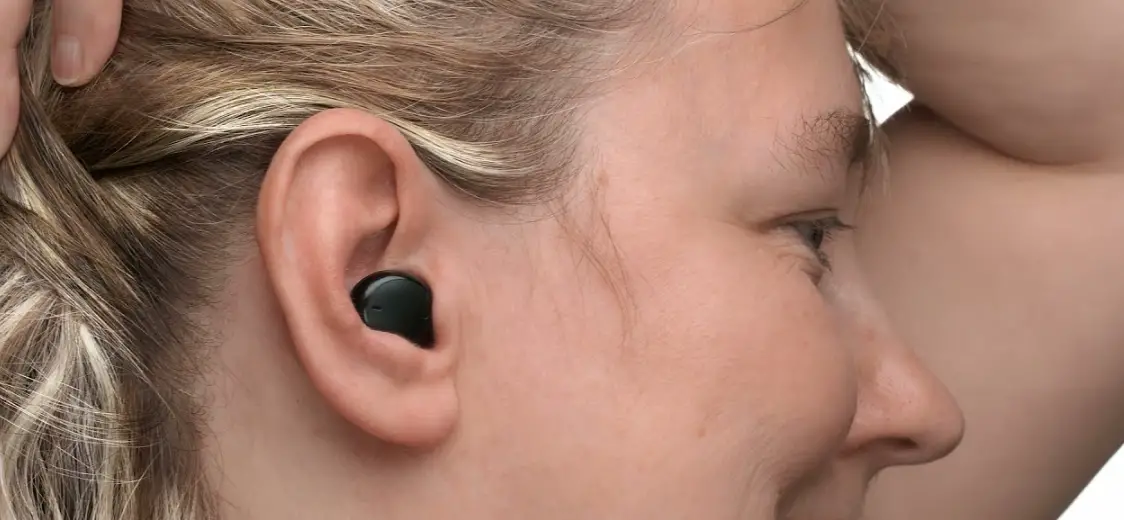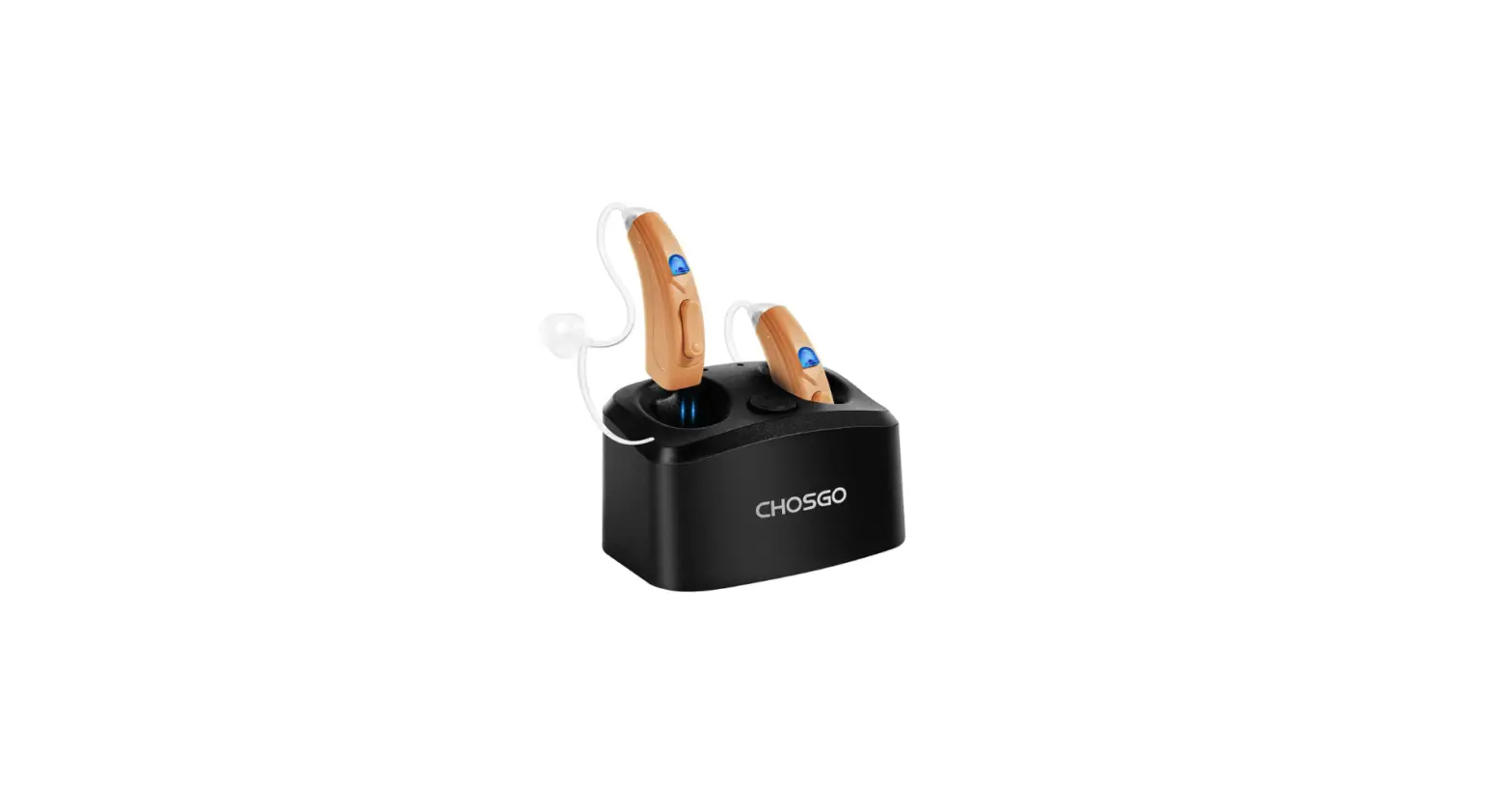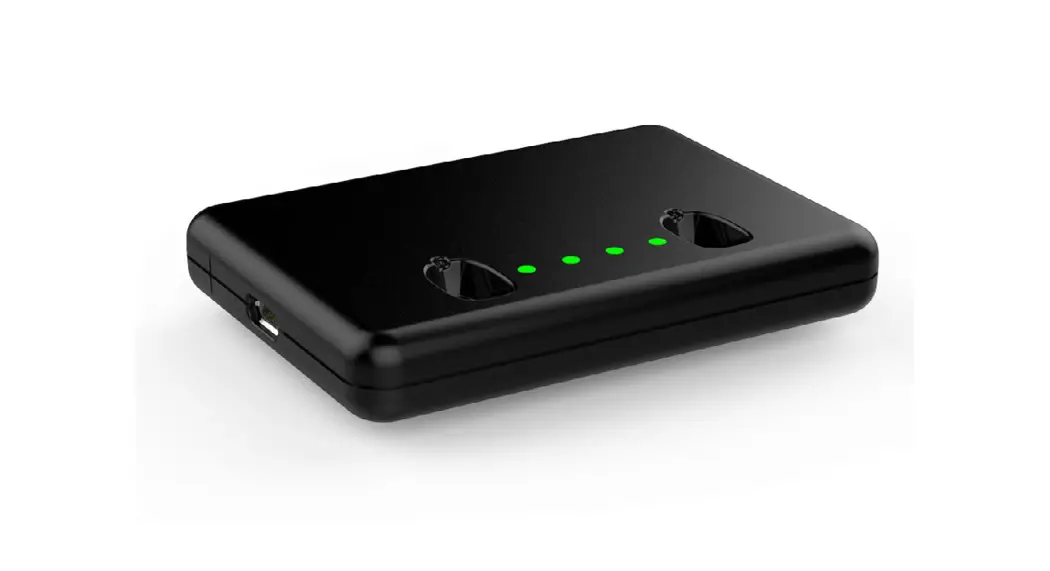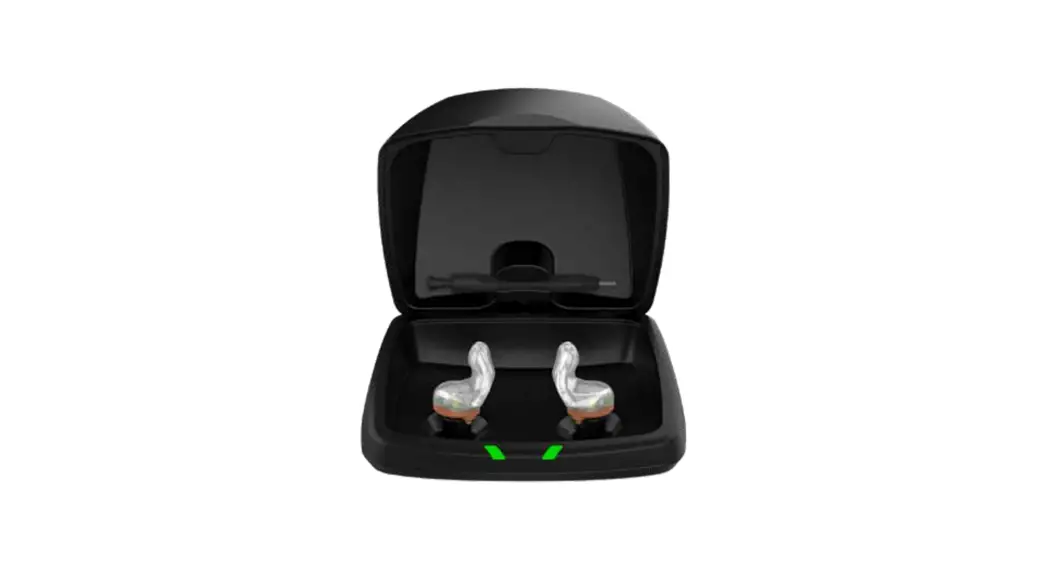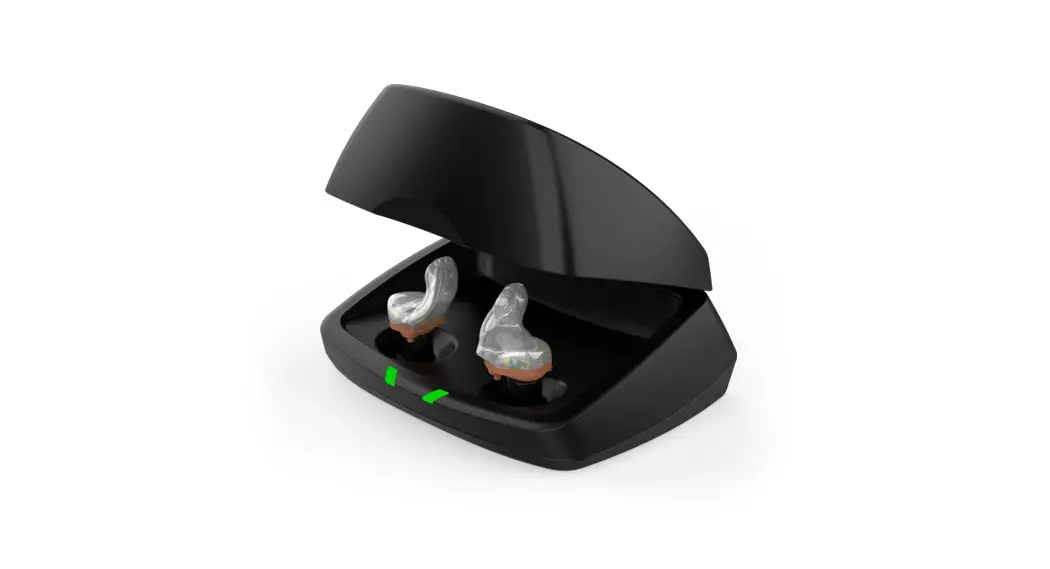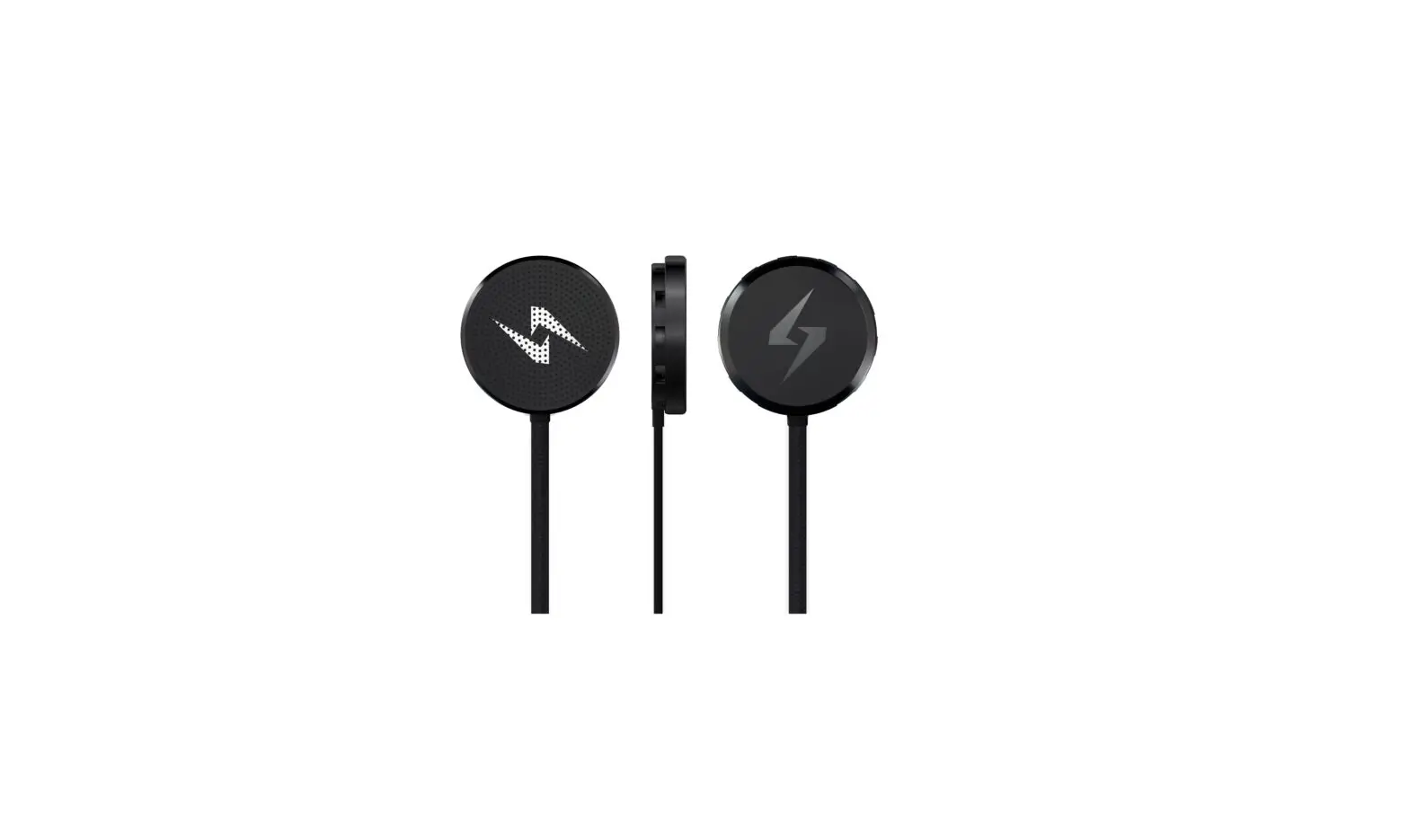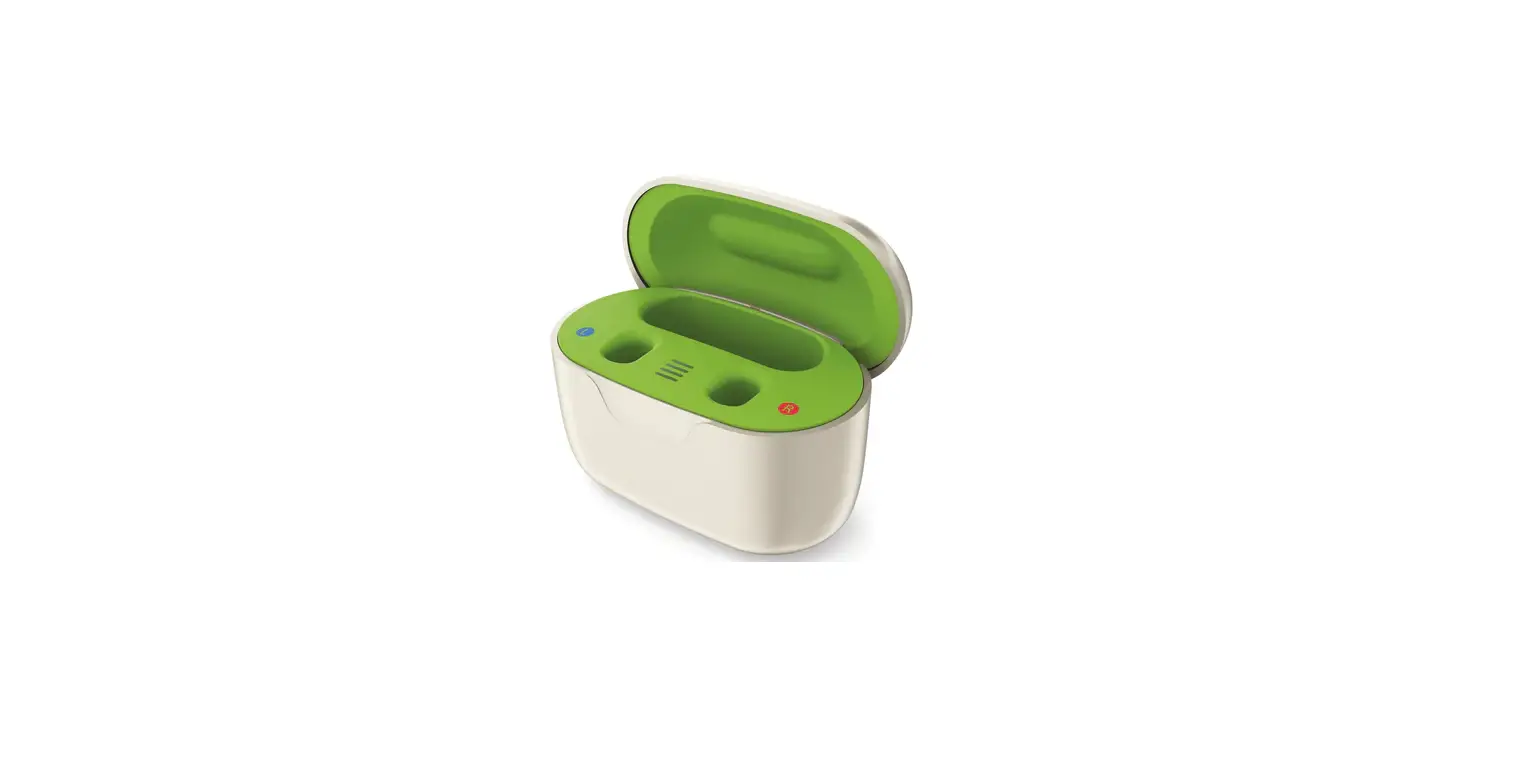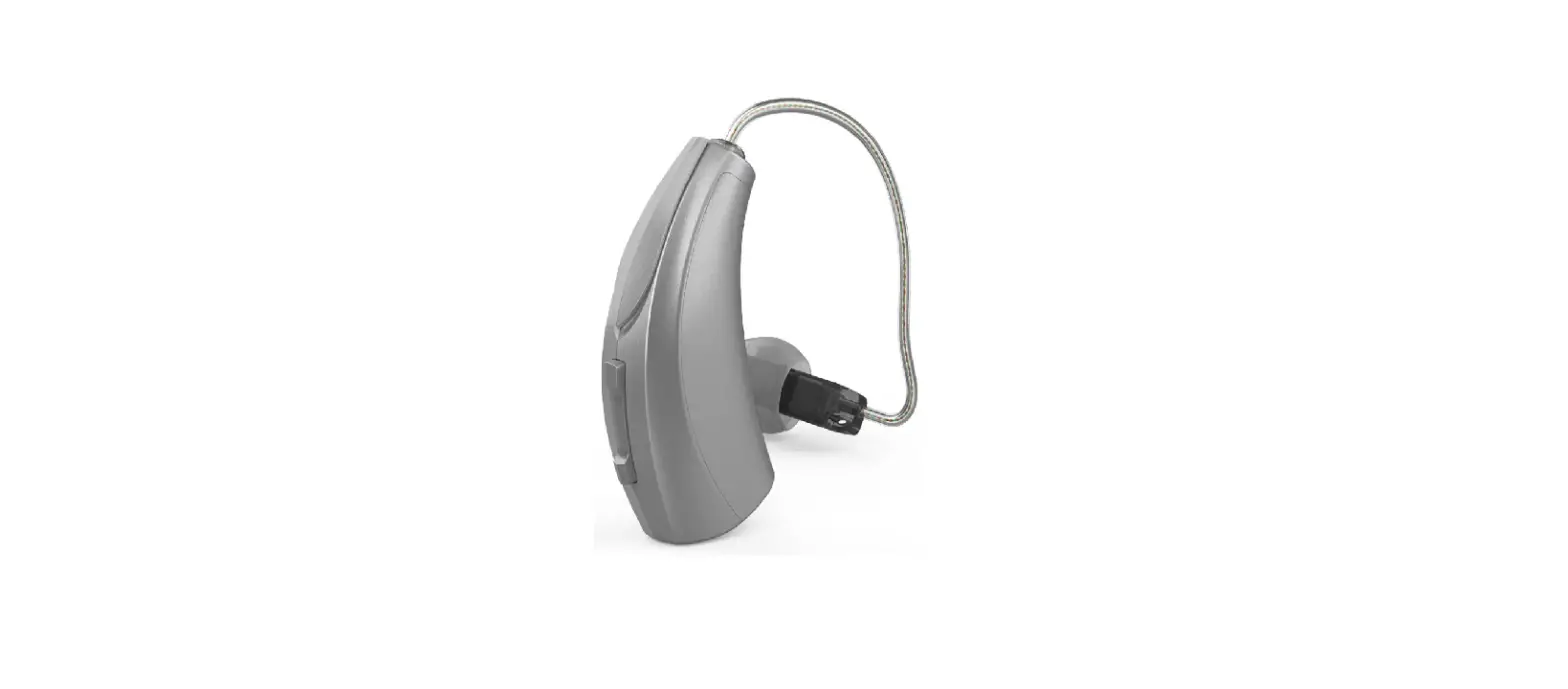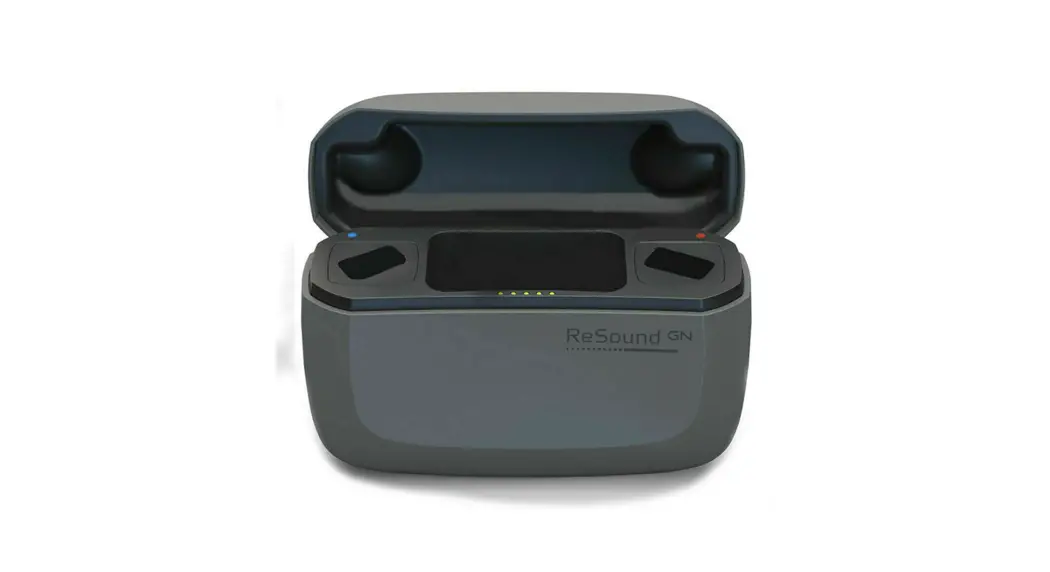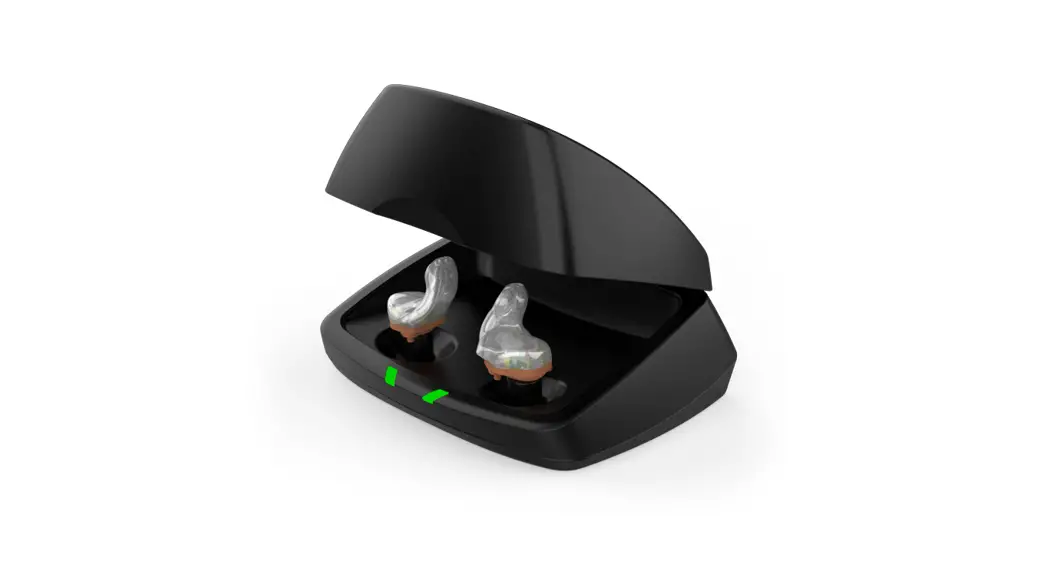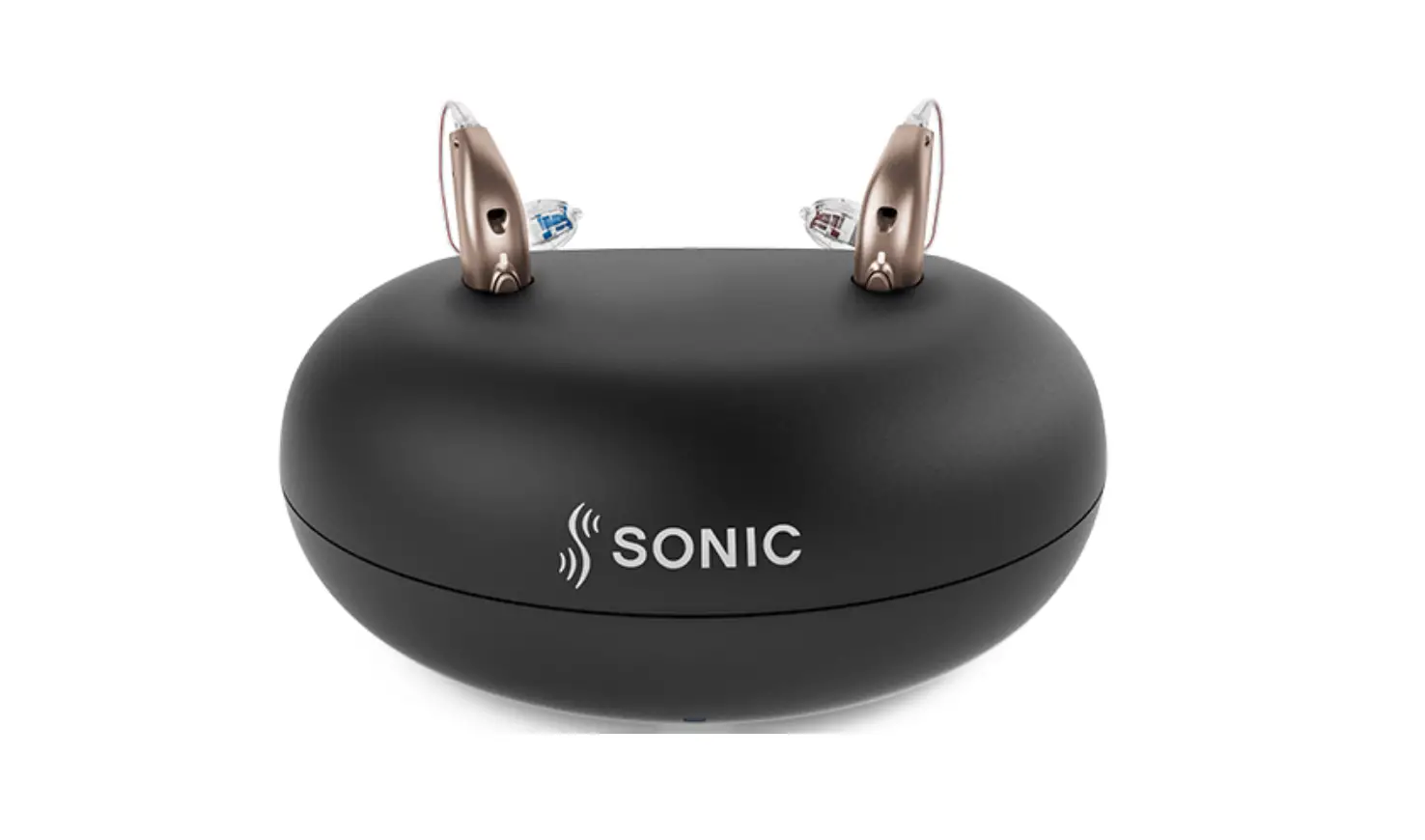
SONIC CROS MNR T R Desktop Hearing Aid Charger User Guide
A word about single-sided deafness
Single-sided deafness (SSD) is defined as “unaidable hearing in one ear and normal hearing or an aidable hearing loss in the other ear” (Taylor 2010). This describes a person who suffers from unilateral hearing loss which is so great that he or she does not benefit from amplification in that ear. It is important to understand that the term SSD covers not only people who are completely deaf in the impaired ear – it also refers to people who have some hearing left, but their speech recognition is so poor that traditional amplification does not provide benefit. In fact, people with that condition typically reject direct amplification on the profoundly impaired ear. SSD can be present at birth or acquired later due to external factors such as outer, middle, or inner ear abnormality, infections & syndromes (meningitis, tumor, Meniere’s disease, mumps), head injuries and exposure to loud noise.What is CROS
The abbreviation stands for: Contralateral Routing of Signal. CROS describes a device designed to overcome the obstacles of single-sided deafness (SSD). This includes obstacles such as overcoming the head shadow effect or the inability to locate the direction of sound sources. Equipping SSD patients with a CROS will help them manage these obstacles and allow them to become a two-sided rather than a one-sided listener. A transmitter, typically with two microphones, is placed on the poorer ear which picks up sounds and sends them wirelessly to the better ear where the receiver is placed. These sounds are then perceived and processed by a healthy cochlea.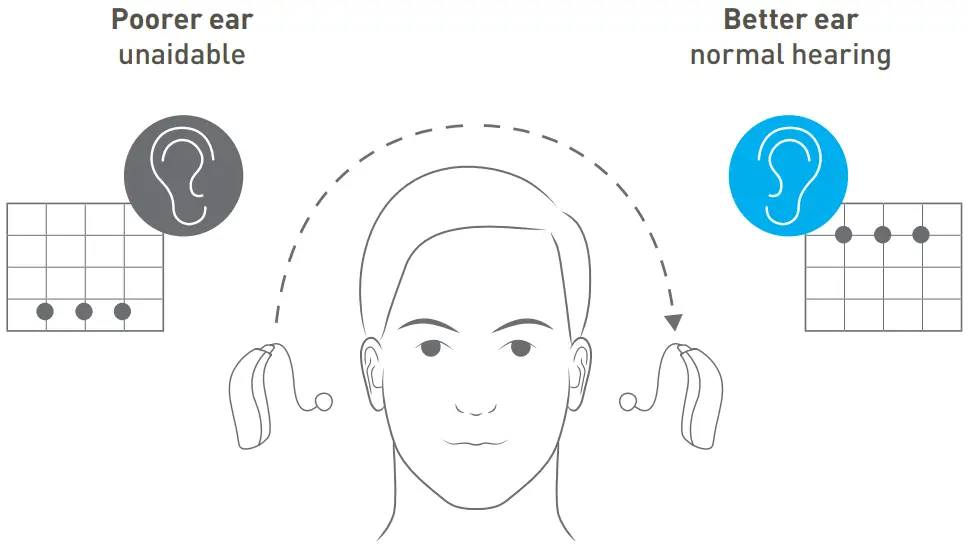
Candidacy CROS
| Better ear | Poorer ear | CROS transmitter | Unilateral fitting |
| Receiver placement | Aidable hearing loss | ✖ | ✔ |
| Profound hearing loss | ✔ | ✖ | |
| ✖ | ✔ | ||
| Distorted hearing | ✔ | ✖ | |
| Deafness | ✔ | ✖ |
What is BiCROS
The abbreviation stands for: Bilateral Contralateral Routing of Signal A BiCROS system functions similarly to the CROS system but is relevant for people that also need amplification on the better hearing ear. This means that the better ear also has a certain degree of hearing loss. In addition to receiving sounds from the transmitter placed on the poorer ear, the receiving device also provides amplification based on the hearing loss in the better ear. The signals from the two ears are mixed and directed into the ear canal of the better ear for further processing by the better cochlea.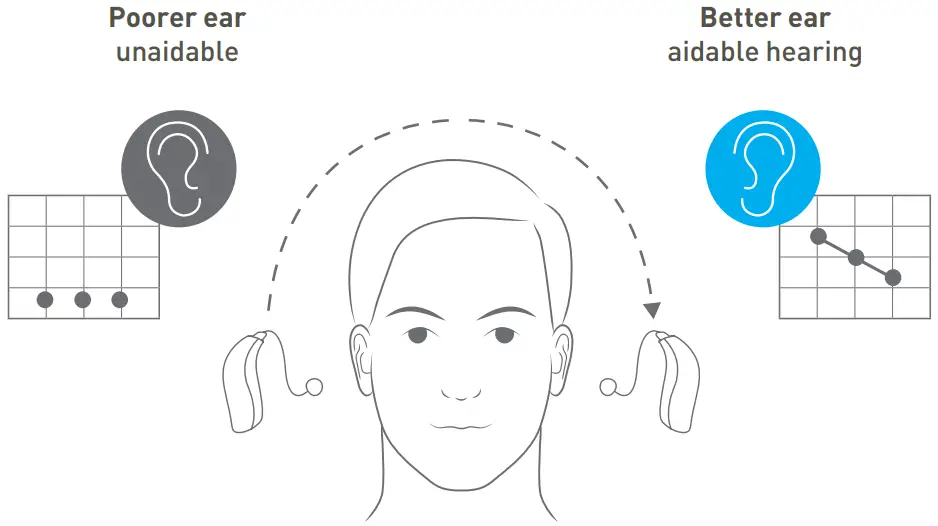
Candidacy BiCROS
Condition: better ear projects aidable degree of hearing loss| Better ear | Poorer ear | CROS transmitter | Unilateral fitting |
| Hearing aid | Aidable hearing loss | ✖ | ✔ |
| Profound hearing loss | ✔ | ✖ | |
| ✖ | ✔ | ||
| Distorted hearing | ✔ | ✖ | |
| Deafness | ✔ | ✖ |
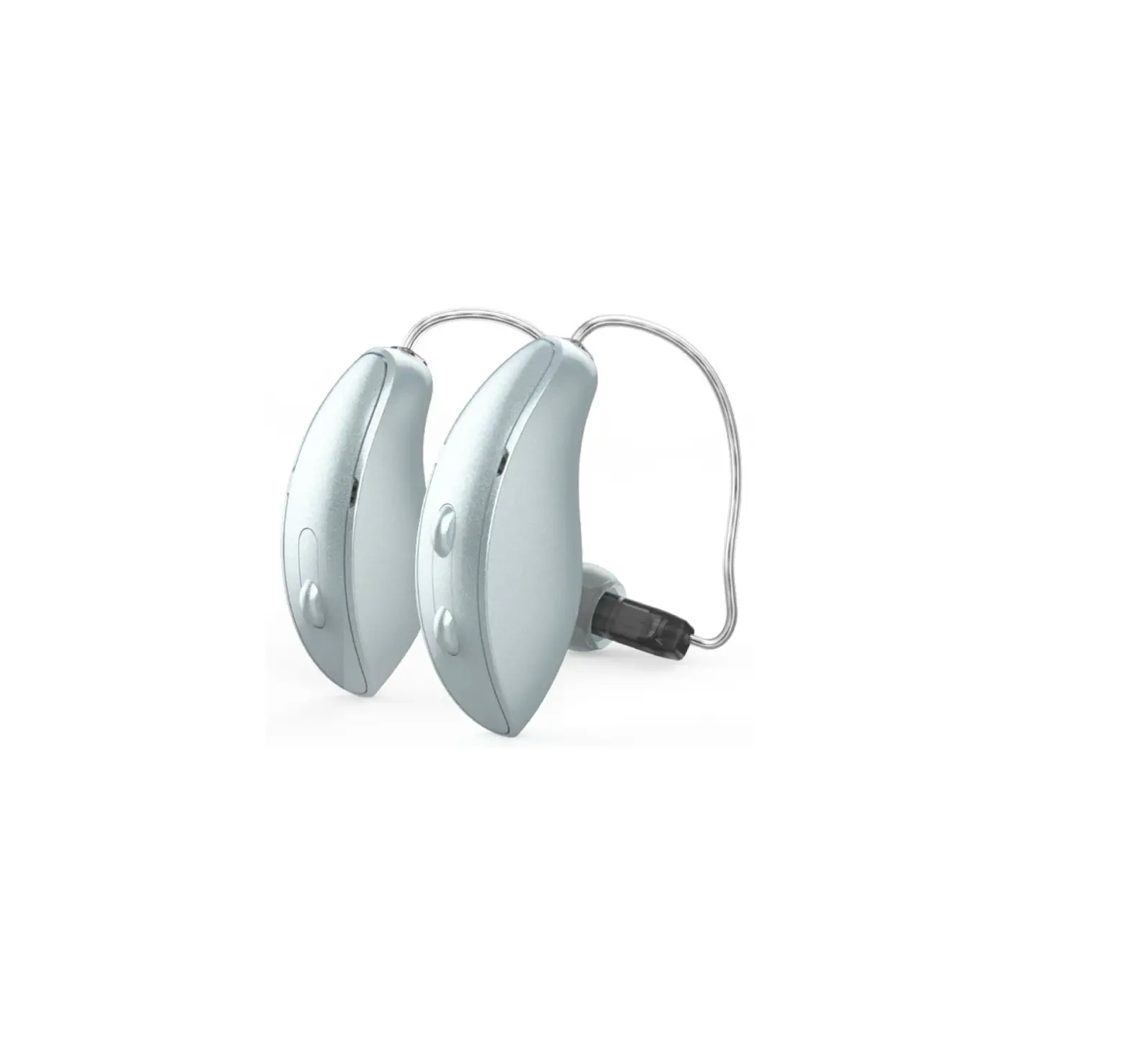
Sonic CROS/BiCROS transmitter MNR T R
- Wireless device
- Connects to all Sonic Radiant miniRITE and miniBTE styles launched from 2020.2 onwards
Hearing instrument
- Select the CROS transmitter for the poorer ear and the receiver/hearing instrument for the opposite normal hearing ear (figures 1a and 1b)
- Detect the receiver/hearing instrument
 Figure 1a: Better ear: normal hearing (L)
 Figure 1b: Better ear: aidable hearing (L)
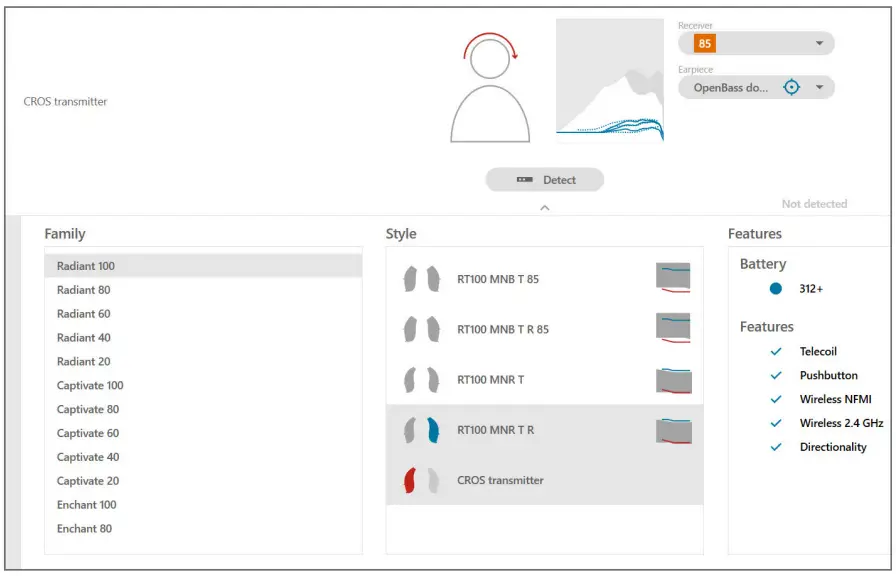 Figure 1a: Better ear: normal hearing (L)
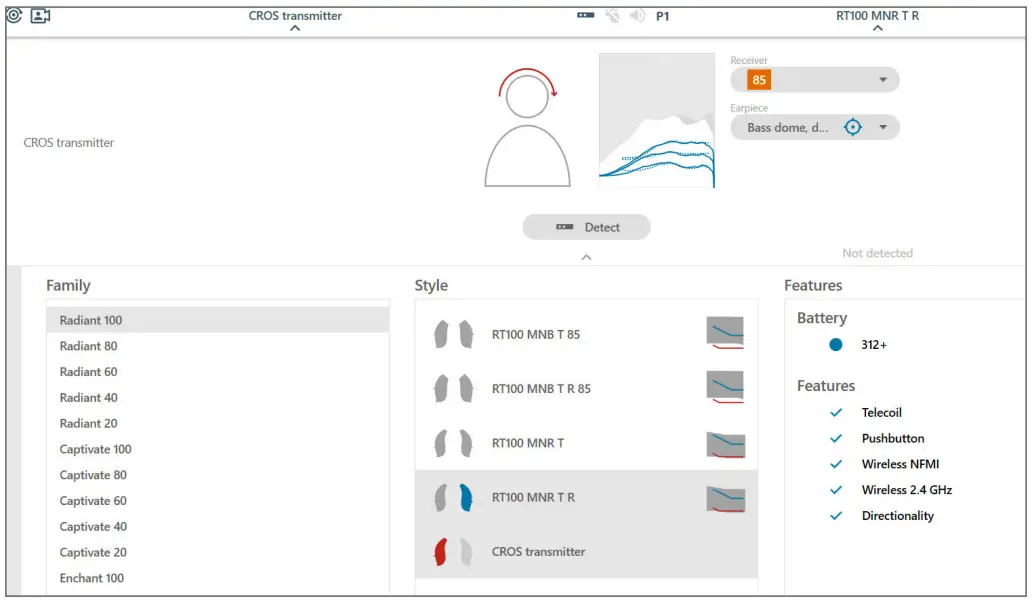 Figure 1b: Better ear: aidable hearing (L)
Fitting
Figure 2a: CROS mode is selected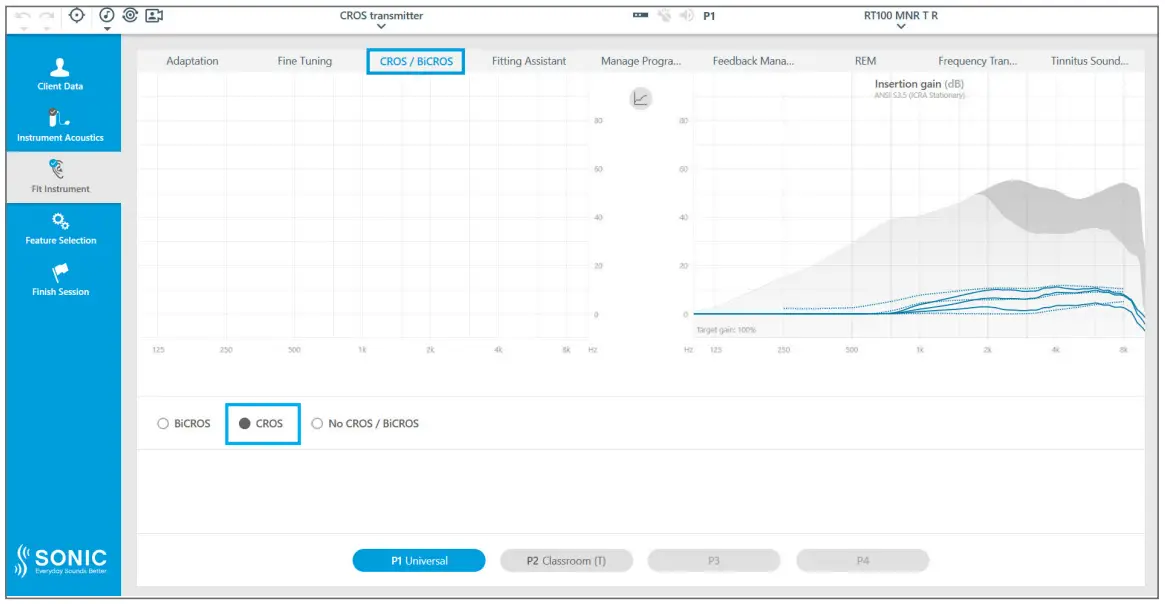
- Figure 2a: Open the CROS/BiCROS tab at the top of the Fit Instrument screen to select the mode: BiCROS,
CROS, or No CROS/BiCROS. The mode needs to be chosen for every additional program.
- CROS transmitter is not available in programs with telecoil
- The receiver (hearing instrument) microphone is off by default
- Figure 2b: When BiCROS mode is selected, the hearing instrument microphone is on by default
- Adjust desired input level for the CROS transmitter
- The CROS transmitter input level is individually adjustable in each listening program
Program Specific Features
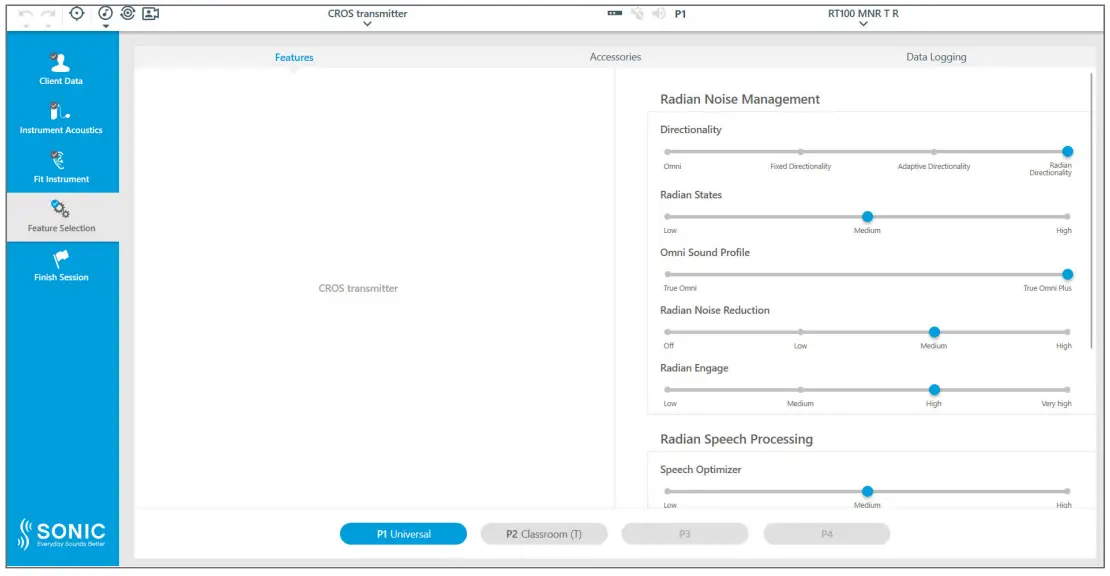
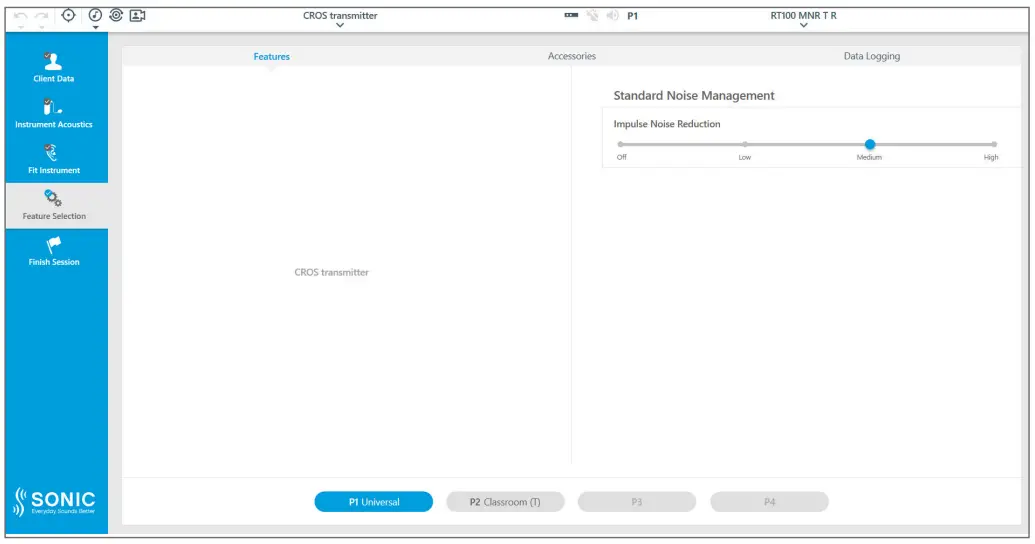 Figure 4a: CROS mode is selected
 - Figure 4a: Radian Noise Reduction is set to –6dB (medium) by default and cannot be changed
- Adjust desired attenuation for Impulse Noise Reduction. The correction of the sound is regulated by the adjustments in the receiver (hearing instrument) and the flexibility of the adjustment steps depends on the technology level.
- The setting can be changed for individual programs (except pre-set programs that do not offer this flexibility)
- Figure 4b: Radian Noise Reduction in the CROS transmitter is set to –6dB (medium) by default and cannot be changed
- The features in the receiver (hearing instrument) can be adjusted. The flexibility depends on the performance level.
- The settings can be changed for individual programs (except pre-set programs that do not offer this flexibility)
End session
- The frequency for audible indicators in the CROS transmitter cannot be configured, they are fixed at 1500Hz, whereas the frequency for indicators in the receiver (hearing instrument) are on 1000Hz by default and can be changed as normal. This helps to distinguish which beep alert is coming from the CROS transmitter and which from the receiver/hearing instrument.
- Be aware that the beeps are configured to be High Frequency for transmitter alerts, whereas receiving hearing instrument alerts are Medium Frequency by default. If no changes to beeps are made by the hearing care professional, beeps will sound different between the transmitter and the receiver to help the patient distinguish between the two more easily.
- Battery level of the CROS transmitter is not displayed in EXPRESSfit Pro (figure 5).
- VC steps are not adjustable for the CROS receiver (hearing instrument). This is only possible when BiCROS is selected.
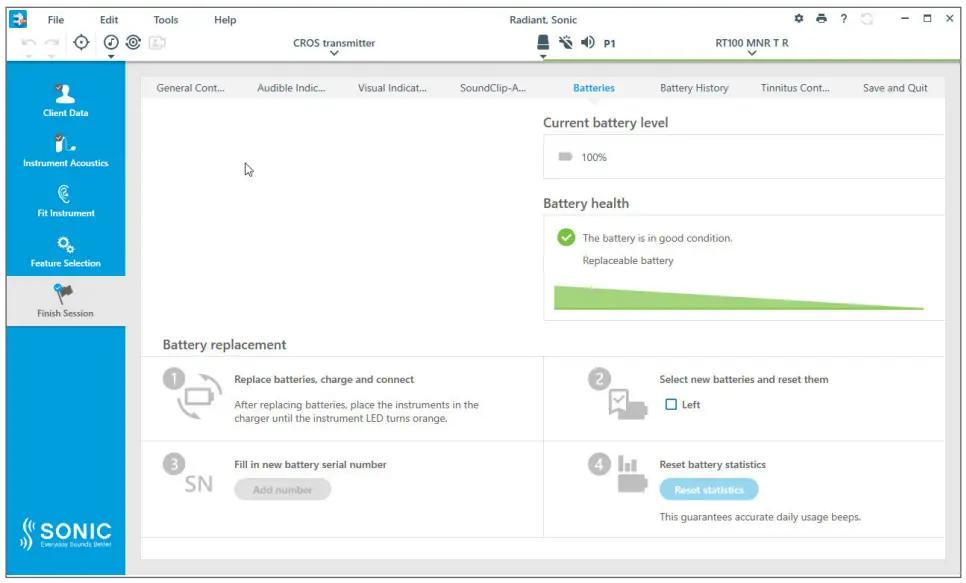 Battery health cannot be read out for the CROS MNR T R transmitter.
General settings of the CROS MNR T R transmitter that are fixed:
Battery health cannot be read out for the CROS MNR T R transmitter.
General settings of the CROS MNR T R transmitter that are fixed:- 6dB Radian Noise Reduction setting is always on
- The Radian Directionality setting defaults to Medium for challenging acoustic environments, and is set to a True Omni Plus setting
- Radian Engage is fixed at a Medium setting (when in directional setting)
- VC range -20 to +10dB
- VC step size 2.5dB
- Radian Speech Processing: Speech Optimizer –
- Medium; Noise Minimizer – Off
- 10kHz bandwidth
- Wind Noise Reduction is on
- Extended Dynamic Range is enabled
- Transmission delay from the CROS transmitter to the receiver / hearing instrument is 14ms
- VC steps are not adjustable for the CROS receiver (hearing instrument). This is only possible when BiCROS is selected.
- Measurement of Adaptive Feedback Canceller Pro
- In-situ audiometry testing
- Test box measurement mode
- CROS transmitter is not available in programs using telecoil. This is only possible when BiCROS is selected.
Considerations for counseling
A person’s ability to cope with SSD is highly variable:- Patients with acquired SSD report a greater impact on their quality of life as they struggle to accept the change in their life.
- Patients with congenital SSD have developed excellent coping mechanisms (placement, lip reading, etc.). The coping mechanisms depend on the quality of hearing of the better ear
- The patient must wear two devices, possibly with the better ear partially occluded and this might seem strange The patient’s ability to cope with their single-sided deafness likely depends on whether it happens suddenly or is present from birth
- Influence expectations and perceived benefit with a CROS system
- Avoid making guarantees such as:
- Better sound localization
- Restores binaural hearing
- Improves speech understanding in complex listening situations
- Just as in a binaural fitting with hearing aids, the patient still needs to use listening strategies to get the best out of each listening situation
- Works optimally in quieter listening situations
- Use a quiet environment to test the patient’s ability to localize sound sources
- Then take the patient to a noisy place to demonstrate some examples of what to expect in a more challenging situation. The additional input DOES NOT REPLACE normal hearing or traditional amplification.
- Noise may also be transmitted from the poorer to the better ear
- Explain that distinguishing sounds in noisy areas is a learning process that might take several weeks
General Q&A
Yes, the CROS transmitter is not suitable for infants and children below 5 years of age. For children 5-8 years of age, special instructions are in the WARNING section of the User Guide
No, there is none.
No
No, the CROS transmitter does not connect to the fitting software.
Yes (only after you have told the software that the transmitter is there by selecting a CROS transmitter). However, there is no image displayed.
No
No, the CROS transmitter is not shown at all in the app.
They connect automatically if the CROS transmitter is selected in EXPRESSfit Pro. The technology used to connect both is through NFMI (near-field magnetic induction). The CROS transmitter and receiver/hearing instrument need to be as close as 20 – 30 cm / 7 – 12 in to connect (which is roughly the width of an adult head).
Yes
They will lose connection and will connect back when within the correct distance.
“Scratch” on the CROS transmitter and listen on the receiver/hearing instrument for audible sound transmission from the transmitter to the receiver during the fitting of the receiver/hearing instrument.
No, any start-up jingle is in the receiver/hearing instrument and not the CROS transmitter.
- The probe microphone is always placed in the aidable or normal hearing ear, never in the unaidable ear.
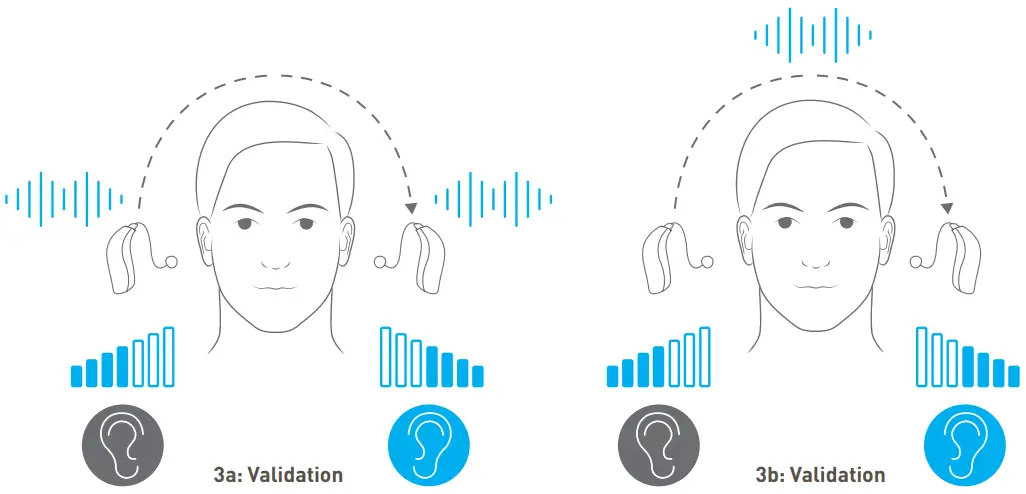
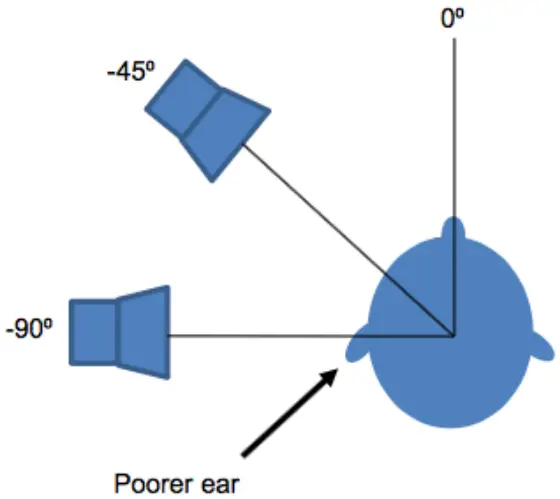
- The patient will change positions so that the loudspeaker is within the range of -90 ° through 0 ° to +90 ° relative to the front of the patient at different stages in the procedure. Images have been used below to aid your understanding of this.
- The reference microphone is always located on the same side of the head as the loudspeaker
CROS Hearing instruments
The objective of this measurement is to make signals from the unaidable side of the head sound the same as signals from the side of the better or normal hearing ear. Dedicated protocols have been created for optimum application of this test. Contact the local Interacoustics distributor to get them imported. This might be different depending on the equipment (brand, model) in use. CROS Hearing instrument Measurement one: Measure the REUR/REUG of the best ear with the patient at 45 ° or 90 ° to the speaker. Note: The CROS system is not added to the ear at this point.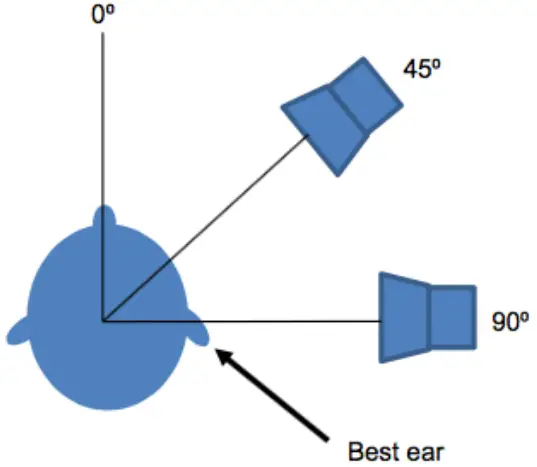 Run the ‘Better Ear REUG/REUG’ Measurement.
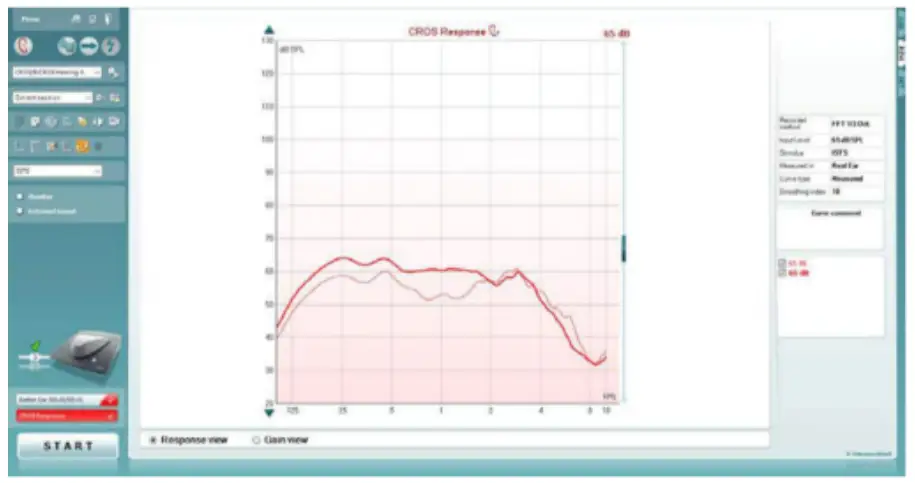
Measurement two: Move the patient so that the loudspeaker and reference microphone are to the side of the unaidable ear (-45 ° or -90 ° relative to the poorer ear). Add the CROS system to your patients’ ear and turn it on. You must also enable the CROS setting in your Affinity/Equinox or Callisto Suite.
Note: You do not need to swap ear side to perform this measurement, all measurements are performed to the same ear side from the first measurement.
Run the ‘CROS Response’ measurement.
Run the ‘Better Ear REUG/REUG’ Measurement.
Measurement two: Move the patient so that the loudspeaker and reference microphone are to the side of the unaidable ear (-45 ° or -90 ° relative to the poorer ear). Add the CROS system to your patients’ ear and turn it on. You must also enable the CROS setting in your Affinity/Equinox or Callisto Suite.
Note: You do not need to swap ear side to perform this measurement, all measurements are performed to the same ear side from the first measurement.
Run the ‘CROS Response’ measurement.
 This measurement should lead to a similar curve.
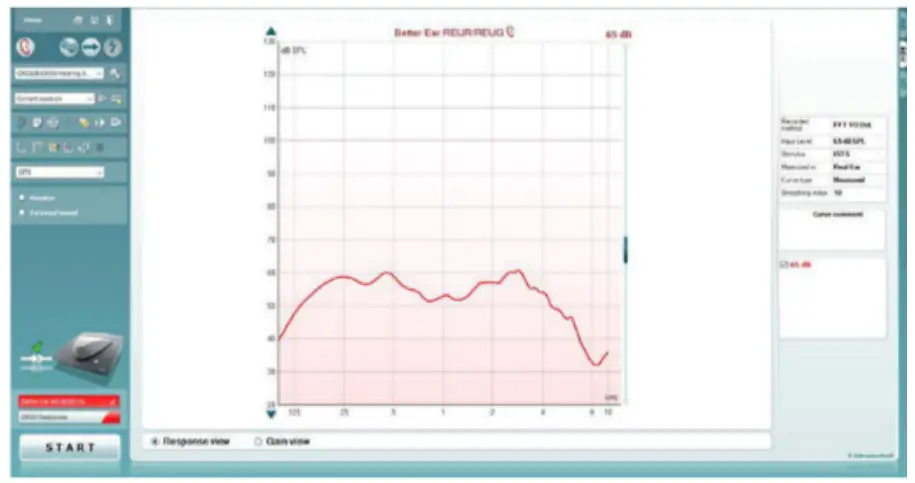 Note: Make sure that if you run your first condition at 45 ° then the second condition should be at -45 °. This is also required for measurements run at 90 °. If this isn’t done, then the measurement curves are not comparable.
This measurement should lead to a similar curve.
Now you need to adjust your CROS system until the REAR/ REIG from the second measurement overlaps the REUR/REUG from the first measurement. Imagine the first measurement to be your target in this scenario.
Note: Make sure that if you run your first condition at 45 ° then the second condition should be at -45 °. This is also required for measurements run at 90 °. If this isn’t done, then the measurement curves are not comparable.
This measurement should lead to a similar curve.
Now you need to adjust your CROS system until the REAR/ REIG from the second measurement overlaps the REUR/REUG from the first measurement. Imagine the first measurement to be your target in this scenario.
 Note: Probe microphone measurements cannot be applied to transcranial/bone anchored CROS fittings.
BiCROS Hearing instruments
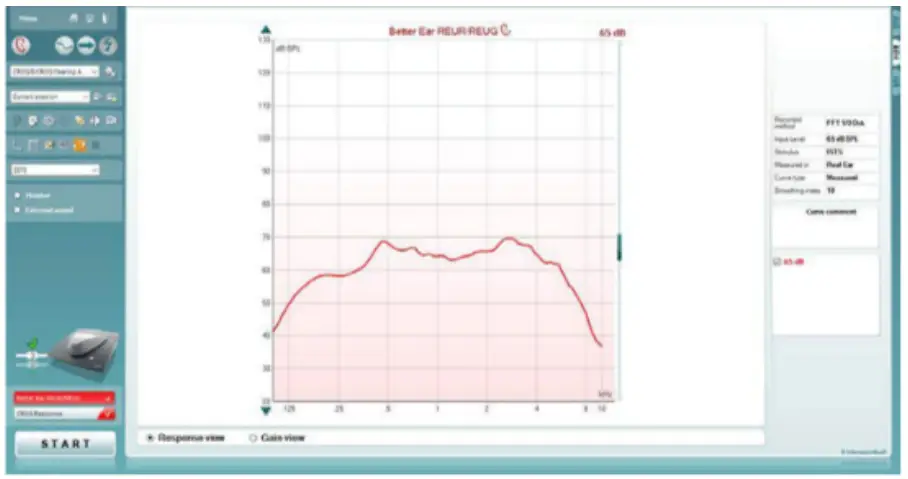
The objective of this test is like what has been shown above, however there is a hearing instrument on the better ear which we need to consider. The same dedicated protocol as used in the CROS instructions above is used for optimum application of this test. Please contact your local distributor to get, and import these for use. This might be different depending on the equipment (brand, model) in use. Ensure you have already fitted the hearing instrument without the CROS features enabled to a suitable algorithm based on the patient’s scenario (i.e., NAL-NL1, NAL-NL2 or DSL). Calibrate and insert the probe microphone into the aidable / better hearing ear. BiCROS Hearing instruments Measurement One: Measure the REUR/REUG of the best ear with the patient at 45 ° or 90 ° to the speaker. Remember to ensure the hearing instrument is inserted and enabled in this scenario.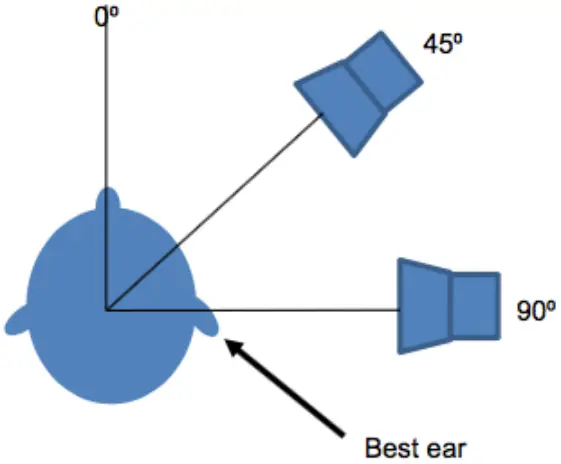 Run the ‘Better Ear REUR/REUG’ Measurement.
This should lead to a curve like below.
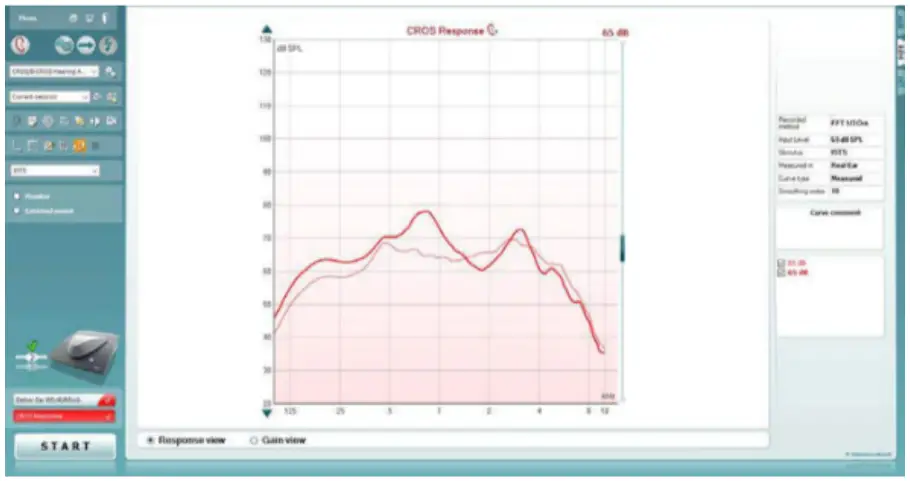
Measurement Two: Move the patient so that the loudspeaker and reference microphone are to the side of the unaidable ear (-45 ° or -90 ° relative to the poorer ear). Enable the CROS system and the CROS setting in your Affinity/Equinox or Callisto Suite.
Note: You do not need to swap ear side to perform this measurement, all measurements are performed to the same ear side from the first measurement.
Run the ‘CROS Response’ Measurement.
Run the ‘Better Ear REUR/REUG’ Measurement.
This should lead to a curve like below.
Measurement Two: Move the patient so that the loudspeaker and reference microphone are to the side of the unaidable ear (-45 ° or -90 ° relative to the poorer ear). Enable the CROS system and the CROS setting in your Affinity/Equinox or Callisto Suite.
Note: You do not need to swap ear side to perform this measurement, all measurements are performed to the same ear side from the first measurement.
Run the ‘CROS Response’ Measurement.
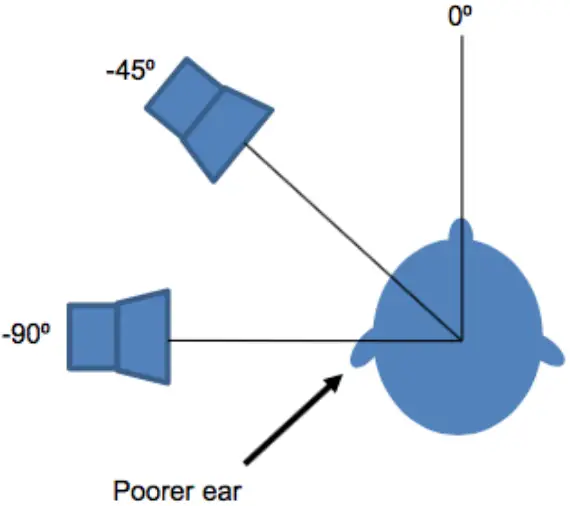 This measurement should lead to a curve like the below.
 Note: Make sure that if you run your first condition at 45 ° then the second condition should also be at 45 °. This is also required for measurements run at 90°. If this isn’t done, then the measurement curves are not comparable.
Now you need to adjust your CROS system until the REAR/ REIG from the second measurement overlaps the REUR/ REUG from the first measurement. Imagine the first measurement to be your target in this scenario.
Note: Make sure that if you run your first condition at 45 ° then the second condition should also be at 45 °. This is also required for measurements run at 90°. If this isn’t done, then the measurement curves are not comparable.
Now you need to adjust your CROS system until the REAR/ REIG from the second measurement overlaps the REUR/ REUG from the first measurement. Imagine the first measurement to be your target in this scenario.
 Note: Probe microphone measurements cannot be applied to transcranial/bone anchored CROS fittings.
Further Reading
For more information on this topic, please see the following articles: Hayes, D. (2006). A Practical Guide to CROS/BiCROS Fittings. Audiology Online. https://www.audiologyonline.com/articles/ practical-guide-to-cros-bicros-977 Pumford, J. (2005). Benefits of probe-mic measures with CROS/BiCROS fittings. The Hearing Journal, 58(10), 34. https://doi.org/10.1097/01.hj.0000285783.75866.d4Support
www.sonici.com © 2022 Sonic Innovations, Inc. All rights reserved. Sonic is part of the Demant group. 2022-04-01 | 522007 | UK/US | subject to change