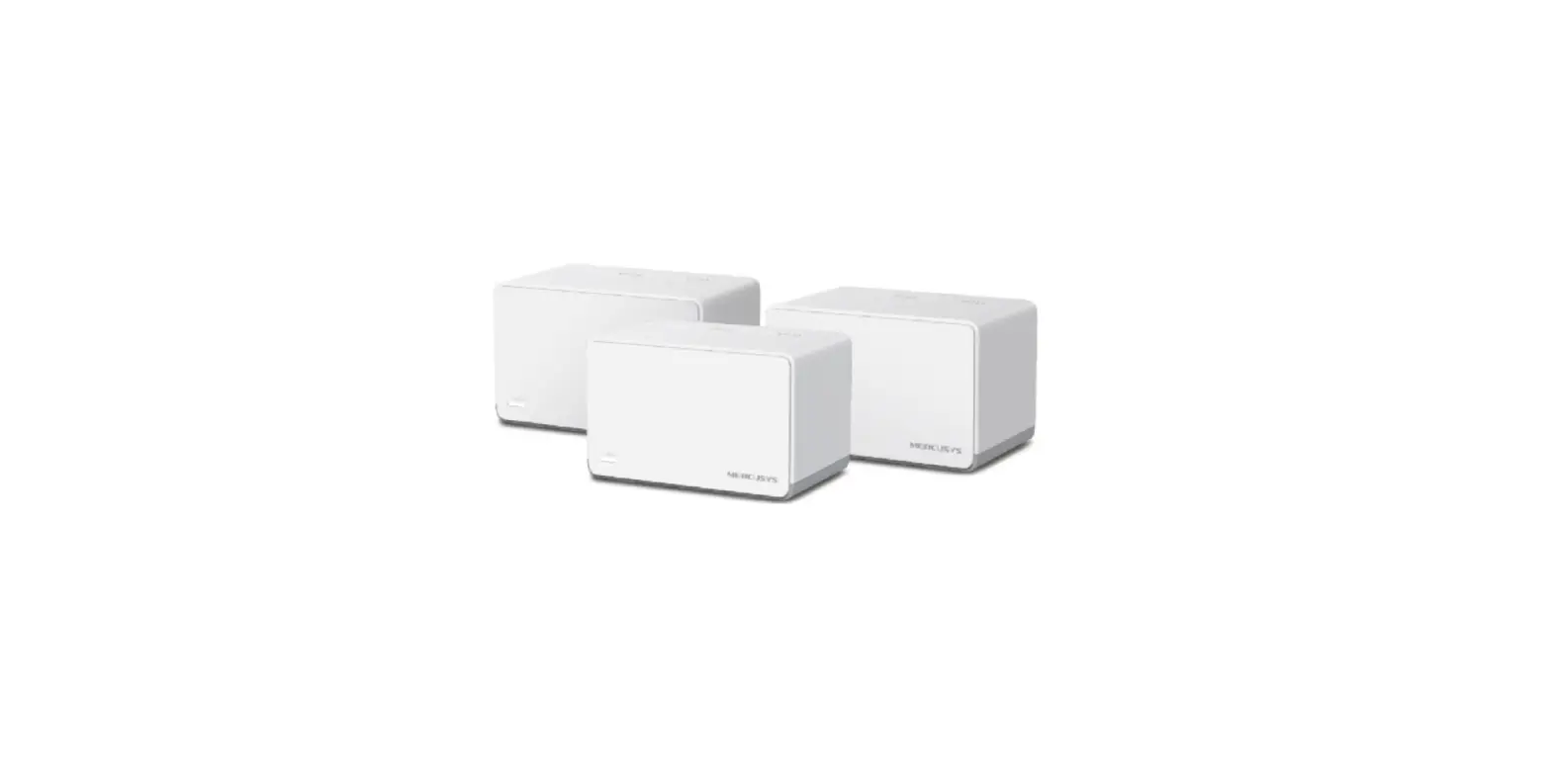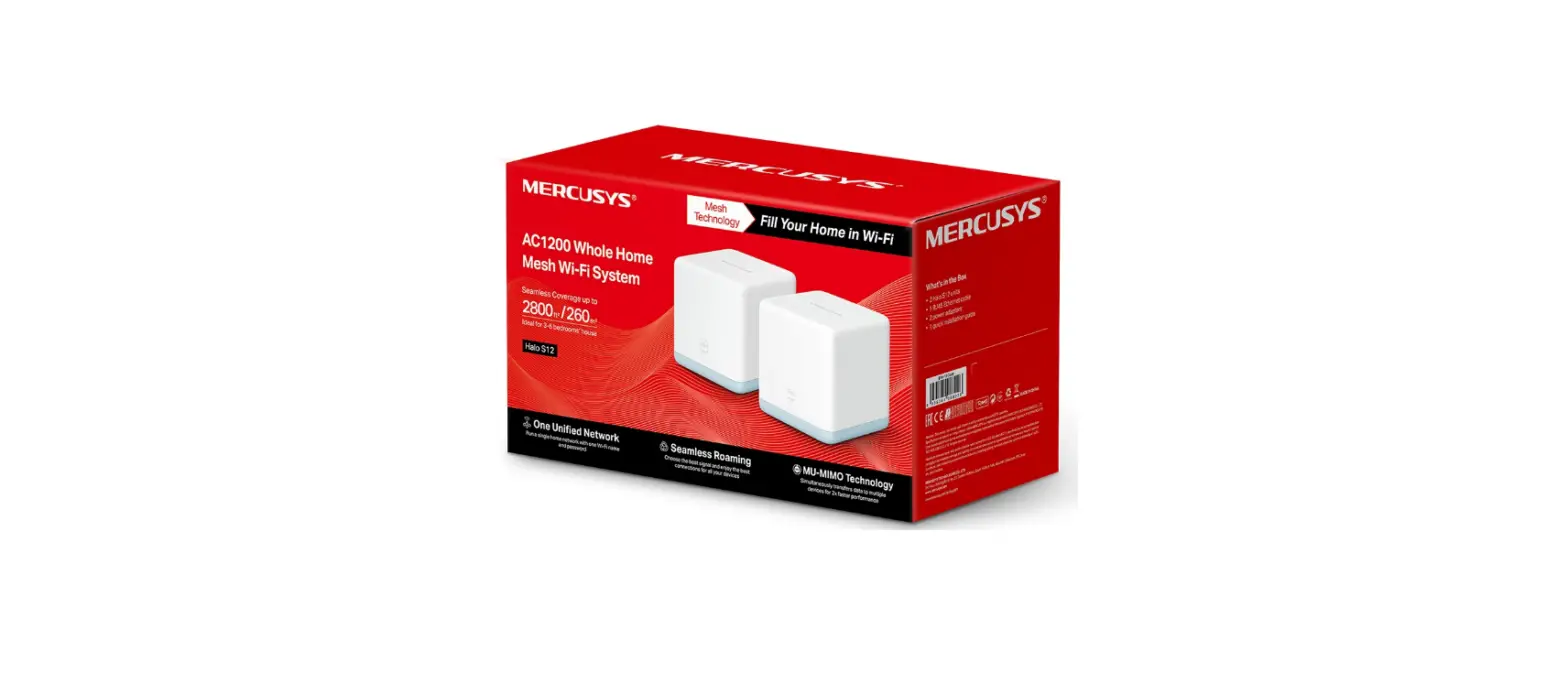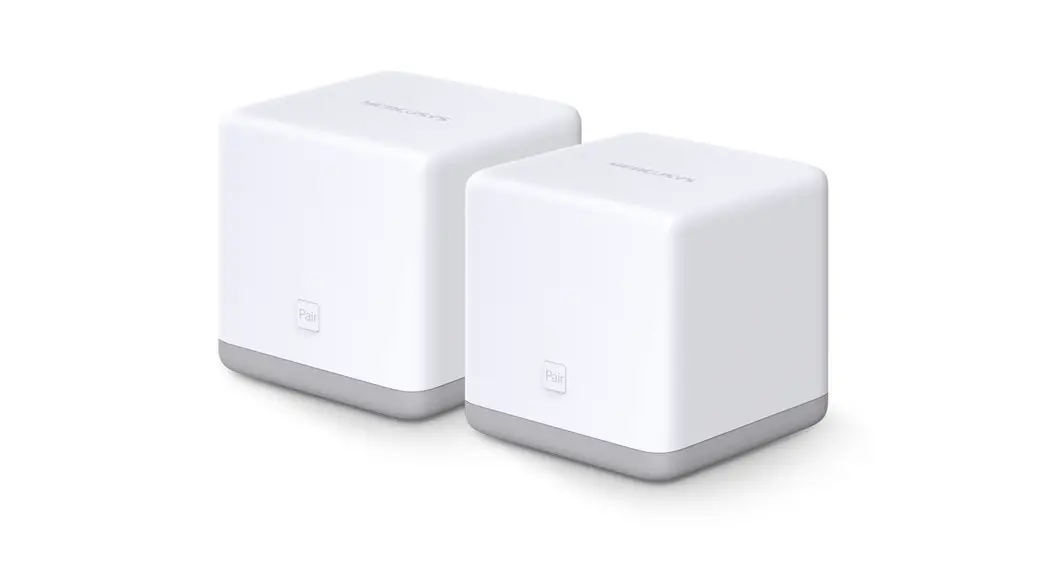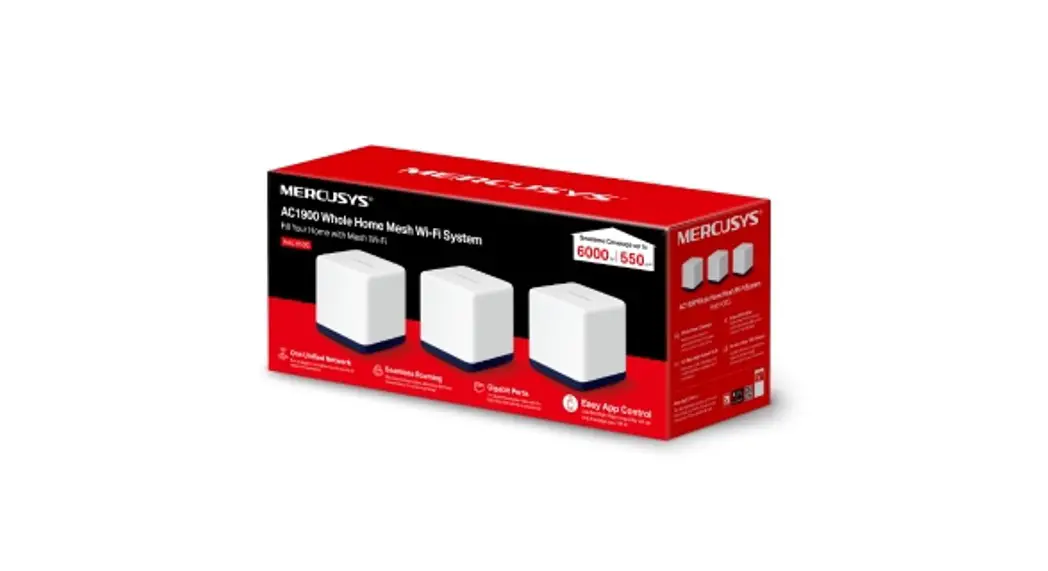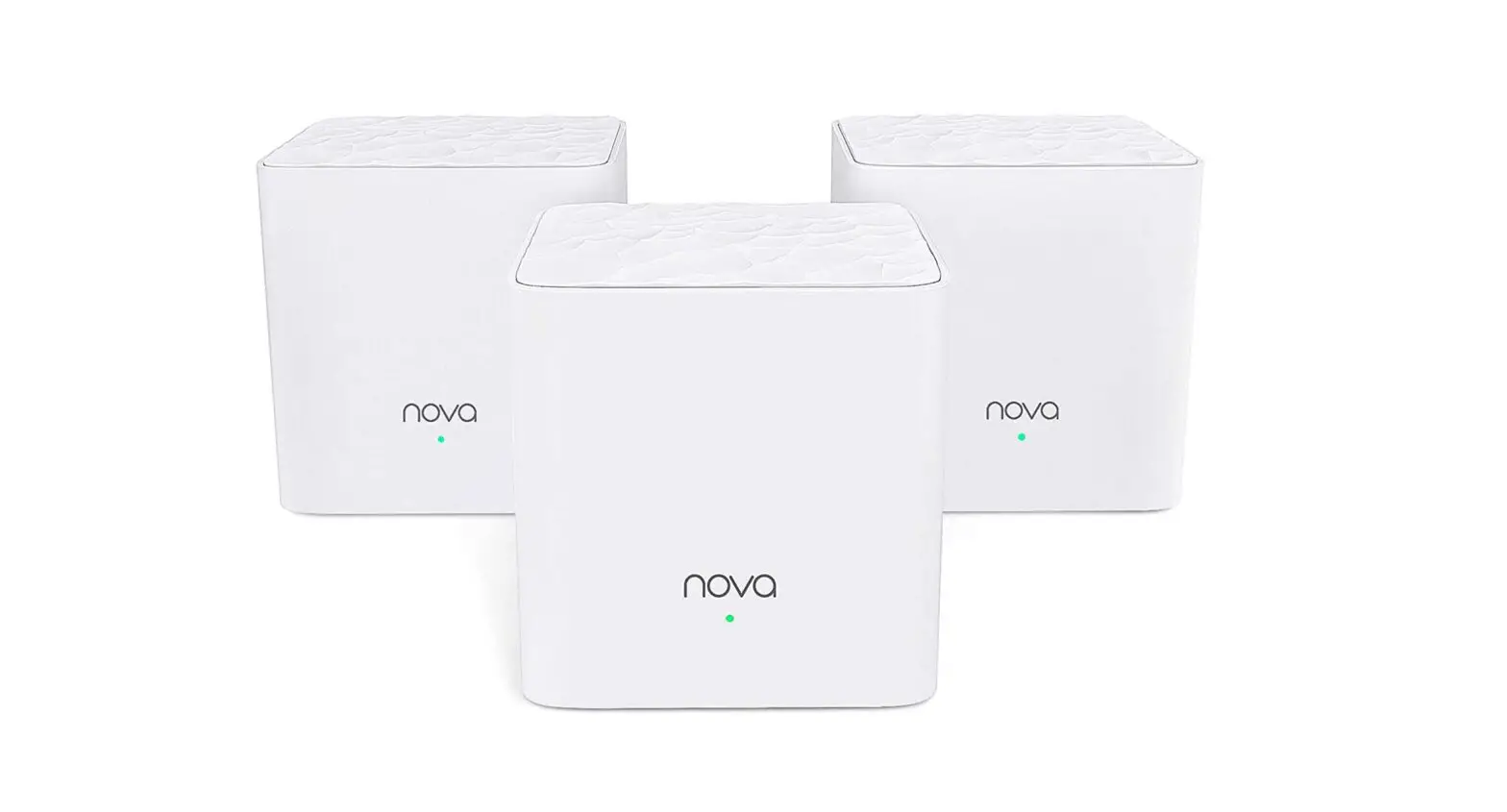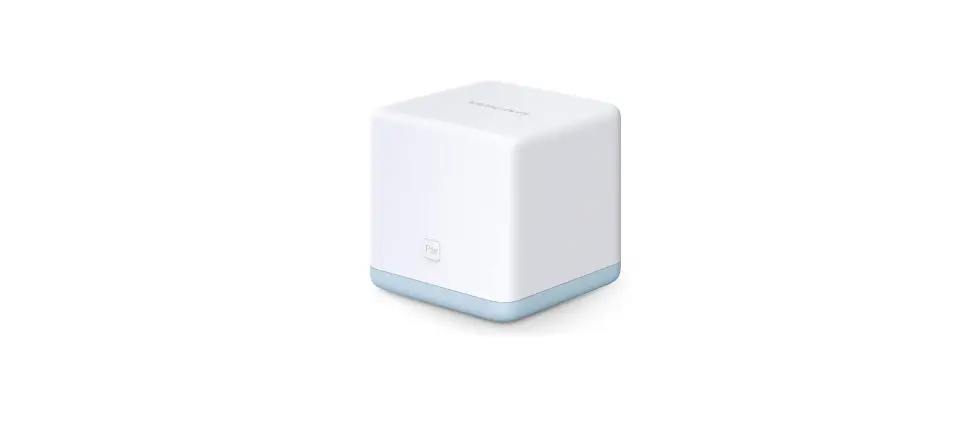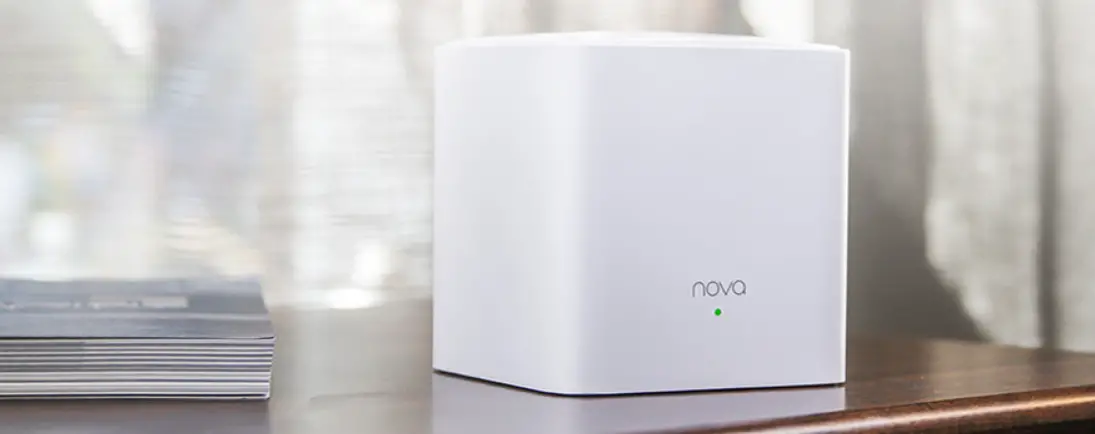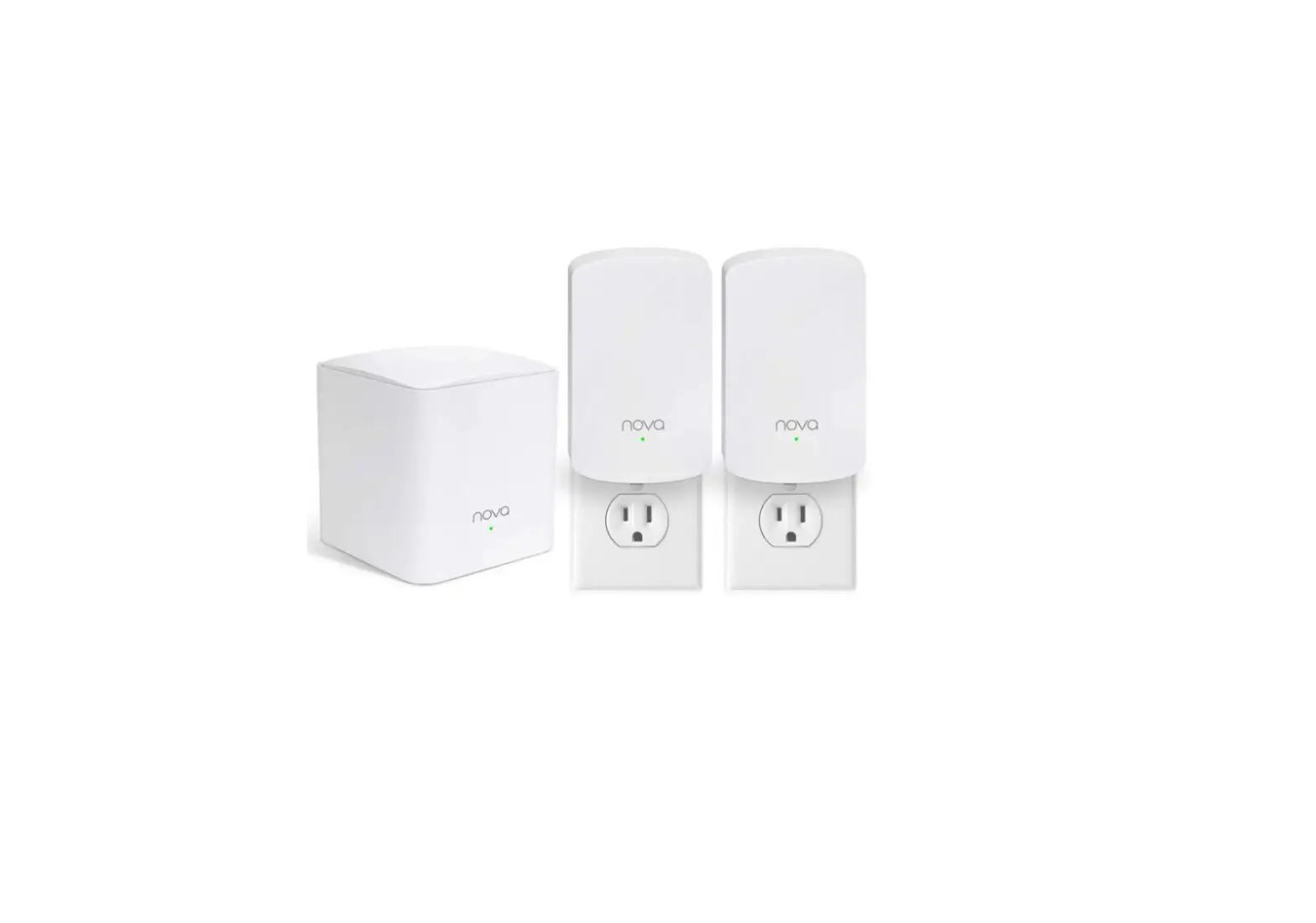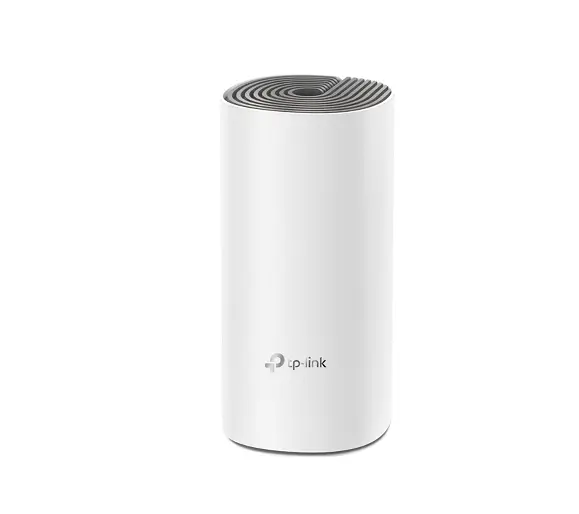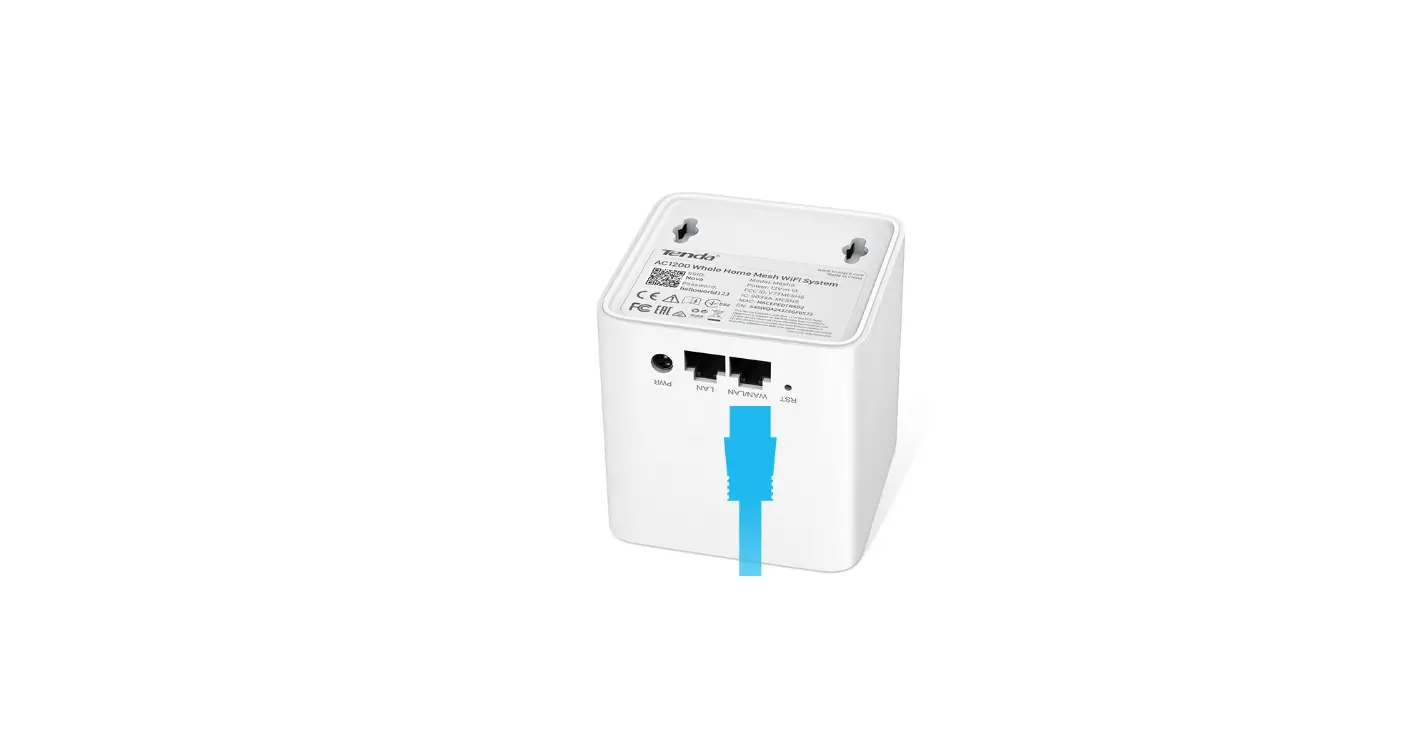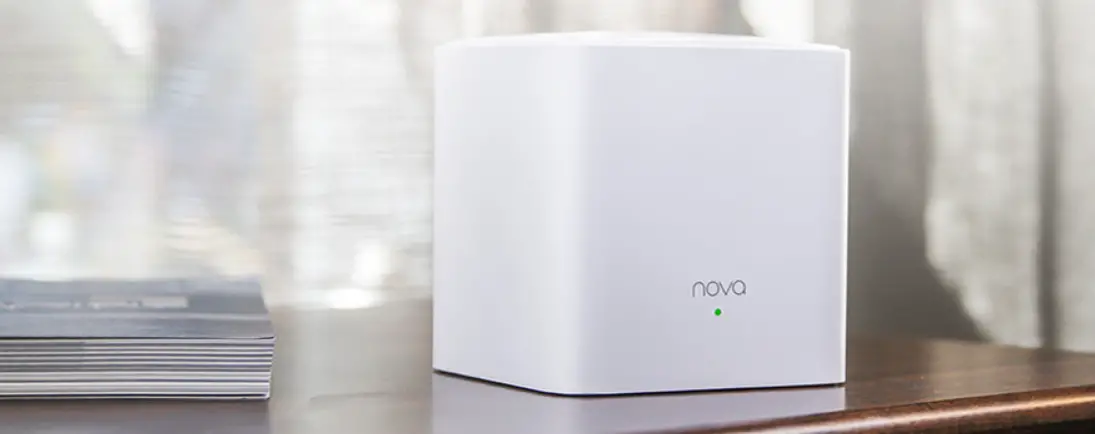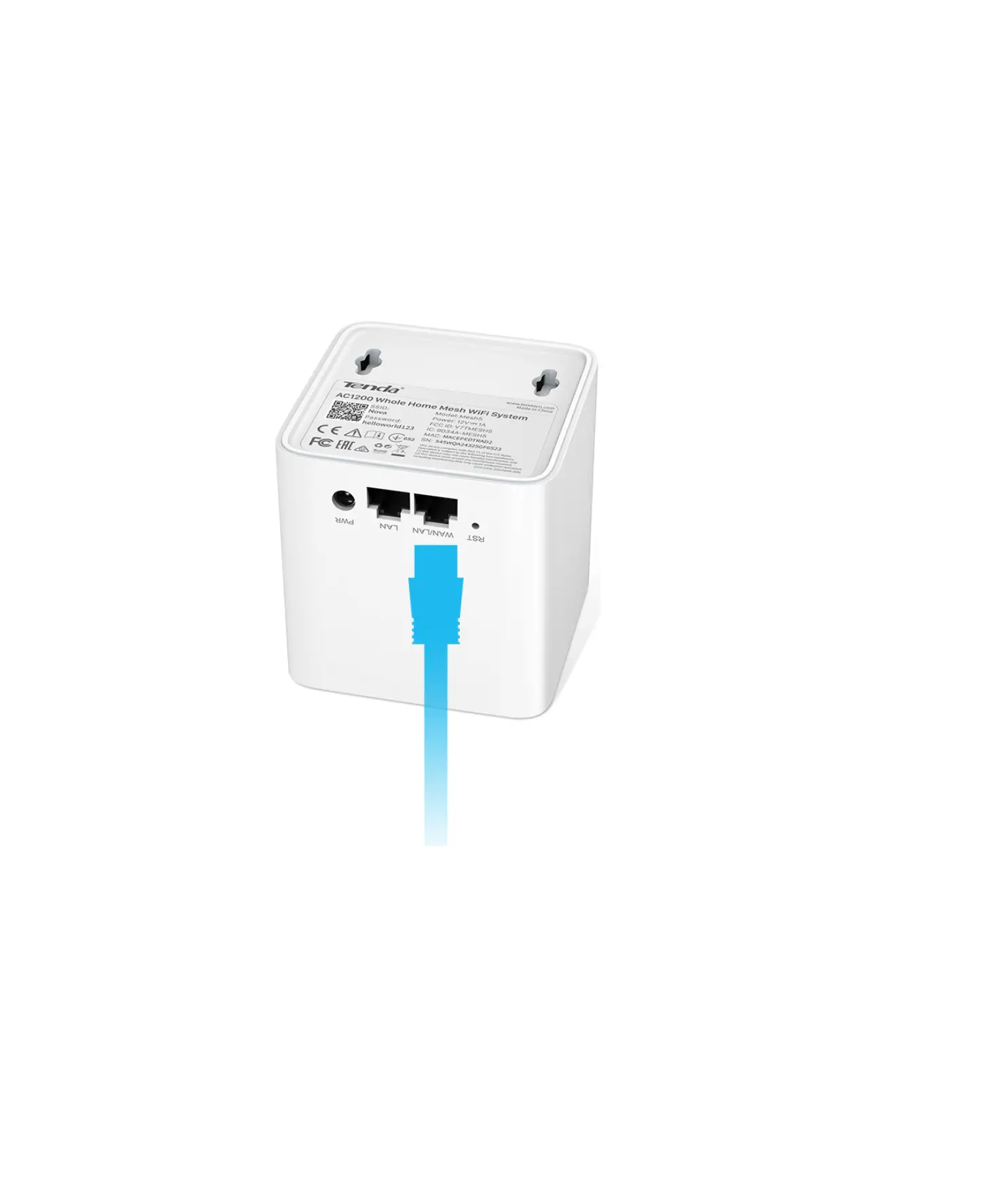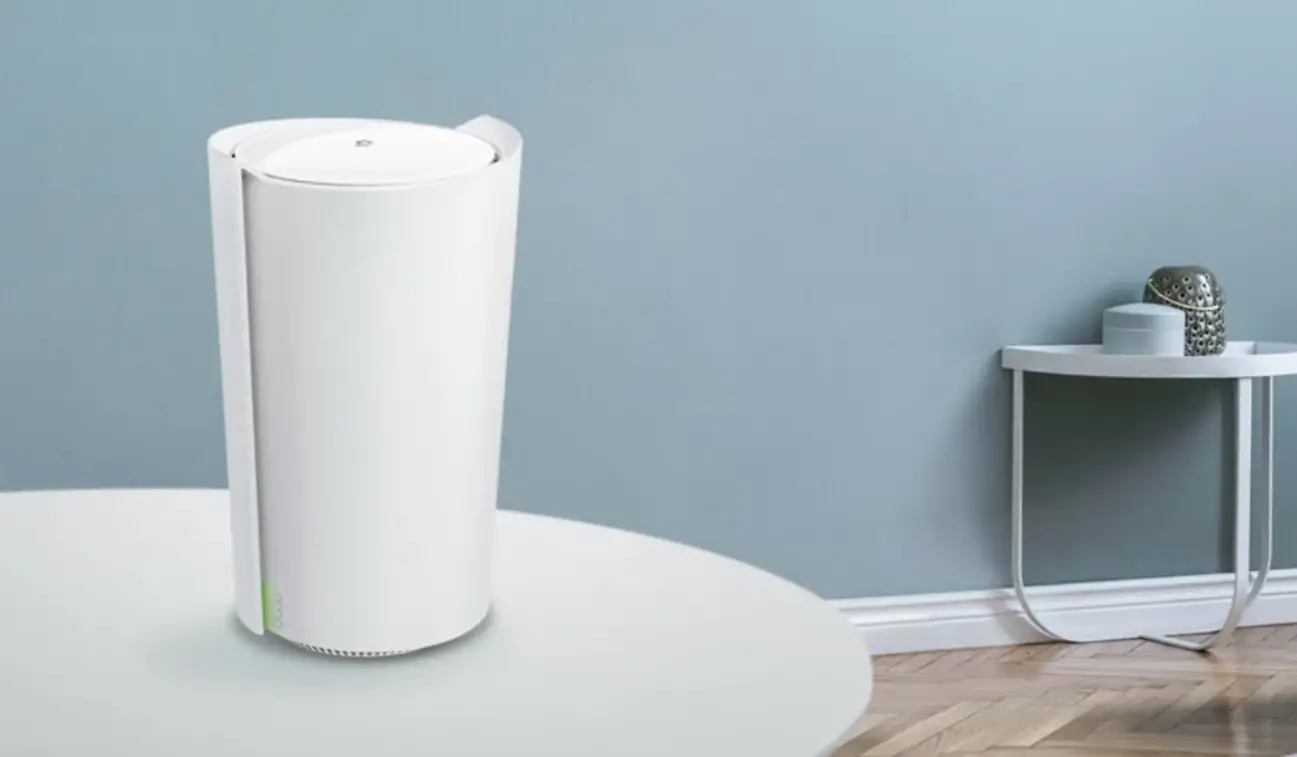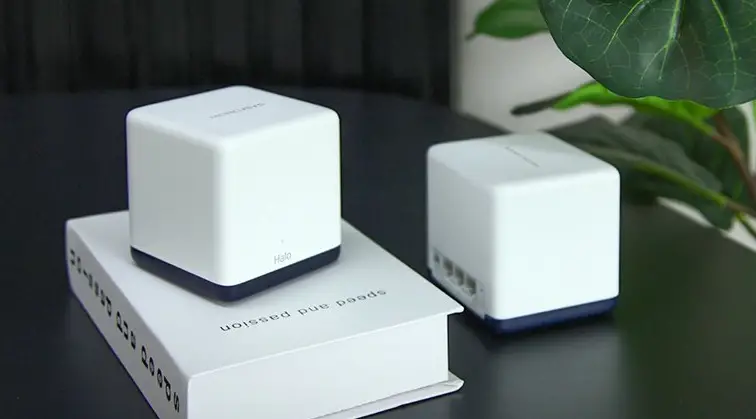

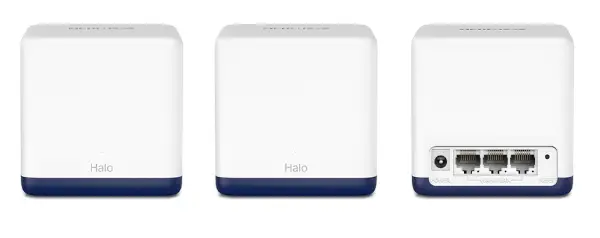
MERCUSYS Halo H50G AC1900 Whole Home Mesh WiFi System
Get Started
- Download the MERCUSYS app.

- Open the app and sign up with an email address to create your Mercusys ID.
- Follow the step-by-step instructions to configure your Halo.

LED Status
| LED | HALO STATUS |
| Solid Yellow | Halo is starting up. |
| Pulsing Yellow | Halo is being reset. |
| Solid Blue | Halo is setting up. |
| Pulsing Blue | Halo is ready for setup. |
| Solid White | Halo is registered and all is well. |
| Pulsing White | Halo is updating its firmware, please wait. |
| Solid Red | Halo has an issue. |
| Pulsing Red | Halo is disconnected from main Halo. |
Enjoy the internet!
References
 GOV.BR — Português (Brasil)
 Regulatory Compliance - Welcome to MERCUSYS
-
Support-Welcome to MERCUSYS
-
Regulatory Compliance - Welcome to MERCUSYS
-
Support-Welcome to MERCUSYS
-
Frequently Asked Questions for Mesh - Welcome to MERCUSYS
-
Regulatory Compliance - Welcome to MERCUSYS
-
UKCA - Welcome to MERCUSYS
-
Support-Welcome to MERCUSYS
 GOV.BR — Português (Brasil)
 Regulatory Compliance - Welcome to MERCUSYS
 Support-Welcome to MERCUSYS