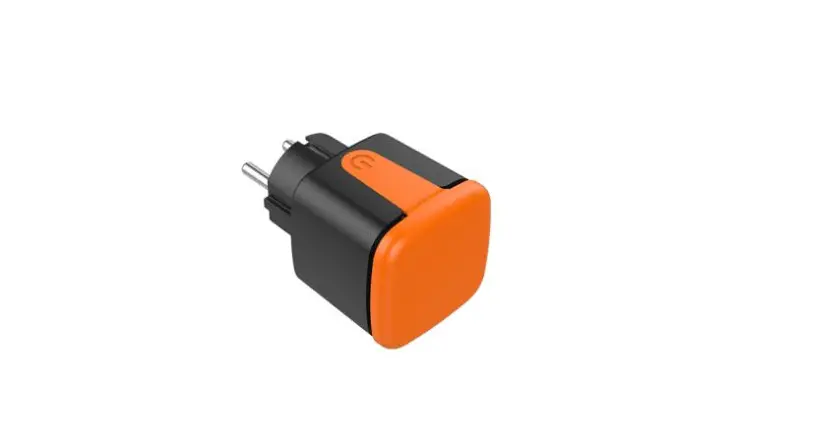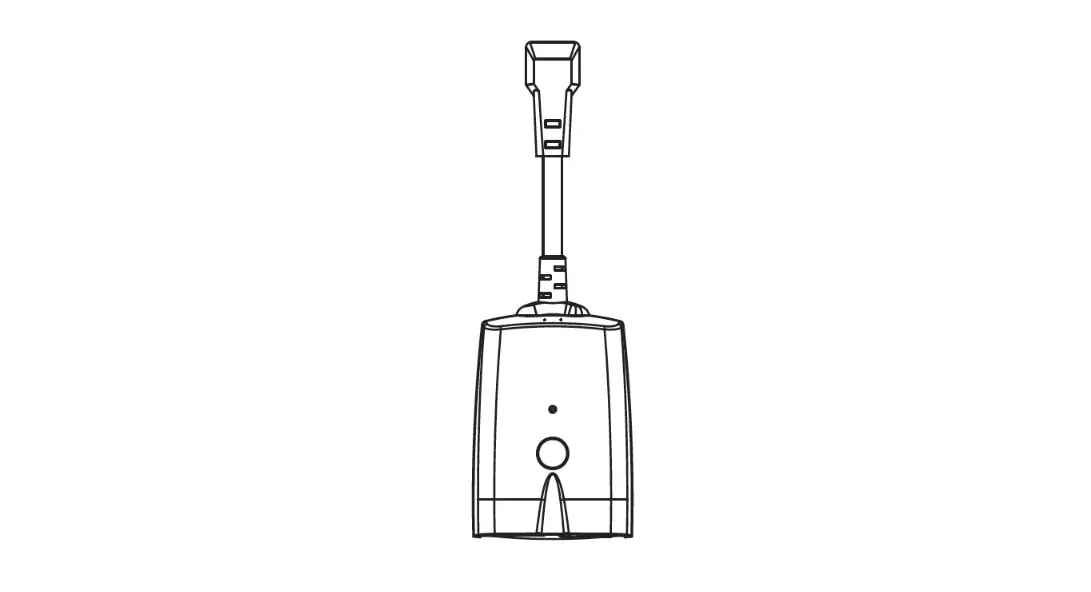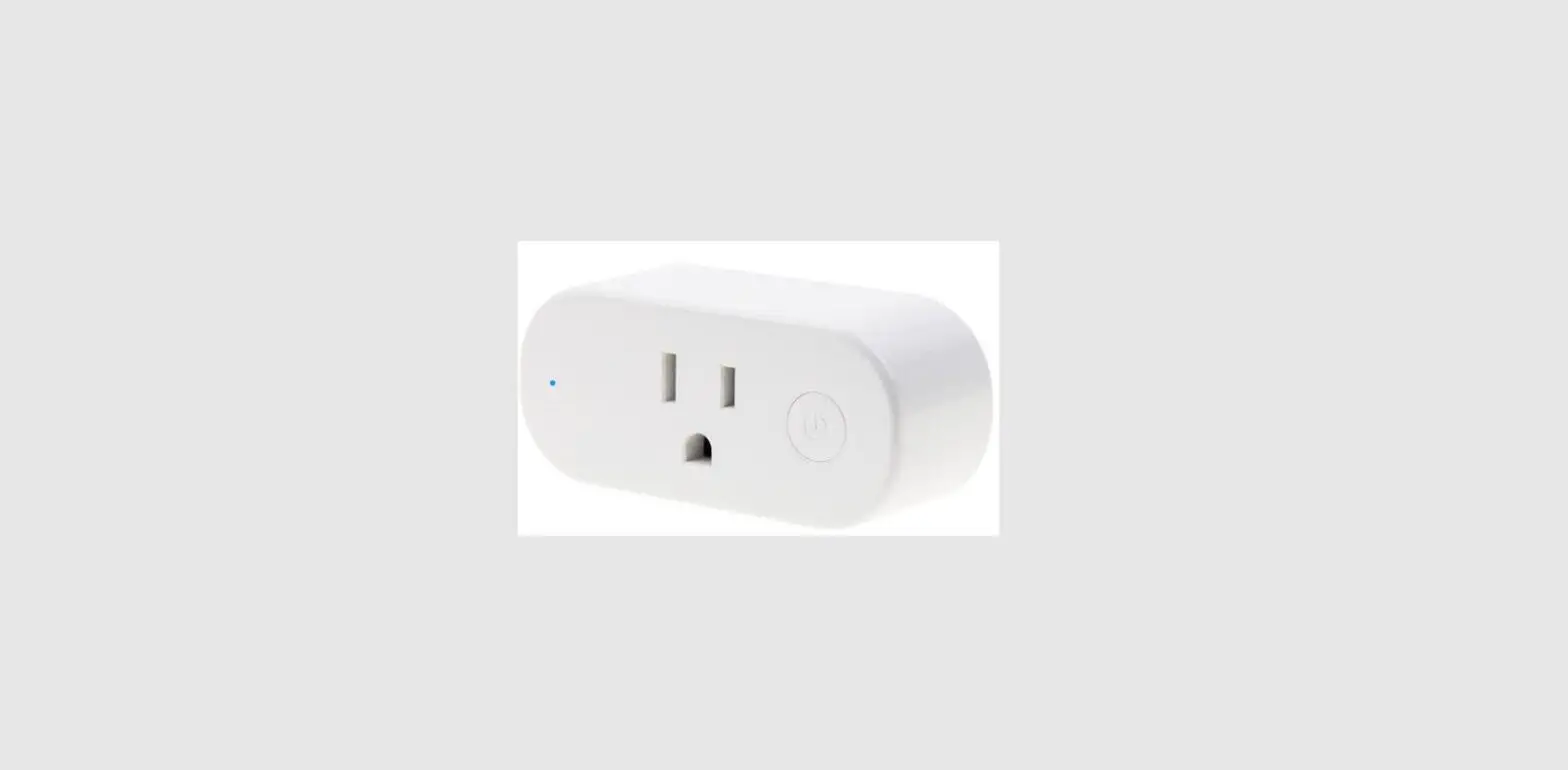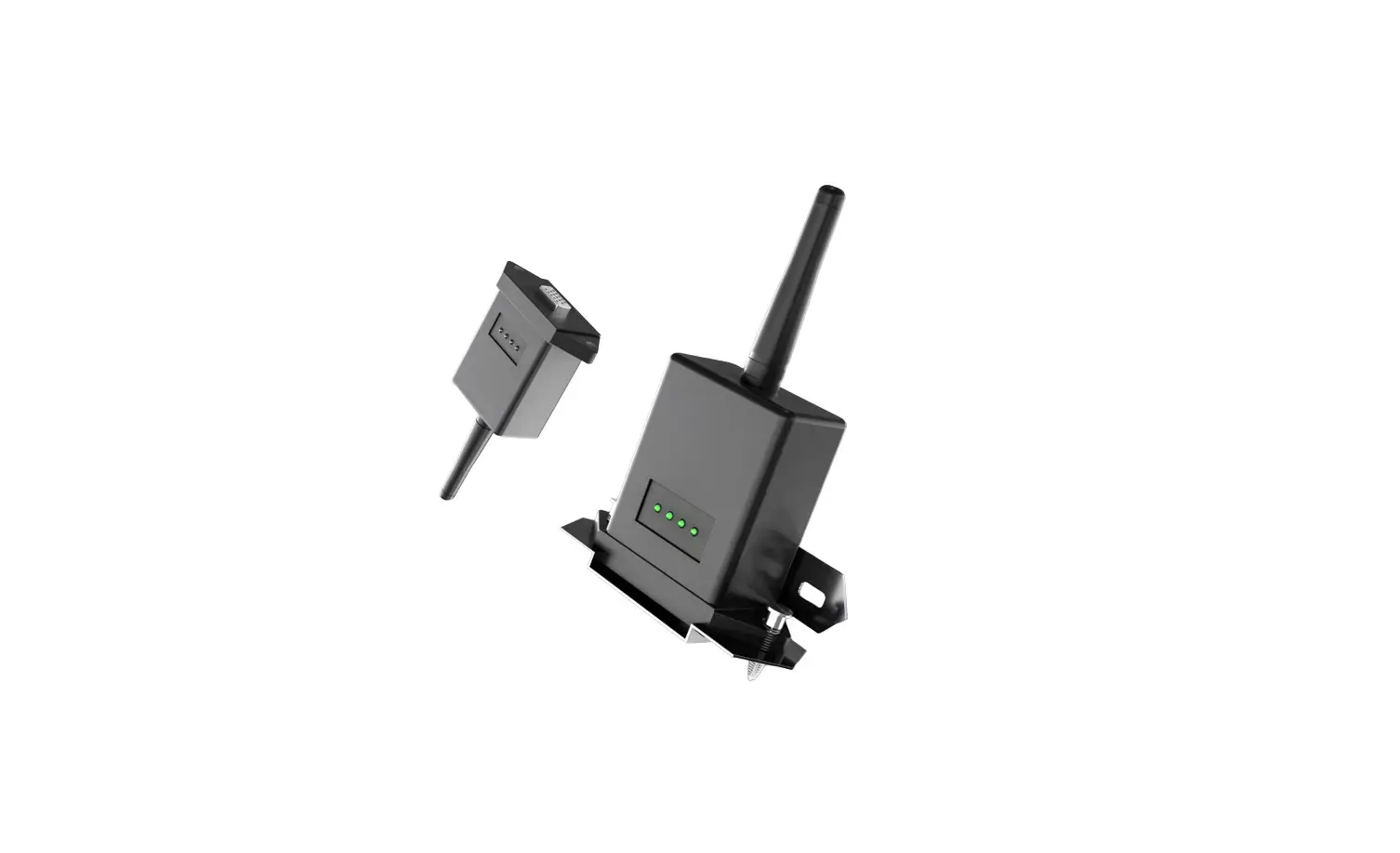
Felicity solar 15.0 WIFI Plug Pro
Installation
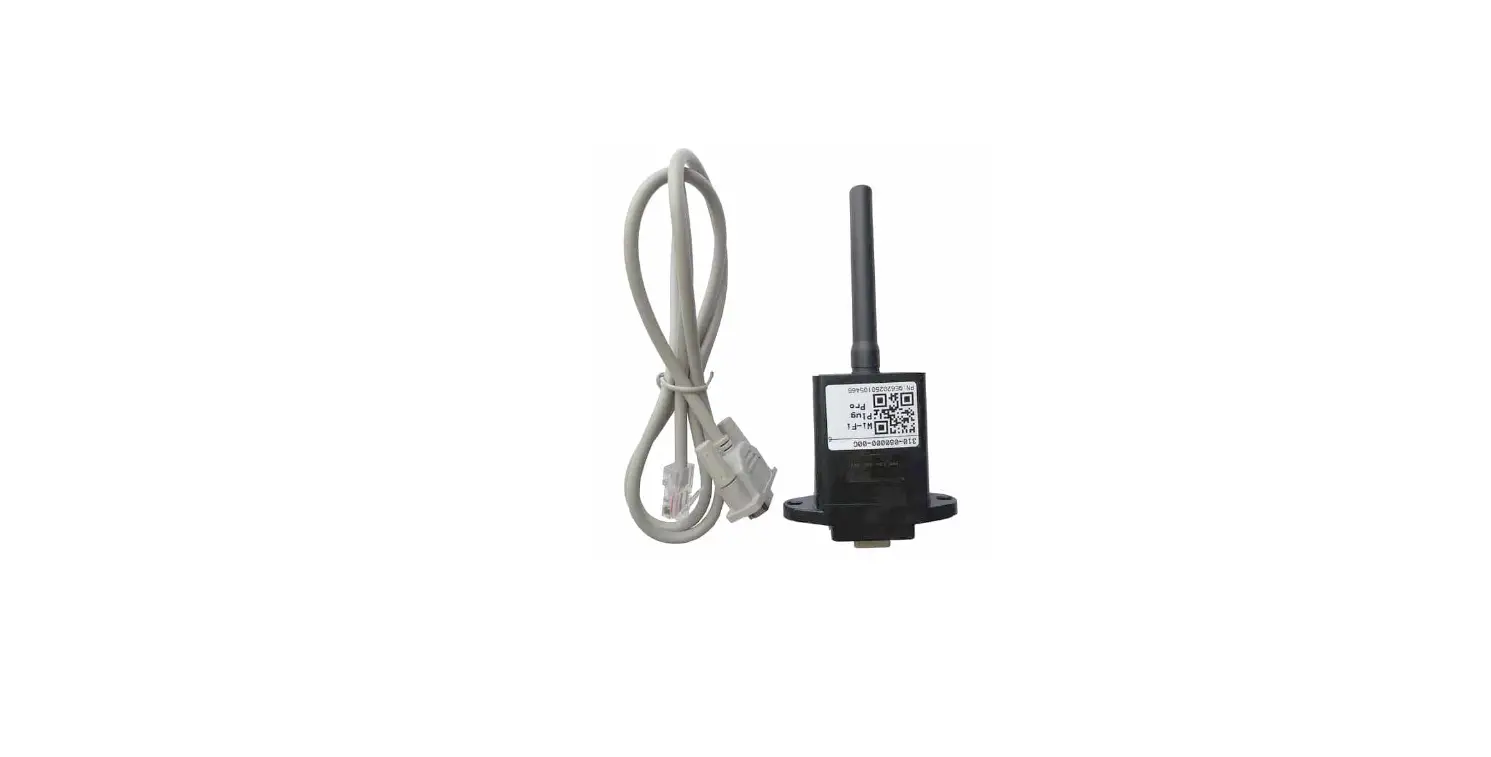
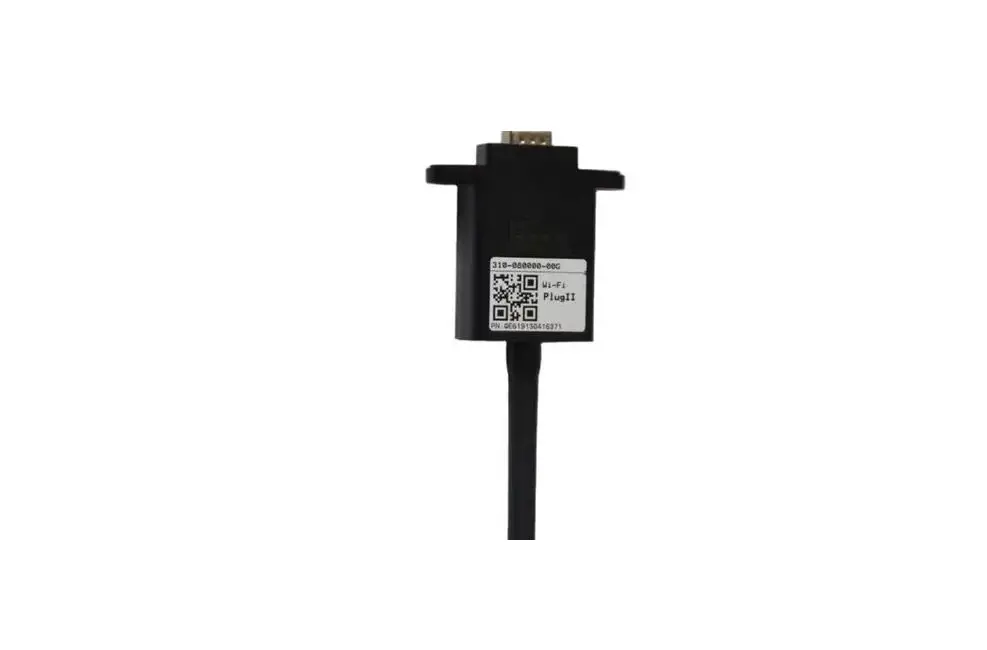
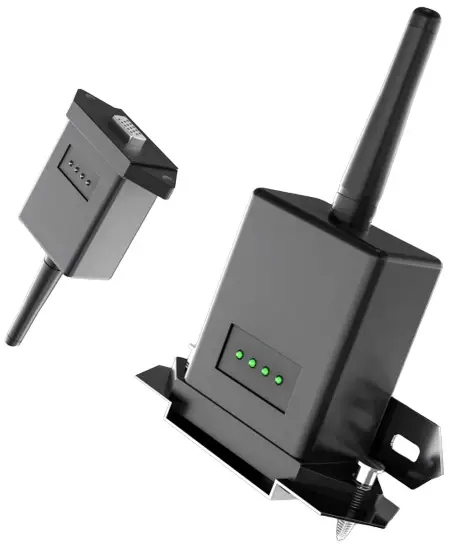
- Align the serial port of the Wi-Fi Plug Pro with the serial port of communication cable and plut it in tightly.
- Align the RJ45 port of communication cable with the RJ45 port of inverter and plug it in tightly.

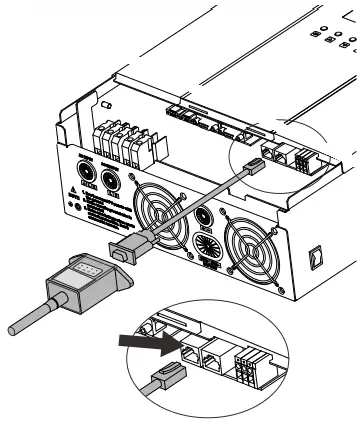
Wireless Router Connection
Download APP
- Scan the QR Code on the right side and download the APP.
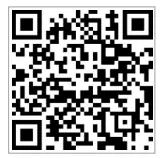
SmartESS(iOS)
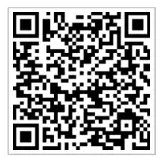
SmartESS(Android)
Connect Wi-Fi Datalogger
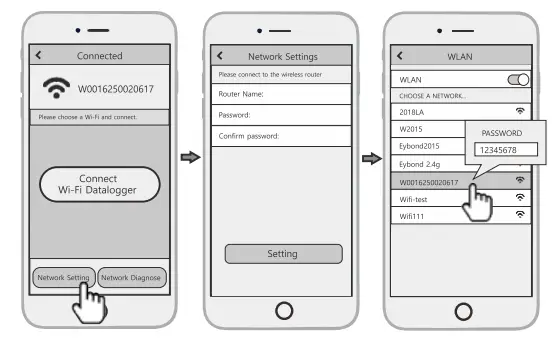
- Select the same number of Wi-Fi Plug Pro PN to connect on your phone WLAN. (lnitialPassword:12345678)
- Open the APP, tap the Wi-Fi Config button to enter this page.

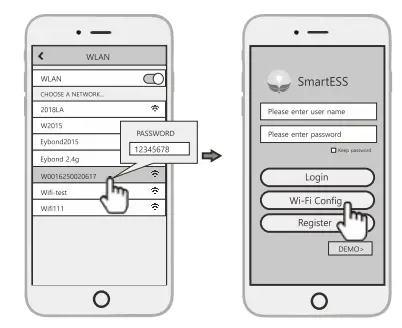
Network Setting
- Then tap the Network Setting button.
- According to the prompts, type in the information to finish the network setting. SmartESS(Android)
- After the Wi-Fi Plug Pro is restarted, reconnect the Wi-Fi which connected by step 2.1.

Create Account And Add Datalogger
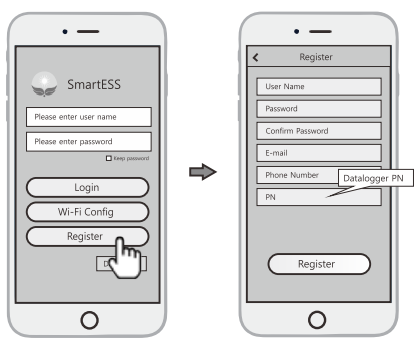
Create Account
- Open the APP, tap the Register button to enter this page.
- According to the prompts, type in the information to create an account.

Add Datalogger
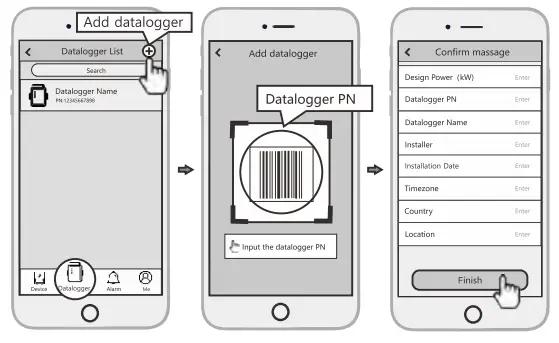
- Login the account and click the Datalogger button. Tap the “+” button on the top-right corner of the Datalogger page.
- Scan the PN on the Wi-Fi Plug Pro, or input it manually.
- According to the prompts, type in the information to finish add datalogger.