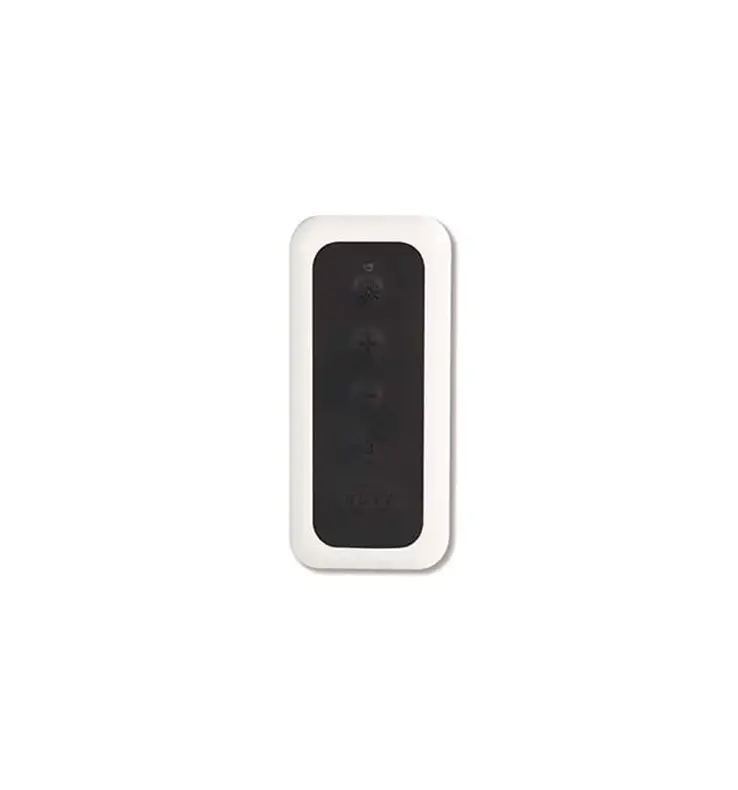
RGC3105 Proflame 2 Remote Control
Product Information
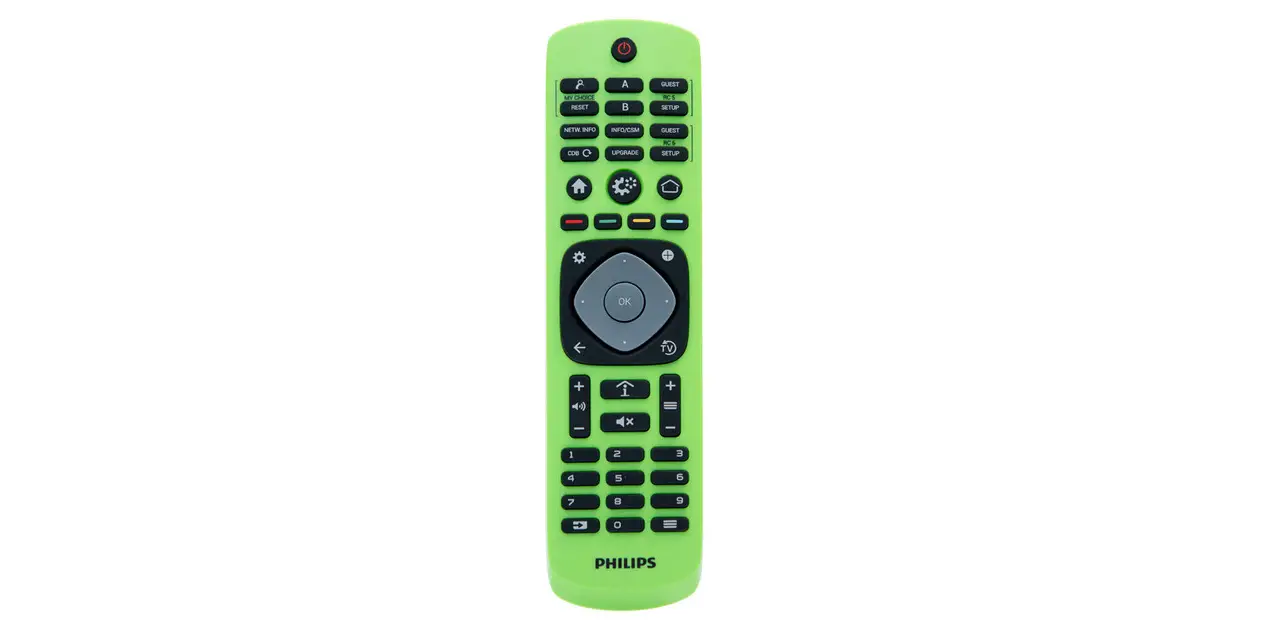
The product in question is a transmitter and control module
system used for remote pairing and syncing. It consists of a wi-fi
transmitter (Montigo part RGC3105) and an IFC control board
(RGC3095). The transmitter has a wi-fi symbol on the battery cover
sticker, while the control board can be identified by the white
stencil on top.
Product Usage Instructions
- Identify the supplied transmitter:
- If the transmitter has a wi-fi symbol on the battery cover
sticker, it is the RGC3105. - If the transmitter does not have a wi-fi symbol, it is not the
RGC3105.
- If the transmitter has a wi-fi symbol on the battery cover
- Disable the WiFi functionality of the transmitter:
- Partially insert batteries into the battery holder.
- Press and hold the Power On/Off button and the O button.
- Insert batteries fully while keeping the two buttons
pressed. - A screen with icons will be displayed.
- Navigate to the Transmission icon (in Clr state) by pressing
the Power On/Off button and the O button together. - Press and hold the Power On/Off button, then press the Up
button to remove the symbol from the screen. - Release the Power On/Off button. WiFi functionality is now
disabled.
- Proceed with syncing by following the usual steps outlined in
the manual:- Press the red SW1 button on the IFC board.
- Press the ON/OFF button on the transmitter.
- Listen for three confirming beeps when pressing the SW1 button
on the IFC board. - Listen for three corresponding beeps indicating successful
pairing.
General
IMPORTANT INFORMATION REGARDING REMOTE
PAIRING
Pairing Issues
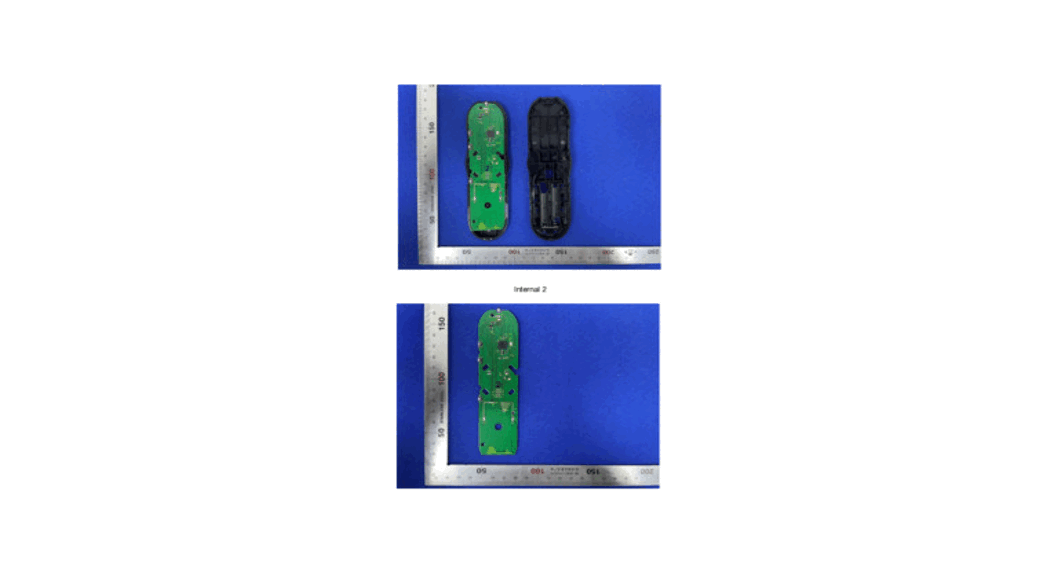
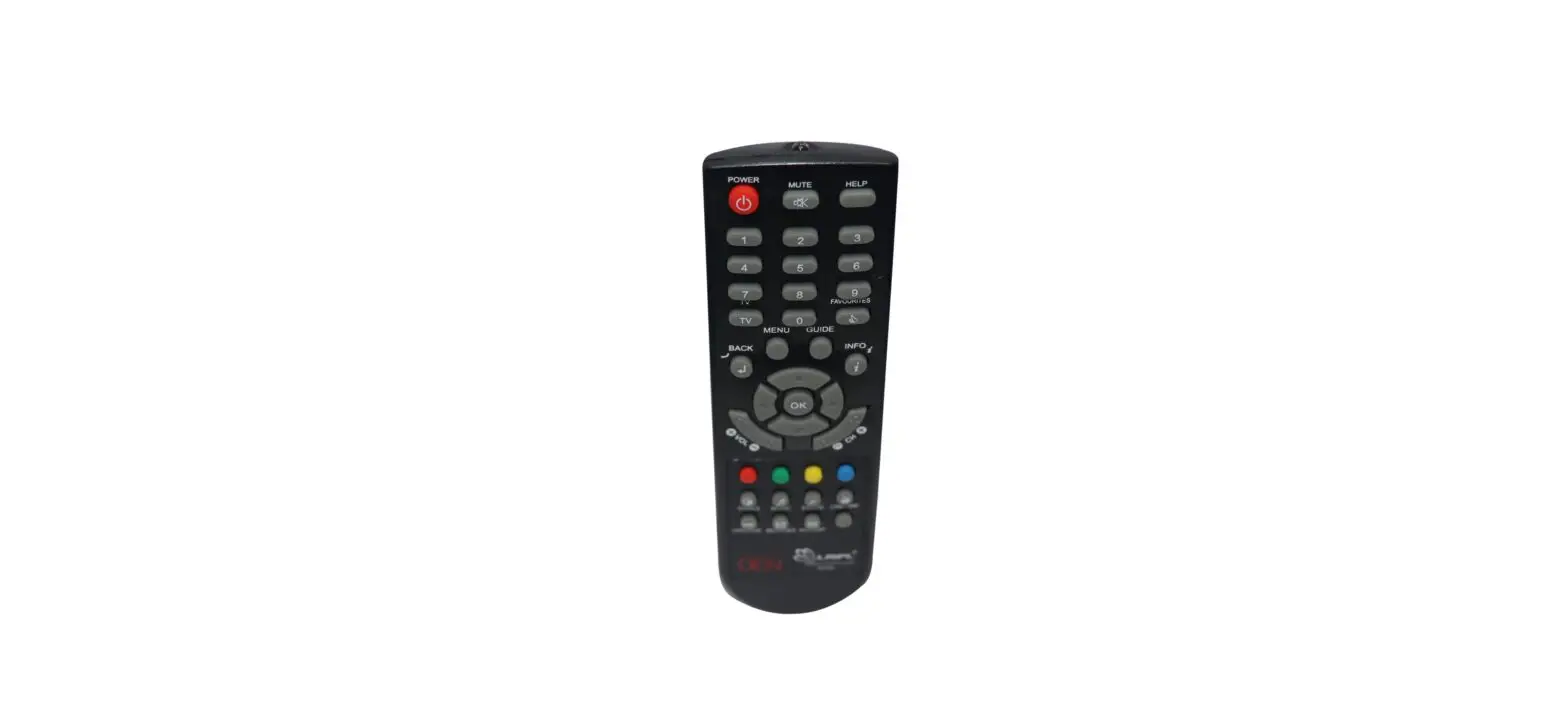
Some newer wi-fi transmitters Montigo part RGC3105, and older IFC control board RGC3095 require that the wi-fi function in the transmitter be turned OFF before trying to pair or sync the components. First identify the supplied transmitter, the RGC3105 will have a wi-fi symbol on the battery cover sticker. The transmitter will not sync with the IFC control module RGC3095 which can be identified by the white stencil on top.
· Identify if the supplied transmitter, RGC3105 has a wi-fi symbol on the battery cover sticker
Disable the WiFi functionality
1. With batteries only partially inserted into the battery holder, keep pressed Power On/Off and O buttons.
2. Insert batteries keeping pressed the two buttons. The following screen is displayed. Each icon can be:
· Set the icon is set. · Clr: the icon is unset. 3. Keeping pressed the Power On/Off button, pressing the O button
each icon can be selected
4. Keeping pressed the Power On/Off button and pressing the O button, navigate to the Transmission icon. This is in Clr state.
· The above transmitter will not sync with the IFC control module RGC3095 which can be identified by the white stencil on top
5. Keeping pressed the Power On/Off button, press the Up button to set the icon. And remove the symbol from the screen.
Solution:
Disable the WiFi functionality by following these instructions
XG0681 – 090222
6. Release the Power On/Off button. The functionality is now enabled. The Tx Remote Command is now ready to be used.
Now the usual syncing steps outlined in the manual can be used by pressing the red SW1 button and the ON/OFF button on the transmitter.
Note that the confirming 3 beeps should be heard when pressing the SW1 on the IFC board and the corresponding 3 beeps should be heard when pairing is successful.