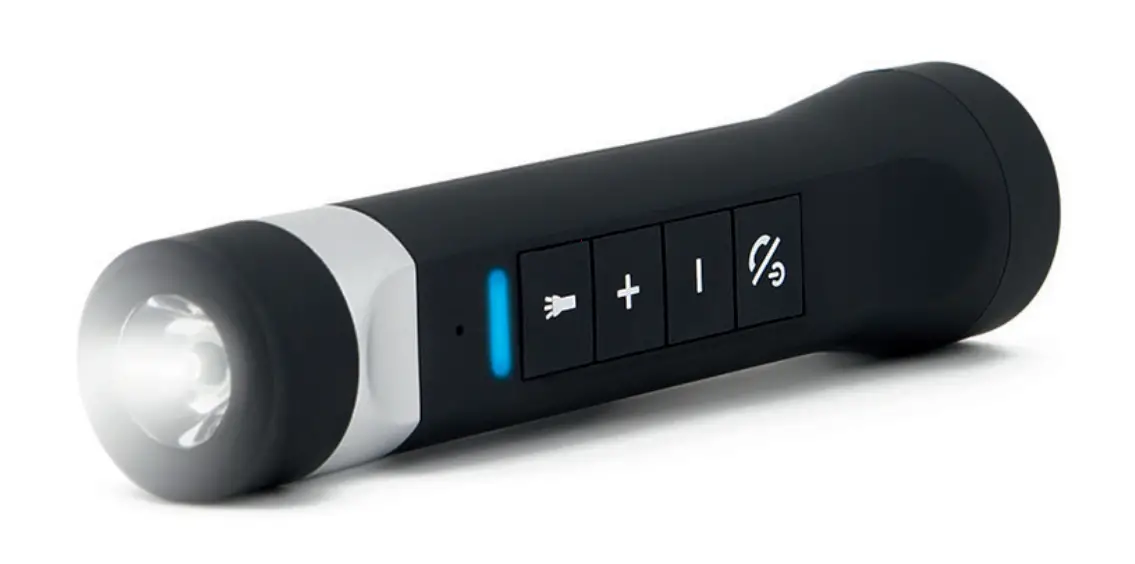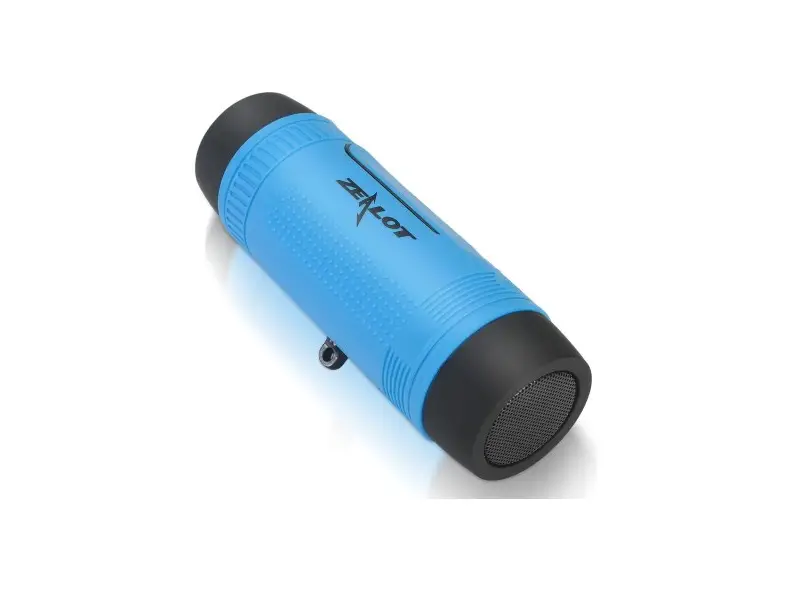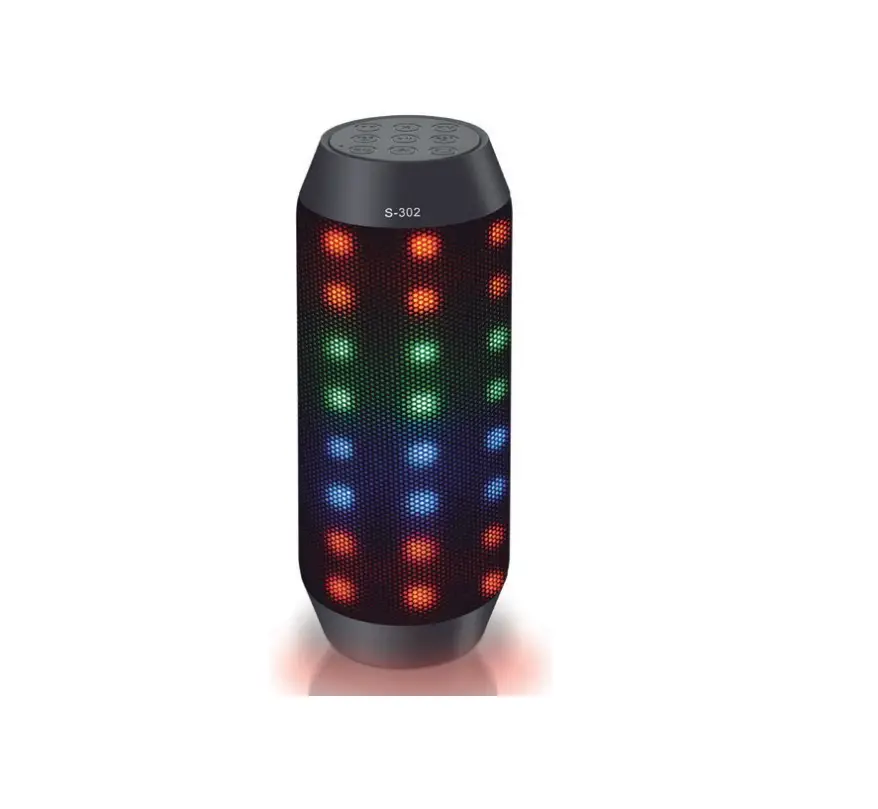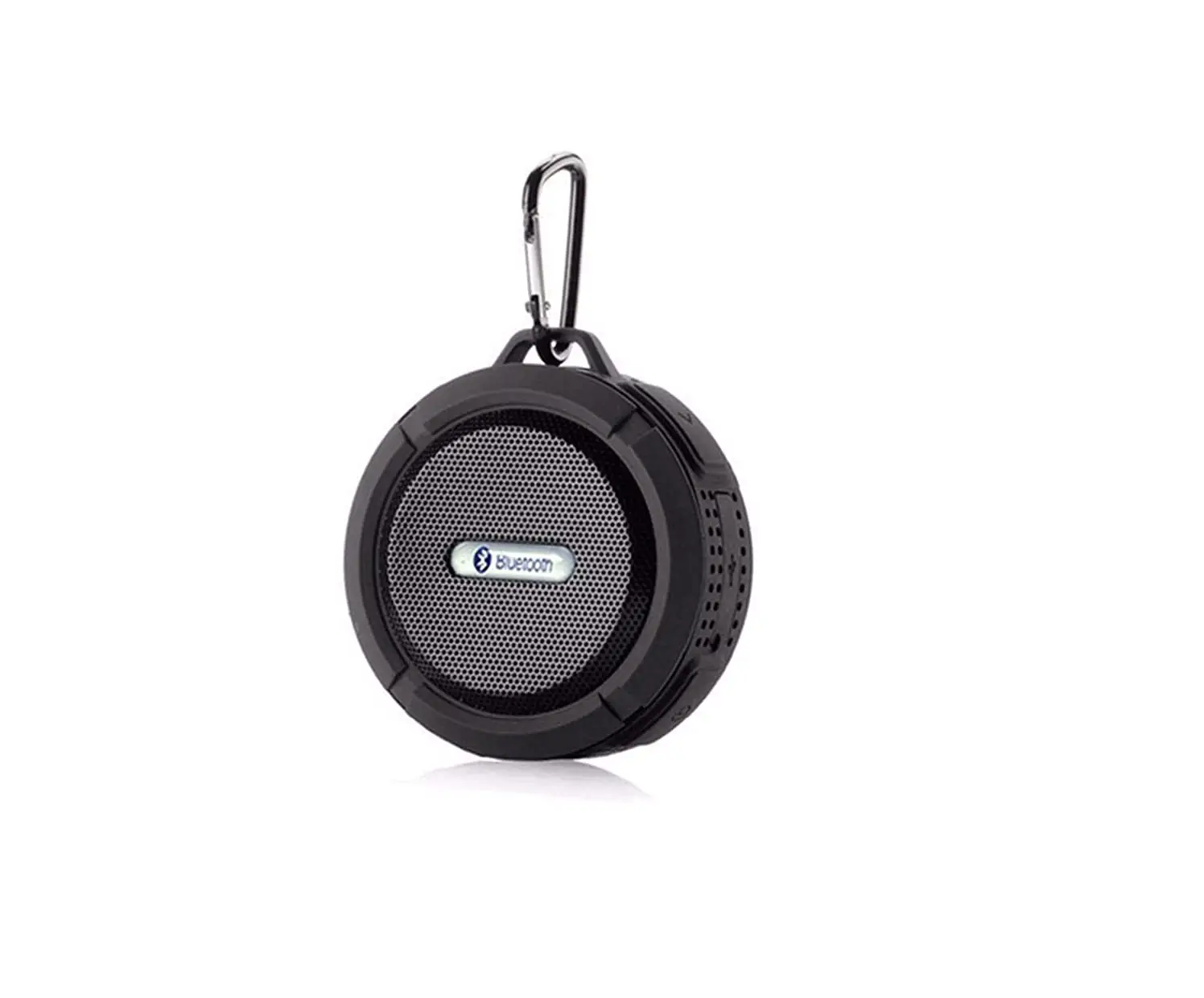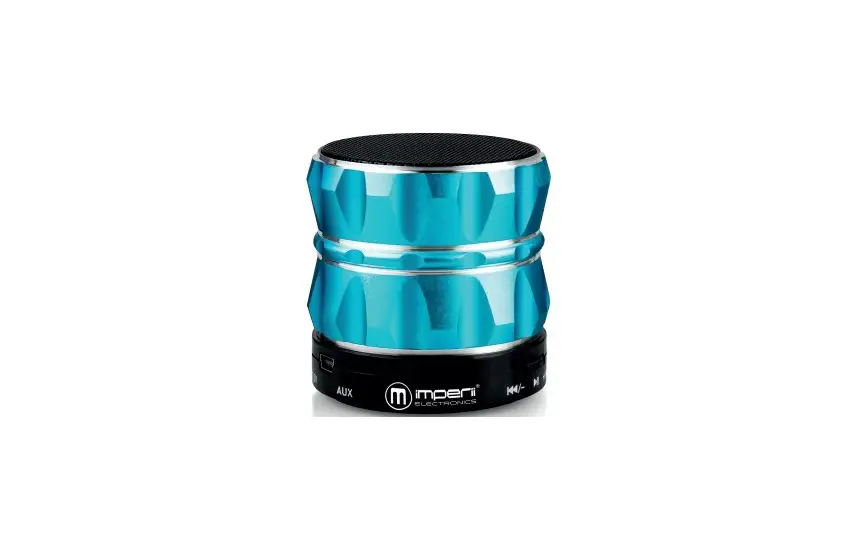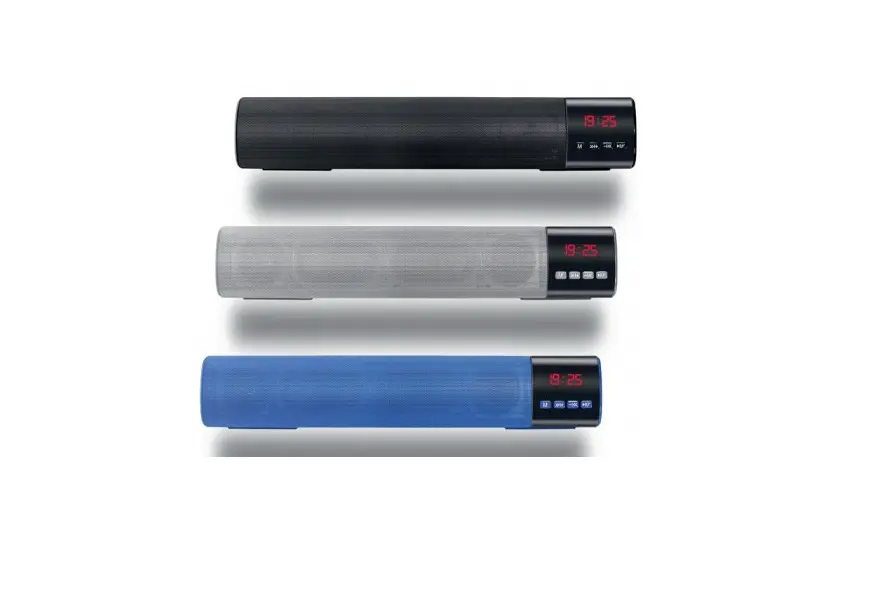
imperii Bluetooth Speaker B28S Instruction Manual
Dear Customer:
Thank you for buying our Bluetooth speaker. In order to let you experience the product swimmingly, detailed instruction is provided which you can find the product introduction, usage method, Q&A and so on. Before using this product, please read this manual carefully, so that you can correctly use it. In case of any printing or translation error, we apologize for the inconvenience. As for the content change, we are sorry for no further notice.
Package contain:
- B28S speaker
- One USB line combined with the 3.5mm AUX in line
- One User Manual
Warning
- Please use and store this product at room temperature.
- Do not expose this product to rain or wet environment
- Do not throw or drop this product to avoid product damage.
- Do not self-disassembly and repair the product.
- Do not arbitrarily discard or place the lithium battery into the fire to avoid the risk of explosion.
Function Overview:
Bluetooth connection
Wireless range up to 10 M.
Hands-Free call
Hands-free call function with clear voice and no echo .
Audio Player
Support play MP3/WAV files in TF card or through BT connection.
Audio input
A stereo 3.5 mm input jack enable the sound source connection with computers, digital media players, mobile phones and other audio-visual products.
Rechargeable Battery
Support battery recharge through USB cable.
FM Radio
FM digital stereo radio.
Photographed function
In Bluetooth mode, take pictures while listening to music.
Clock display
Clock display mode.
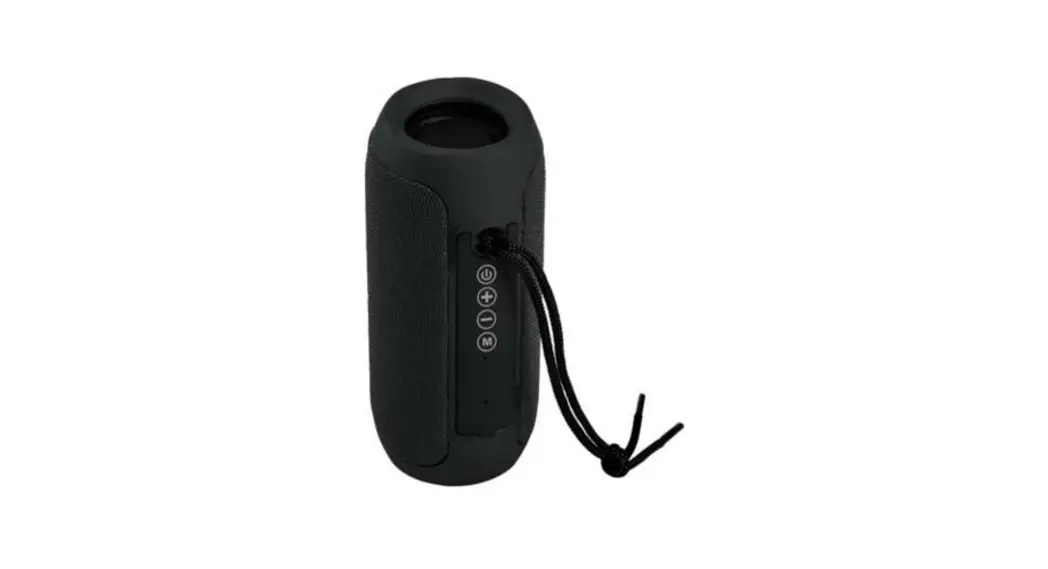
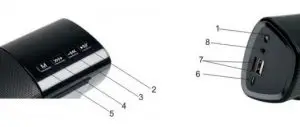
- ON/OFF: power switch; ON to open, OFF to OFF.
- Short press: play/pause/phone/hangup/photo, long press: fully automatic searching FM mode.
- Short press: previous song/FM radio station, long press: adjust the volume decreases.
- Short press: the next song/FM radio station, long press: adjust the volume increase.
- Short press to switch mode, transformation sequence is: Bluetooth>FM radio>Clock display
- Micro USB: charging interface.
- TF/USB: insert TF card or U disk broadcast WAV/MP3 music.
- AUX:AUX input
Introduction of Indicate Light:
Switch on: blue light flashing, enter into Bluetooth searching and pairing, after paired, light continuous blue.
Audio play: blue light slow flash.
TF card/FM/U disk: blue light indicator.
Charge: light continuous red, turn off when full charged.
Bluetooth Connection:
- Pi ring with the devices that support Bluetooth function.
- Switch on the speaker, enter into the BT mode.
- Switch on the BT function of the phone, pad or other BT audio player, search for the BT speaker B28S.
- Pairing the B28S speaker, default password is “0000” if needed.
Notes: the speaker will auto-connect the last paired device when it restart.
Audio player:
The operation system of this product is able to automatically identify the audio resource. After the product start up, and insert TF card/U disk, or connect to audio player through BT or audio line, the product will identify the audio resource and play the music automatically following the principle of later coming first. The product also support output the audio to other music player through the 3.5 mm audio line connection. For more detail usage method, please refer to 3rd
item “Definition of Button and Jack”.
Charging:
Connect the speaker to the electric socket (100-240V) through the USB line with a DC%V-500mA USB adapter.
Technical information:
| Speaker type | Portable Bluetooth Speaker |
| Operate mode | Button |
| Main Feature | Wireless Bluetooth/TF card/AUX in/ U disk/FM radio/Clock display |
| Storage type | Max32 GB micro TF card/U disk |
| Power Supply | Built-in 1800mAh lithium rechargeable battery |
| DC SV-500mAh USB adapter | |
| Output power | 2,5W |
| Frequency Response | 80HZ-20KHZ |
| Bluetooth Version | 3.0+EDR |
| Audio File Format | MP3/ WAV |
| Product size | 40×5, 5×7 cm |
| Temperature range for use | 0-40oC |
| Weight | 710g |
| Bit rate
| MP3: Bkbps-320Kbps |
| WAV: 32kbps-1000Kbps |
FAQ
| Question | Answer |
| Paired Bluetooth device failed | 1.Restart the speaker 2.If ask for a password, enter “0000” |
| Music playing Hang up | Please check whether something cut off the BT signals or the BT connection distance is too long |
| File format fault | Check if the TF card format is right (the speakers support FAT 32) format TF card |
| Check if the audio file format is right the speakers support MP3/WAV format files | |
| Speaker have no sound | 1.Check if the volume of speaker is minimum |
| 2. Check if the speakers is paused | |
| 3.Check the BT/TF card Aux line connection is ok, restart the BT or change a TF card AUX line to retest | |
| Speaker will not turn on | Check if the speaker is out of power |
| Speaker have no response | Press the reset key to reboot the speaker |
TECHNICAL SERVICE
Visit: http://imperiielectronics.com/index.php?controller=contact

imperii Bluetooth Speaker B28S Instruction Manual – Download [optimized]
imperii Bluetooth Speaker B28S Instruction Manual – Download
imperii Bluetooth Speaker B28S Instruction Manual – OCR PDF