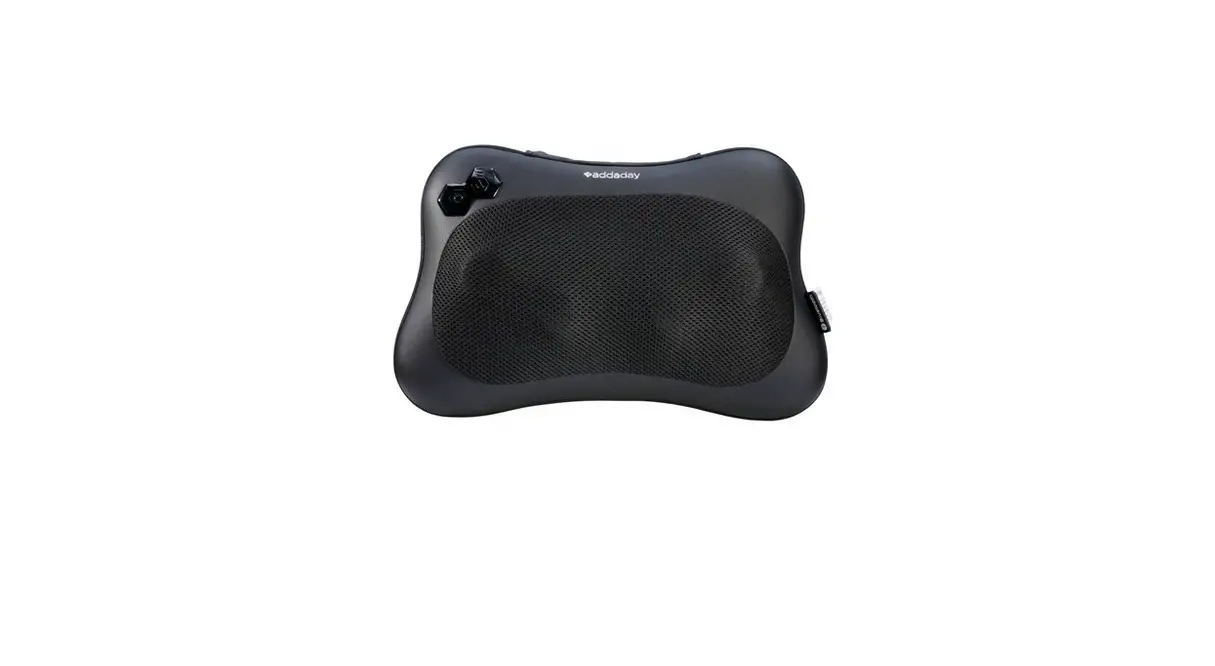
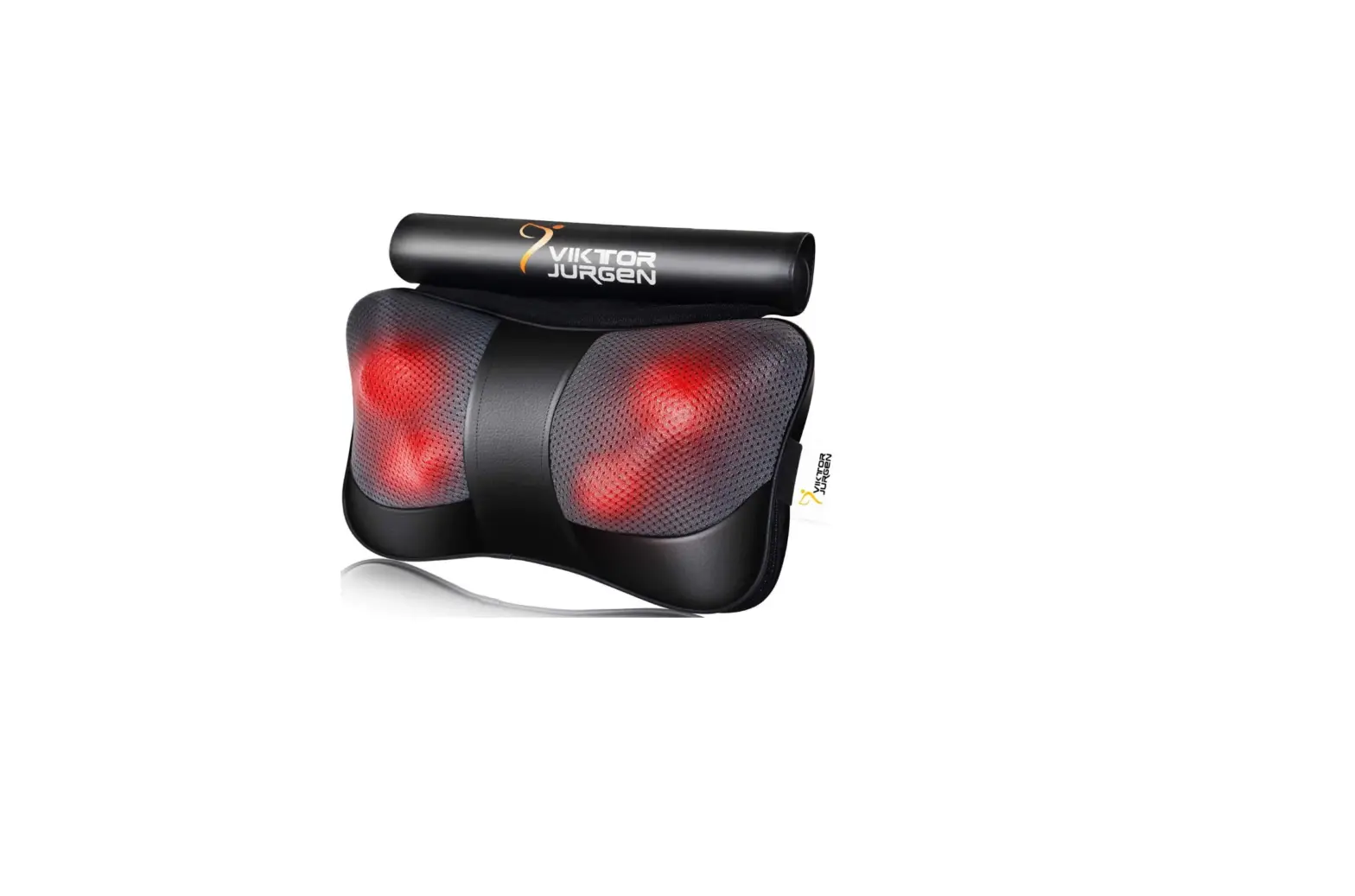
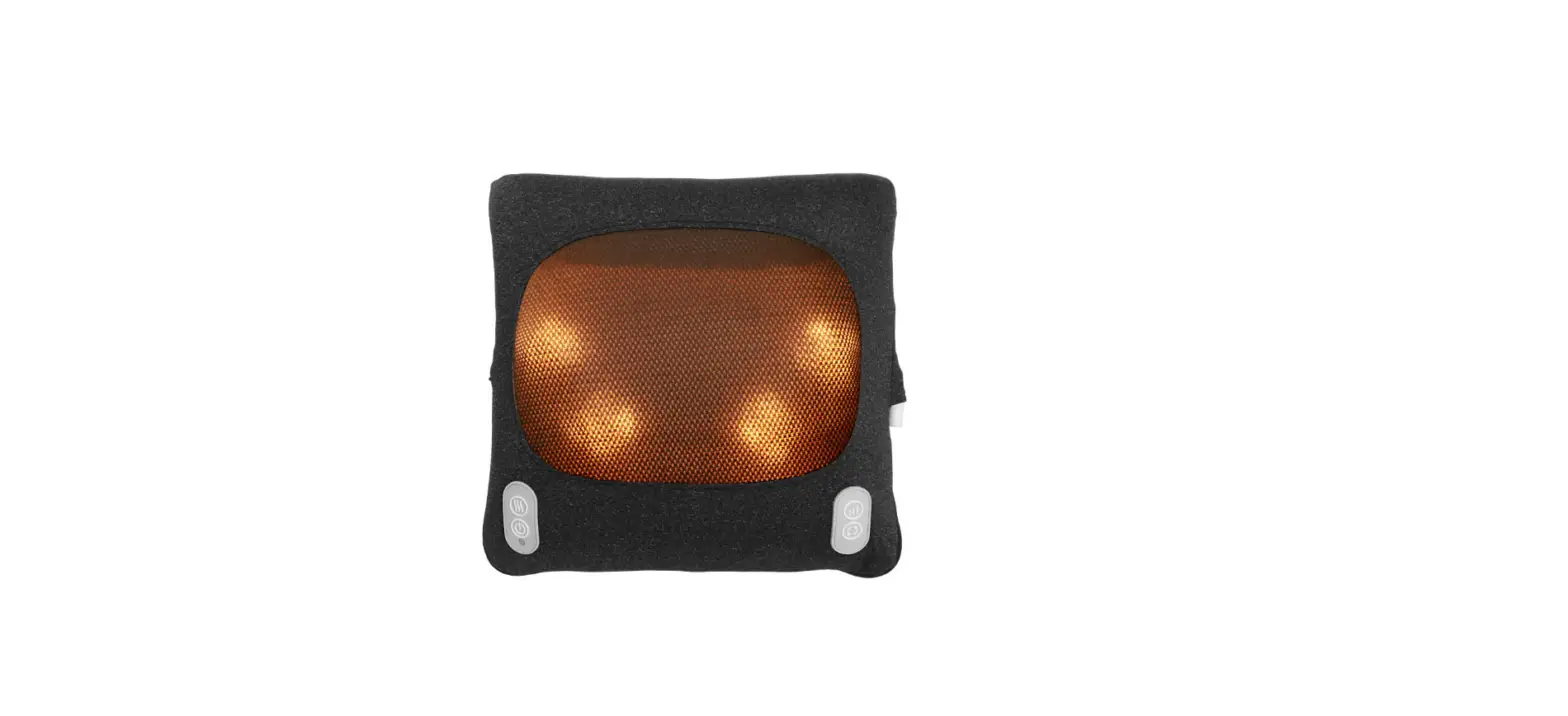
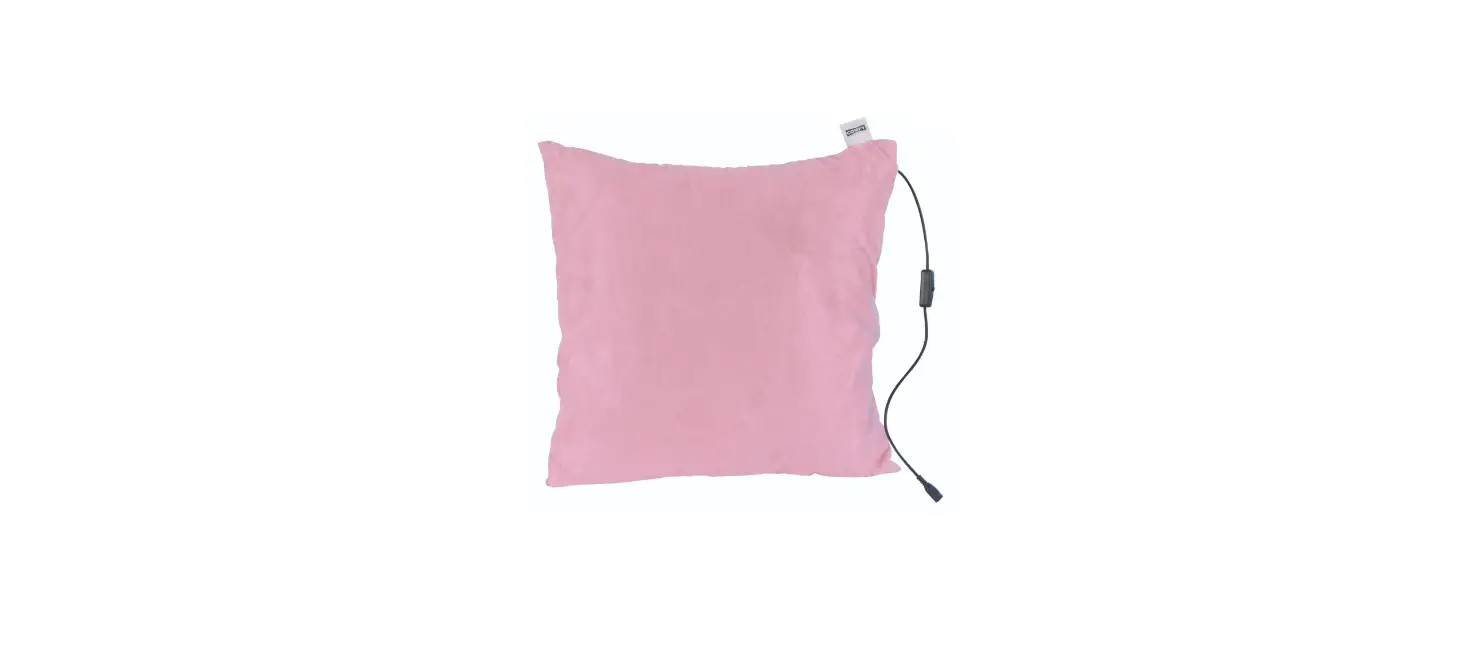
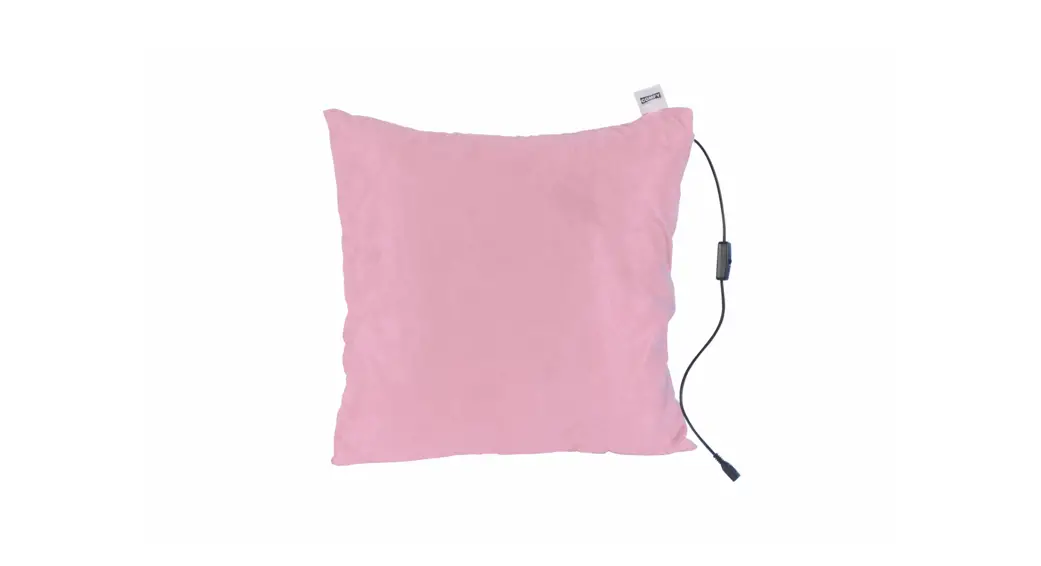
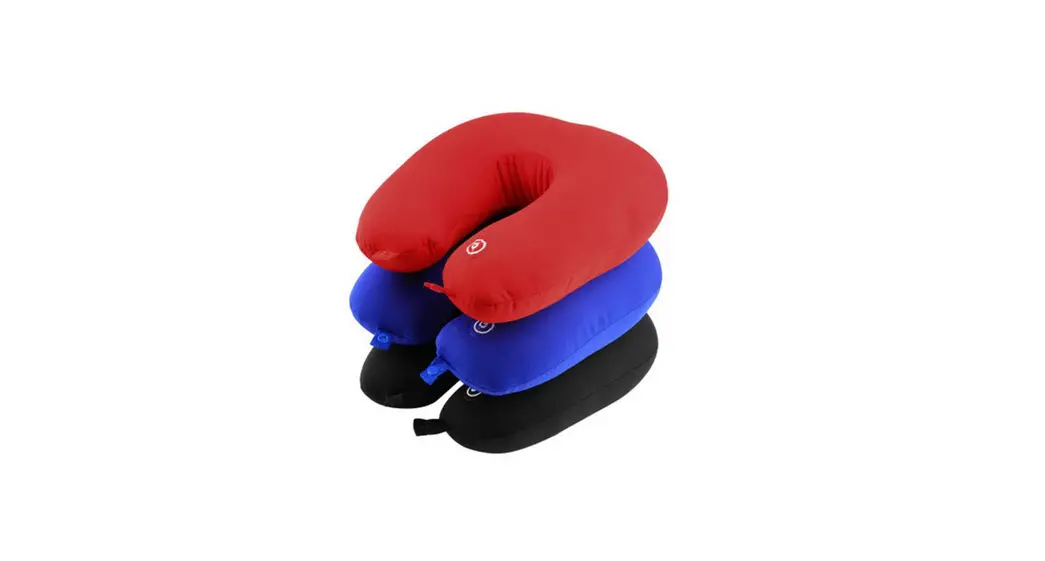
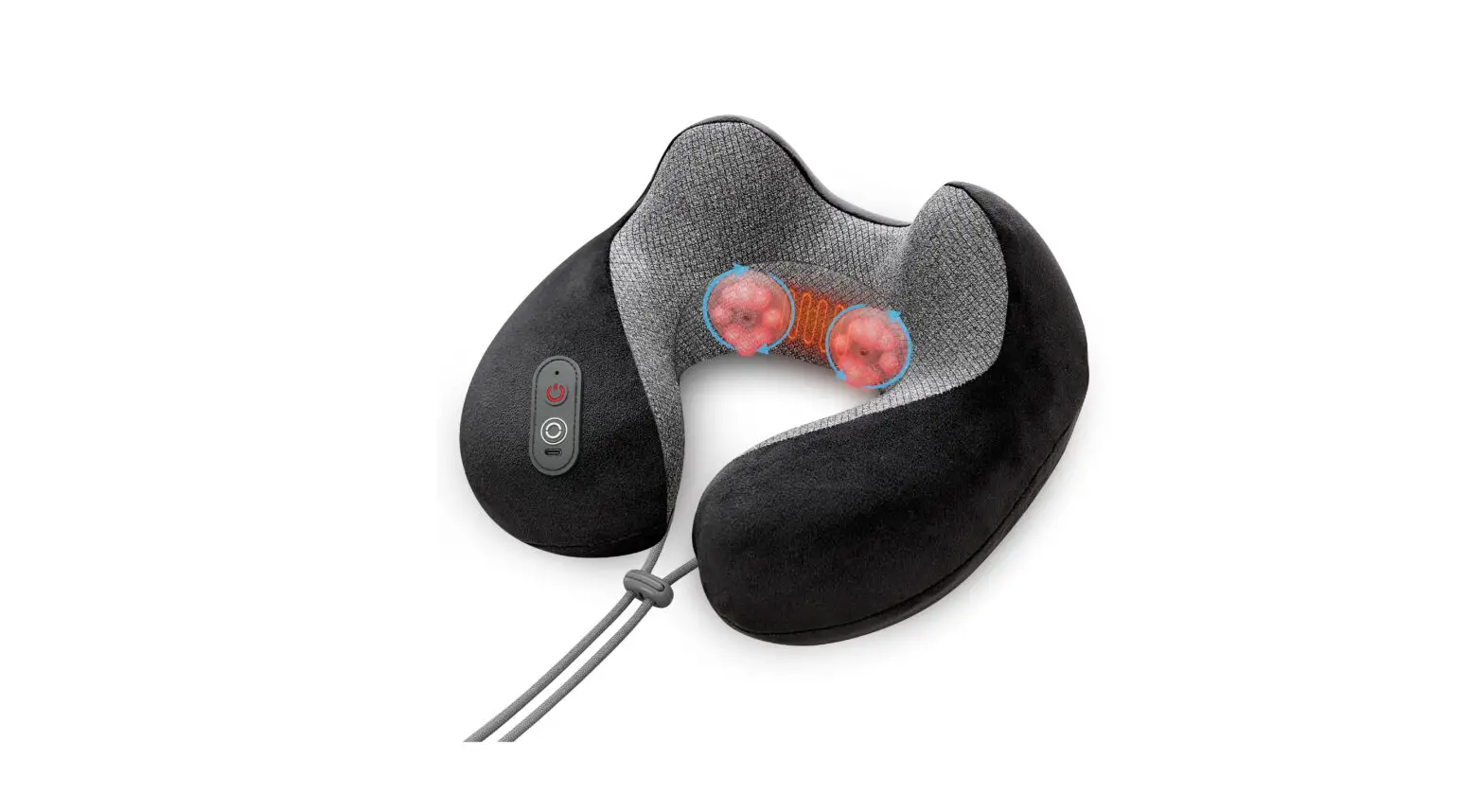
AMM-1 MusicMaster Bluetooth Music Face Pillow
Product Information
- Product Name: MusicMasterTM Bluetooth Music Face Pillow
- Model: AMM-1
- Rated Output Power: 1W
- Rated Charging Voltage: 5V
- Rated Charging Current: 1-2A
- Battery Capacity: 1000mAh
- Manufacturer: Shanghai Sintang Industial Co.,Ltd
Product Structure
- Bluetooth Music Face Pillow
- AUX Cable
- Audio Cable
- Speaker
- Battery Indicator
- Bluetooth Indicator
- AUX Output Port
- AUX Indicator
- AUX Input Port
- Switch/Control Button
- Type C Charging Socket
Product Usage Instructions
Switch on/off:
- When the MusicMaster5. Bluetooth Music Pillow is turned off,
press and hold the Switch/Control button for 2 seconds to turn it
on. - When the MusicMaster5. Bluetooth Music Pillow is turned on,
press and hold the Switch/Control button for 2 seconds to turn it
off.
iPod/MP3/Mobile Music Player:
- Connect your mobile phone, iPod, or other MP3 players to the
MusicMaster5. Bluetooth Music Pillow through the AUX cable. - Alternatively, you can connect your mobile phone to the
MusicMaster5. Bluetooth Music Pillow through the Bluetooth
function. - Play the audio files on your iPod, MP3 player, or mobile phone,
and the MusicMaster5. speaker will start playing. - You can switch tracks through your iPod, MP3 player, or mobile
phone music player software. - Adjust the volume from your iPod, MP3 player, or mobile
phone.
Built-in white noise music playback:
- Disconnect the AUX input and disconnect the Bluetooth
connection between the MusicMaster5. Bluetooth Music Pillow and
your mobile phone. - Short press the switch/control button to play or randomly
switch the built-in white noise music. - Note: Volume adjustment is not supported when playing built-in
white noise audio files.
Mobile Bluetooth Connection:
- Turn on the Bluetooth function in the Settings of your mobile
phone. - Connect the MusicMaster5. Bluetooth MusicMaster.
- When Bluetooth is connected, the Bluetooth Indicator will be
on. - If the AUX input terminal is plugged into the AUX terminal, the
MusicMaster5. may not be able to connect with Bluetooth. It is
recommended to disconnect the AUX connection and then reconnect the
Bluetooth.
AUX Connection:
- Connect the AUX Cable to the Output Port of your mobile phone,
iPod, or MP3 player. - Connect the other end of the AUX Cable to the AUX Input port of
the MusicMaster5. Bluetooth Music Pillow. - When AUX is connected, the AUX Indicator will be on.
Power Display During Use:
- When the remaining power is less than 5%, the 1st light
flashes. - When the remaining power is 6%-24%, the 1st light is on.
- When the remaining power is 25%-49%, the 1st and 2nd lights are
on. - When the remaining power is 50%-74%, the 1st, 2nd, and 3rd
lights are on. - When the remaining power is 75%-100%, the 1st, 2nd, 3rd, and
4th lights are on.
Power Display During Charging:
- When the remaining power is 0%-24%, the 1st light flashes.
- When the remaining power is 25%-49%, the first light is on, and
the
MusicMasterTM Bluetooth Music Face Pillow
User Manual
Built-in white noise
Bluetooth connection
AUX connection
Rechargeable and portable
Please read this manual before use
Product Structure
Bluetooth Music Face Pillow
AUX Cable Audio Cable
Speaker
1
Product Structure
Battery Indicator Bluetooth Indicator
AUX Ouput Port
AUX Indicator
AUX Input Port
Switch/Control Button
Type C Charging Socket
Product Parameters
Product Name: MusicMaster5. Face Pillow Model: AMM-1 Rated Output Power: 1W Rated Charging Voltage: 5V Rated Charging Current: 1-2A Battery Capacity: 1000mAh Manufacturer: Shanghai Sintang Industial Co.,Ltd
2
Instructions
Switch on/off: 1. When the MusicMaster5. Bluetooth Music Pillow is turned off, press
and hold the Switch/Control button for 2 seconds to turn it on; 2. When the MusicMaster5. Bluetooth Music Pillow is turned on, press
and hold the Switch/Control button for 2 seconds to turn it off.
iPod/MP3/Mobile Music Player: 1. Connect mobile phone, iPod or other MP3 players to MusicMaster5.
Bluetooth Music Pillow through AUX cable; 2. Or, connect with the MusicMaster5. Bluetooth Music Pillow through the
Bluetooth function of the mobile phone; 3. Play the audio files on the iPod, MP3 player, or mobile phone, and the
MusicMaster5. speaker will start playing; 4. Switch tracks through iPod, MP3 player, or mobile phone music player
software; 5. Adjust the volume from iPod, MP3 player, or mobile phone.
Built-in white noise music playback: 1. Disconnect AUX input, disconnect the Bluetooth connection between
the MusicMaster5. Bluetooth Music Pillow and the mobile phone; 2. Short press the switch/control button to play or randomly switch the
built-in white noise music; 3. Note: Volume adjustment is not supported when playing built-in white
noise audio files.
3
Instructions
Mobile Bluetooth Connection: 1. Turn on the Bluetooth function in the “Settings” of the mobile phone; 2. Connect MusicMaster5. Bluetooth “MusicMaster”; 3. When Bluetooth is connected, the Bluetooth Indicator is on; 4. When the AUX input terminal is plugged into the AUX terminal, the
MusicMaster5. may not be able to connect with Bluetooth. It is recommended to disconnect the AUX connection and then reconnect the Bluetooth;
AUX Connection: 1. Connect the AUX Cable to the Output Port of the mobile phone, iPod or
MP3 player, and connect the other end to the AUX Input port of the MusicMaster5. Bluetooth Music Pillow. 2. When AUX is connected, the AUX indicator is on;
Power Display During Use: The Battery Indicator will indicate the current remaining power. 1. When the remaining power is less than 5%, the 1st light flashes; 2. When the remaining power is 6%-24%, the 1st light is on; 3. When the remaining power is 25%-49%, the 1st and 2nd lights are on; 4. When the remaining power is 50%-74%, the 1st, 2nd, and 3rd lights
are on; 5. When the remaining power is 75%-100%, the 1st, 2nd, 3rd, and 4th
lights are on;
4
Instructions
Power Display During Charging: The Battery Indicator will indicate the current remaining power. 1. When the remaining power is 0%-24%, the 1st light flashes; 2. When the remaining power is 25%-49%, the first light is on, and the
second light is flashing; 3. When the remaining power is 50%-74%, the 1st and 2nd lights are on,
and the 3rd light is flashing; 4. When the remaining power is 75%-99%, the 1st, 2nd, and 3rd lights
are on, and the 4th light bead is flashing; 5. When the remaining power is 100%, the 1st, 2nd, 3rd, and 4th lights
are on;
Automatic Switch-off Function: When the following situations occur, the MusicMaster5. Bluetooth Music Pillow will automatically switch off: 1. No audio signal input for 30 minutes with AUX input; 2. No audio signal input for 30 minutes with Bluetooth input; 3. The AUX is not connected, the built-in music is not playing, and the
Bluetooth has been disconnected for more than 10 minutes: 4. Play built-in music for more than 2 hours;
5
Instructions
Charging Function: 1. Please use the Type C charging plug that comes with the device to
connect to the Type C charging socket of the MusicMaster5. Bluetooth Music Pillow; 2. Please use the 5V1A or 5V2A charging head to connect the TYPE C charging cable.
Special Instructions on Charging: 1. Do not use a charger higher than 5V2A to charge the device, such as a
9V or 15V fast charging adopter; 2. The device has a protective shutdown, so the music play function is
unavailable during charging. Sorry for any inconvenience.
Disclaimer
This product is not suitable for the following customers: 1. Patients with conductive deafness (patients with diseases in the outer
ear and middle ear); 2. Patients with sudden and progressive hearing loss occurring within
three months; 3. Patients with fluctuating hearing loss;
6
Disclaimer
4. Patients with unexplained unilateral or bilateral apparent asymmetric hearing loss;
5. Patients with earache, otorrhea, tinnitus, dizziness, or headache; 6. Patients with cerumen embolism in the external auditory canal, foreign
body, or external ear deformity; 7. Patients who have undergone ear canal surgery within six months; 8. Patients who are undergoing treatment and feel physically abnormal; 9 Not suitable for persons who cannot take care of themselves, infants,
or patients who are sensitive to sound.
Usage Notice 1. Please turn off the power of the product when not in use; 2. For your safety, please turn off the power of the product when not in use; 3. Do not place near fire sources, corrosive liquids, and various adverse
environments; 4. Do not wash. If the product is stained with water, please wait until the
product is completely dry before use; 5. Do not use the product while charging; 6. Do not disassemble, modify or throw it into a fire source to avoid danger; 7. Do not use this product continuously, as it may cause discomfort; 8. When the Bluetooth connection mode is on, the mobile phone should keep
a straight-line distance within 15 meters from the product;
7
Disclaimer
9. The Bluetooth function will be affected by environmental factors (radio, walls, metal objects, and other obstacles);
10. During transportation, please handle with care to avoid any impact and collision;
11. Please keep the power plug dry to prevent leakage; 12. This product cannot replace a mobile phone and does not have a call
function; 13. This device is not a toy. Please store and use this device in an area
away from children or pets; 14. Do not use a power supply other than the rated voltage (see the
bottom of the device for details) to avoid fire or product damage; 15. His product is not a dedicated music playback tool, and the volume
range is limited; 16. Do not keep it on high volume; 17. Please return the device to the manufacturer for repair;
Usage Environment 1. Do not place the product in the bathroom or a humid place; 2. Do not place this device in water; 3. Do not use the device outdoors to avoid the device being wet by rain; 4. Do not use this device in an environment where the temperature
exceeds 60°C or falls below -20°C; 5. Do not place the product near electric heaters and stoves to avoid
damage to the equipment casing; 6. Do not use this device during lightning strikes.
8
Warranty
Within one year from the date of purchase, we provide free repair or replacement services for the device that is malfunctioning or unusable due to non-human factors. This warranty excludes the following: a) Damage caused by accident, abuse, mishandling, or shipping; b) Unauthorized maintenance and repairs; c) Device failure caused by improper use d) Damage exceeding the product value; e) Damage caused by improper storage; f) Unable to provide proof of purchase date.
Warranty Card
Product Model Serial Number Purchase Date
Customer Name Customer Tel Customer Email
9
FCC Warning 15.19 Labeling requirements. This device complies with part 15 of the FCC Rules. Operation is subject to the following two conditions: (1) This device may not cause harmful interference, and (2) this device must accept any interference received, including interference that may cause undesired operation. 15.21 Information to user. Any Changes or modifications not expressly approved by the party responsible for compliance could void the user’s authority to operate the equipment. 15.105 Information to the user. Note: This equipment has been tested and found to comply with the limits for a Class B digital device, pursuant to part 15 of the FCC Rules. These limits are designed to provide reasonable protection against harmful interference in a residential installation. This equipment generates uses and can radiate radio frequency energy and, if not installed and used in accordance with the instructions, may cause harmful interference to radio communications. However, there is no guarantee that interference will not occur in a particular installation. If this equipment does cause harmful interference to radio or television reception, which can be determined by turning the equipment off and on, the user is encouraged to try to correct the interference by one or more of the following measures: -Reorient or relocate the receiving antenna. -Increase the separation between the equipment and receiver. -Connect the equipment into an outlet on a circuit different from that to which the receiver is connected. -Consult the dealer or an experienced radio/TV technician for help.
FCC RF Radiation Exposure Statement: 1.This Transmitter must not be co-located or operating in conjunction with any other antenna or transmitter. 2.This equipment complies with RF radiation exposure limits set forth for an uncontrolled environment. This equipment should be installed and operated with minimum distance 5mm between the radiator and your body.
MusicMasterTM
AUX
10
AUX
11
AUX
/
AUX AUX
Type-C
MusicMasterTM AMS-1 1W 5V 1-2A 1000
12
/ 1. MusicMasterTM/2
2. MusicMasterTM/2
Aux 1. iPodMP3MusicMasterTMAUX
2. iPodMP3MusicMasterTM
3. iPodMP3
1. MusicMasterTMAUX 2. MusicMasterTM 3.
1. MusicMasterTMAUXMusicMasterTM
2. /
13
1. “” 2. MusicMasterTMMusicMasterTM 3. 4. AUXAUXMusicMasterTM
AUX
AUX 1. AUXiPodMP3AUX
MusicMasterTMAUX 2. AUXAUX
MusicMasterTM 1. 5%1 2. 6%-24%1 3. 25%-49%12 4. 50%-74%123 5. 75%-100%1234
14
MusicMasterTM 1. 0%-24%1 2. 25%-49%12 3. 50%-74%123 4. 75%-99%1234 5. 100%1234
MusicMasterTM 1. AUX30 2. 30 3. AUX10 4. 2 5.
1. Type CMusicMasterTMType C
2. 5V1A5V2ATYPE CMusicMasterTM
5V2A9V15V
15
()
1. 2. 3 3. 4. 5. 6. 7. 6 8. 9.
()
1. 2. 3. 4. 5. 6. 7. 8. 15 9. 10. 11.
16
12. 13. 14. () 15. 16. 17
()
1. 2. 3. 4. 60°C-20°C 5. 6.
a)
b) c)
d) e) f )
17
Certificate of Quality
After strict testing, this product is qualified and allowed to leave the factory.
Product Name
Product Model
Manufacture Date
Qualified Stamp
QC PAS0S1
18
Shanghai Sintang Industrial Co.,Ltd.
Product Model
Serial Number
Purchase Date
Customer Name
Customer Tel
Customer Email
18