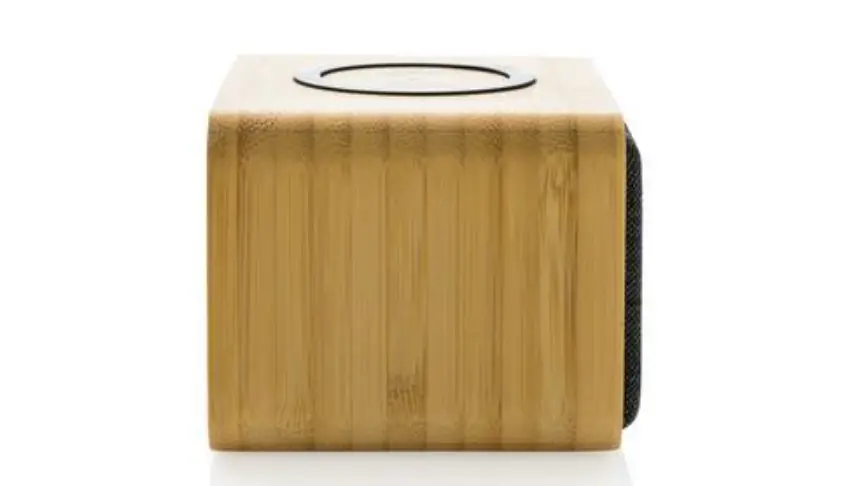
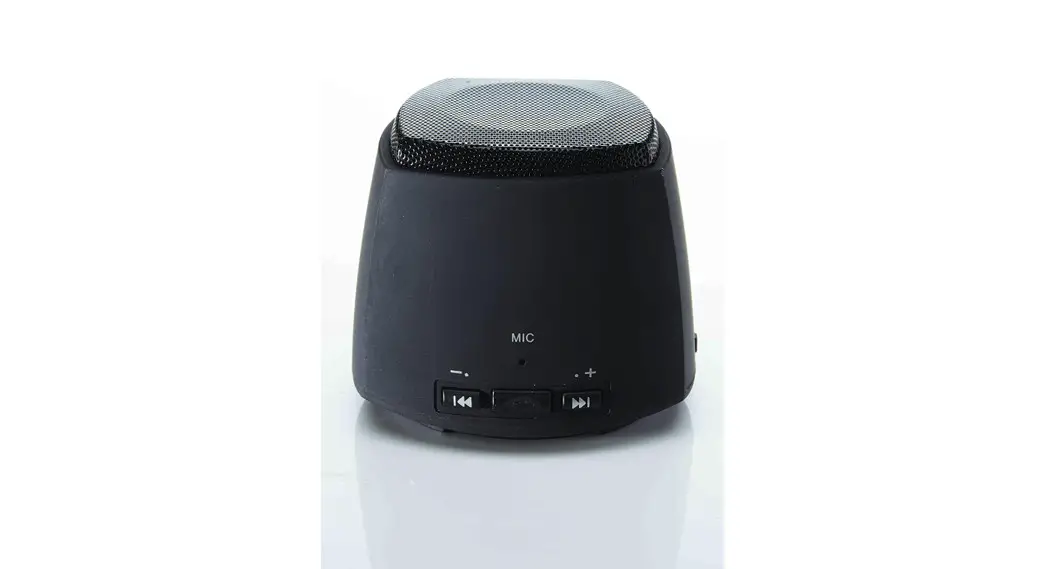
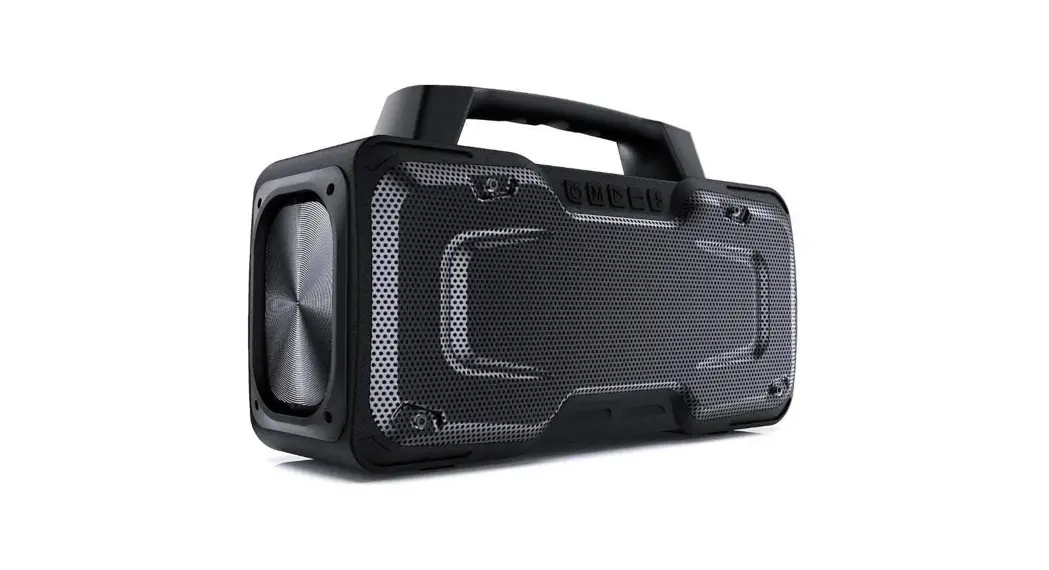
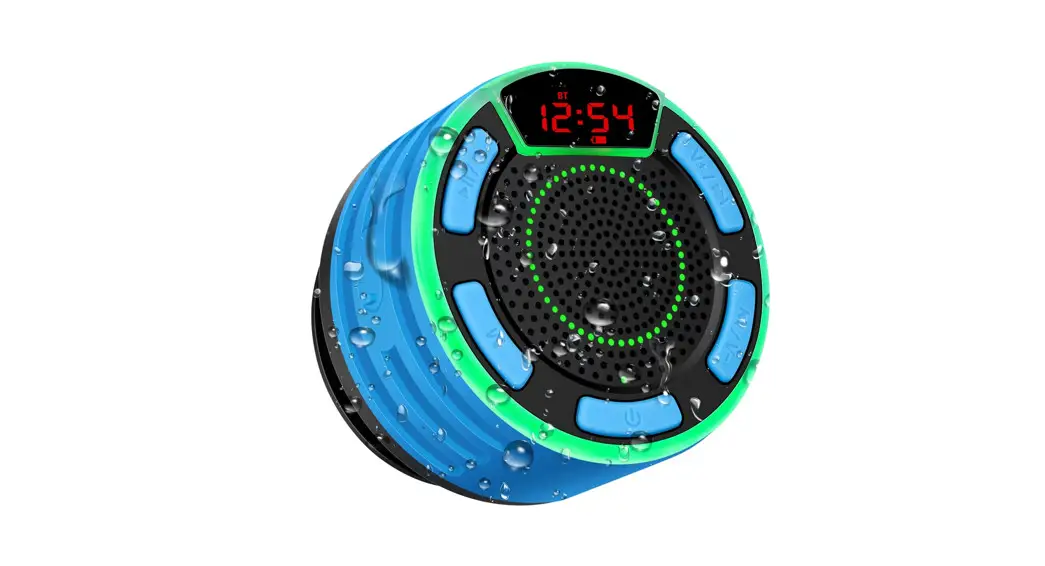
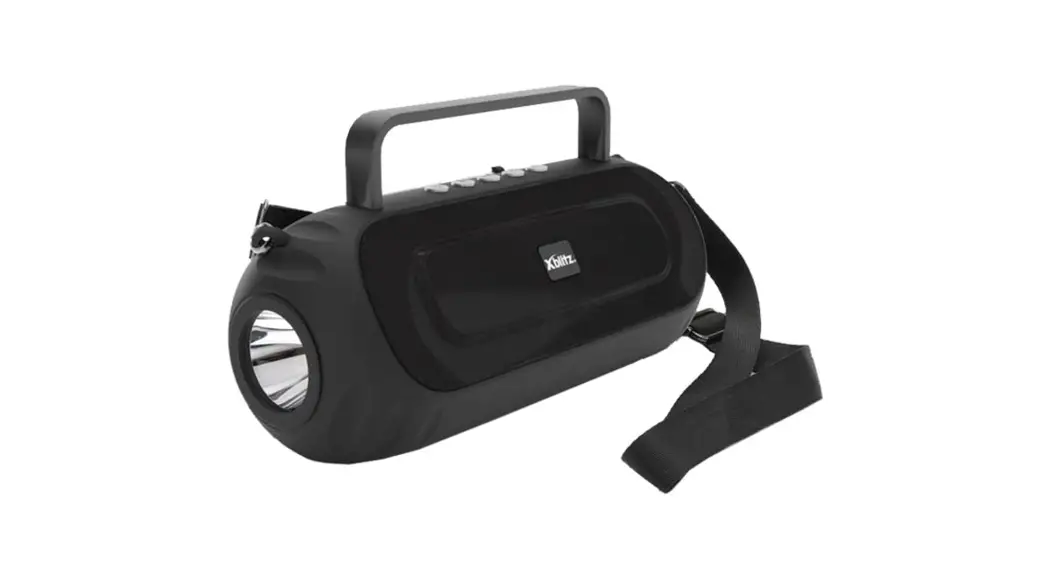
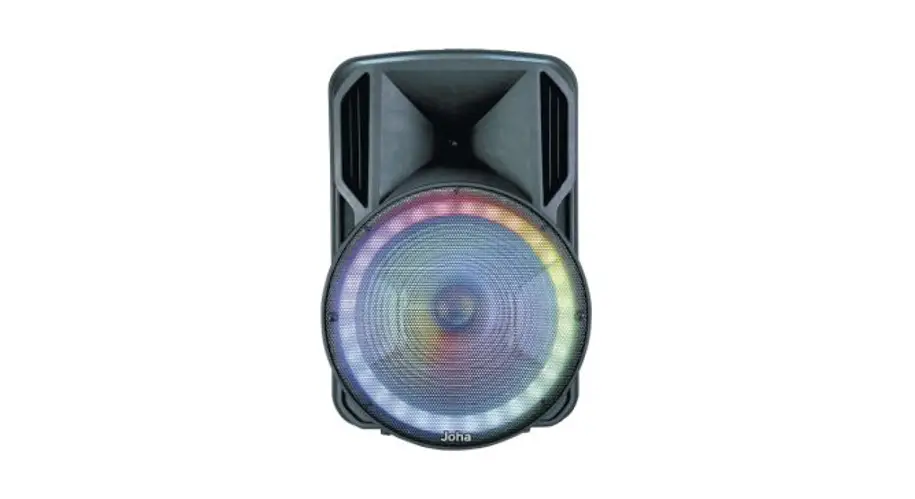
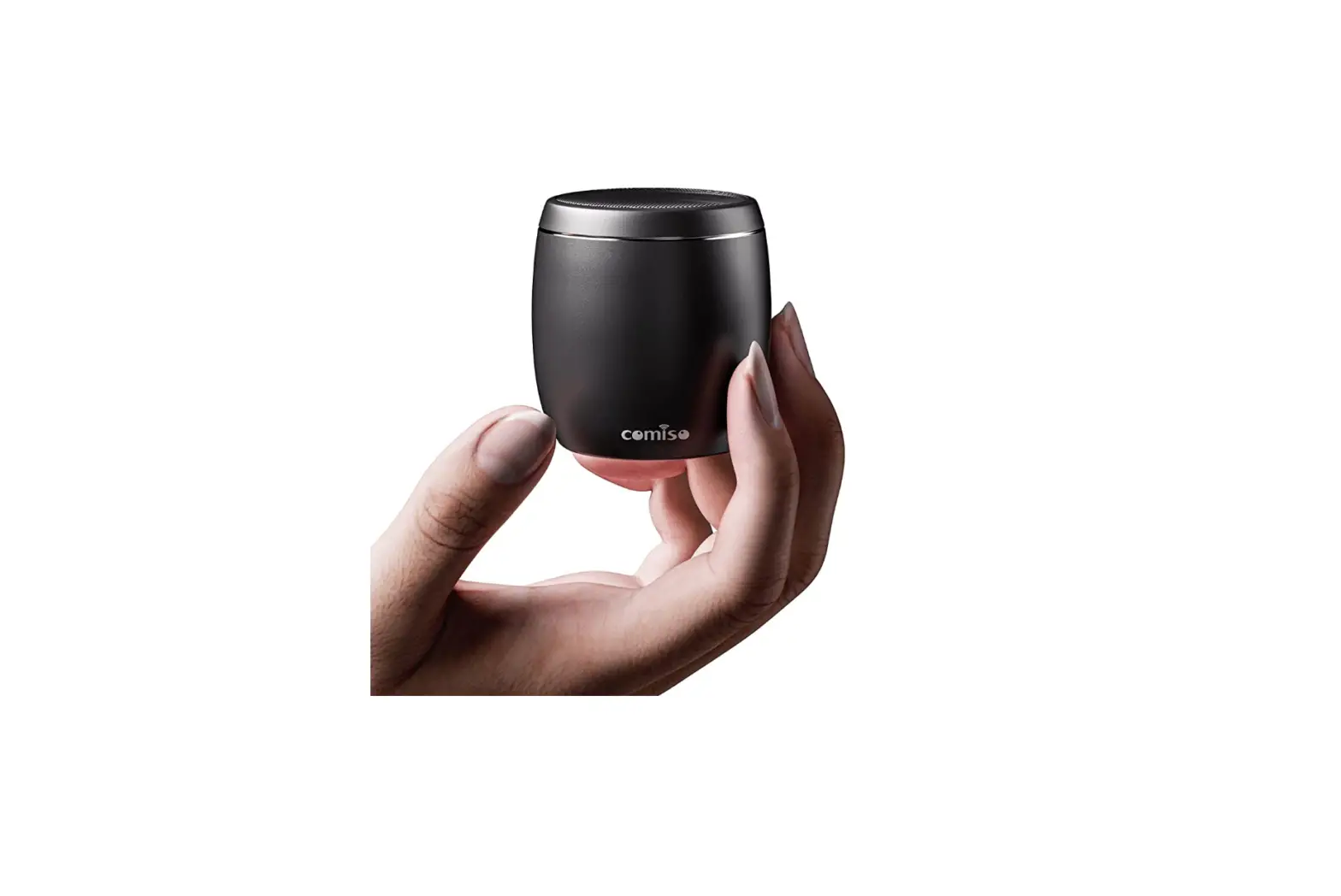
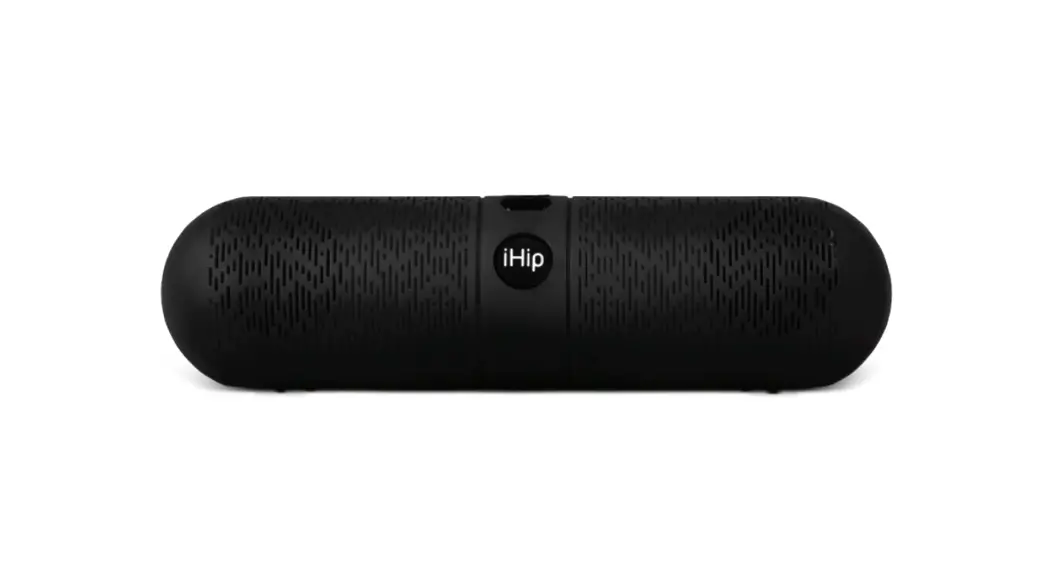
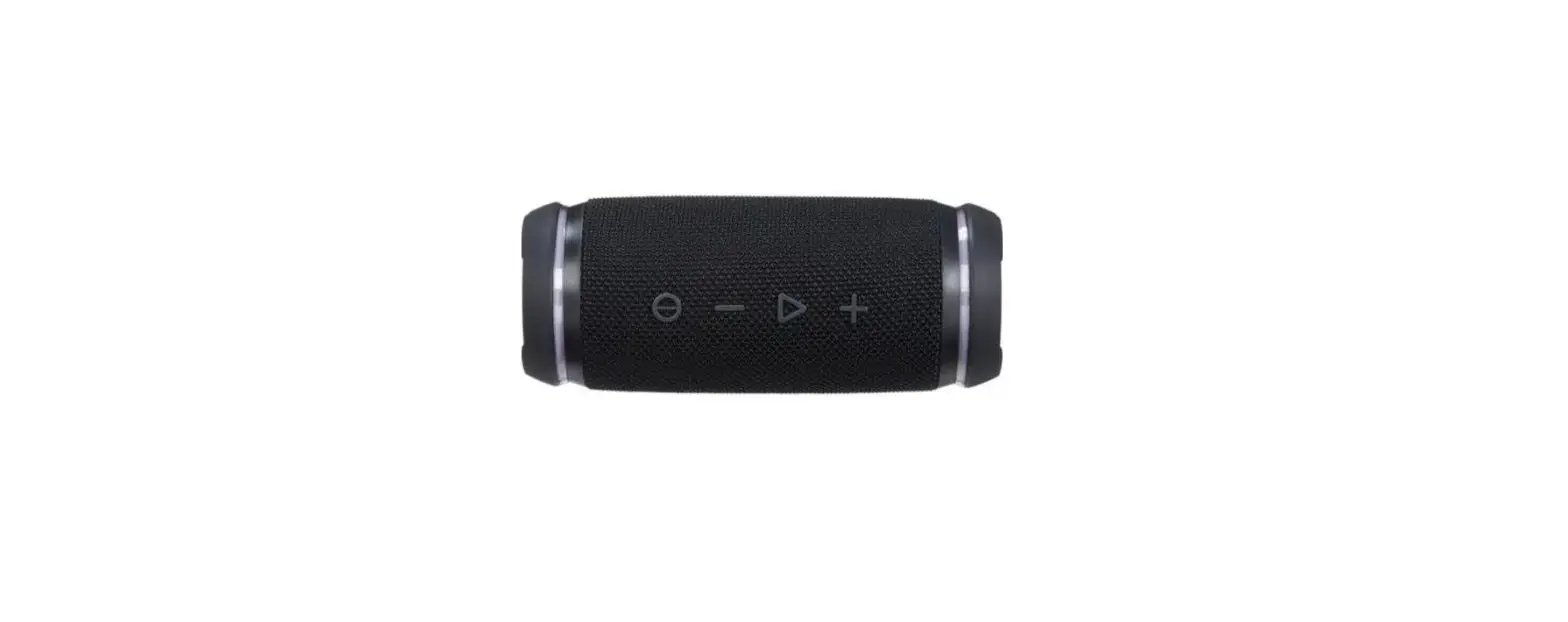
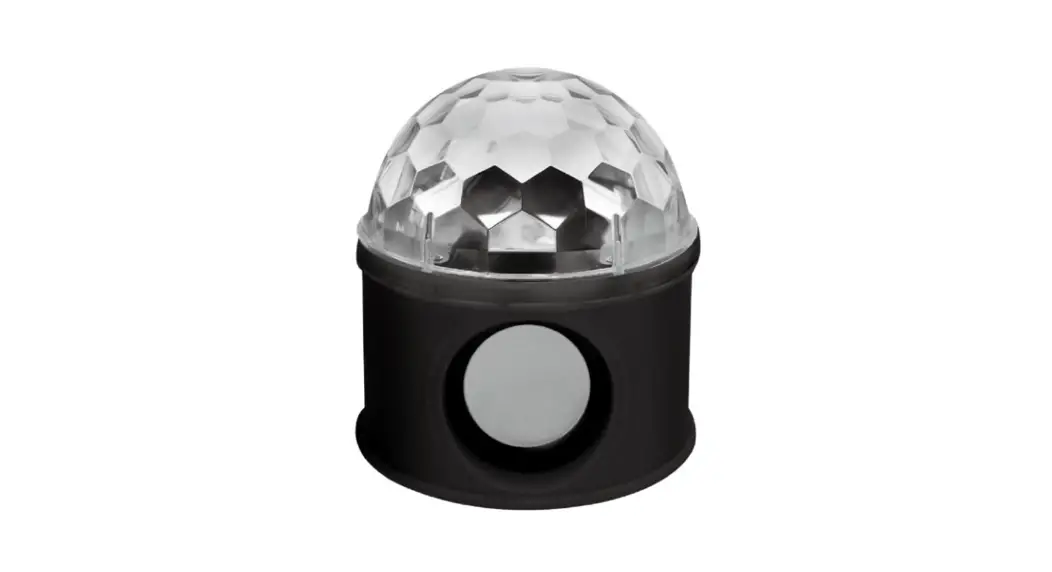
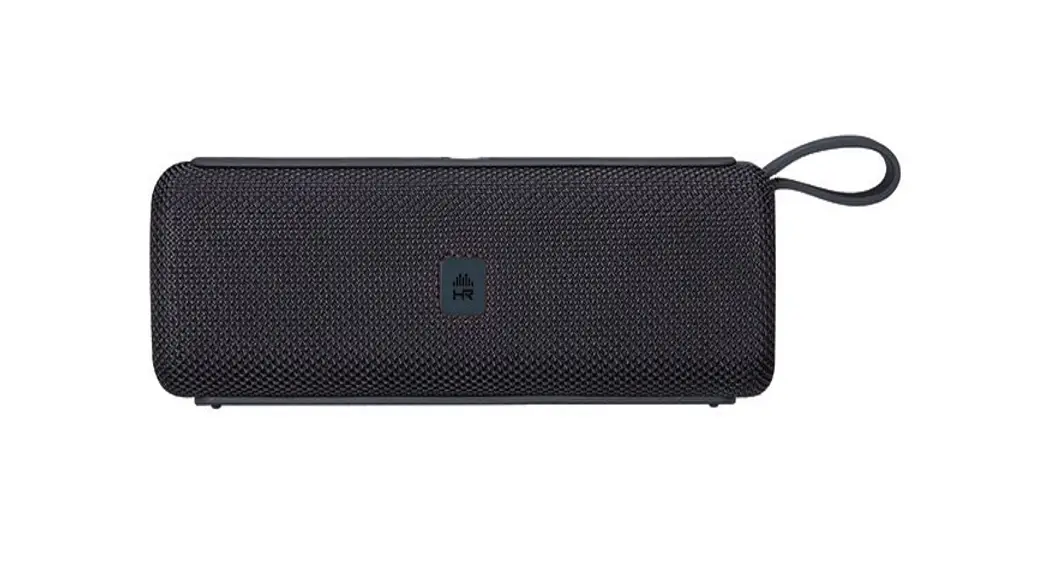
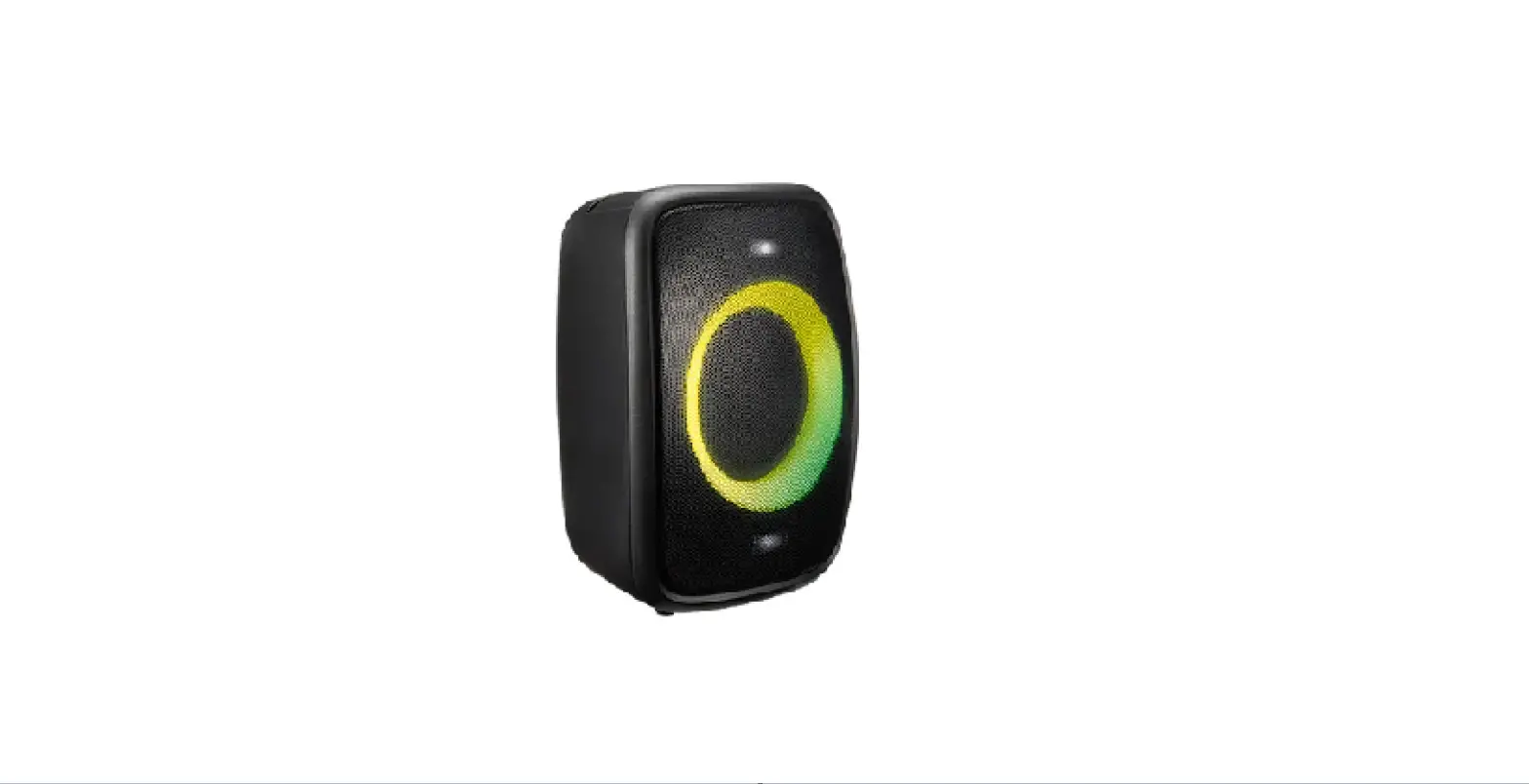
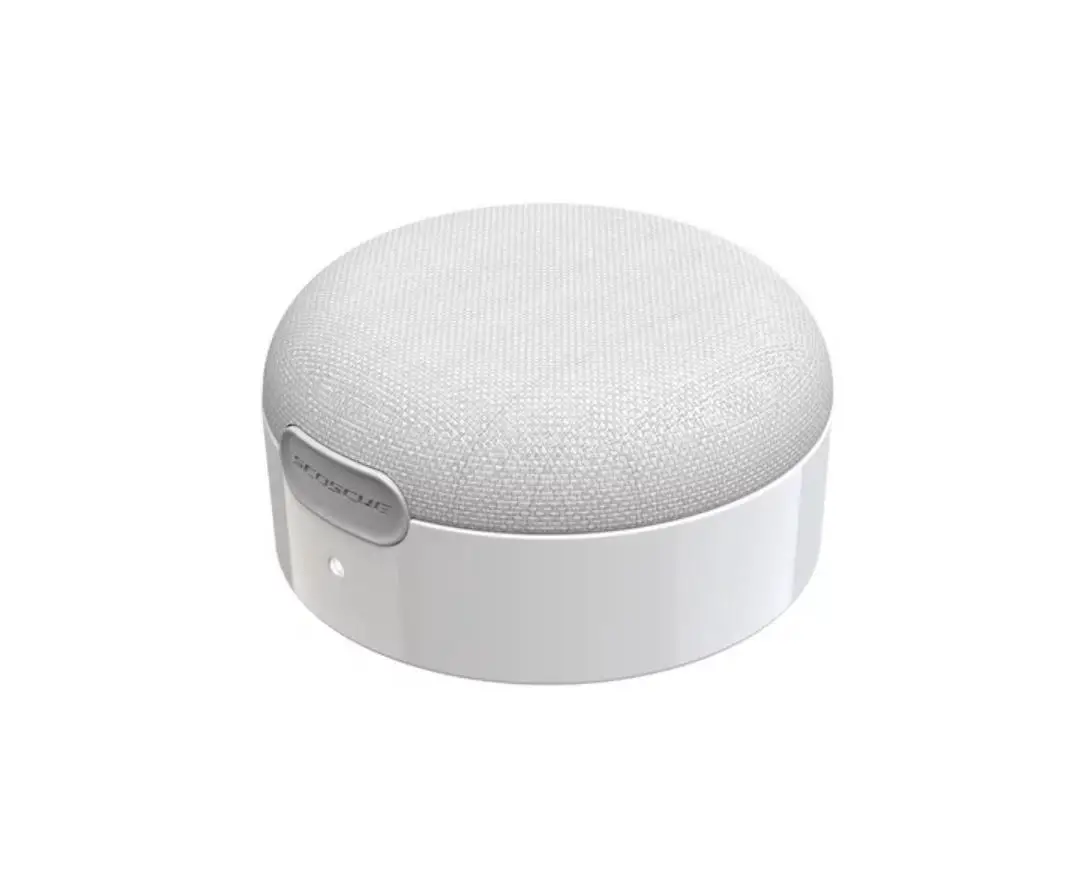
BT499 Wireless Speaker Box
Product Information
The Wireless Speaker Box is a portable speaker that supports
USB, FM, Bluetooth, and TWS. It has a Bluetooth version of 5.2 and
a distance range of up to 15m. The speaker size is 3” and has an
output power of 3W. It has a frequency response of 60Hz~10KHz and a
signal to noise ratio of 80db. The speaker box can be charged using
a USB charging cable and has a battery capacity of 500mAh. It has a
playtime of 1-2 hours and takes around 3-5 hours to charge.
Product Usage Instructions
Connecting the Wireless Speaker
To connect the wireless speaker, turn on the speaker unit and
the mobile device or other devices that you want to connect it
with. Search for the unit’s model name 2BOOM-BT499 to pair the two
devices. Once paired before, it will automatically connect after
the unit is turned on.
Wireless Mode
Turn on the speaker, and it will come into wireless mode
directly. After pairing the device, it can play music. Press the
Play/Pause button to pause or resume music playback. Use the
Previous song/volume down and Next song/volume up buttons to
navigate songs, and use the Volume +/- buttons to adjust the
volume.
USB Mode
Insert a USB flash drive into the USB slot, and the speaker box
will read the MP3 format music automatically. Use the Play/Pause
button to pause or resume music playback. Use the Previous
song/volume down and Next song/volume up buttons to navigate songs,
and use the Volume +/- buttons to adjust the volume.
FM Radio Mode
Press the Scan button to search FM channels automatically. This
operation will scan all FM stations and prerecord them to memory.
The scan procedure will take several minutes and cannot be
interrupted. Once completed, use the Previous song/volume down and
Next song/volume up buttons to navigate songs, and use the Volume
+/- buttons to adjust the volume.
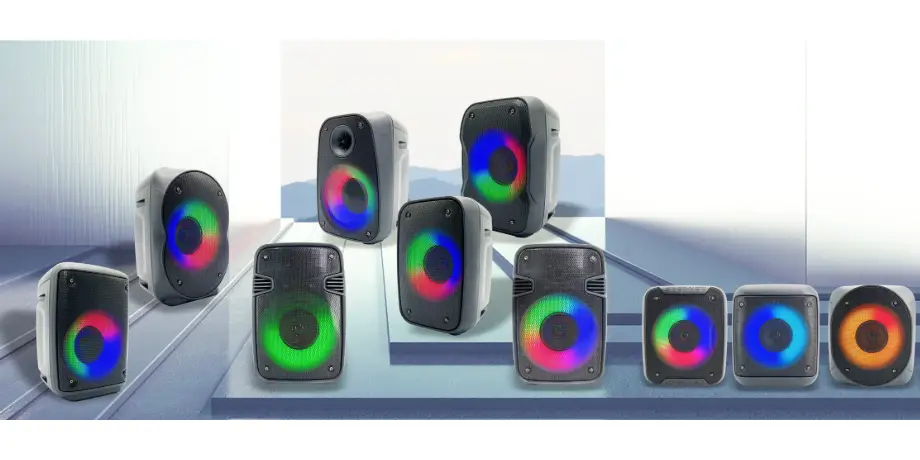
RGB Light Mode
There are three different RGB light modes. Short press LED
button to switch between different RGB modes. The last used RGB
light mode will be stored in the speaker memory before switching it
off, and it will be restored once the speaker unit is powered on
the following time. Long-press the LED button can open/close the
light.
TWS Mode
Two of the same model speakers can be connected to one wireless
device at the same time. First, turn the speakers on, then choose
one unit and long press its MODE button for several seconds. You
will hear the sound of Ding~ to indicate that the two units have
paired successfully. Please ensure before pairing that the two
units are not connected with other devices.
Charging
Plug the USB cable into the speaker’s charging port and connect
it to a power source. The RED LED indicator on the panel will be on
when the unit is charging.
Caution: Any changes or modifications to this
device not explicitly approved by the manufacturer could void your
authority to operate this equipment. This device complies with part
15 of the FCC Rules. Operation is subject to the following two
conditions: (1)This device may not cause harmful interference, and
(2) this device must accept any interference received, including
interference that may cause undesired operation.
INSTRUCTION MANUAL
Wireless Speaker Box
ACCESSORIES
Wireless Speaker Box: 1PC Charging Cable: 1PC
SPECIFICATIONS
Product size:100*100*180mm Support:USB,FM,bluetooth,TWS Bluetooth version:5.2 Distance: 15m Speaker size: 3” Output power: 3W Frequency response:60Hz~10KHz Signal to noise ratio:80db USB charging:USB charging cable Battery capacity: 500mAh Play time:1-2hrs Charging time:3~5hrs
DESCRIPTION OF PARTS
1. USB port 2. Charging port(DC5V) 3. Charging LED 4. ON/OFF 5. Speaker modes button(Mode1:Blue-Connect; Mode2:FM Mode; Mode3:USB/TF) / Long-press to connected the TWS 6. Play/Pause/Scan(Auto search in FM mode) / Long-press the button can connected or disconnected the Bluetooth-Connect 7. Previous song/vol8. Next song/vol+ 9. RGB light modes
HOW TO CONNECT THE WIRELESS SPEAKER
Turn on the speaker unit and the Mobile or other devices, and search for the unit’s model name “2BOOM-BT499” to pair the two devices. Once paired before, it will automatically connect after the unit is turned on.
WIRELESS
Turn on the speaker and it will come into the Wireless mode directly. After pairing the device, it can play the music. Press “ll ” button to Play/Pause. Press ” ” or ” ” button to be previous track or next track, press “VOL+” or “VOL-” button to increase or decrease the Volume.
USB
Insert the U flash memory into the USB slot, the speaker box will read the MP3 format music automatically. Press “ll” button to Play/Pause. Press ” ” or ” ” button to be previous track or next track, press “VOL+” or “VOL-” button to increase or decrease the Volume.
FM RADIO
Press ll/SCAN to search FM channels automatically. This operation will scan all FM stations and Prerecord them to memory. The scan procedure will take several minutes and cannot be interrupted. Once completed, press ” ” or ” ” button to be previous track or next track, press “VOL+” or “VOL-” button to increase or decrease the Volume.
RGB LIGHT MODE
There are three different RGB light modes. Short press “LED” button to switch between different RGB modes. The last used RGB light mode will be stored in the speaker memory before switching it off, and it will be restored once the speaker unit is powered on the following time. Long-press the LED button can open/close the light.
TWS
Two the same model speakers can be connected to one wireless device at the same time. First, turn the speakers on, then choose one unit and long press its “MODE” button for several seconds; then you will hear the sound of “Ding~” to indicate that the two units have paired successfully. Please ensure before pairing that the two units are not connected with other devices.
CHARGING
Plug the USB cable into the speaker’s charging port and connect to the power source. The RED LED indicator on panel will be on when the unit is charging.
LED LIGHT STATUE
Statue
Blue light
Red light
Quick flashing
Searching FM SCAN
blue-connect
/ /
Slow flashing
Playing
/
Long bright
Pause / No music playing Charging
FCC Warnning: This equipment has been tested and found to comply with the limits for a Class B digital device, pursuant to part 15 of the FCC Rules. These limits are designed to provide reasonable protection againstharmful interference in a residential installation. This equipment generates, uses and can radiateradio frequency energy and, if not installed and used in accordance with the instructions, maycause harmful interference to radio communications. However, there is no guarantee thatinterference will not occur in a particular installation. If this equipment does cause harmfulinterference to radio or television reception, which can be determined by turning the equipmentoff and on, the user is encouraged to try to correct the interference by one or more of thefollowing measures: · Reorient or relocate the receiving antenna. · Increase the separation between the equipment and receiver. · Connect the equipment into an outlet on a circuit different from that to which the receiver is connected. · Consult the dealer or an experienced radio/TV technician for help.
Caution: Any changes or modifications to this device not explicitly approved by manufacturer could void your authority to operate this equipment.
This device complies with part 15 of the FCC Rules. Operation is subject to the following two conditions: (1)This device may not cause harmful interference, and (2) this device must accept any interference received, including interference that may cause undesired operation.
This equipment complies with FCC radiation exposure limits set forth for an uncontrolled environment. This equipment should be installed and operated with minimum distance 0cm between the radiator and your body.