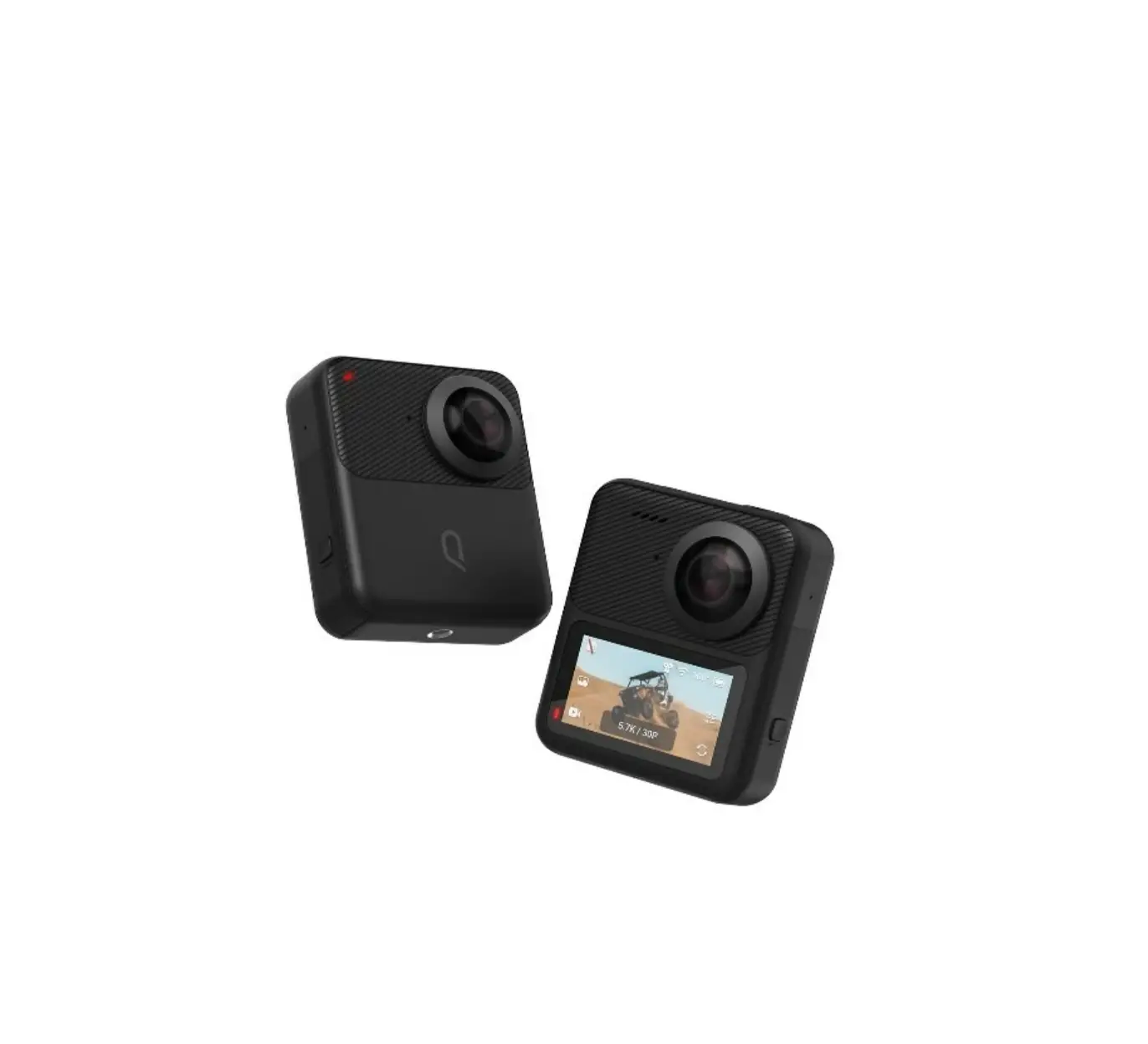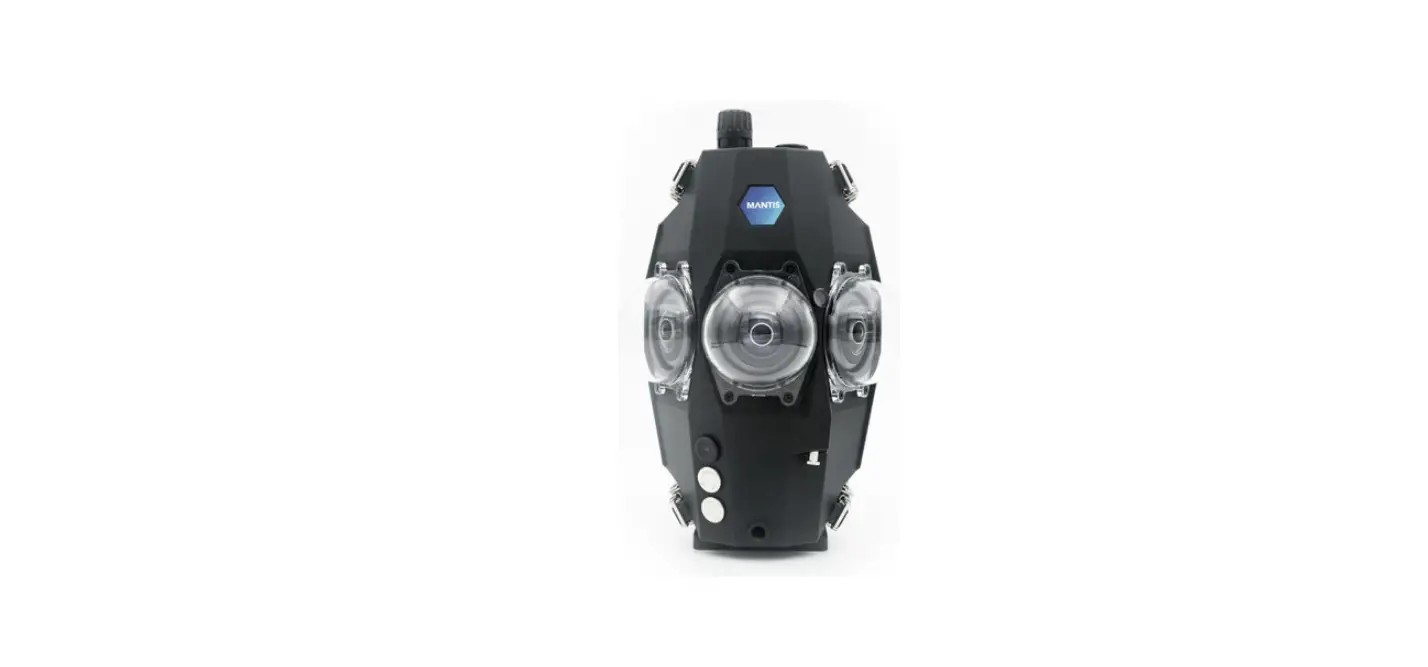

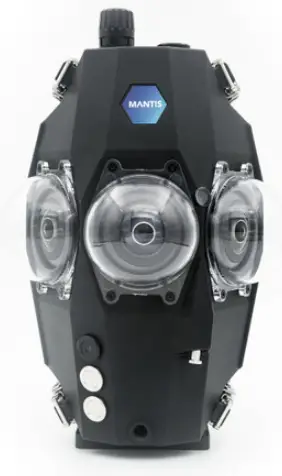
MANTIS RS360 Deep-Diving Underwater VR Camera
RS360 PRE-DIVE CHECKLIST
- Camera charged
- Card erased
- Confirm camera settings
- Domes clean inside and outside
- 0-ring lightly lubricated, seated, clean
- Housing locked
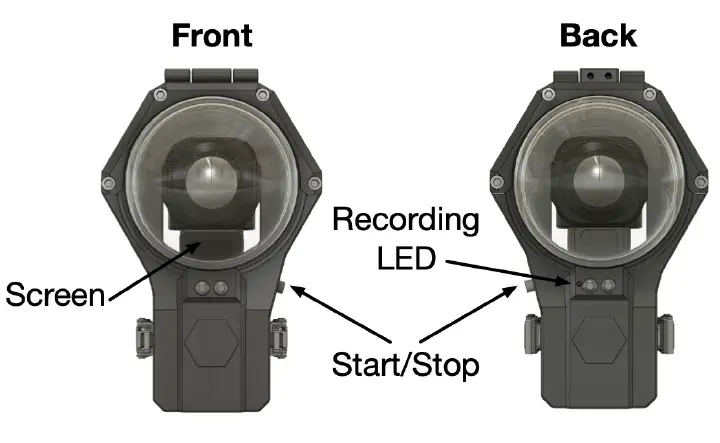
Operation
- Press Start/Stop button to turn camera on and start recording
- Observe recording LED on back
- Press again to stop recording and turn camera off Recommended settings for
lnsta360 ONE RS 1-lnch 360 Edition
Recording mode (swipe right from left edge)
- Recording mode: Video
Video mode (tap on bottom edge)
- Video mode: 6K 2:1/30
Configuration settings (swipe down from top edge)
- Brightness: Low
- Quick capture: On
- Voice control: Off
- Sharpness: Low
- Indicator light: On
- Automatic screen rotation: On
- WiFi: Auto On/Off
- Screen auto sleep during recording: On
Recording settings (swipe left from right edge)
- Color: Standard
- Shutter: Auto (100 in Manual mode)
- ISO: Auto (B00MAX in Manual mode)
- Ev: 0.0
- WB: 6500k
- Isolated Exposure: Off