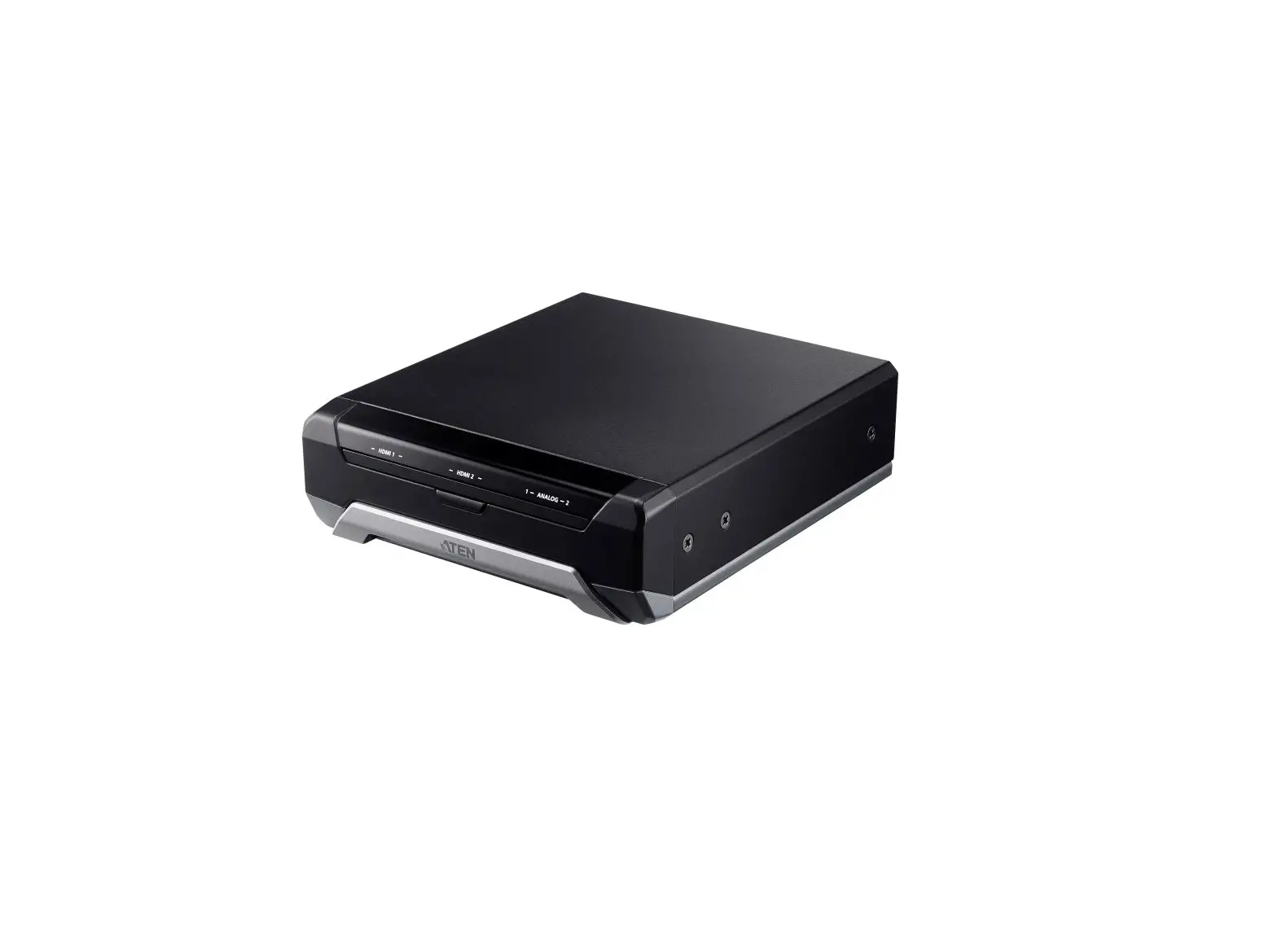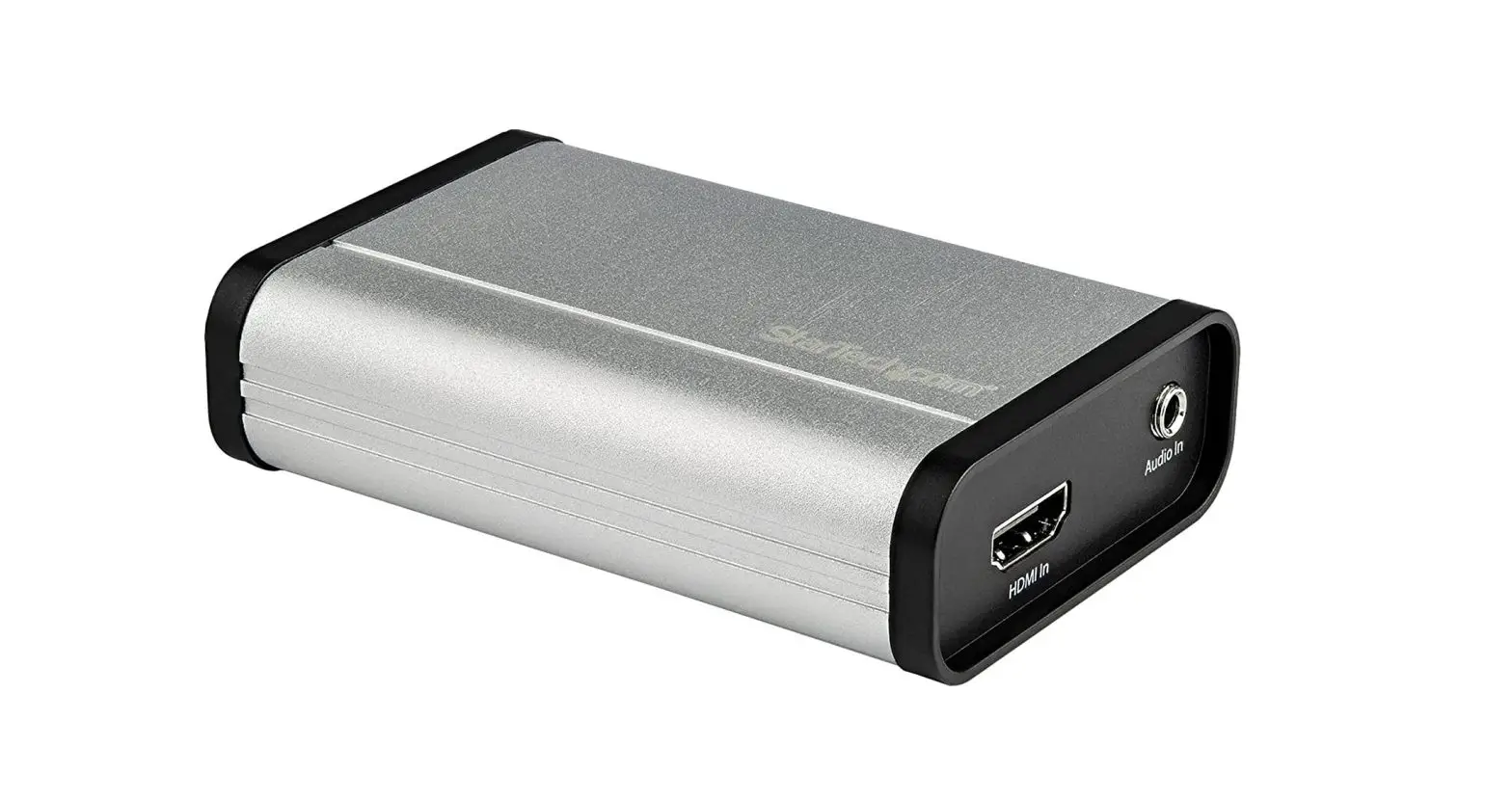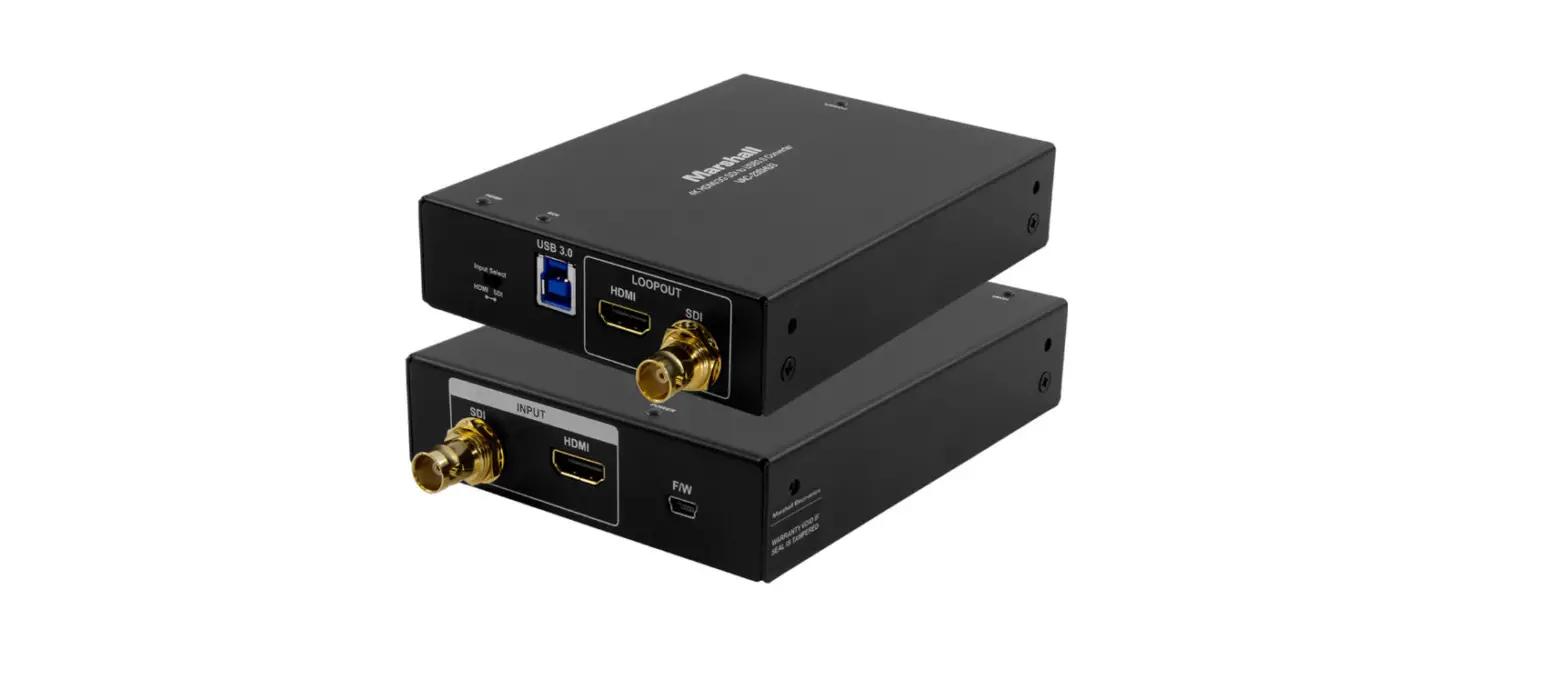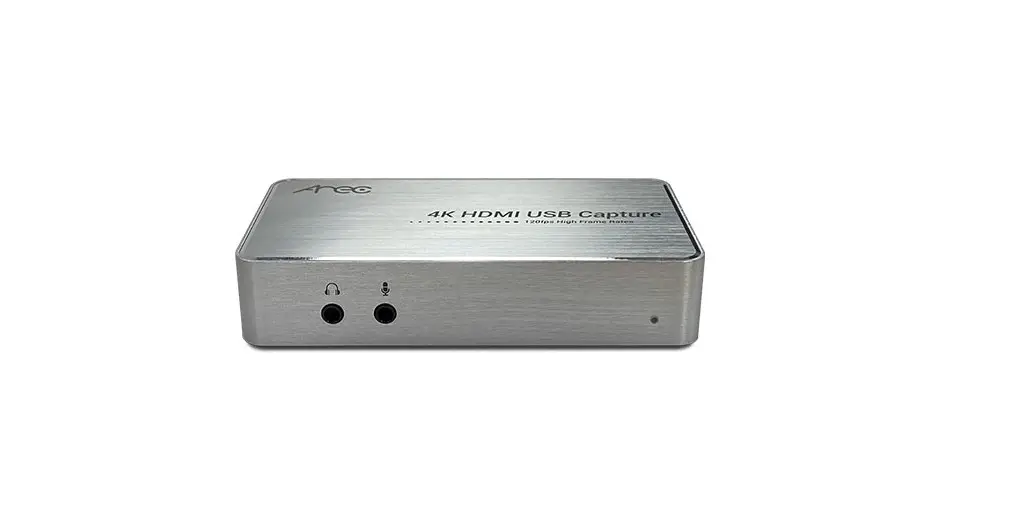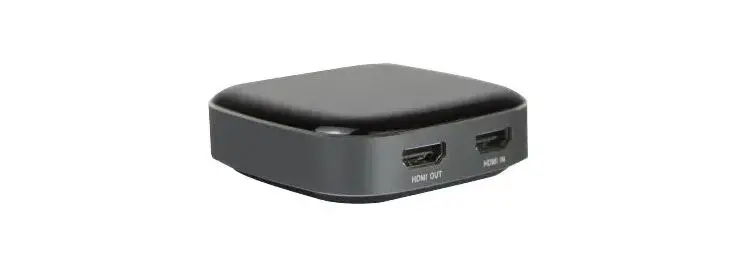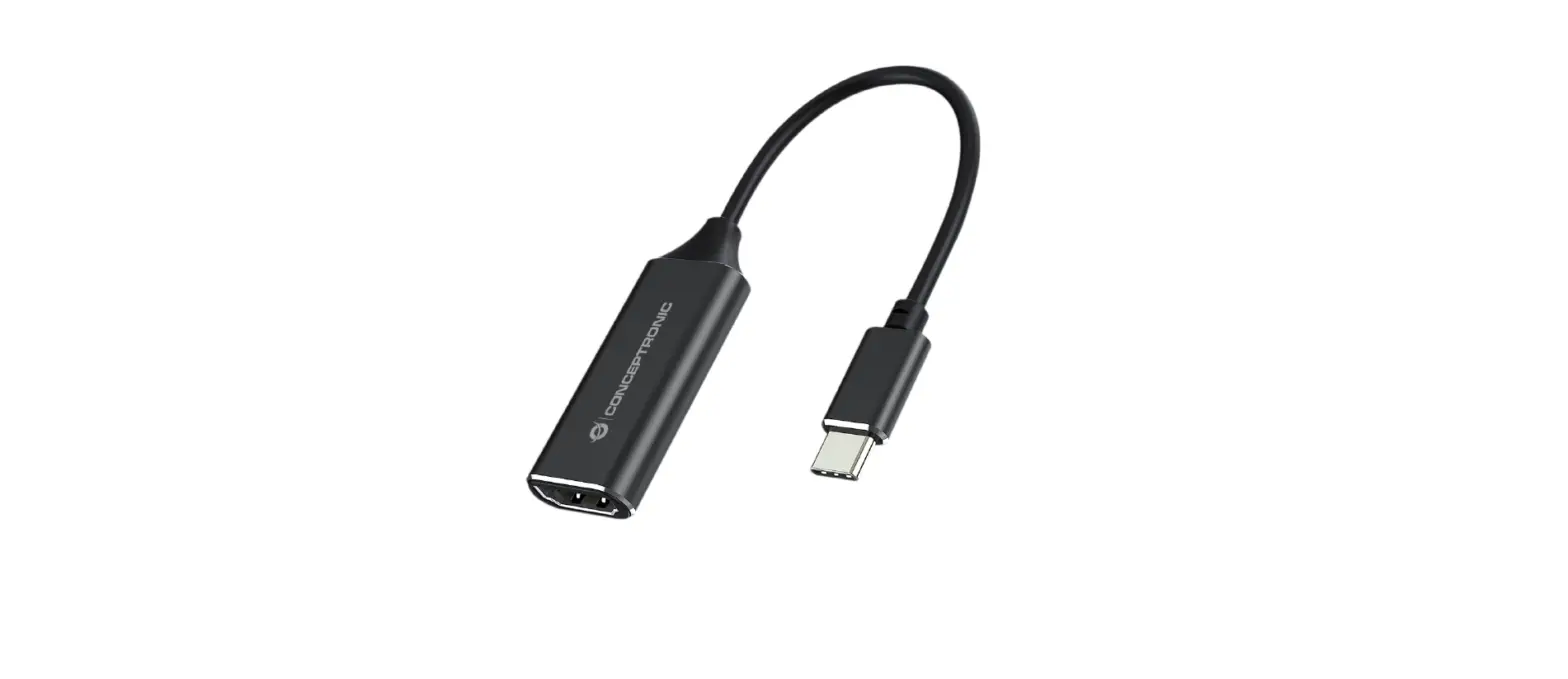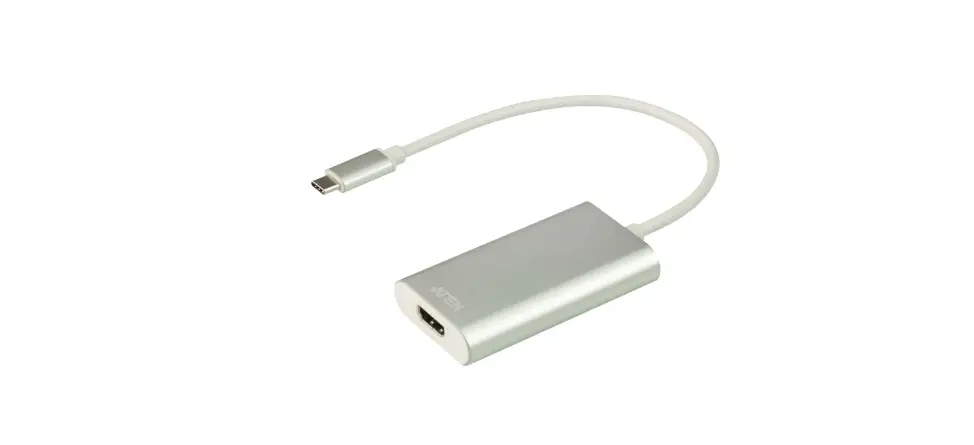

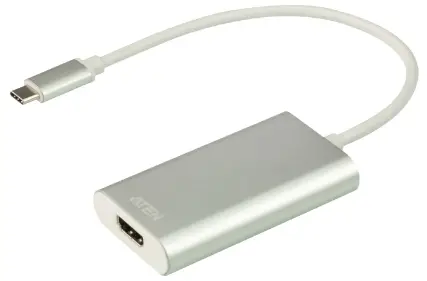
ATEN uc3020 CAMLIVE HDMI to USB-C UVC Video Capture 
Hardware Review
Hardware Installation
Package Contents
- 1 UC3020 CAMLIVE™ HDMI to USB-C UVC Video Capture
- 1 USB Type-C to USB Type-A adapter
- 1 user instructions
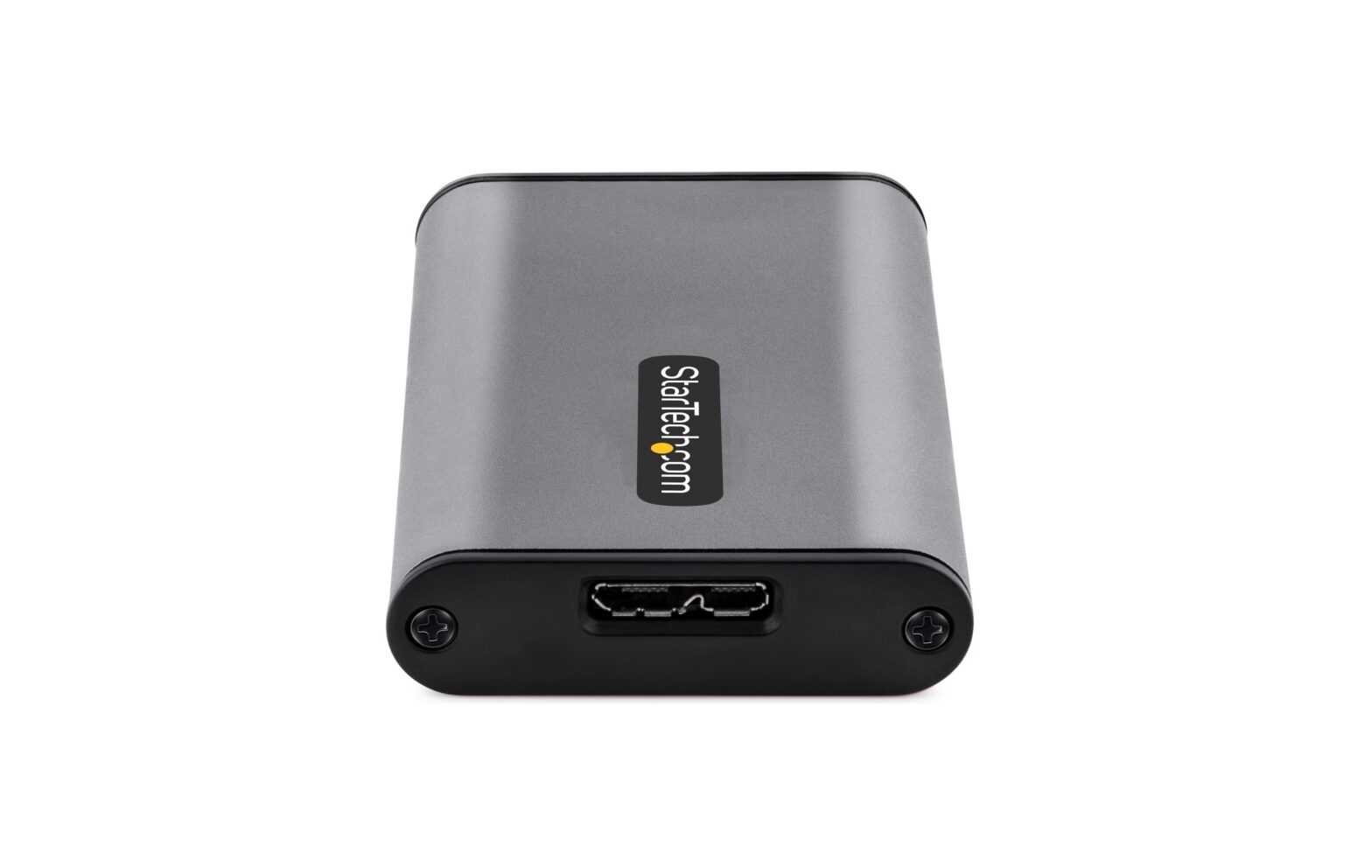
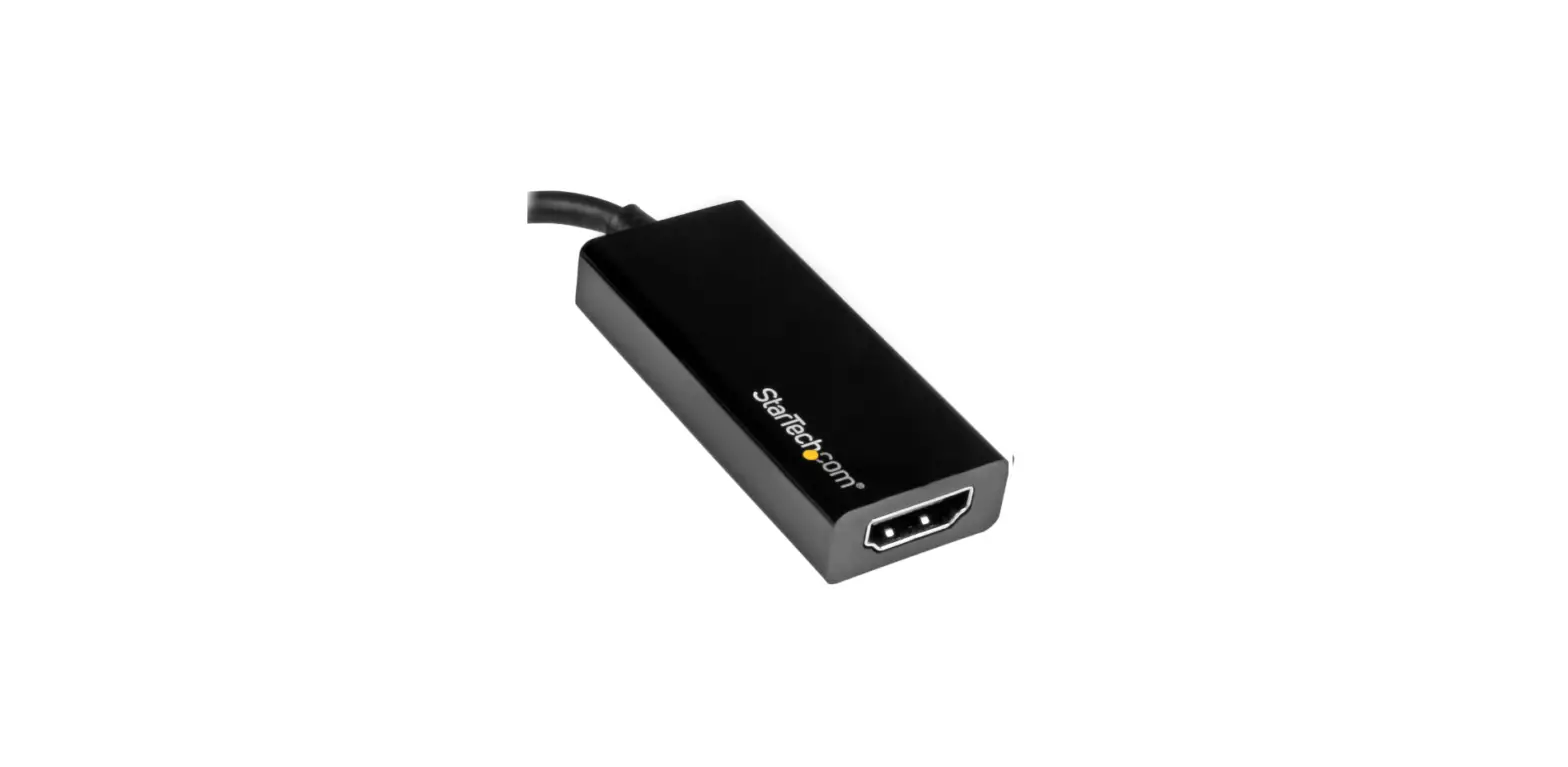
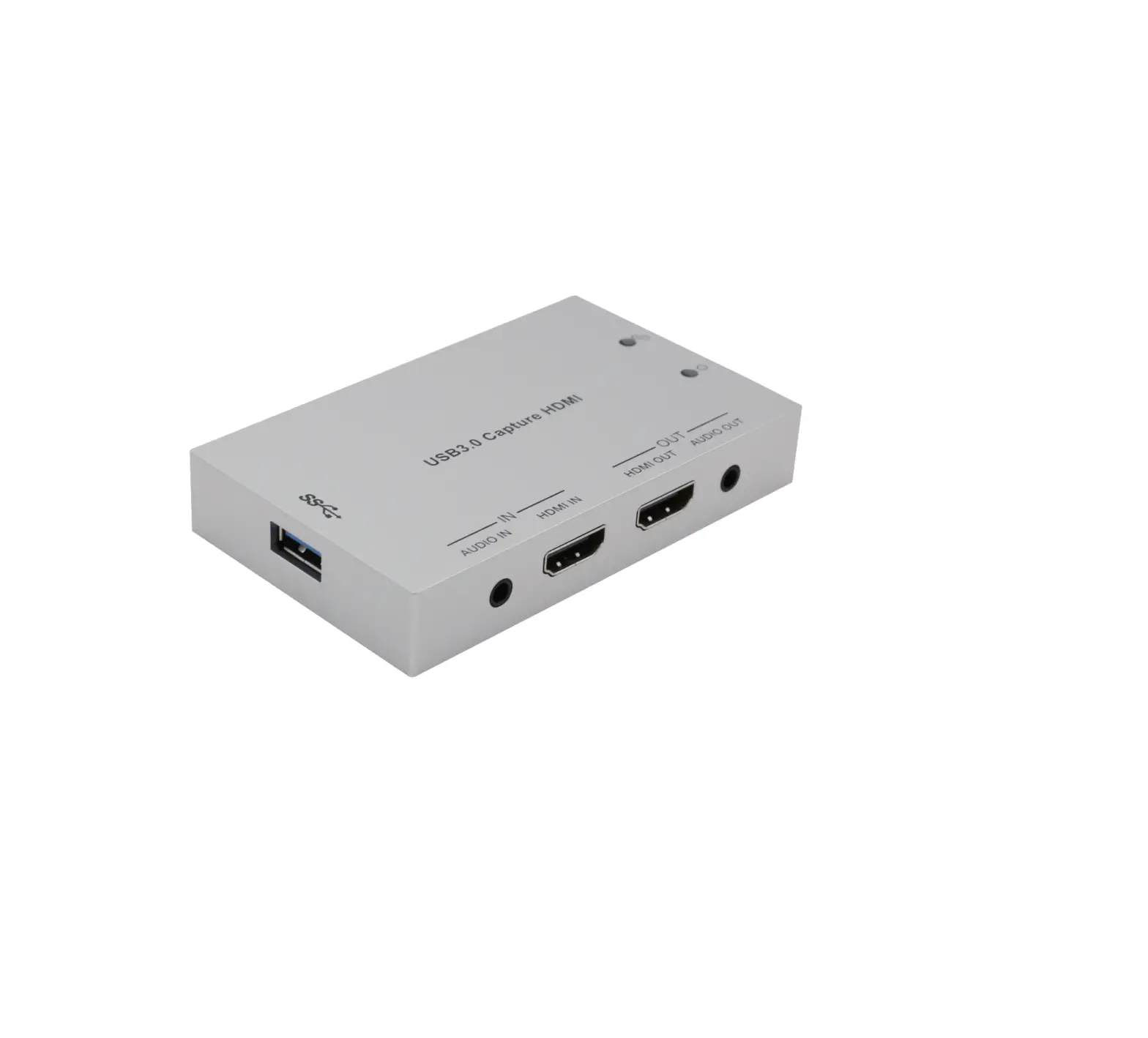
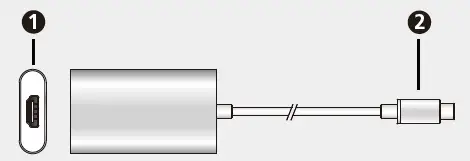
Hardware Review
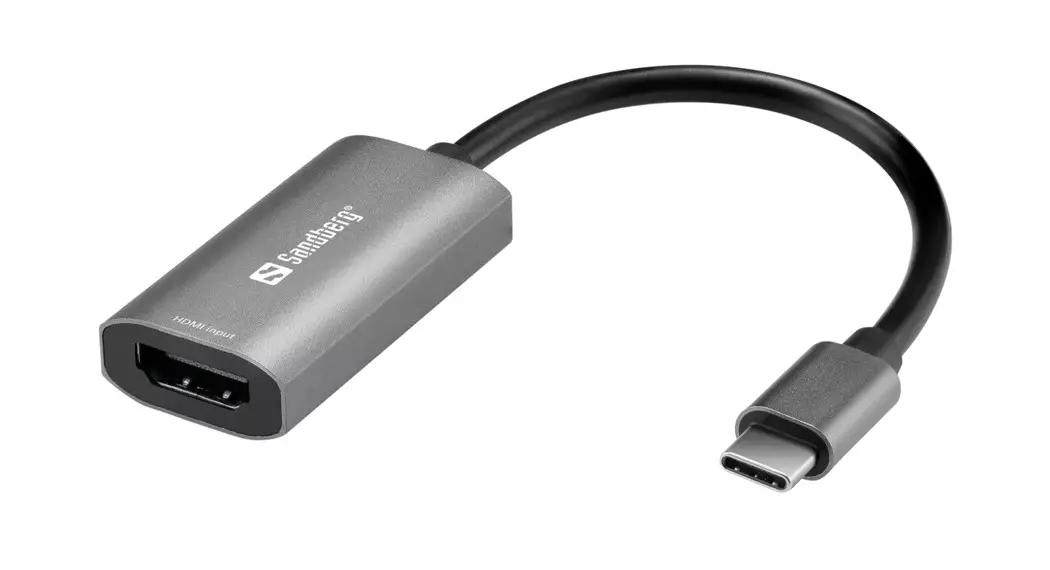
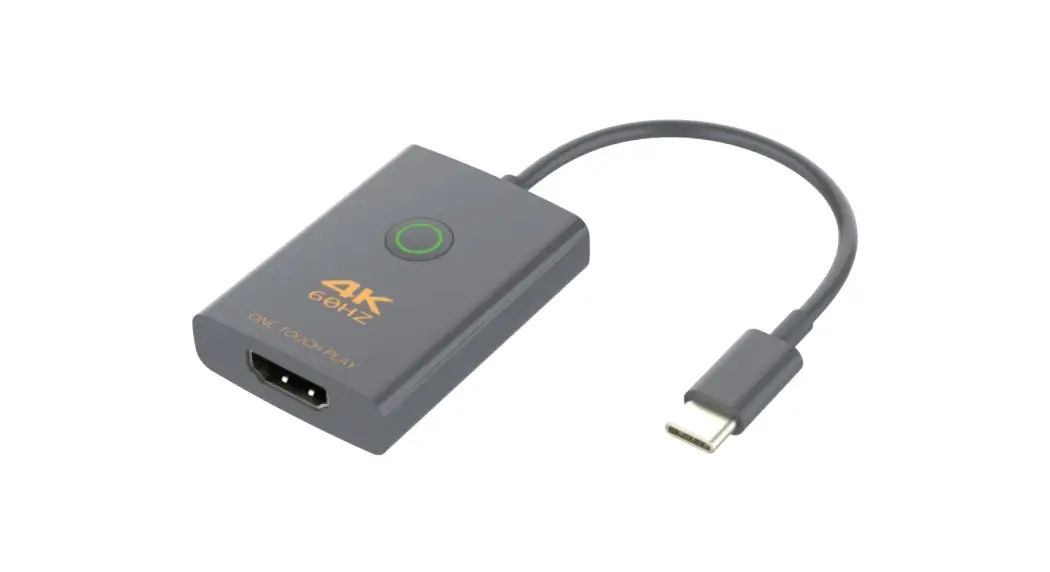
- HDMI in
- USB Type-C connector
Requirement
- Windows 7 or above, Mac OSX 10.13 or later with UVC support One available USB 3.1 Type-C or Type-A port
- CPU: Intel i3 Dual-Core 2.8GHz or above
- RAM: 4GB or above
- Stream software with UVC device support
Hardware Installation
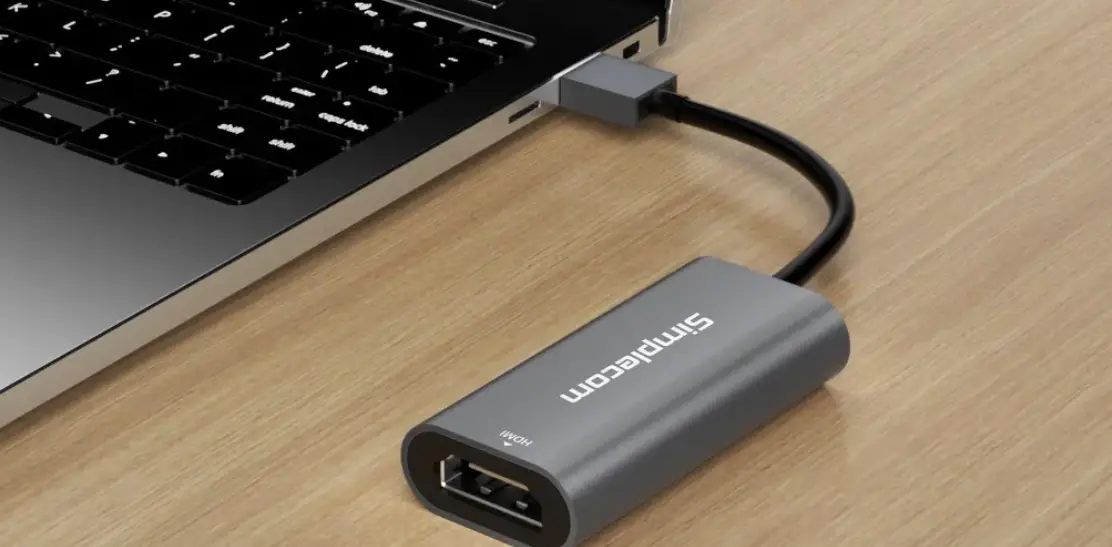
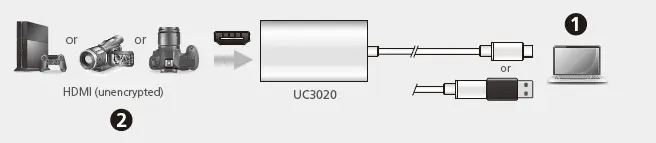
- Power on your host (e.g. laptop) and connect the USB Type-C connector to the host.
- If your laptop only has a USB Type-A interface, connect the (included)
- SB Type-C to USB Type-A adapter between the host and the USB
- type-C host connector.
- Connect your HDMI source device to the UC3020’s HDMI port.
- To enable UC3020, please download and install a suitable video recording or live streaming software for your requirement.
- UC3020 cannot display or capture HDCP protected content
- Below lists some examples of supported video recording / live streaming software. All trademarks are property of their respective owners.
- OBS: https://obsproject.com
- Xsplit: https://www.xsplit.com
- Youtube: https://www.youtube.com
- Facebook: https://www.facebook.com
Support and Documentation
Notice All information, documentation, fi rmware, software utilities, and specifi cations contained in this package are subject to change without prior notifi cation by the manufacturer.To reduce the environmental impact of our products, ATEN documentation and software can be found online at http://www.aten.com/download/
Scan for more information
The terms HDMI, HDMI High-Defi nition Multimedia Interface, and the HDMI Logo are trademarks or registered trademarks of HDMI Licensing Administrator, Inc.
 ATEN - Simply Better Connections | ATEN U.S.A.
 Open Broadcaster Software | OBS
 Live Streaming & Recording Software | XSplit