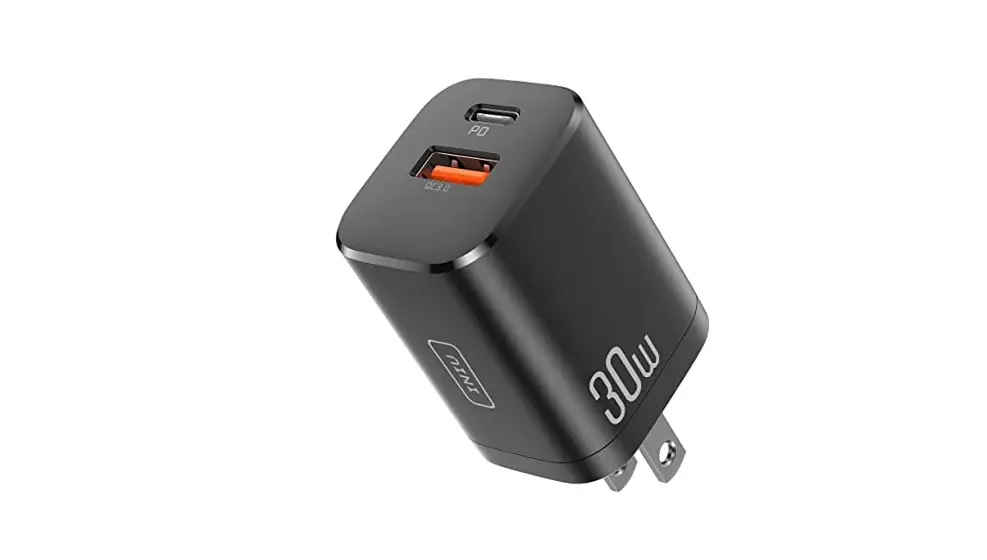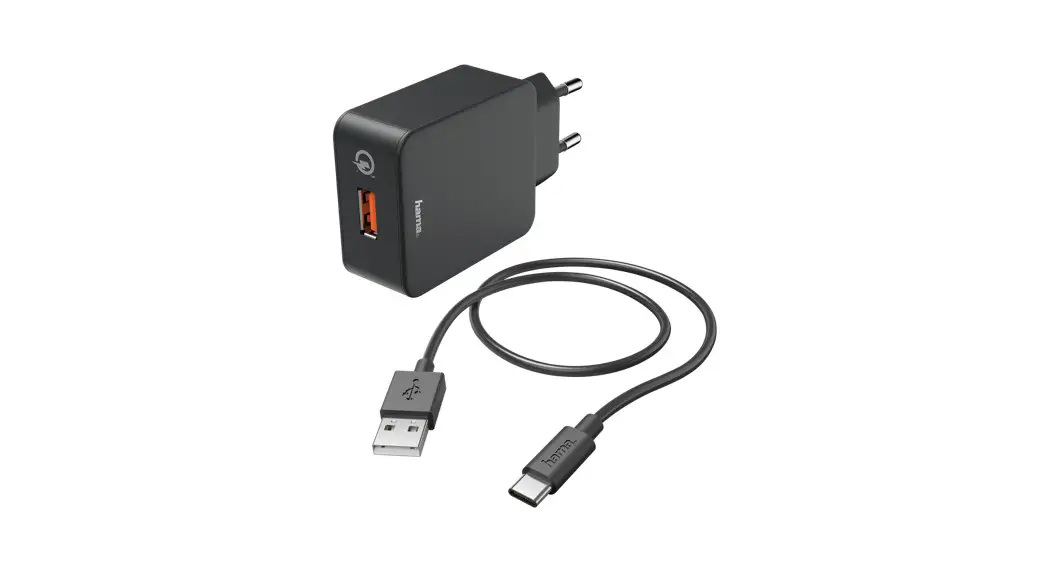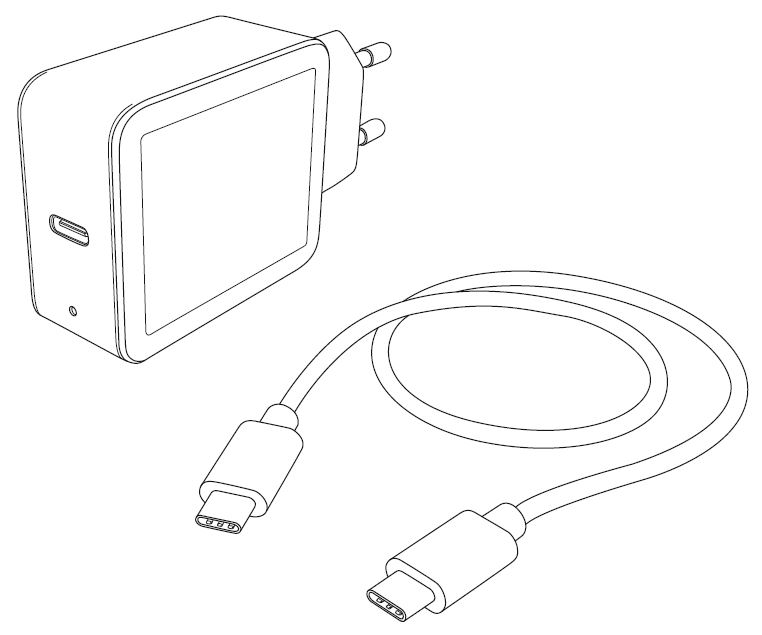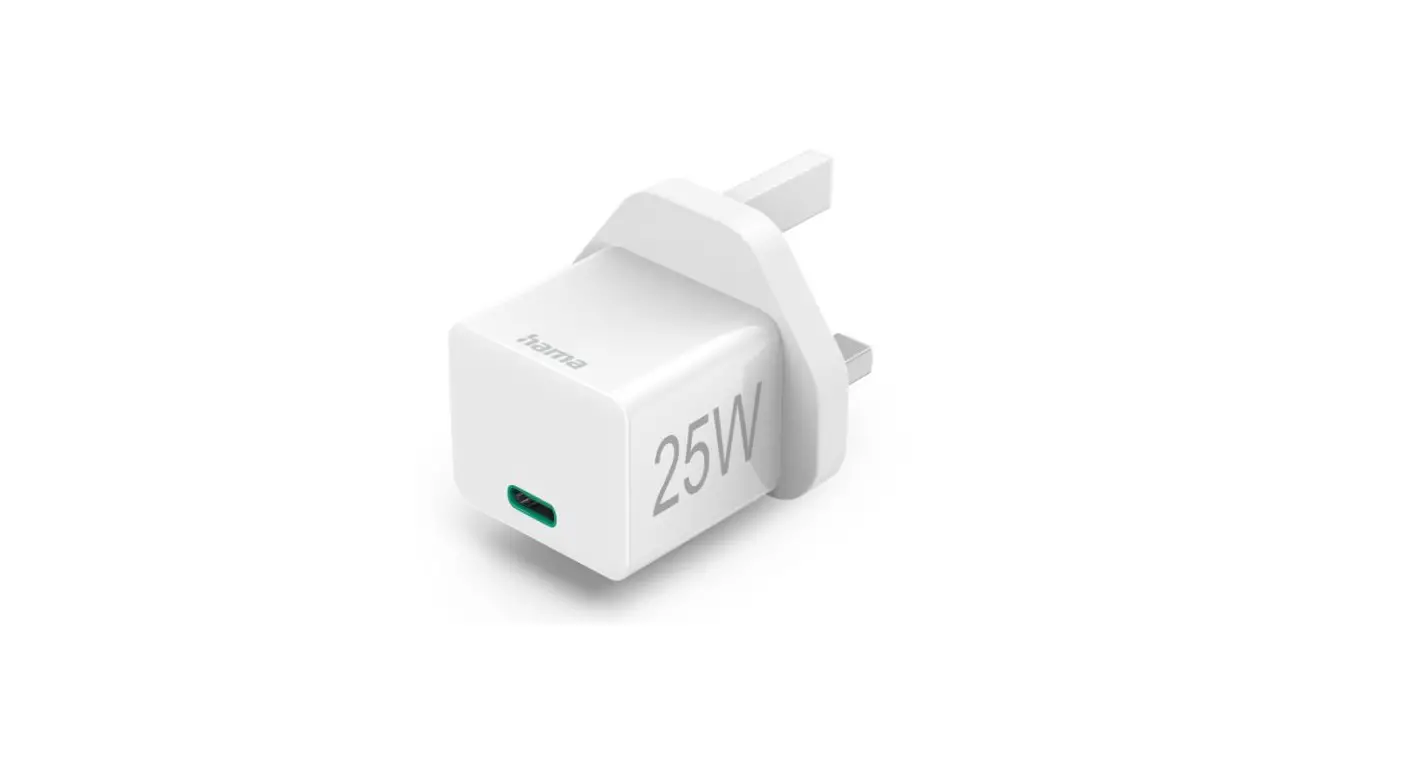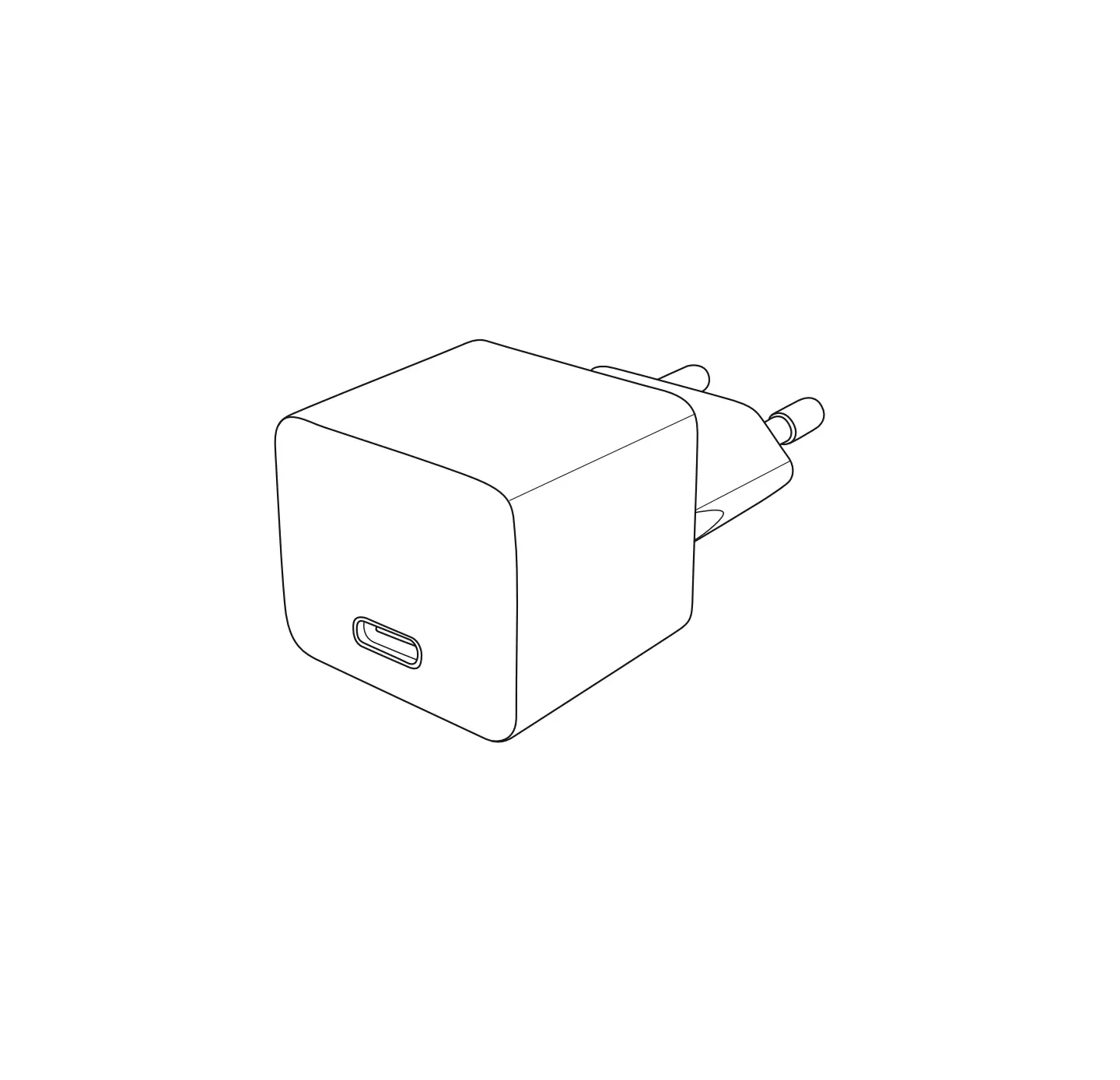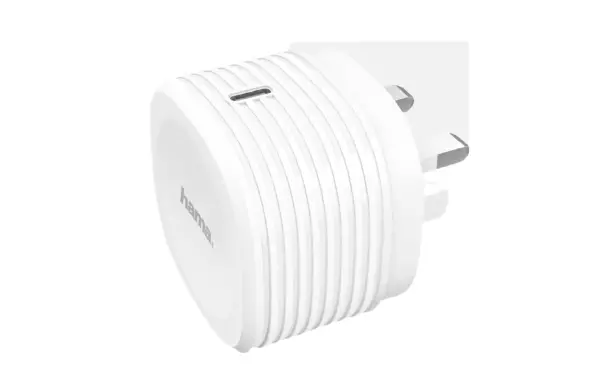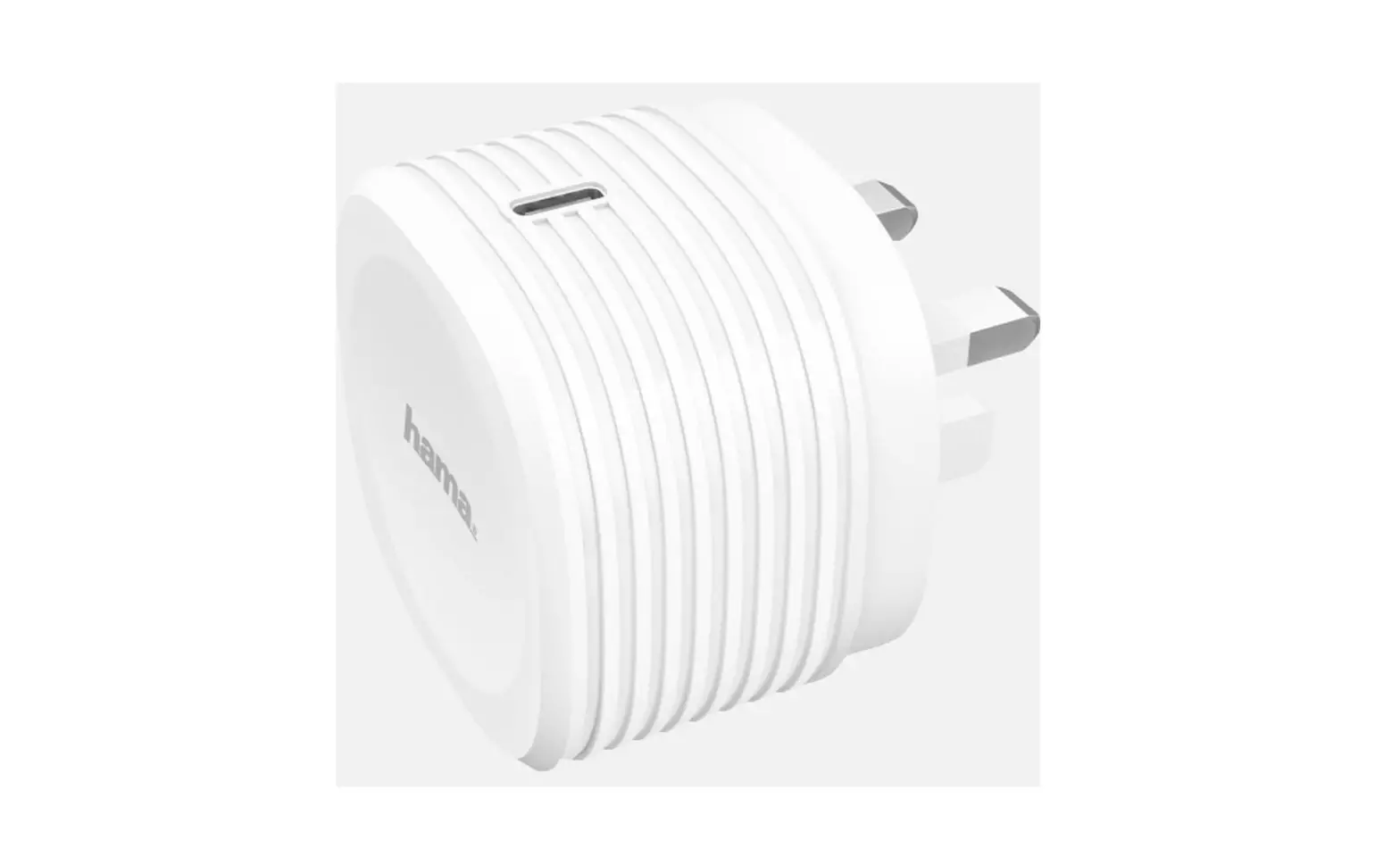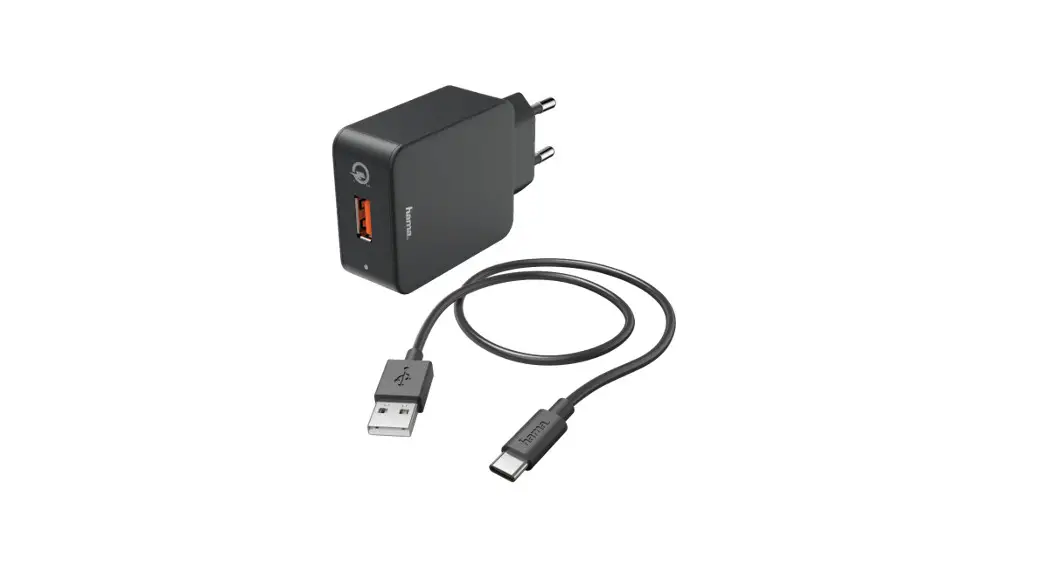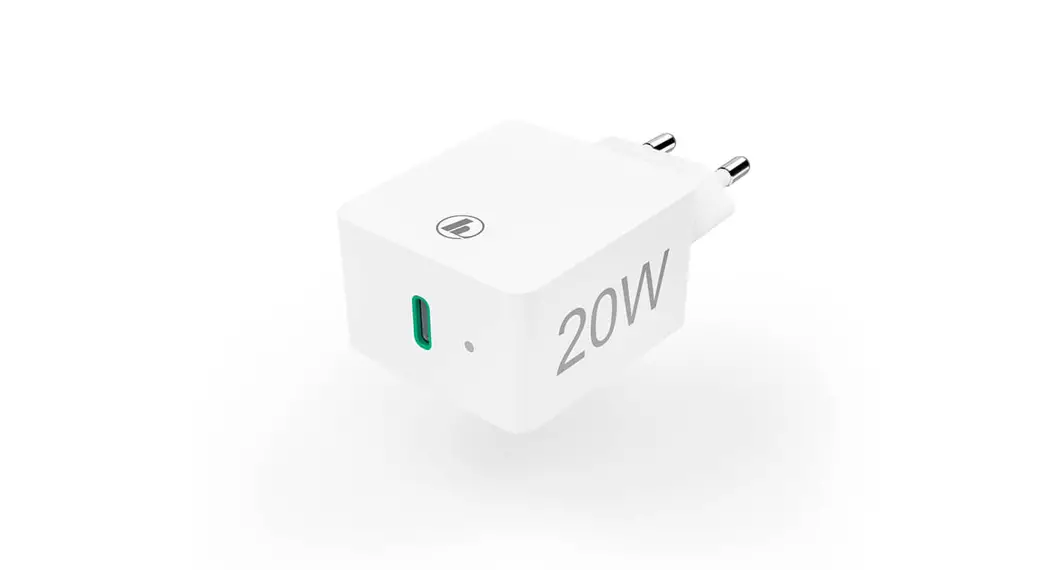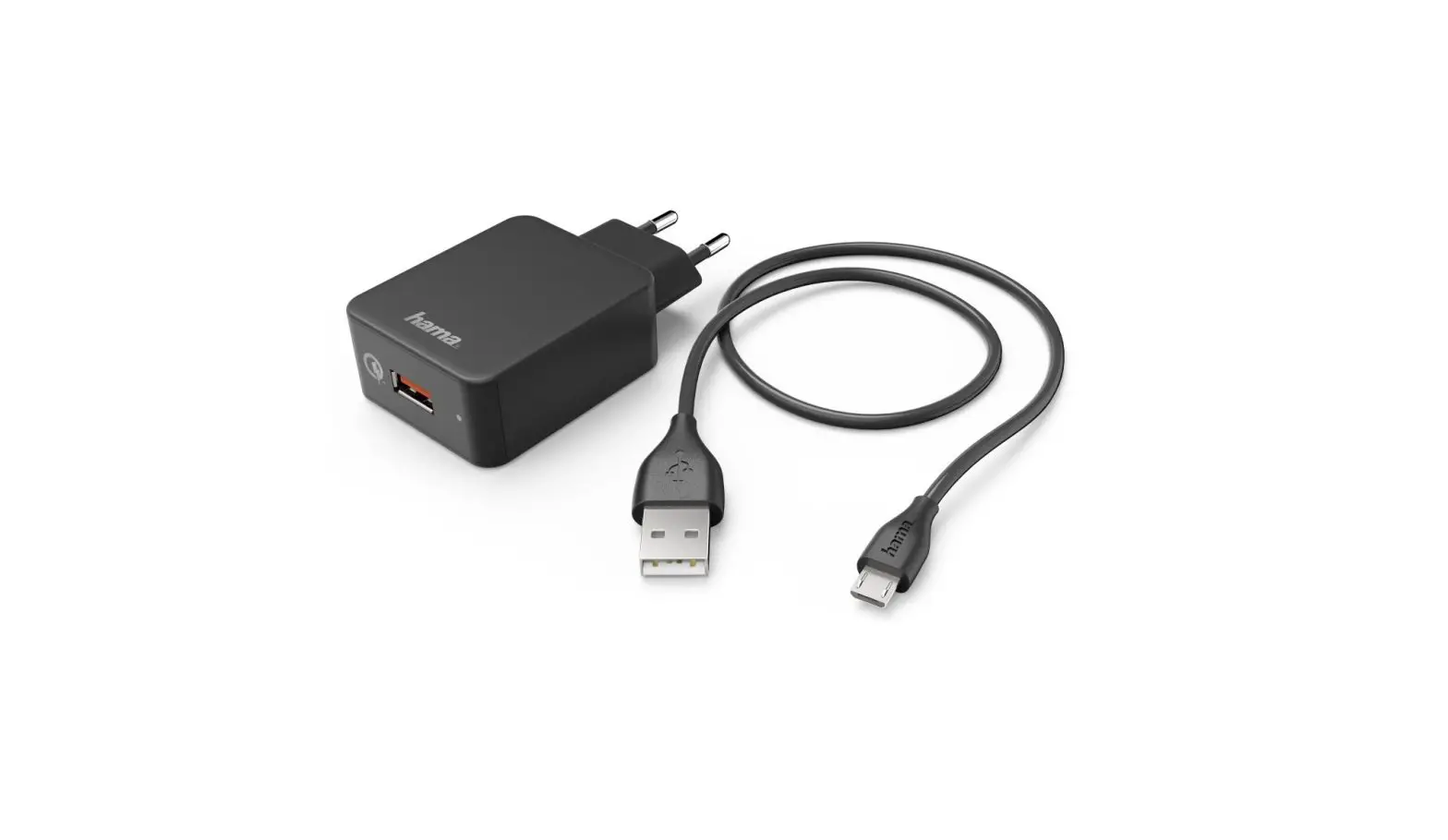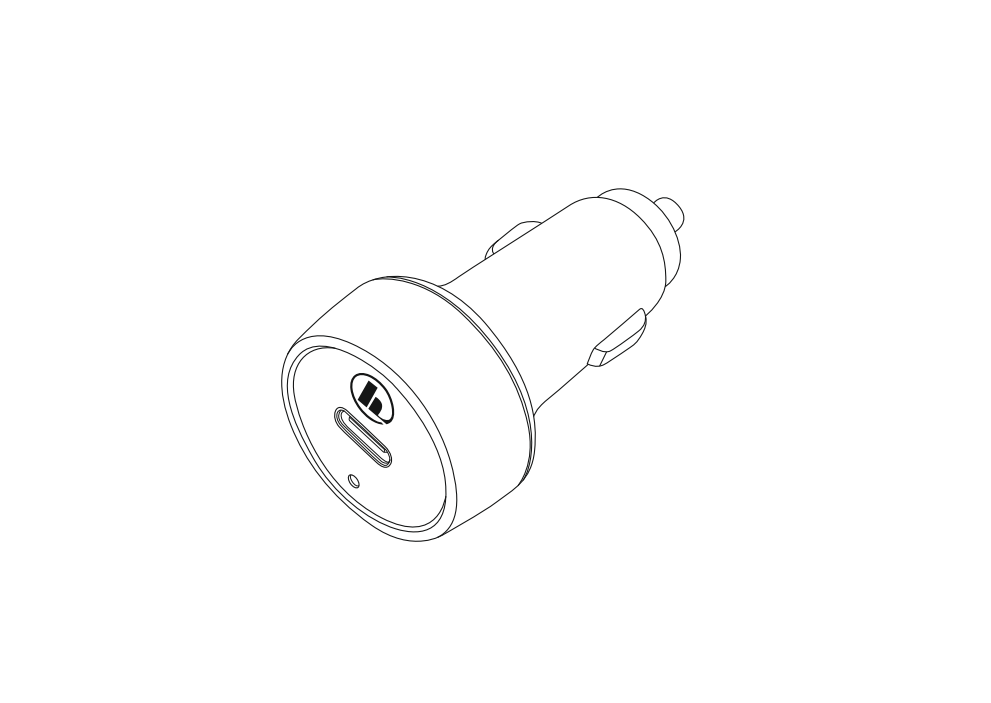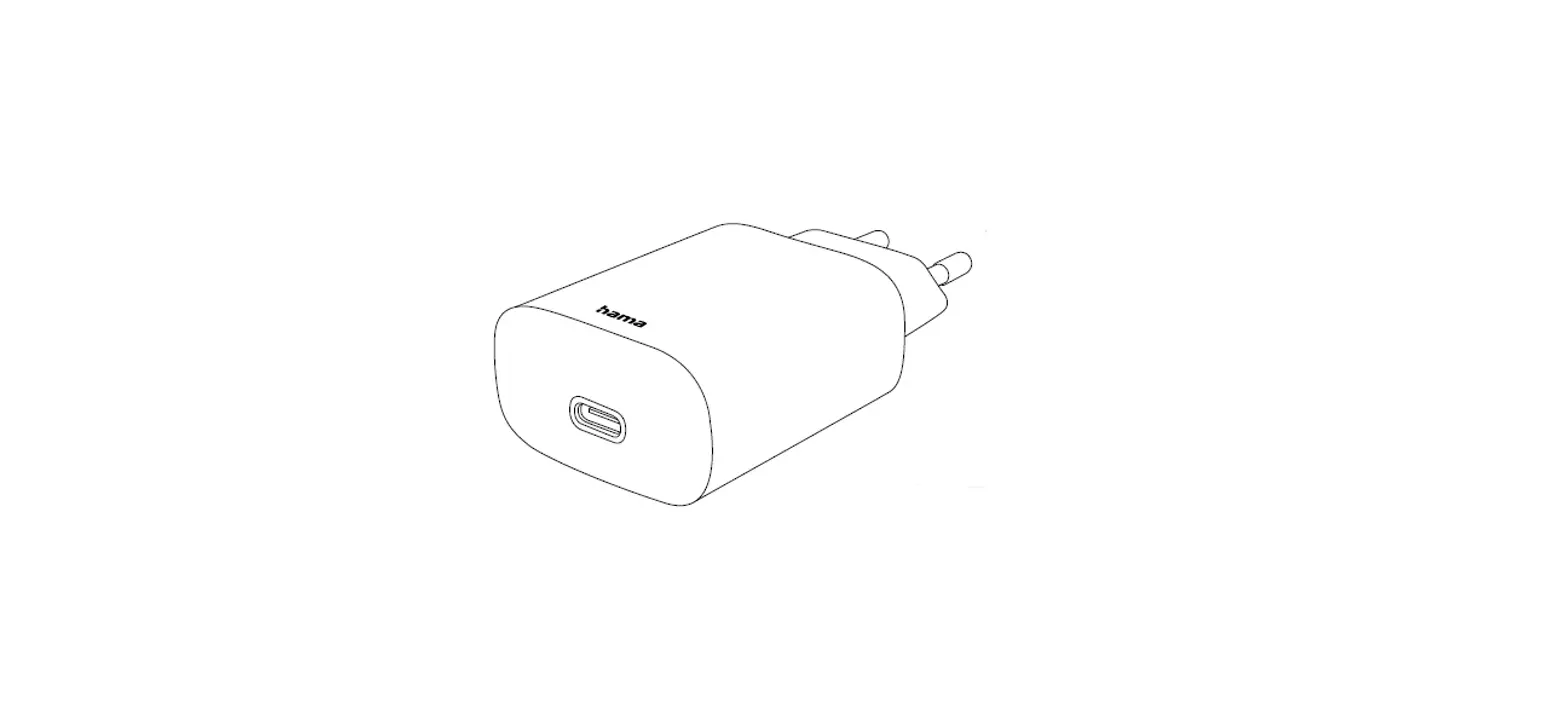

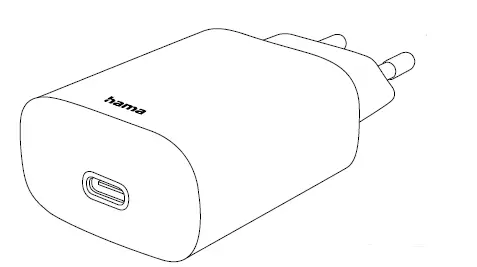
hama 00188335 USB-C PD/ QC 3.0 30W Charger
Thank you for choosing this Hama product!
Take your time and read the following instructions and information completely. Please keep these instructions in a safe place for future reference.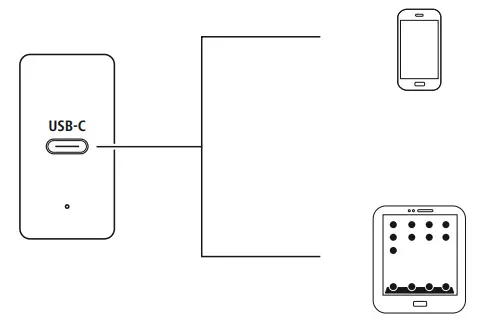
Explanation of warning symbols and notes
 Risk of electric shock
This symbol indicates arisk of electric shock from touching uninsulated product parts that may carry hazardous voltage.
Warning
This symbol is used to indicate safety instructions or to draw your attention to specific hazards and risks.
 Note
Note
This symbol is used to indicate additional information or important notes.
Package contents
- Charger
- These operating instructions
Safety instructions
- Protect the product from dirt, moisture and overheating and use it in dry rooms only.
- Donot drop the product and do not expose it to any major shocks.
- Do not operate the product outside the power limits specified in the technical data.
- Do not modify the device in any way. Doing so voids the warranty.
- Do not continue to operate the product if it is visibly damaged.
- Use the product only for the intended purpose.
- As with all electrical products, this device should be kept out of the reach of children.
- Do not use the product in the immediate vicinity of heaters, other heat sources or in direct sunlight.
- Route all cables so there is no risk of tripping.
- Do not bend or crush the cable.
- Always pull directly on the plug when disconnecting the cable, never on the cable itself.
- Dispose of packaging material immediately in accordance with the locally applicable regulations.
- The product is intended only for use inside buildings.
- Only use the article under moderate climatic conditions.
- Do not use the product in areas in which electronic products arenot permitted.
- Do not use the product in a damp environment and avoid splashing water.
Risk of electric shock
- Do not open the device or continue to operate it if it becomes damaged.
- Do not use the product if the AC adapter,the adapter cable or the mains cable are damaged.
- Do not attempt to service or repair the product yourself. Leave any and all service work to qualified experts.
Operation
Note -mains voltage 100 -240 V
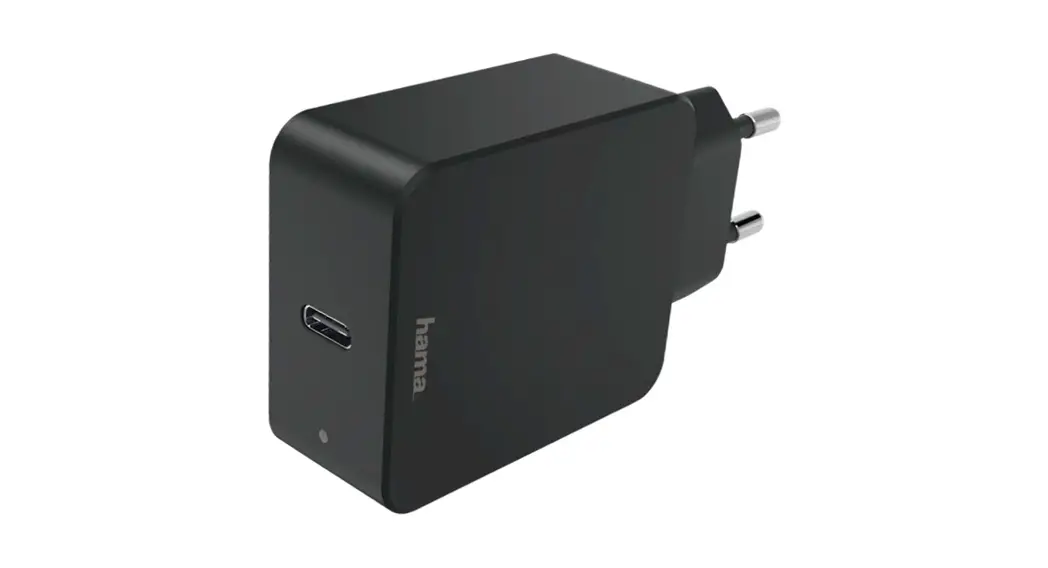
The charger is suitable for mains voltages of 100 -240 Vand, therefore, can be used worldwide. Please note that an acountry-specific adapter may be necessary.
Warning -connecting devices
- Before connecting device, check whether it can be adequately supplied with the charger’s current capacity.
- Ensure that the power of the connected device does not exceed 30 W.
- Note the instructions in your device’s operating manual.
Note -Power Delivery /QC3.0, 2.0
- Plug &GO: no additional software is required, simply plug in and start: Thanks to Power Delivery /QC3.0, 2.0, the voltage and power are adjusted automatically.
- Be aware that, for efficient and optimized charging, your terminal device must support the PD (Power Delivery)/QC 3.0, 2.0 function.
- Be aware that, for efficient and optimized charging, your terminal device must support the PD (Power Delivery)/QC 3.0, 2.0 function.
- If you have a large number of PD/QC-enabled devices with different firmware updates, it may be that the function is not fully supported.
Warning
- Only operate the product from a socket that has been approved for the device. The socket must be installed close to the product and must be easily accessible.
- Disconnect the product from the power supply using the On/Off switch –if this is not available, unplug the power cord from the socket.
- If using a multi-socket power strip, make sure that the total power consumption of all connected devices does not exceed the power strip’s maximum throughput rating.
- If you will not be using the product for a prolonged period, disconnect it from mains power. Unless different instructions have been expressly given in the operating instructions for the devices you are charging, proceed as follows:
- Connect your device to the USB charging socket using a suitable USB cable.
- Connect the charger to a properly installed and easily accessible mains socket.
- The charging process is displayed on your device.
- Disconnect the device from the charger if you wish to interrupt the charging process or when the device is fully charged.
- Then disconnect the charger from the line connection.
When charging the rechargeable batteries in the device, note the maximum charging times for the built-in batteries.
Care and maintenance
- Only use soft, dry towels to clean the product.
Note
Disconnect the device from the mains before cleaning and during prolonged periods of non-use.
Technical data
| Specifications according to Regulation (EU) 2019/1782 | |
| Brand name, commercial register number, address | Hama, HRA12159, Dresdner Str. 9, 86653 Monheim, Germany |
| Model identifier | 00188334 |
| Input voltage | 100 – 240 V |
| Input AC frequency | 50 / 60Hz |
|
Output voltage / output current / output power total | 5.0 V DC/ 3.0 A/ 15.0 W 9.0 V DC/ 3.0 A/27.0 W12.0 V DC/ 2.5 A/ 30.0 W 15.0 V DC/ 2.0 A/ 30.0 W 20.0 V DC/ 1.5 A/ 30.0 W 3.3-11.0 V DC/ 3.0 A/ 9.9-30.0 W |
| Average efficiency during operation | 78.6 % |
| Efficiency at low load (10%) | 75.6 % |
| Power consumption at zero load | 0.10 W |
Warranty disclaimer
Hama GmbH &CoKG assumes no liability and provides no warranty for damage resulting from improper installation/mounting, improper use of the product or from failuretoobserve the operating instructions and/or safety notes.
Hama GmbH &CoKG 86652 Monheim /Germany
Service &Support
- www.hama.com
- +49 9091 502-0
 hama.com