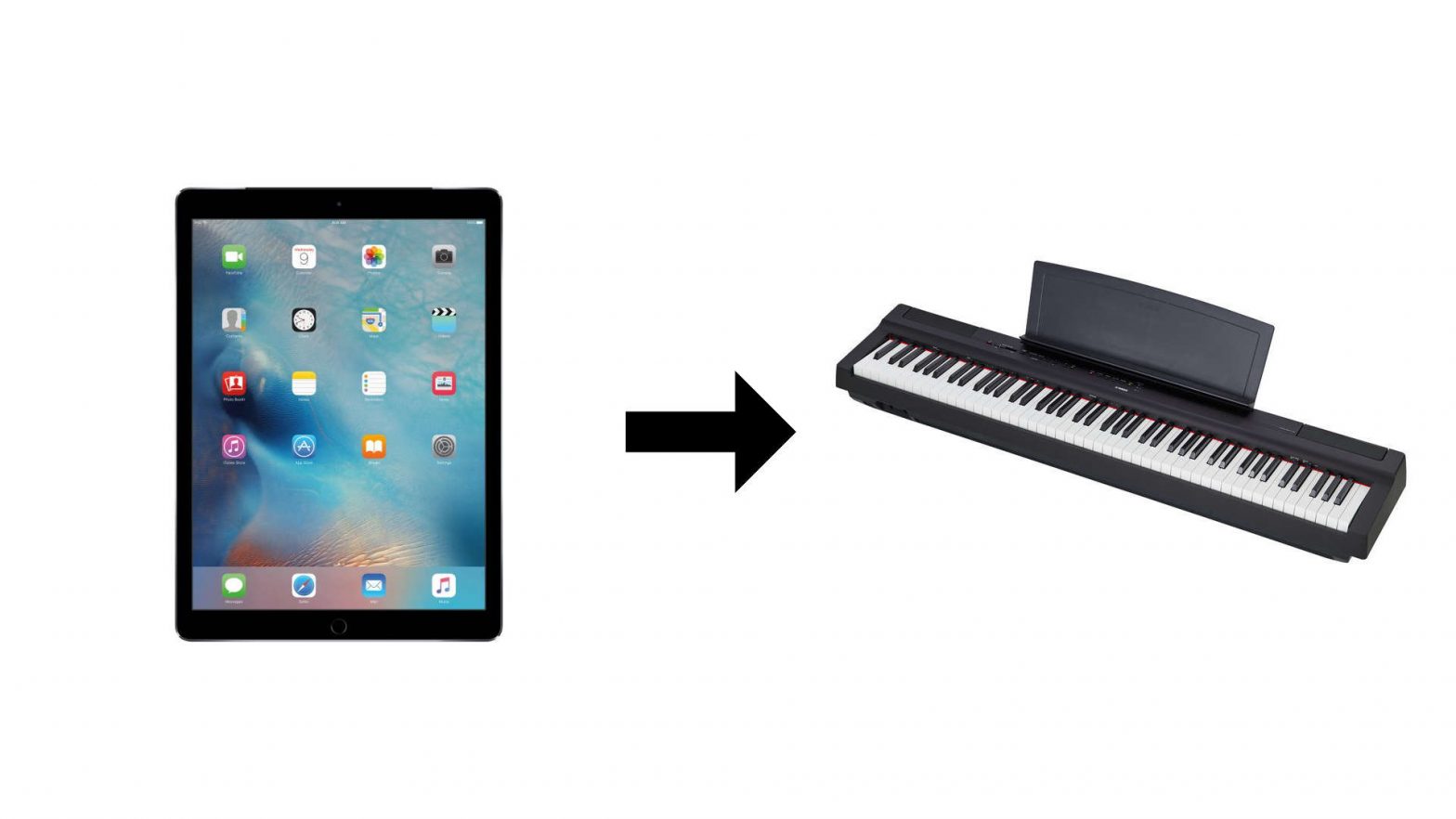
How to set up a new iPhone
Setting up your new iPhone
Setting up your new iPhone is easy, and help is available every step of the way.
This video outlines what you need to do, and the other videos in the playlist have step-by-step instructions if you need extra help.
Let’s get started:
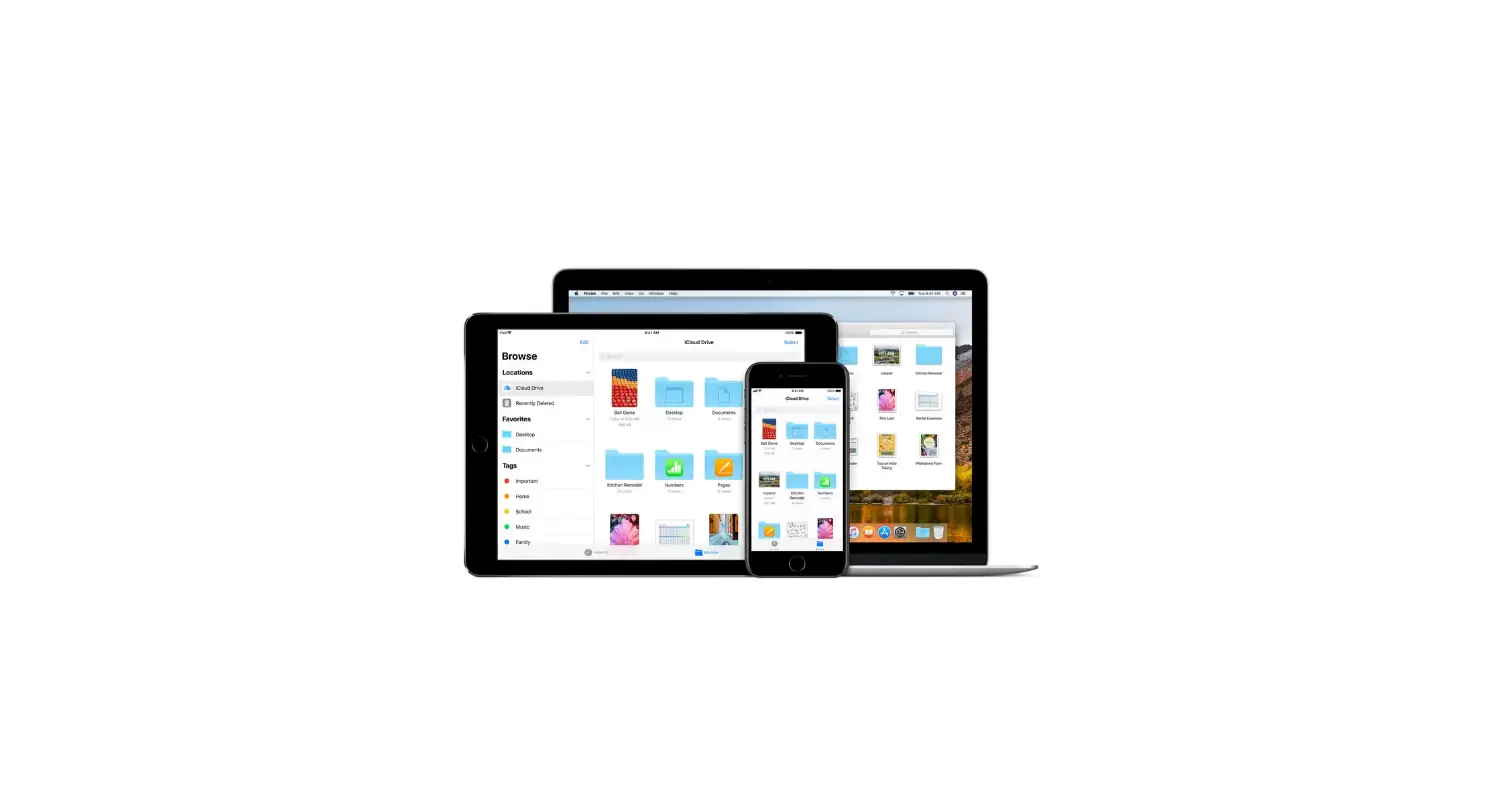
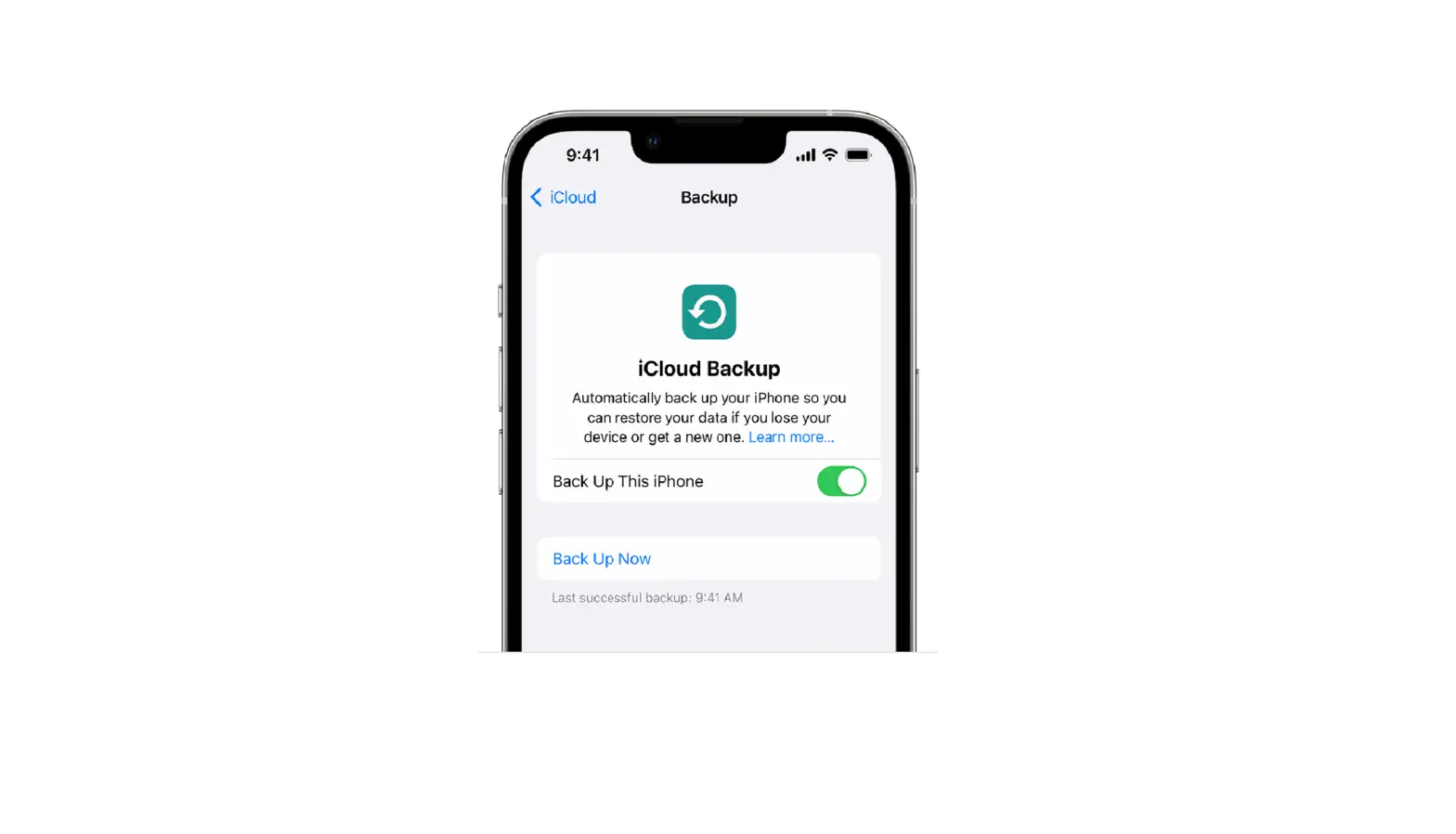
1. First, it’s a good idea to back up the data on your previous iPhone.
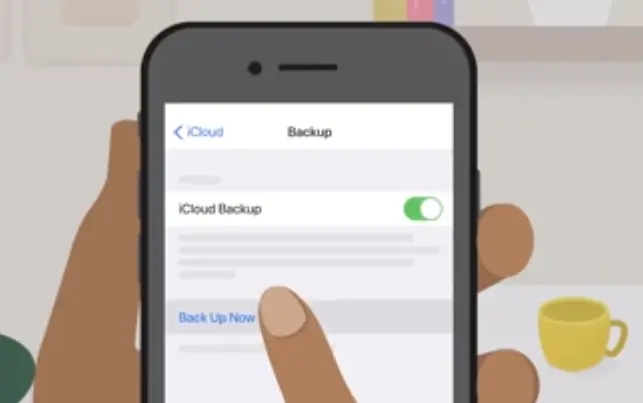
2. The easiest way is to back up to iCloud, which you can do right on your device.
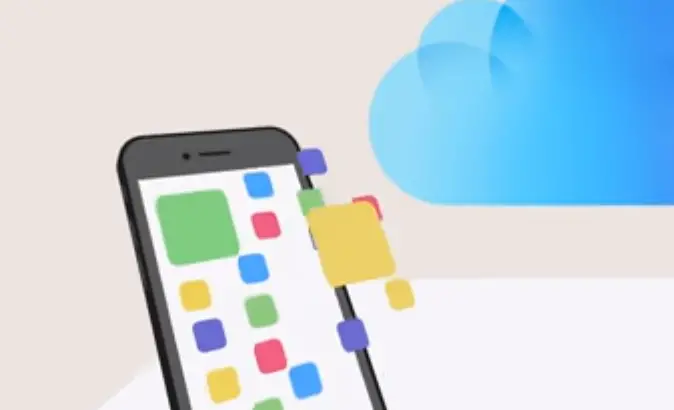
3. If you don’t have enough available iCloud storage, you can purchase more or back up to your computer.
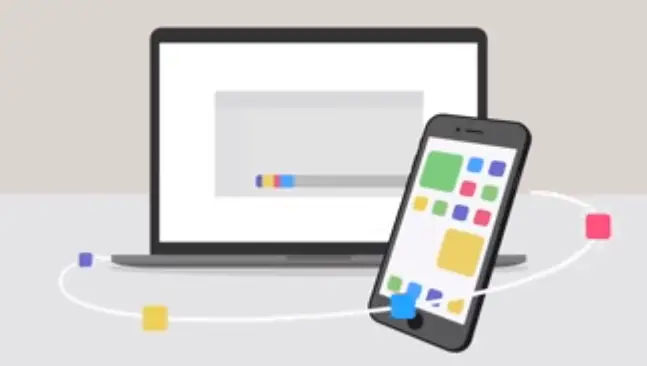
Backup With Cloud
For help backing up, check out step-by-step videos in our YouTube playlist.
1. You also need to know your Apple ID and password,
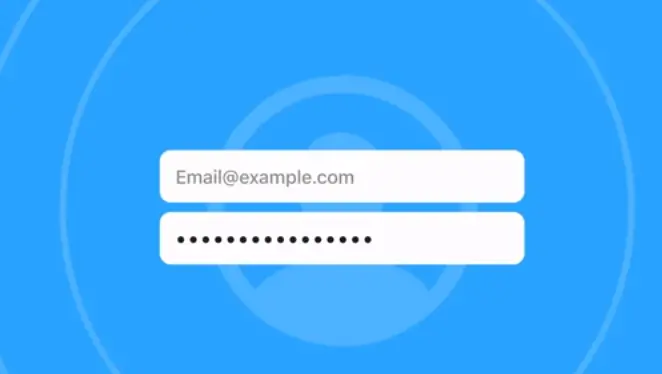
2. So, you’ll be able to access your data in iCloud, Restore from your iCloud backup, and download previous purchases from the App Store and iTunes Store.

How To Reset Apple ID Password
If you forgot your Apple ID password:
Don’t worry. Our video can show you how to reset it. When your new iPhone arrives, turn it on and follow the onscreen instructions to set it up.
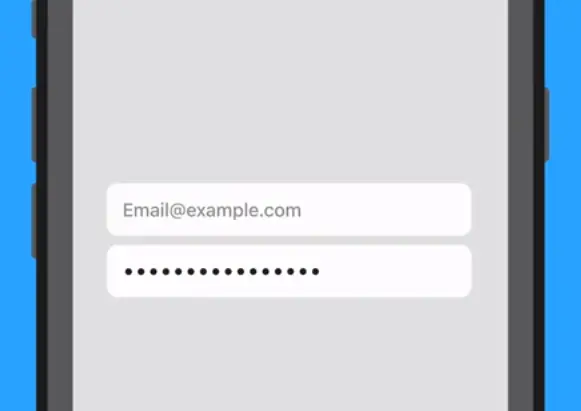
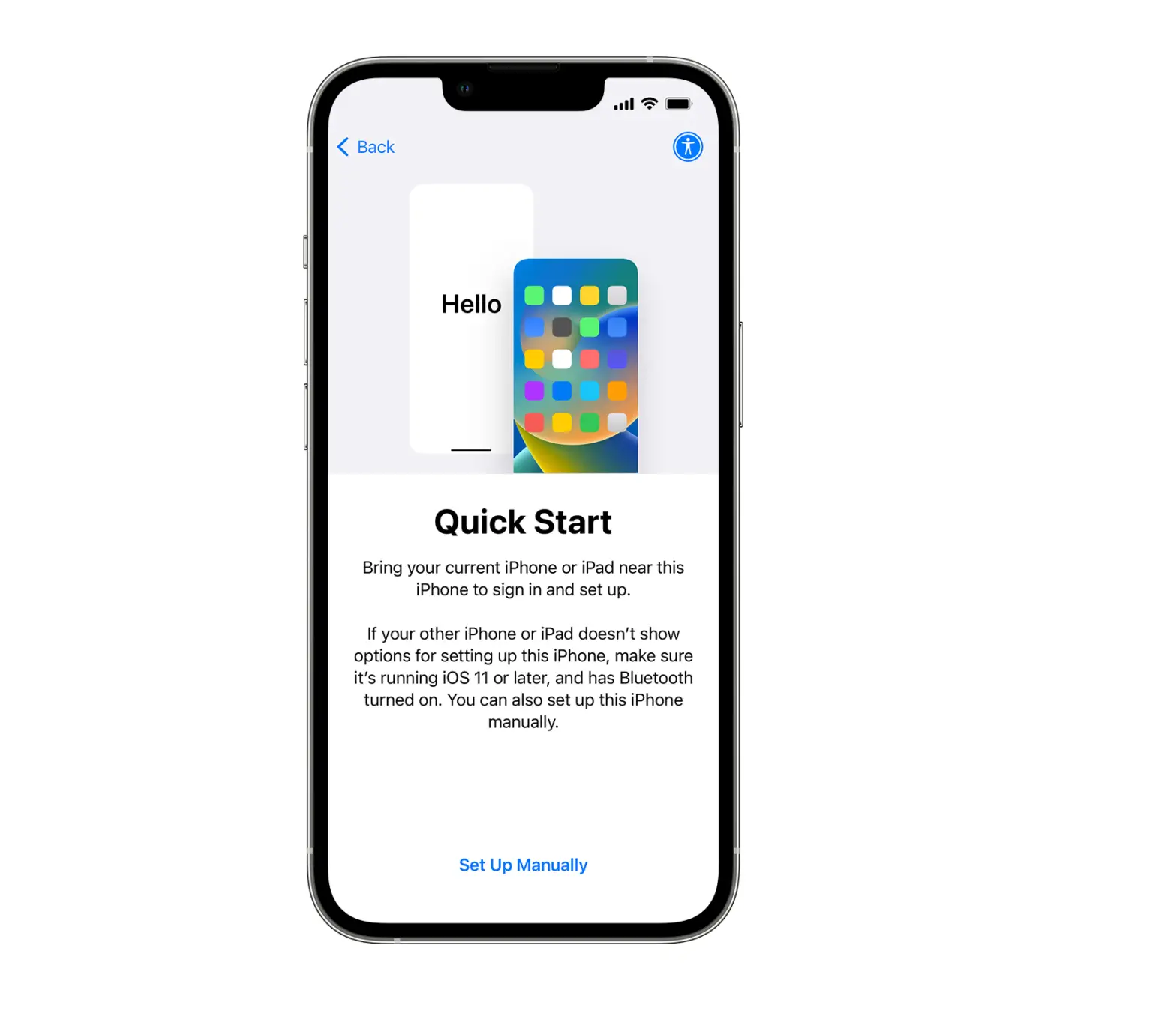
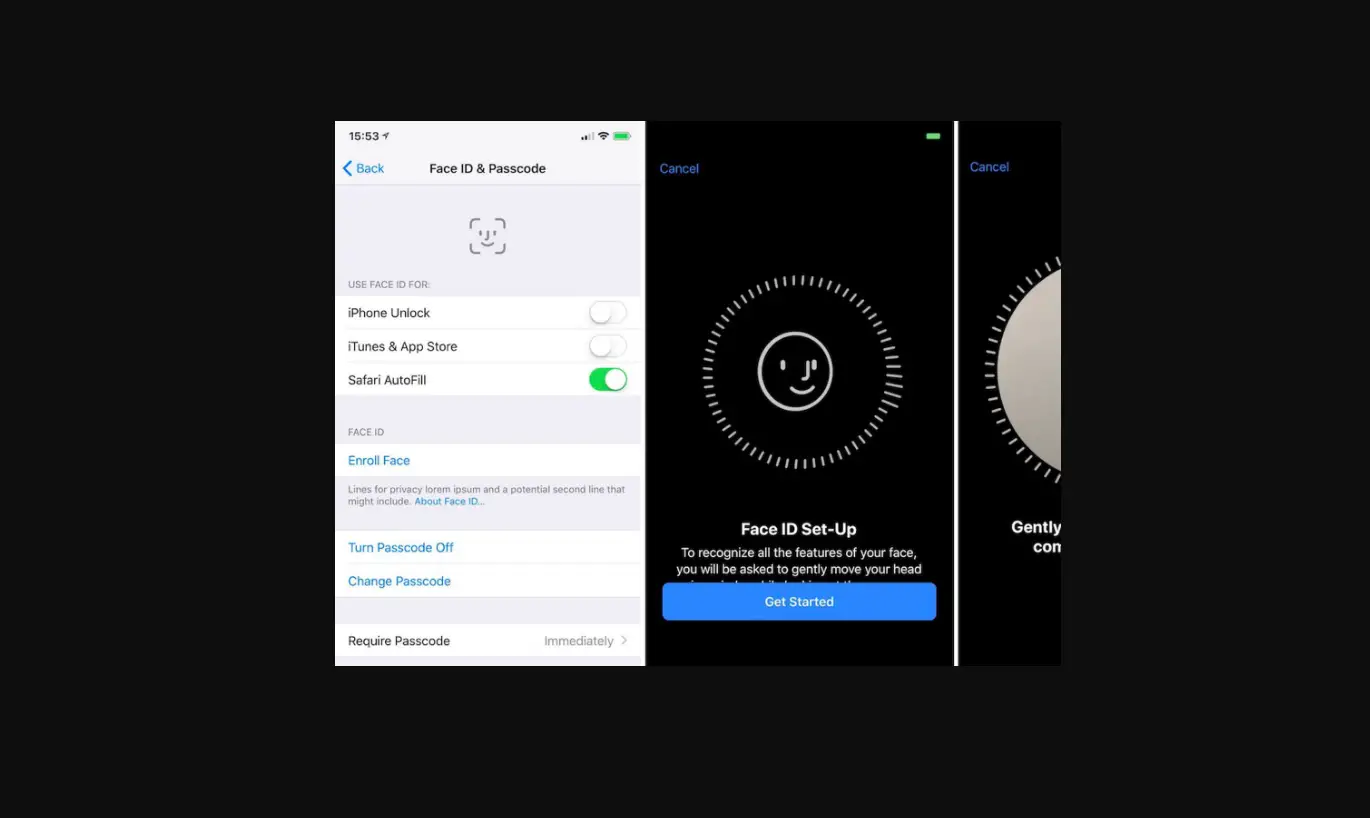
1. To transfer your information, you can use Quick Start and device-to-device migration, which automatically copies data from your previous iPhone.
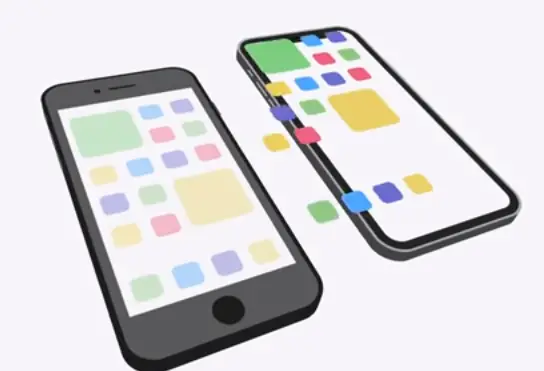
2. You can also transfer your data from the backup you made to iCloud or your computer.
3. Whatever method you choose, your iPhone walks you through it, so you can pick up right where you left off.
How To Transfer Data To a New Phone
We have videos you can watch if you need extra help.
1. If you purchased an unlocked iPhone, you may need to transfer the SIM card from your previous iPhone to activate service.
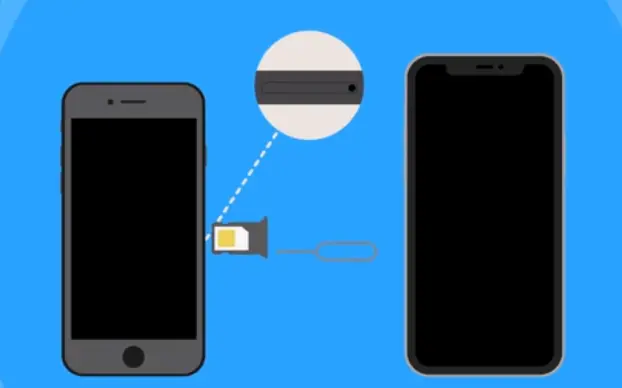
2. Contact your carrier if you have questions about your rate plan or need a different SIM card.
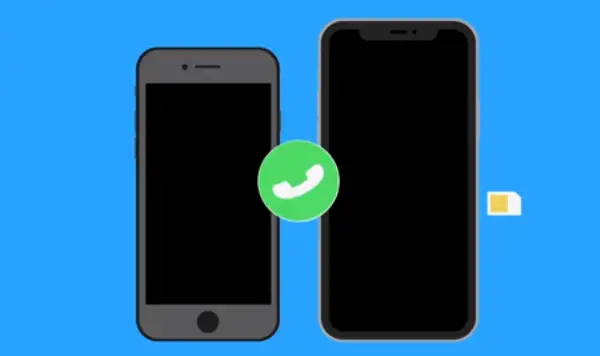
3. And that’s it! Enjoy your new iPhone.

If you need help backing up or transferring your data, click one of the videos for instructions. And subscribe to our Apple Support YouTube channel for more how-tos and tips from the people who know your Apple products best.