
USB to Bluetooth MIDI Adapter Pro
USB-21 Pro
Instructions
Introduction
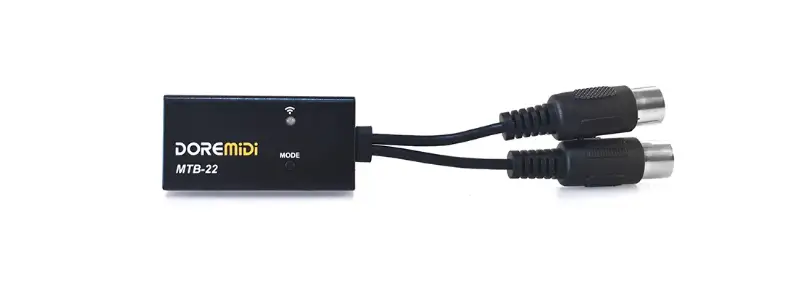
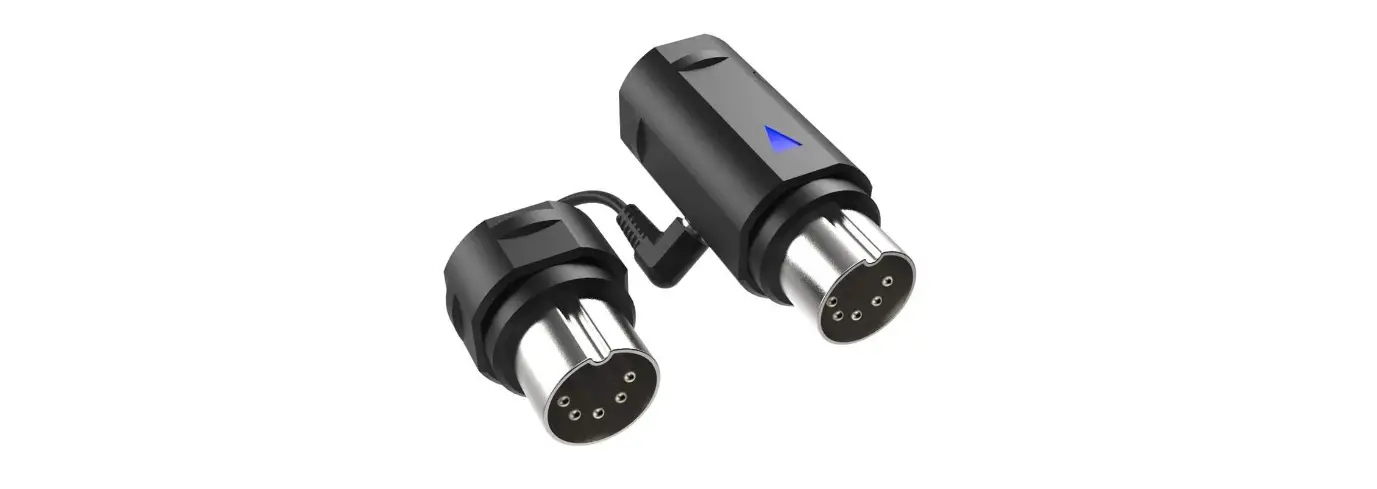
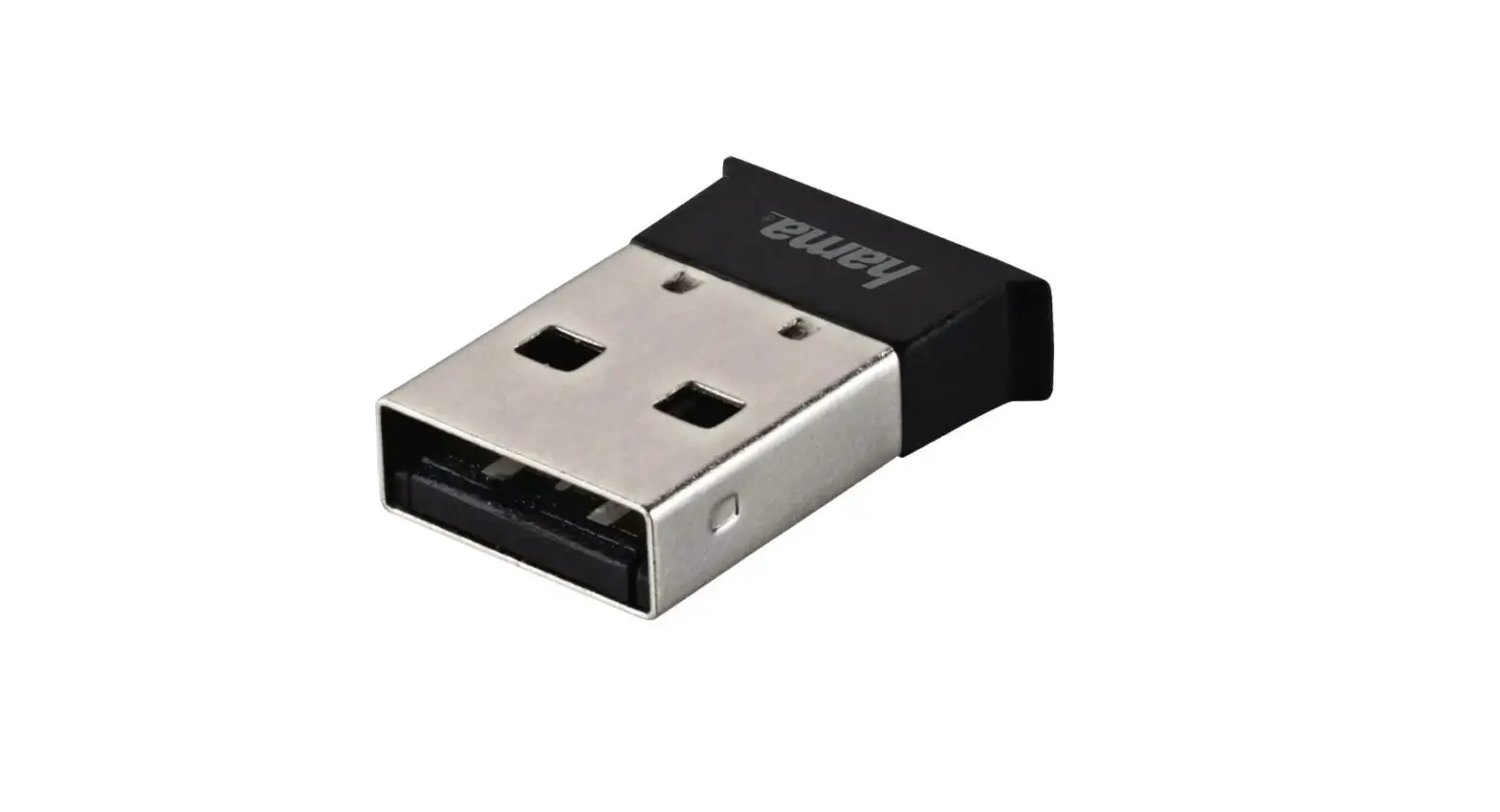
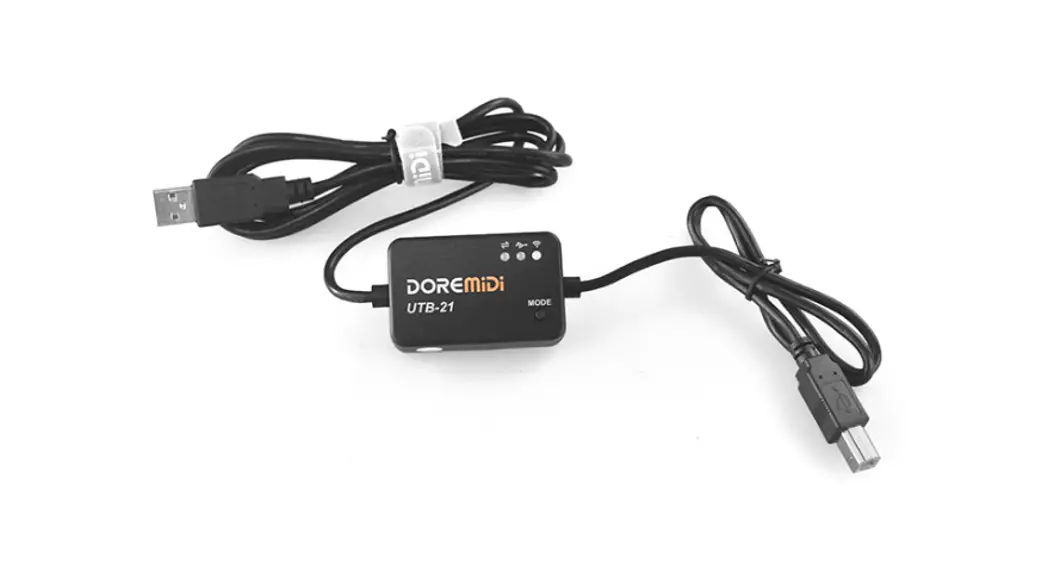
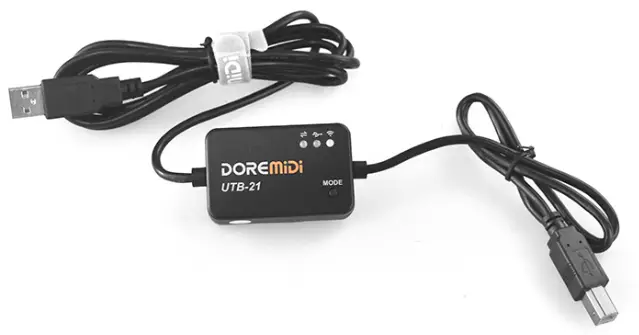
The USB to Bluetooth MIDI adapter (UTB-21 Pro) has the function of converting the USB port of the instrument into Bluetooth MIDI. It can be connected to this product with a mobile phone or tablet. This product is compatible with commonly used APP software on the market. This product is compatible with Windows10, Mac, iOS, Android, and other systems.
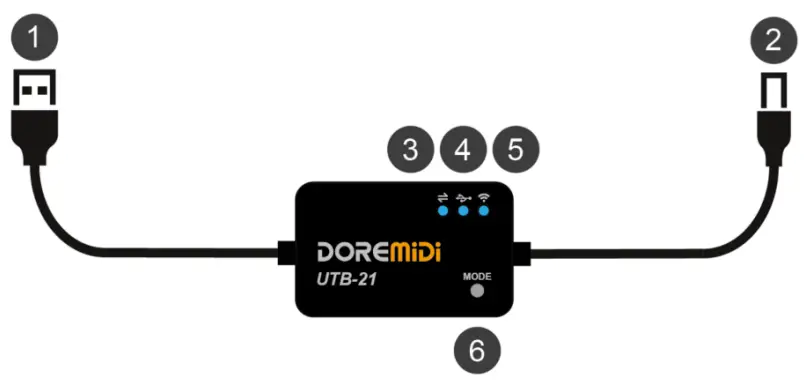
- USB-A Plug: Connect the USB power supply to supply power to the product.
- USB-B Plug: USB TO HOST interface for connecting MIDI devices.
- Working Indicator: Flashing to indicate that the instrument has data communication.
- USB Indicator: After successfully connecting to a USB MIDI instrument, the light will light up.
- Bluetooth indicator: Flashes when Bluetooth is not connected, and always lights after connecting to a mobile device.
- MODE Button: Long press to switch modes, the Bluetooth indicator light is blue for standard normal mode and red for high-speed mode.
(Note: Normal mode is compatible with more APP software, the high-speed mode is only applicable to some APPs)
Product Parameters
| Name | Description |
| Model | USB-21 Pro |
| Length | 2 meters |
| Weight | 110g |
| USB-A Plug | Power supply, use a 5V adapter to power the product |
| USB-B Plug | Standard USB MIDI HOST interface, connect to the USB TO HOST interface of musical instruments |
| Indicator Light | Data communication indicator, USB working indicator, Bluetooth wireless working indicator |
| Bluetooth version | Bluetooth Low Energy 5.0 |
| Compatible System | Windows, Mac, i0S, Android |
| USB MIDI Instrument Compatible Models | (Please check the latest compatibility table: http://www.doremidi.cn/h-pd-25.html) |
| App compatible | GarageBand, SimplyPiano, and other apps with Bluetooth MIDI |
Steps for usage
- Power supply: Use a 5V USB adapter to power the product through USB-A.
- Connect a USB MIDI device: Connect a USB MIDI instrument through the USB-B interface. After the connection is successful, the USB indicator will light up.
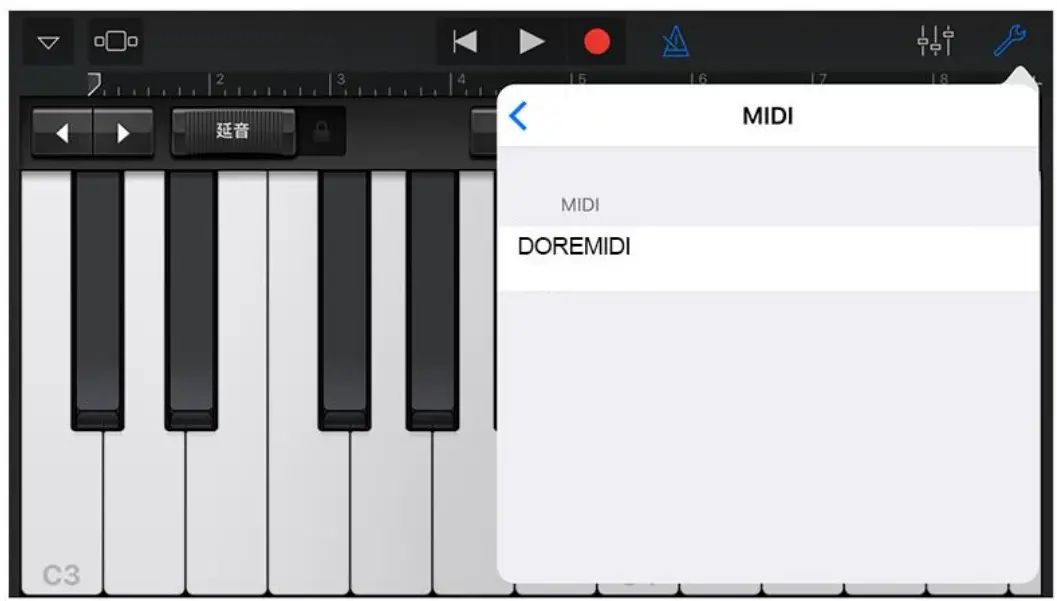
- Connect to Bluetooth MIDI software: Use the APP to connect to this product on iPhone/iPad/iPod Touch. Take Garageband of IOS as an example:
Garageband
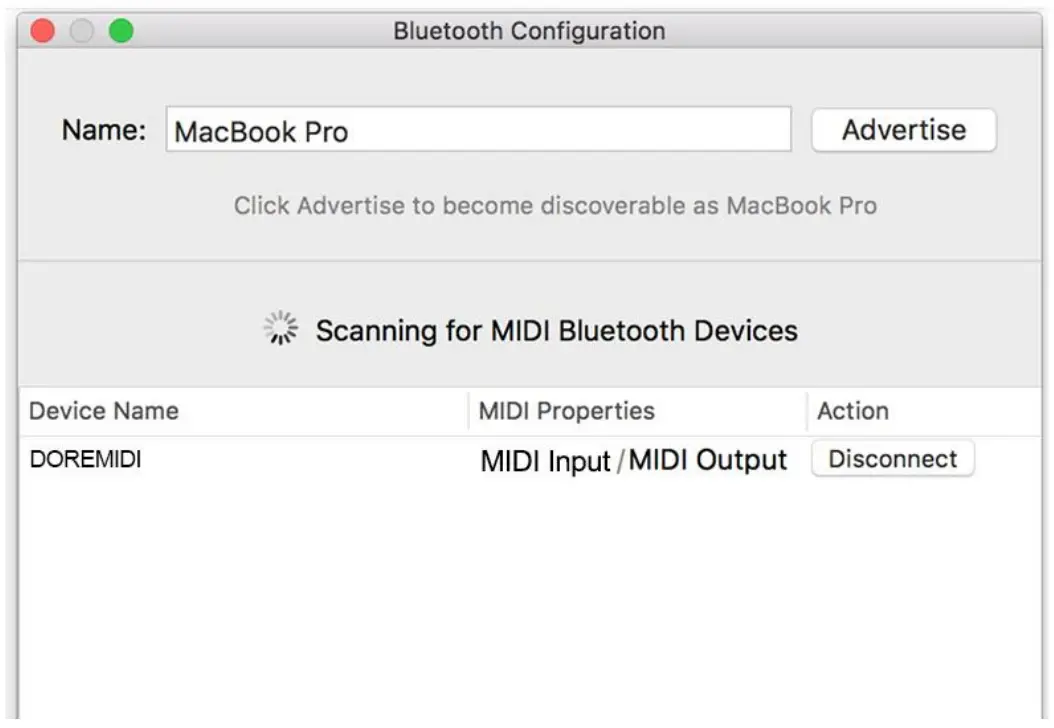
Audio MIDI Setup
Precautions
- This product contains a circuit board.
- Rain or immersion in water may cause the product to malfunction.
- Do not heat, press, or damage internal components.
- Non-professional maintenance personnel is not allowed to disassemble the product.
- The working voltage of the product is 5VDC, using a voltage lower or exceeding this voltage may cause the product to fail to work or be damaged.
Q&A
– Answer: You can supply power, but pay attention to whether the power input power of the USB adapter can meet the working requirements of the instrument.
– Answer: Please follow the steps below:
– Ensure that the power supply is normal and that the indicator light flashes after the product are powered on.
– Confirm that the instrument can work normally and the instrument’s USB interface is equipped with a MIDI function (for example, it can be recognized by the computer to recognize the MIDI device).
– Try to supply power to the product through USB-A first, and then connect to the instrument through USB-B, and see if the USB indicator light will light up.
– If the USB indicator is still off, or MIDI messages cannot be transmitted after it is on, please contact customer service to solve it.
– Answer: Please refer to “DOREMiDi Bluetooth MIDI Connection Tutorial.pdf”.
– Link: http://www.doremidi.cn/cn/h-pd-25.html
If the problem is not resolved, please contact customer service.
Manufacturer: Huashi (Shenzhen) Technology Co., Ltd.
Address: Room 9A, 9th Floor, Kechuang Building, Quanzhi Science and Technology Innovation Park,
Shajing Street, Baoan District, Shenzhen, Guangdong Province
Customer Service Email: [email protected]