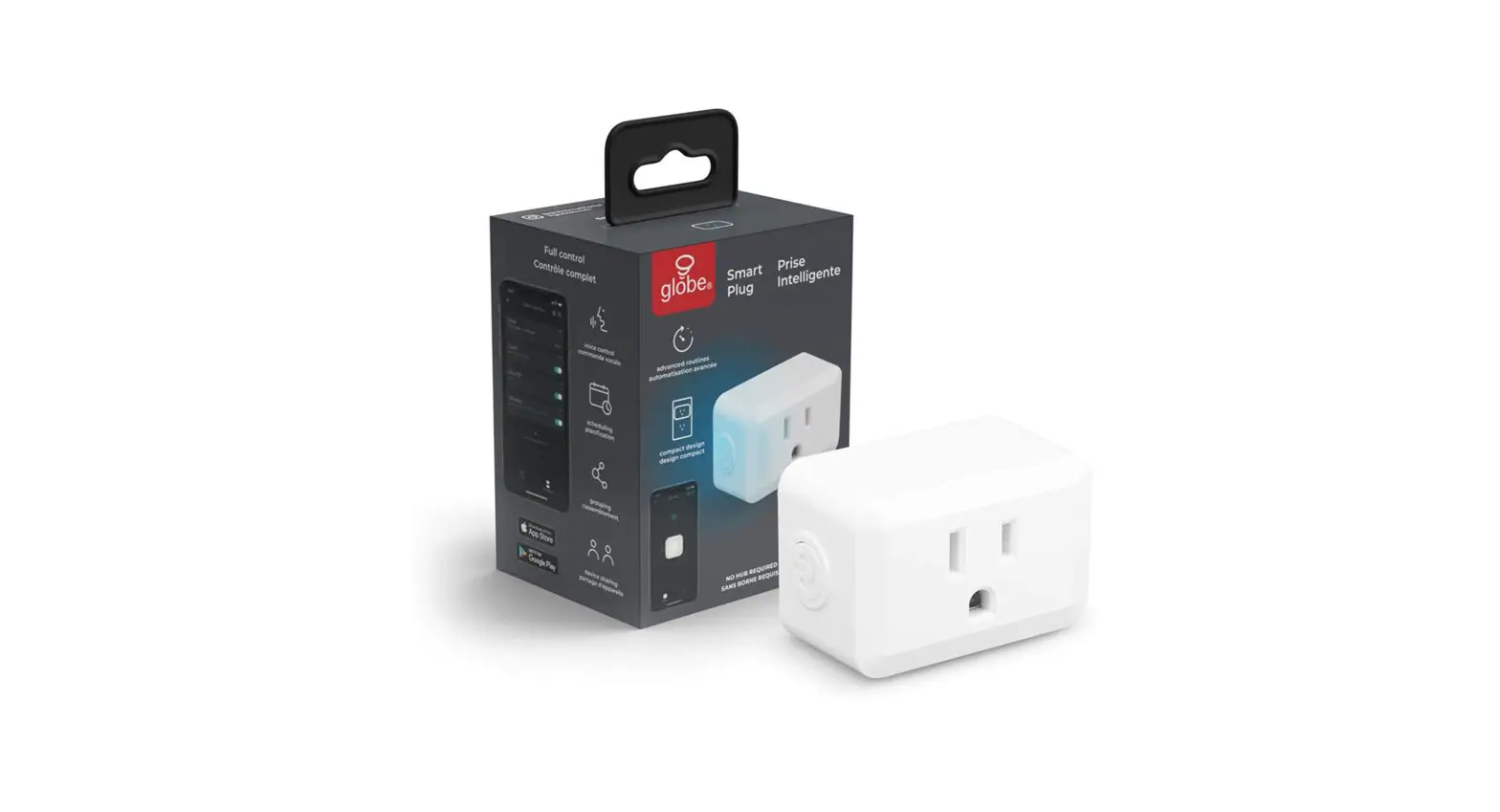
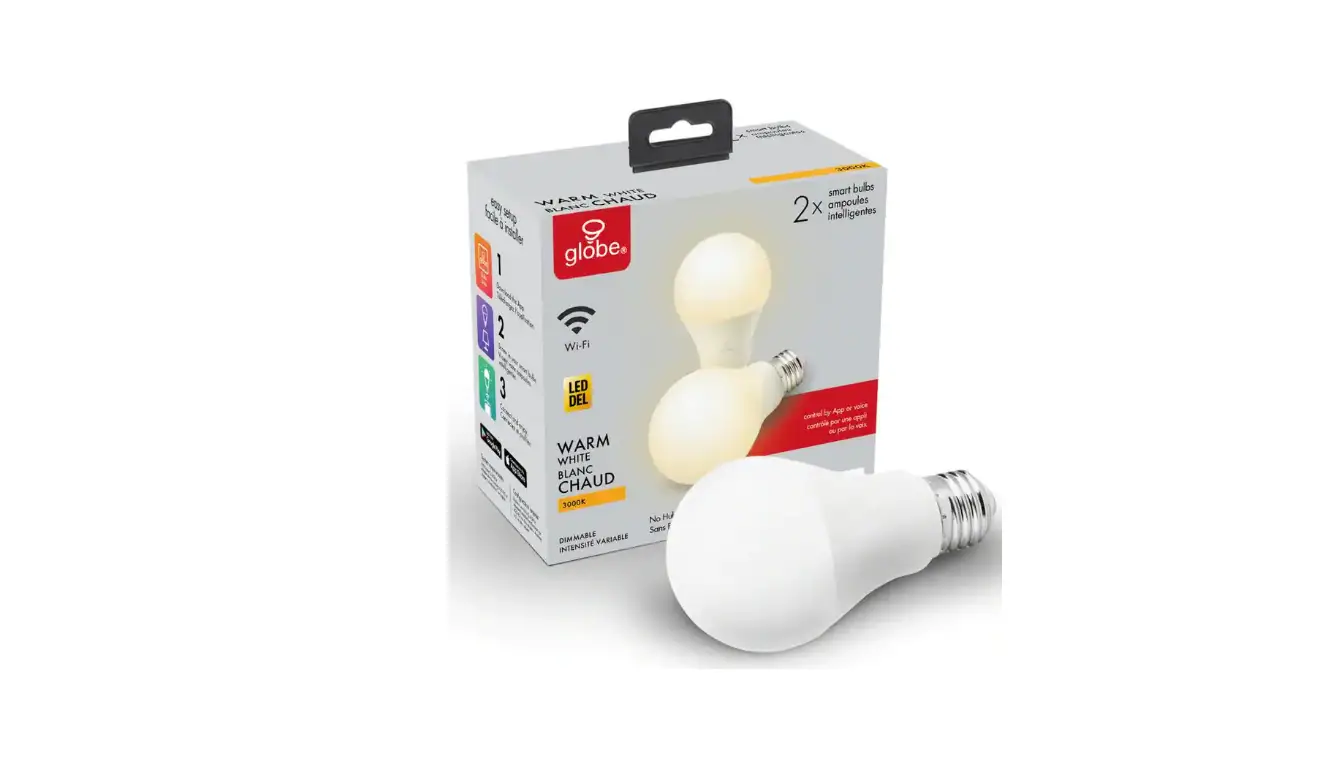
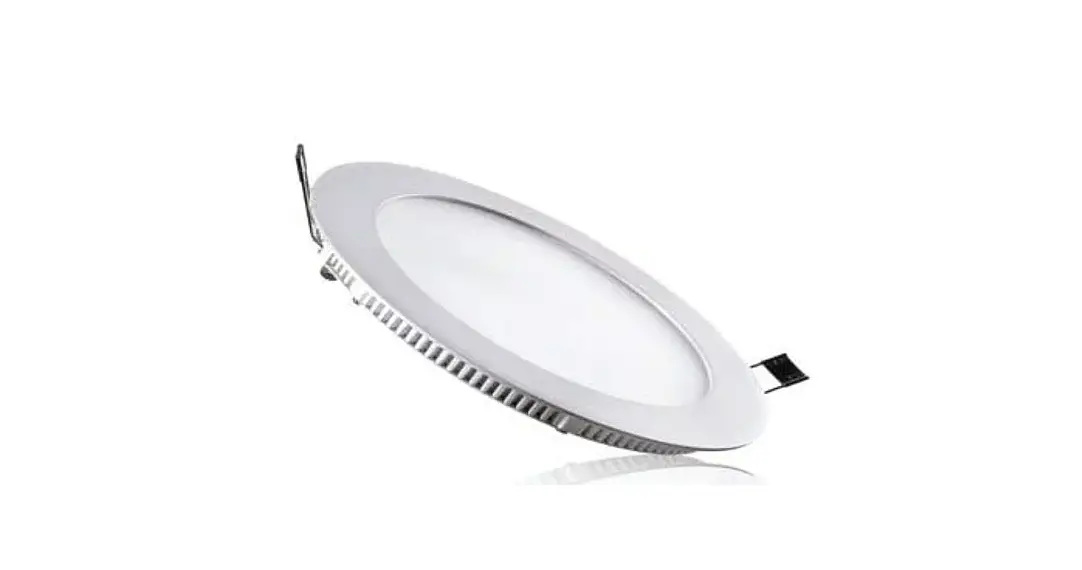
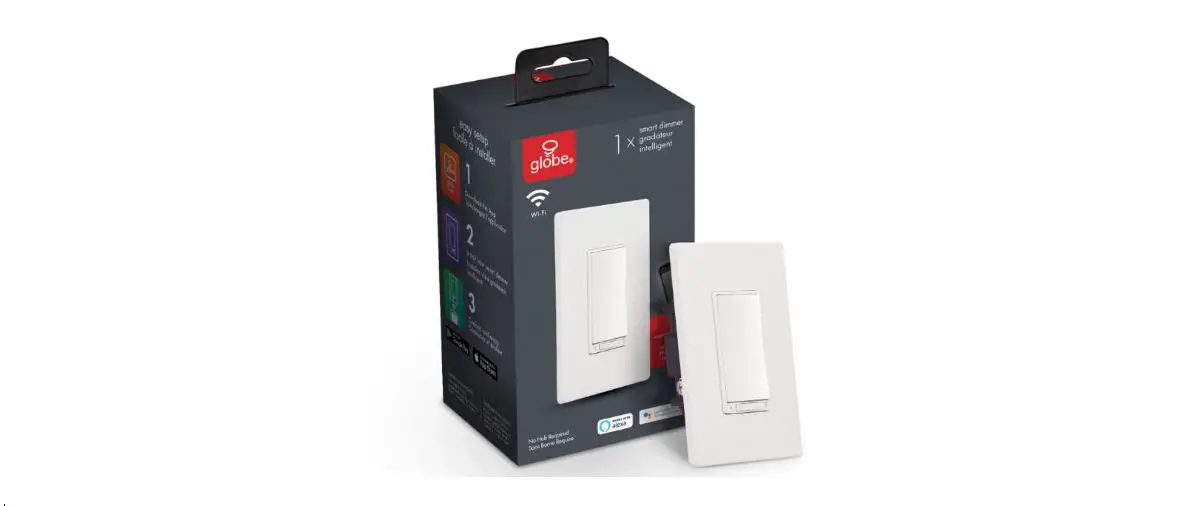
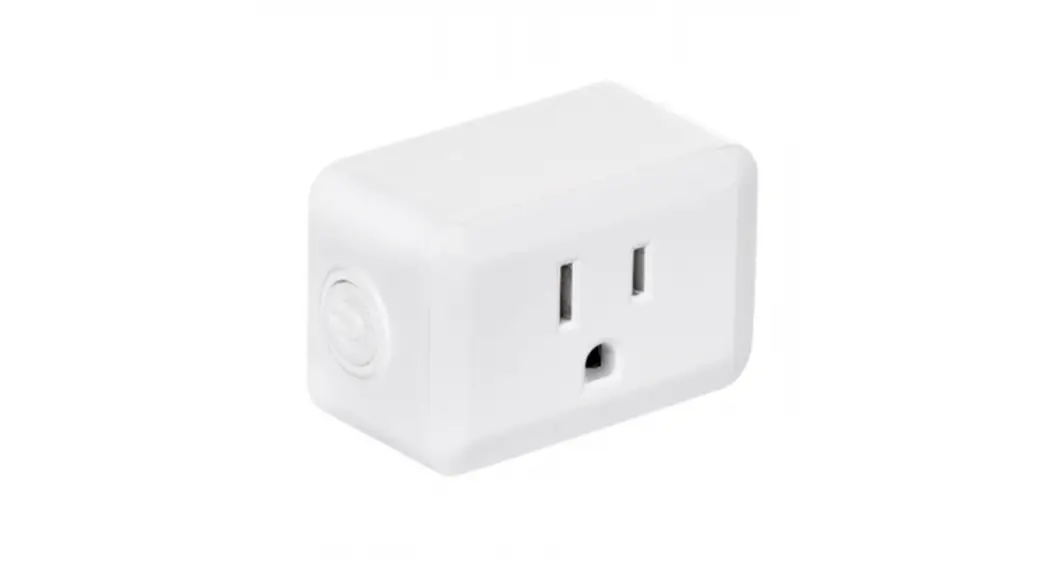
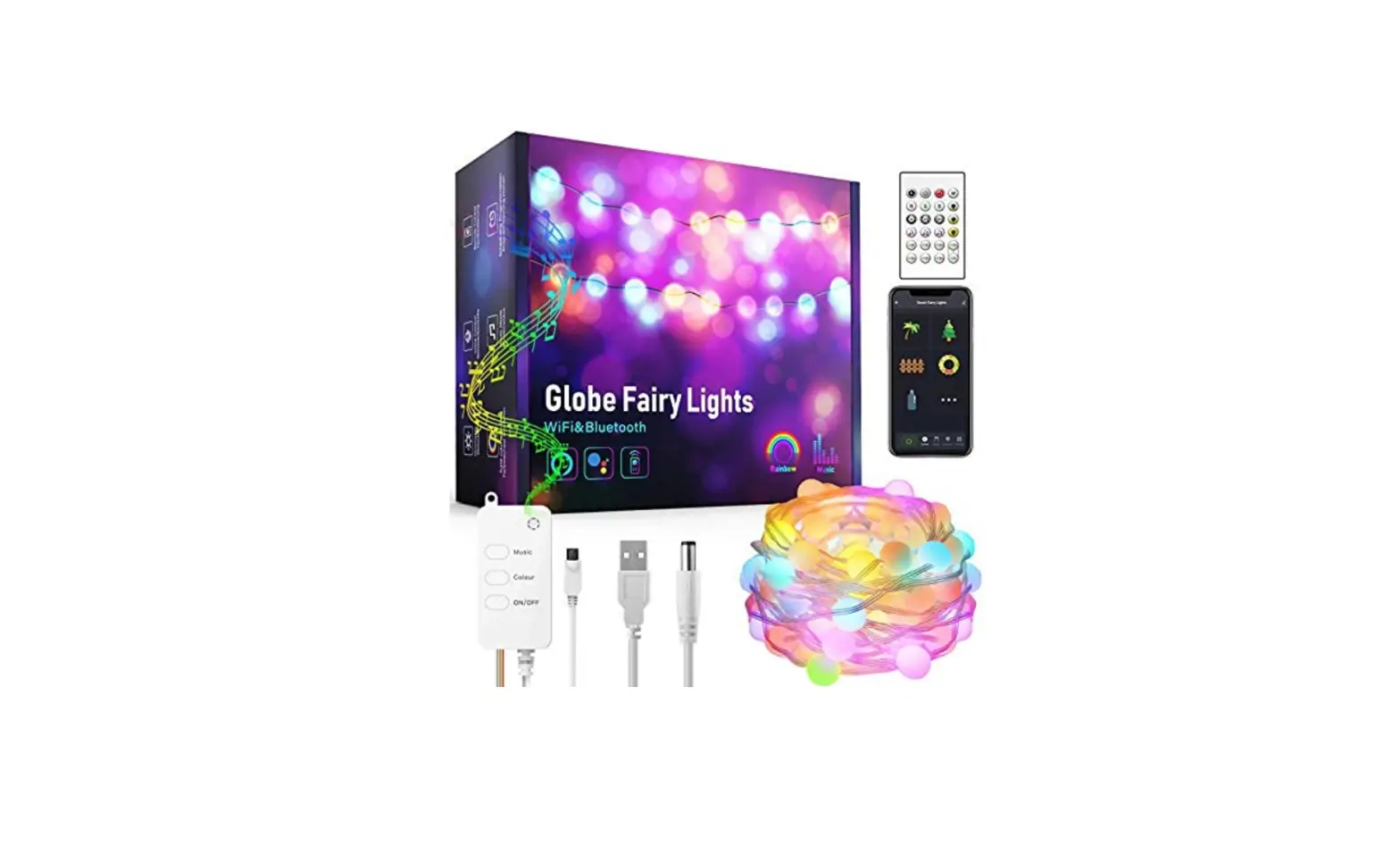
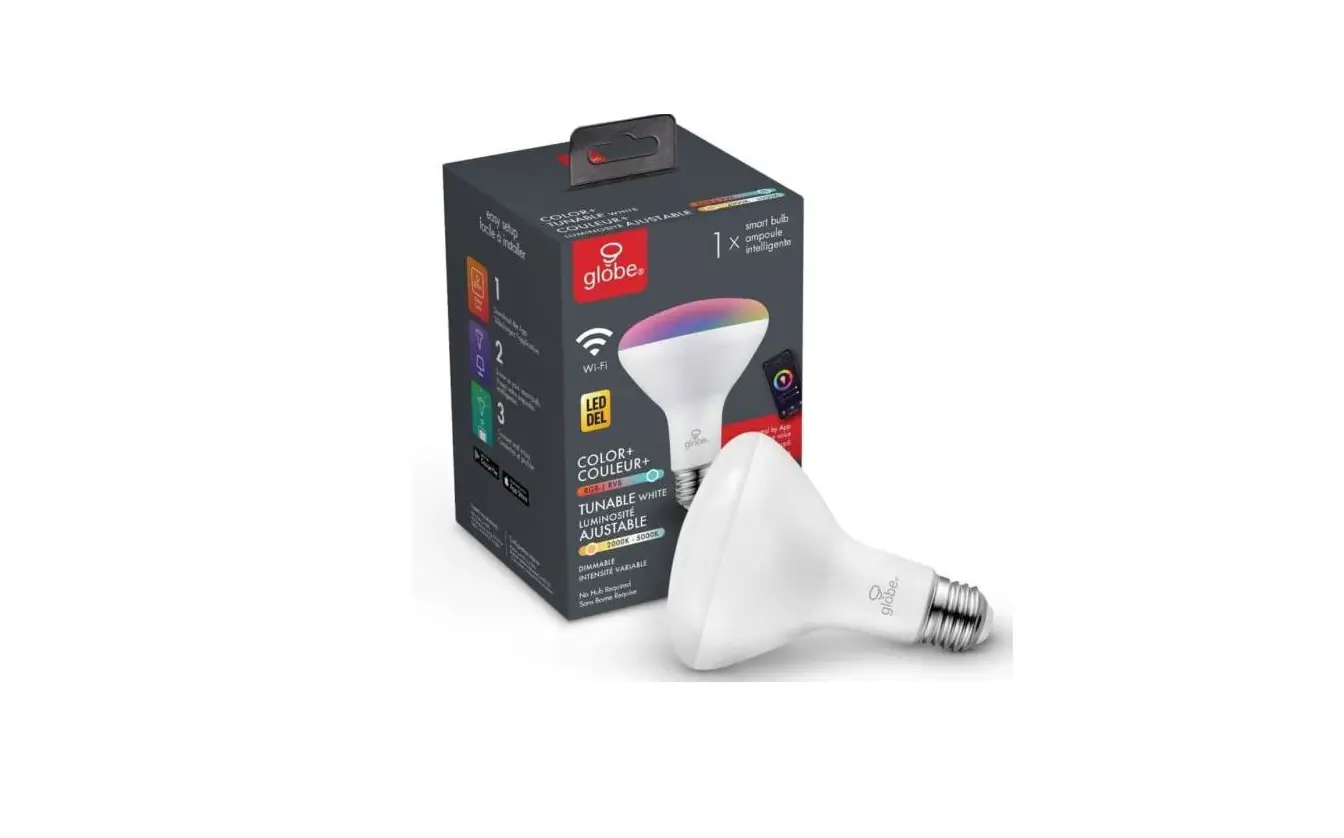
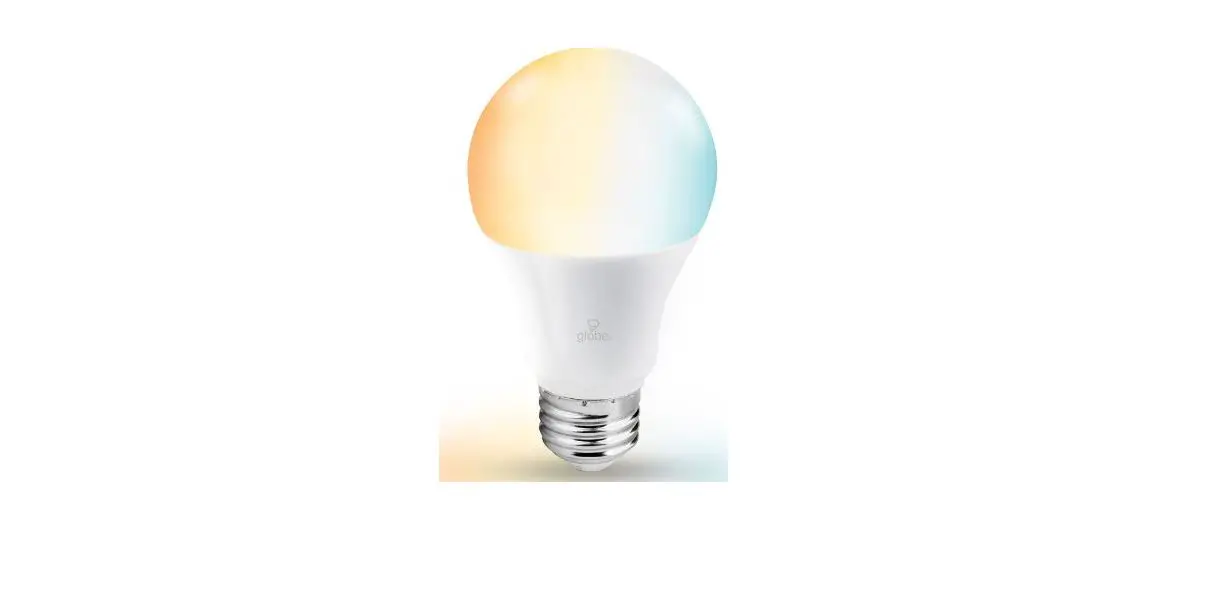
34202 Smart Blub
Product Information
The product is a handheld vacuum cleaner designed to effectively
clean dirt and debris from carpets, upholstery, and hard floors. It
comes with multiple attachments for various cleaning tasks and a
dustbin that can be easily emptied. The vacuum cleaner operates on
a rechargeable battery and has a run time of up to 30 minutes.
Product Usage Instructions
- Before using the vacuum cleaner, ensure that it is fully
charged by plugging it into a power source using the included
charging cable. - Select the appropriate attachment for the cleaning task at
hand. The attachments can be easily swapped by pressing the release
button and pulling them off the vacuum. - Turn on the vacuum cleaner by pressing the power button located
on the handle. The vacuum will start in standard mode, indicated by
a blue light. - To switch to max mode for more powerful suction, press the max
button located next to the power button. The max mode is indicated
by a red light. - Begin cleaning by placing the attachment on the surface to be
cleaned and moving the vacuum back and forth in a slow, steady
motion. Do not apply excessive pressure as this may damage the
surface being cleaned. - When finished cleaning, turn off the vacuum by pressing and
holding the power button until the blue light turns off. Empty the
dustbin by pressing the release button and pulling it out of the
vacuum. Dispose of the contents and reattach the dustbin to the
vacuum. - Store the vacuum cleaner in a cool, dry place with all
attachments securely attached to prevent damage or loss.
Cet appar ei l cont i ent des émet t eur s / r écept eur s exempt és de l i cence conf or mes aux RSS ( RSS) d’ I nnovat i on, Sci ences et Dével oppement économi que Canada. Le f onct i onnement est soumi s aux deux condi t i ons sui vant es : ( 1) Cet appar ei l ne doi t pas causer d’ i nt er f ér ences. ( 2) Cet appar ei l doi t accept er t out es l es i nt er f ér ences, y compr i s cel l es suscept i bl es de pr ovoquer un f onct i onnement i ndési r abl e de l ‘ appar ei l .