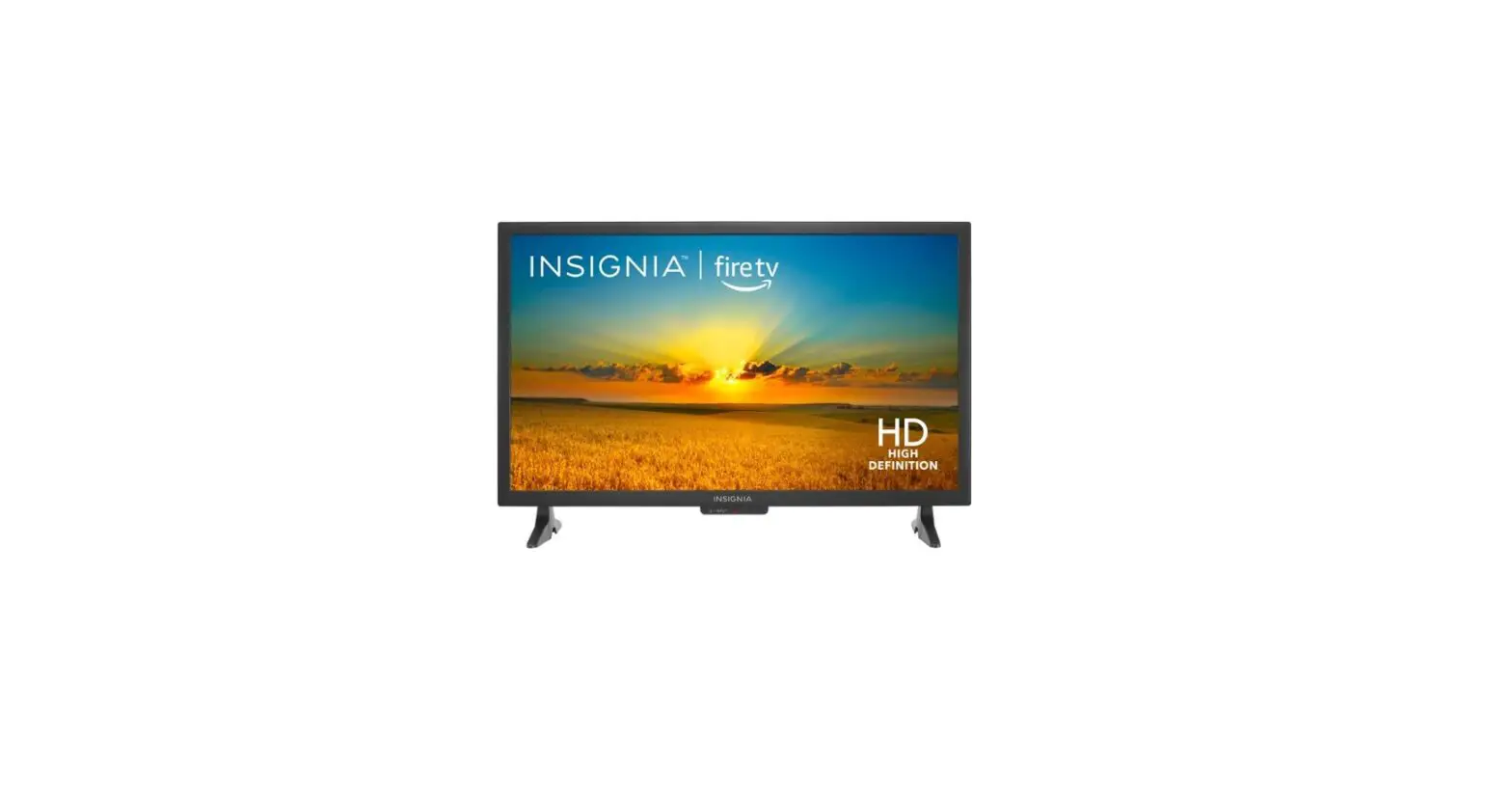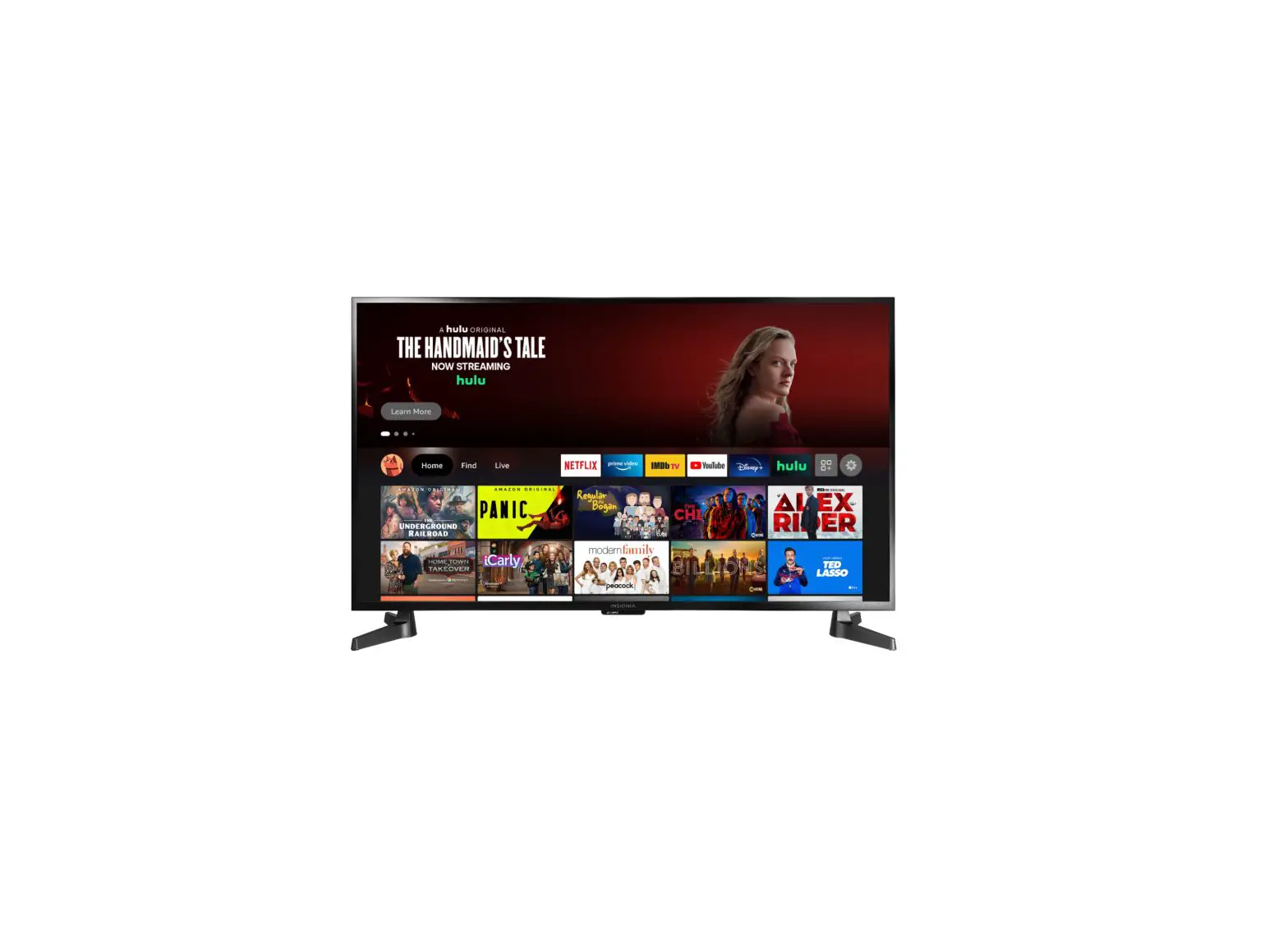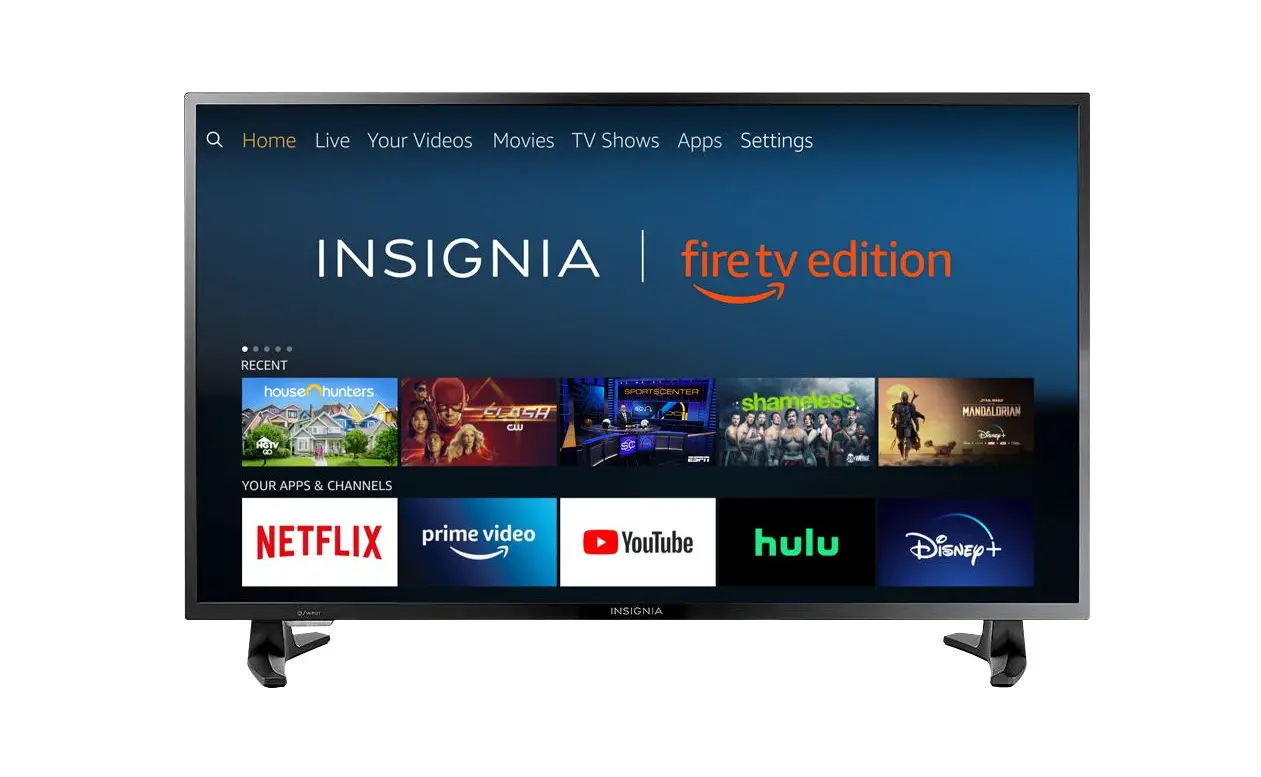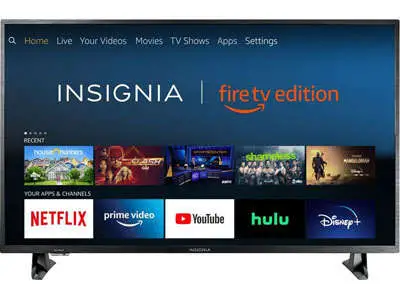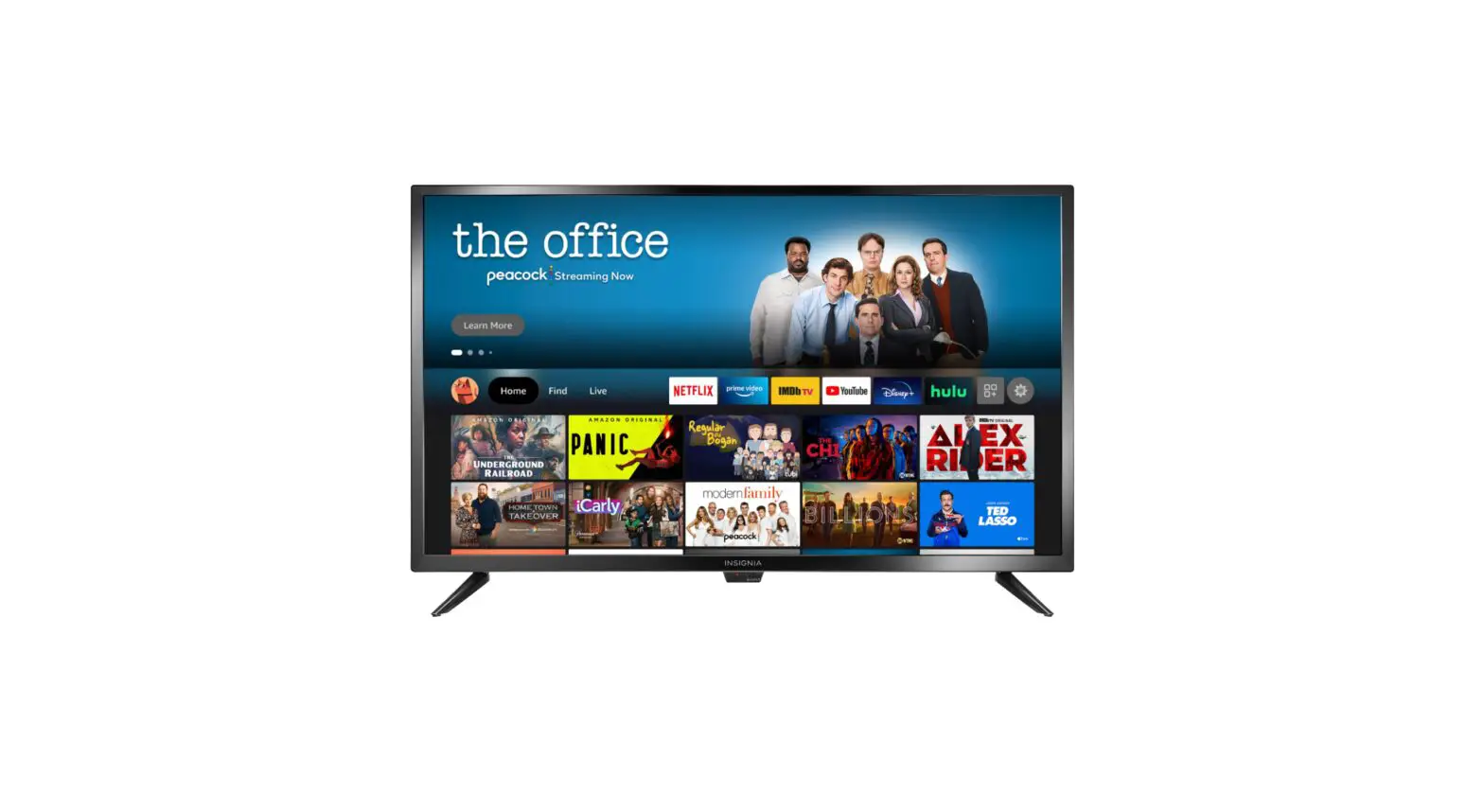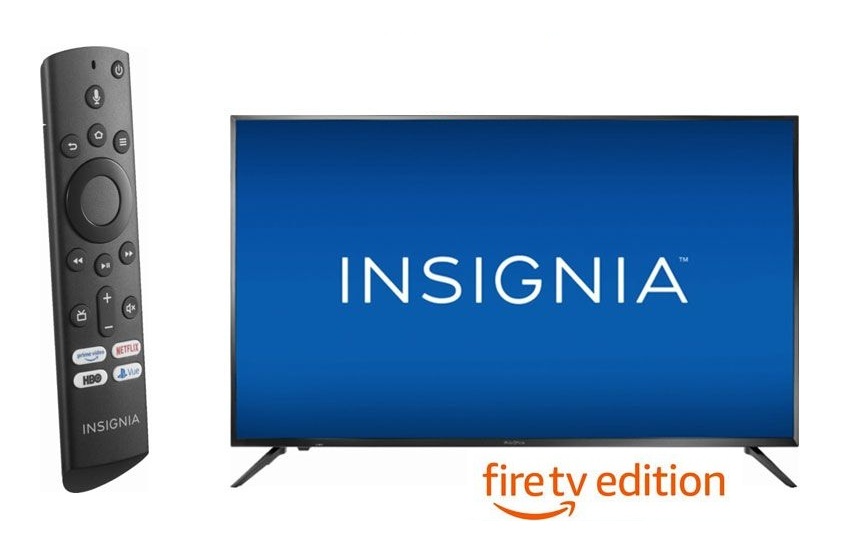
 INSIGNIA LED TV fire tv edition User Guide
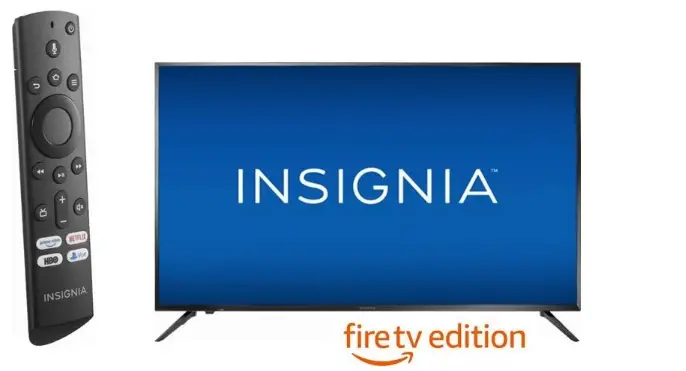
INSIGNIA LED TV fire tv edition User Guide
FAQS
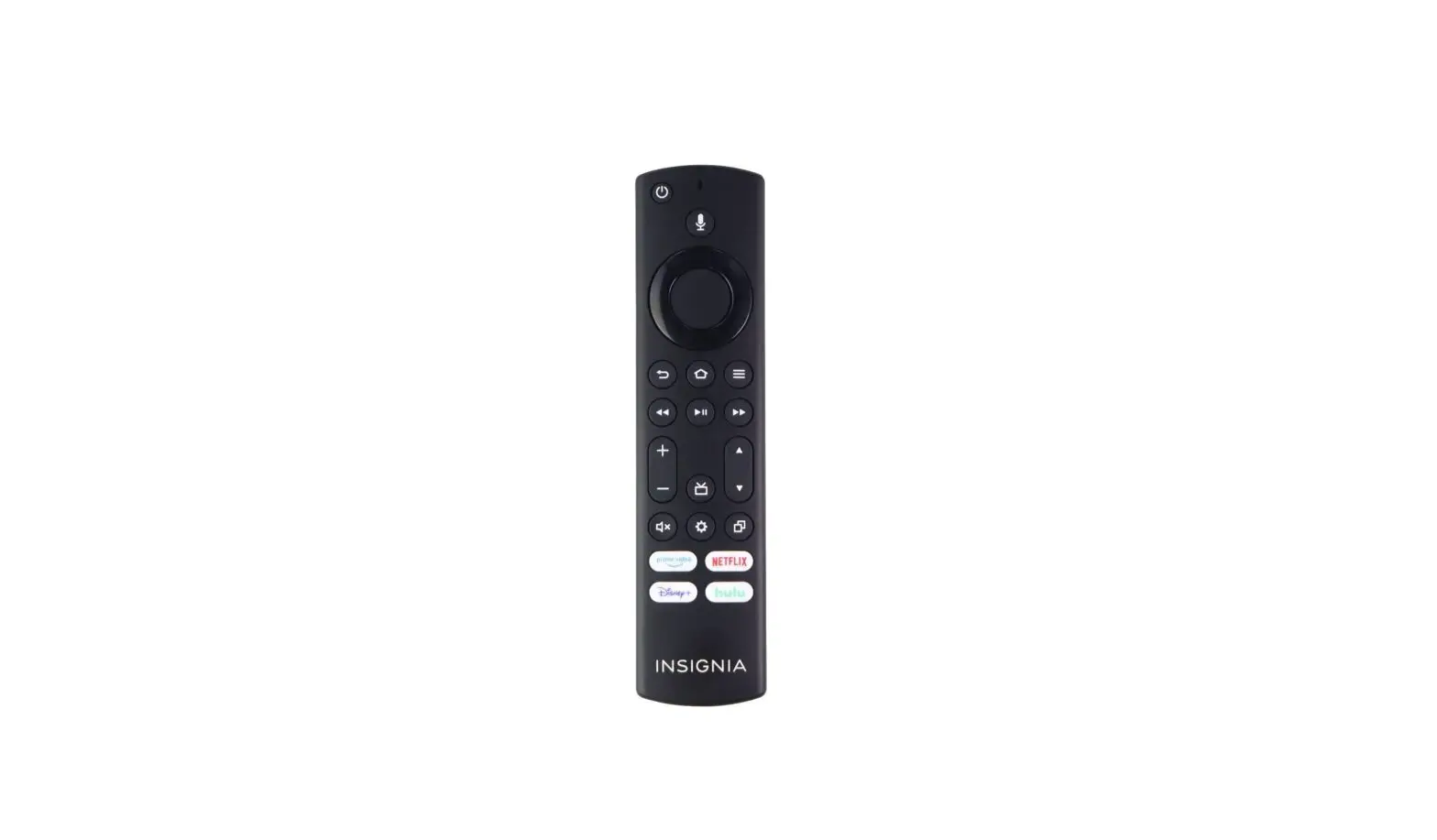
The TV has a power/input button. You can purchase the replacement remote model NS-RCFNA-21
Also you can download the Amazon Fire TV app on your smartphone to control the TV over Wi-Fi.
The VESA mounting pattern is 200 × 200 on the 39 inch model.
For the Fire TV Edition television Model: NS-32DF310NA19,
the stand width from left to right at the widest part is 25 in (63.5 cm)
The tv is 720p which is technically HD. Most modern flat screens are at least FHD which is 1080p, and UHD would be 4k and up.
Yes, the Dish Anywhere app is available to download on this TV.
Try to use an adapter like the Apple – Lightning Digital A/V Adapter – Model: MD826ZM/A to hook up an iPhone into one of the HDMI inputs on the TV.
Yes it does. It links to your signed in account and keeps track of what you download or purchase for you.
This TV was designed to be used in North America.
Yes, you can download the YouTube TV app.
The width of the screen is 21.7″.
The Power Rating is 120V – 60Hz – 0.32A
Yes, you can hook your headphones to the 3.5 mm Audio Output.
Try to select Picture Mode – PC.
No. TV’s are not advanced enough yet for that. You need to watch everything with closed caption until technology allows this.
The Fire TV Edition television features a Sleep Timer. Go to Home > Settings > Sleep Timer.
No, the Apple Music app is not available for download.
No, you cannot video chat with this TV.
The power switch is at the bottom of the TV; long press the button to turn off the TV.
The legs are not installed. But it is really easy to install them.
Well, it states 60 hz on the product page, which seems to be the norm for most tv’s.
It is a Smart TV if the streaming service you subscribe to has sports channels and said TV is connected to the internet, then and only then will it have sports channel.
VIDEO
INSIGNIA LED TV fire tv edition User Guide – Download