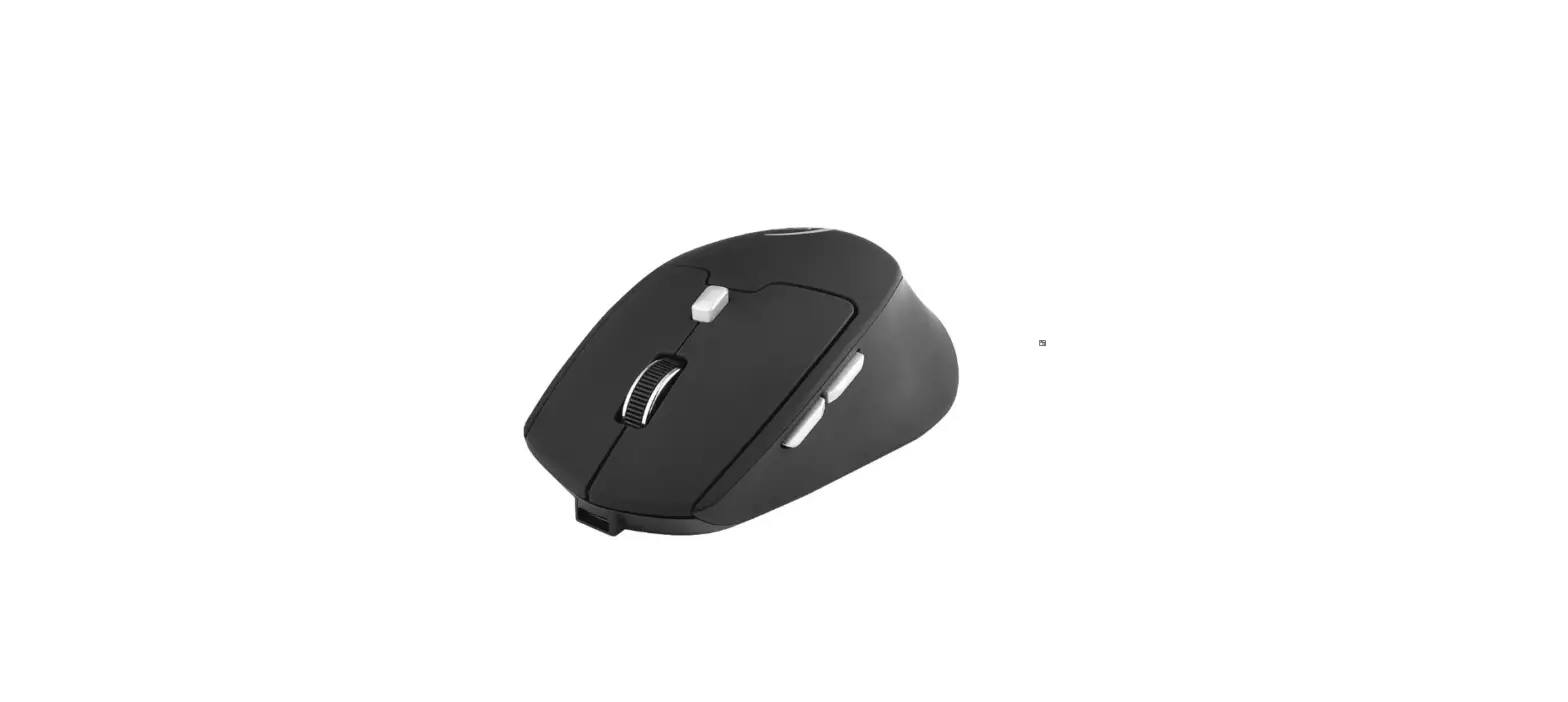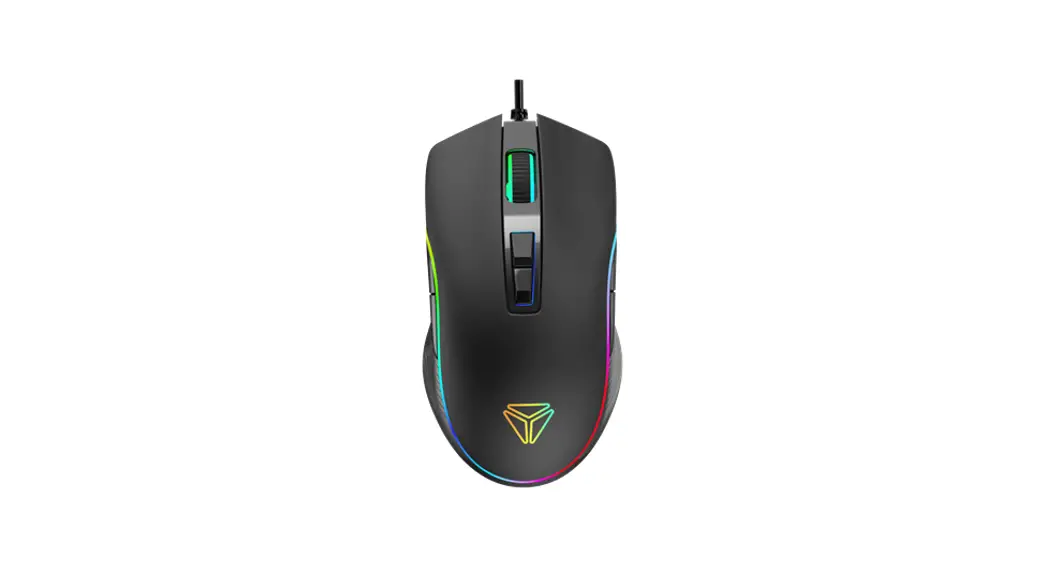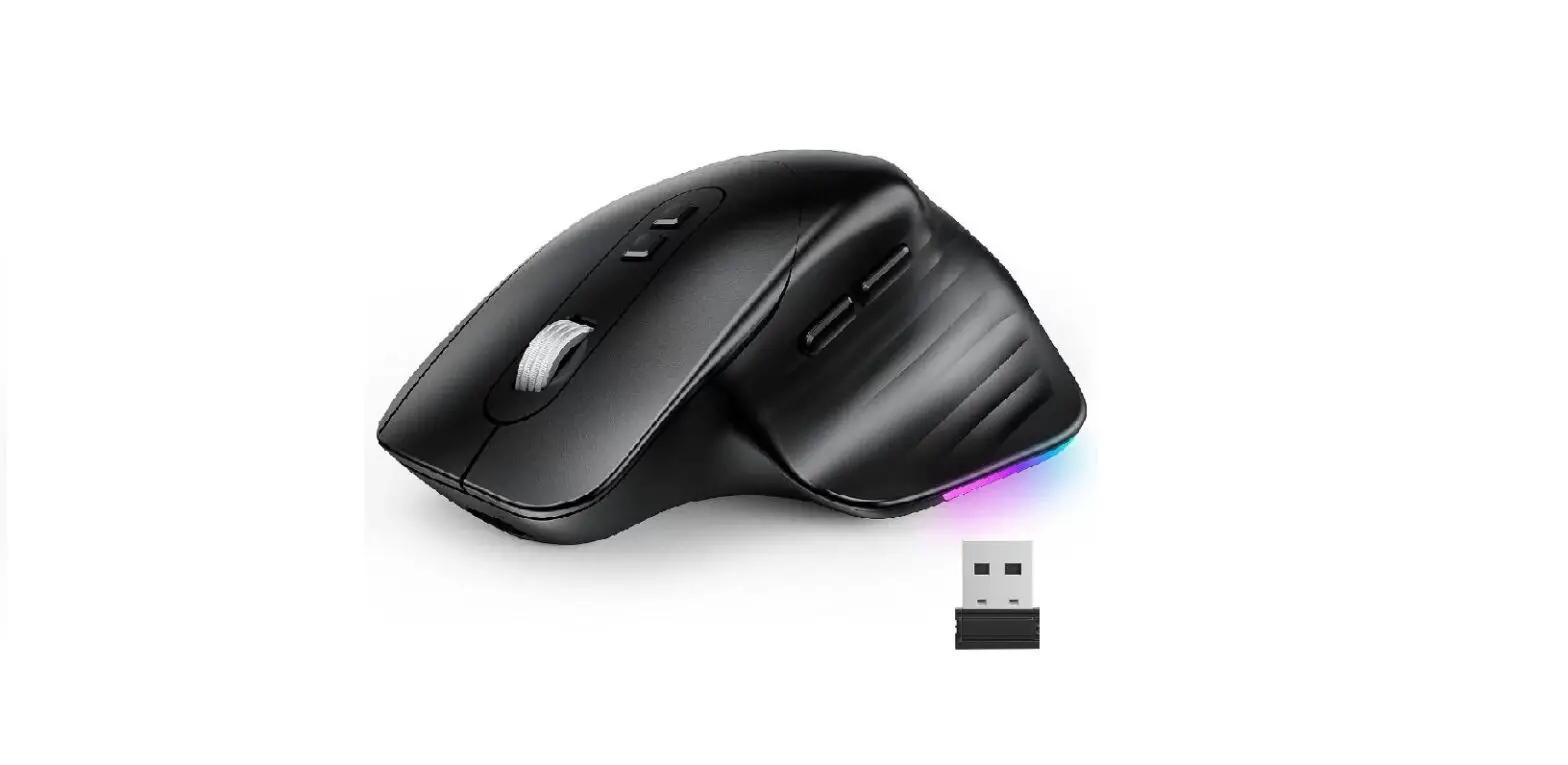
 SURPAO YC-JY202 RGB Wireless Mouse
 SURPAO YC-JY202 RGB Wireless Mouse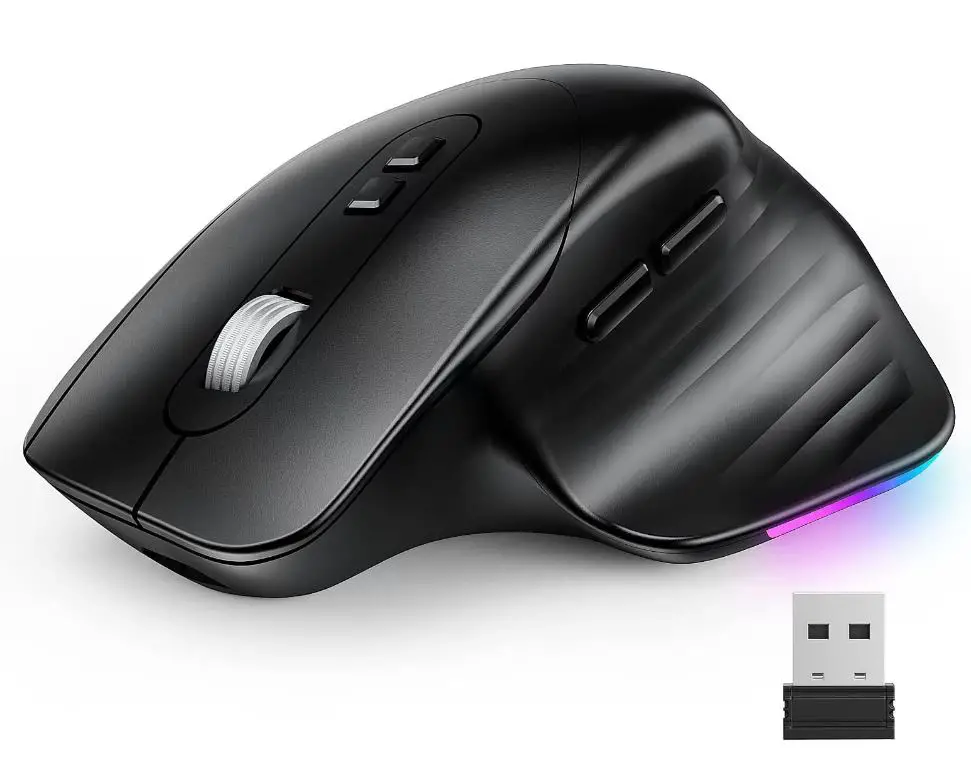
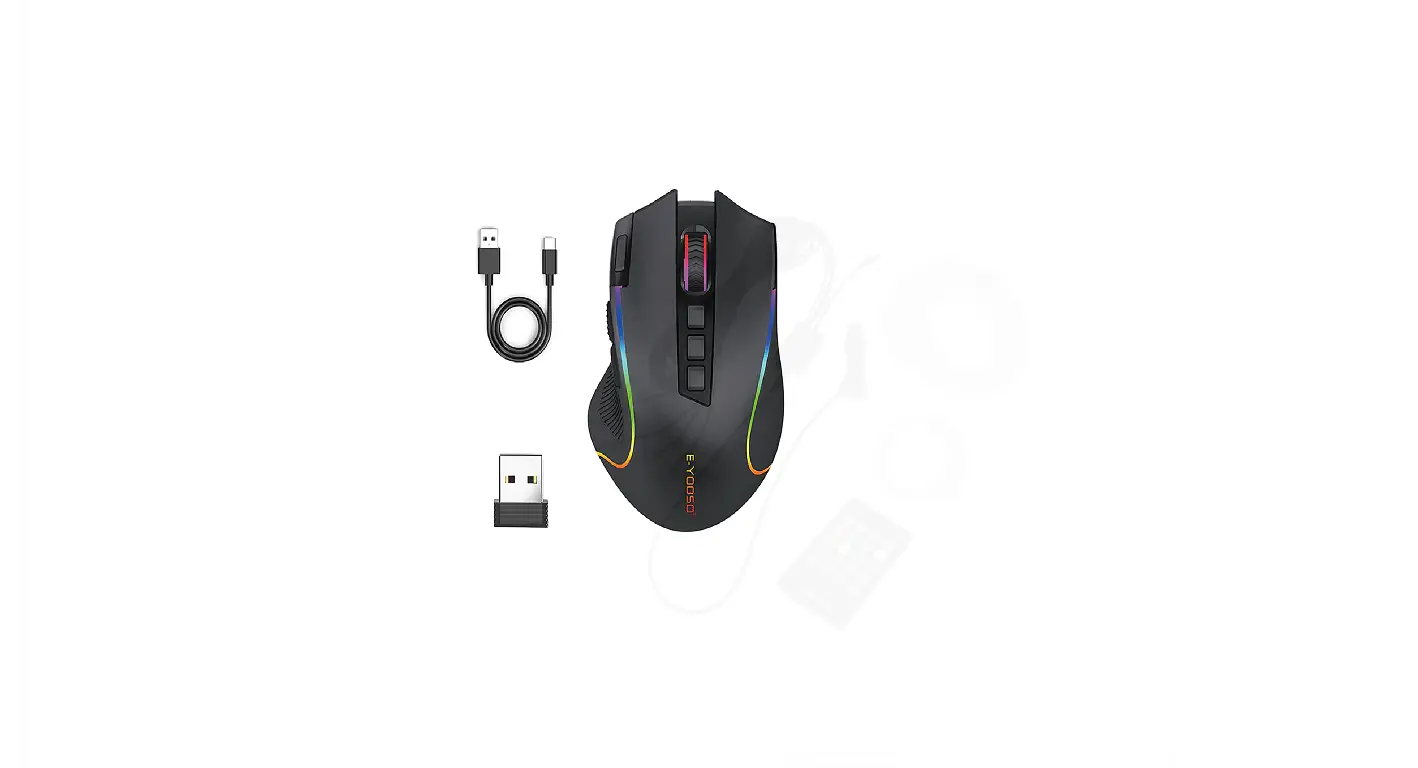
Package includes
- RGB Wireless Mouse
- Charging Cable
- USB Receiver
- User Manual


Product Features
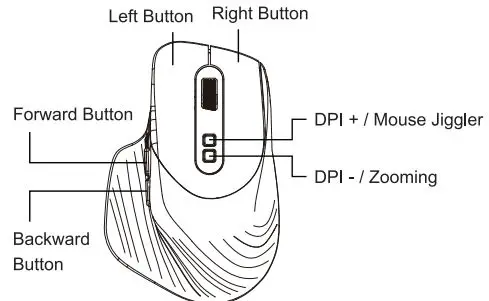
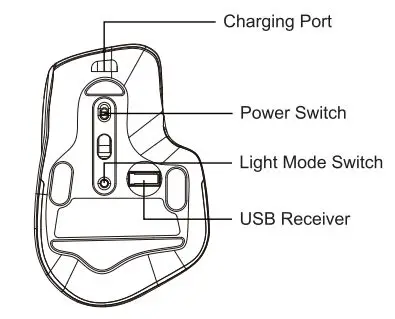
Light mode switch
- Long press the switch for 3 seconds to tum off the light, and long press it again for 3 seconds to turn on the light.
- Single press the switch, a total of 21 light modes will show on in cycles.
Mouse Jiggler mode switch:
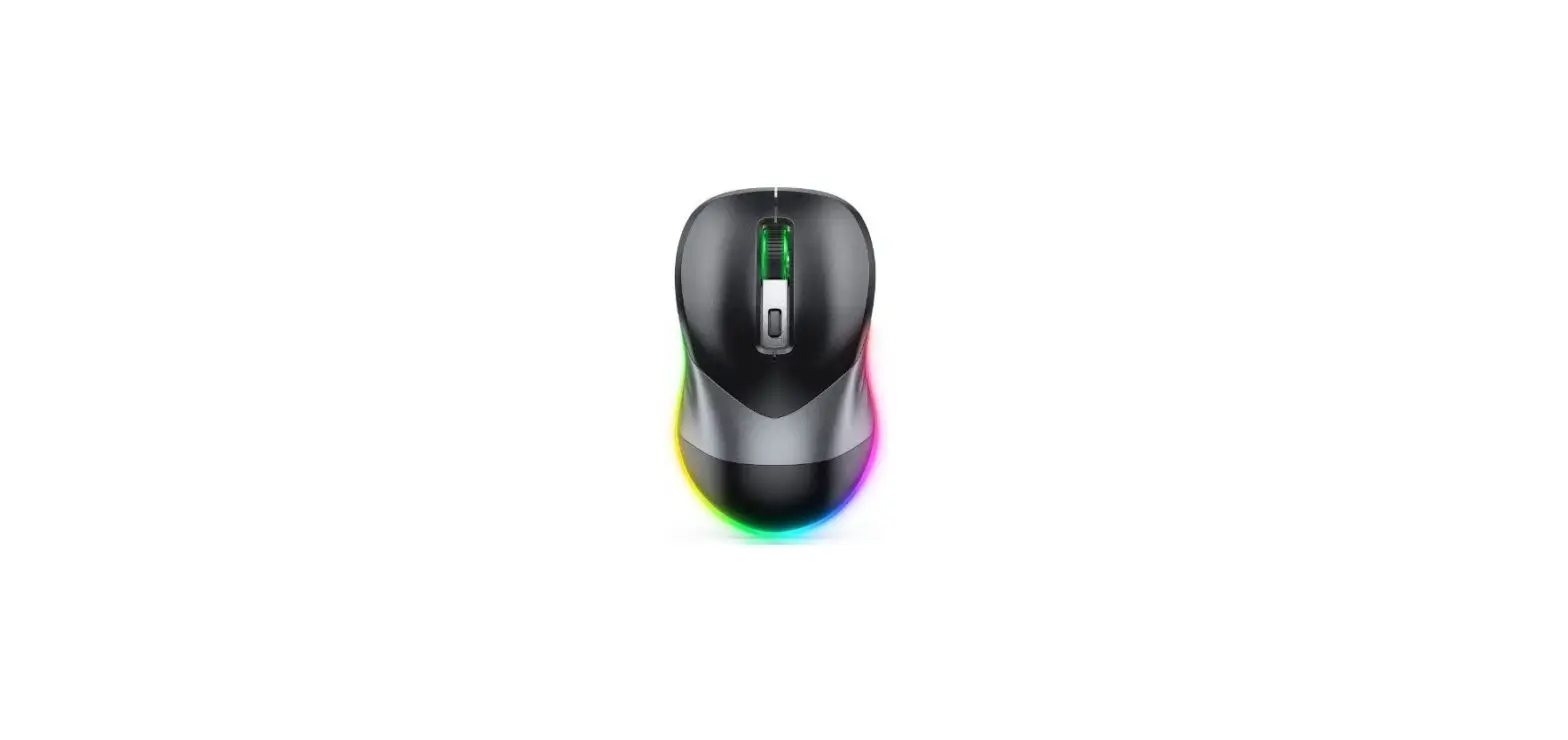
- Long press DPI+ for 3 seconds to enter Mouse Jiggler mode{the green light of the scroll wheel will turn on)
- Long press DPI+ again for 3 seconds to exit Mouse Jiggler mode(the green light of the scroll wheel will turn off)
Note: Move the mouse in Mouse Jiggler mode, the mouse can work normally. If the mouse didn’t move in 5 seconds, the mouse will drift automatically (Enter Mouse Jiggler mode}
DPI Switching:
Short pressing DPI button to switch between 1000 (red)/ 1600 (blue)/ 2400 (green)/ 3200 (purple)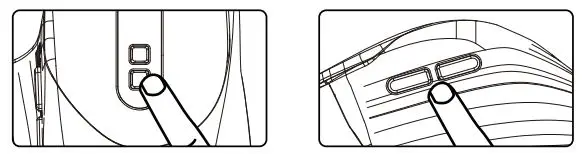
Zooming Mode:
- Long press DPl-for 3 seconds to enter Zooming mode;
- Long press DPl-again for 3 seconds to exit Zooming mode:
- Press Forward Button for zooming in;
- Press Backward Button for zooming out.
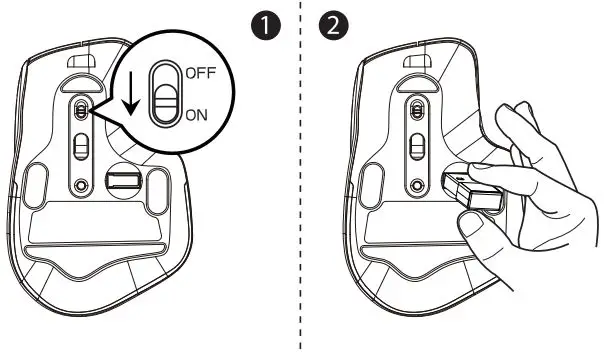
2.4G Wireless Mode Connection
- Tum on the power switch to “ON•.
- Take out the USB dongle and insert into your computer.

- Insert the computer USB port.
LED Indicator Light
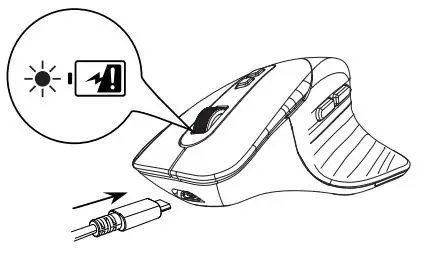
- Battery Charging: The red light of the scroll wheel will stay on.
- The Battery Is Full: The red light of the scroll wheel will tum off.
- Battery is Low: RGB backlight l’9d light will flash. Mouse Jiggler mode is on: The green light of the scroll wheel will stay on.
- Mouse Jiggler mode is off: The green light of the scroll wheel will tum off.

Note:
- If no movements of the mouse for 90 seconds, the mouse will enter sleep mode, and the mouse backlight will automatically tum off. You can wake it up by clicking any buttons;
- If no movements of the mouse for B minutes, the mouse will enter deep sleep mode, and all LED lights will automatically tum off. You can wake it up by clicking any buttons;
- In Mouse Jiggler mode, after the mouse enters deep sleep, the mouse cursor will not stop moving unless you press and hold □Pl for 3 seconds to exit Mouse Jiggler mode;
- If there Is a delay or the mouse backllght tums off during use, please fully charge the mouse.
Product Specifications
- DPI: 1000/160012400/3200
- Weight: 105g
- Battery Capacity: 650mA
- Maximum Working Current: 16mA
- Working Distance: 10m
- Sleep Mode: If the mouse doesn’t move in 90s, it will enter backlight sleep mode. If no movements for over 8 minutes, it will enter deep sleep mode.
- Compatible Systems: Windows XP, Windows 7, Windows 8, Windows 10, Mac OS
Frequently asked questions
Q1: Whal should I do if the mouse sensor has lag problem?
A 1: Please try to tum off the mouse and then tum back on or fully charge it before use.
Q2: What should I do If the mouse does not respond?
A2: If you tum on the mouse power switch and the mouse indicator light or backlight does not light up, please turn off Iha mouse and fully charge it.
Q3: I received a defective product. What should I do
A3: Please contact us through Amazon with your order ID, we will address your issue within 24 hours and arrange you a refund or a replacement.