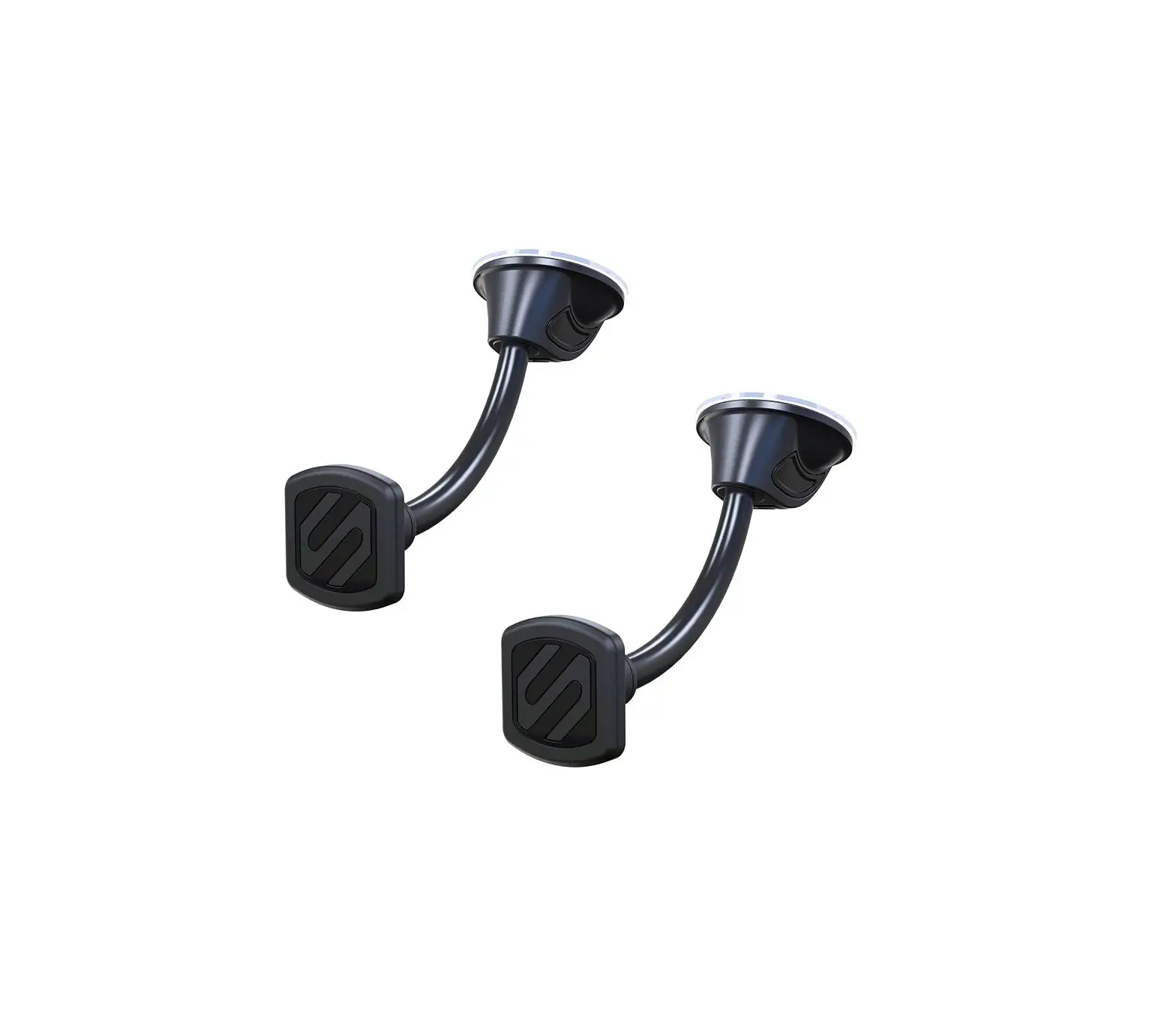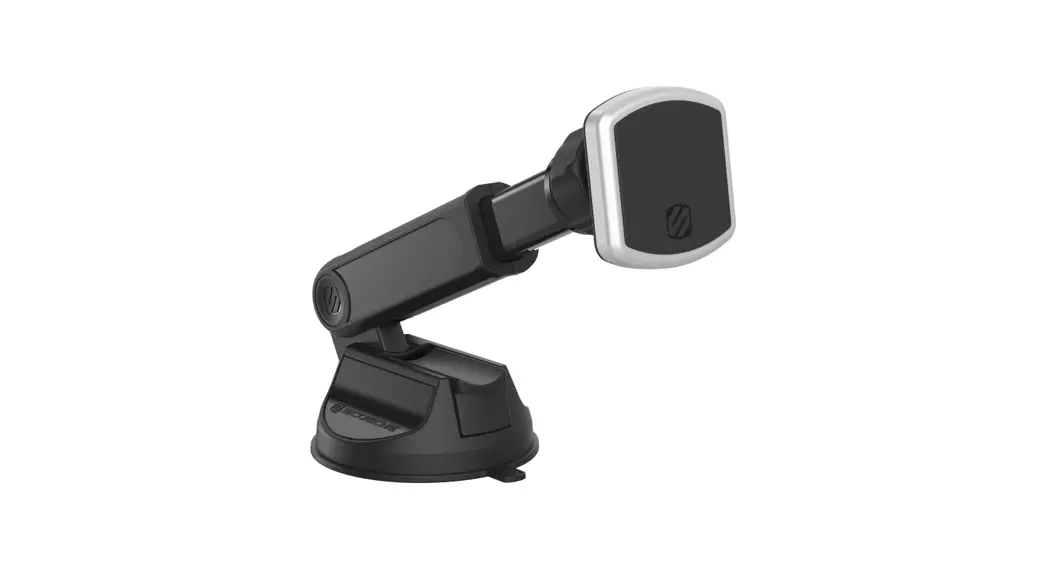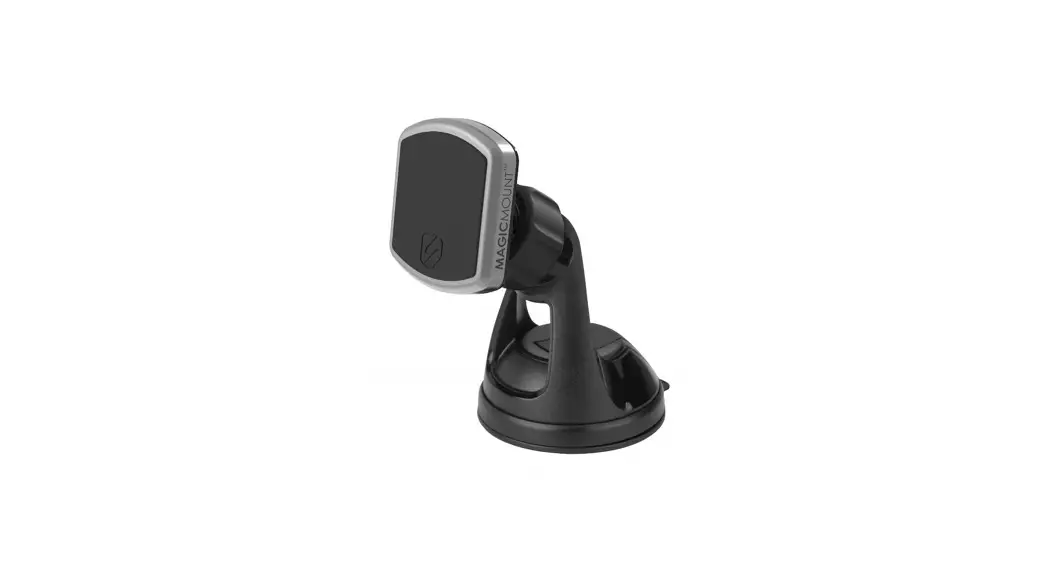

MAGICMOUNT™ PRO2 TRIPOD/SELFIE STICK
INCLUDED ELEMENTS
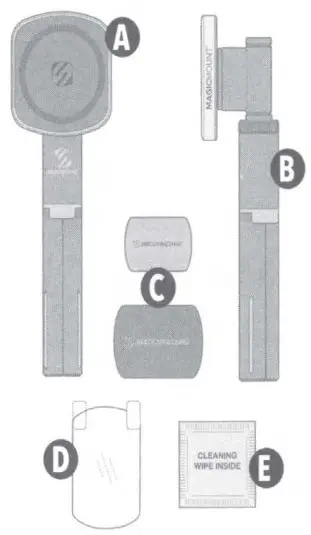
| A. MagicMount™ Pro2 Mount Head B. Telescoping Base C. MagicPlate™ (small &large) | D. Protective Film E. Cleaning Wipe |
DEVICE SETUP
SECTION A-iPhone® 12 or Later (with or without optional MagSafe™ case)
SECTION B-Wireless Charging Smartphones (with or without case)
iPhone® 11 / Pixel 4&Newer (case required)
SECTION C-Tripod
SECTION D-Selfe Stick
SECTION A
A. iPhone 12 or Later (with optional MagSafe case) If using acase, it must be a MagSafe case (not included) for MagicMount Pro2 to function properly.
Note: MagicPlate not required
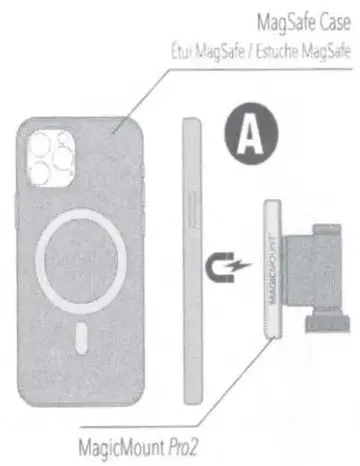 B. iPhone 12 or Later (without case)
Note: MagicPlate not required.
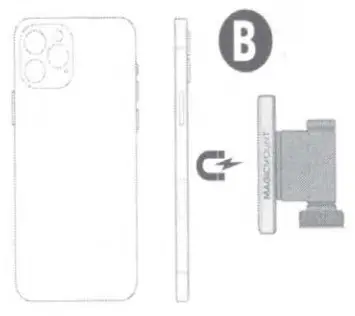
SECTION B
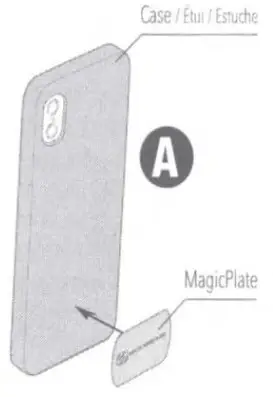
A. Wireless Charging Smartphones (with Case) iPhone 11/ Pixel 4and Newer (Case required*)
*Manufacturing materials do not allow adhesives to bond directly to the device.
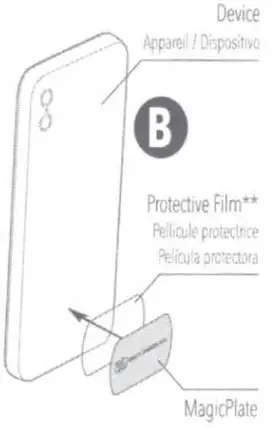
 B. Wireless Charging Smartphones (without Case**)
** It 1s recommended to use the Protective Film. If the MagicPlate needs to be removed, the film simplifies the process To remove the MagicPlate use acredit card and slide in between the film and MagicPlate. Do NOT use anything sharp/hard as this can damage the device.
SECTION C
Tripod
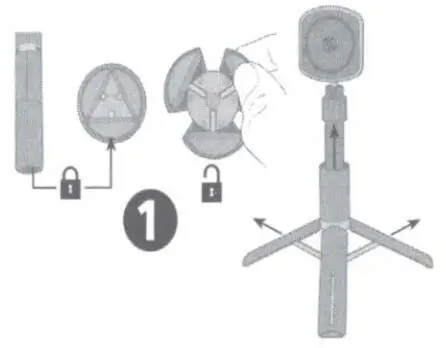
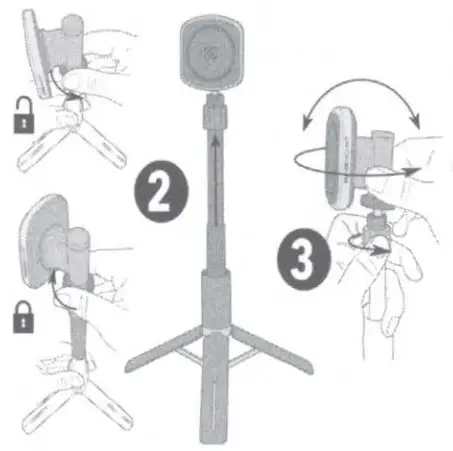
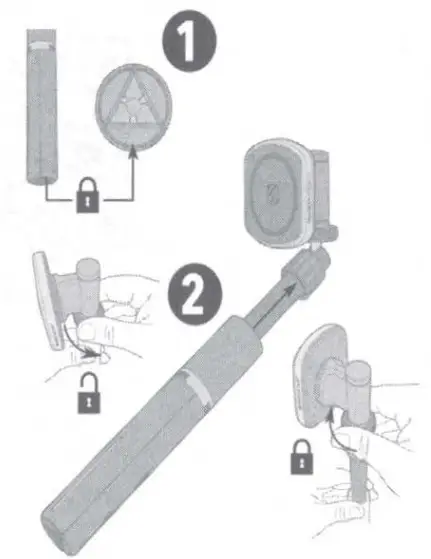
- Release tripod legs Raise lower section of extension tube to expand legs.

- Rotate tripod head counterclockwise to release and raise upper section of extension tube Rotate tripod head clockwise to lock in place.
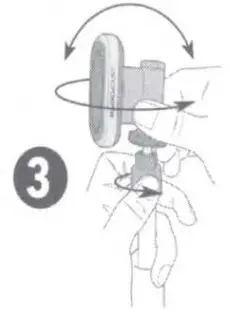
- Loosen ball joint collar to tilt or rotate tripod head.

SECTION D
Selfie Stick
- Keep tripod legs and lower section of extension tube retracted and locked
- Rotate tripod head counterclockwise to release and raise upper section of extension tube Rotate tripod head clockwise to lock in place

- Loosen ball joint collar to tilt or rotate tripod head.

MagicMount Pro2 How-To Video ..

Scosche Industries 1550 Pacific Avenue
Oxnard, California 93033
Phone: 800-363-4490×1/805-486-4450×1
www.scosche.com
©2021 Scosche Industries
Scosche, MagicMount, MagicPlate are all trademarks of Scosche Industries.
Other marks or brands are the property of their respective owners. devices and or appearance may vary.
Designed in Oxnard, California
SI MP2TR1 11/21
 Scosche Tech Accessories | #1 Mount Brand in US & Canada