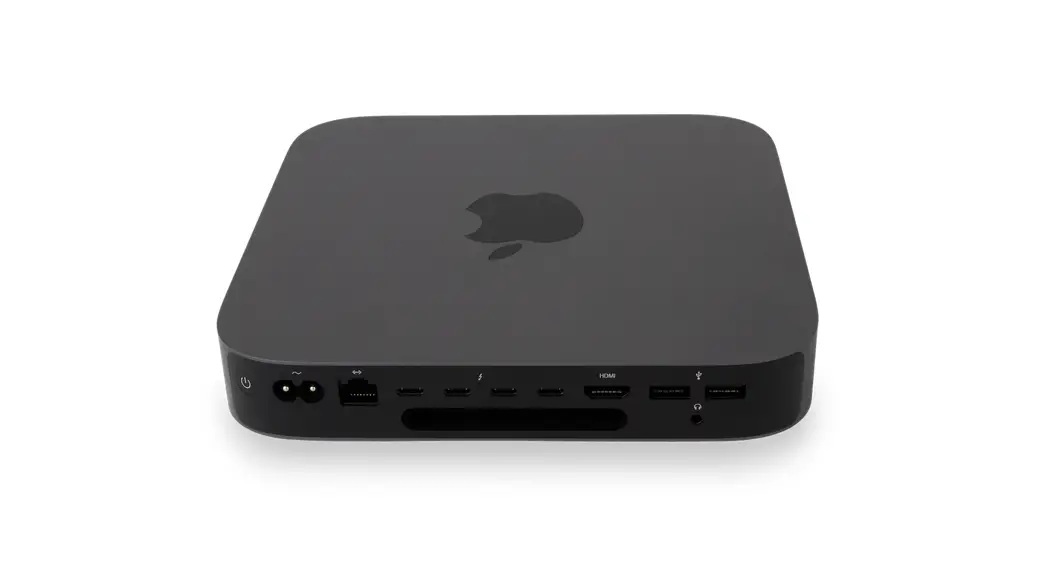
 Savant® Pro Host Quick Reference Guide
Box Contents
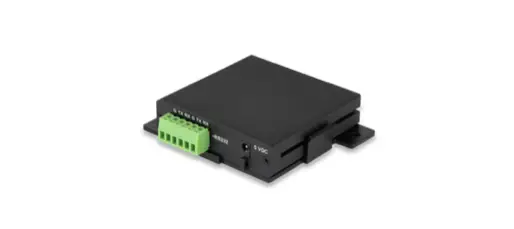
- Pro Host (SVR-5200S)
- Power Cord
- Quick Reference Guide (009-2007-xx, this document)
Specifications
Environmental
| Temperature | Operating: 50° to 95° F (10° to 35° C) |
| Storage: -40° to 116° F (-40° to 47° C) | |
| Humidity | 5% to 90% Relative Humidity (non-condensing) |
| Cooling | 15 cubic feet per minute (CFM) recommended |
| Noise | 5 dBA at idle |
Dimensions and Weights
| Height | Width | Depth | Weight | |
| Device | 1.4 in (3.6 cm) | 7.7 in (19.7 cm) | 7.7 in (19.7 cm) | 2.6 lbs (1.2 kg) |
| Shipping | 5.0 in (12.7 cm) | 11.0 in (27.94 cm) | 11.0 in (27.94 cm) | 4.0 lbs (1.81 kg) |
| Rack Space | 1U | |||
Power
| Input Power | 100/240V AC (50/60 Hz) |
| Maximum Power | 150W |
Memory and Storage
| Memory | 8 GB |
Regulatory
| Safety and Emissions | FCC Part 15 | CE Mark | C-Tick |
| RoHS | Compliant | ||
Supported Releases
| SVR-5200S-00 | da Vinci 9.3.5 | Mac OS 11.2 |
| SVR-5200S-01 | da Vinci 10.0.1 | Mac OS 12.x |
Hardware
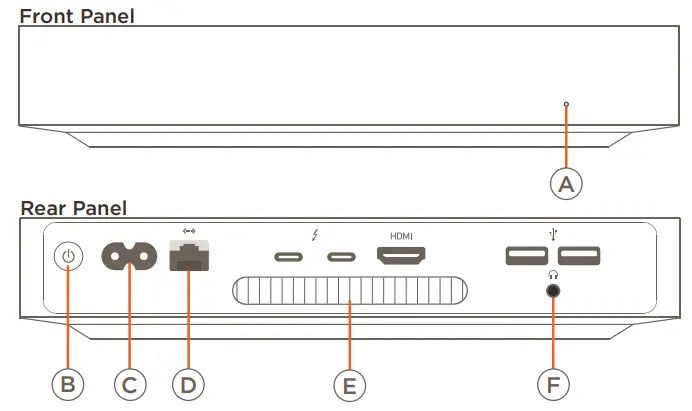
| A | Power LED | Illuminates White when the host is powered On. |
| B | Power Button | Power On: Press while powered Off. Power Off: Press and hold while powered On until the power LED goes out. |
| C | Power Input | 100-240V AC 50/60Hz. |
| D | Ethernet | 10/100/1000 Base-T auto-negotiating port. |
| E | Cooling Vent | Output for cooling the internal processor. DO NOT BLOCK. |
| F | Audio Out | 3.5 mm Analog audio output. 2-channel analog audio output. |
NOTES:
- See the connected equipment Deployment Guide for connection usage details.
- Connections not identified in the diagram above are not functional within a Savant Configuration/Installation.
Chassis Installation
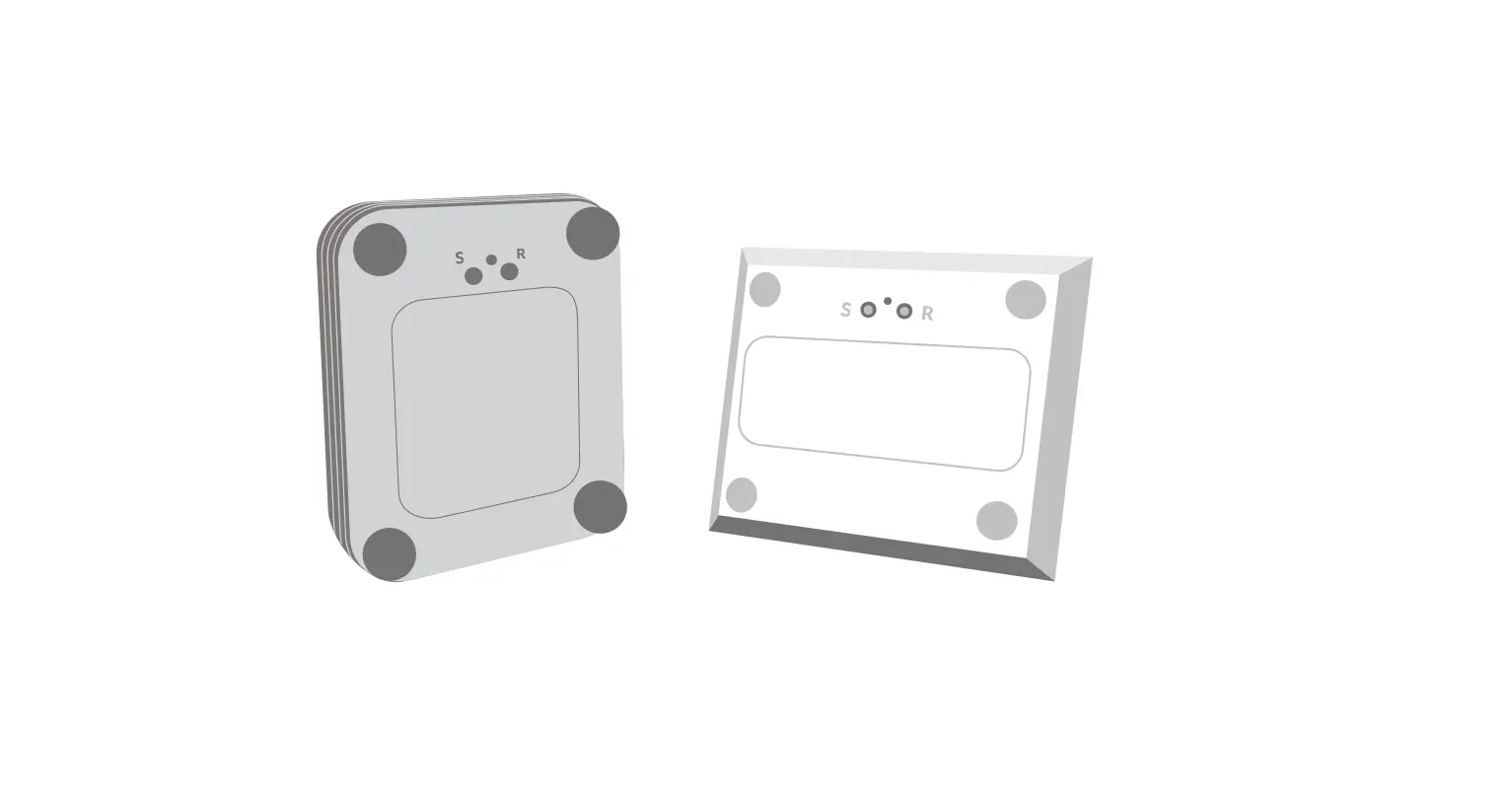
CAUTION! Ventilation for the SVR-5200S is provided by air entering through the gap around the bottom cover and then exiting through the vent at the rear of the host. Ensure that when the SVR-5200S is placed there are no obstructions to the airflow around the bottom cover or rear of the host.
Rack Installation
The SVR-5200S can be rack mounted using the RCK-3000-xx (purchased separately) which provides easy access to the SVR-5200S via a removable faceplate and sliding shelf. The open shelf design provides proper ventilation and easy access to wiring.
Network Requirements
Savant requires the use of commercial grade network equipment throughout the network to ensure the reliability of communication between devices. Connect all Savant devices to the same local area network (LAN) or subnet as the host. Savant recommends not implementing any type of traffic or packet shaping in your network topology for the Savant devices as this may interfere with the performance
IMPORTANT!
Use of the Host Wi-Fi connection may result in control or connectivity issues.
Network Configuration
To ensure that the IP Address will not change due to a power outage, Savant recommends using DHCP reservation within the router. By using this method, static IP Addresses for all devices can be managed from a single UI, avoiding the need to access devices individually. Setting DHCP reservations varies from router to router. Refer to the documentation for the router to configure the DHCP reservation.
Network Changes
After connecting to a new network, changing routers, or if the IP Address range is changed in the current router, Savant recommends the following steps. This will reset any IP connection and ensure that the host is communicating with the network correctly.
Hot Plug the Ethernet (LAN) Connection
- Disconnect the Ethernet (LAN) connection from the host.
- Wait 15 seconds and then reconnect.
Precautions
 SURGE PROTECTION!
Use a surge-protected circuit for all components and power supplies requiring 120-240V AC 50/60 Hz source power. ELECTRICAL DISCONNECT!
The 120-240V AC 50/60 Hz source power outlet and input power pockets should be easily accessible in the event of an electrical hazard or malfunction condition.
Power Management Recommendations
Savant recommends a pure sine wave uninterruptible power supply (UPS) with the ability to shut down the SVR-5200S before the battery runs out of power. Never remove power from the SVR-5200S before shutting it down.
Additional Documentation
For additional information, refer to the following documents on the Savant Customer Community.
– Savant Pro Host (da Vinci 8.9.2) – Deployment Guide – 009-1776-xx
SVR-5200S Quick Reference Guide | 009-2007-02
Copyright © 2022 Savant Systems, Inc. | 220125
45 Perseverance Way, Hyannis, MA 02601
Savant.com | 508.683.2500