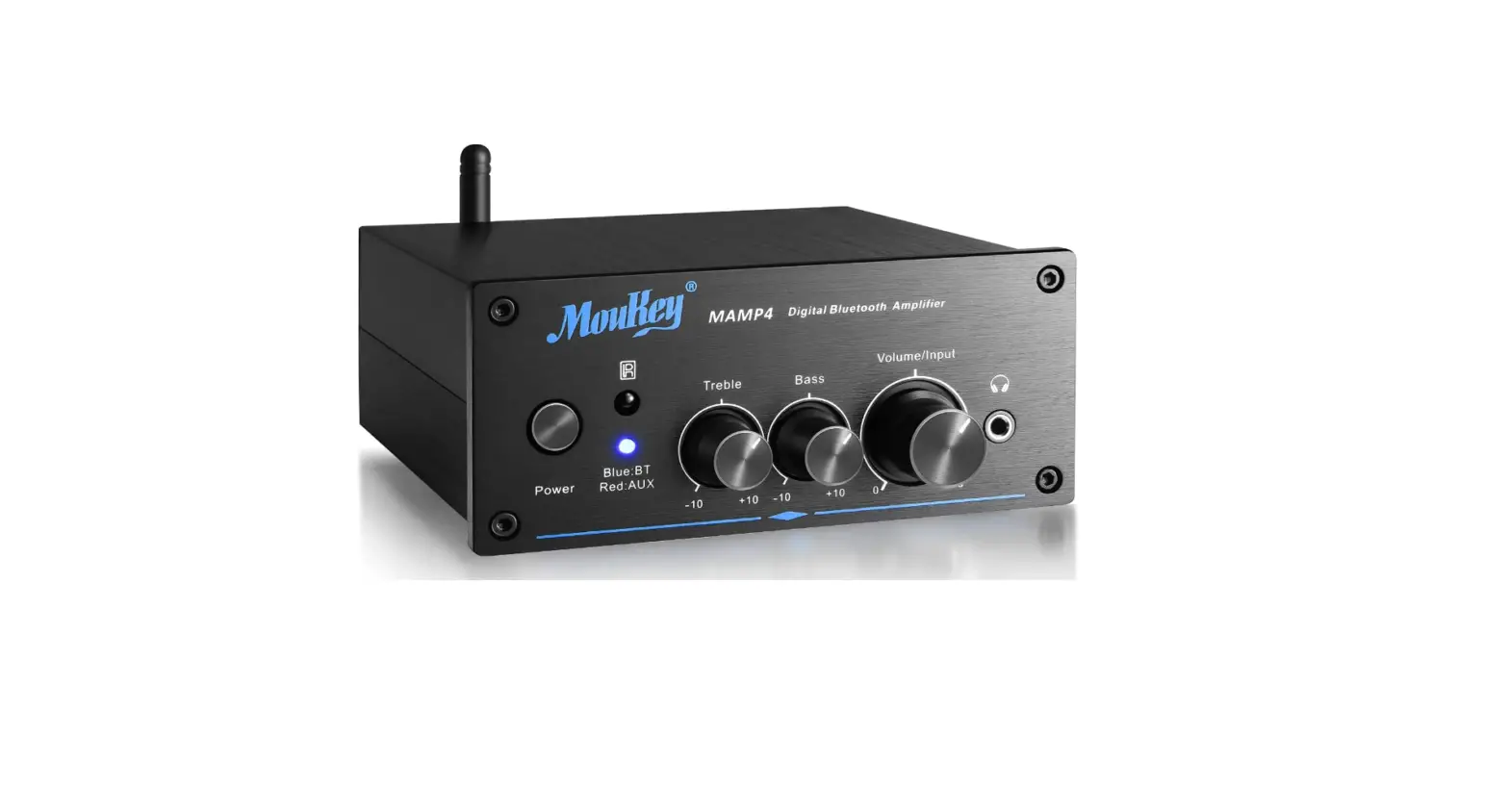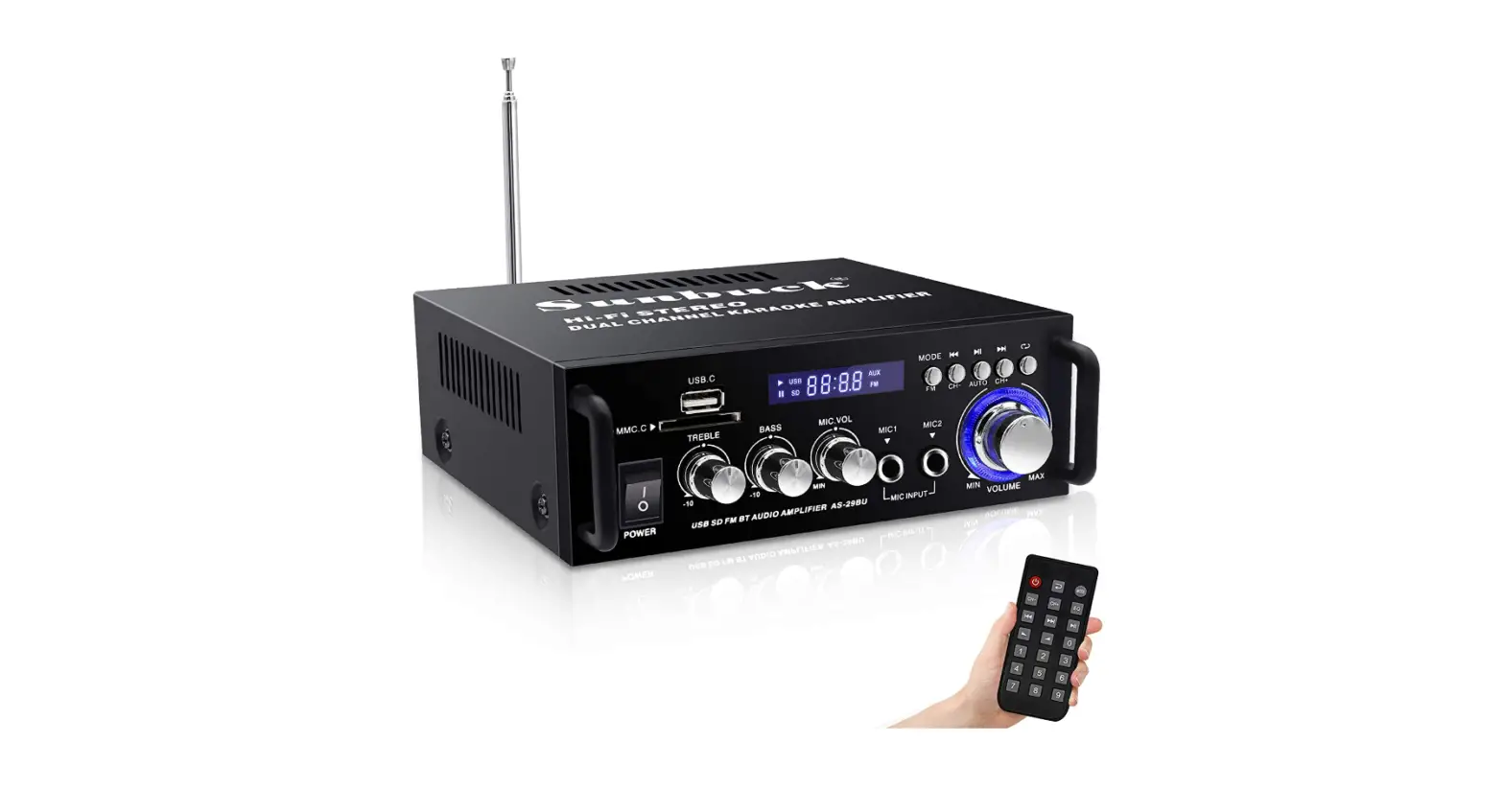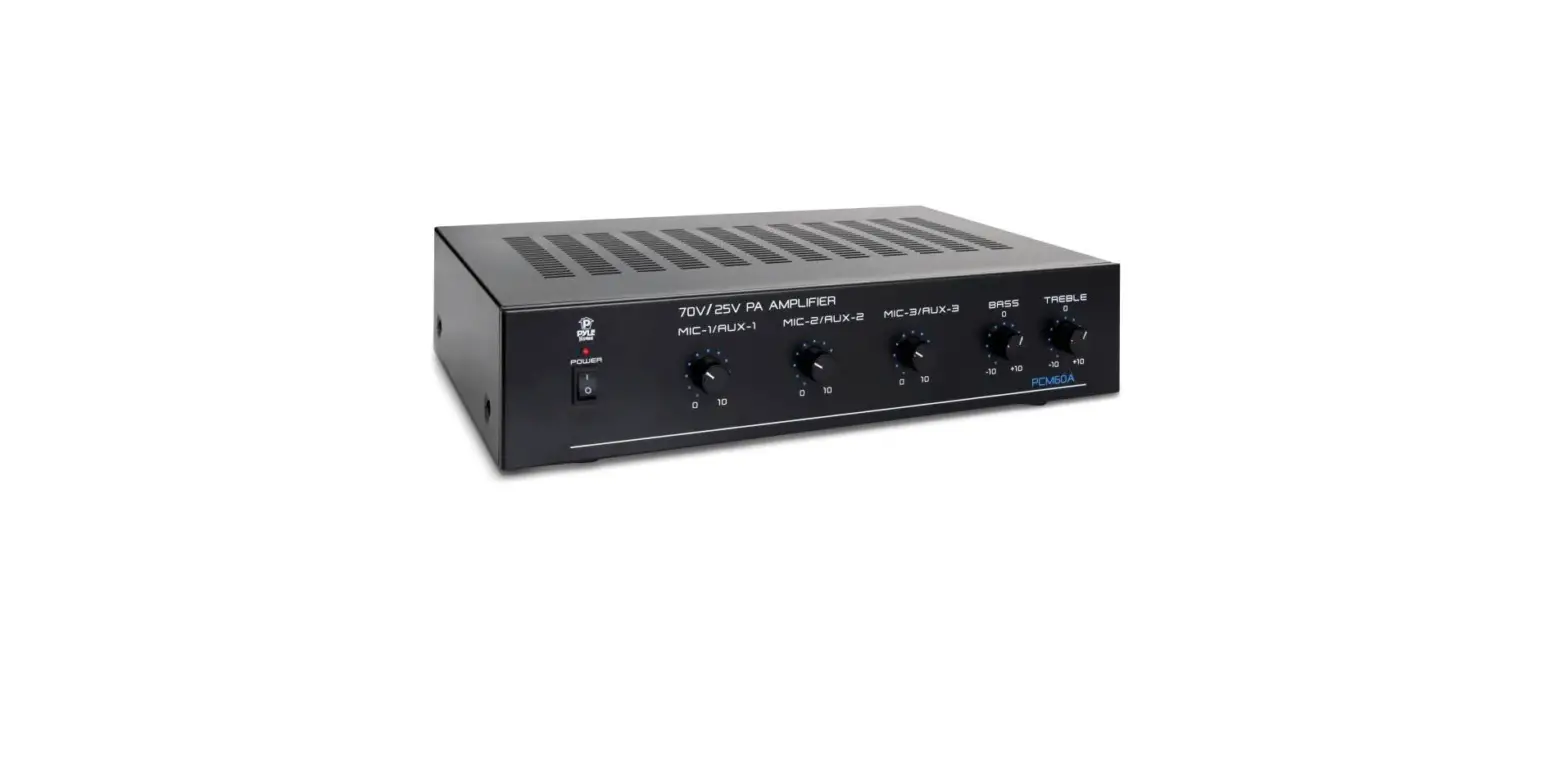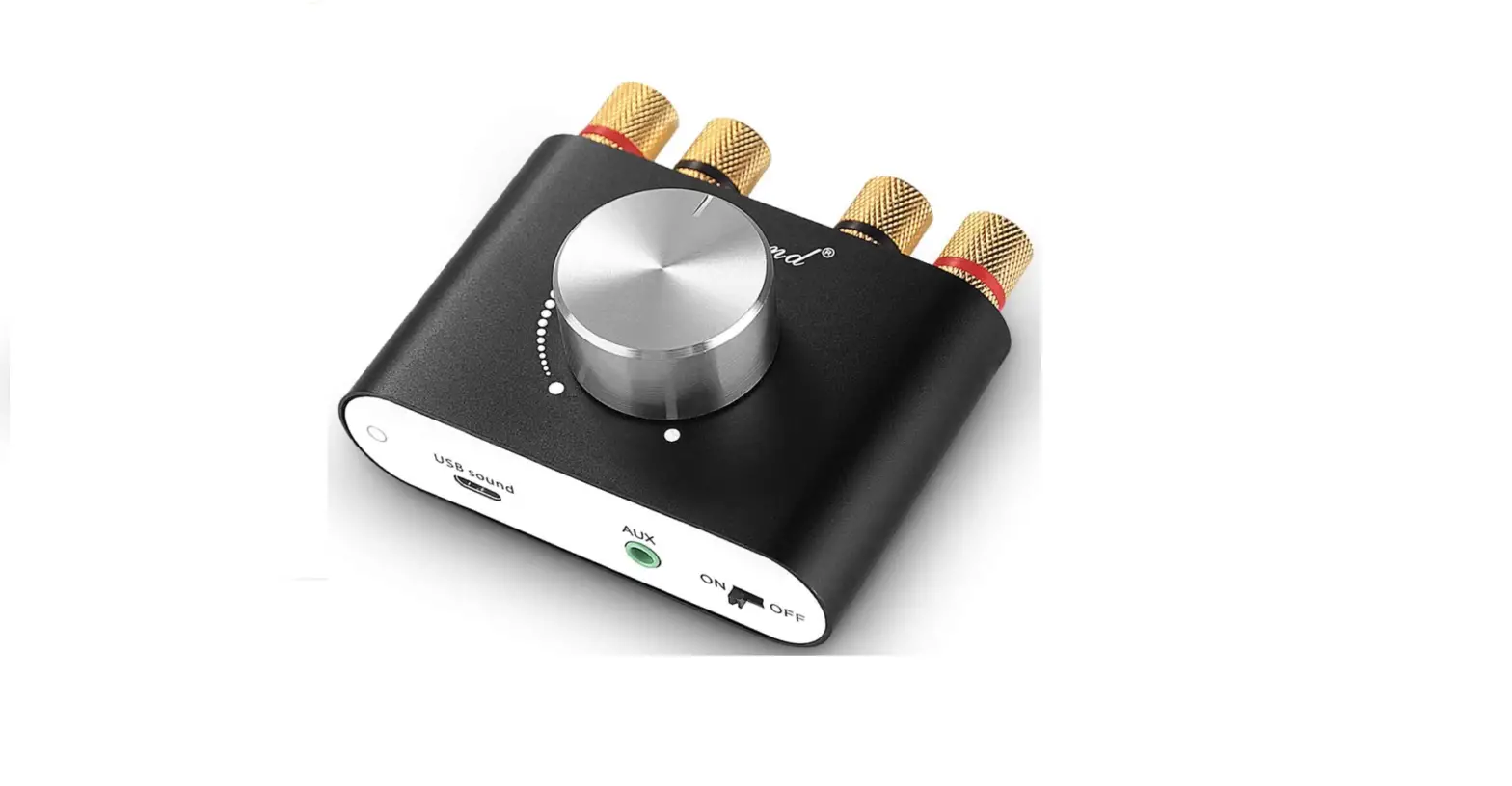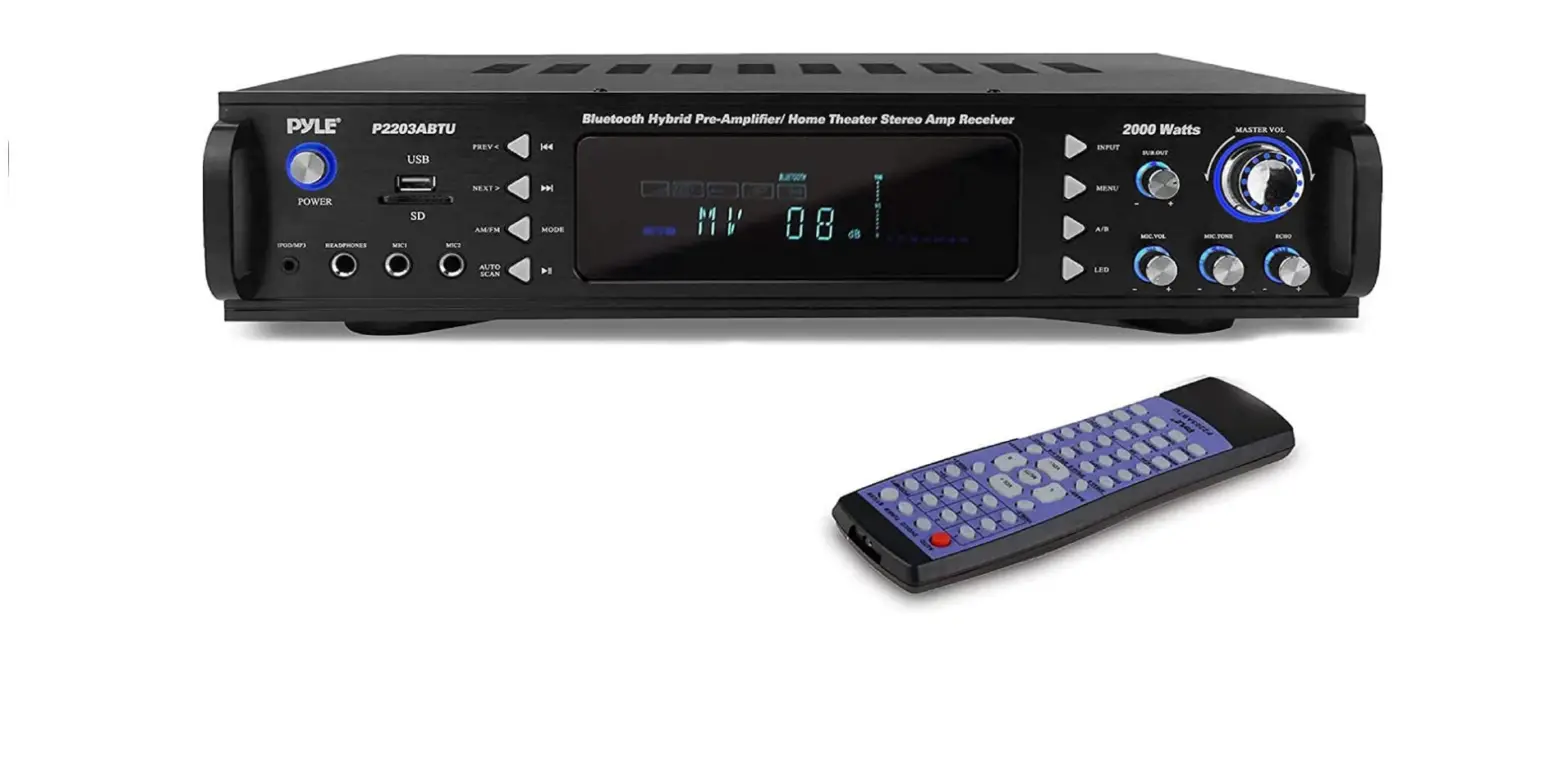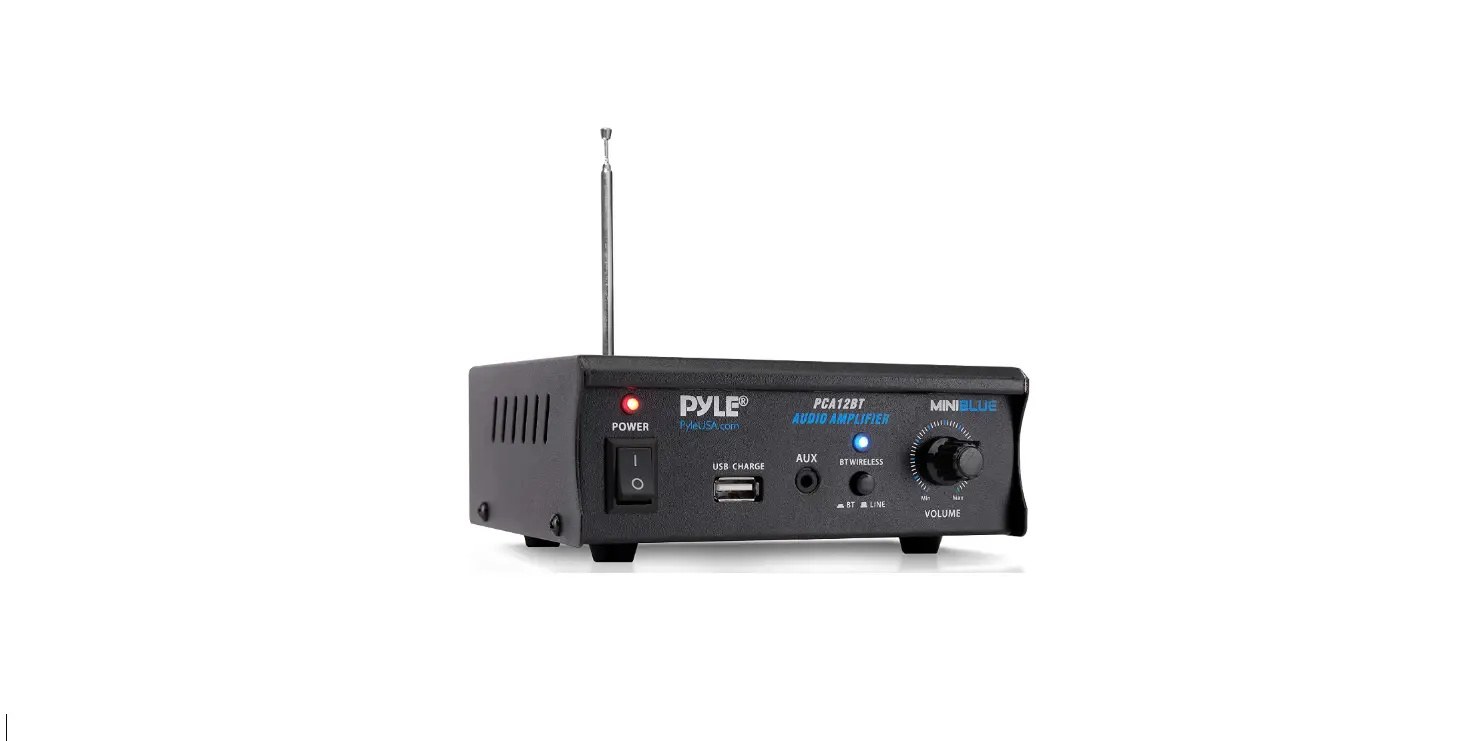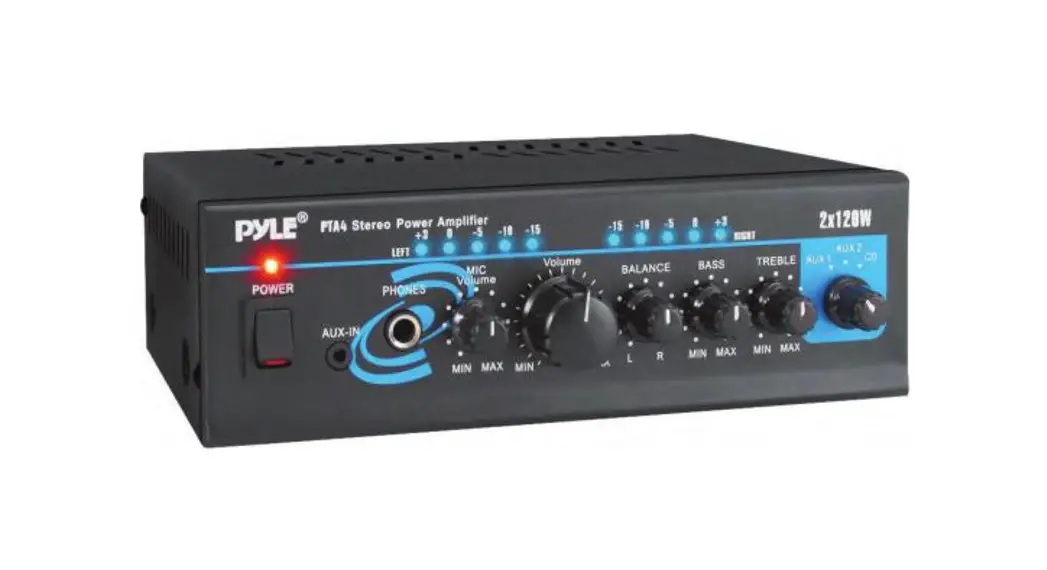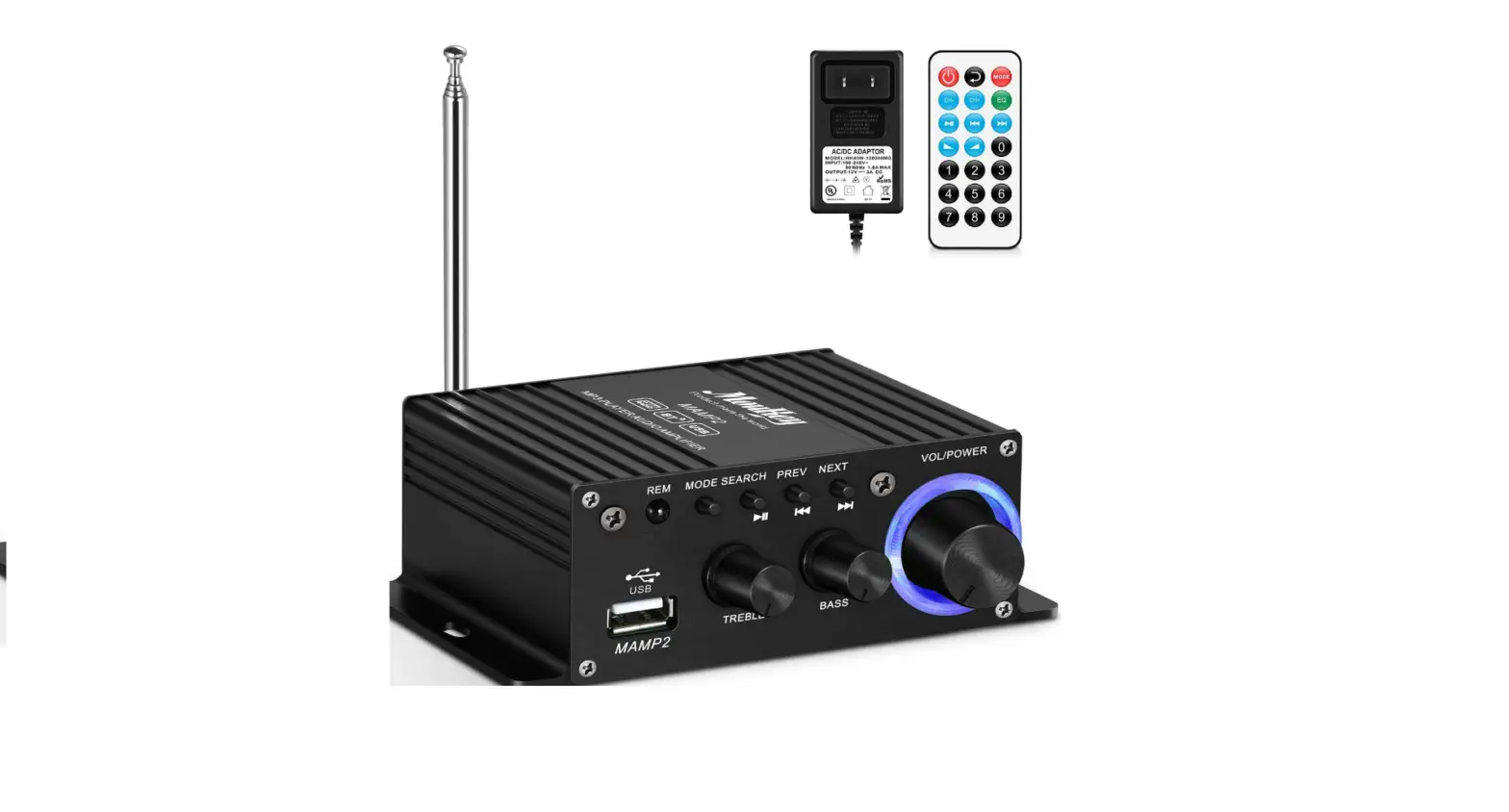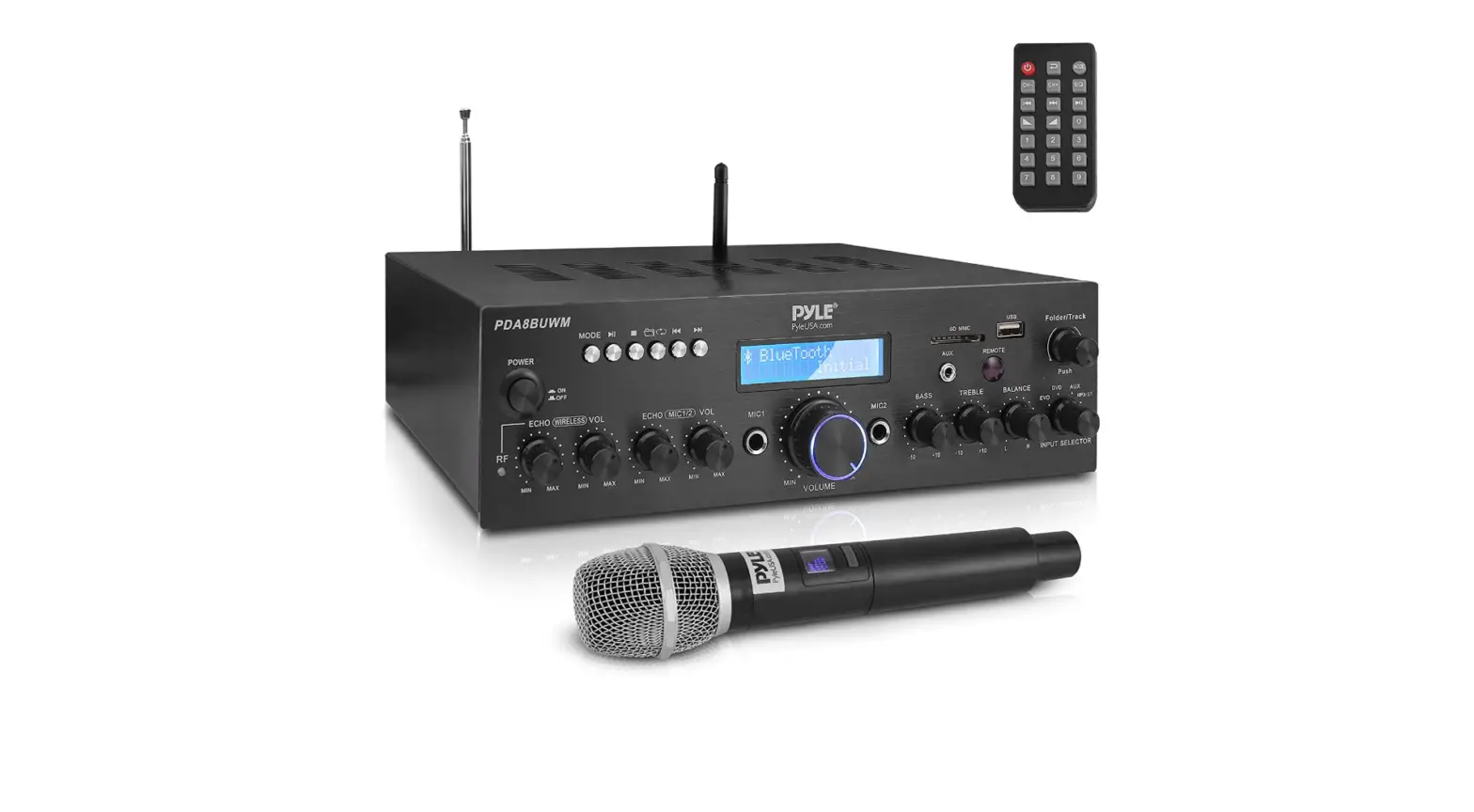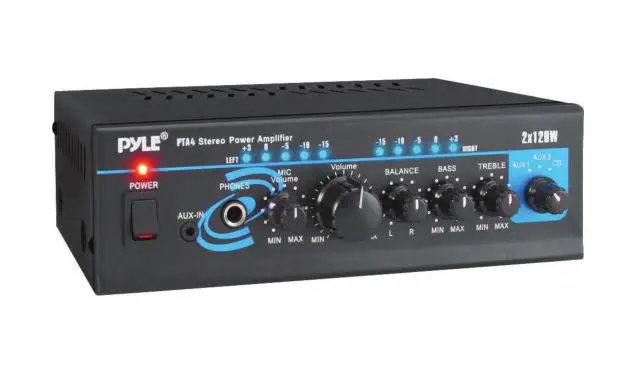

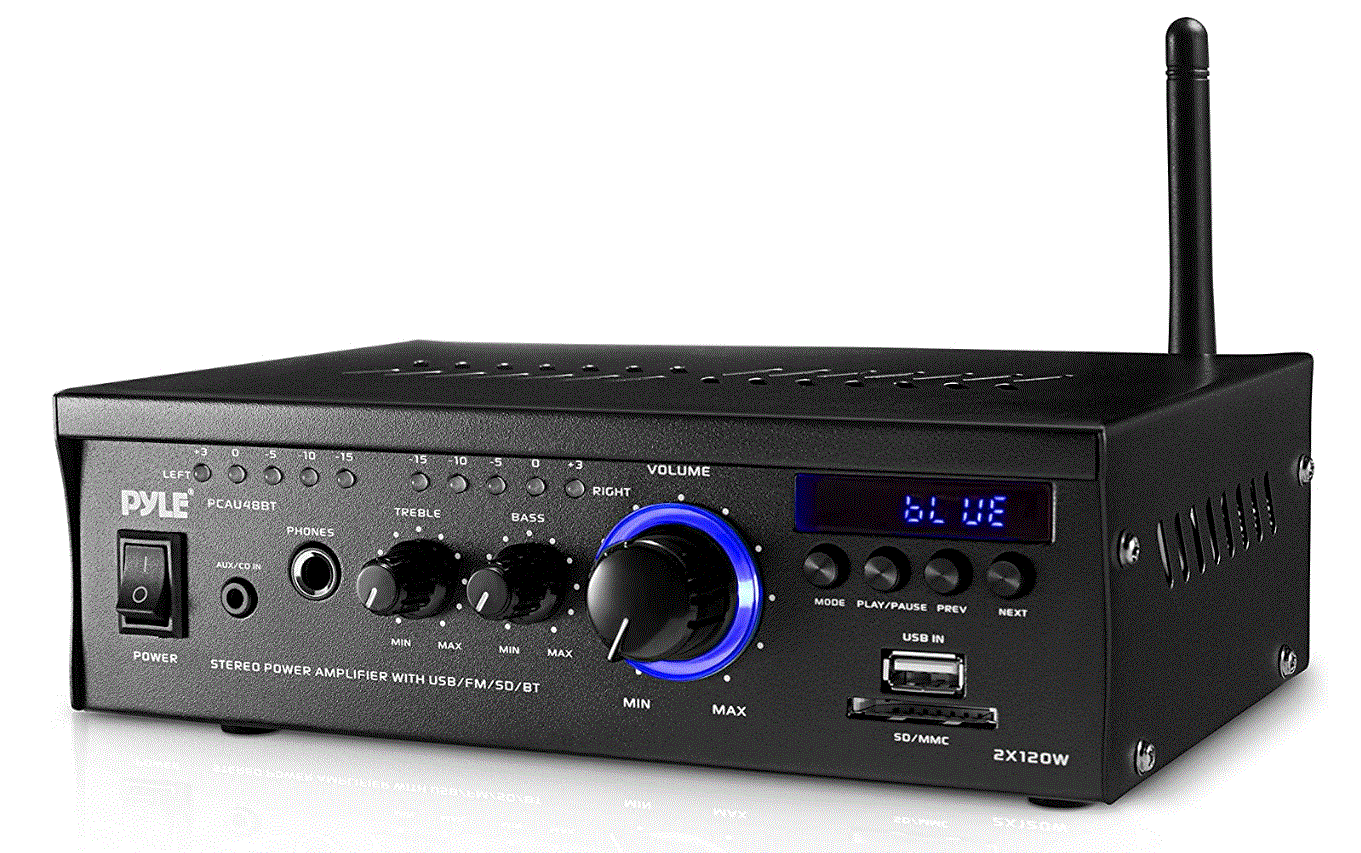
Pyle Bluetooth Mini Stereo Power Amplifier – 2x120W Dual Channel Sound Audio Receiver Entertainment w/Remote, for Amplified Speakers
Specifications
- Package Dimensions
10 x 8 x 4.25 inches - Item Weight
5.6 pounds - Connectivity Technology
RCA, Bluetooth, Auxiliary, USB - Controller Type
Android - Surround Sound Channel Configuration
2 Channel - Number of Channels
2 - Output Wattage
120 Watts - Control Method
Remote, Touch - Audio Output Type
Headphones, Speakers - Format
WMA - Output power, 2 channels driven
4-ohm, 1 kHz 1% THD. 75.5 Wx2
4-ohm, 1 kHz 10% THD. 55.5 Wx2 - Peak Power
120 Wx2 - Brand
Pyle
Introduction
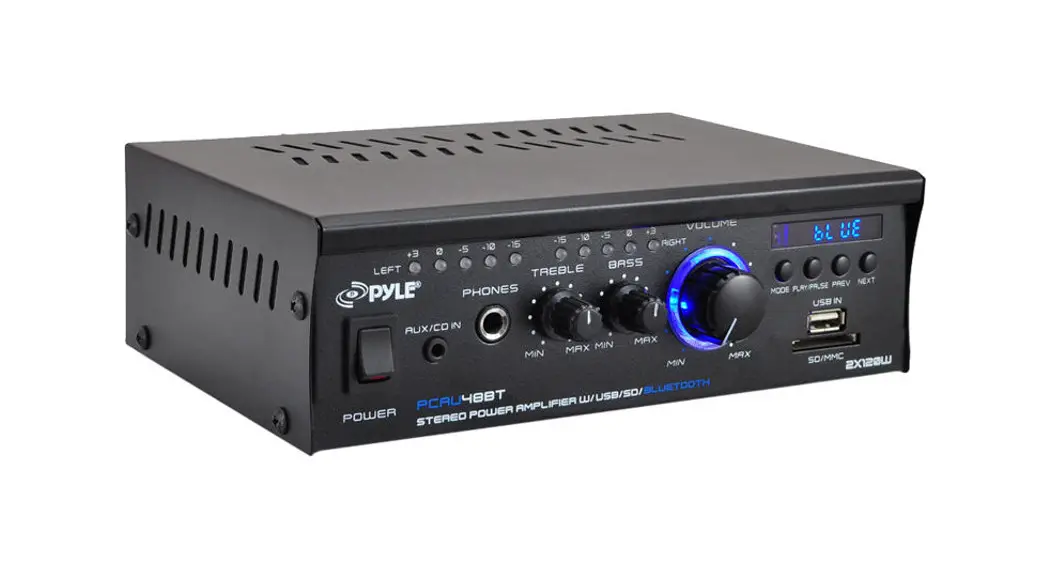
Your New Pyle Amplifier gives you the power and versatility you need in a professional sound system. The amplifier’s wide frequency response makes it suitable for amplifying music or vocal program material. It can be used in meeting halls, houses, restaurants, schools, stores, or for paging systems. PCAU48BT features a PAGER-MIXING function that offers the flexibility of using it at paging or musical events. Please read this manual thoroughly before you attempt to set up and use the amplifier. It contains a range of installation suggestions as well as instructions to ensure safe usage. Installed properly, you can expect years of trouble-free service from this product.
TABLE OF CONTENTS
- Features and Controls
- Caring for your Pyle Pro Amplifier
- Limited warranty
- Specifications
FEATURES AND CONTROLS
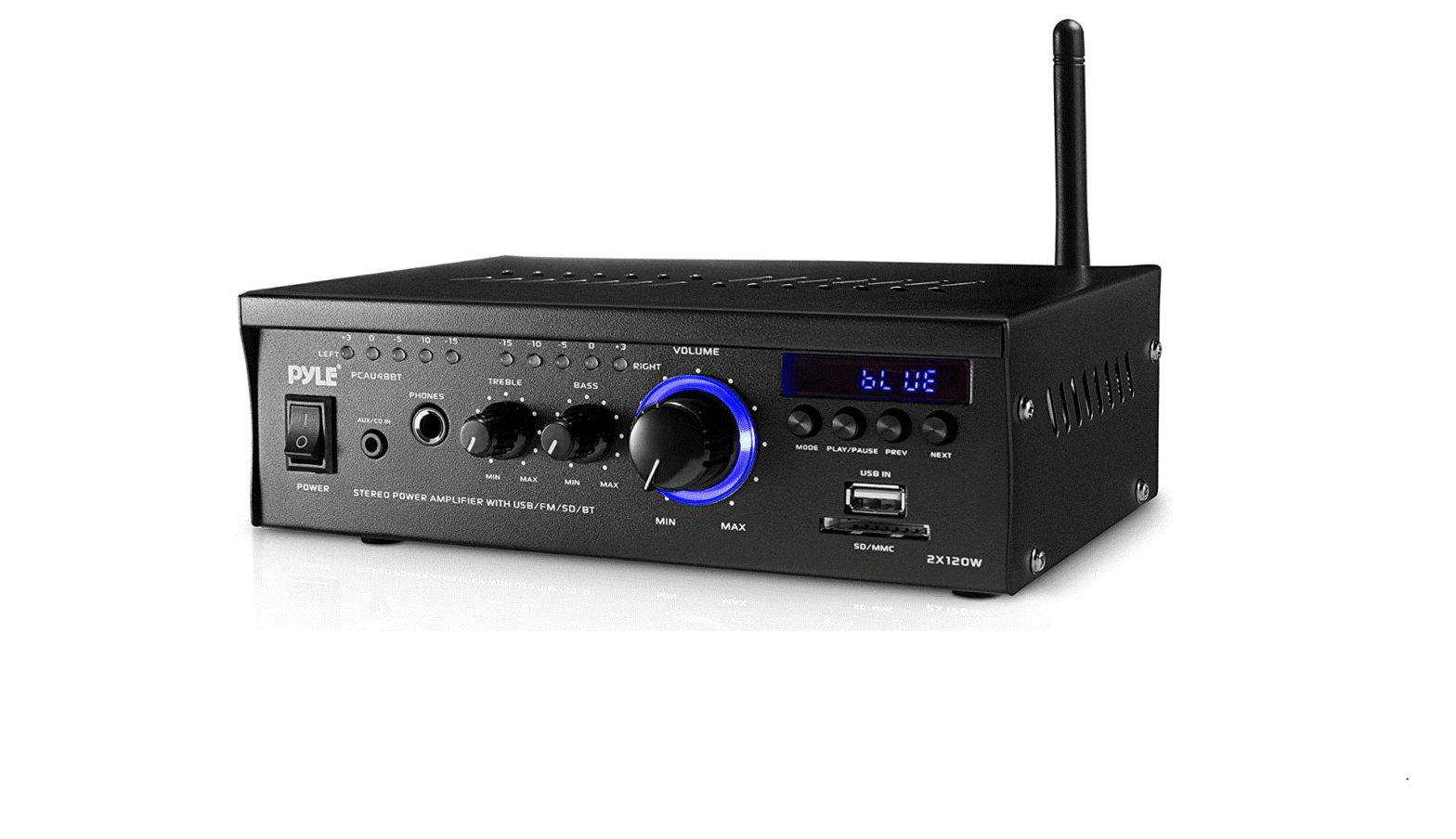
FRONT PANEL
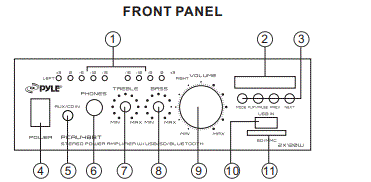
- Blue LED Output Level Indicators
- Blue LED Display Window for MP3/Bluetooth Function.
- Buttons for Bluetooth/MP3(USB and SD) Function Control.
MODE Button: For audio selection like BLUETOOTH/USB/
SD/LINE IN
PLAY/PAUSE Button: For play and pause control
Prev,/Next: For quick backward or next song - Main Power on Switch
The amplifier is switched ON or OFF by using this switch. - Line input. AUX/CD IN
Lets you easily connect the computerized MP3 Device (player) sources, such as PC(CD ROM), laptop, walkman, iPod, and cell phone. - 1/4″ PHONE JACK
Accepts headphones with a 1/4″ plug - 8. BASS AND TREBLE TONE CONTROL
Lets you boost or attenuate bass and treble for the desired sound. - Master Volume Control
Let’s you adjust the overall sound level, and turn the knob clockwise to increase the volume.
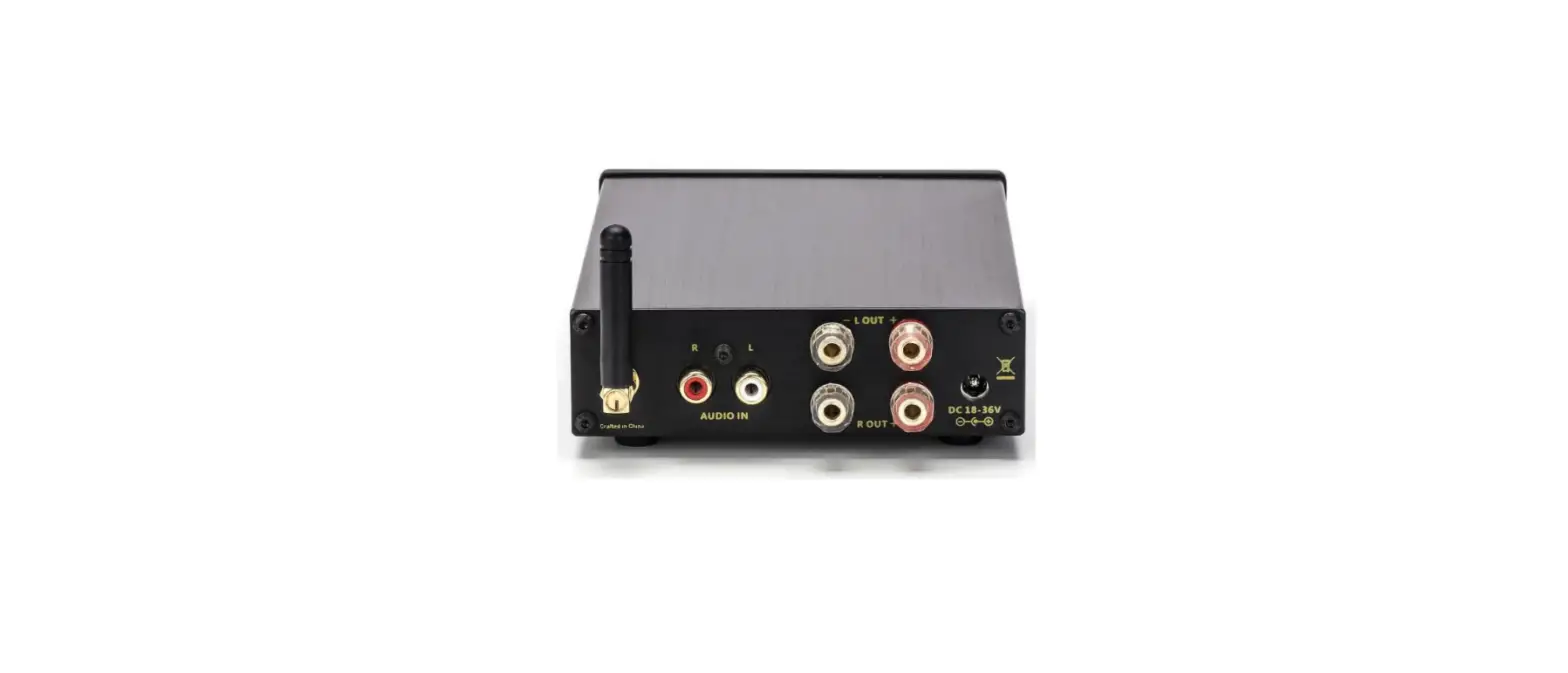
BACK PANEL
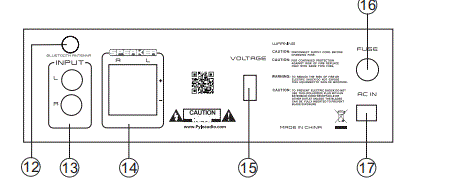
- USB Charge Port & USB Reader Function
USB port charges for smartphones, and also for USB reader function. - SD/MMC Socket for playing SD/MMC cards.
- Bluetooth Antenna
The antenna is best received for Bluetooth operation. - RCA LIR LINE Input
Let you connect to the desired LINE input sources. - Push Type Speaker L/R Terminals
Let you easily connect the speakers’ wires directly to the amplifier - 110V/220V Switch
According to power voltage, push this button to the correct station of the 110V or 220V. - AC IN Power Cord
Connect to AC 110V/60Hz or 220V/50Hz - Fuse
The amplifier uses a fuse for protection against surges and short circuits. If the amplifier suddenly turns off and will not turn on, check the fuse. If necessary, replace it with a 1-amp, 250-volt, fast-acting, 5x20mm fuse (not supplied).
REMOTE CONTROL FUNCTION
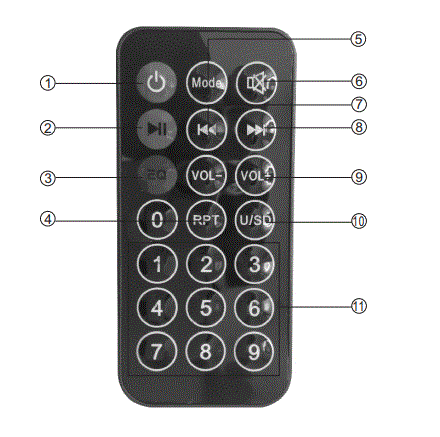
- Power Standby Button
- Play/Pause Button
- Equalizer Button
- Repeat Song Button
- Mode: Menu Control Button
Press it for audio input selection Like Bluetooth/USB/SIDELINE IN, etc. - Mute Button
- Previous Song Button
- Next Song Button
- Volume & Volume Buttons
- USB/SD Switch Button
- Number Buttons for Song Selection
BLUETOOTH FUNCTION INSTRUCTION
External devices which have a built‐in Bluetooth feature can be connected to this amplifier wirelessly to play through the amplifier’s speakers.
- Be sure that the amplifier is powered on. And it’s better to pull the Bluetooth Antenna on at the back of the panel for better receiving. Press the MODE button until the display screen displays the word
bLUE. (The unit is automatically ready to pair with your device) - Turn on the Bluetooth function of your external device.
- Search for available devices within range of your external Bluetooth device.
- Wait for a while then find the “TD301-RY” on the paired devices list on your external device and select “TD301-RY”, or find the “BT” on the paired devices list on your external device and select “BT”.
- Your amplifier will beep and the lights will flash once when pairing is a success.
- You can now play music and other audio on your external device through your amplifier.
- The amplifier will beep and the lights will flash once again when the external device is turned off or unpaired.
CARING FOR YOUR PYLE AMPLIFIER
Your craftsmanship. The following suggestions will help you care for your amplifier so you can enjoy years of use: Pyle Amplifier is an example of superior design
- Keep the amplifier dry. If it gets wet, wipe immediately.
- Use the amplifier only in well-ventilated installations.
- Handle the amplifier away from dust and dirt.
- Wipe occasionally with a damp cloth to keep it looking new.
- Do not use harsh chemicals, solvents, or detergents.
IMPORTANT
Replacing a a fuse
This amplifier requires a fuse with the proper rating for protection from power surges and short circuits. If the amplifier suddenly turns off or will not turn on. the fuse is properly blown.
 Let the amplifier cool down and see if it starts again before you assume a fuse needs to be replaced.
- Unplug the amplifier from the AC outlet.
- Turn the fuse holder cap and pull out the cap.
- Remove the old fuse and replace it with an identical one.
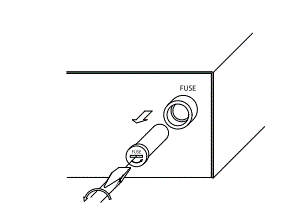 Let the amplifier cool down and see if it starts again before you assume a fuse needs to be replaced.
CAUTION
Never use a fuse with a higher rating.
TROUBLESHOOTING
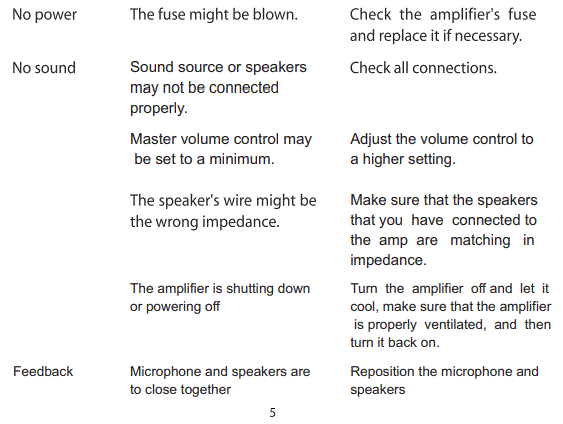
Frequently Asked Questions
By utilizing Bluetooth’s radio frequency connection, a Bluetooth amplifier can turn your beloved wired headphones into wireless Bluetooth headphones.
usually not. An amplifier is already present in an A/V receiver. An audio signal can be received by an A/V receiver, which can then decode it, amplify it for speakers, and allow video to pass through to a TV or projector.
An amplifier operates normally and by default in stereo. This indicates that the amplifier powers two separate channels independently. Imagine it like having two amps in one. Many modern amplifiers may even operate two channels at once with two distinct electricity ratings.
As they stand, Bluetooth protocols can easily transmit standard line-level signals. Similar to wired arrangements, this signal level needs to be amplified by a power amp before it can effectively drive the loudspeaker driver(s).
You can stream music over your wireless internet network using a WiFi receiver. You transfer a saved collection to your speakers from a computer, a network disc, or a mobile device. WiFi streaming has the benefit of a robust signal.
An amplifier with a built-in radio component is a receiver. The amp’s radio input is chosen just like any other input, and only a set of speakers are required for connection. An AV receiver is a home theatre amplifier with a radio input.
Before it is supplied to the speakers, an amplifier makes a larger copy of the input signal from a source, such as a laptop, turntable, or CD player. Your mains electricity, which is routed straight to the amplifier’s power source, provides the energy needed to accomplish this.