 POLYCOM® VVX®
400, 401 & 411
QUICK USER GUIDE
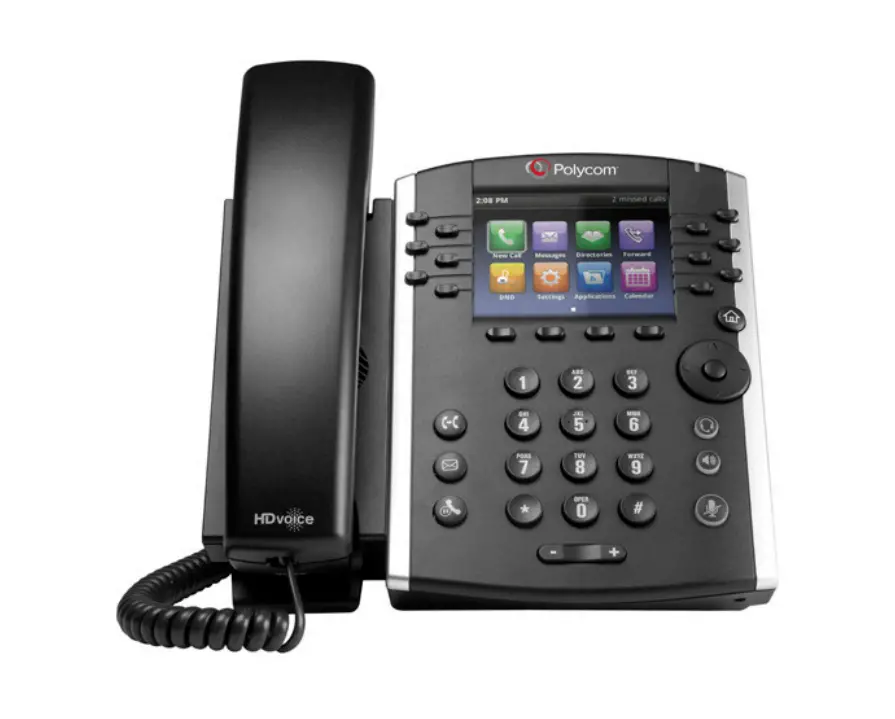
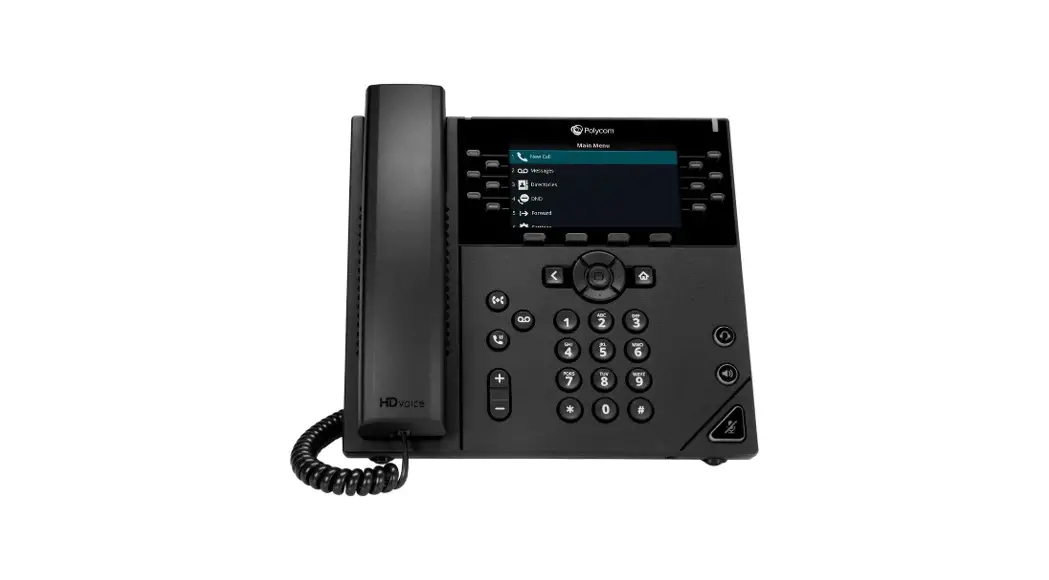
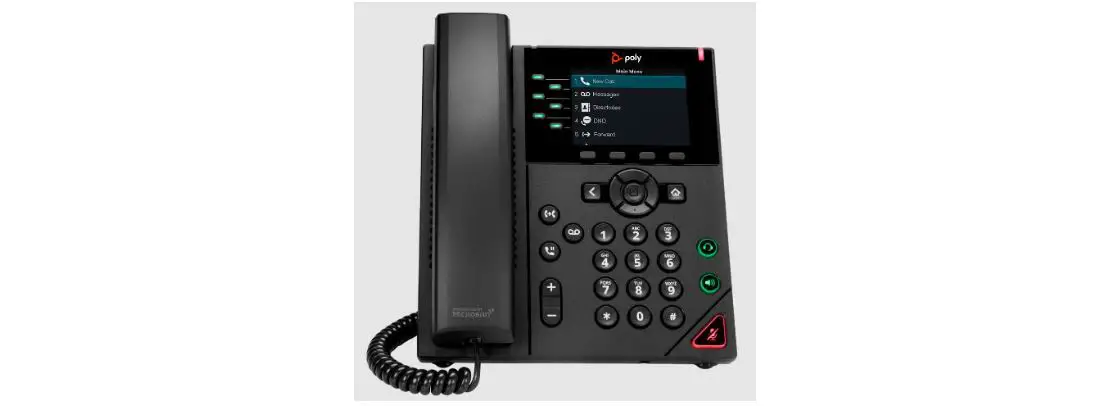
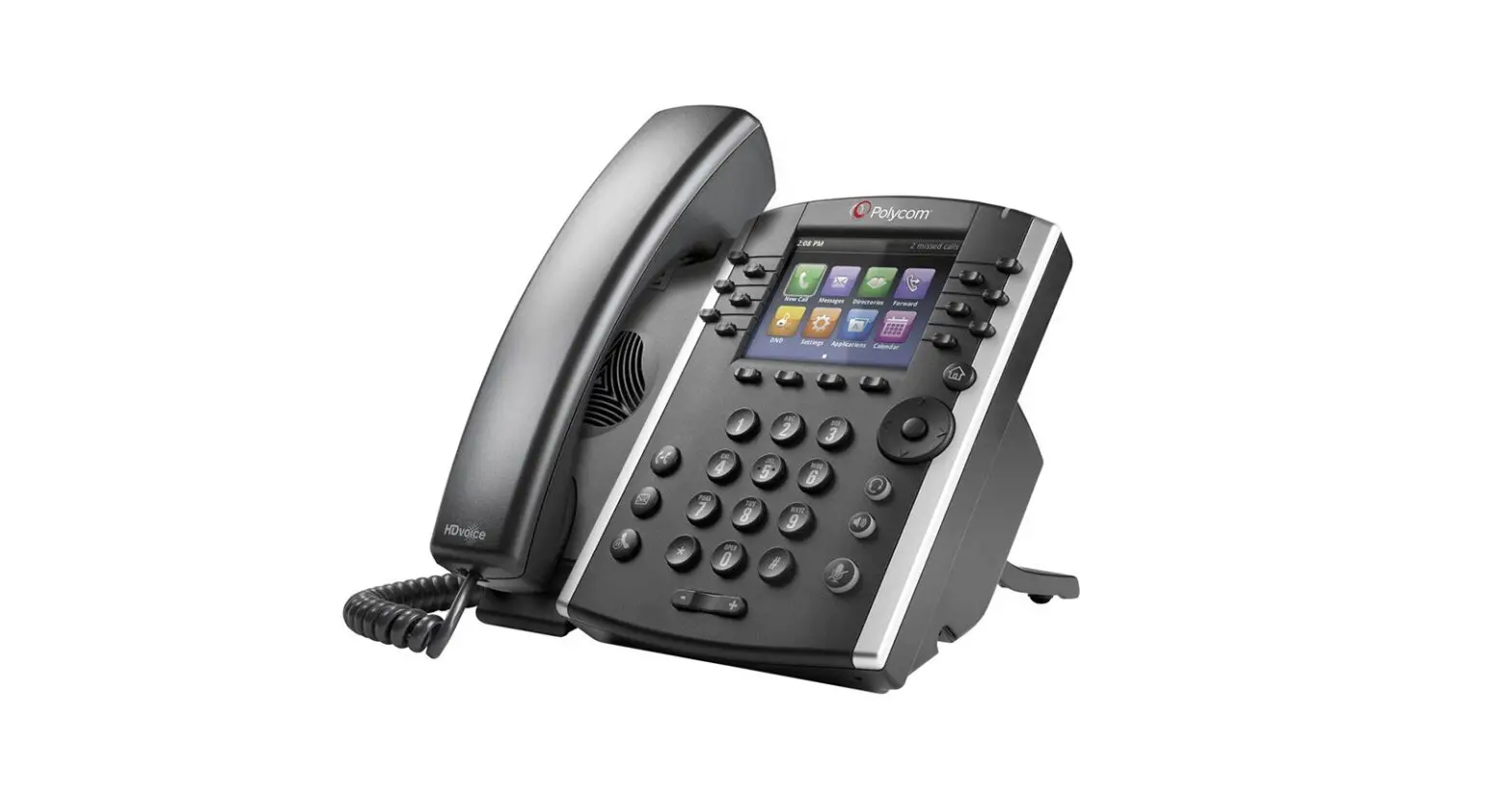
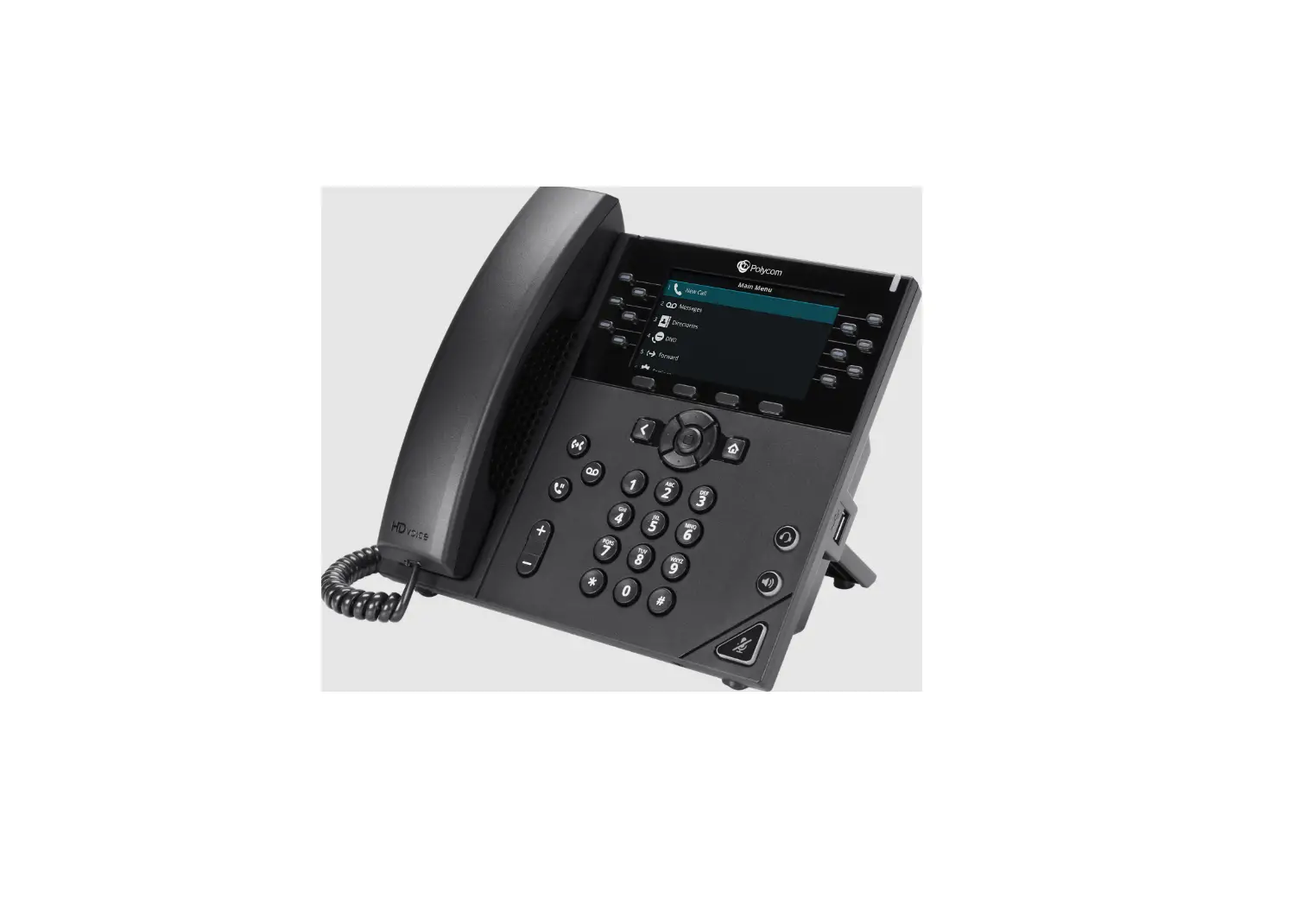
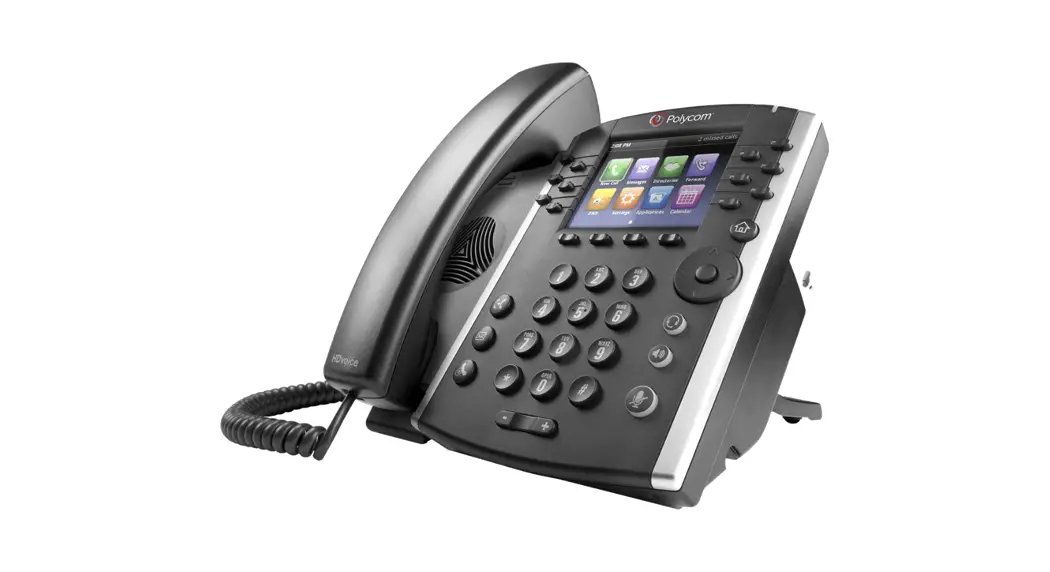
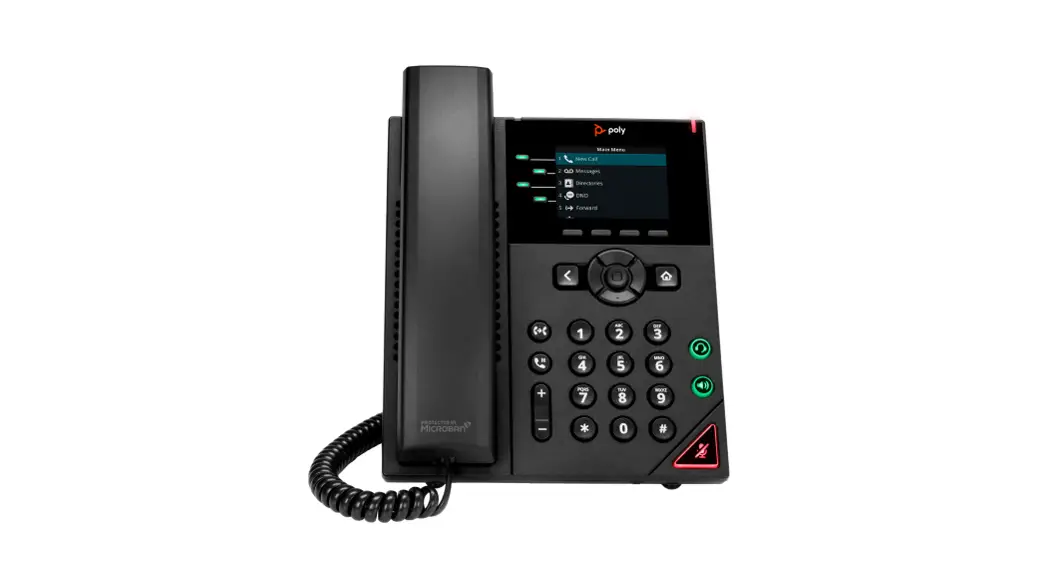
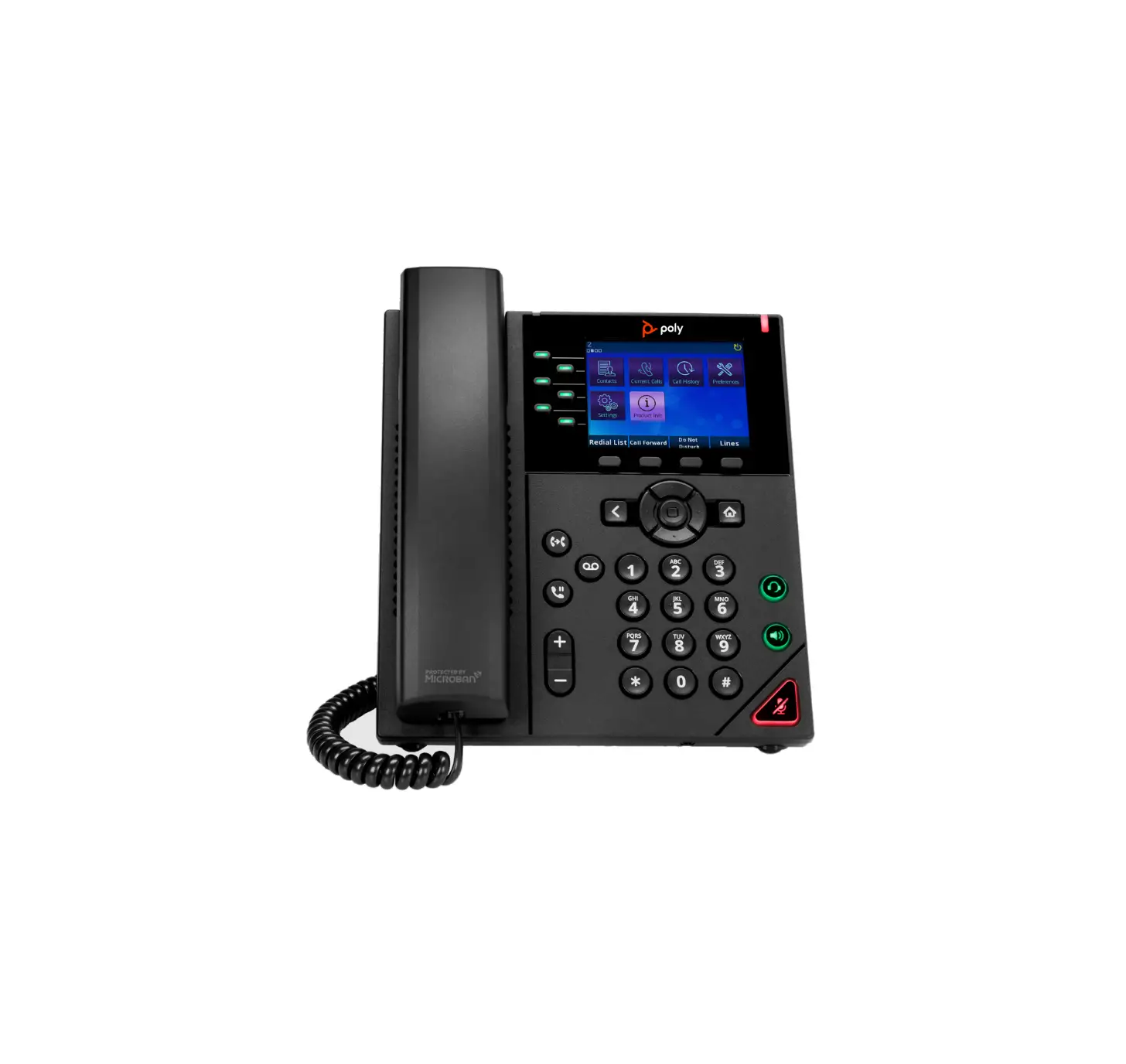
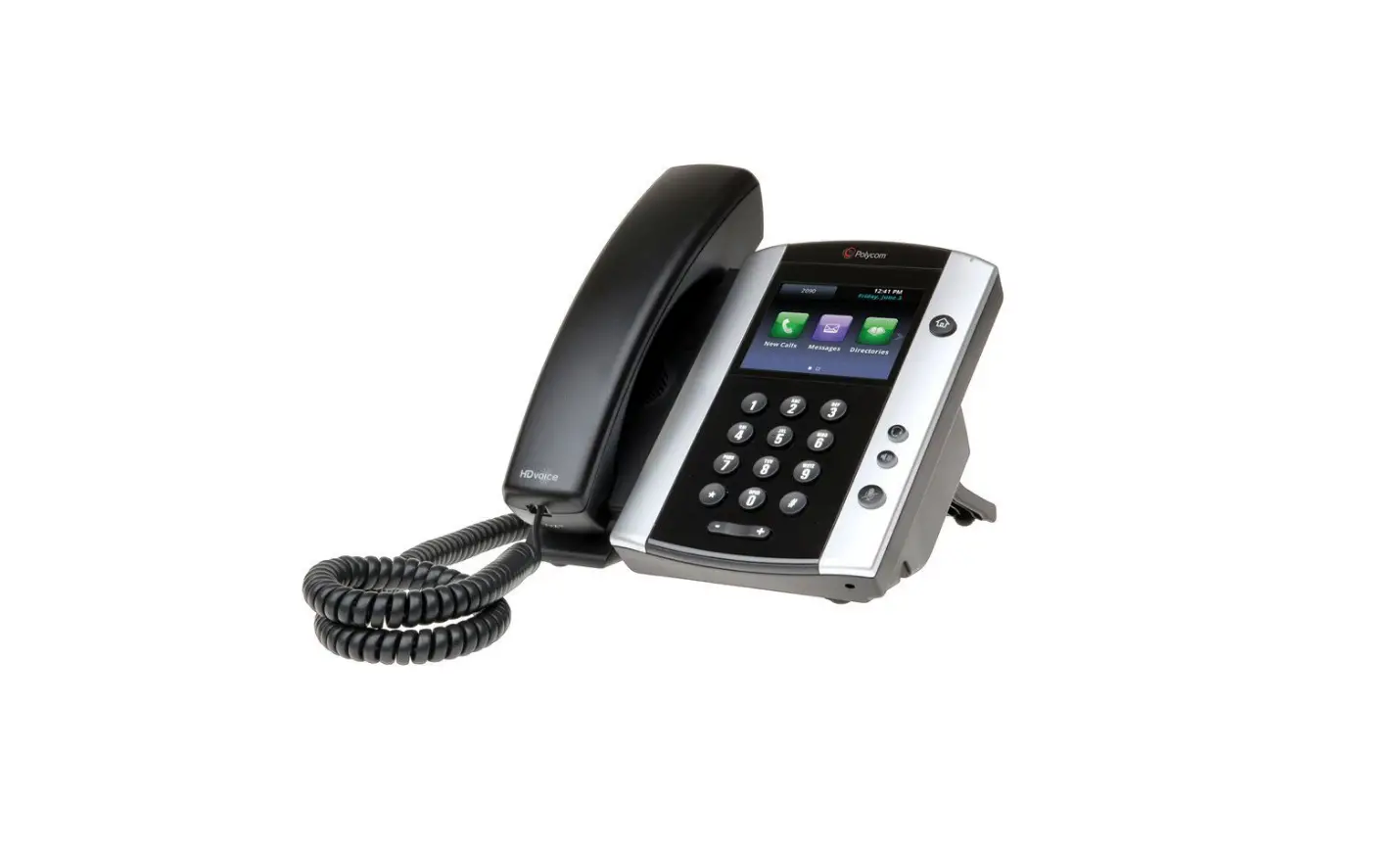
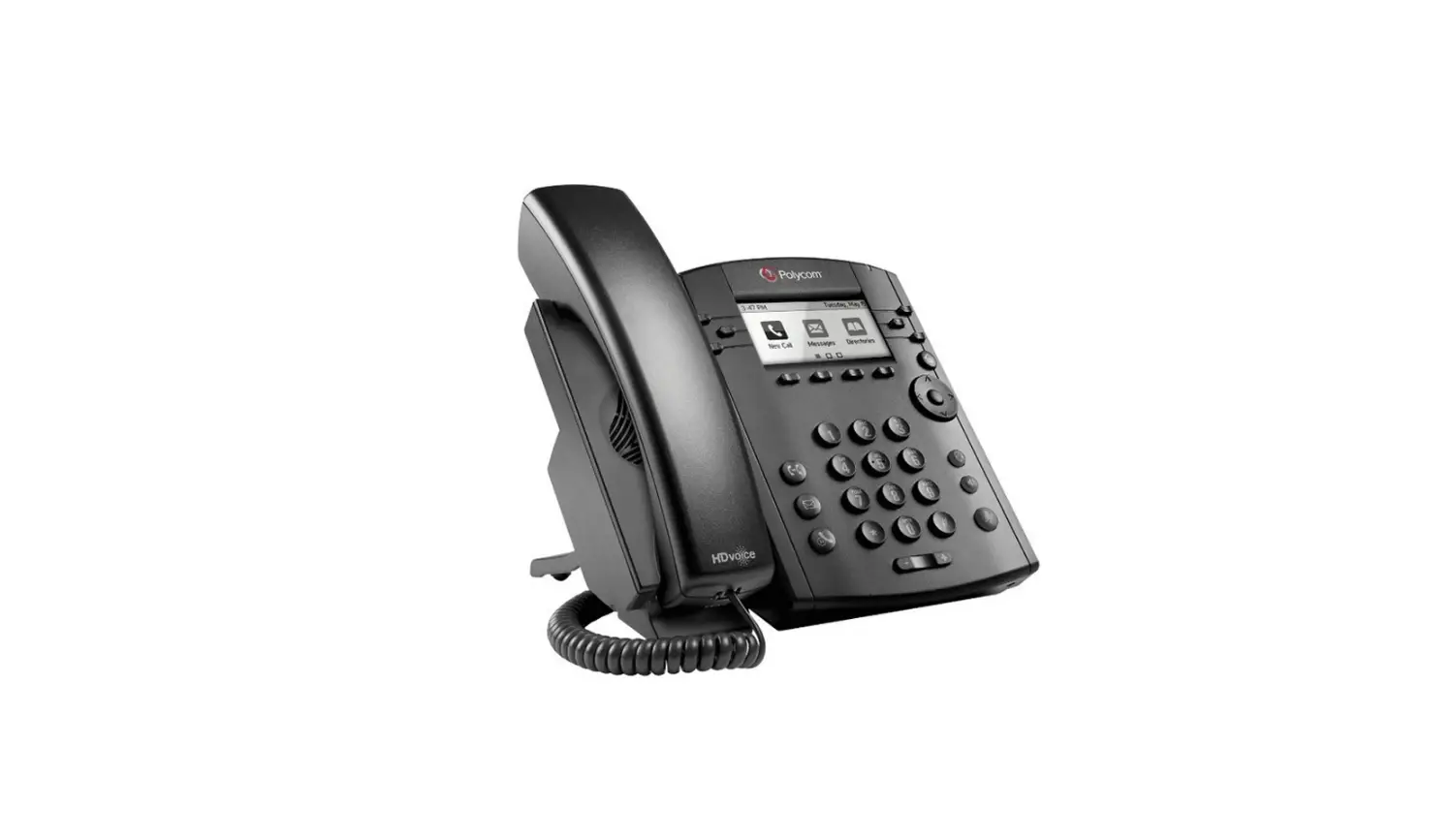
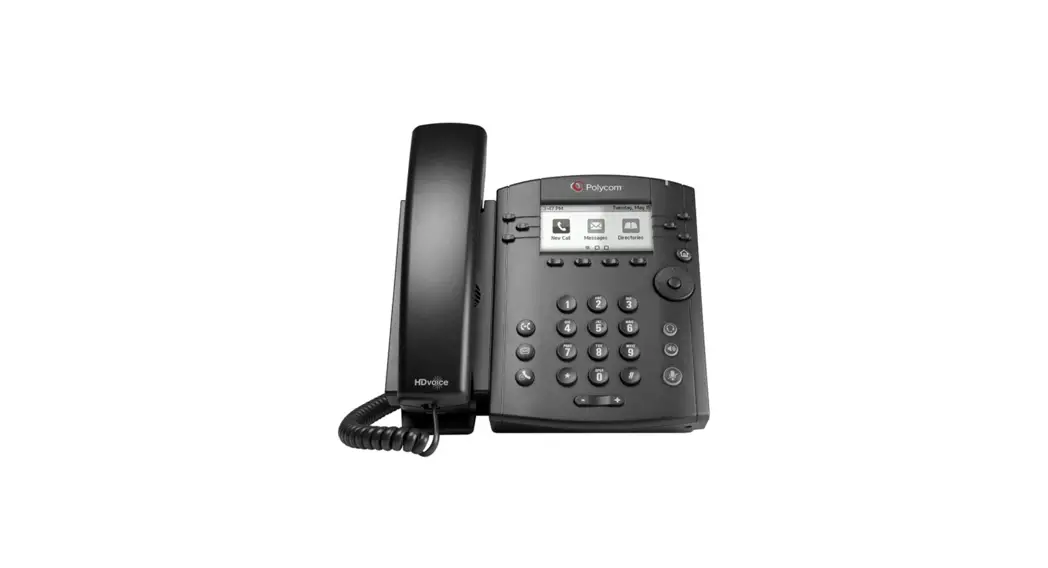
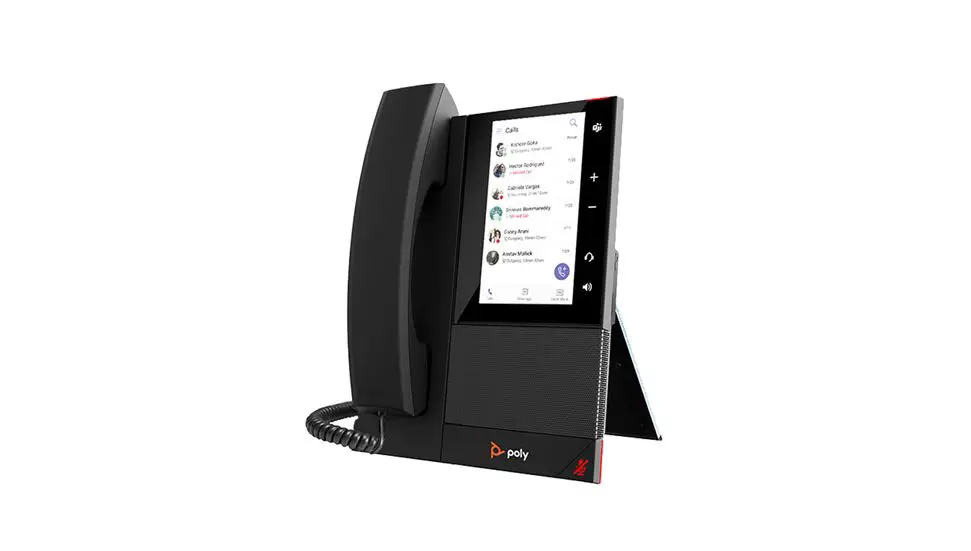
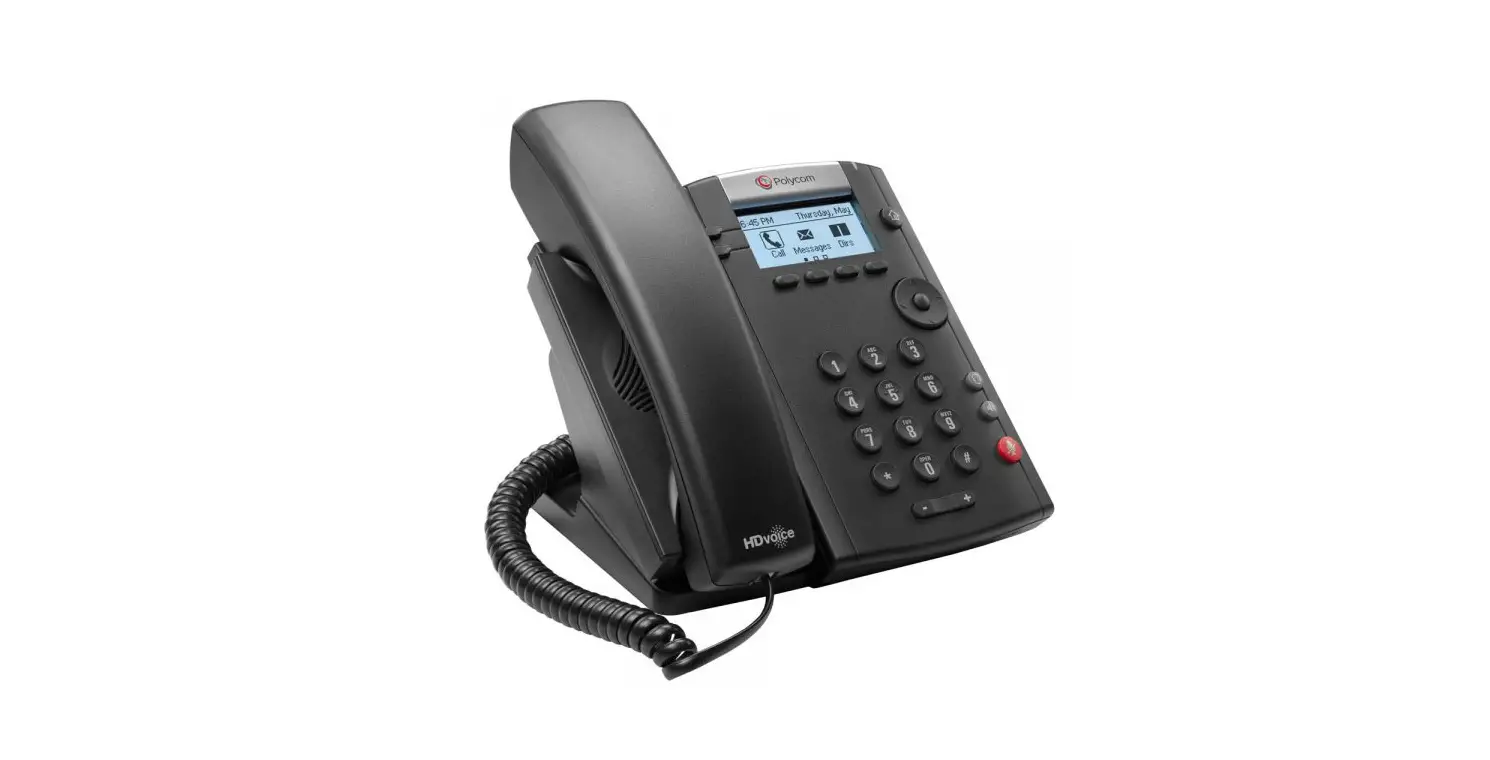
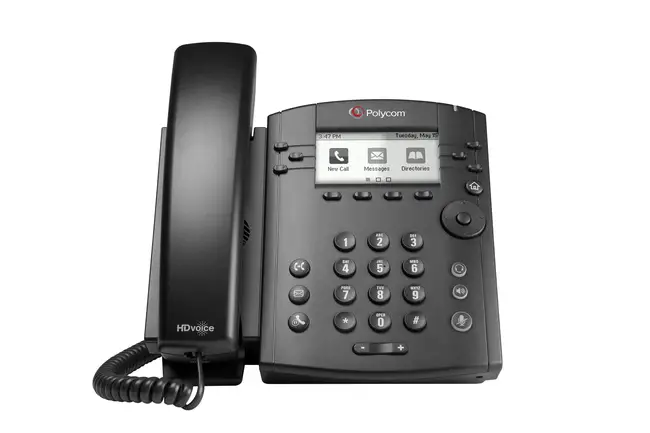
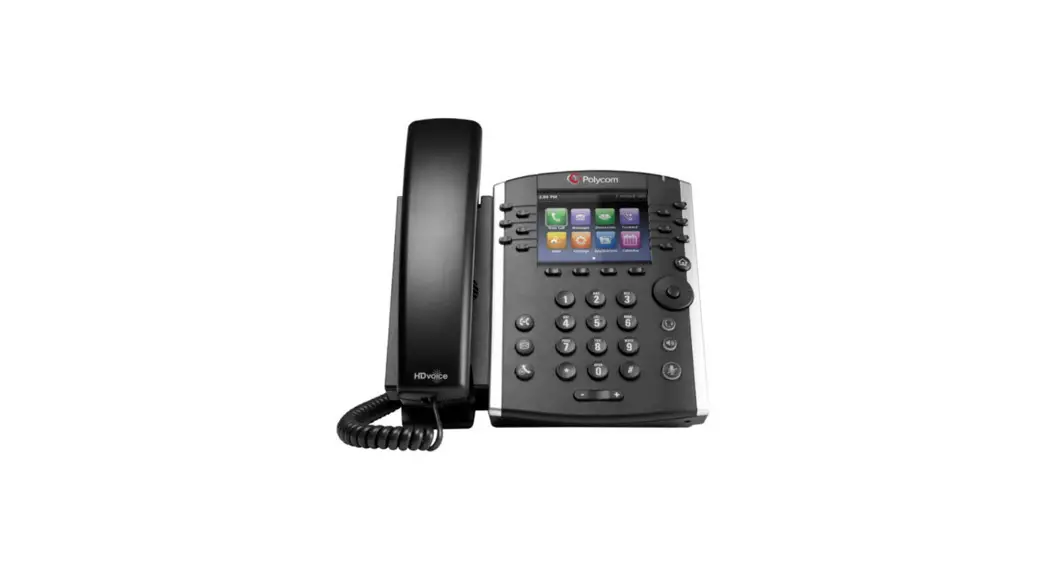
GET TO KNOW YOUR PHONE
- Soft Keys: These appear as they are needed. For example, if you are in a conference call, the soft keys display functions related to the conference function.
- Line Keys: Located to the left and right of the phone screen, the line keys indicate the status of your lines and associated activity.
HOME VIEW
- Home View displays icons that can select to access phone functions.
- From Home View, press
 to display either Lines, Calls or Active Call View.
 to display either Lines, Calls or Active Call View.
PLACING CALLS
- Enter the phone number FIRST, then press Dial, pick up the handset, or press
 or
or  .
.
 or
or  .
.ANSWERING CALLS
- To answer with the speakerphone, press or tap Answer. To answer with the handset, pick up the handset. To answer with a headset, press . To answer a new call while on an active call, press Answer. The current call will automatically be placed on hold.
VOICEMAIL
- An envelope,
 , adjacent to a Line key, indicates that you have voicemail. You will also see the voicemail indicator light blinking in the upper right hand corner.
 - Tap the designated VM button and follow the prompts.
 , adjacent to a Line key, indicates that you have voicemail. You will also see the voicemail indicator light blinking in the upper right hand corner.
CALL HOLD AND RESUME
- During a call, tap the Hold soft key. Press the Resume soft key to resume the call.
CALL TRANSFER
- During a call, tap the Transfer soft key to place the active call on hold.
- To transfer a call unannounced:
Tap Blind soft key, dial the number and tap send. - To announce the transfer:
Place a call to the party to which you want to transfer the call. After speaking with the second party, tap Transfer again to complete the transfer.
PLACING CONFERENCE CALLS
- Call the first party, and after the call connects, select Confrnc. You will now have an active three-way conference call.
- Then dial and connect with the second party and press Confrnc again.
- Press Hold to hold all participants. + Press End Call to remove yourself from the call but keep the other participants connected.
- Press Split to end the conference and hold all participants.
MUTING THE MICROPHONE
- During a call, press
 so other parties can’t hear you.
 - To disable Mute, press again.
- This applies to calls using the handset, headset and speakerphone.
 so other parties can’t hear you.
ADJUSTING VOLUME
- To change call volume, press
 during a call. To change the ringer volume, press when the phone is idle or ringing.
 during a call. To change the ringer volume, press
 You can also view short how-to videos about all of these topics at
arvig.net/hostedpbx
218.346.8014
© Arvig 2022 
 hostedpbx | My Arvig
 Poly | Video Conferencing, Conference Phones & Headsets | Poly, formerly Plantronics & Polycom