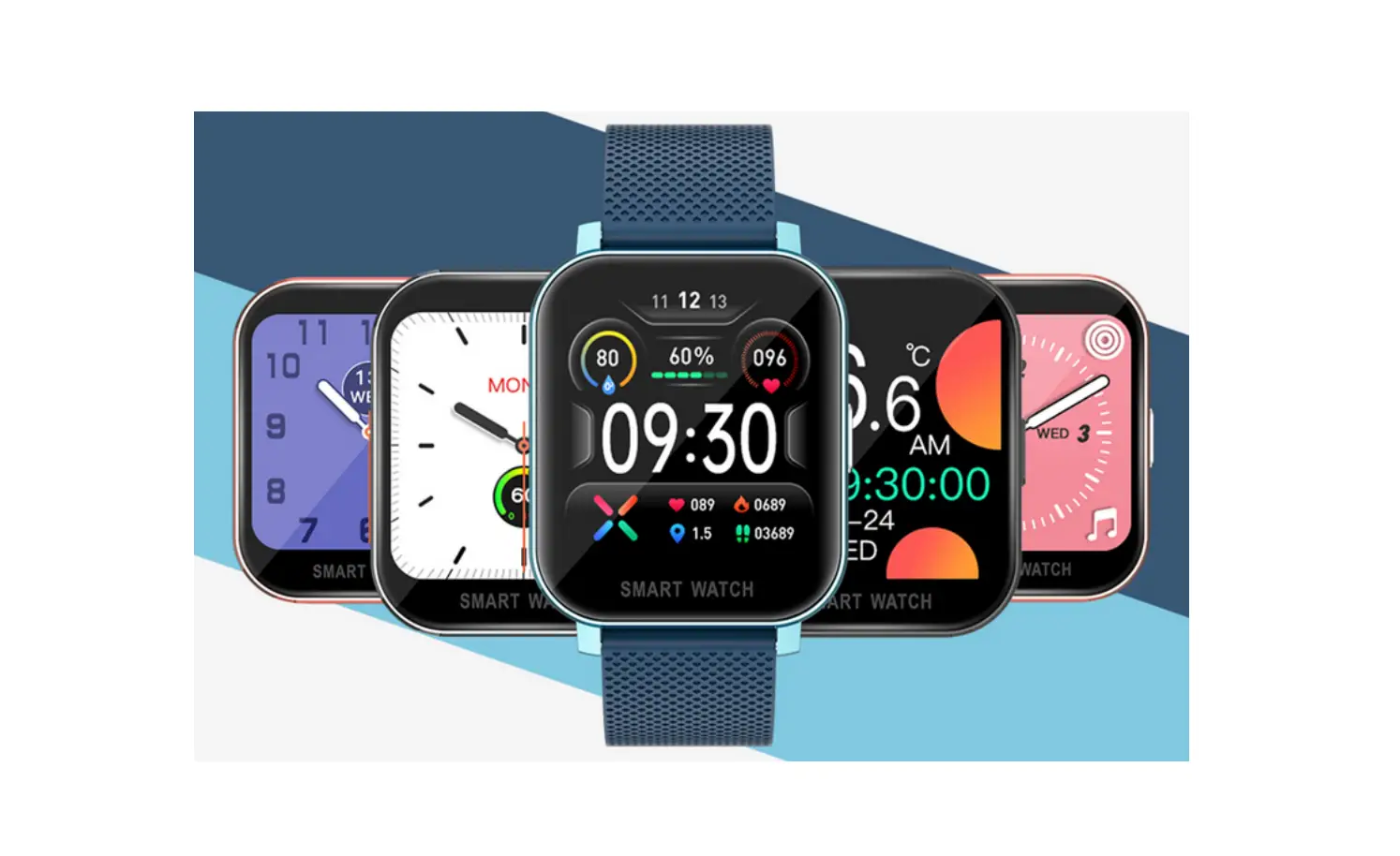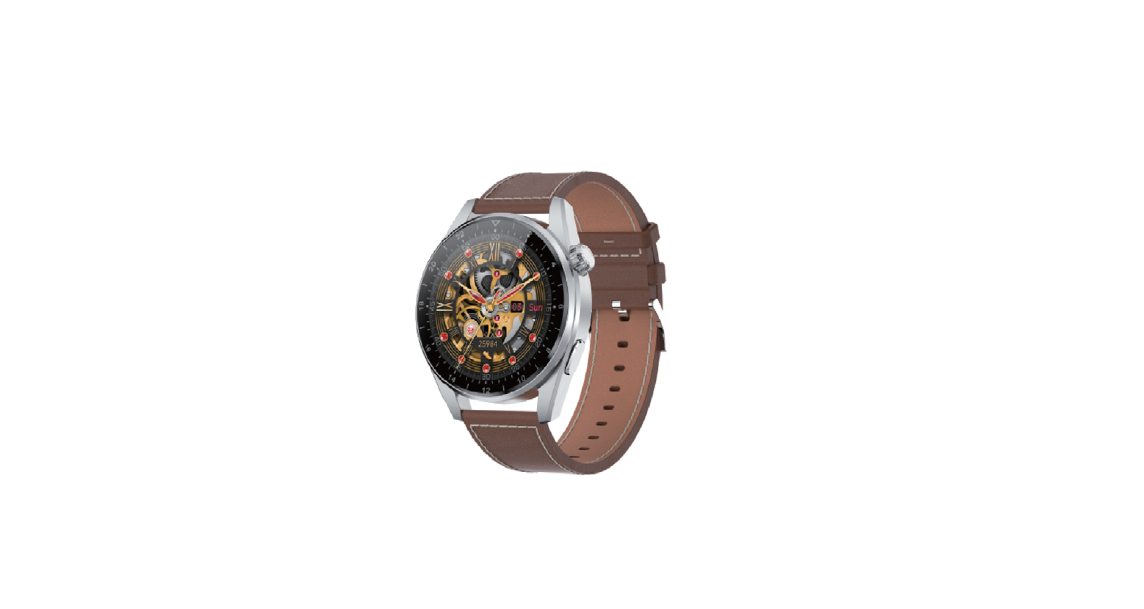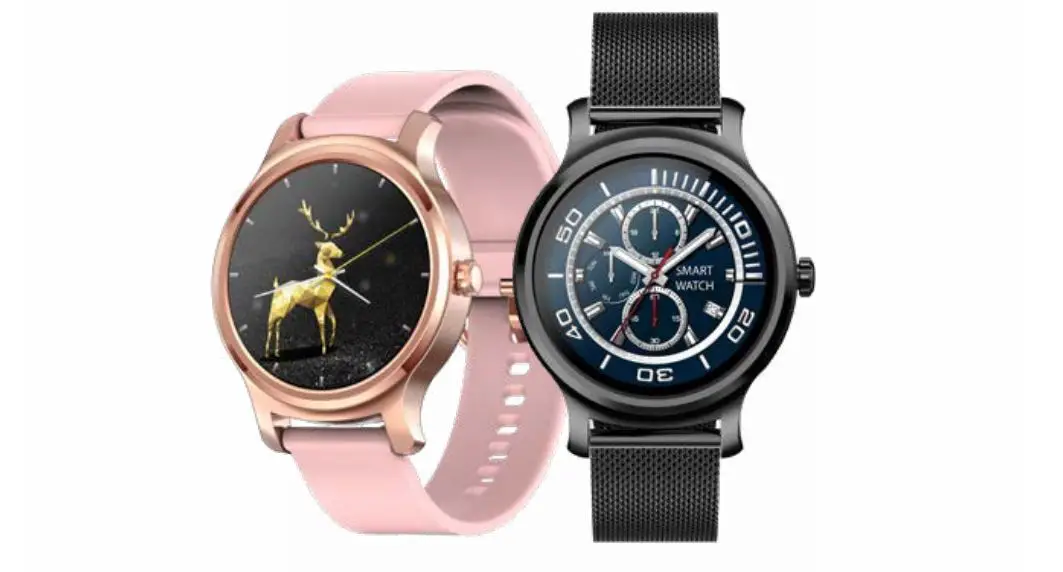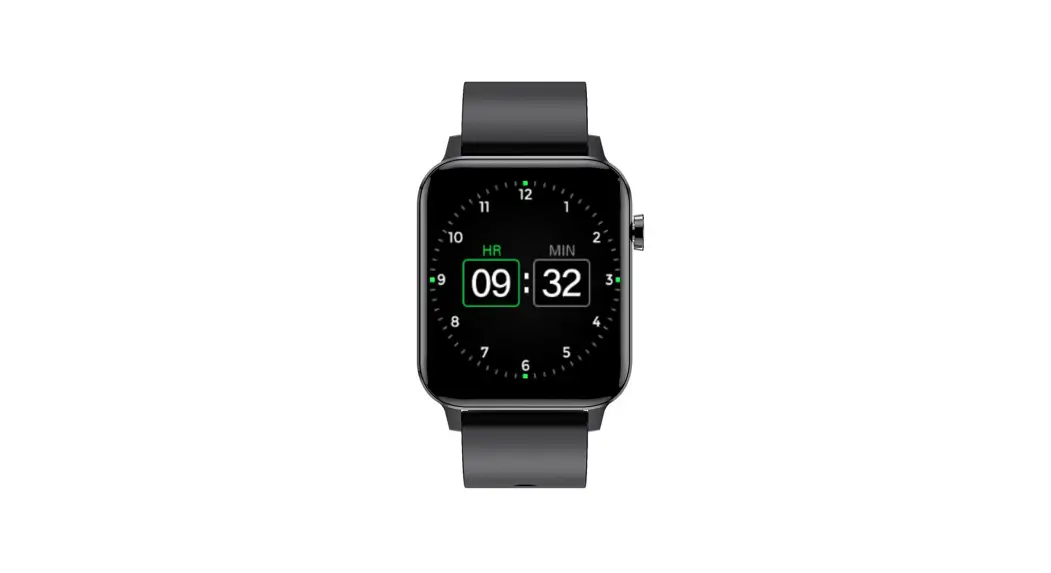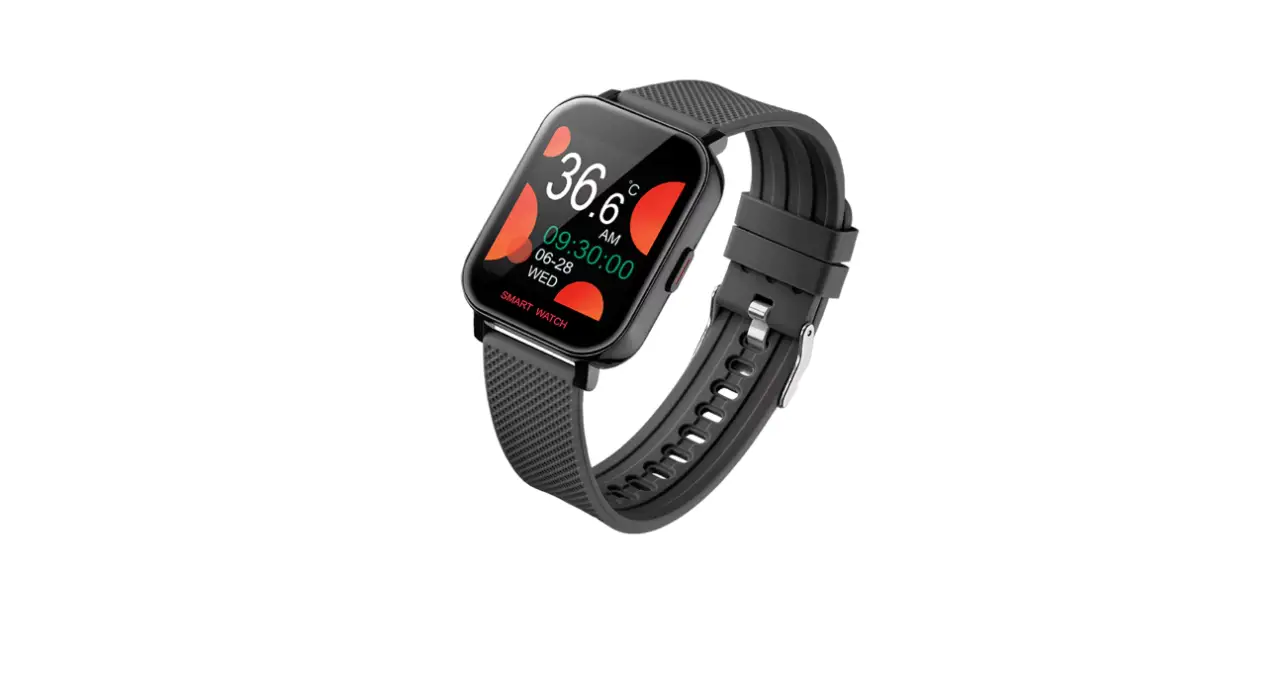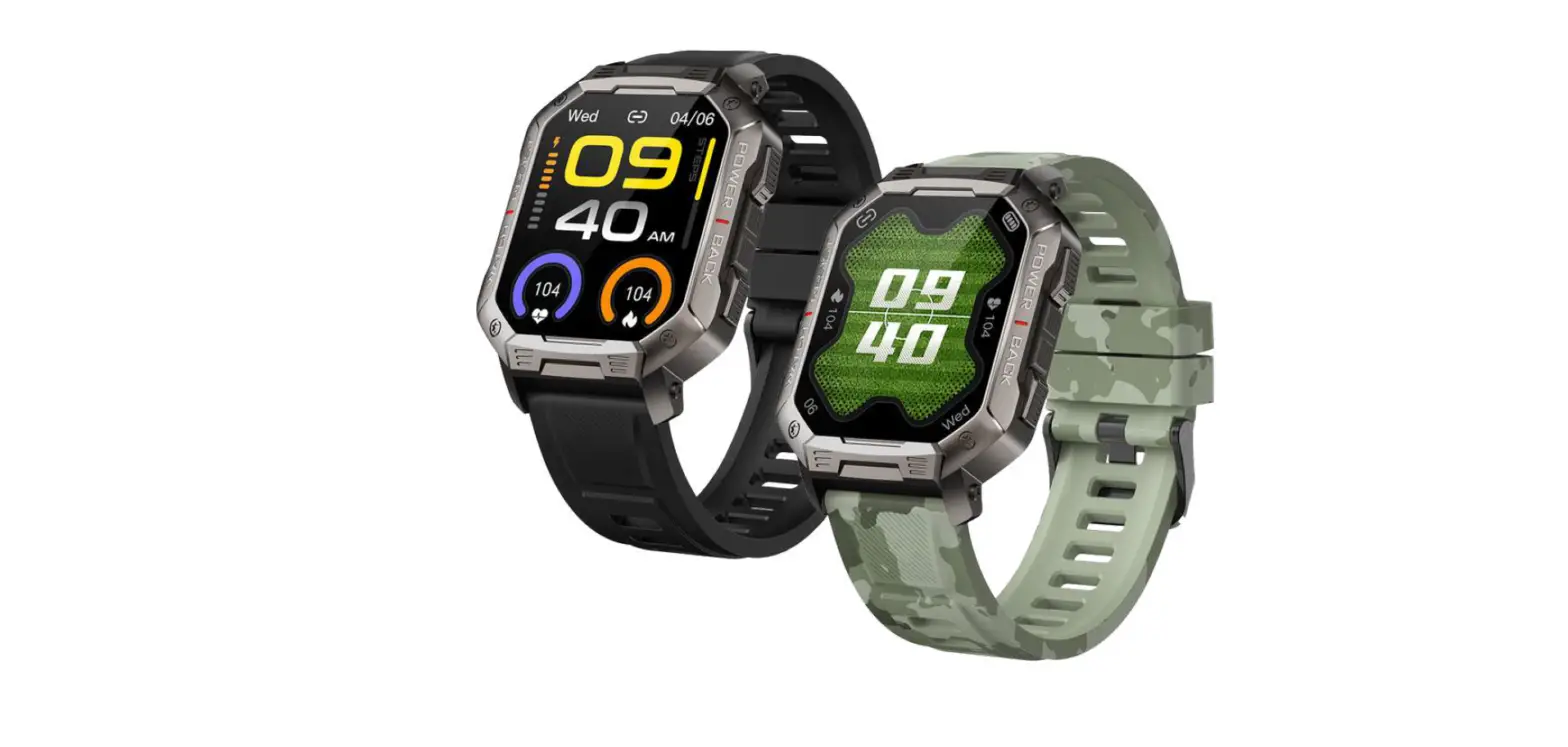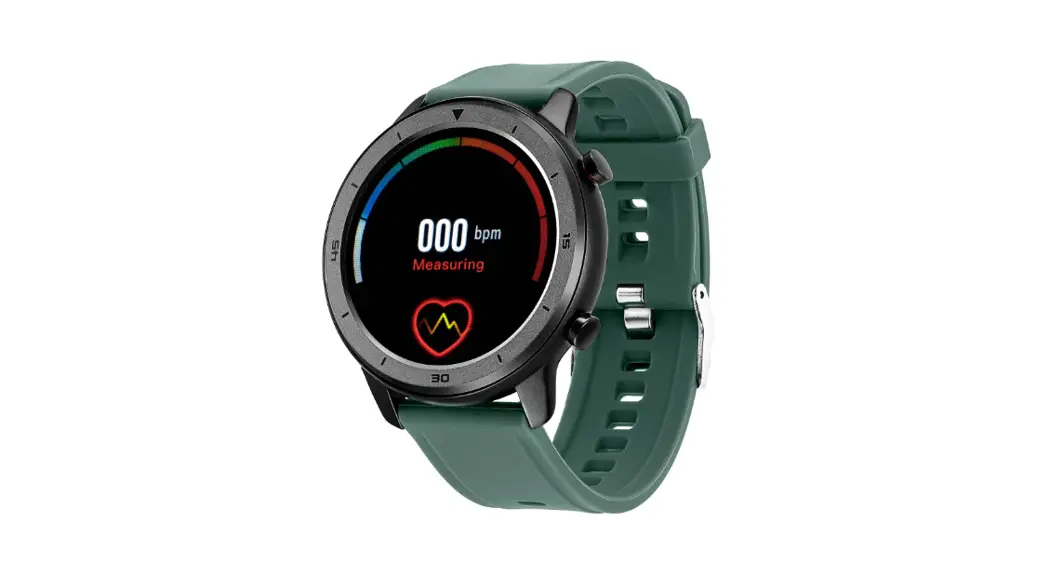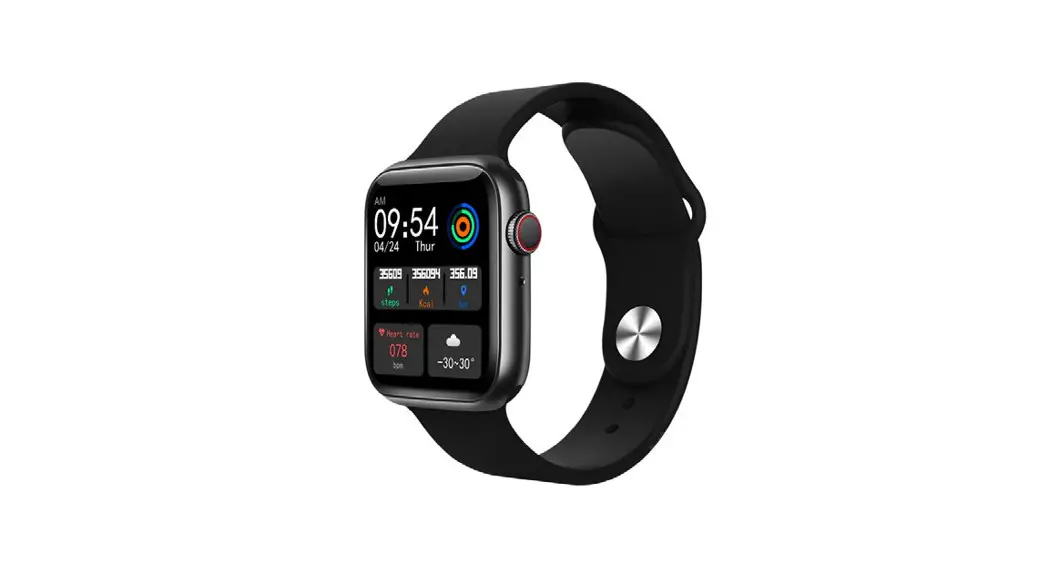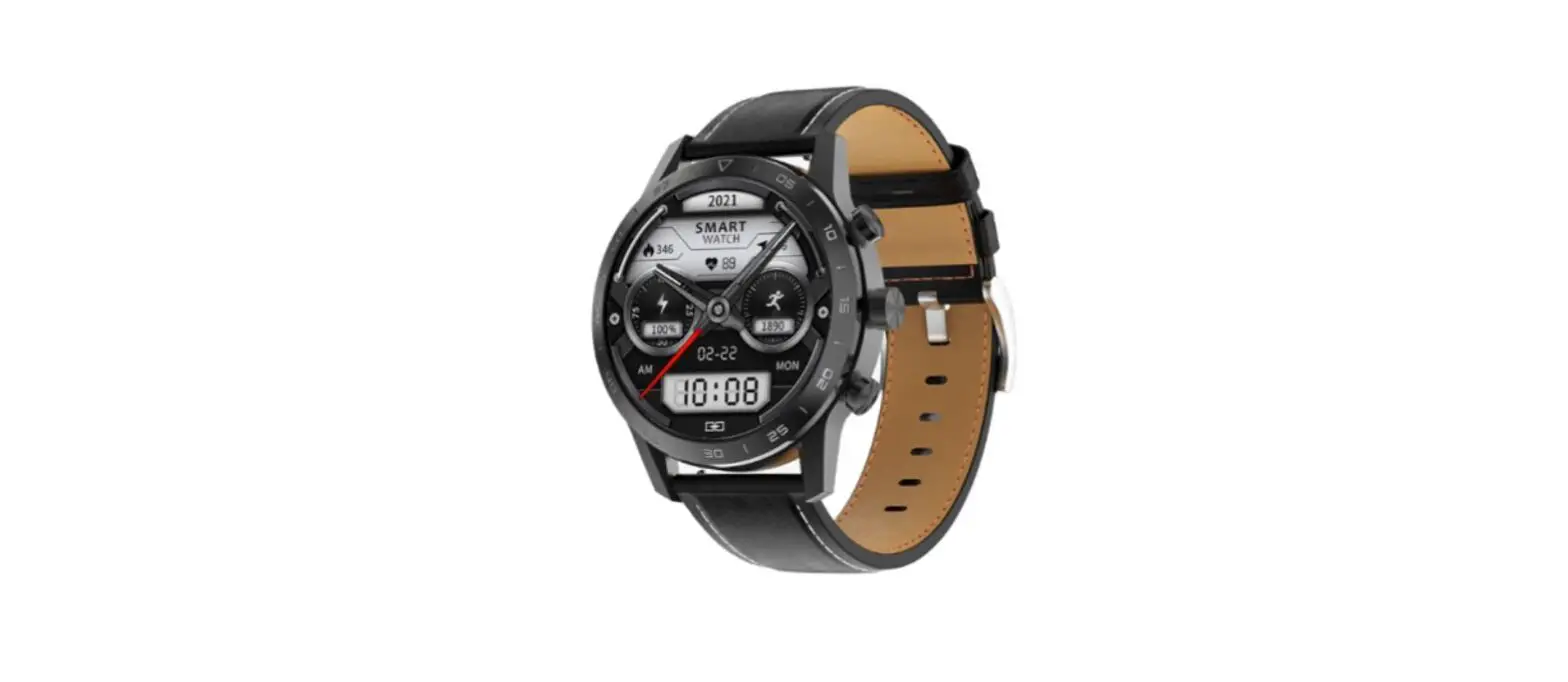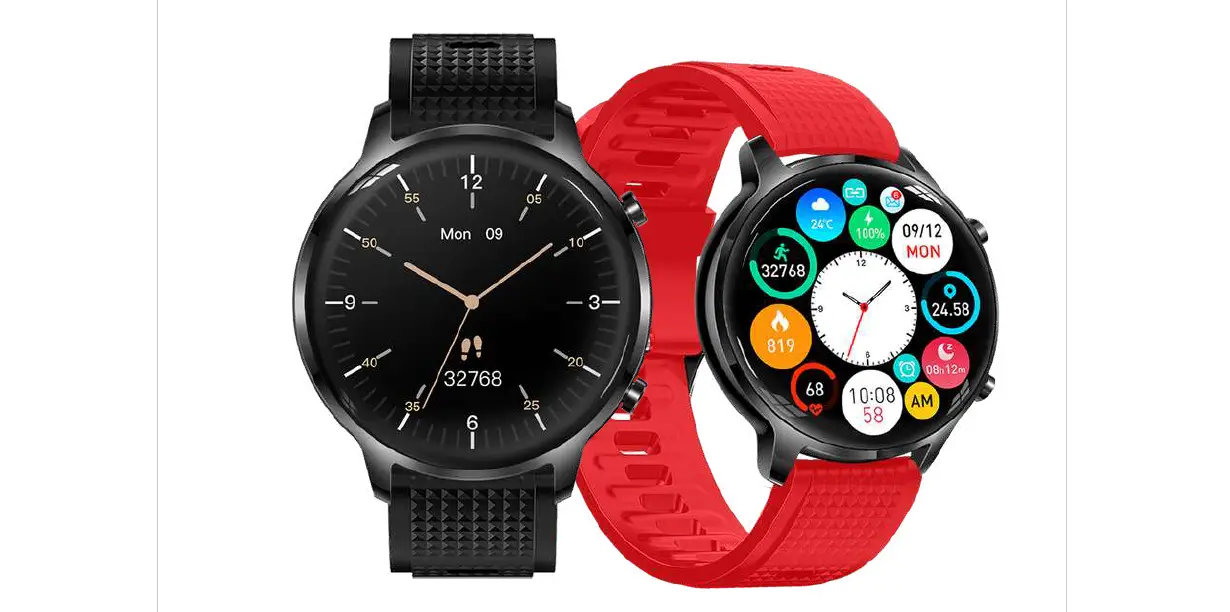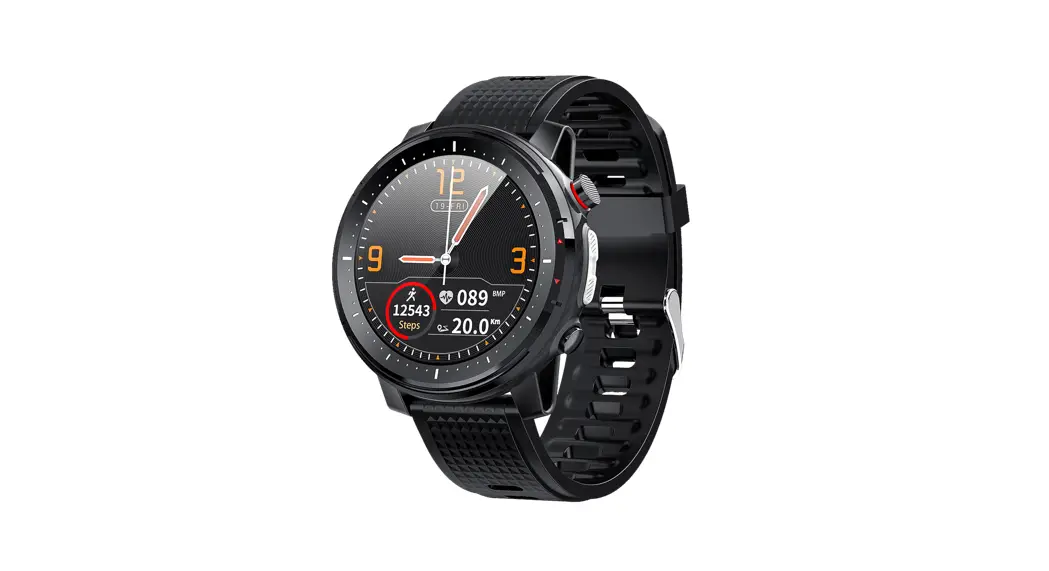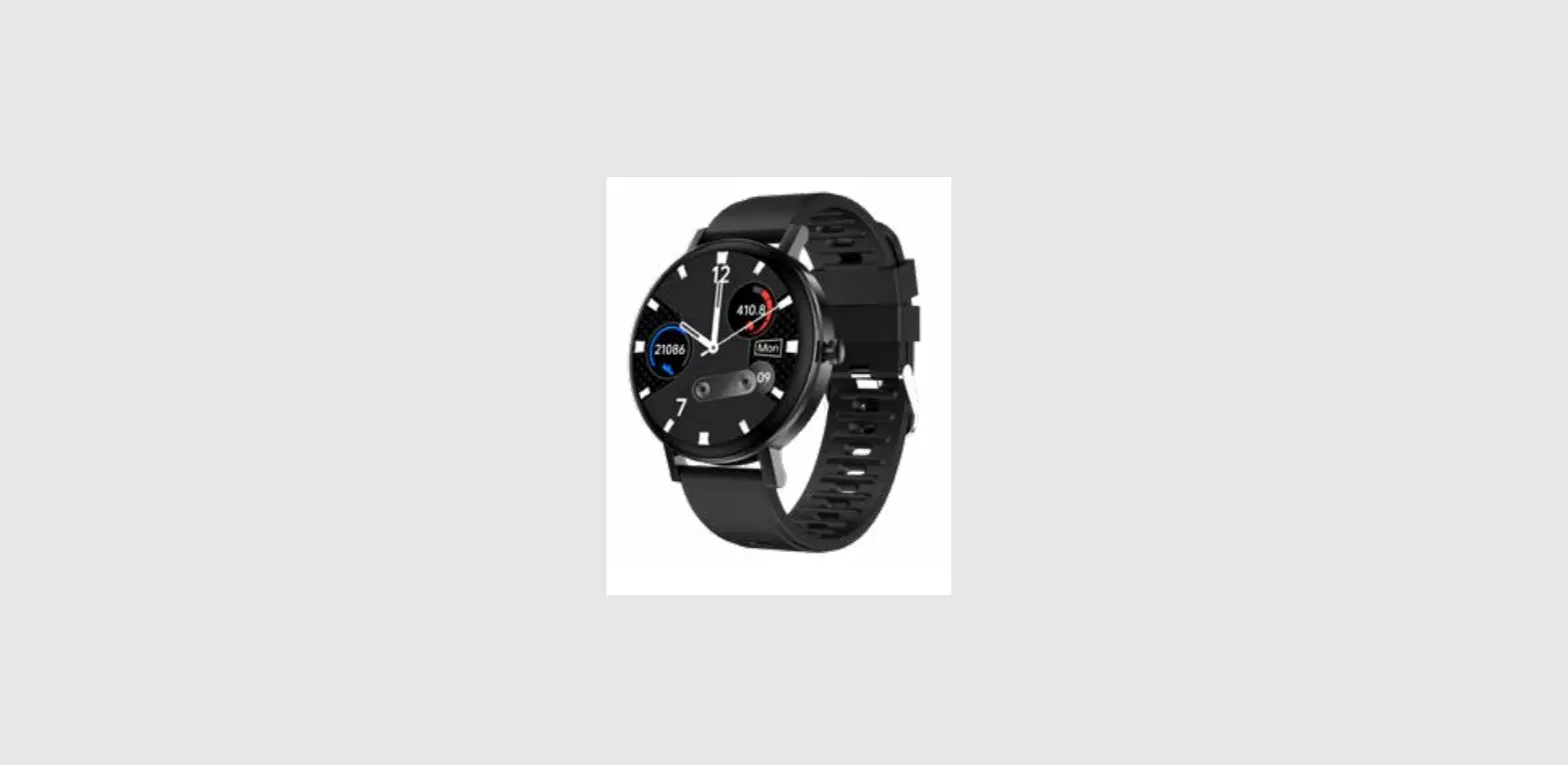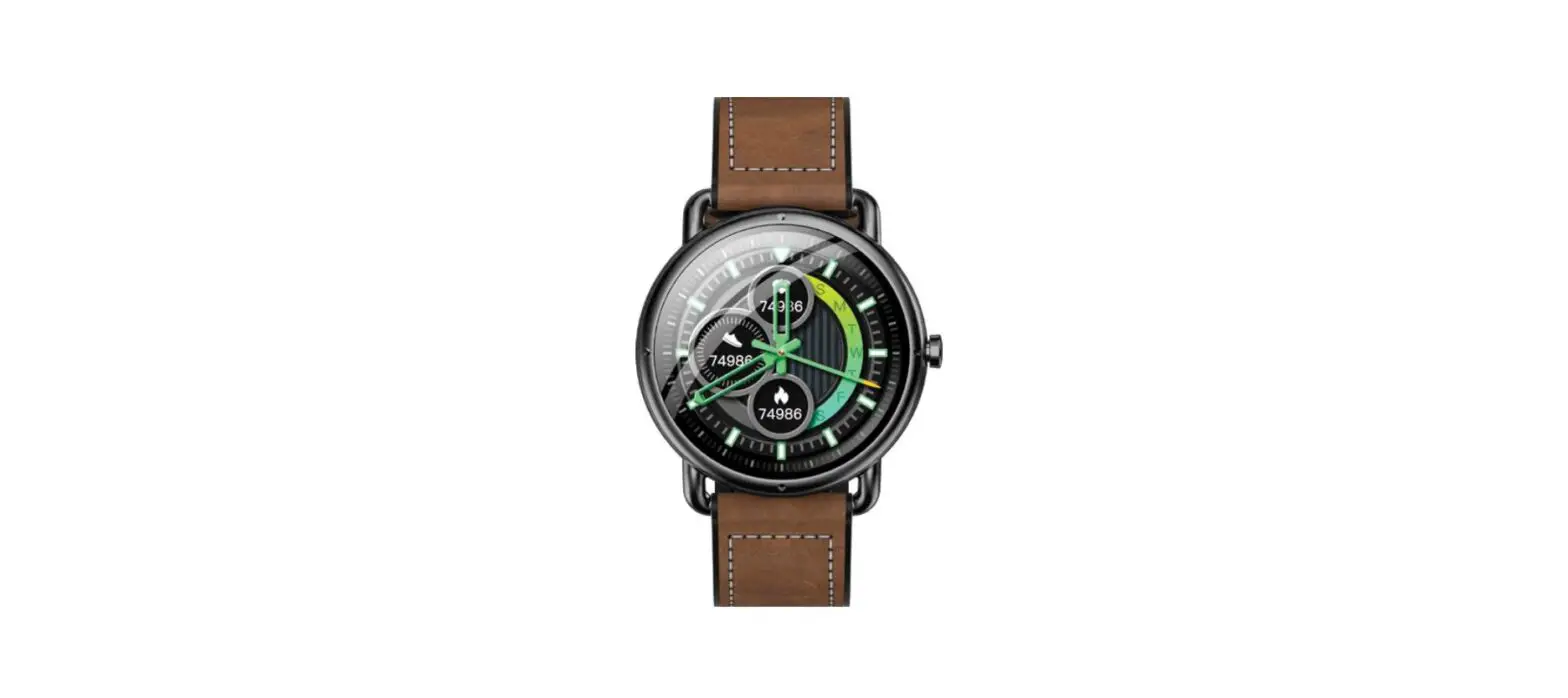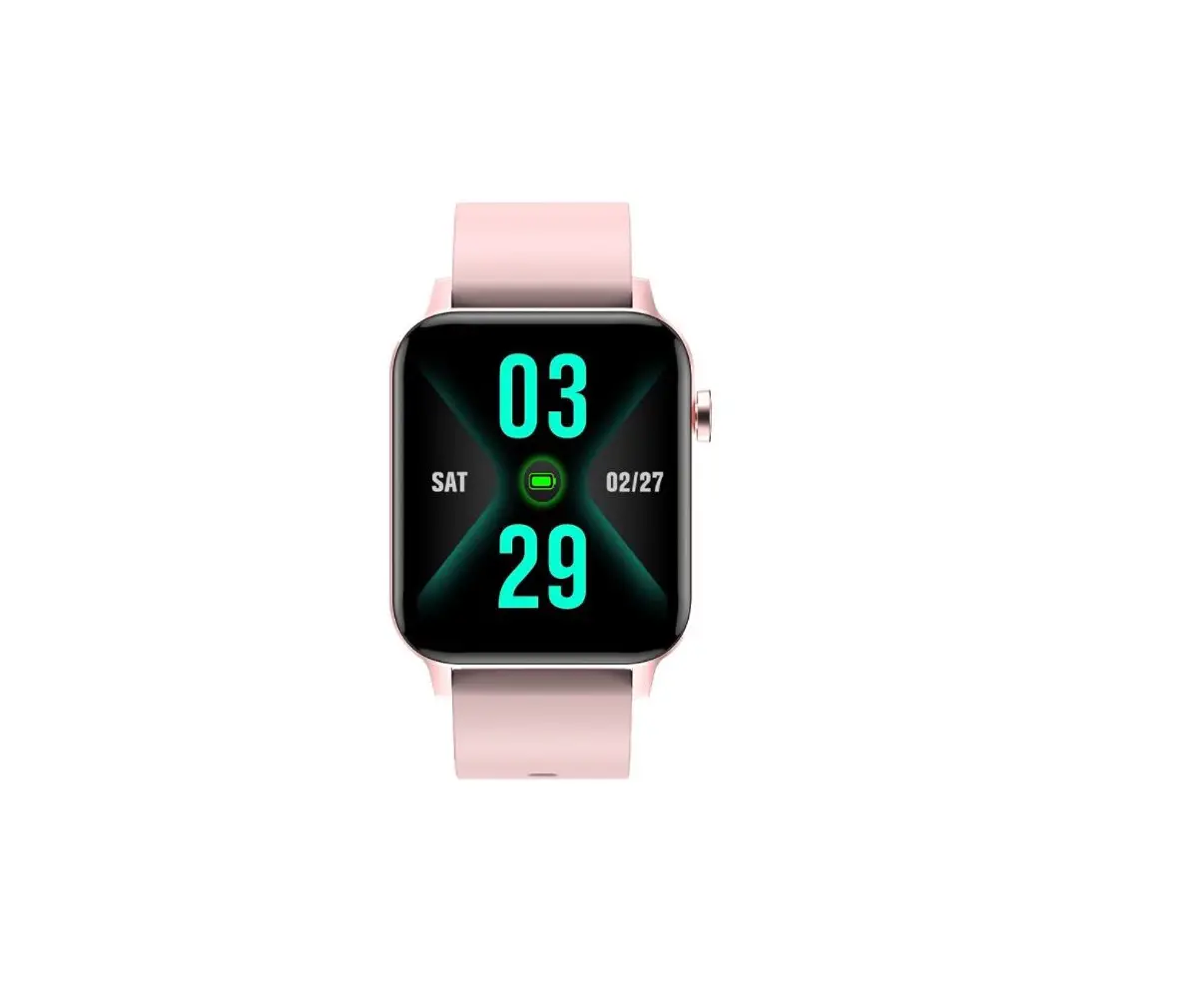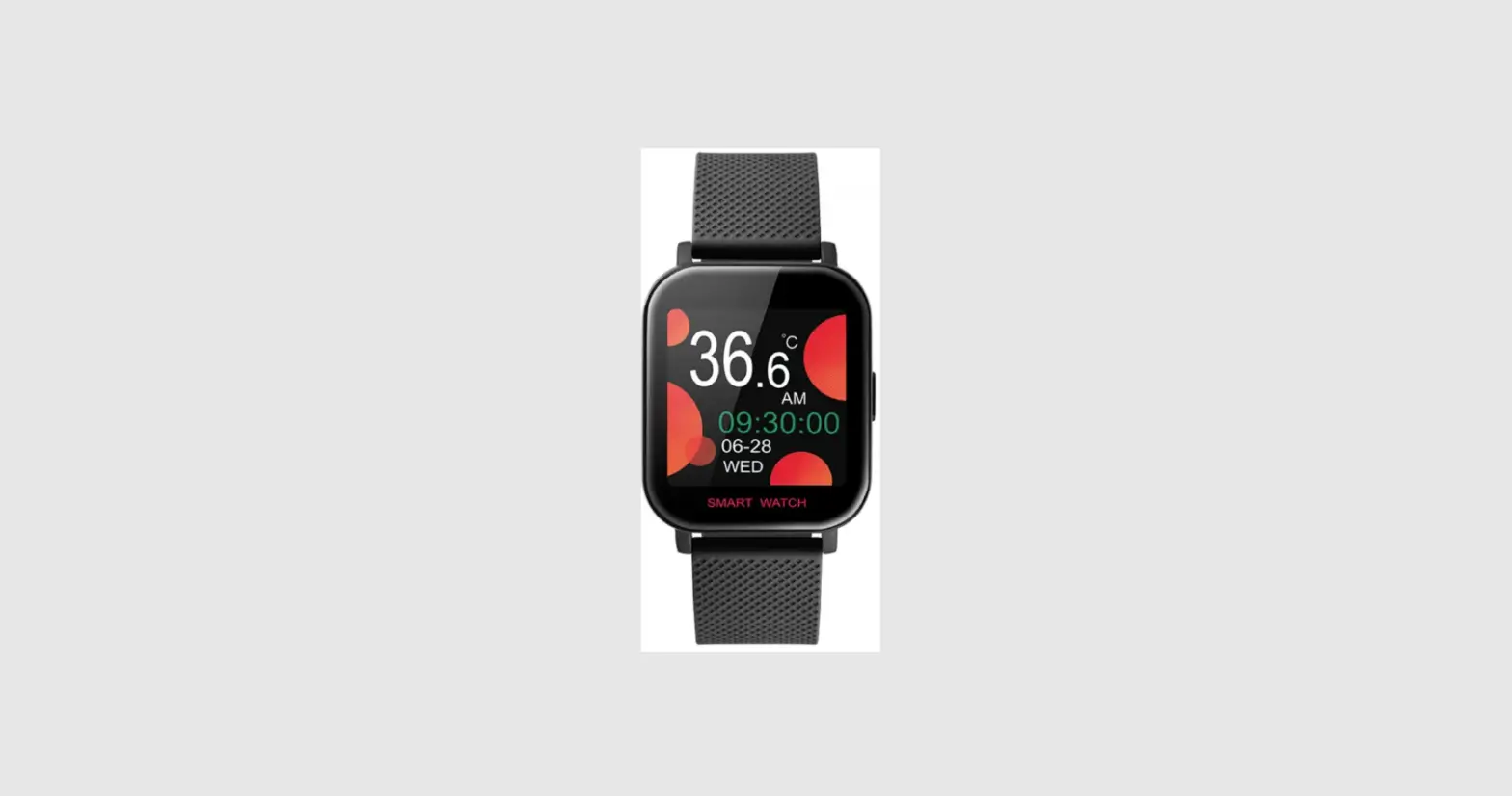

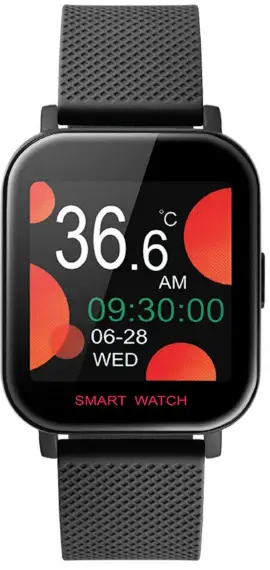
DAS 4 SL44 Smart Watch
Introduction to components
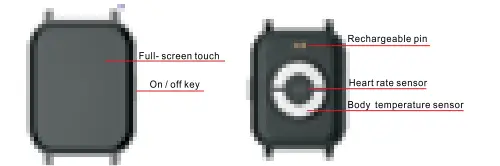
Remarks: When a call comes in, you can hang up directly by pressing the side button while the Bluetooth is connected
Charging method
For the first time, please make sure that the bracelet has sufficient power. If it cannot be turned on due to lack of power, please charge the bracelet first and then turn it on
Install the bracelet APP
Scan the QR code below to download and install “M Active 2”
Adaptation platform and requirements: Android 4.2, IOS 9.0 and above and mobile phones supporting BT4.0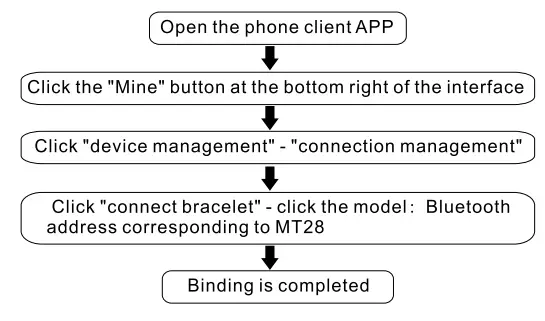
When the bracelet is connected successfully, the time and date of the phone will be synchronized. The phone synchronizes the movement data, sleep state, heart rate, blood pressure and blood oxygen of the bracelet through APP. You can sllde the screen to switch freely between different interfaces.
Introduction to main functions
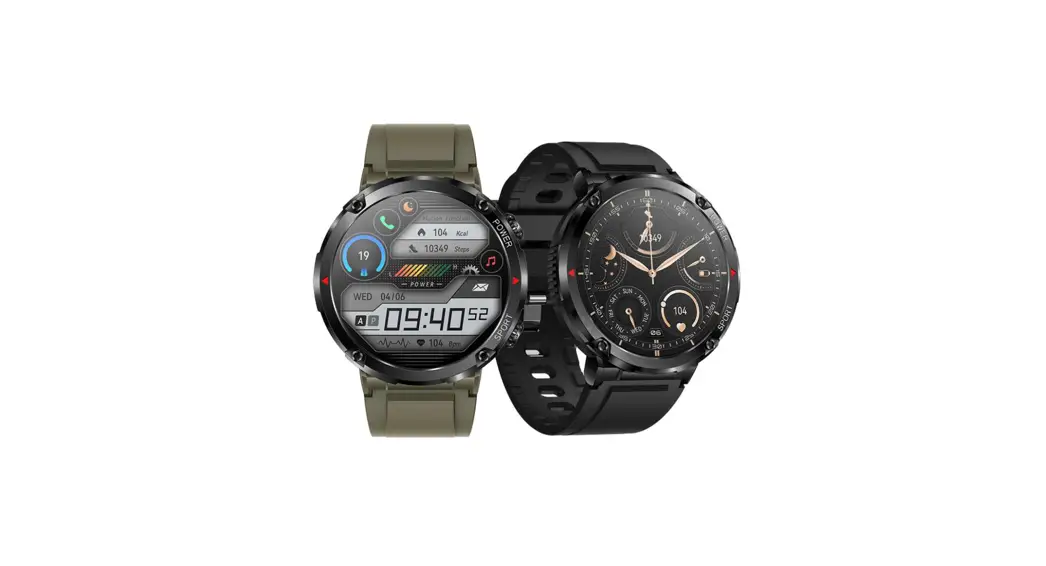
Main interface I dial
Hold the main Interface to switch the main Interface I dial
Exercise data
It counts your daily exercise amount and clears It at 24:00 every day. You can query the historical data in APP.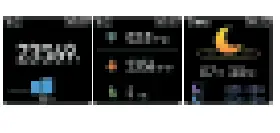
Heart rate interface
After you switch it to the heart rate interface, it will automatically measure the heart rate and synchronize the measurement results to APP for saving.
Blood pressure interface
After you switch it to the blood pressure interface, it will automatically measure blood pressure and synchronize the measurement results to APP for saving.
Blood oxygen interface
After you switch it to the blood oxygen interface, it will automatically measure blood oxygen and synchronize the measurement results to APP for saving.
Body temperature interface
After you switch it to the body temperature interface, it will automatically measure the body temperature and synchronize the measurement results to APP for saving.
Note: when body temperature is measured, the electrode at the bottom must be in full contact with the skin to obtain accurate data (the data is for reference only, the medical equipment and doctor’s diagnosis shall prevail).
Sport mode
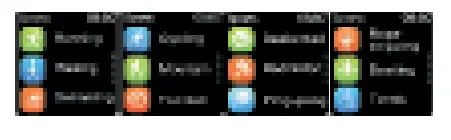
After you switch it to the sport mode interface, there are a variety of sport modes to choose from.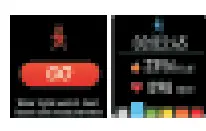
Sleep interface
When you fall asleep, the bracelet will automatically judge the sleep detection mode, automatically detect the duration of deep sleep/ light sleep/ sleep for the whole night, calculate sleep quality, and update the sleep data synchronously to APP.
Note: only when you sleep with a bracelet can you get sleep data.
Message interface
After you switch it to tTie”message interface, you can view the content of message push on the mobile phone.
Weather interface
After you switch it to the weather interface, you can view the weather conditions of the day. The data can be synchronized on the premise that it must be connected to the Bluetooth of the mobile phone.
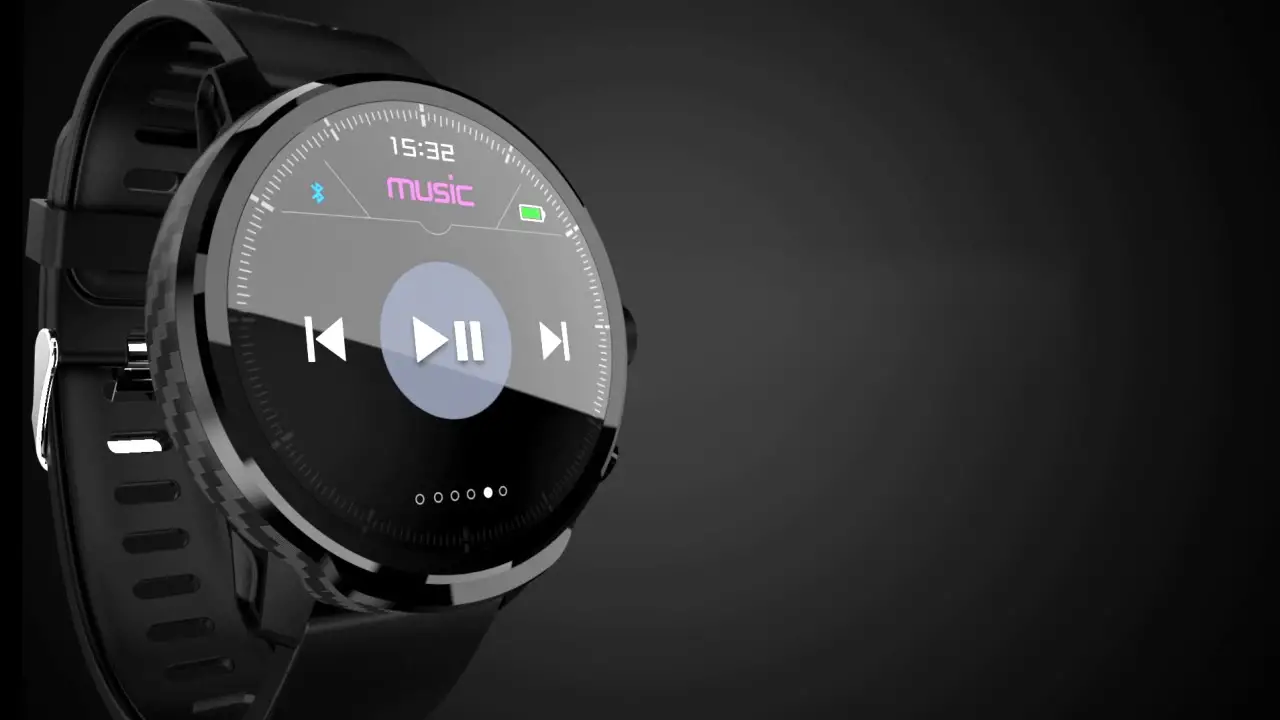
Music interface
After you switch it to the music interface, you can control the music playing of the mobile phone.
Stopwatch interface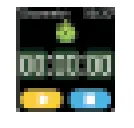
After you switch it to the s opwatch interface, you can set the stopwatch.
Countdown interface
After you switch it to the countdown interface, you can set the countdown.
Find My Phone interface
After you switch it to Find My Phone interface, the phone connected to Bluetooth will ring automatically.
QR code interface
After you switch It to the OR code Interface, you can directly scan the QR code through the mobile phone to download and install APP.
Shutdown interface
After you switch it to the shutdown interface, you can tap the option to shut it down directly.
Setting interface
After you switch it to the setting interface, you can view the Bluetooth address and perform relevant setting operations.
A reminder of other functions
It is necessary to set the reminder switch at APP end and keep the mobile phone and the bracelet connected via Bluetooth for functions of call, message push, alarm clock and sedentary reminder.
Questions and answers
- Q: What can I do if it prompts that the bracelet cannot be found?
A: first of all, please check whether the bracelet has power; secondly, please put the bracelet close to the mobile phone and try to connect the bracelet again; if it still cannot be connected as above, please try to switch on and off the Bluetooth of the - Q: Why does my heart rate test fail?
A: when the heart rate is measured, it is necessary to keep the person at rest, and stick the bottom of the bracelet tightly to the arm without obvious gap left. Do not shake the arm during the measurement. - Q: why can’t the bracelet receive the message push?
A: 1 >. It should be confirmed that the message push switch is turned on in the mobile phone client
2>. It should be confirmed that message can be displayed normally in message notification column of the mobile phone, and the bracelet message is pushed by reading the message in the message notification column of the mobile phone; if there is no message in the message notification column of the mobile phone, the bracelet cannot receive the push. (You need to find the
warning:
Please consult your doctor before starting new sport. Although the smart bracelet can monitor the real-time dynamic heart rate, it can’t be used for any medical purposes.
The company reserves the right to modify the contents of the manual without any notice. The warranty terms that cover the product are mentioned in details on the official website www.das-4.com.
 DAS.4 | Smartwatches - Wearables - Activity trackers